Publication number: ELQ-78343-1
View all versions & Certificate

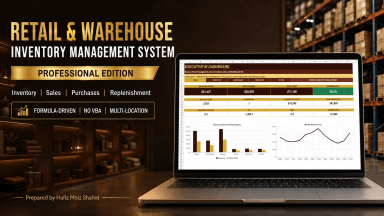
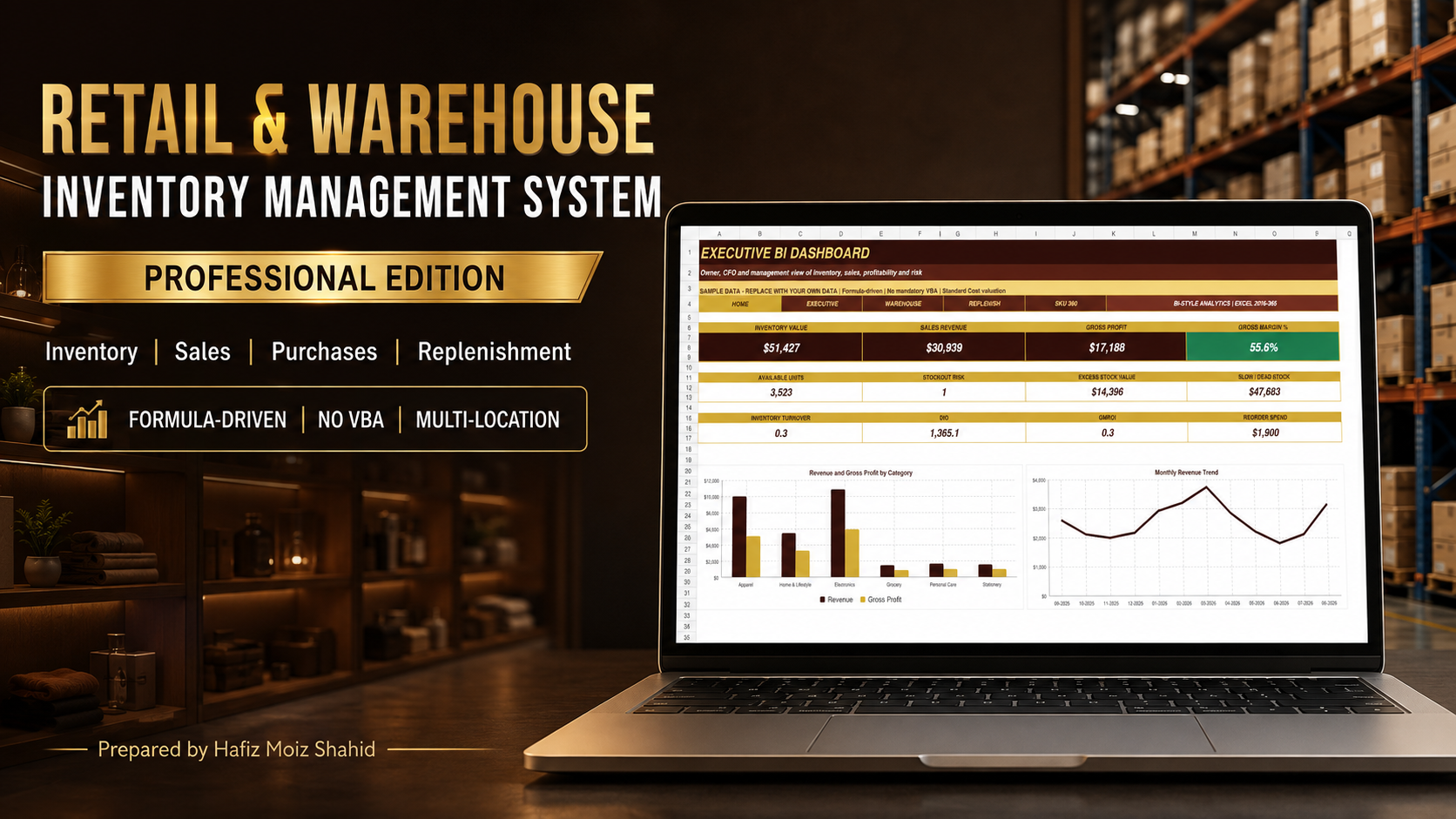
Retail & Warehouse Inventory Management System in Excel | Sales | Purchases | Multi-Location | Power BI Dashboard
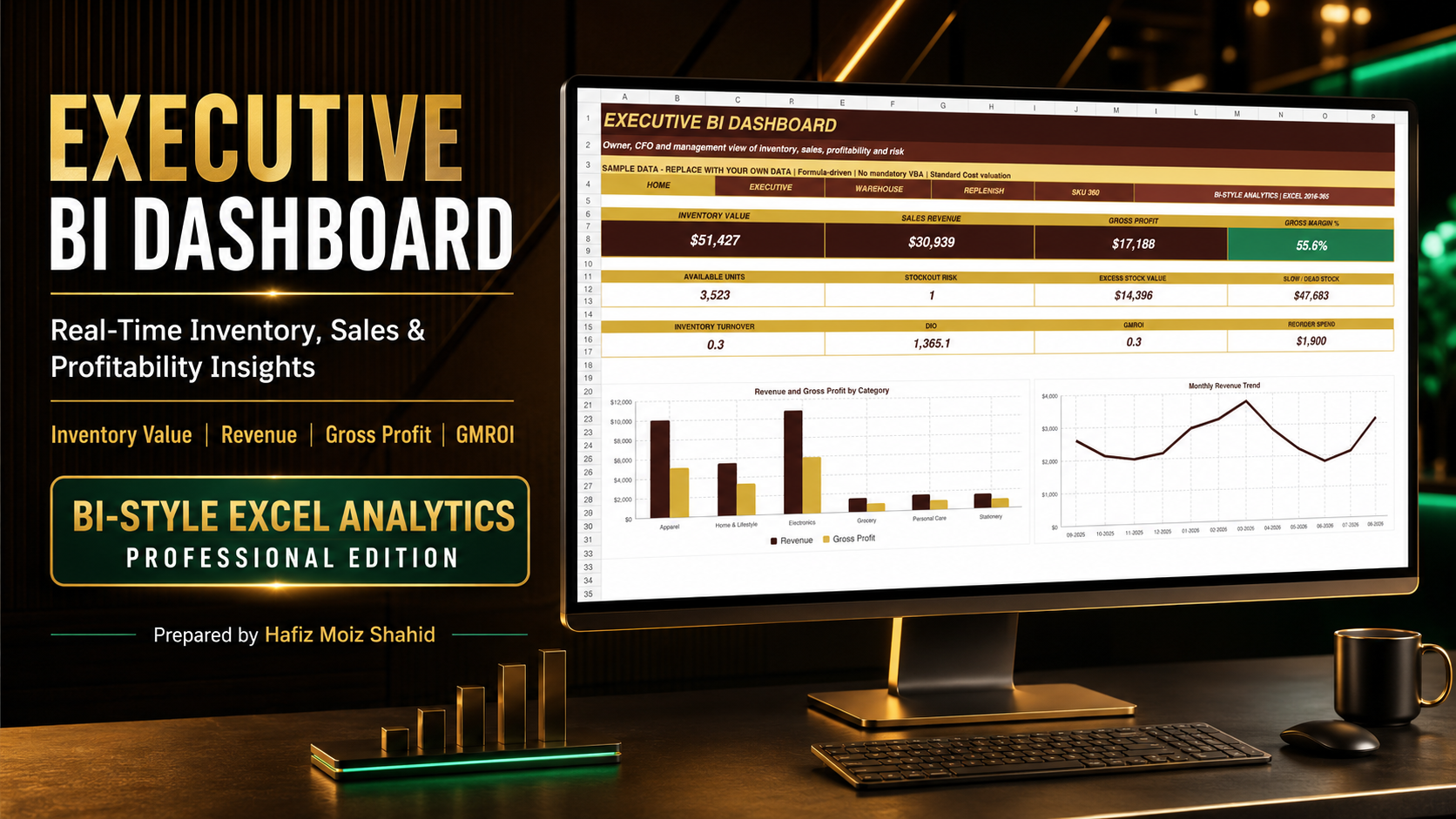
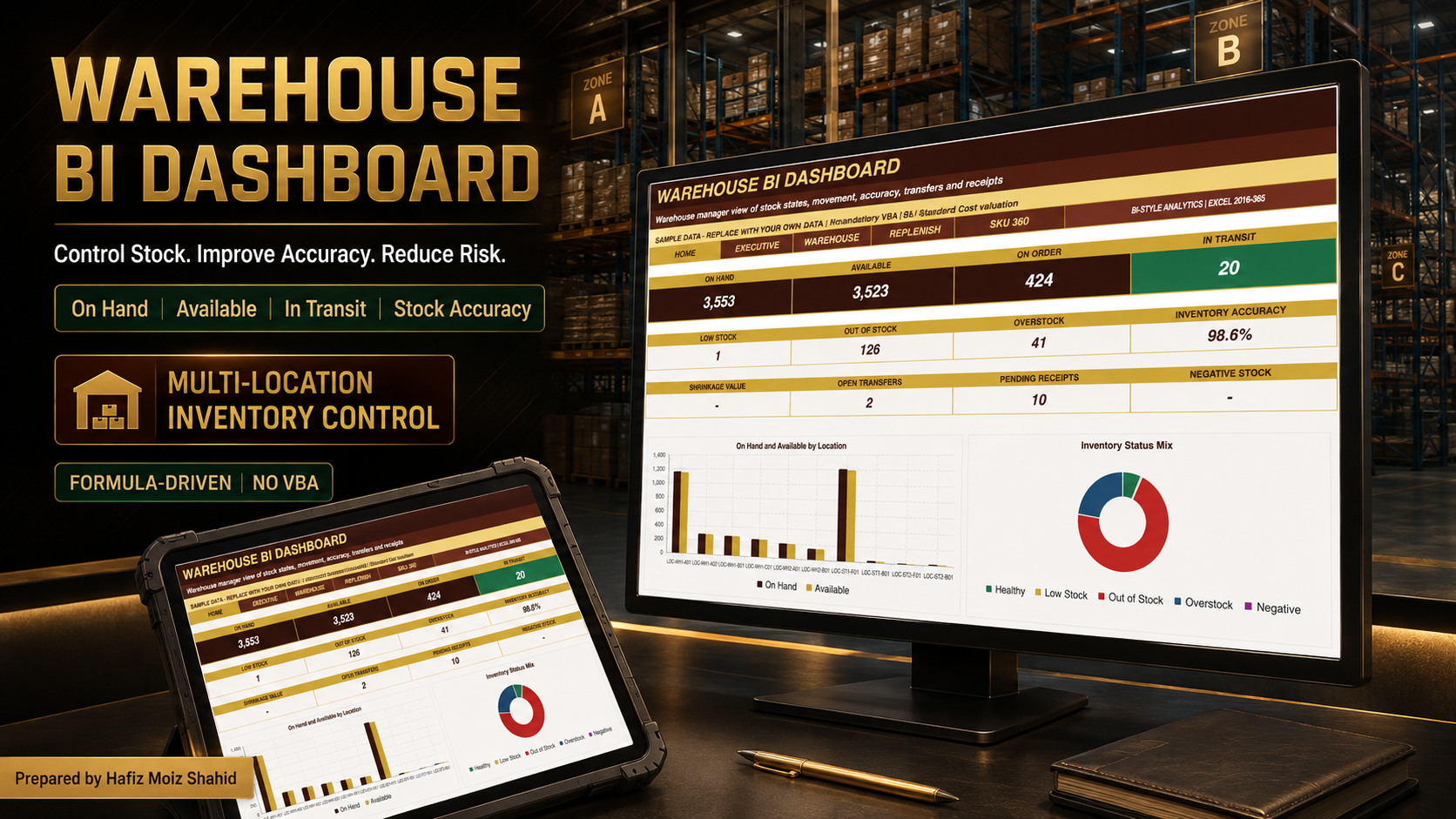
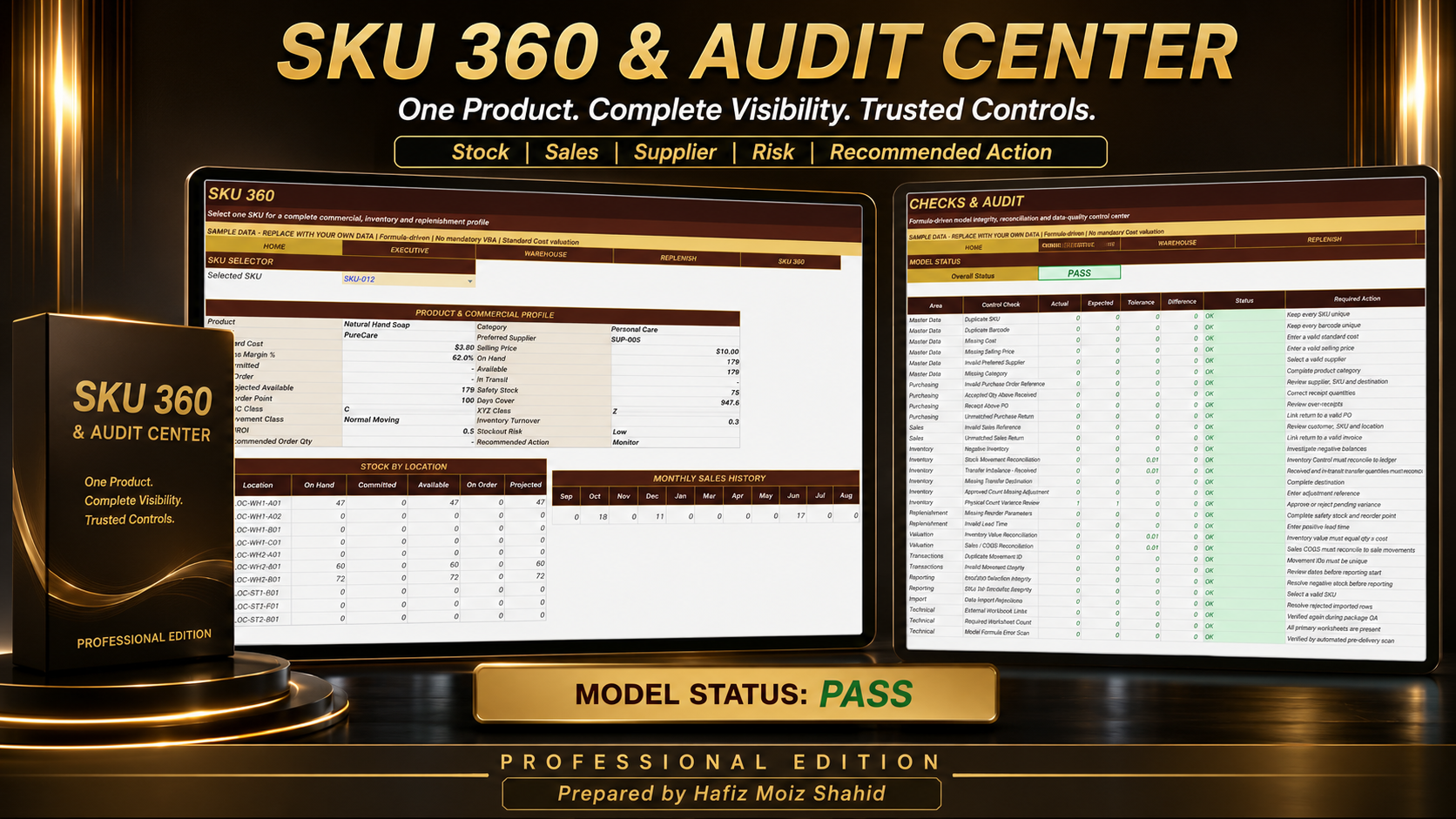
Manage purchases, sales, stock, transfers, replenishment and multi-location inventory with three Power BI-style Excel dashboards.
 by Hafiz Moiz Shahid
Finance Professional | Excel ERP Developer | Cost Accounting Specialist | Financial Modeling SpecialistFollow
Further information
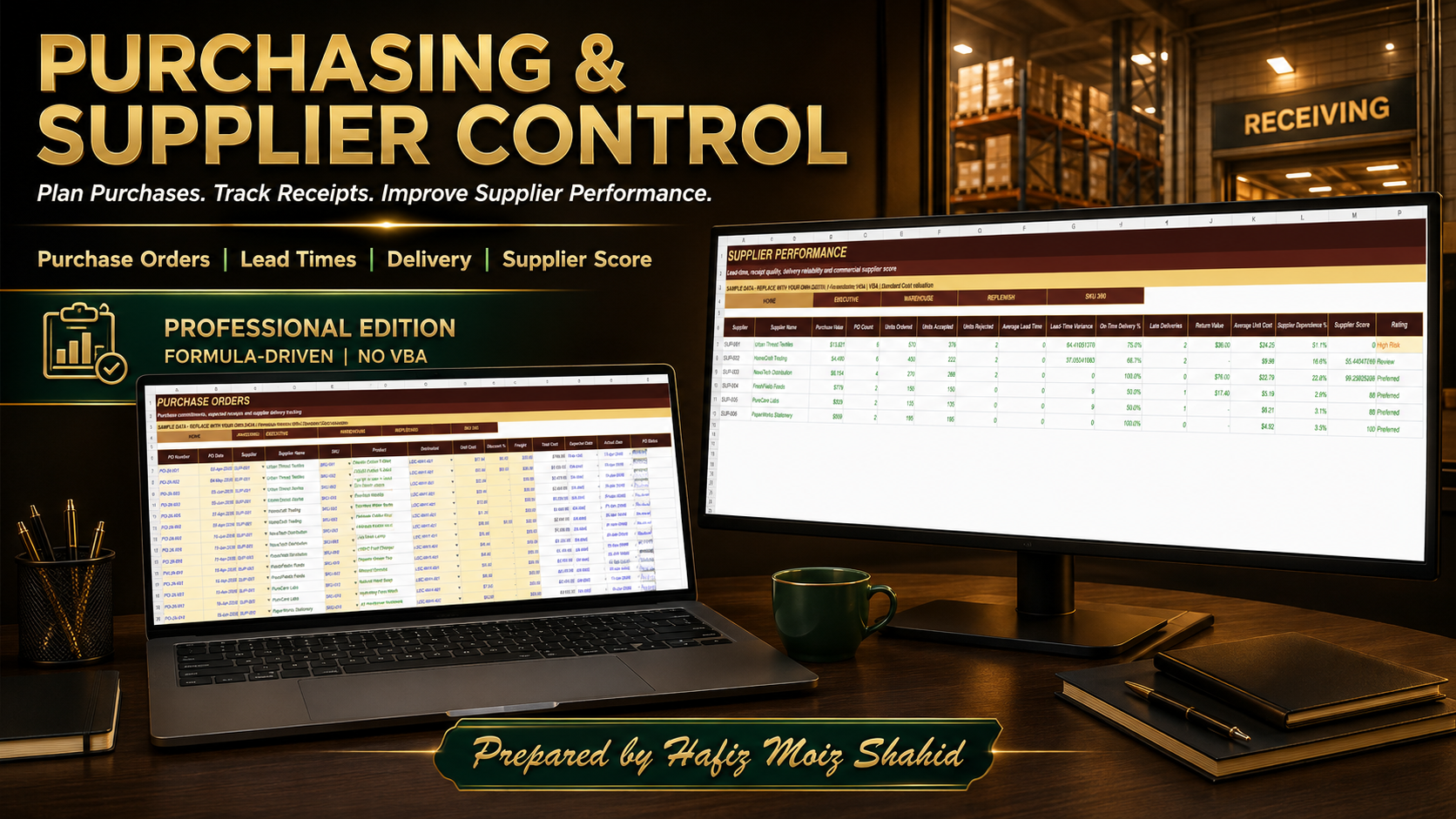
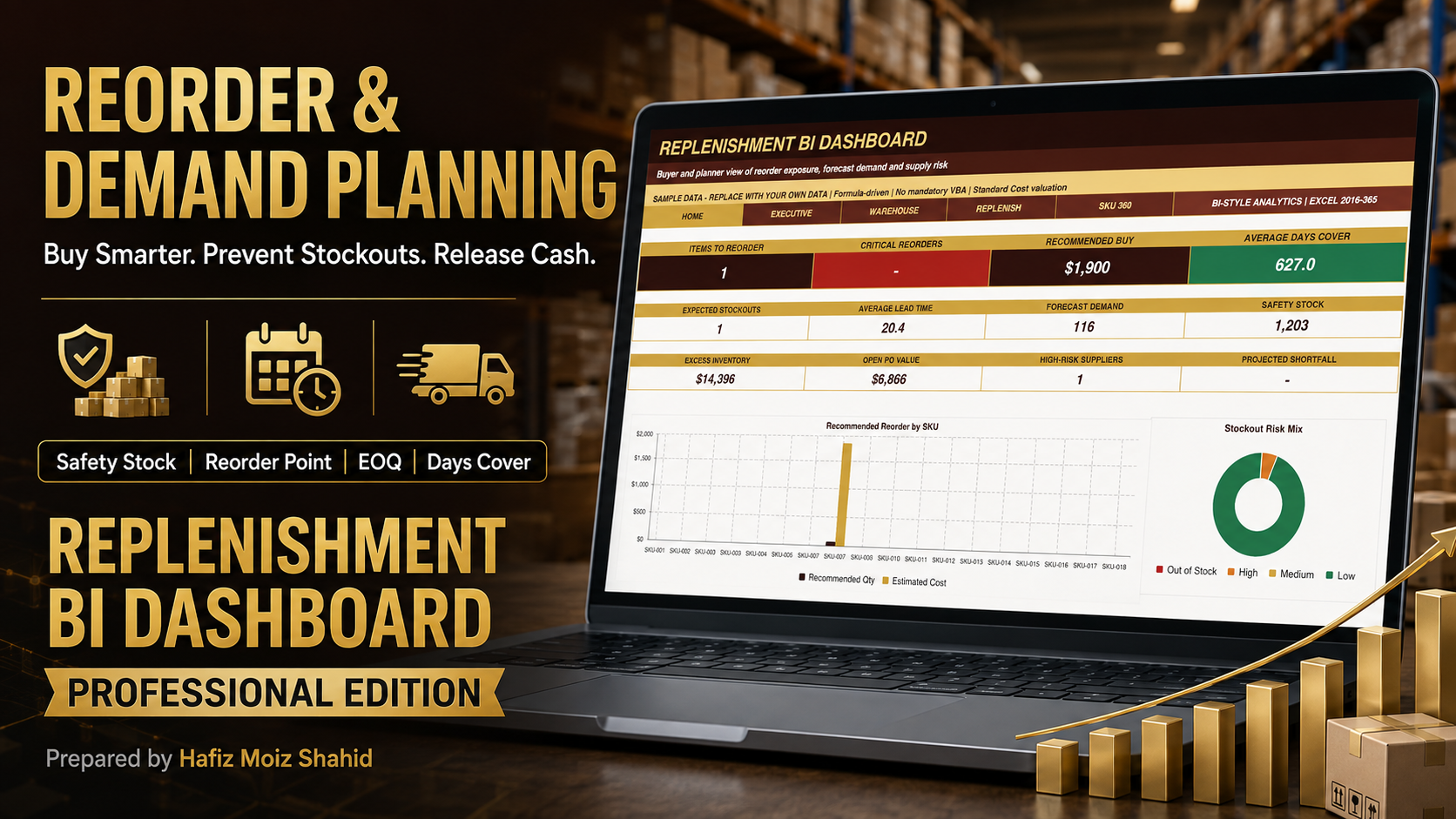
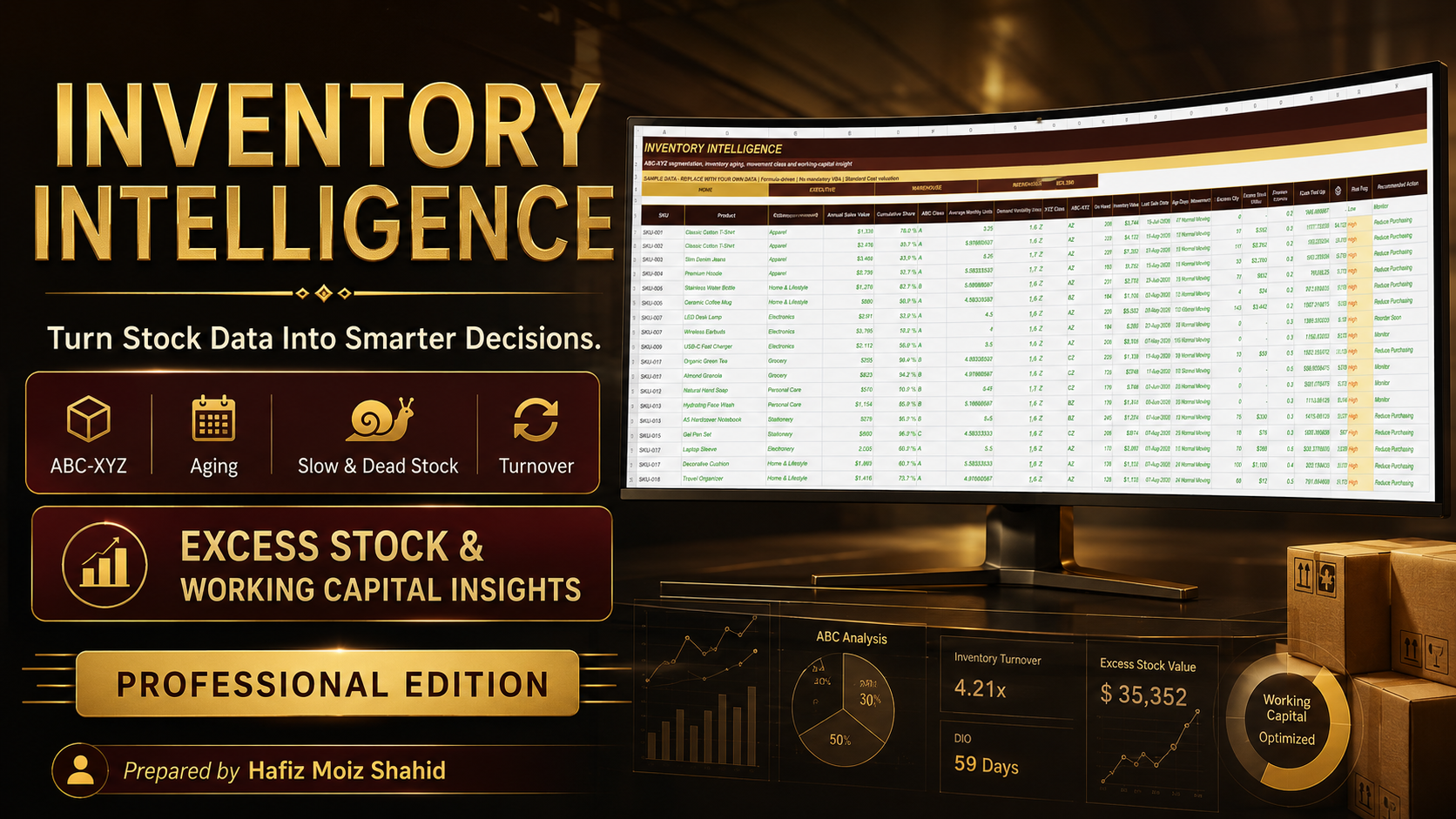
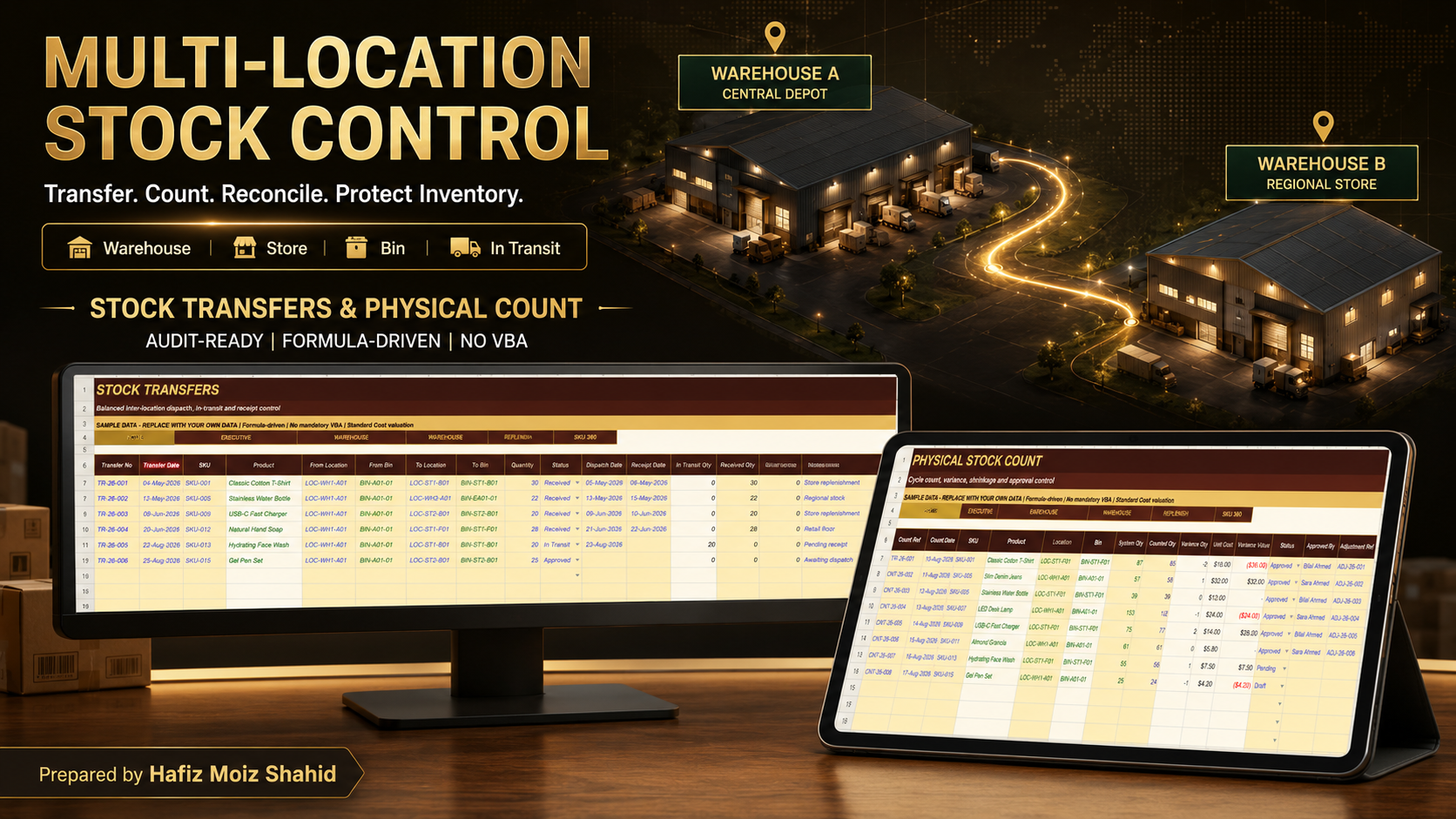
This Best Practice helps users establish a structured and controlled inventory-management process covering purchasing, receiving, sales, returns, stock movements, transfers, physical counts, replenishment, demand forecasting, supplier evaluation and management reporting. Its objective is to improve inventory visibility, reduce stockout and excess-stock risk, support purchasing decisions, strengthen warehouse controls and provide decision-ready POWER BI-style Excel dashboards.
This system applies best to retailers, wholesalers, distributors, importers, warehouses, stock rooms, e-commerce sellers and multi-location small or mid-sized businesses that maintain SKU-level inventory. It is particularly suitable where users can regularly update purchases, receipts, sales, returns, transfers and physical-count information in Microsoft Excel and require formula-driven inventory control without mandatory VBA.
This system is not ideal for organizations requiring real-time barcode scanning, live POS integration, automated ERP posting, serial-number or batch-expiry tracking, complex manufacturing production, statutory inventory accounting or simultaneous multi-user transaction processing. It should not be used as a replacement for an ERP, POS, accounting ledger, tax system or certified warehouse-management platform.
