Quick-Service Restaurant Financial Model
Originally published: 27/11/2026 09:59
Publication number: ELQ-41134-1
View all versions & Certificate
certified

Quick-Service Restaurant Financial Model

10-year, 3-statement Excel financial model for a fast-food / quick-service restaurant: order-based revenue, food cost, hourly labor, scenarios, monthly cash...

Description
DESCRIPTION:
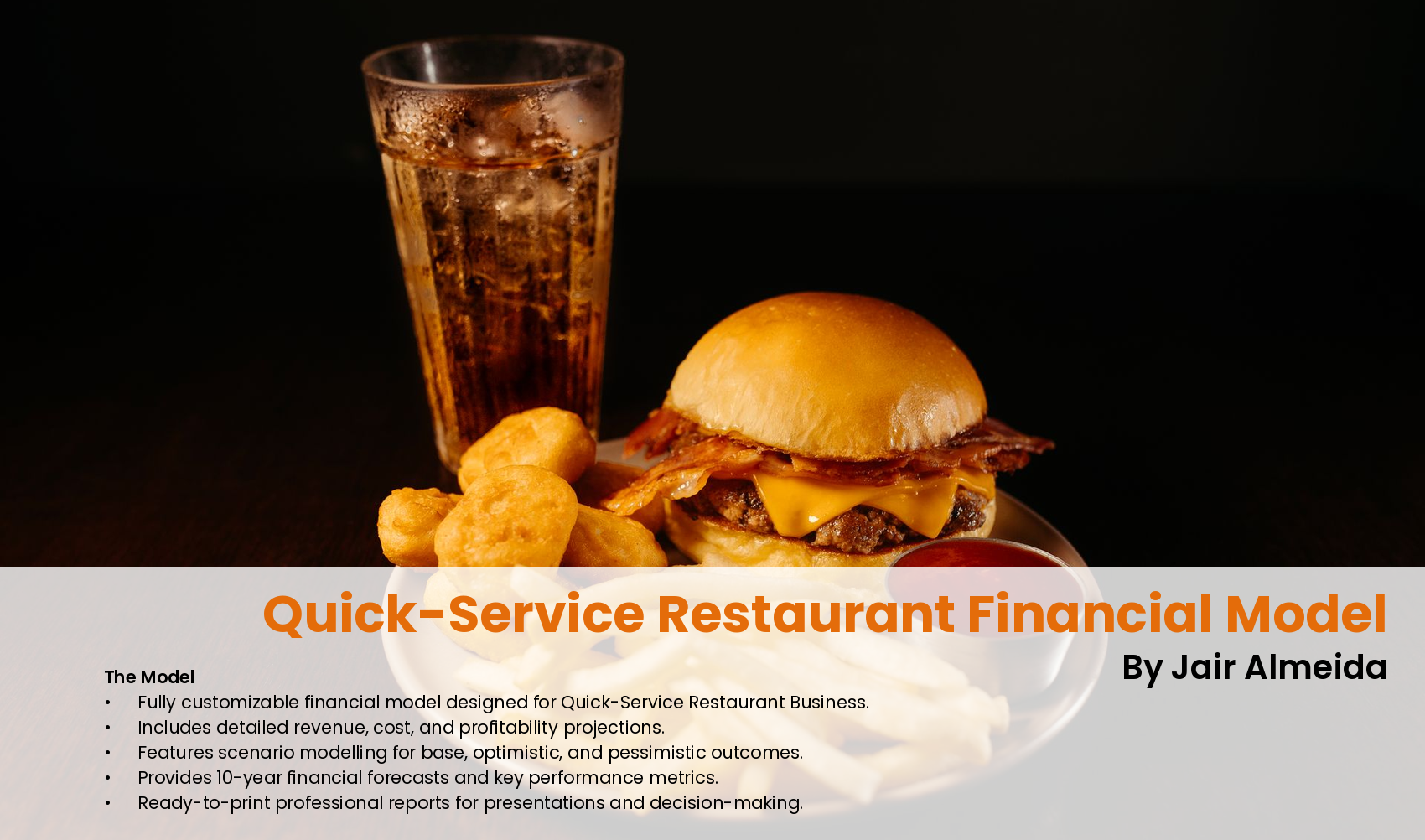
The Quick-Service Restaurant Financial Model is a fully integrated Excel workbook for planning, funding and running a fast-food / quick-service restaurant. It turns a short list of operating assumptions (orders served, sales mix, average ticket, food cost, staff productivity and wages) into a 10-year income statement, balance sheet and cash flow statement, with monthly detail, three scenarios and a discounted cash flow valuation.
Revenue is built the way a quick-service restaurant actually earns it: orders served through the counter, the drive-thru and delivery apps, each with its own average ticket, less discounts and promotions, plus delivery fees and catering. Direct costs follow the order: food and paper cost, supplier delivery, hourly crew labor that scales with transactions, packaging, royalty, card and delivery platform fees, and waste.
Whether you are opening a new location, buying an existing one, applying for an SBA or bank loan, negotiating a lease or preparing next year's budget, the model gives you professional statements, KPIs and charts in minutes instead of weeks.
WHAT'S INCLUDED:
  • 10-year projections with a full income statement, balance sheet and cash flow statement that always balance.
  • QSR-specific revenue build: counter, drive-thru and delivery-app orders, each by share of transactions and average ticket.
  • Hourly kitchen and service head-count driven automatically by orders served and productivity per employee.
  • Restaurant KPIs on the Executive Summary: average ticket, food cost %, prime cost %, occupancy cost % and revenue per employee.
  • Base, Best and Worst scenarios on every driver, switched from a single drop-down.
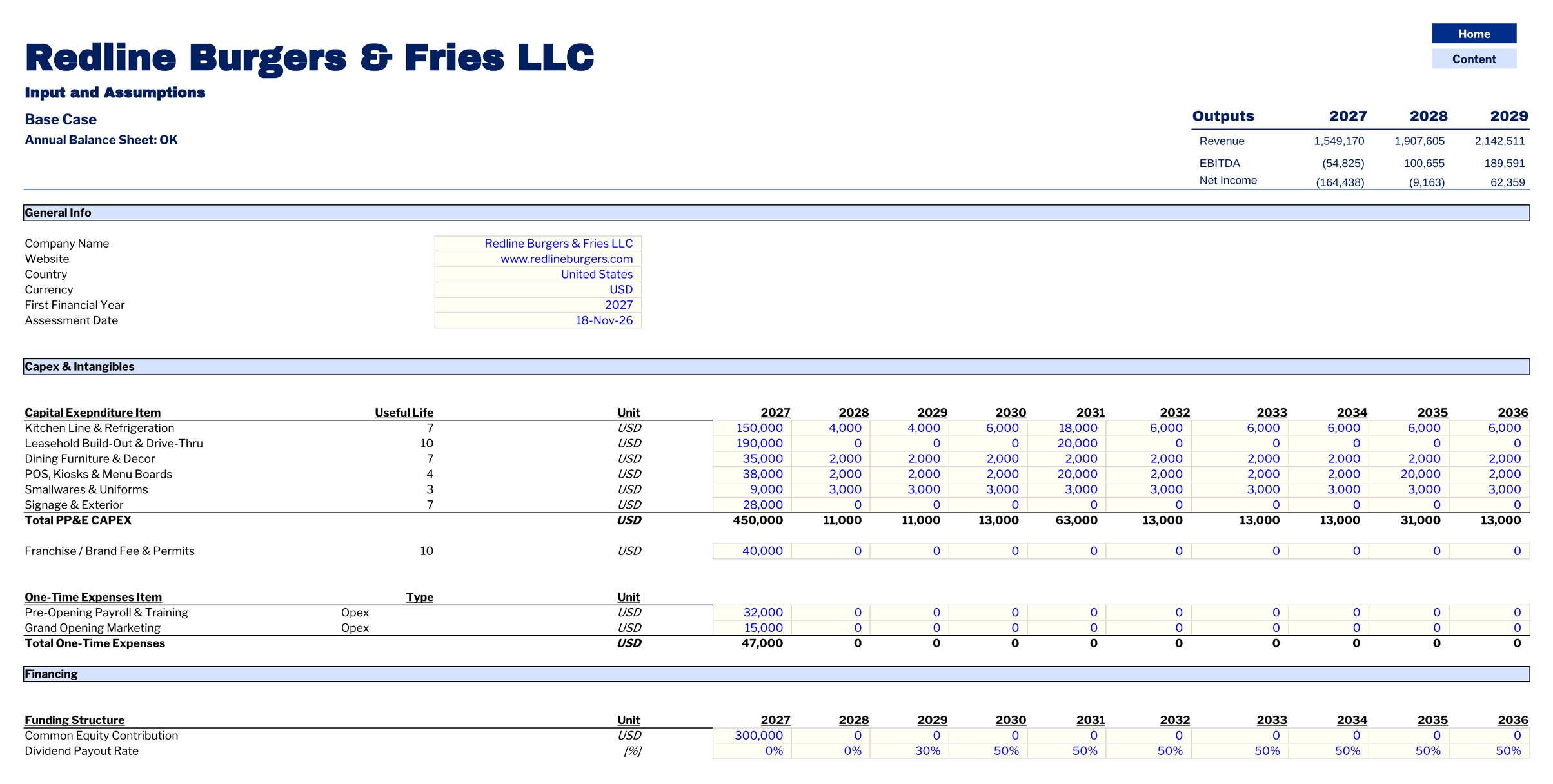
  • Capex plan for kitchen line, build-out, drive-thru, kiosks and signage with automatic depreciation; two term loans and a revolving credit line.
  • Monthly statements with seasonality, actual vs budget tracking and a rolling forecast.
  • DCF valuation with enterprise value, equity value, IRR, MOIC, payback and a WACC / growth sensitivity table.
  • Eight ready-made charts and print-ready reports for banks, investors, landlords and partners.
KEY SPECS:
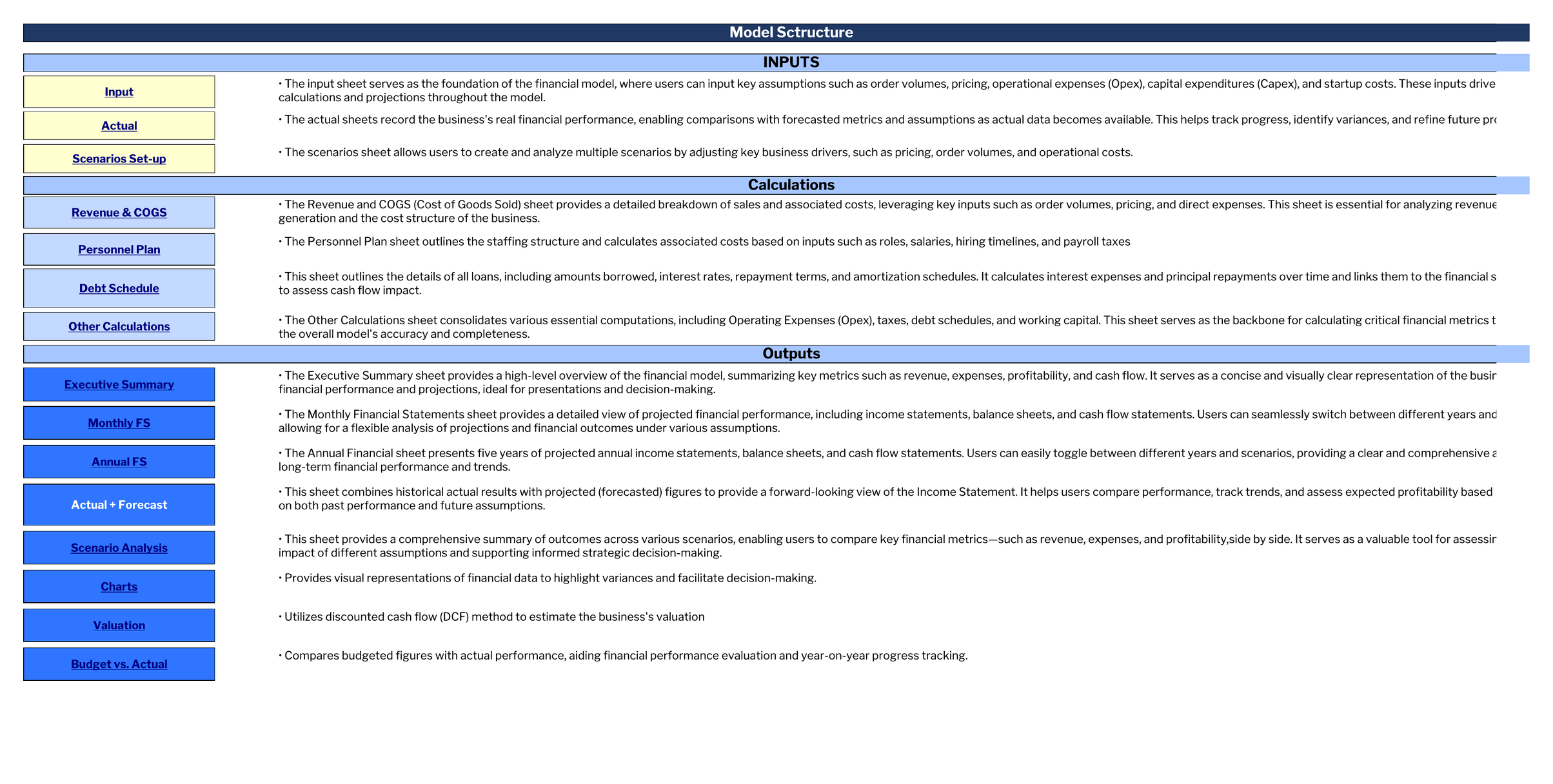
Sheets: 19
Forecast horizon: 10 years
Scenarios: 3 (Base, Best, Worst)
Valuation: DCF + IRR + MOIC + Payback Period
Frequency: Annual + Monthly
Software: Microsoft Excel (no macros, no add-ins)
Fully editable and unlocked
WHO IS THIS FOR:
  • Owners and founders planning to open or expand a burger, chicken, taco or other quick-service restaurant, independent or franchised.
  • Operators preparing an annual budget, lease negotiation or loan application.
  • Buyers, investors and lenders assessing an acquisition or a funding request.
  • Consultants, accountants and fractional CFOs building plans for hospitality clients.

This Best Practice includes
1 Excel File Template

Acquire business license for $49.00

Add to cart

Add to bookmarks

Discuss

Further information

WHO IS THIS FOR: Owners and founders planning to open or expand a burger, chicken, taco or other quick-service restaurant, independent or franchised. Operators preparing an annual budget, lease negotiation or loan application. Buyers, investors and lenders assessing an acquisition or a funding request. Consultants, accountants and fractional CFOs building plans for hospitality clients.

You are opening, buying, expanding or financing a quick-service restaurant business and need a credible 10-year plan with 3 integrated statements, monthly cash flow, scenarios and a DCF valuation for banks, SBA lenders, investors or partners, built from your own operating assumptions.

You need a ready-made plan with no input of your own numbers, a multi-entity consolidation, or a model in a tool other than Microsoft Excel.


0.0 / 5 (0 votes)

please wait...