Workplace Safety & Occupational Health Dashboard - FREE Excel Edition
Originally published: 31/08/2026 08:27
Publication number: ELQ-89561-1
View all versions & Certificate
certified

Workplace Safety & Occupational Health Dashboard - FREE Excel Edition

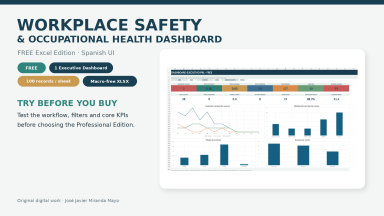
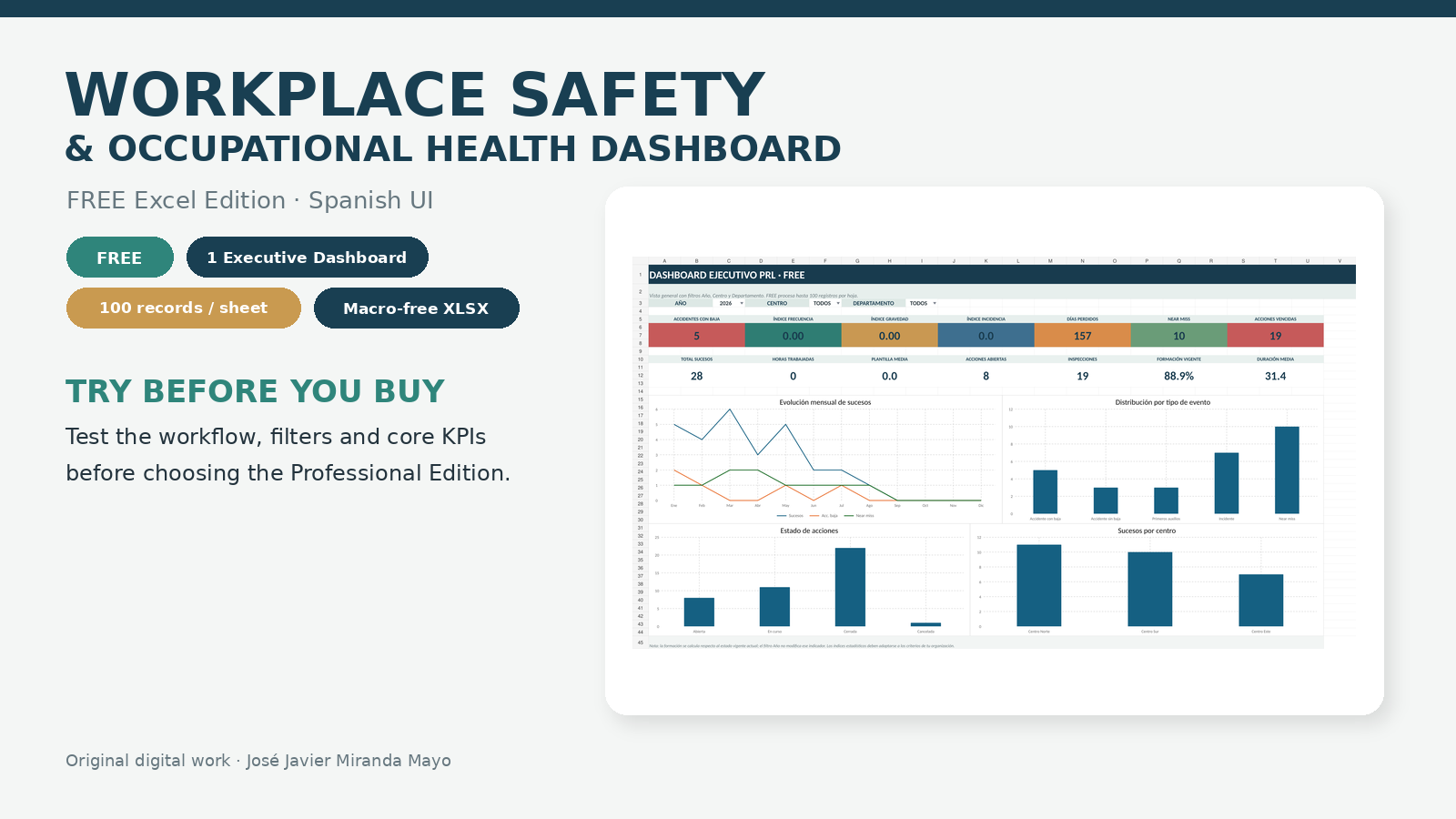
Free Excel dashboard to explore occupational safety KPIs, records and workflow before upgrading to the full Professional Edition.

Description

This FREE Excel edition is a functional preview of the Workplace Safety & Occupational Health Dashboard Professional Edition. It has been created so users can explore the workflow, data-entry structure, filters, visual design and core occupational safety indicators before deciding whether the full toolkit is suitable for their needs.

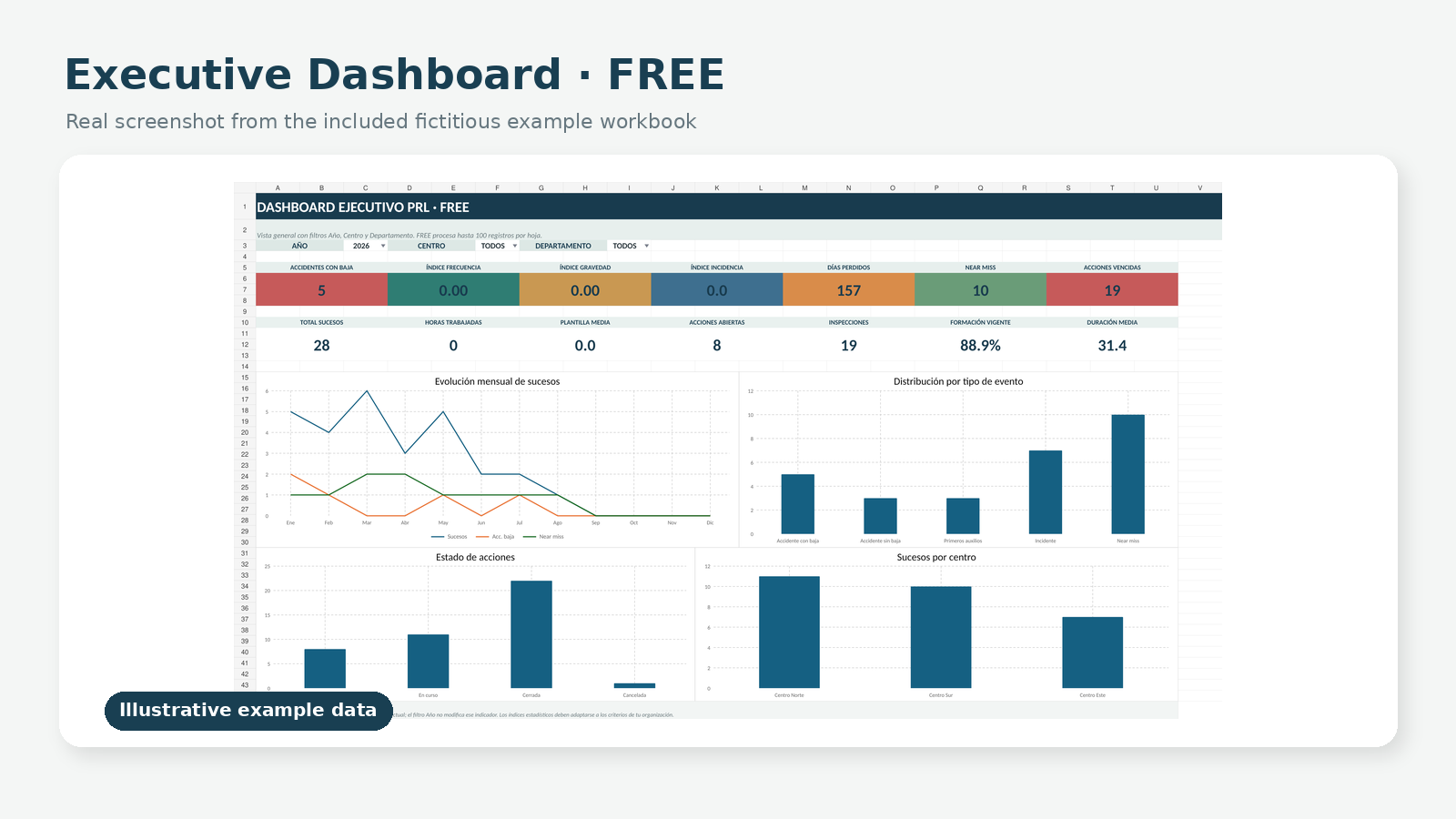
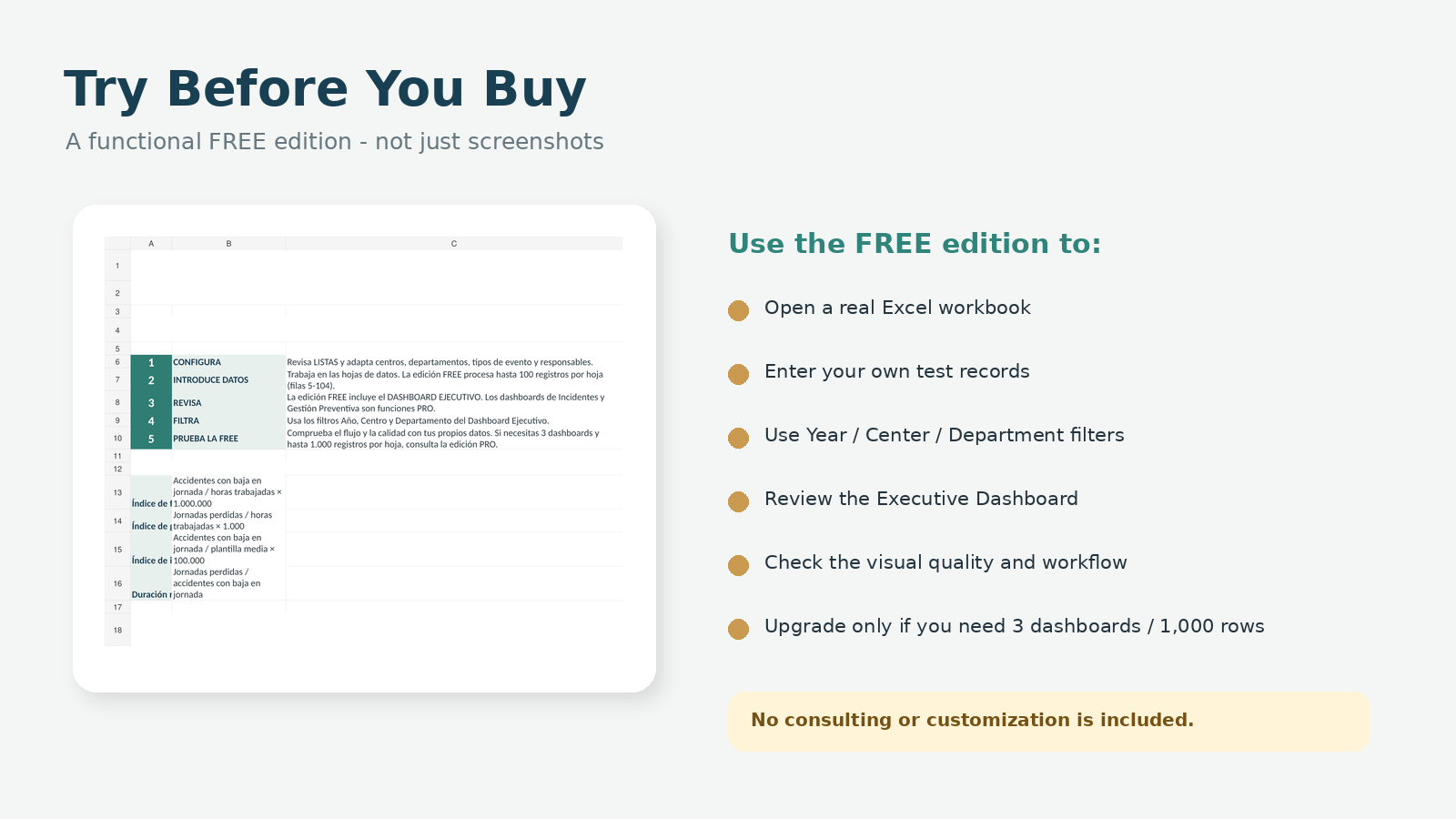
The FREE edition includes one fully functional Executive Dashboard with Year, Center and Department filters. Users can register information on hours and workforce, incidents and accidents, corrective and preventive actions, inspections, and training. The dashboard summarizes key indicators and trends, including accidents with lost time, Frequency Index, Severity Index, Incidence Index, lost workdays, near misses, open and overdue actions, inspections, training status and average duration.

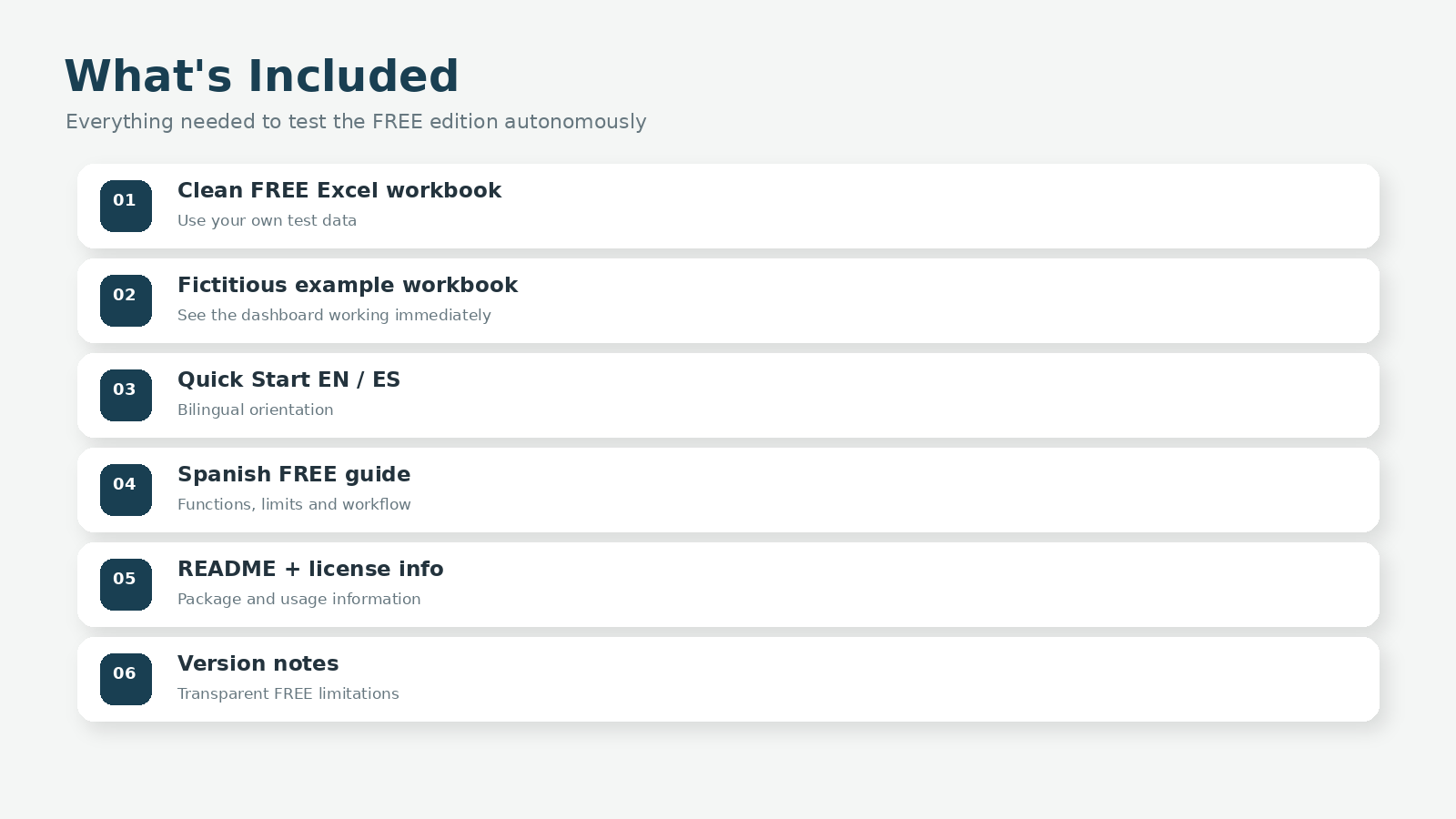
The download includes a clean Excel workbook for your own data, a second workbook containing entirely fictitious example data, a bilingual EN/ES Quick Start, a Spanish user guide, license information, README and version notes. The workbook interface is in Spanish and uses standard .xlsx format without macros or VBA. Microsoft Excel is recommended.

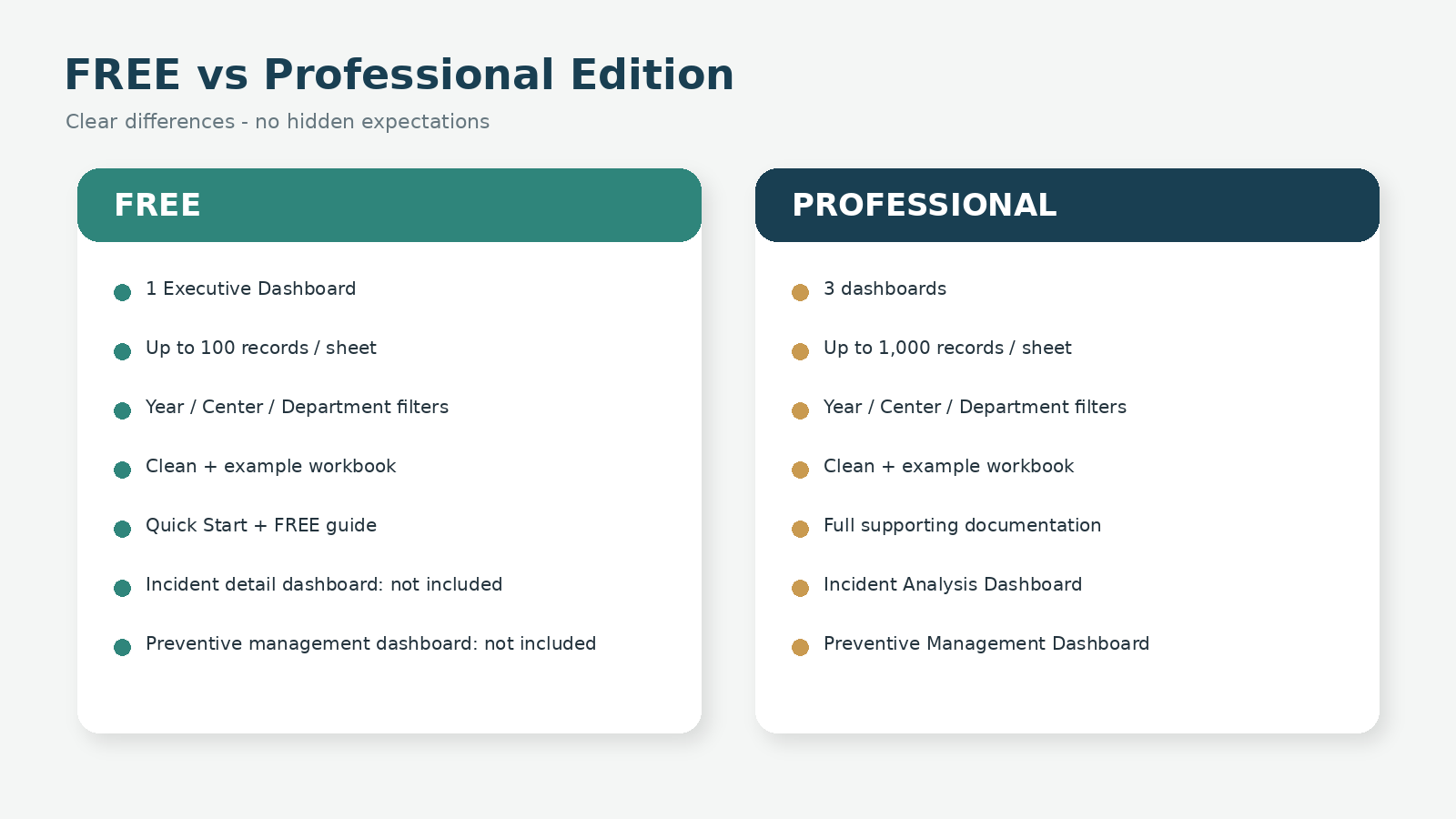
To keep the FREE edition genuinely useful while clearly differentiated from the Professional Edition, the Executive Dashboard processes up to 100 records per operational data sheet (rows 5-104). The dedicated Incident Analysis Dashboard and Preventive Management Dashboard are not included in the FREE edition.

The Professional Edition expands capacity to up to 1,000 records per data sheet and includes all three dashboards: Executive, Incident Analysis and Preventive Management.

TRY BEFORE YOU BUY: use this FREE edition with the included fictitious example data or your own test data before purchasing the Professional Edition. This is an organizational and analytical resource. It does not replace legally required occupational risk assessments, professional incident investigations, statutory documentation, medical diagnosis, legal advice, official reporting or qualified professional intervention where required. No consulting, customization, implementation or individualized professional data-analysis services are included.

This Best Practice includes
1 clean FREE Excel workbook 1 FREE Excel workbook with fully fictitious example data 1 bilingual Quick Start Guide

José Javier Miranda Mayo offers you this Best Practice for free!

download for free

Add to bookmarks

Discuss

Further information

Provide a transparent, ready-to-use FREE Excel tool that allows users to test the workflow, data-entry structure, occupational safety KPIs, filters and Executive Dashboard before deciding whether they need the expanded Professional Edition.

Best suited for users who want to explore occupational safety and health monitoring, KPI tracking, structured internal records, academic or research use, and the workflow of the Professional Edition before purchasing. It is particularly suitable for small test datasets of up to 100 records per operational data sheet.

Not intended for datasets requiring more than 100 processed records per operational sheet, detailed incident-cause analysis, dedicated preventive-management dashboards, legally required occupational risk assessments, statutory prevention documentation, medical diagnosis, individualized professional advice, official reporting or other situations requiring qualified professional intervention.


0.0 / 5 (0 votes)

please wait...