Last version published: 28/08/2026 15:08
Publication number: ELQ-81917-2
View all versions & Certificate

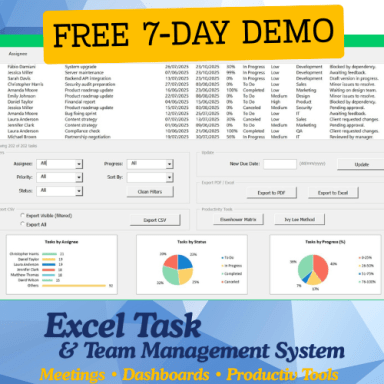
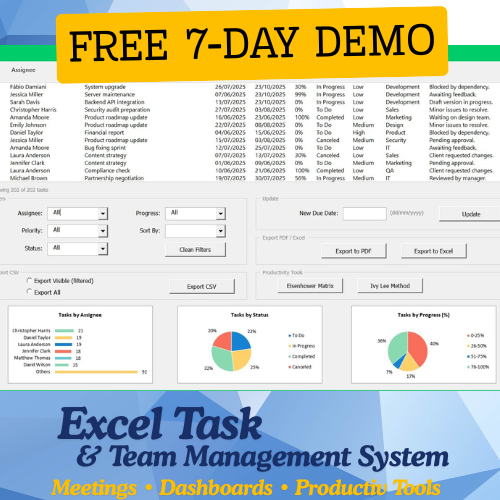
eTask FREE DEMO: Full Excel Task & Team System (7-Day Trial).
FREE 7-day demo of eTask — Excel Task & Team system with dashboards, meetings & automation.
 by Fábio Damfus
Founder & Developer of eTask – Smart Task & Team Manager | Mechanical Engineer & Process Optimization SpecialistFollow
Further information
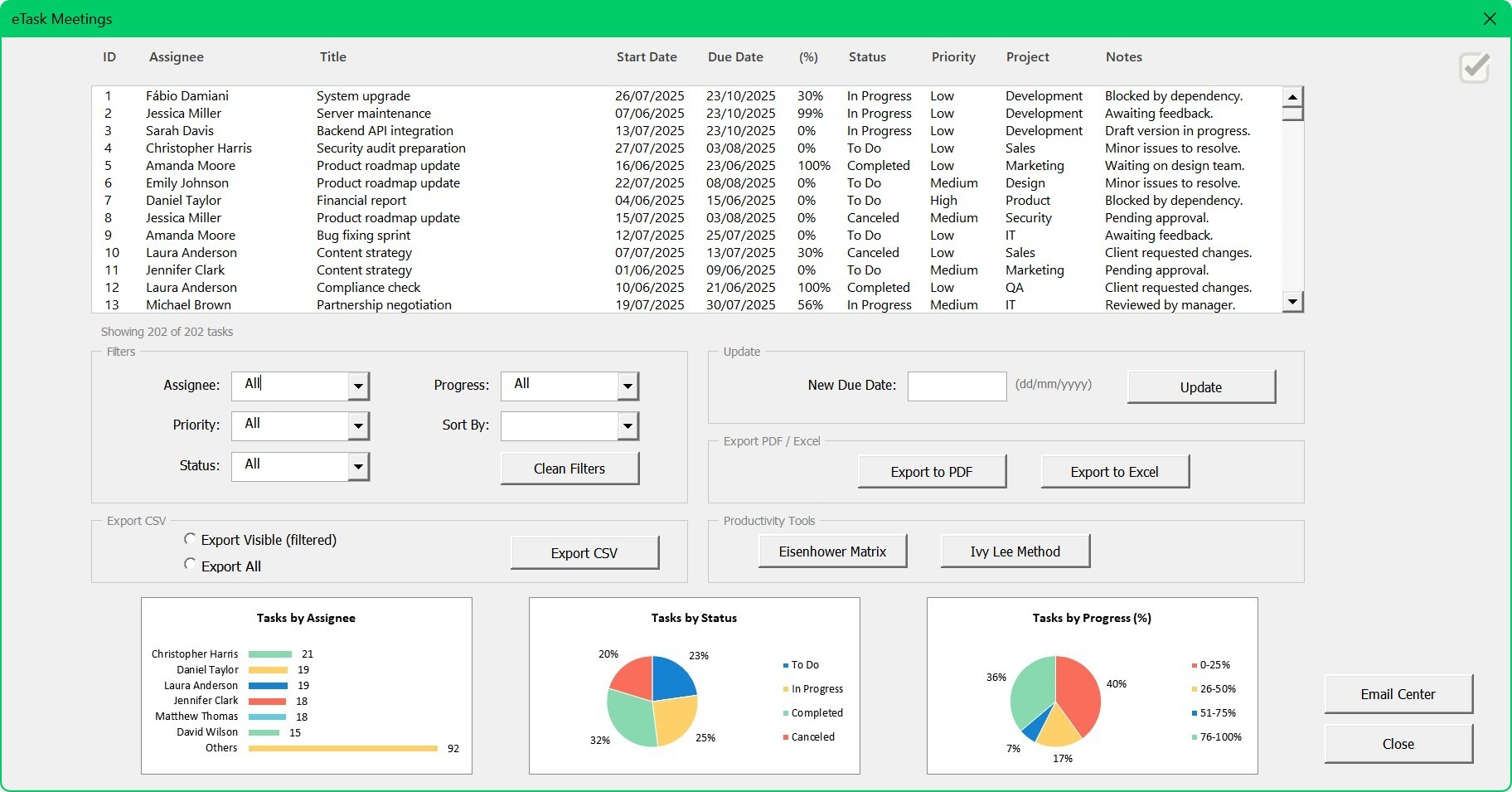
This is the eTask 7-Day DEMO version (free trial with full access during the demo period). eTask – Smart Task & Team Manager is a complete Excel-based productivity system that combines project management, task tracking, and performance analytics in one organized workspace. Built with VBA automation, it helps professionals and teams plan, execute, and monitor work — fully offline, with full data control.
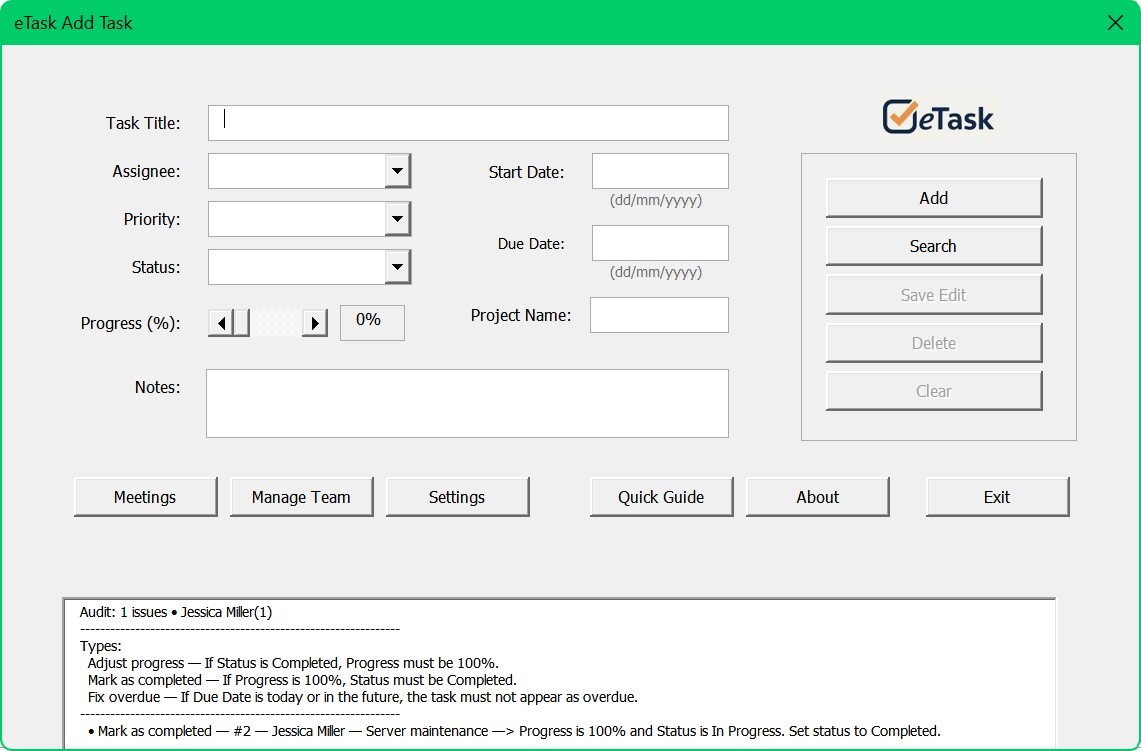
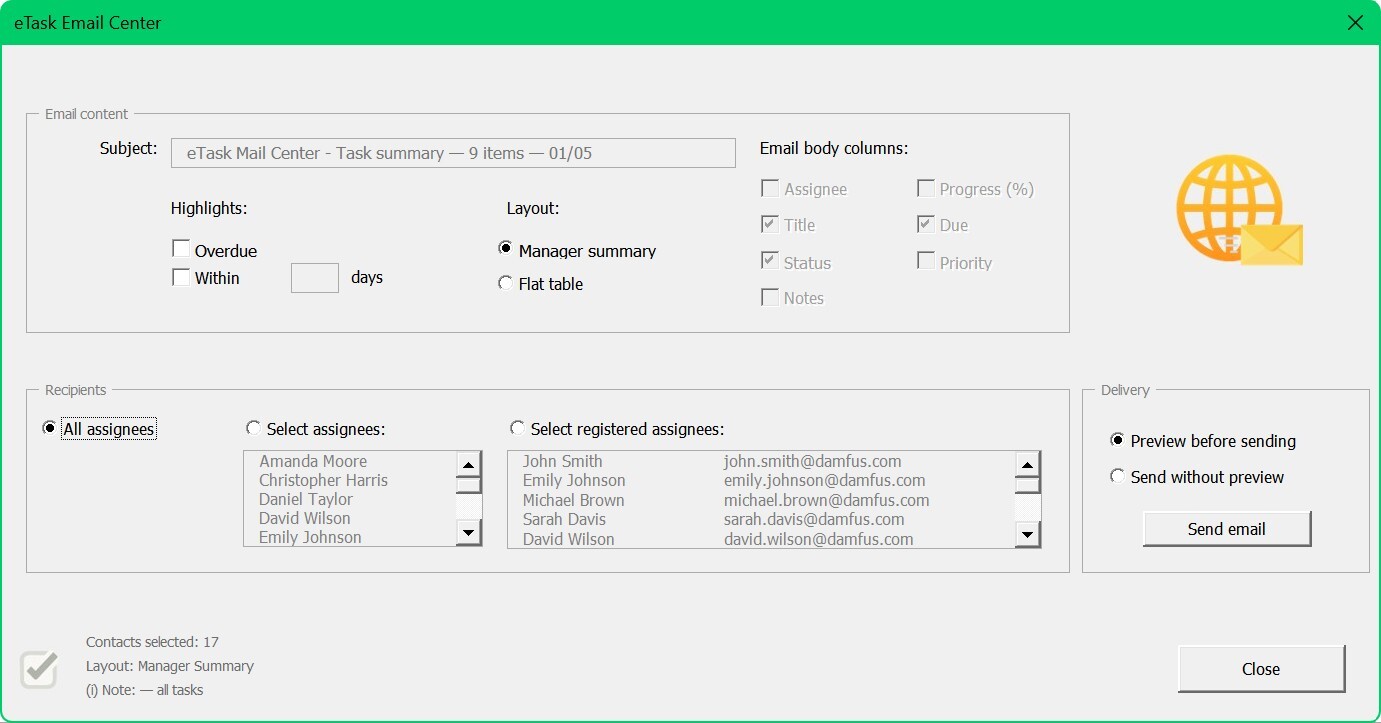
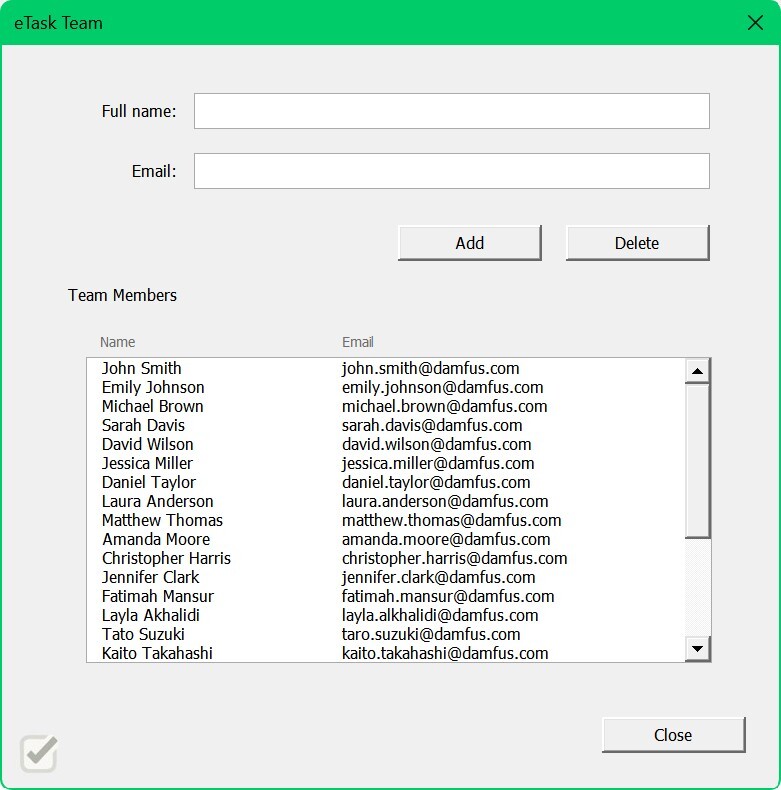
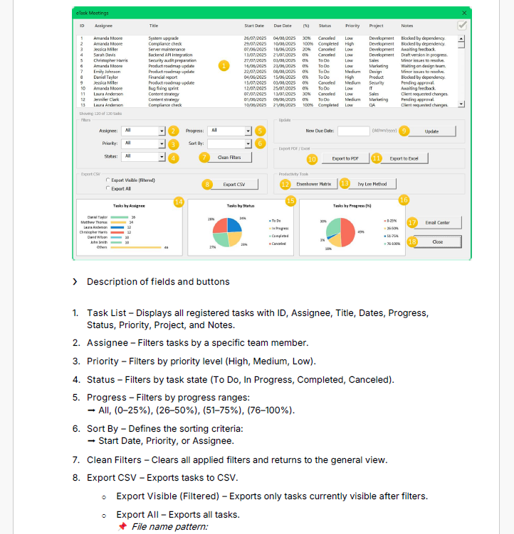
Users can create and assign tasks, manage priorities, track deadlines, and generate progress reports (Excel, PDF, or CSV). The system also includes email automation to send meeting summaries and task updates through Outlook, Gmail, or the default mail client.
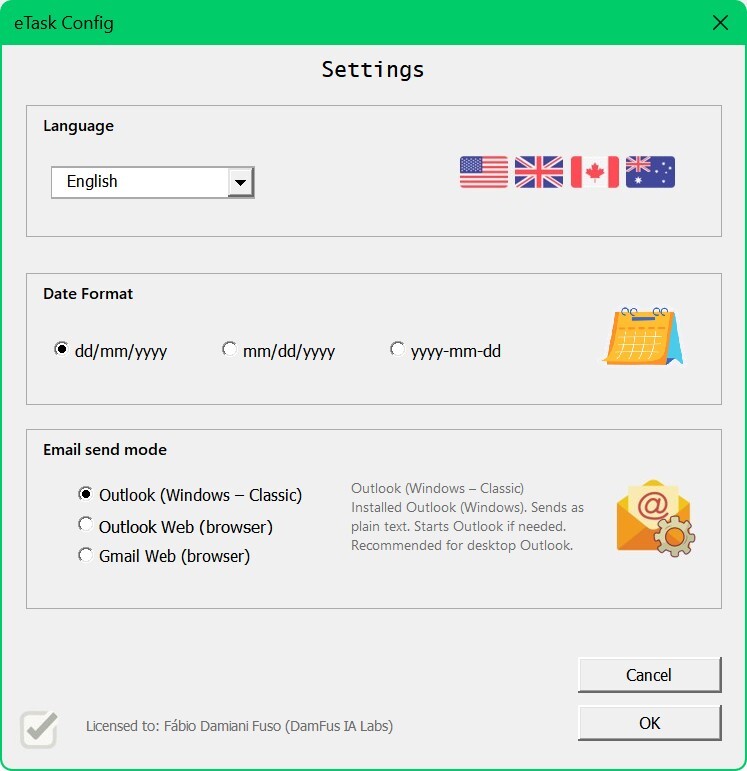
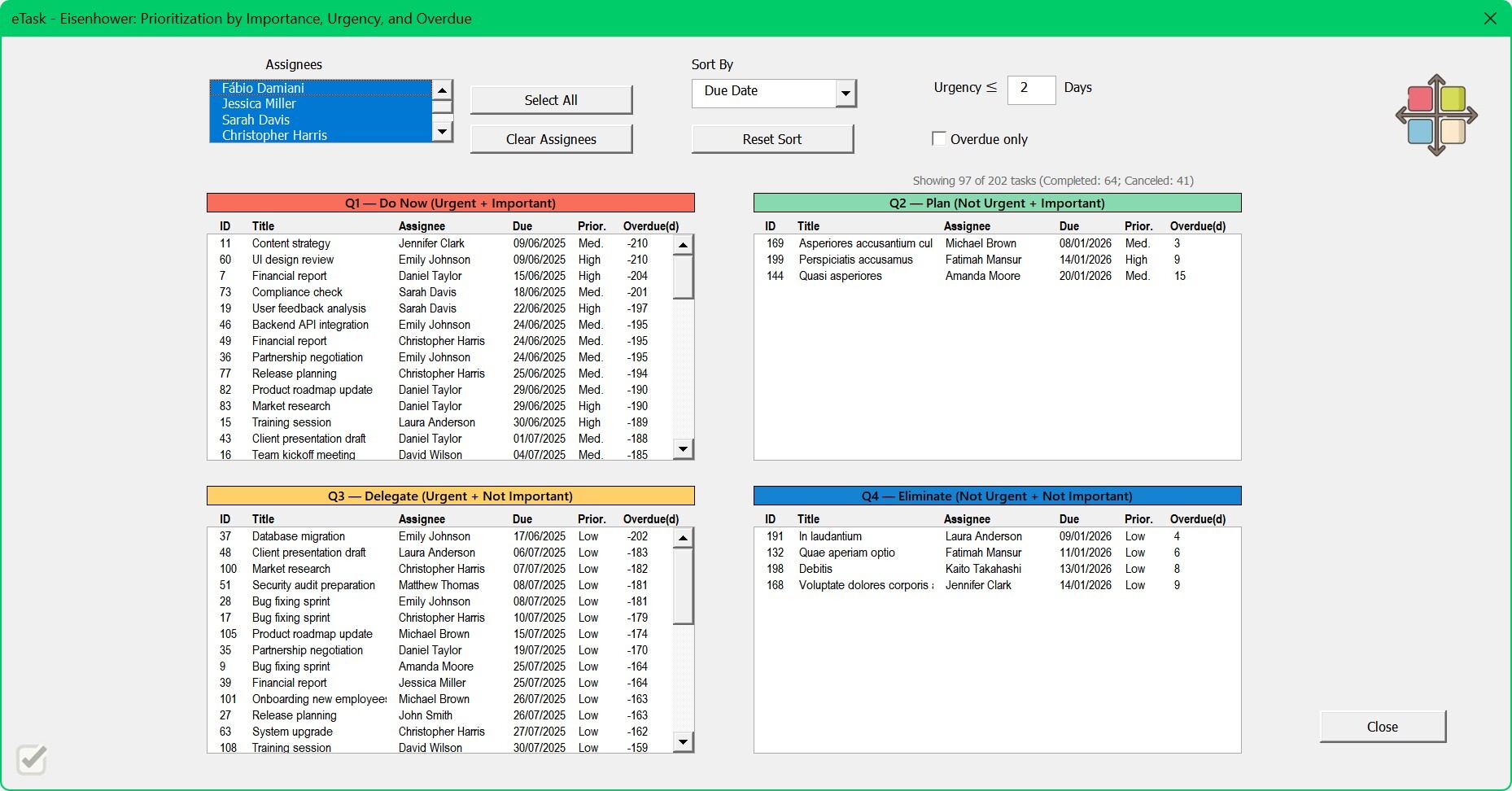
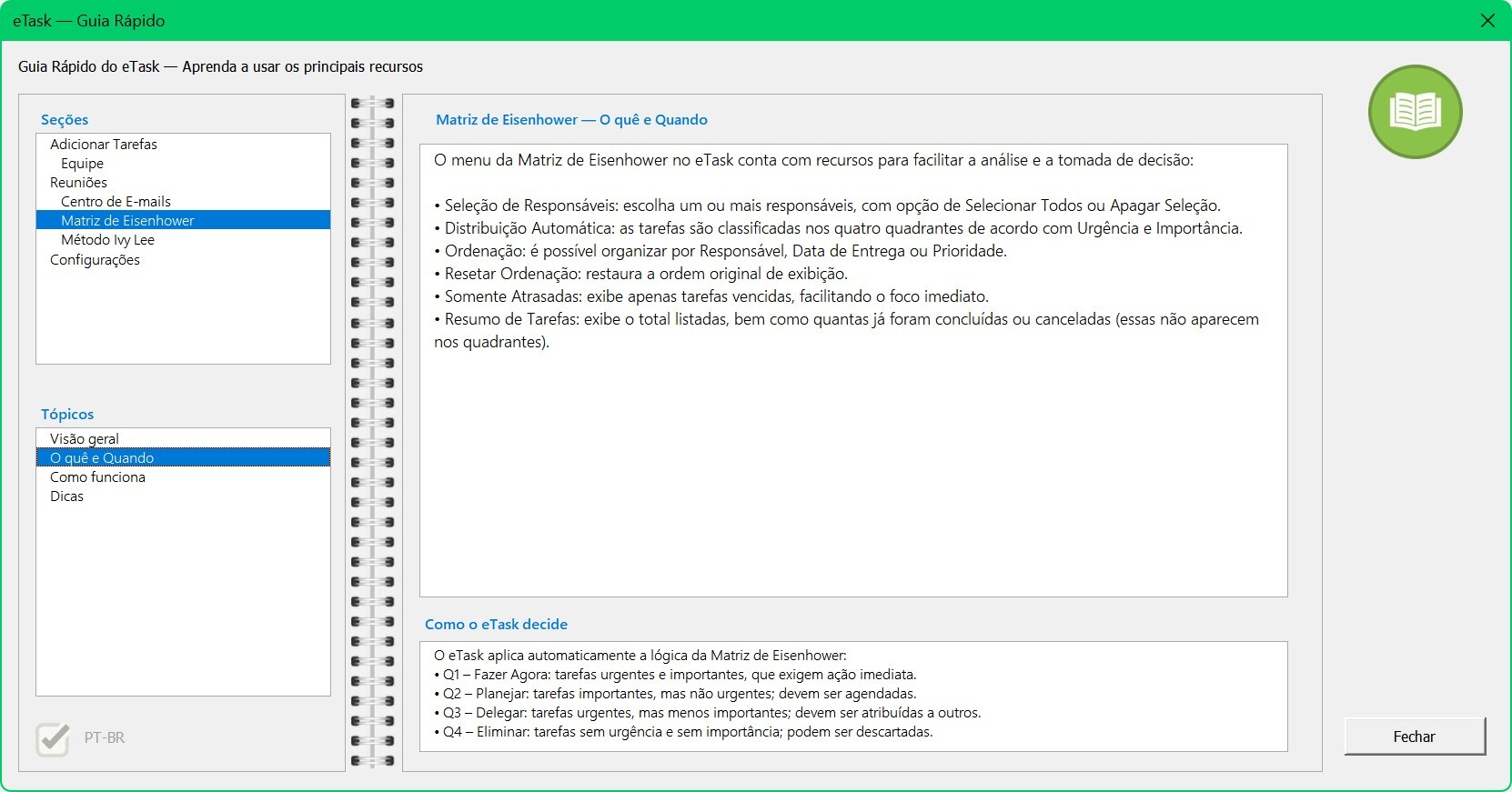
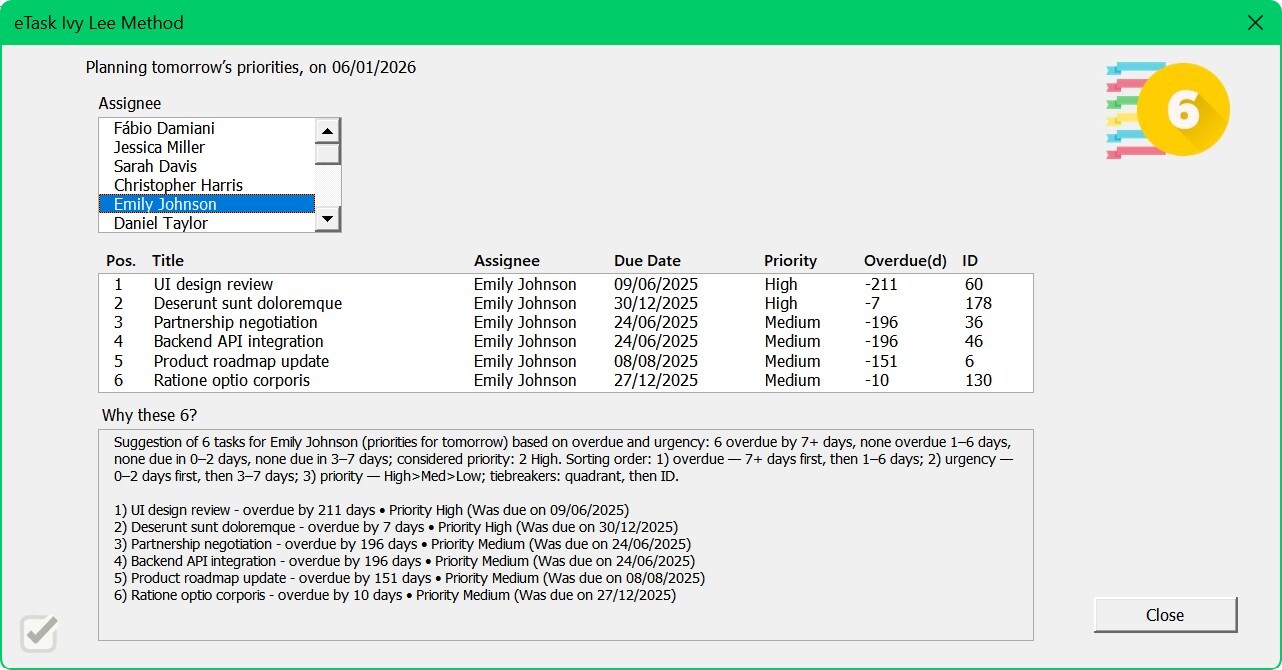
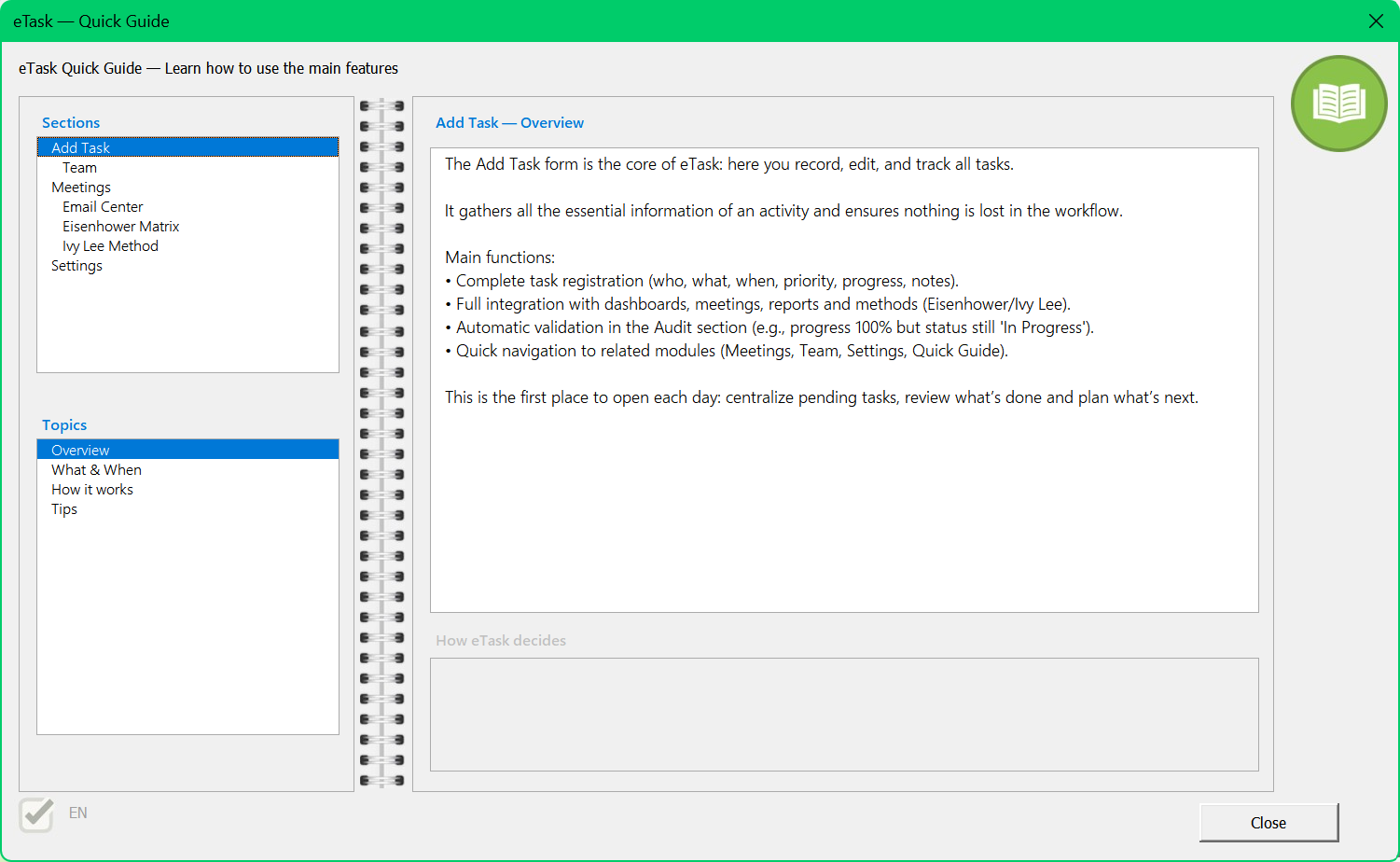
The Full Edition includes two integrated productivity frameworks — the Eisenhower Matrix and the Ivy Lee Method — to prioritize effectively and structure daily execution. With multilingual support (EN, ES, FR, DE, IT, PT) and customizable date formats, eTask adapts to both local and international teams.
Overall, the objective is to bring organization, accountability, and automation to day-to-day operations, helping teams save time and visualize performance clearly.
Designed for professionals, project managers, consultants, and team leaders who need a structured workspace to manage tasks and performance. Ideal for:
Coordinating multiple projects or teams
Running follow-up or operational meetings
Generating performance reports and summaries
Using Eisenhower and Ivy Lee directly in Excel
Working in multilingual or cross-regional environments
Because it runs offline and requires no external add-ins, eTask is especially useful for organizations that prioritize security, autonomy, and control.
Not intended for users who require cloud-based collaboration, real-time multi-user editing, or web integrations. Some Mac versions of Excel may have limitations with VBA/macros depending on security settings.
