Employee Onboarding and Probation Tracker – HR Dashboard and 30-60-90 Plan
Originally published: 31/08/2026 08:23
Publication number: ELQ-21433-1
View all versions & Certificate
certified

Employee Onboarding and Probation Tracker – HR Dashboard and 30-60-90 Plan

Coordinate onboarding tasks, employee readiness, 30-60-90 day plans, and probation reviews in one professional Excel system.

Description
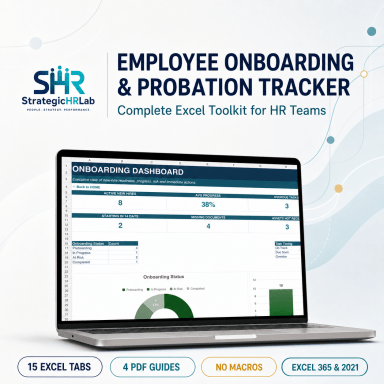
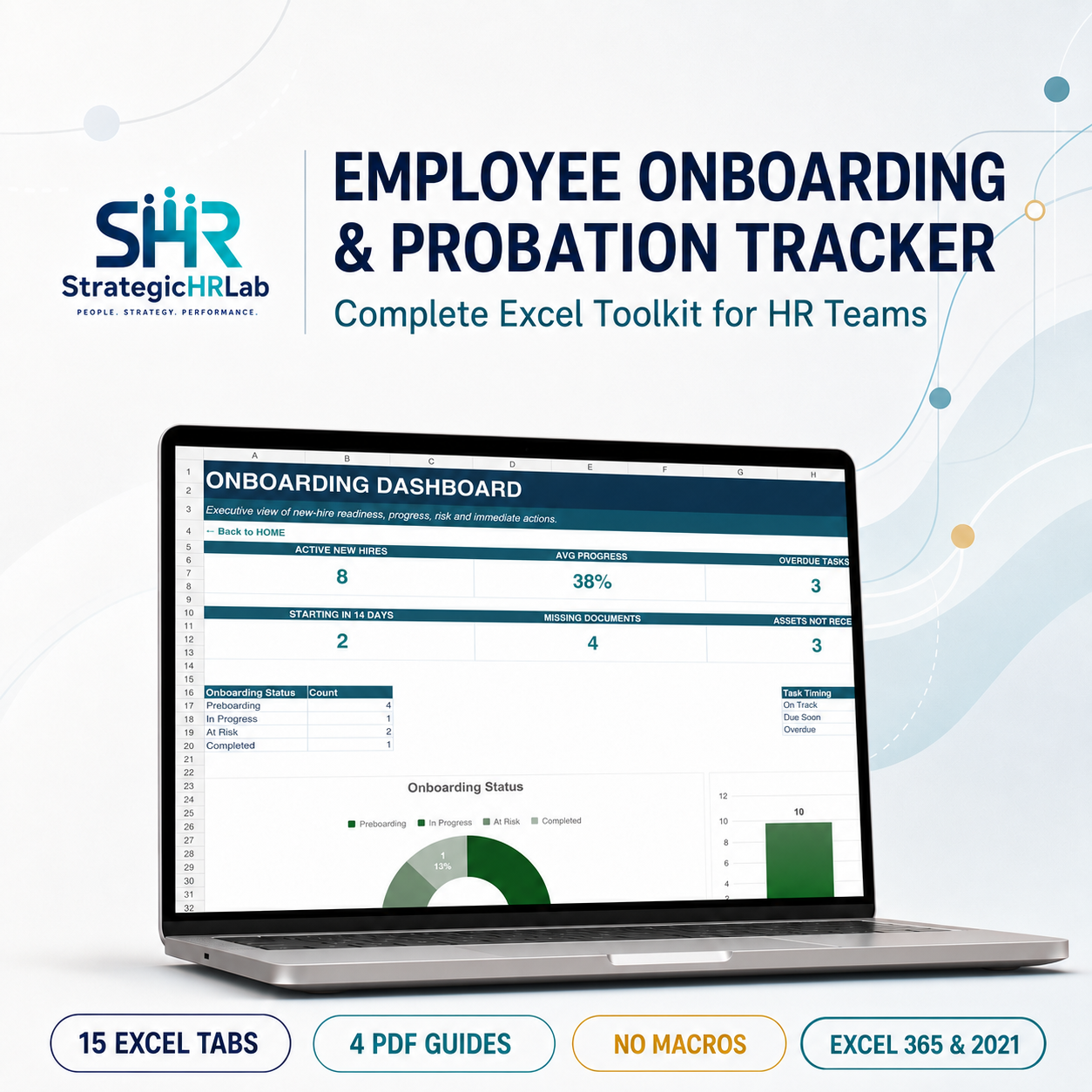
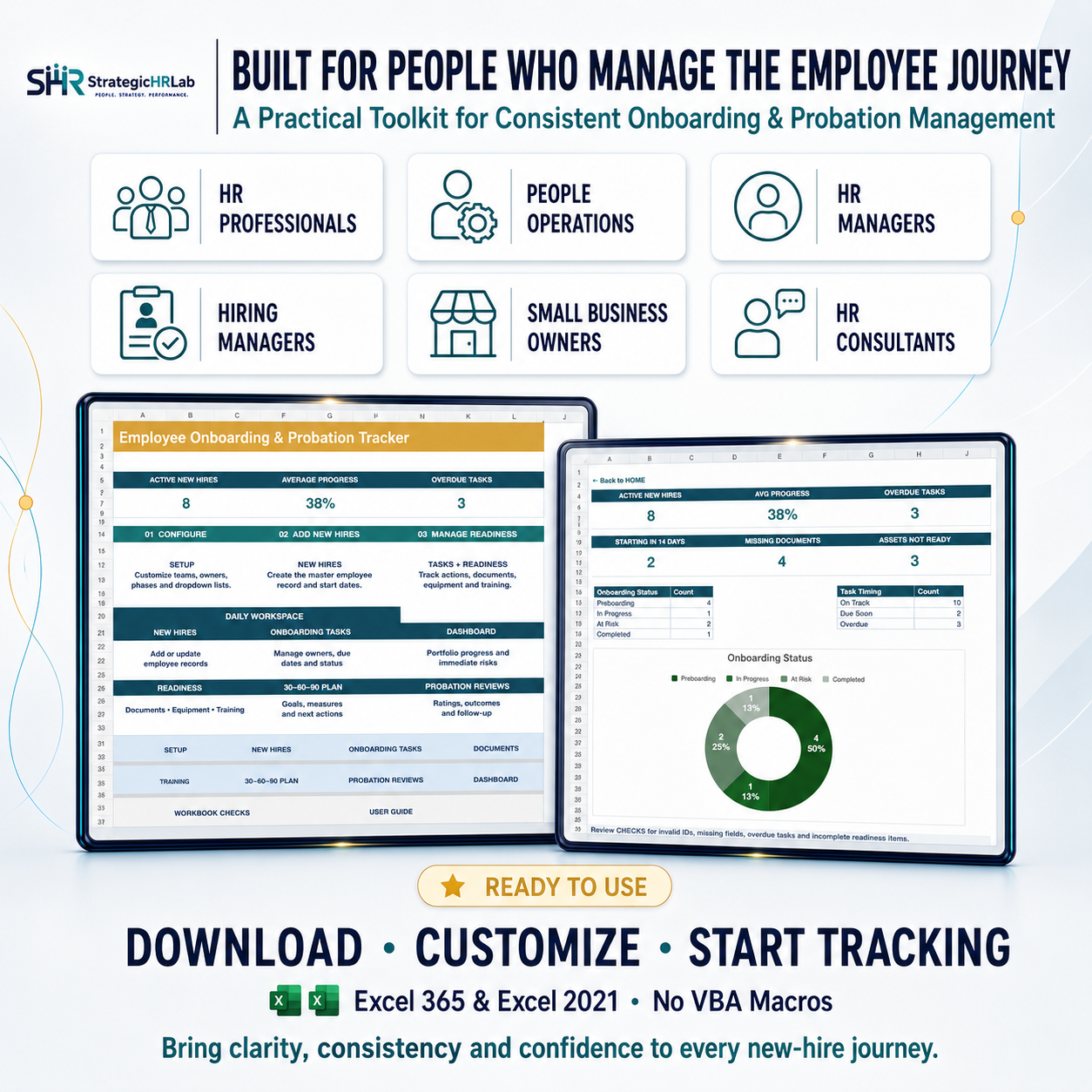
The Employee Onboarding and Probation Tracker is a professional Excel-based toolkit designed to help HR professionals, People Operations teams, managers, consultants, and growing organizations create a consistent and organized new-hire experience.


The workbook centralizes employee information, onboarding tasks, required documents, equipment, system access, training, 30-60-90 day goals, and probation reviews in one connected system. Task owners, deadlines, status updates, and next actions can be monitored throughout the complete onboarding journey.


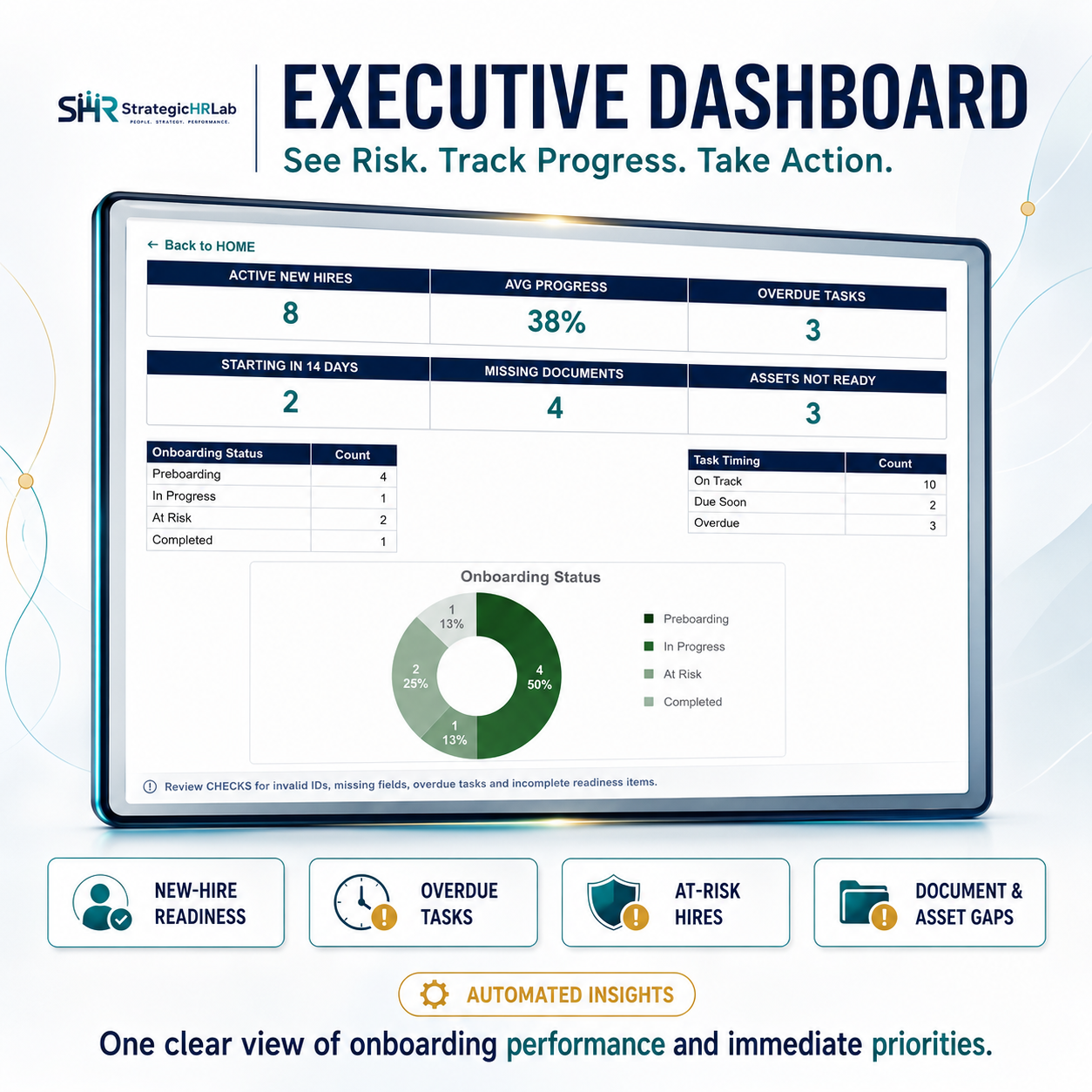
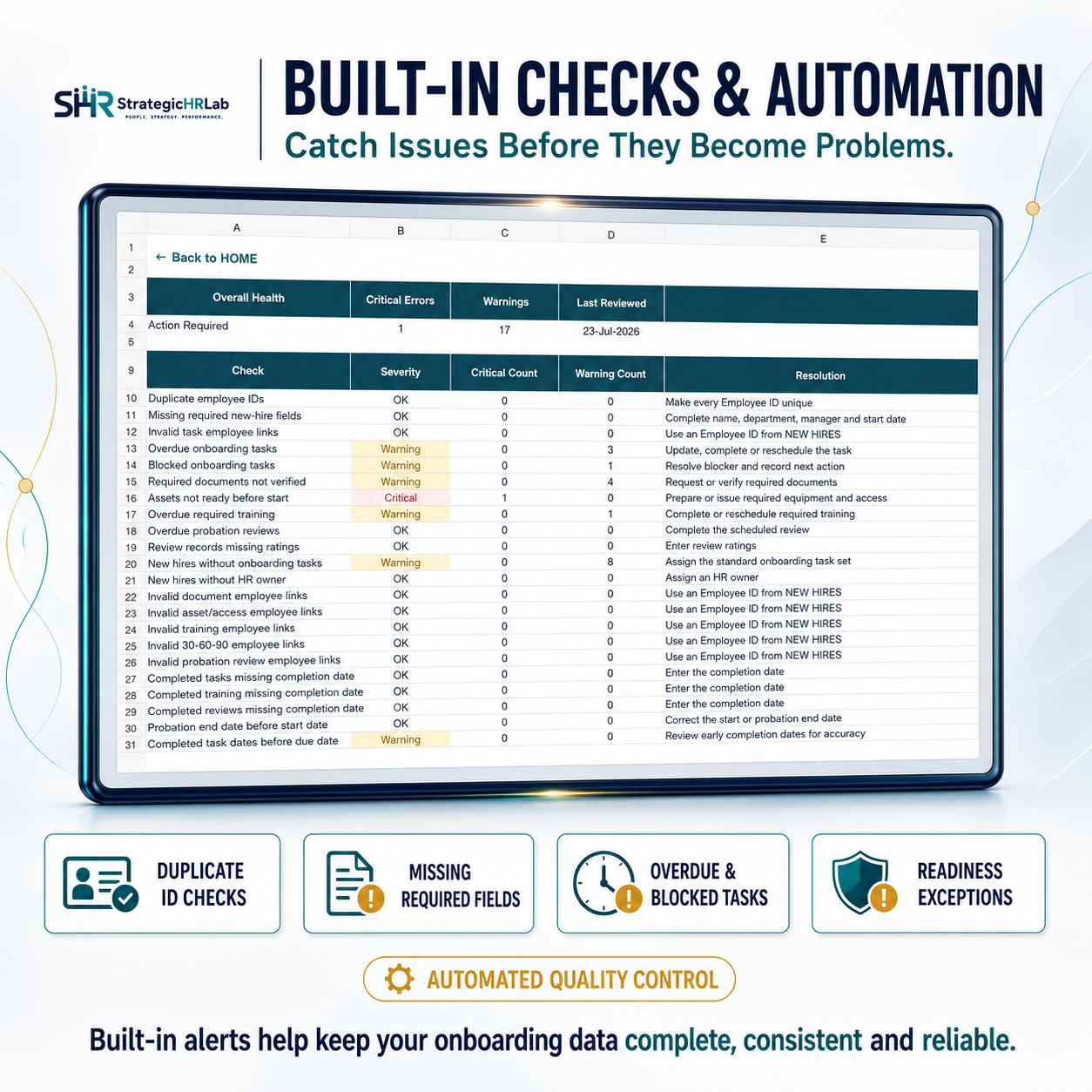
Automated progress indicators, risk flags, overdue alerts, and readiness checks help HR teams identify missing activities and potential employee-experience gaps before they become operational problems. Built-in data-quality checks also highlight missing information, duplicate employee IDs, and incomplete records.


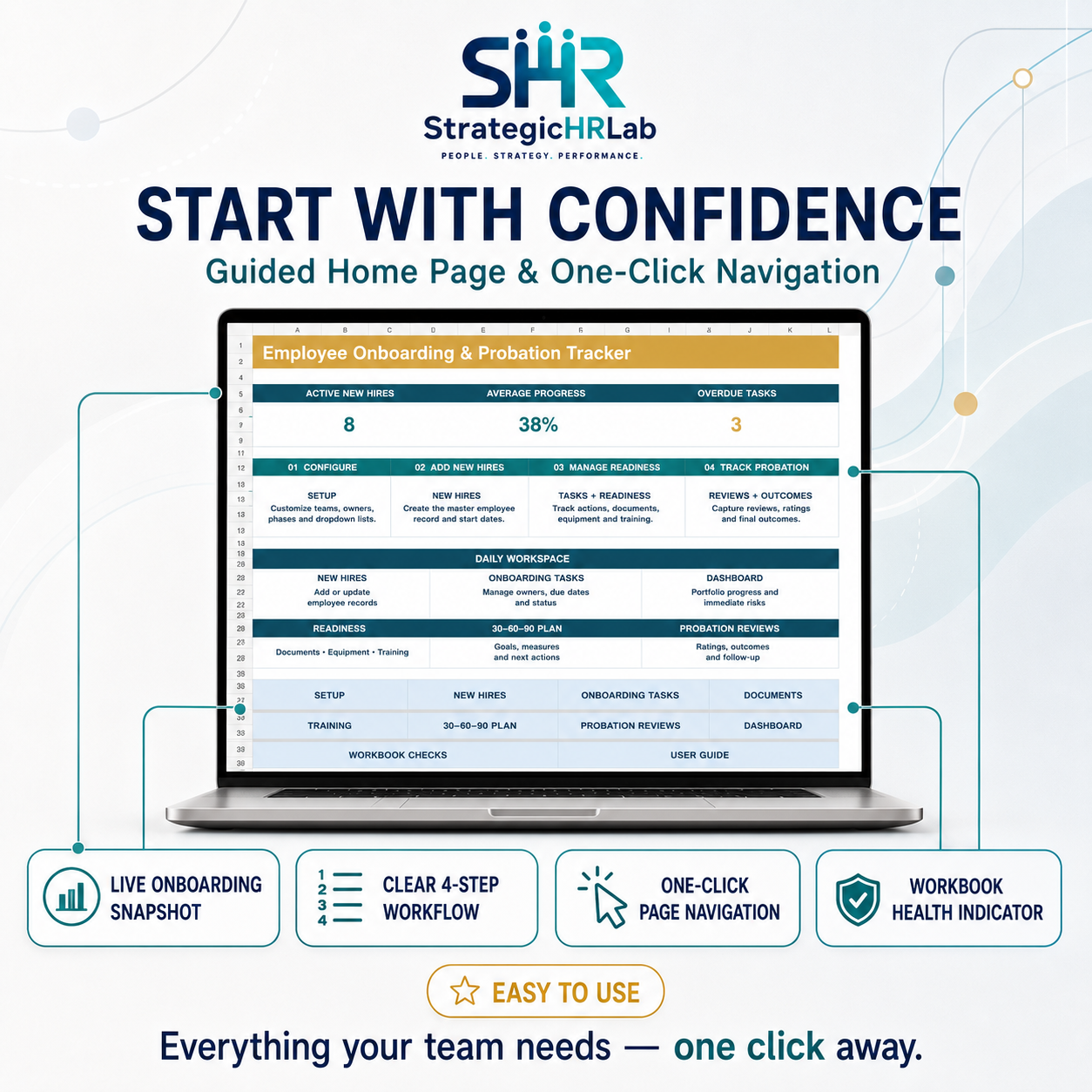
An executive dashboard provides visibility into onboarding progress, employee readiness, overdue tasks, documentation, training, and probation outcomes. The Manager Summary supports manager-level monitoring, while editable setup lists allow the workbook to be customized for different departments, locations, managers, task owners, and organizational requirements.


The workbook also supports structured 30-60-90 day planning and documented probation-review decisions, helping organizations improve consistency, accountability, and governance across the employee journey.


The single Excel workbook contains sample data to demonstrate the complete workflow. Users should replace this information with their organization’s own employee and onboarding data before operational use.


Microsoft Excel 365 or Excel 2021 Desktop is recommended. No VBA or macros are required. The toolkit does not replace professional HR judgment, legal advice, or local employment and probation requirements.

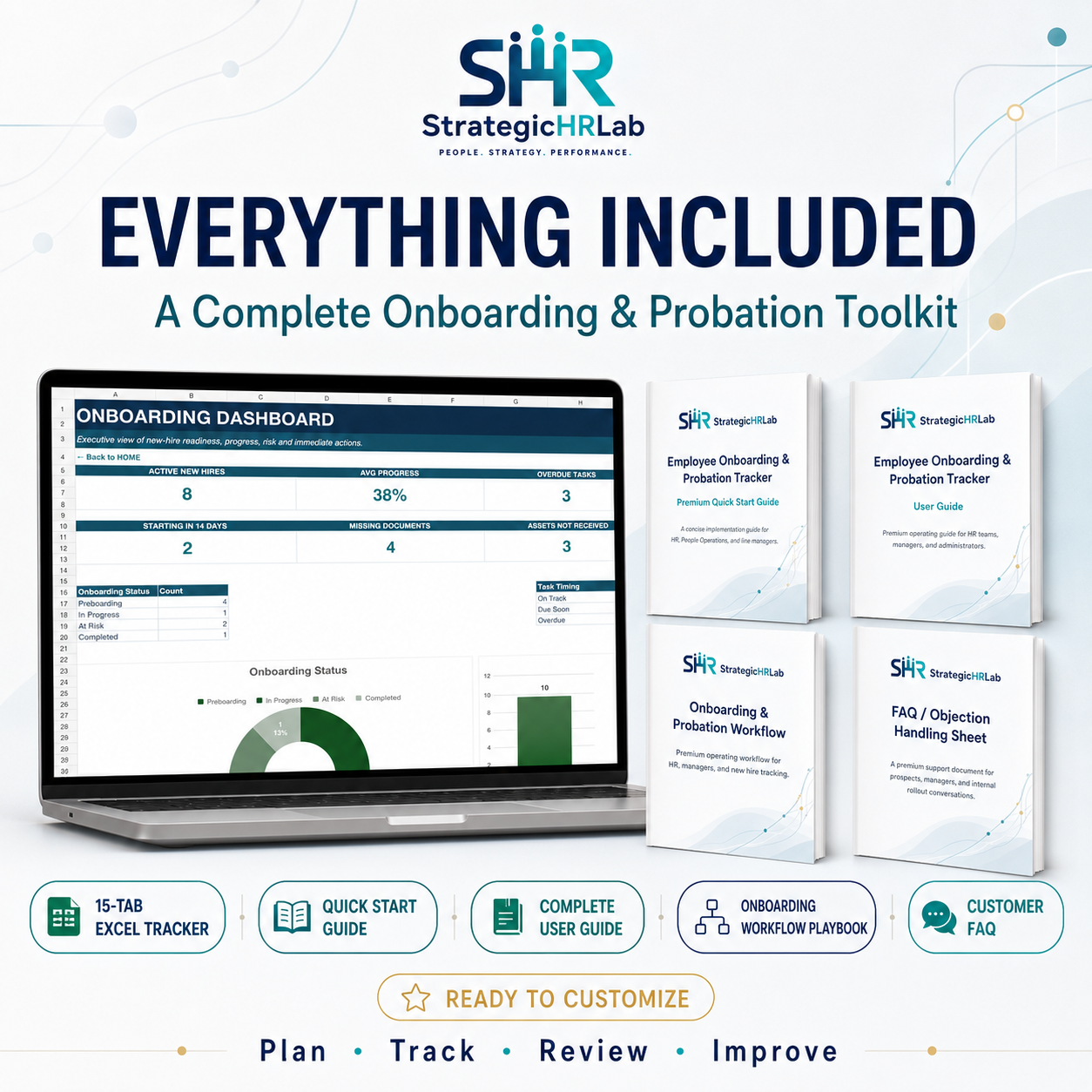
This Best Practice includes
One Employee Onboarding and Probation Tracker Excel workbook containing sample data, plus four supporting PDF documents:

Acquire business license for $39.99

Add to cart

Add to bookmarks

Discuss

Further information

• Centralize employee information, onboarding tasks, documents, equipment, training, goals, and probation reviews in one structured system.

• Create a consistent and transparent onboarding experience from preboarding through the final probation decision.

• Automate progress tracking, risk indicators, overdue alerts, readiness monitoring, and data-quality checks.

• Build and monitor structured 30-60-90 day development plans for new employees.

• Provide HR leaders and managers with decision-ready dashboards and employee-level onboarding summaries.

• Improve accountability, reduce manual follow-up, and identify onboarding gaps before they affect the employee experience.

This toolkit applies best to HR professionals, People Operations teams, managers, consultants, and growing organizations that need a structured way to coordinate onboarding activities and probation reviews. It is ideal for teams using Microsoft Excel Desktop that want to improve employee readiness, task ownership, documentation, training, 30-60-90 day planning, and onboarding visibility without implementing complex HR software.

This toolkit is not ideal for organizations requiring a fully integrated HR information system, automated employee communication, electronic signatures, document storage, payroll integration, or real-time multi-user cloud collaboration. It is not designed for Google Sheets and does not replace legal, employment, privacy, data-retention, or probation-process advice.


0.0 / 5 (0 votes)

please wait...