
Publication number: ELQ-67401-1
View all versions & Certificate

Turn Excel into a Chemical Engineering Calculator
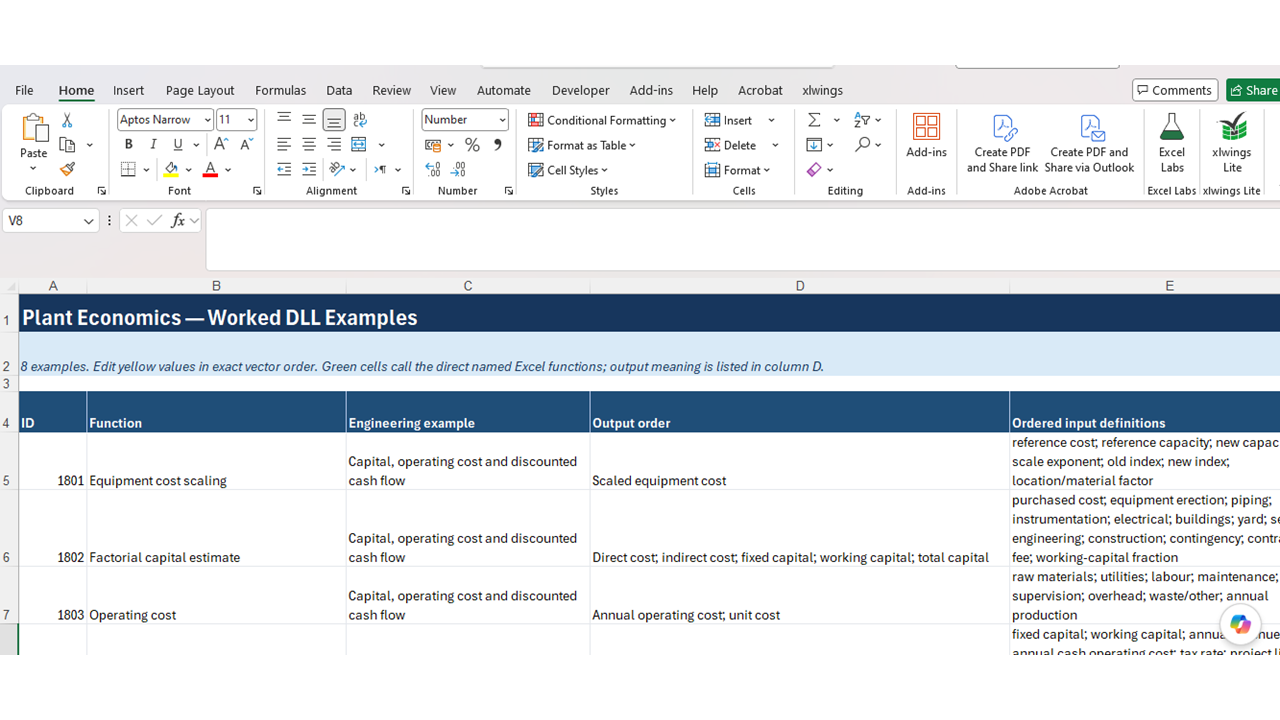
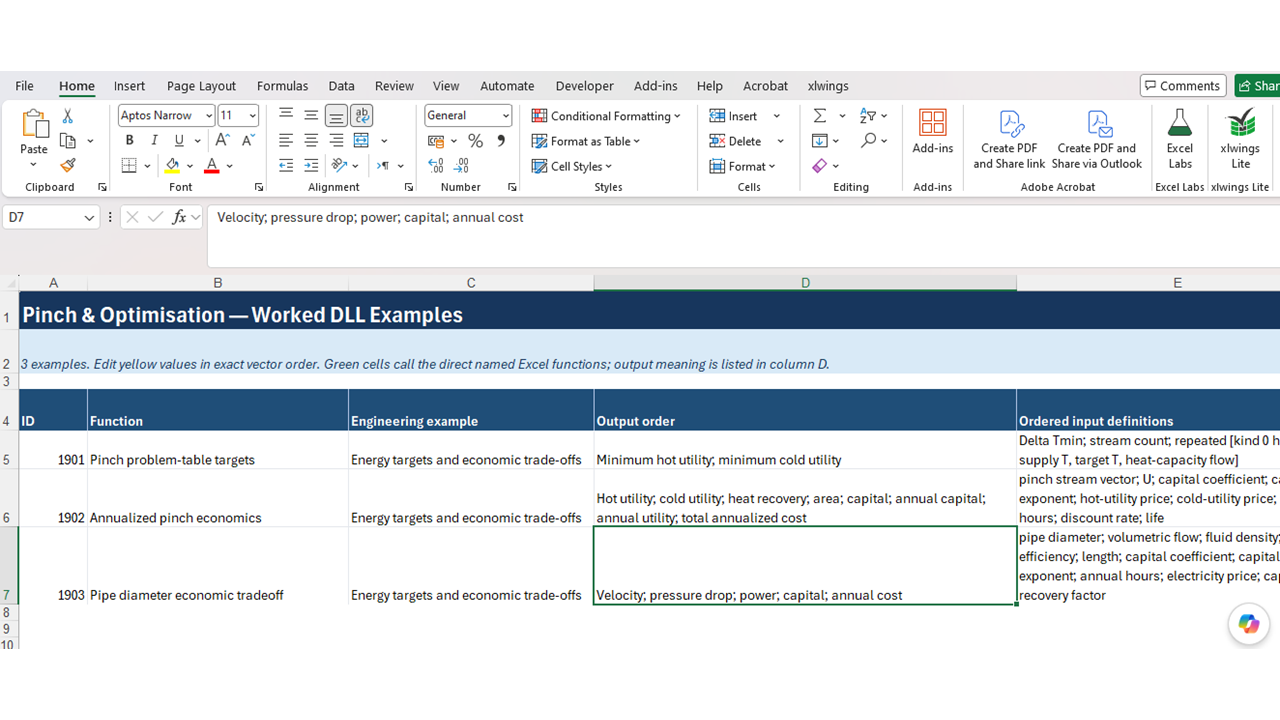
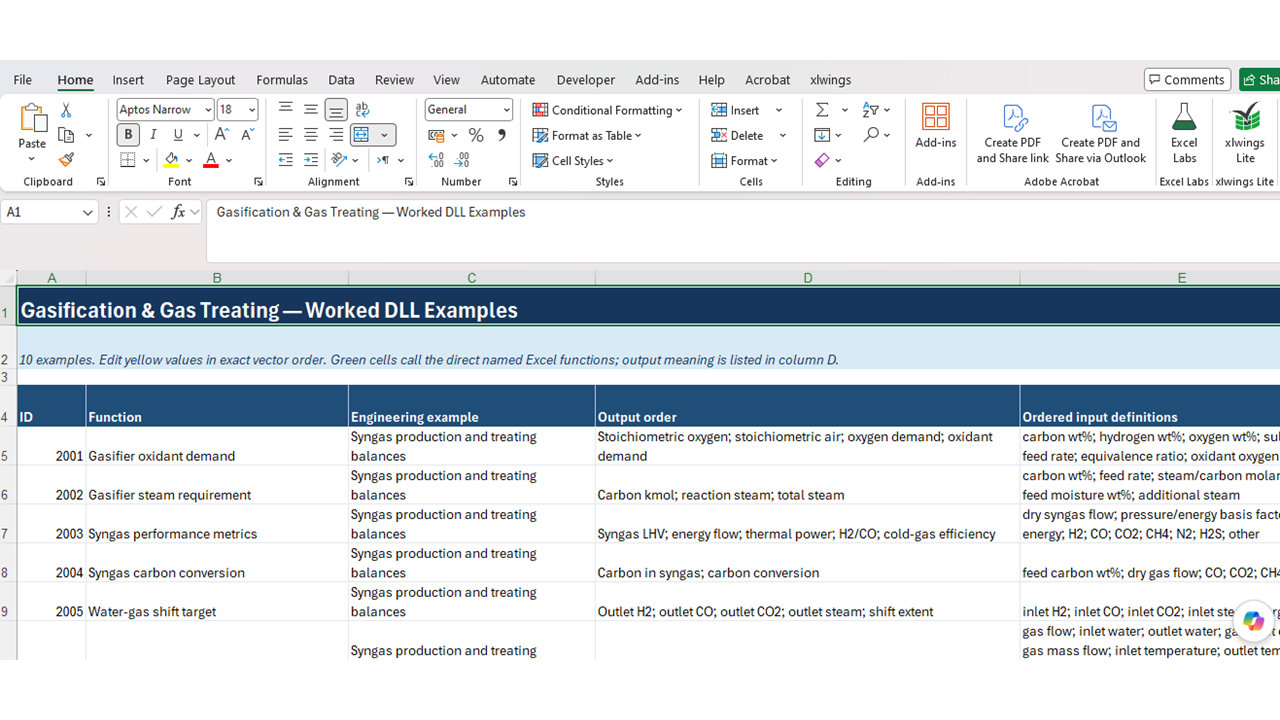
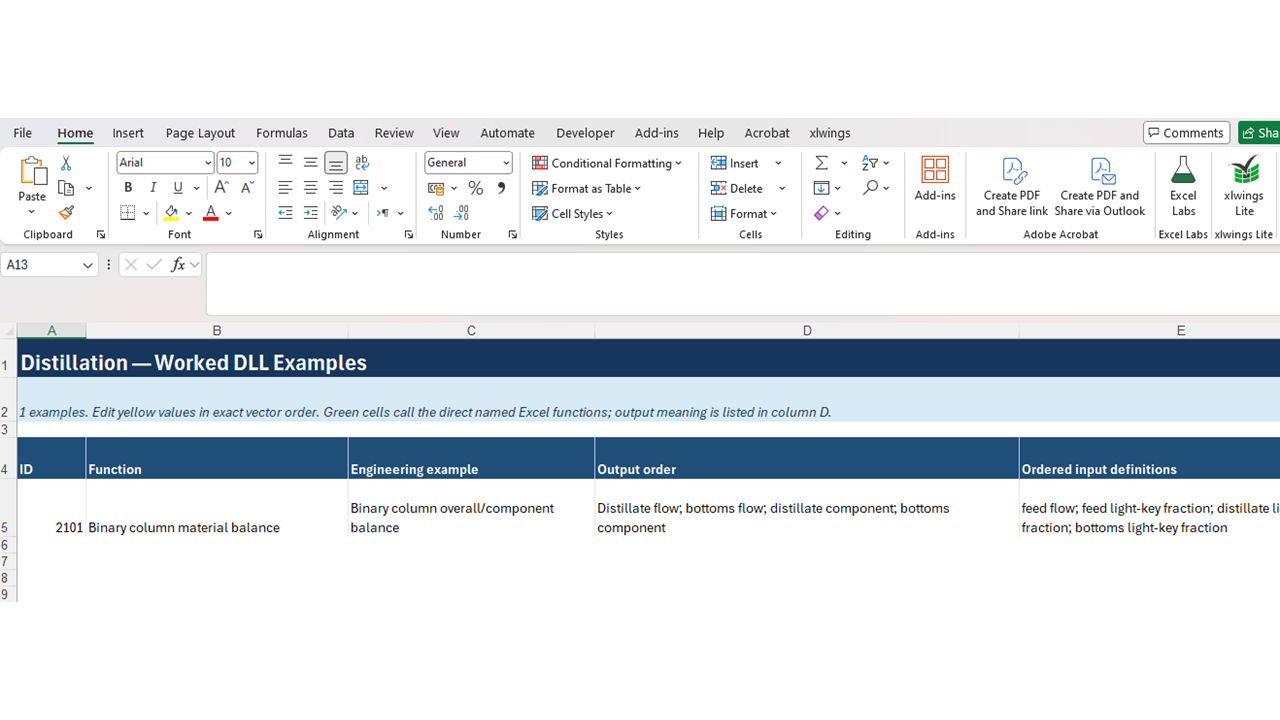
Transform Excel into a powerful chemical engineering calculator with 102 DLL-based functions for process design, equipment sizing, safety, economics and optimiz
Further information
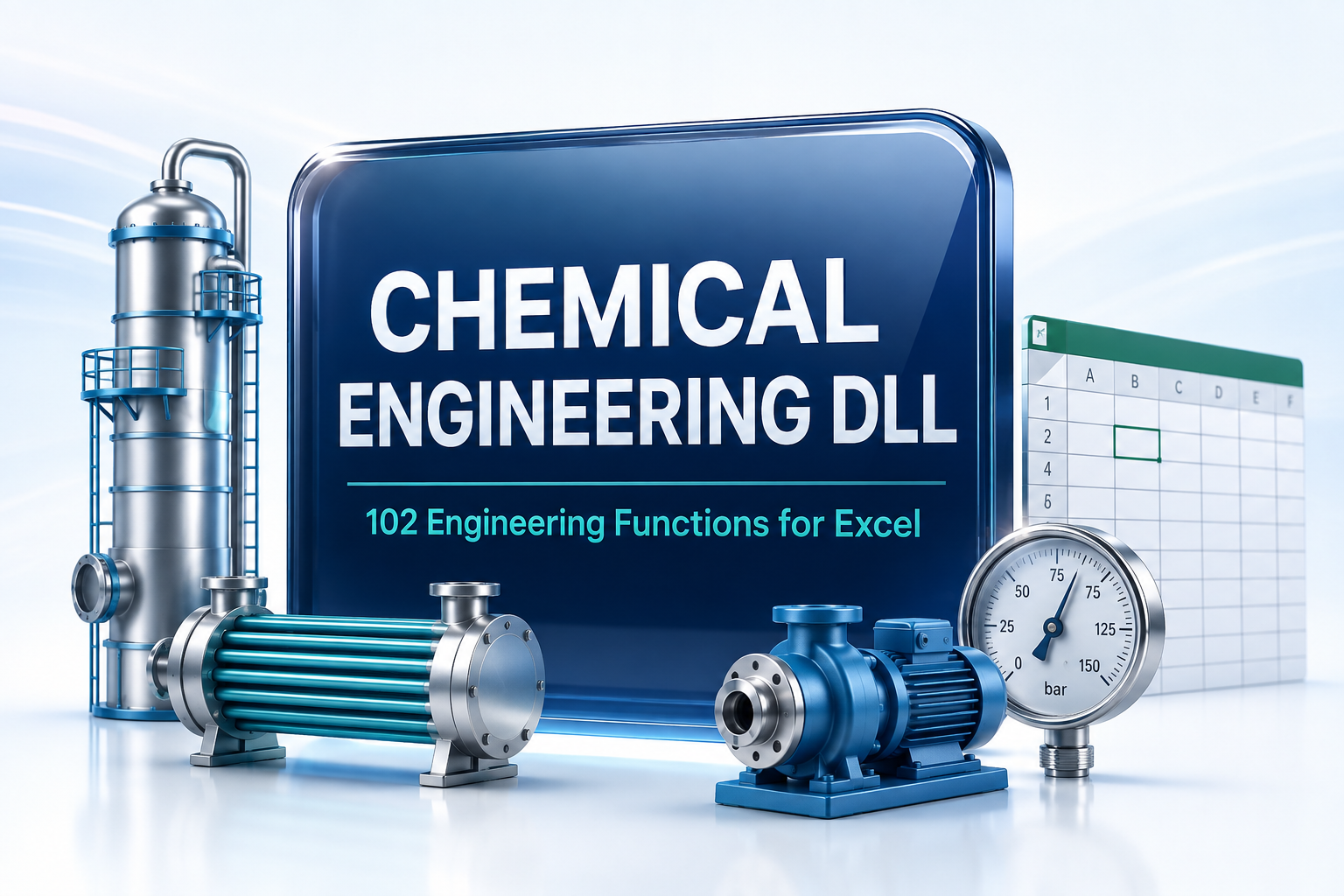
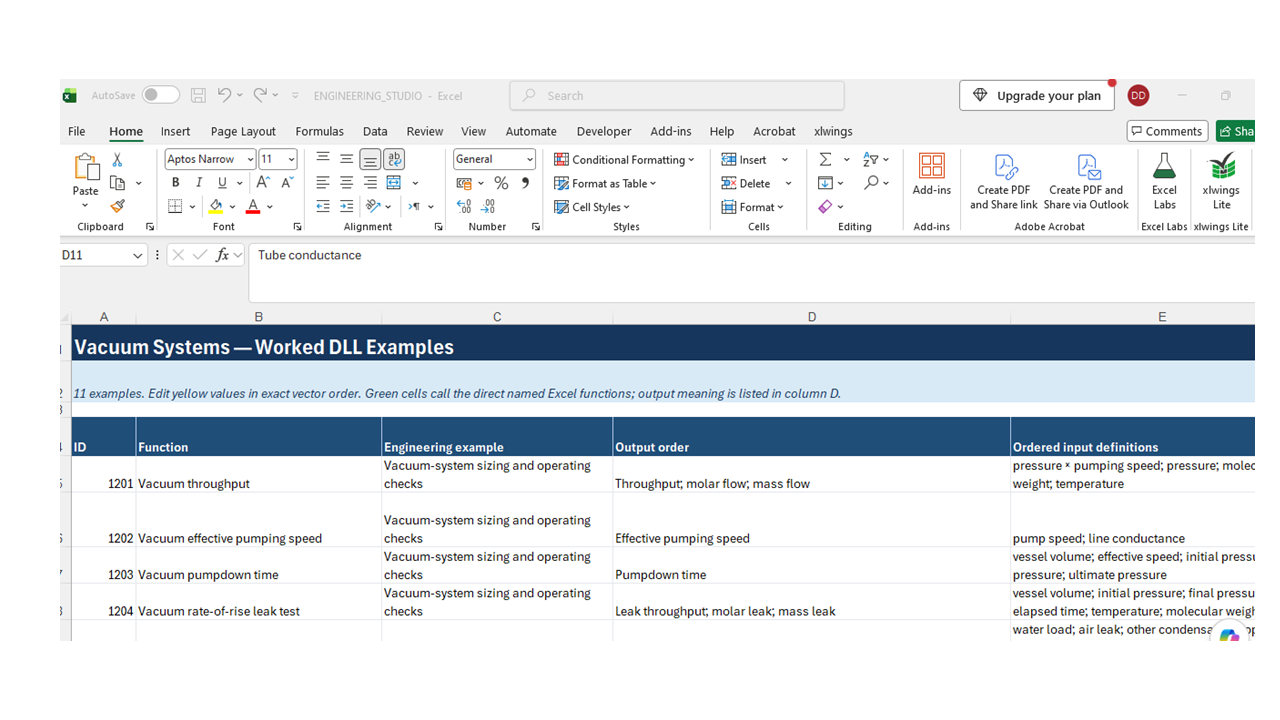
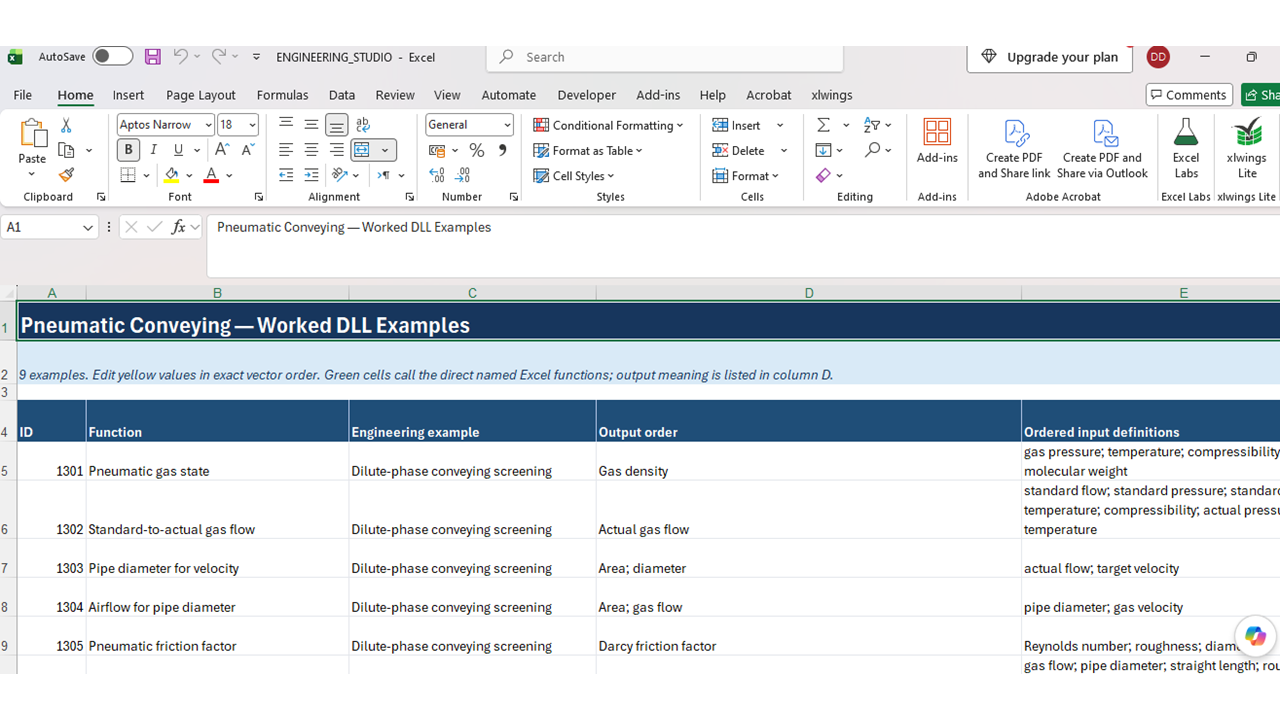
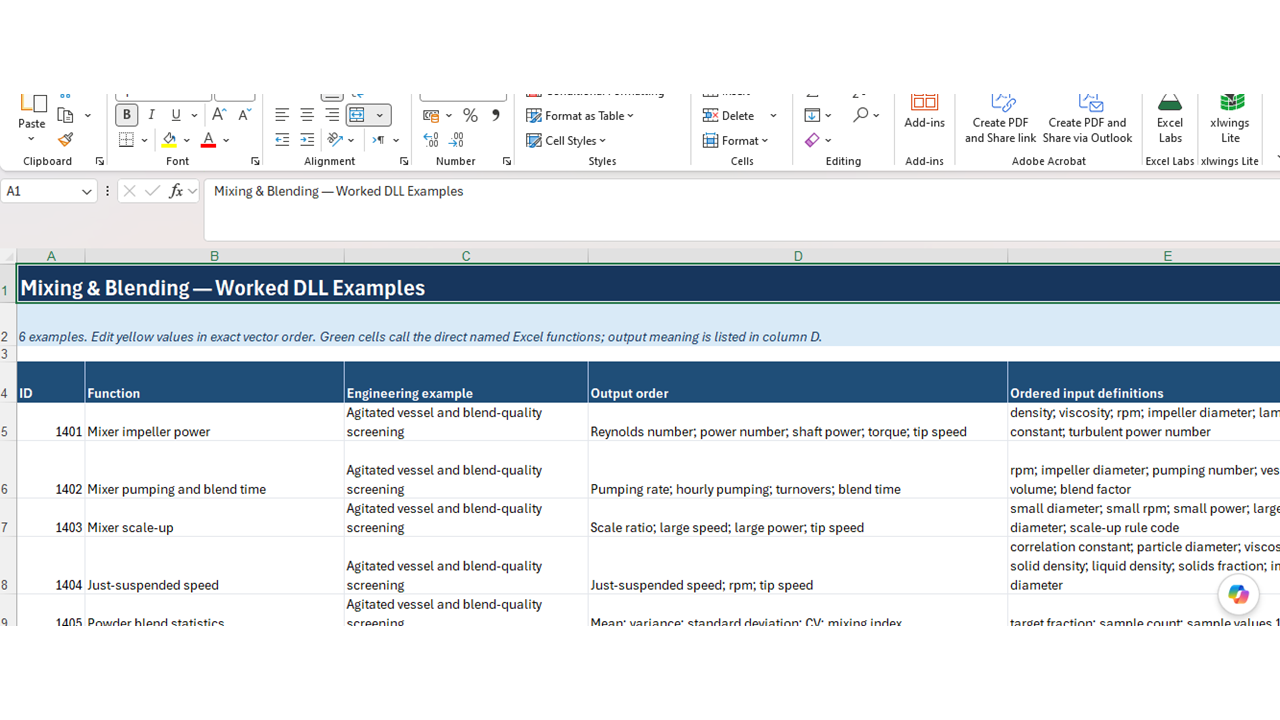
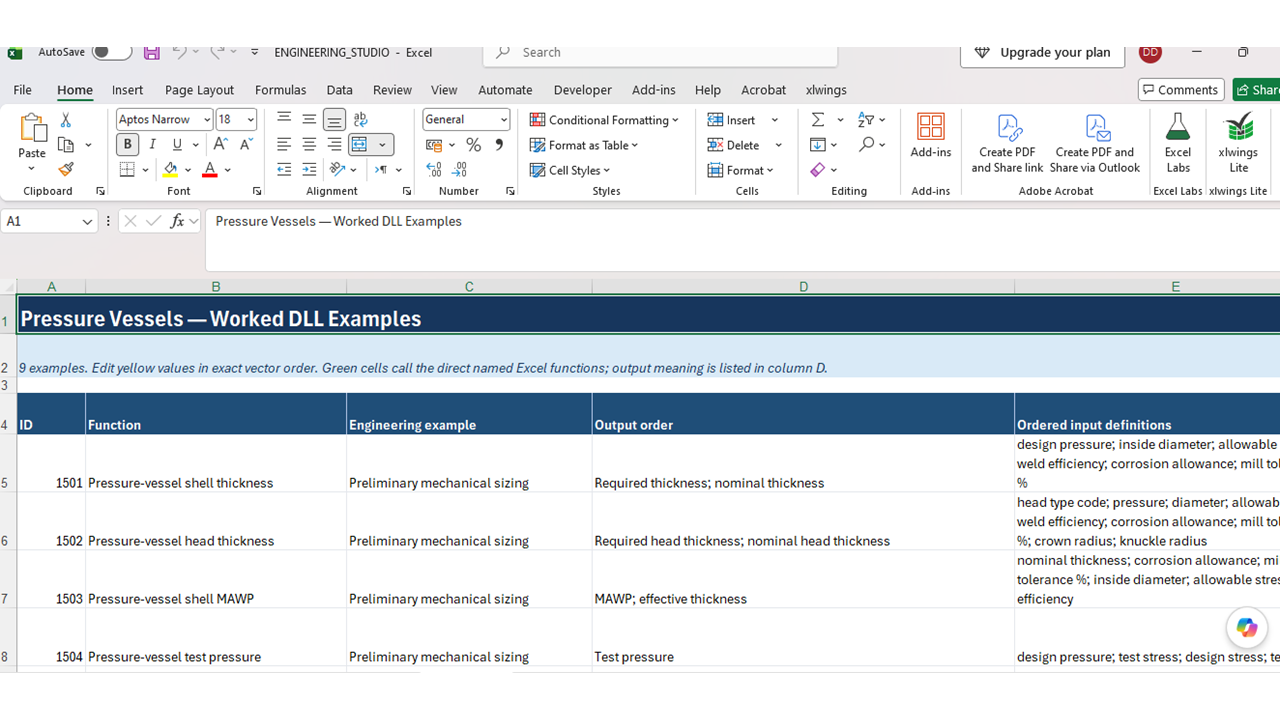
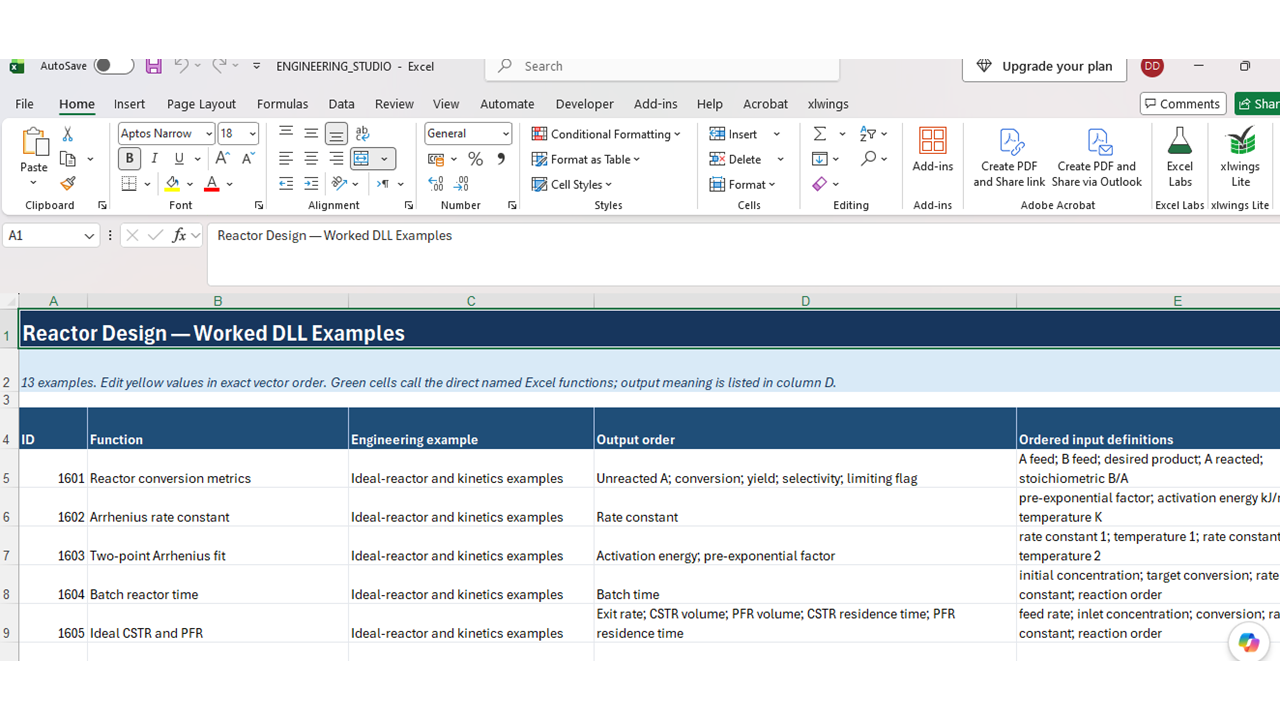
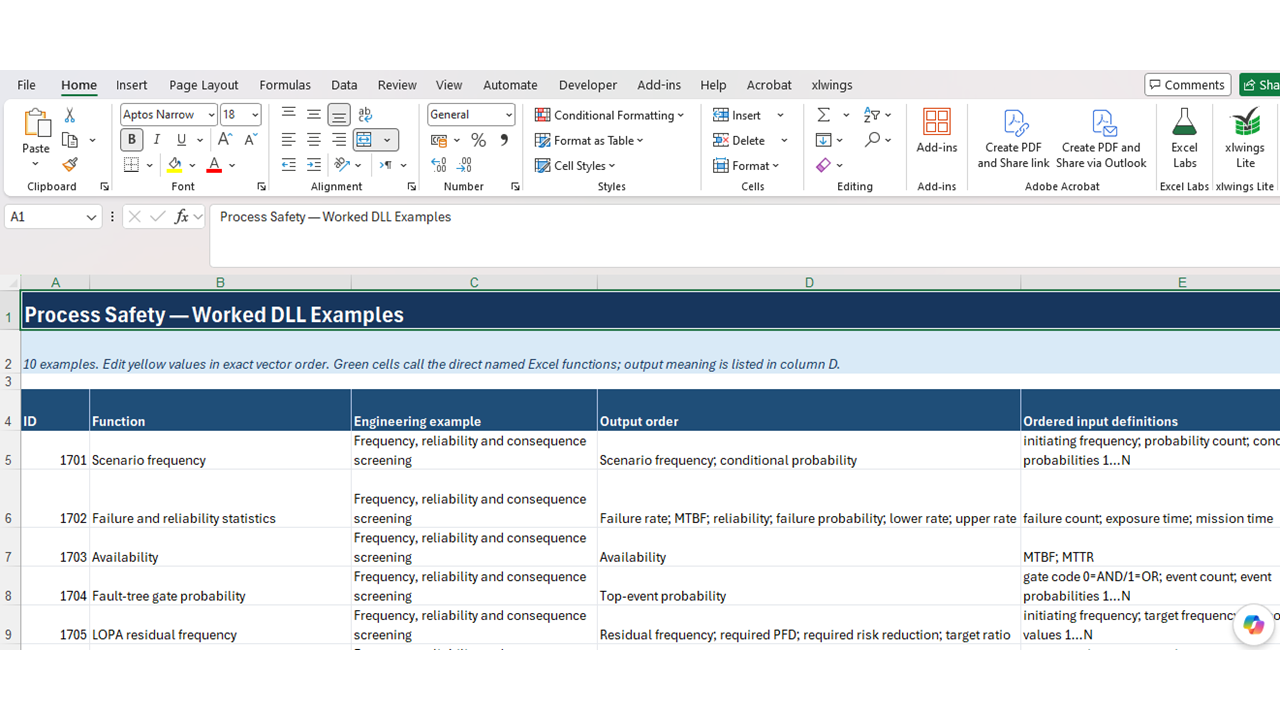
The objective of this downloadable best practice is to transform Microsoft Excel into a practical chemical engineering calculation platform. The package provides 102 ready-to-use engineering functions through a compiled DLL, enabling users to perform common process, equipment-design, safety, economic and optimization calculations directly within their spreadsheets.
It is designed to help engineers, consultants, students and technical professionals:
• Perform repeatable engineering calculations efficiently
• Reduce reliance on complicated spreadsheet formulas
• Integrate engineering calculations into existing Excel models
• Evaluate process equipment and operating conditions
• Improve calculation consistency and reduce manual errors
• Build customized engineering, costing and feasibility models
• Apply established chemical engineering equations without requiring Python or specialist simulation software
This downloadable best practice applies best when users need fast, repeatable chemical engineering calculations within Microsoft Excel. It is particularly suitable for:
• Preliminary process and equipment design
• Feasibility studies and option screening
• Equipment sizing and performance evaluation
• Process economics and cost estimation
• Engineering consulting calculations
• Educational exercises and training
• Developing customized Excel engineering models
• Comparing operating conditions and design alternatives
• Integrating engineering calculations into existing workbooks
• Situations where specialist simulation software is unnecessary or unavailable
It is intended for Windows computers running Microsoft Excel with VBA and DLL access enabled. Results should be checked against applicable standards and verified by a qualified engineer before safety-critical or final design use.
This downloadable best practice is not ideally suited to:
• Final, safety-critical or construction-ready engineering design without independent verification
• Replacing detailed process simulators, CFD, finite-element analysis or specialist equipment-design software
• Dynamic plant simulation, advanced thermodynamic modelling or rigorous multiphase calculations
• Regulatory certification or code-compliance approval
• Systems that do not run Microsoft Excel for Windows or cannot load external DLL files
• Environments where VBA macros and external libraries are blocked by security policies
• Users who cannot confirm the required units, assumptions and input-data quality
• Decisions based solely on calculated outputs without professional engineering judgement
The functions are intended for preliminary design, evaluation, education and decision support. Results should be validated against applicable standards, vendor data and qualified engineering review.
