
Publication number: ELQ-14048-1
View all versions & Certificate

Budget vs Actual Report – Excel Variance Analysis Template with Automatic Status Flags
An Excel budgeting tool that compares planned vs. actual spending across 10 categories every month.
Further information
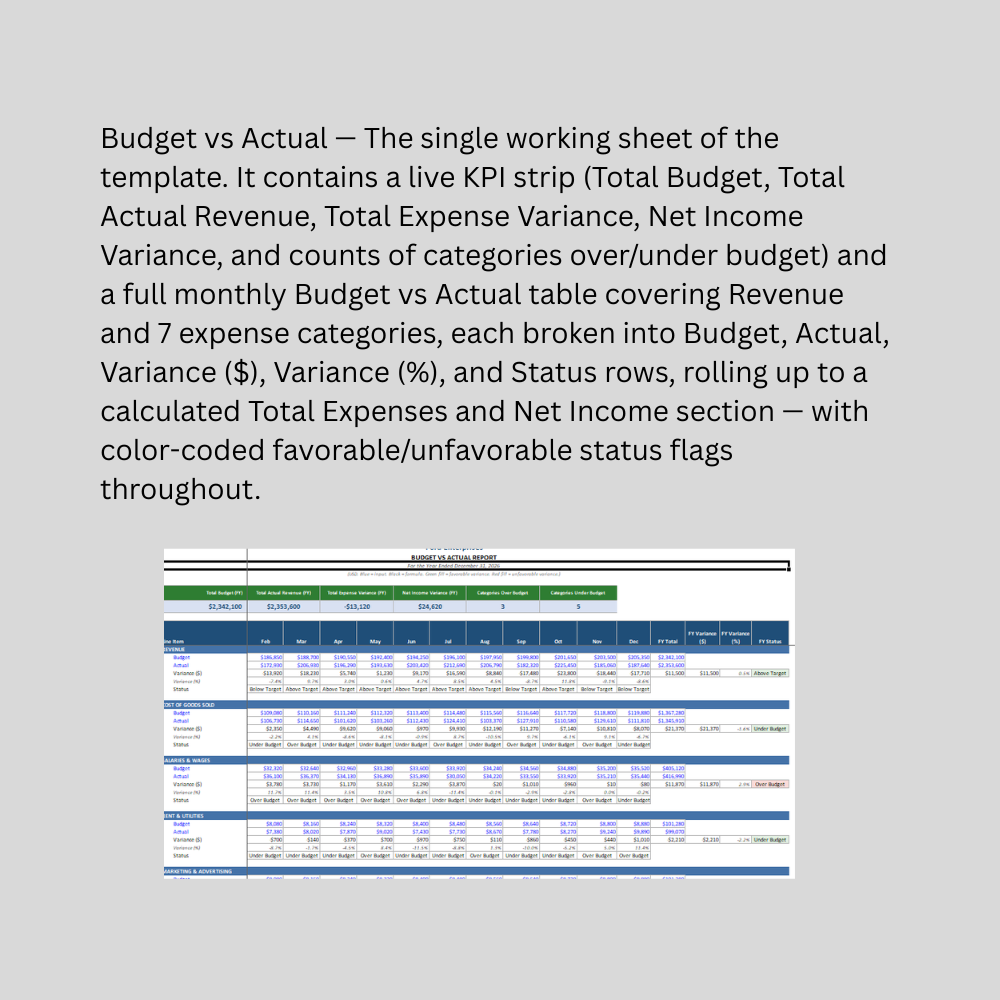
Compare planned (budget) vs. actual figures across revenue and expense categories every month
Automatically calculate dollar and percentage variance without manual formulas
Flag favorable vs. unfavorable performance instantly using correct, category-aware logic
Roll up category-level budgets into Total Expenses and Net Income automatically
Give managers and owners a fast, KPI-level view of overall budget performance
Support monthly financial reviews and budget accountability conversations
Small to mid-sized businesses tracking spending discipline against a set monthly budget
Department or business unit managers accountable for staying within budget
Finance teams preparing monthly budget review reports for leadership
Businesses with a relatively standard expense category structure
Organizations that already set an annual or monthly budget and want to track performance against it
Users comfortable replacing sample data with their own budget and actual figures each month
Businesses needing budget tracking broken down by department, project, or cost center simultaneously (this template tracks at the whole-company category level)
Organizations requiring rolling/flexible budgets that automatically adjust targets based on activity levels
Multi-year budget comparison or budget planning/forecasting (this tracks a single fiscal year's budget vs. actual, not future budget creation)
Businesses needing approval workflows or budget request/revision tracking
Complex cost allocation across multiple revenue streams or business units
Situations requiring certified financial reporting — this is a management and budgeting tool, not a substitute for formal accounting review
