

Spyglass RiskSim – Financial & Predictive Risk Modelling Toolkit (Excel + DLL)
Originally published: 12/12/2025 09:58
Publication number: ELQ-31784-1
View all versions & Certificate
certified

Spyglass RiskSim – Financial & Predictive Risk Modelling Toolkit (Excel + DLL)

Spyglass RiskSim is a professional-grade financial and predictive risk-modelling toolkit for Excel, providing Monte-Carlo simulation, probability distributions,

Description
Overview

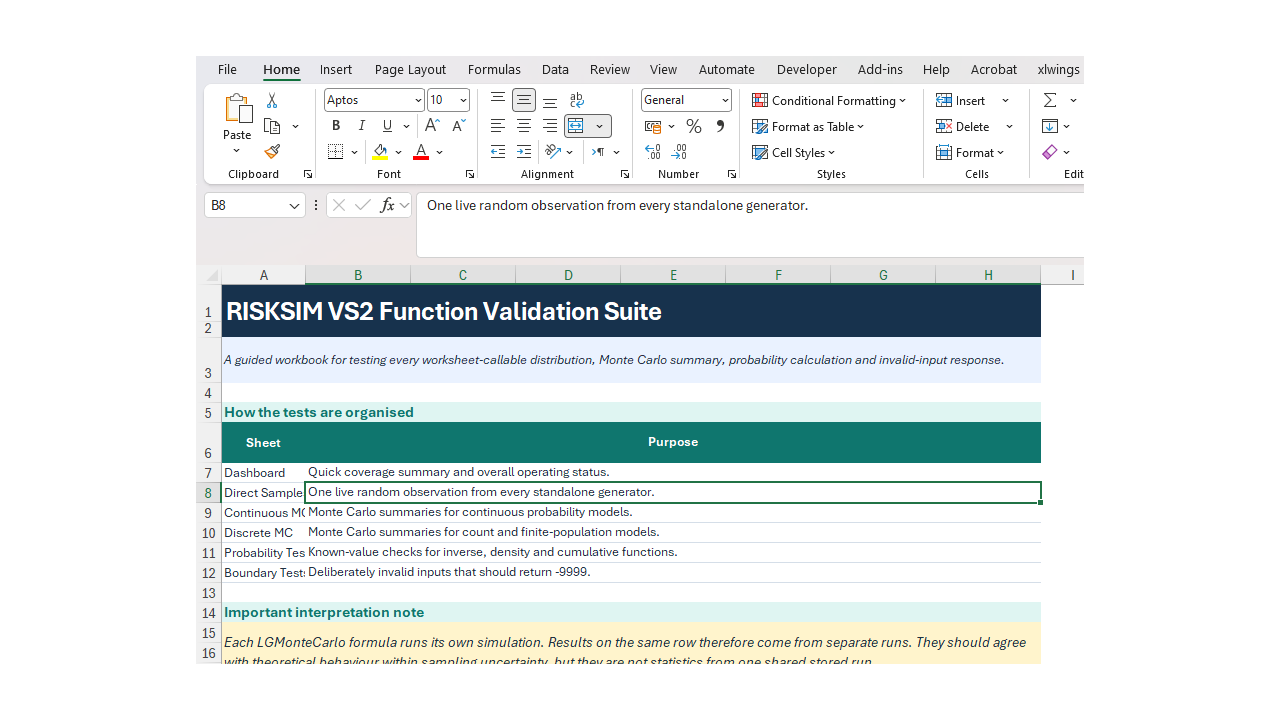
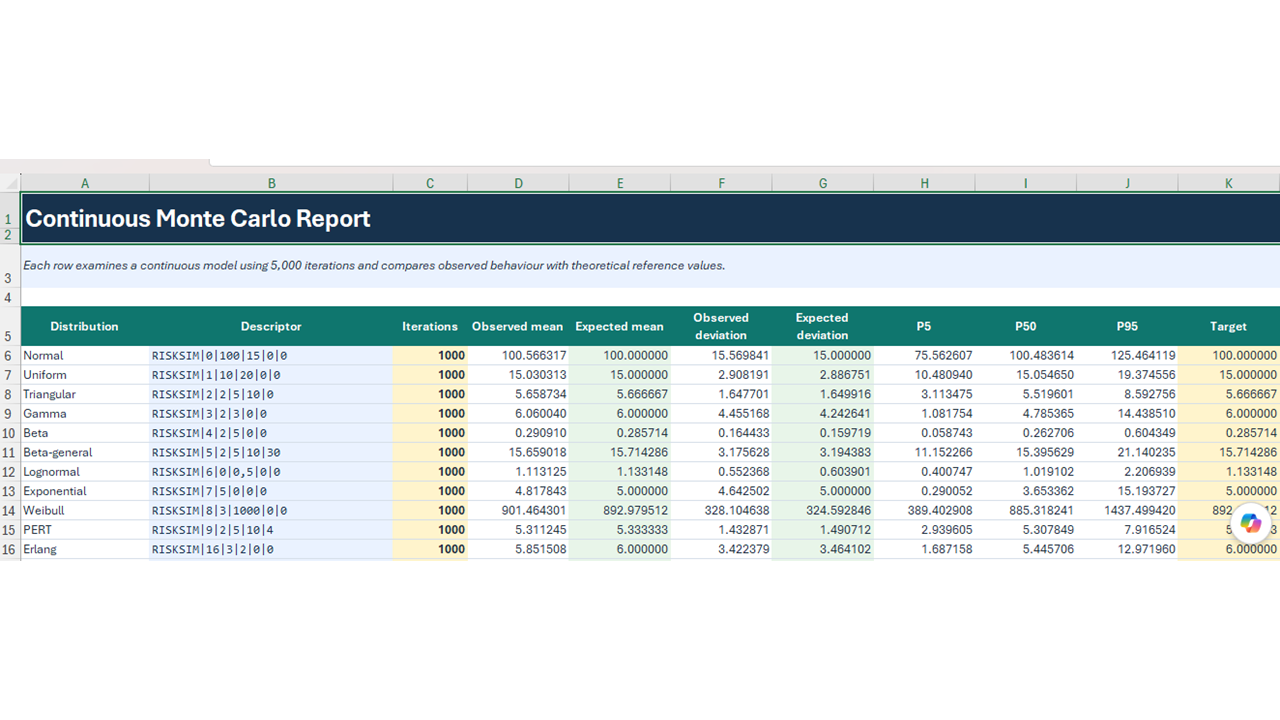
Spyglass RiskSim is a lightweight but powerful risk-simulation engine that integrates directly with Microsoft Excel using a compiled DLL and VBA wrappers. It enables fast Monte-Carlo simulation, probabilistic modelling, and quantitative uncertainty analysis without proprietary black-box dependencies.

The tool is suitable for financial modelling, engineering risk analysis, capital project evaluation, forecast uncertainty, and decision support under uncertainty.

Key Capabilities

  • Monte-Carlo simulation inside Excel

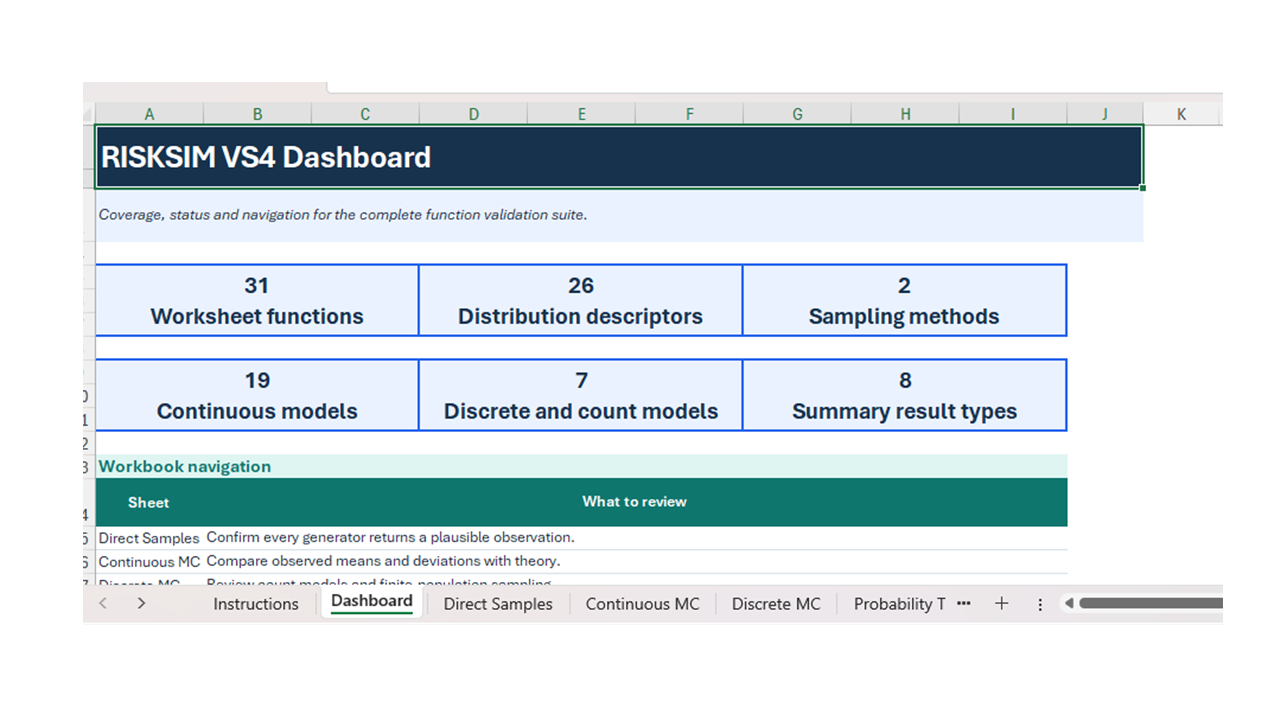
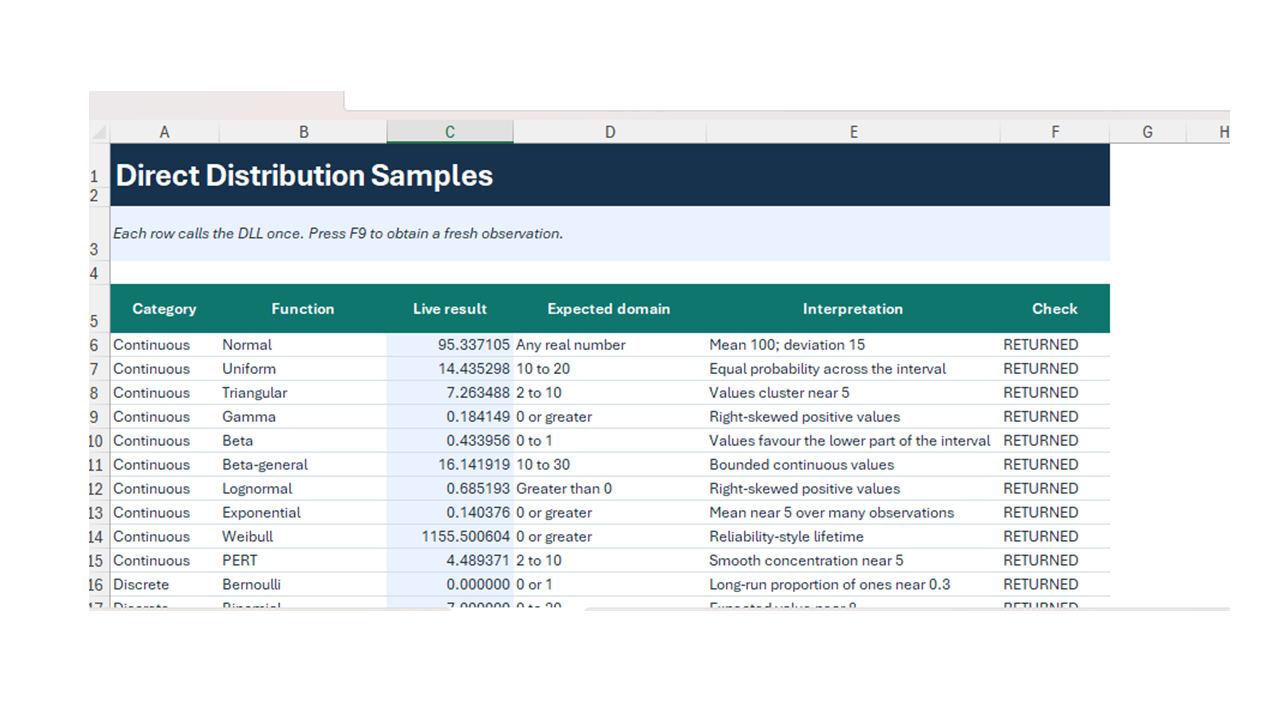
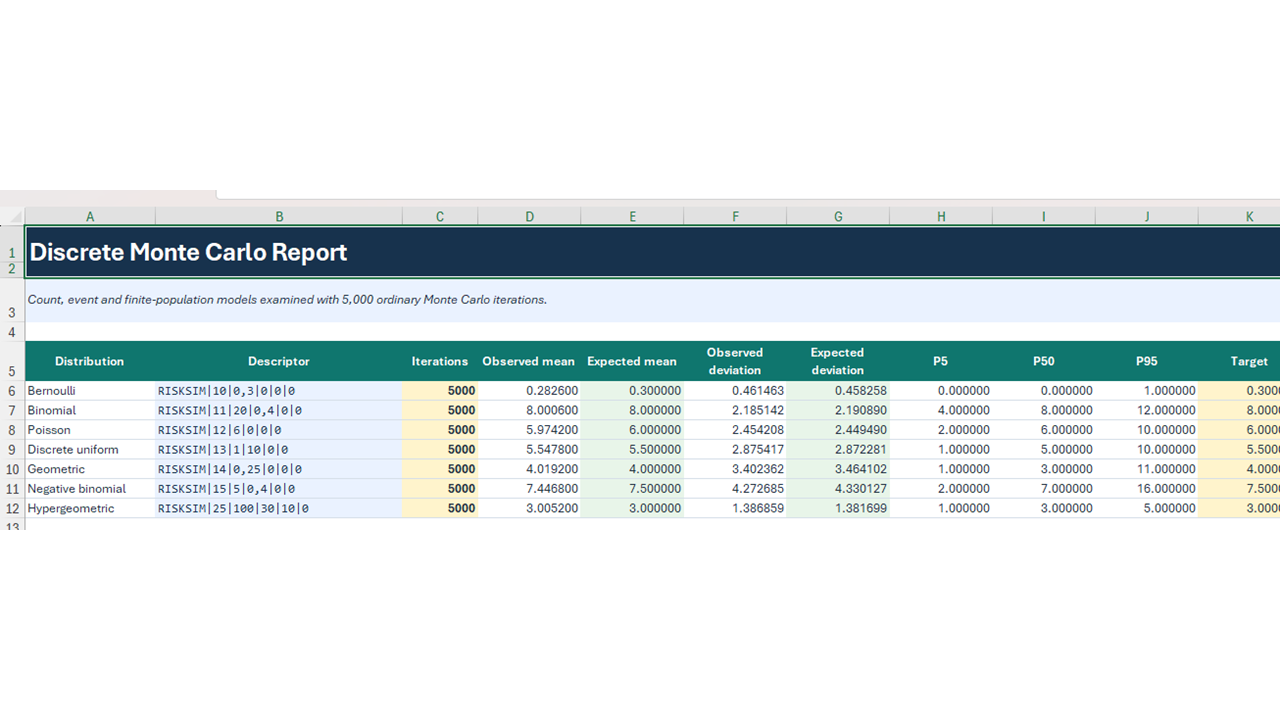
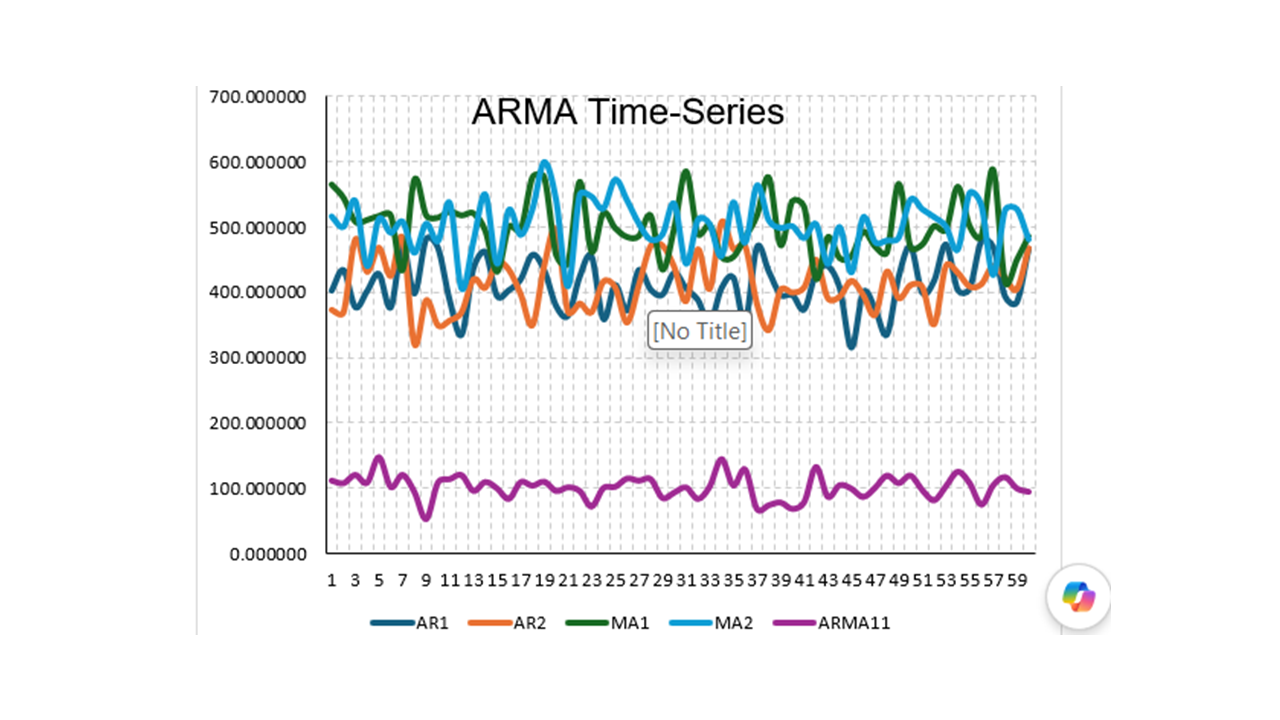
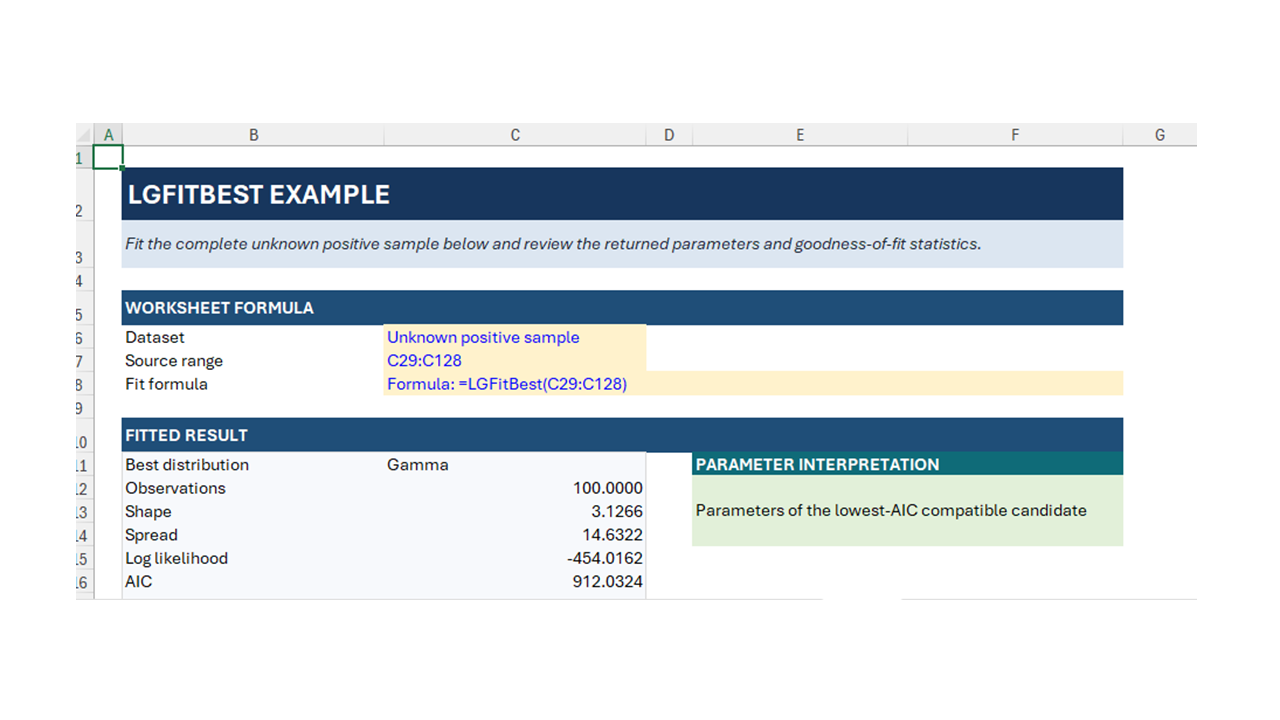
  • 50+ probability distributions (Normal, Lognormal, Beta, Gamma, Weibull, Triangular, Discrete, etc.)

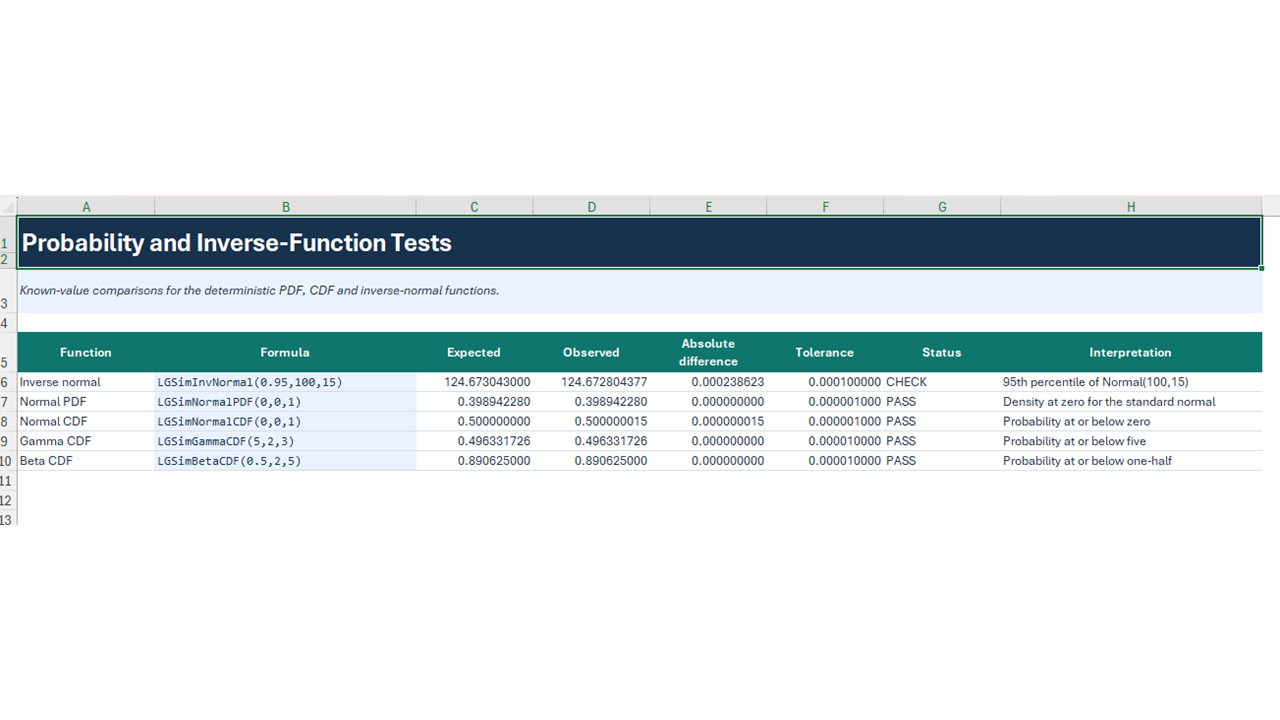
  • Statistical risk functions (mean, variance, percentiles, min/max, VaR-style metrics)

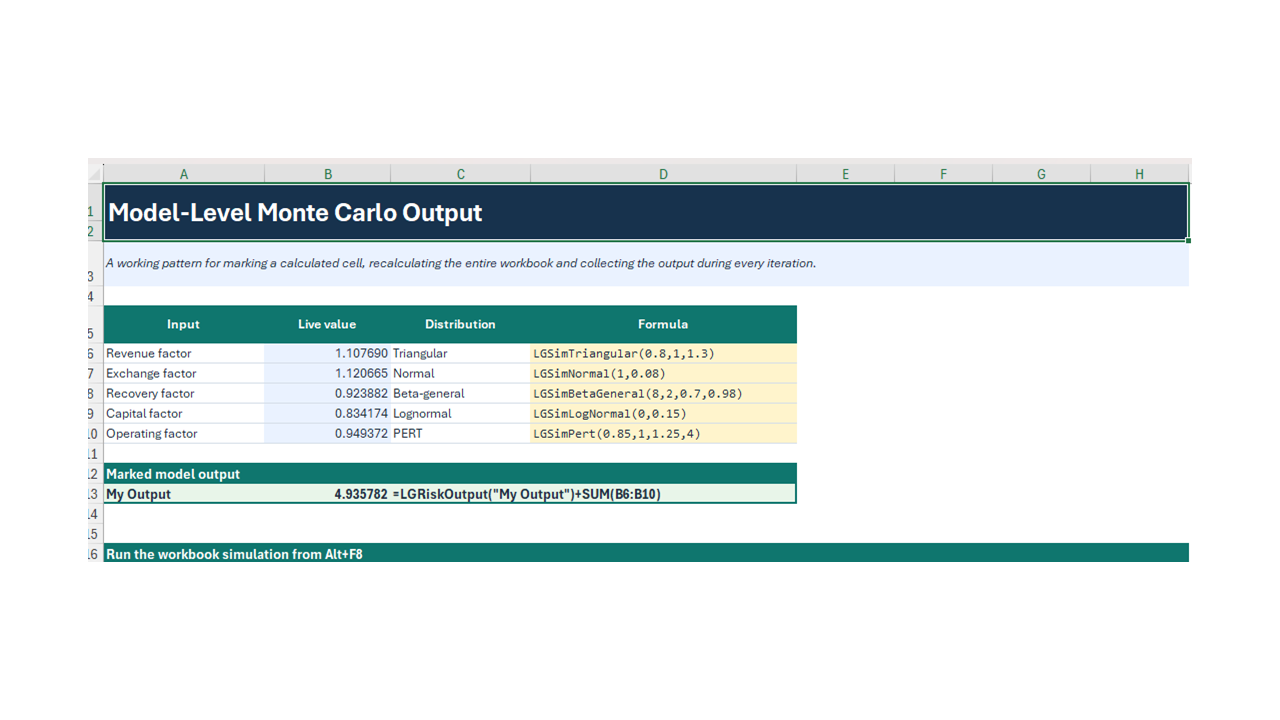
  • Deterministic + stochastic hybrid modelling

  • DLL-based execution for speed and reproducibility

  • Transparent formulas and auditable workflows

  • No subscription or cloud dependency

Who It’s For
  • Financial analysts & portfolio modellers

  • Engineers & technical consultants

  • Project risk analysts

  • Decision-makers evaluating uncertainty

  • Users seeking an alternative to @RISK®, Crystal Ball®, or Palisade tools

Typical Use Cases
  • Capital investment risk analysis

  • Forecast uncertainty modelling

  • Scenario & sensitivity analysis

  • Engineering and operational risk

  • Financial portfolio simulation

  • Business decision modelling

4. What’s Included (Very Important for Eloquens)

✅ ICC_RiskSim.dll – High-performance simulation engine
✅ ICC_RiskSim.xlsm – Excel front-end with VBA wrappers
✅ Full function reference table
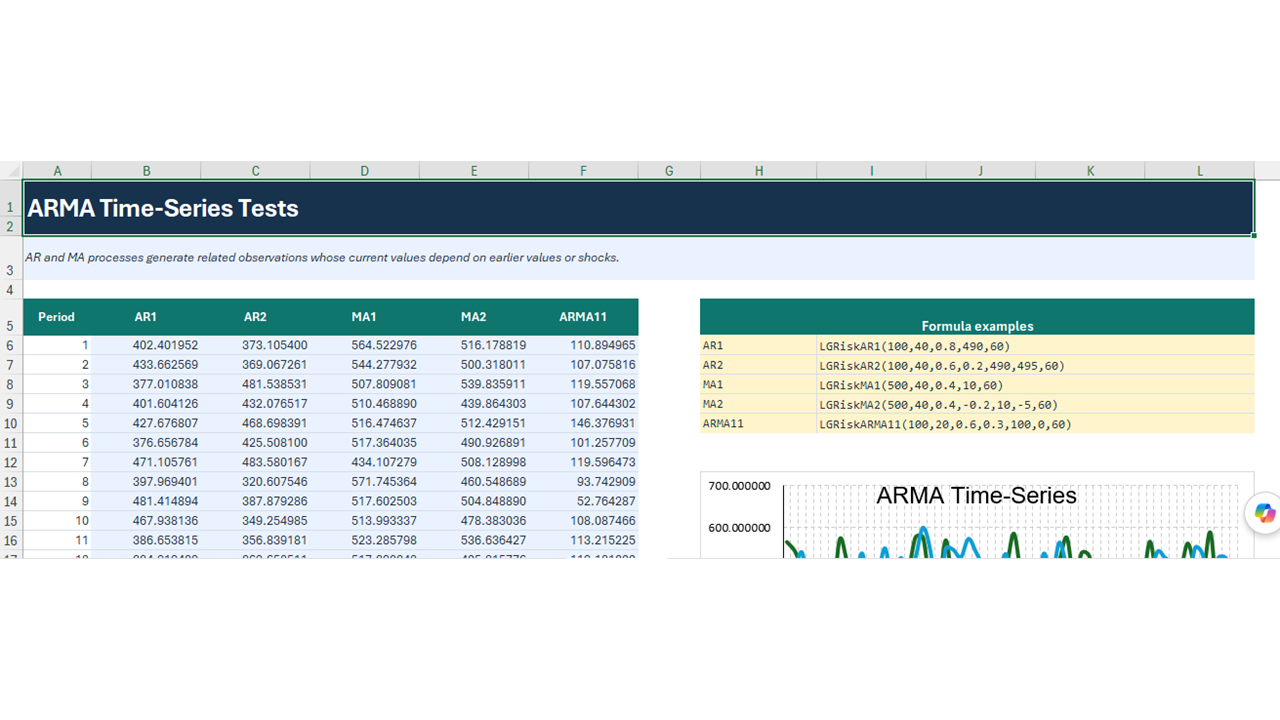
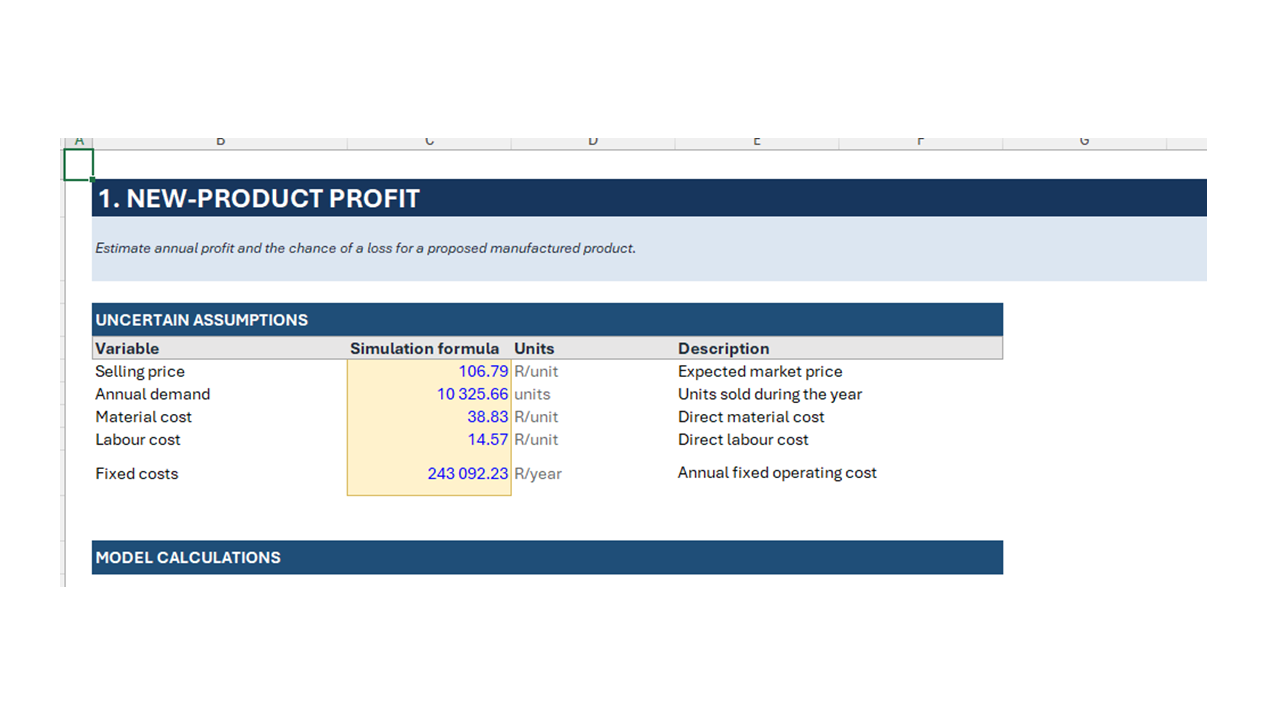
✅ Worked examples & demo models
✅ 15-page User Manual (PDF / Word)
✅ Installation guide (step-by-step)

5. Technical Requirements

  • Microsoft Excel (Windows)

  • VBA enabled

  • Windows OS (x64)

  • No external Python or cloud dependencies required

6. Licensing Position (Suggested)
  • Single-user commercial license

  • Redistribution prohibited

  • Internal business use permitted

  • Consulting deliverables allowed

IMPORTANT:  EXCTRACT ZIP FILE TO C:\ICC_RISKSIM.  MAKE A FOLDER ON YOUR C: DRIVE.

This Best Practice includes
1 ZIP File

Deon de Wet-Roos offers you this Best Practice for free!

download for free

Add to bookmarks

Discuss

Further information

To enable transparent Monte-Carlo risk modelling and uncertainty analysis directly within Excel, supporting informed decision-making through probabilistic simulation, scenario analysis, and statistically defensible outcomes.

This best practice applies most effectively under the following conditions:

When key inputs to a model are uncertain, variable, or subject to natural randomness

When decisions rely on forecasts, estimates, or assumptions rather than fixed known values

When risk exposure, downside outcomes, or tail events must be explicitly quantified

When deterministic Excel models need to be enhanced with probabilistic insight

When scenario analysis and sensitivity testing are required to support strategic decisions

When transparency, auditability, and reproducibility of results are critical

When Excel is the primary analytical environment used by the organization

When commercial “black-box” risk software is unavailable, cost-prohibitive, or unsuitable

This best practice may not be ideal under the following conditions:

When all model inputs are fixed, deterministic, and known with high certainty

When a simple point estimate is sufficient and uncertainty does not materially affect decisions

When users require real-time, automated, or streaming data analytics outside Excel

When advanced machine-learning or AI-driven forecasting is the primary requirement

When users lack basic familiarity with Excel or probabilistic concepts

When regulatory frameworks mandate the use of specific certified risk software

When cloud-only or fully web-based solutions are required


0.0 / 5 (0 votes)

please wait...