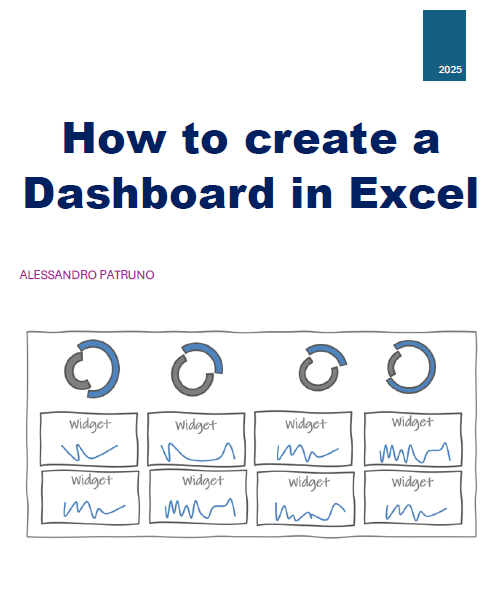
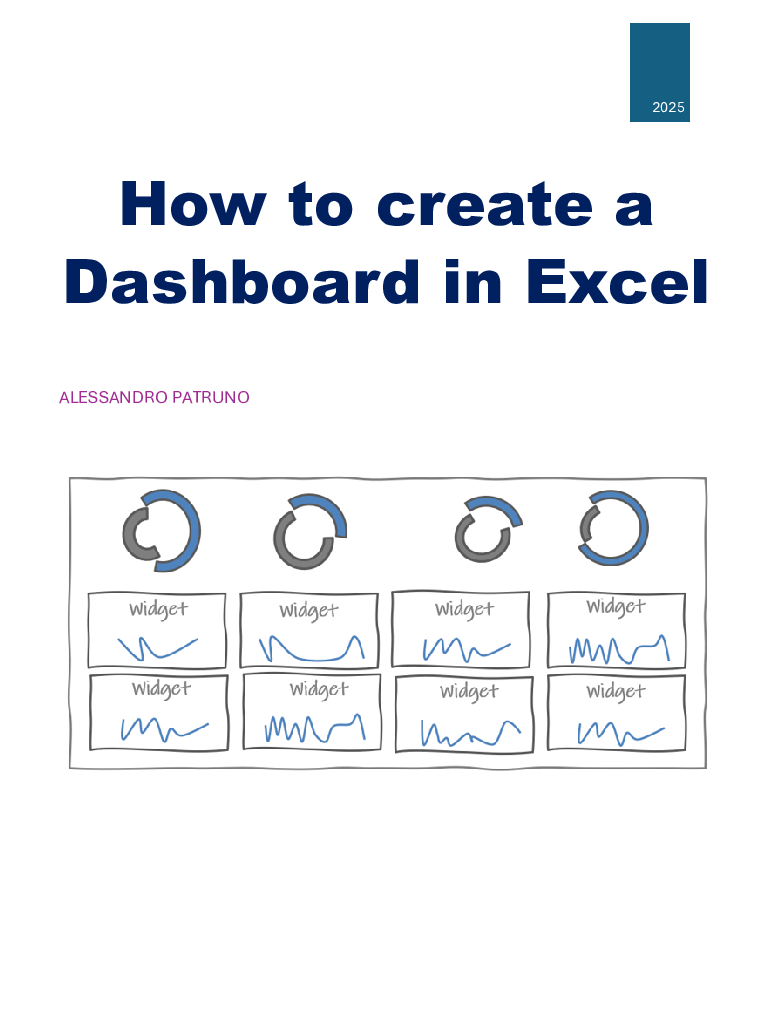
How to create a Dashboard in Excel
Originally published: 10/03/2025 09:16
Publication number: ELQ-67596-1
View all versions & Certificate
certified

How to create a Dashboard in Excel

Step-by-step instructions on gathering, cleaning, and organizing data, creating the right chart types

Description

This document is a comprehensive guide designed to help users build professional, data-driven dashboards using Microsoft Excel. This eBook provides a step-by-step approach to creating visually compelling dashboards that effectively summarize and analyze data for decision-making.

It explains the fundamental differences between dashboards and reports, emphasizing the importance of dashboards in displaying key performance indicators (KPIs) in an intuitive, real-time format. It then delves into the essential planning steps, guiding readers on how to define objectives, identify relevant KPIs, and structure their dashboard layout for maximum efficiency.

Readers will learn how to import and clean raw data, ensuring accuracy and consistency before visualizing it. The book explores various chart types, from bar and line charts to more advanced visualizations like gauge and variance charts, helping users select the best formats to represent their data effectively. Additionally, the guide covers formatting techniques to enhance readability, best practices for user-friendly design, and tips for making dashboards interactive with drop-down lists, conditional formatting, and dynamic charts.

By following the techniques outlined in this guide, users will be able to create dashboards that not only present data clearly but also provide actionable insights. Whether for business analytics, project tracking, or performance monitoring, this eBook equips readers with the skills to design Excel dashboards that improve decision-making and efficiency.

This Best Practice includes
1pdf file containing also a link to download an excel template

Acquire business license for $8.00

Add to cart

Add to bookmarks

Discuss


0.0 / 5 (0 votes)

please wait...
