Real Estate Investment Analysis — 10-Year Rental Property Excel Model
Originally published: 13/07/2026 20:05
Publication number: ELQ-55301-1
View all versions & Certificate
certified

Real Estate Investment Analysis — 10-Year Rental Property Excel Model

Analyze rental property returns — cap rate, cash-on-cash, IRR — over a full 10-year hold.

Description

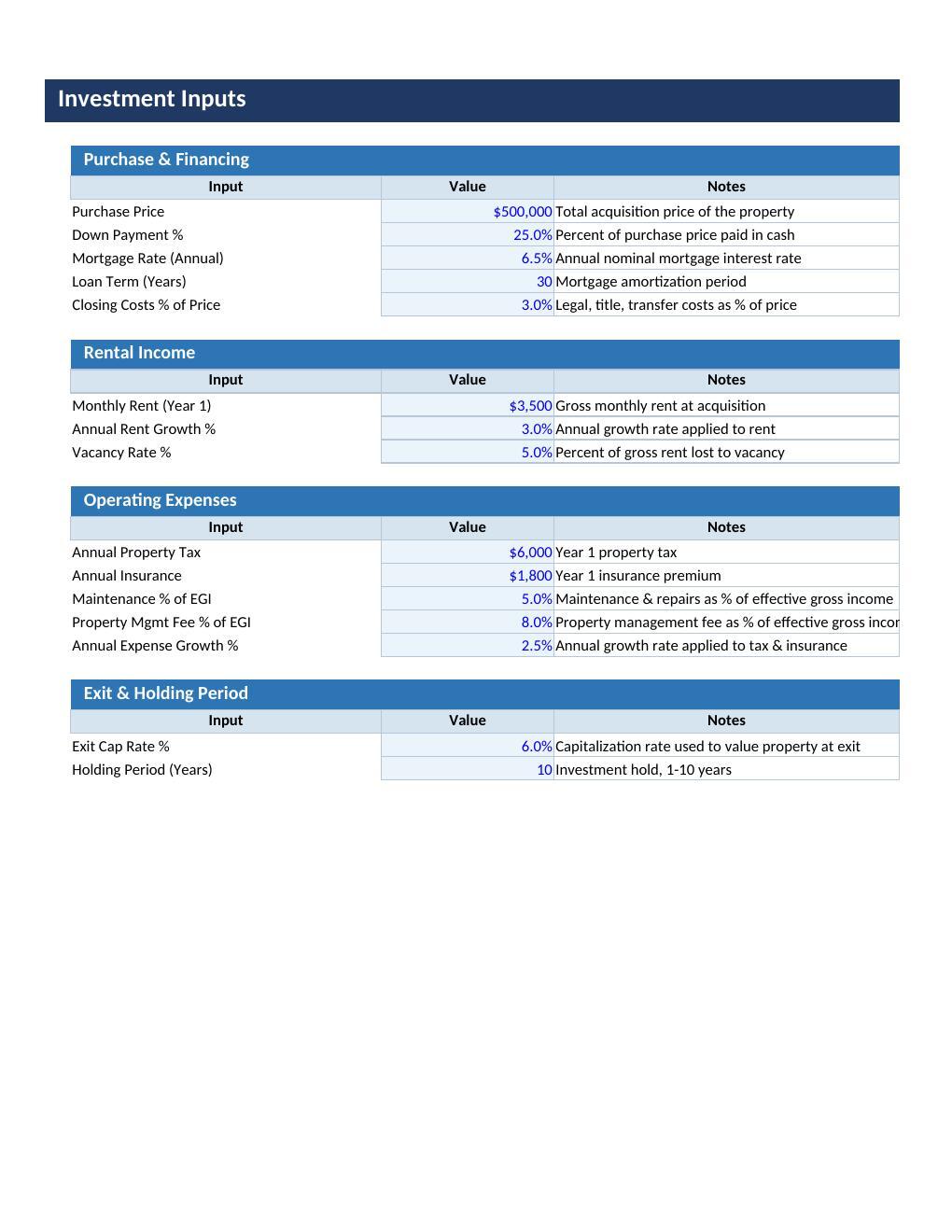
Evaluate any rental property investment with confidence using this fully automated 10-year real estate analysis model.

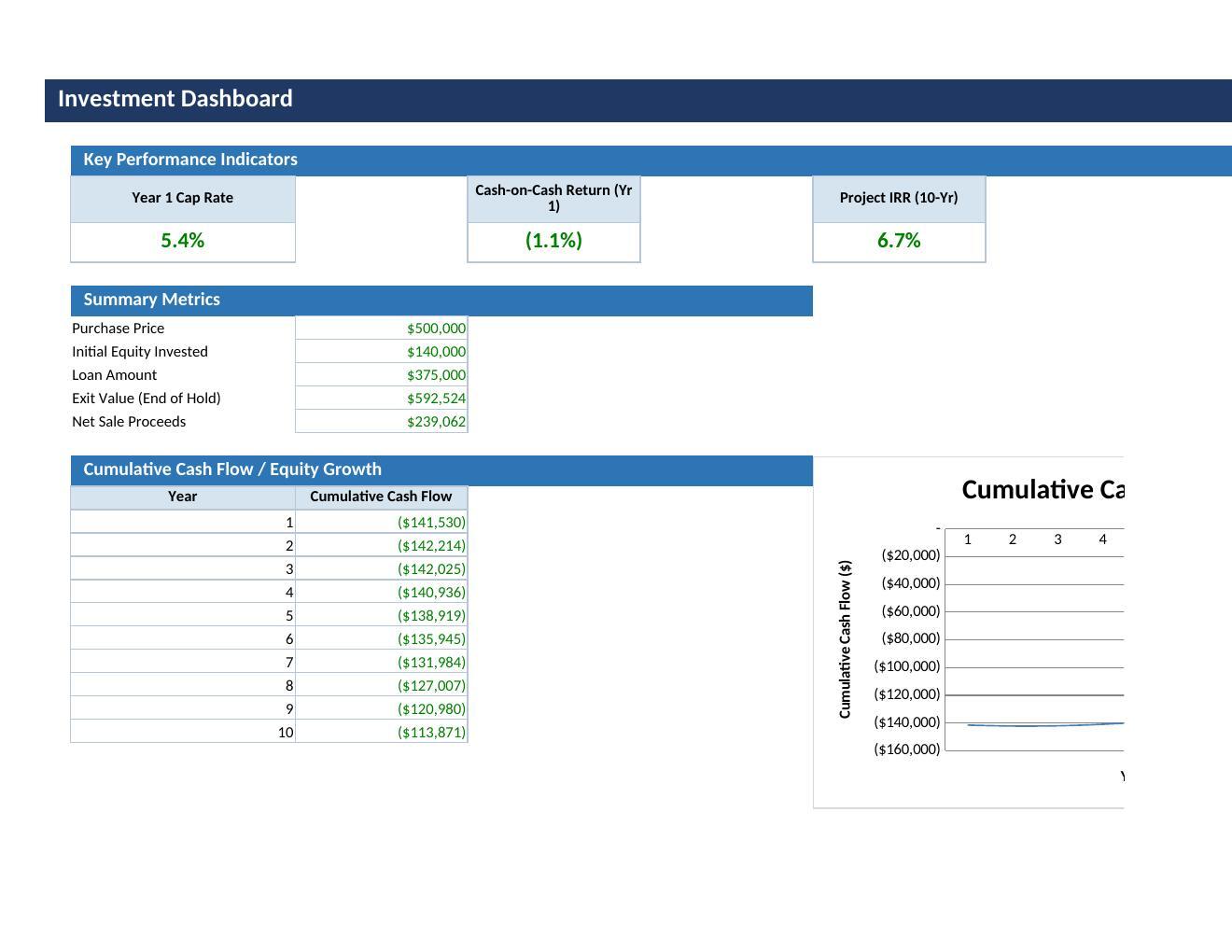
Enter the purchase price, financing terms, rental income, and operating expenses, and the workbook builds the complete year-by-year cash flow, financing schedule, and return metrics — cap rate, cash-on-cash return, IRR, and equity multiple — with a projected sale at exit.

What This Model Does:

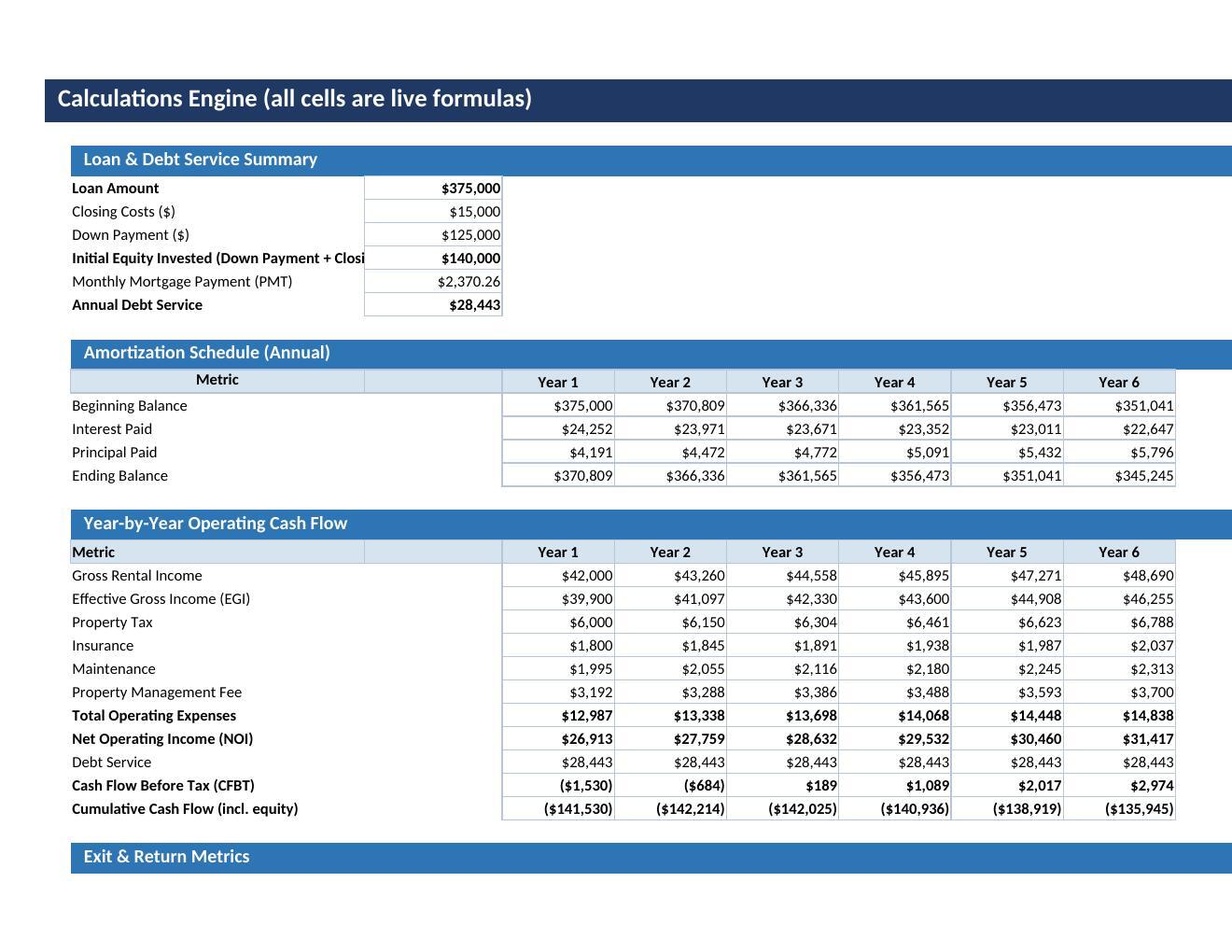
  • Calculates the mortgage payment and full amortization schedule via native Excel PMT logic.

  • Builds year-by-year gross rental income, vacancy loss, operating expenses, and NOI for up to 10 years.

  • Tracks debt service and levered cash flow before and after financing.

  • Computes Year 1 cap rate, cash-on-cash return, and a 10-year IRR using Excel's IRR function on the full cash flow stream including the projected sale proceeds at exit.

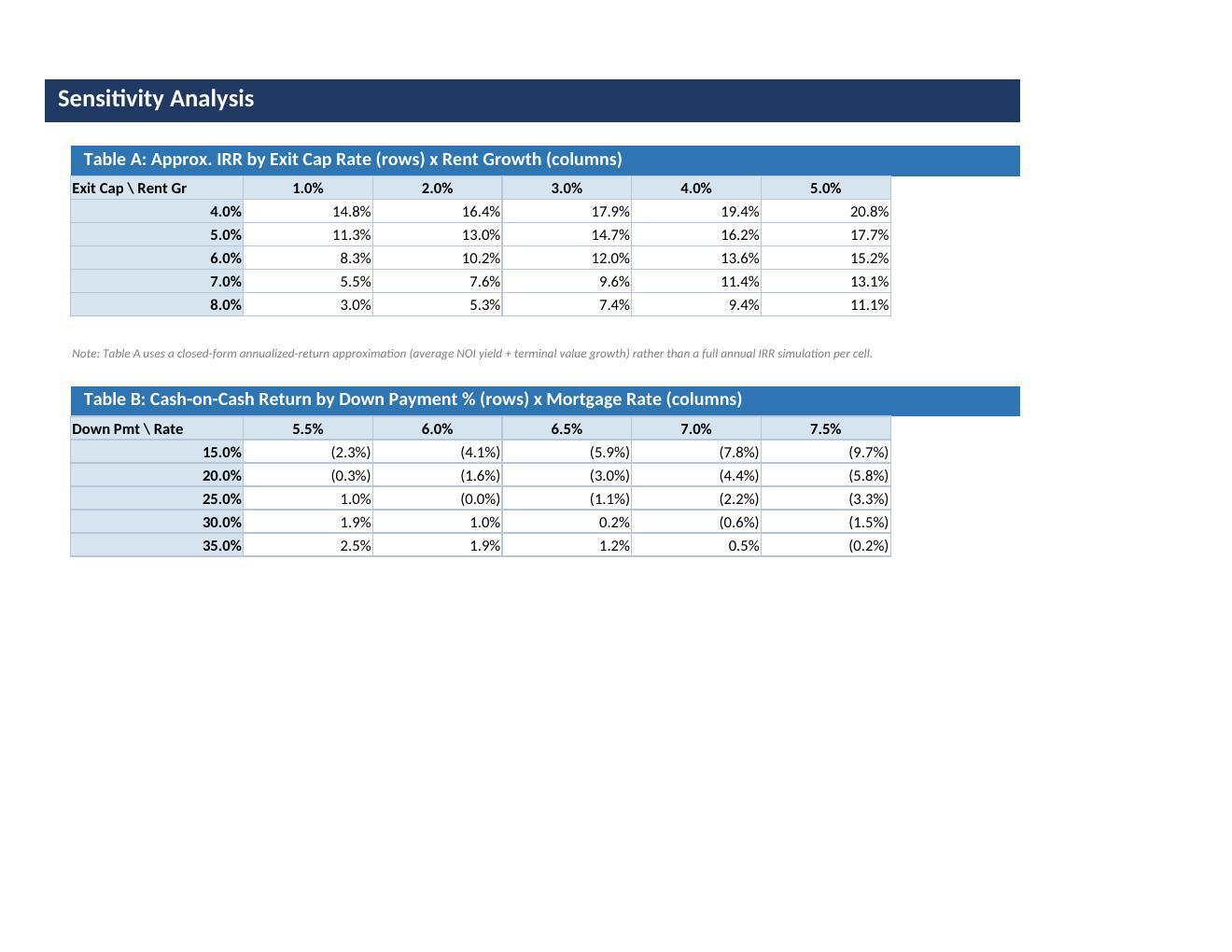
  • Two-way sensitivity grids show how IRR and cash-on-cash return move with your key assumptions.

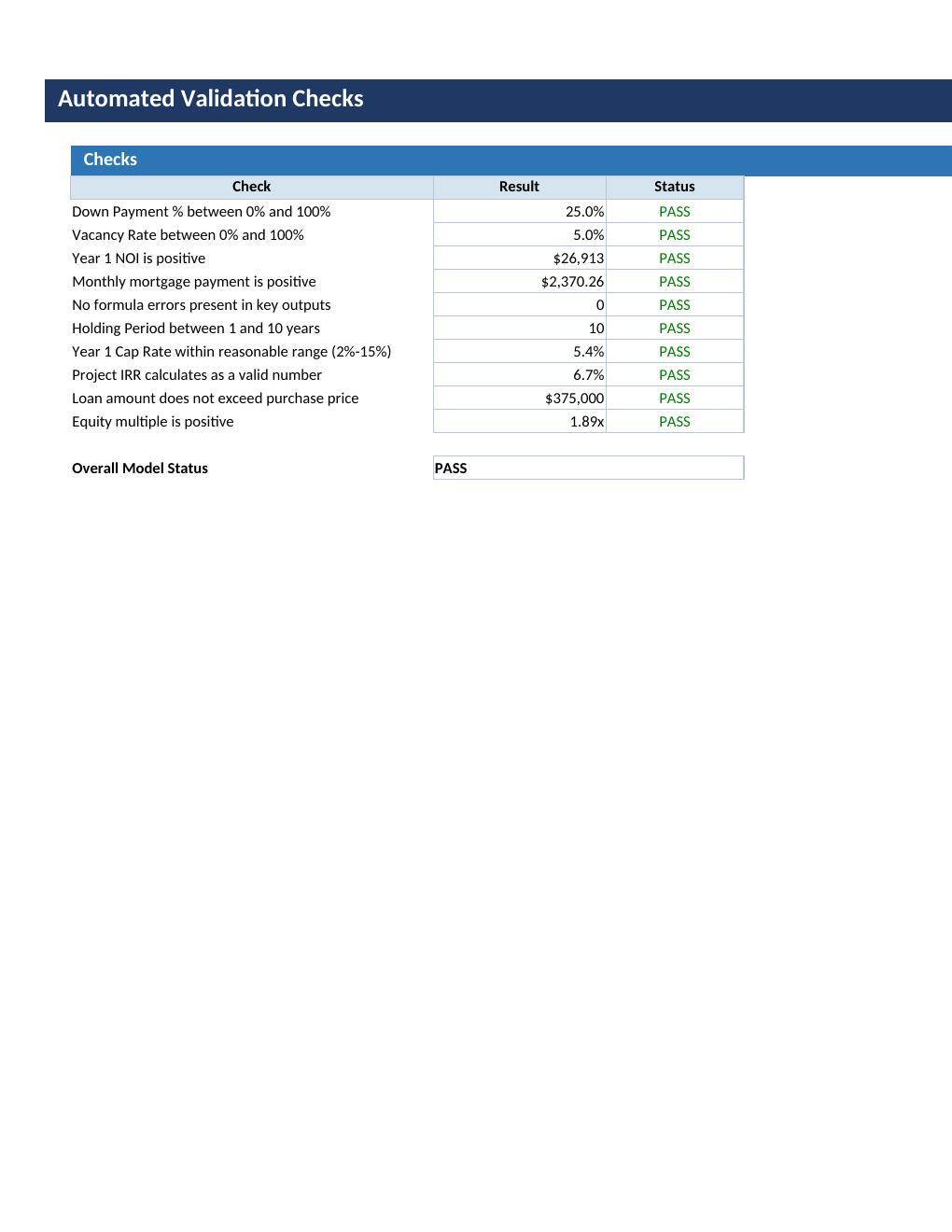
  • Ships with 9 automated validation checks.

Who It Is For:

  • Real estate investors underwriting a rental property purchase,

  • Real estate agents and brokers building return projections for clients,

  • Financial analysts and consultants modelling investment property deals,

  • Anyone comparing multiple properties on a like-for-like return basis.

What Is Included:

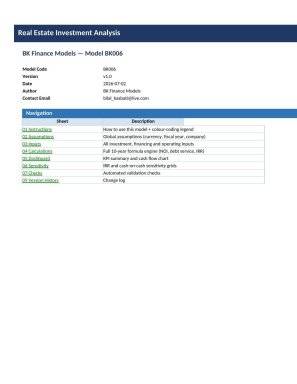
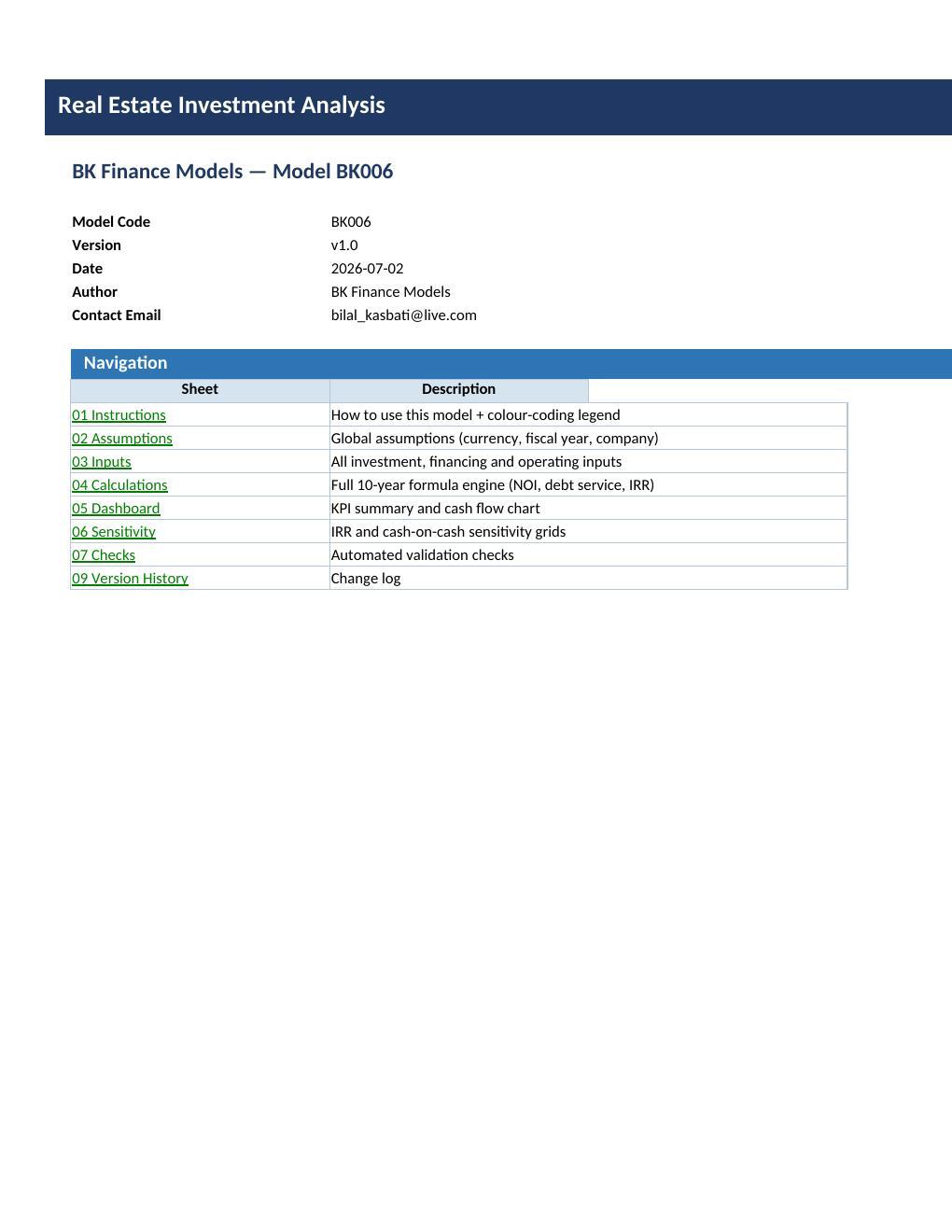
The workbook contains 9 professionally formatted sheets:

  • 00 Cover,

  • 01 Instructions,

  • 02 Assumptions,

  • 03 Inputs,

  • 04 Calculations (full 10-year cash flow and amortization engine),

  • 05 Dashboard,

  • 06 Sensitivity,

  • 07 Checks,

  • 09 Version History.

All calculations use native Excel formulas — no macros, no VBA. Blue cells are unlocked inputs, black cells are protected formulas.

Sheet protection password: BKFinance2026.

This Best Practice includes
1 Excel workbook (.xlsx), 9 sheets: Cover, Instructions, Assumptions, Inputs, Calculations, Dashboard, Sensitivity, Checks, Version History

Acquire business license for $24.99

Add to cart

Add to bookmarks

Discuss


0.0 / 5 (0 votes)

please wait...
