
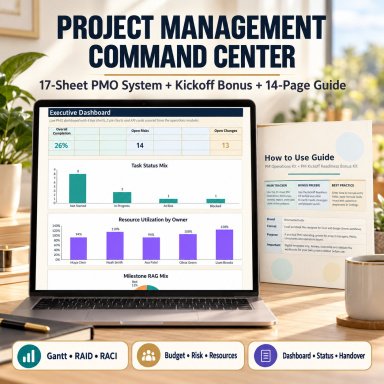
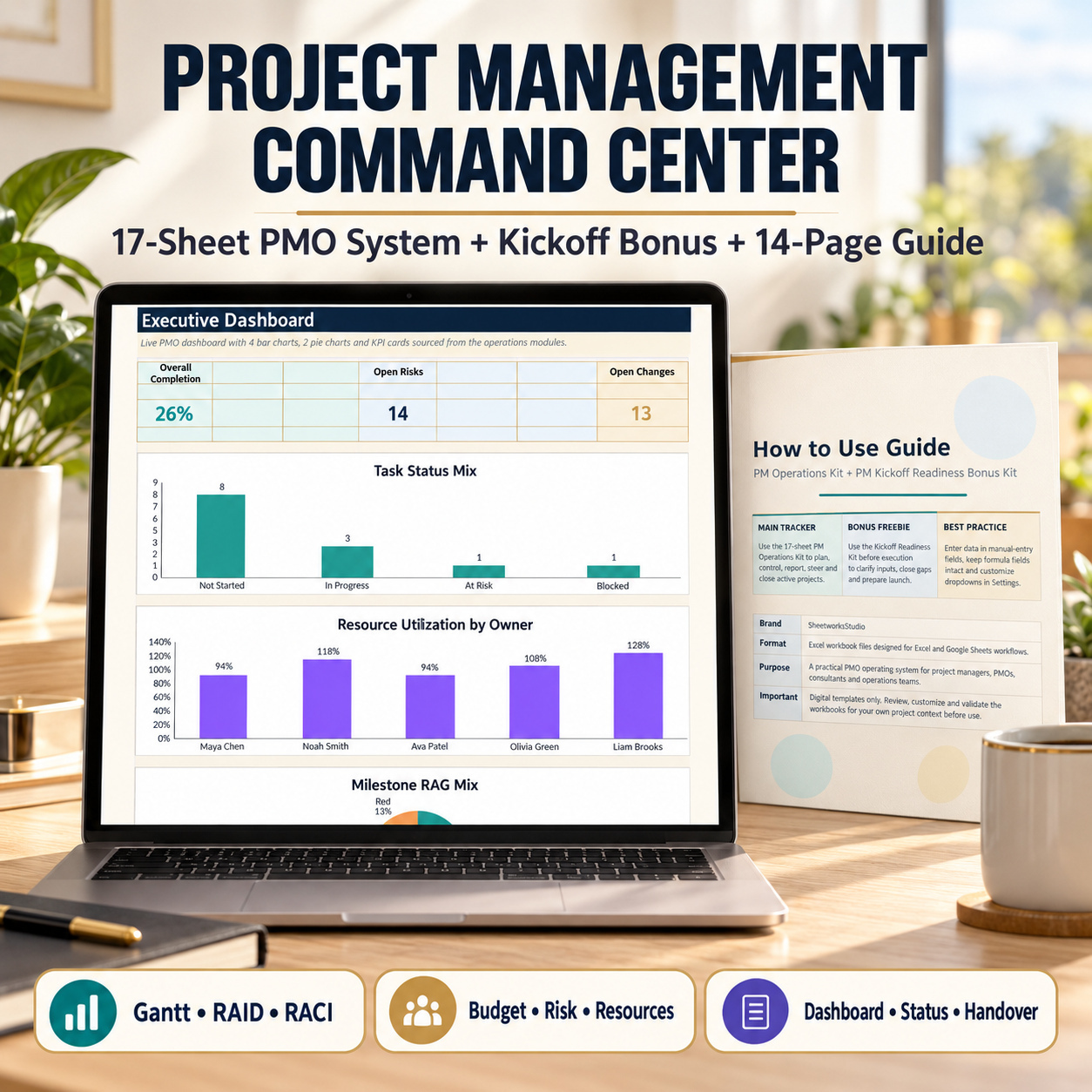
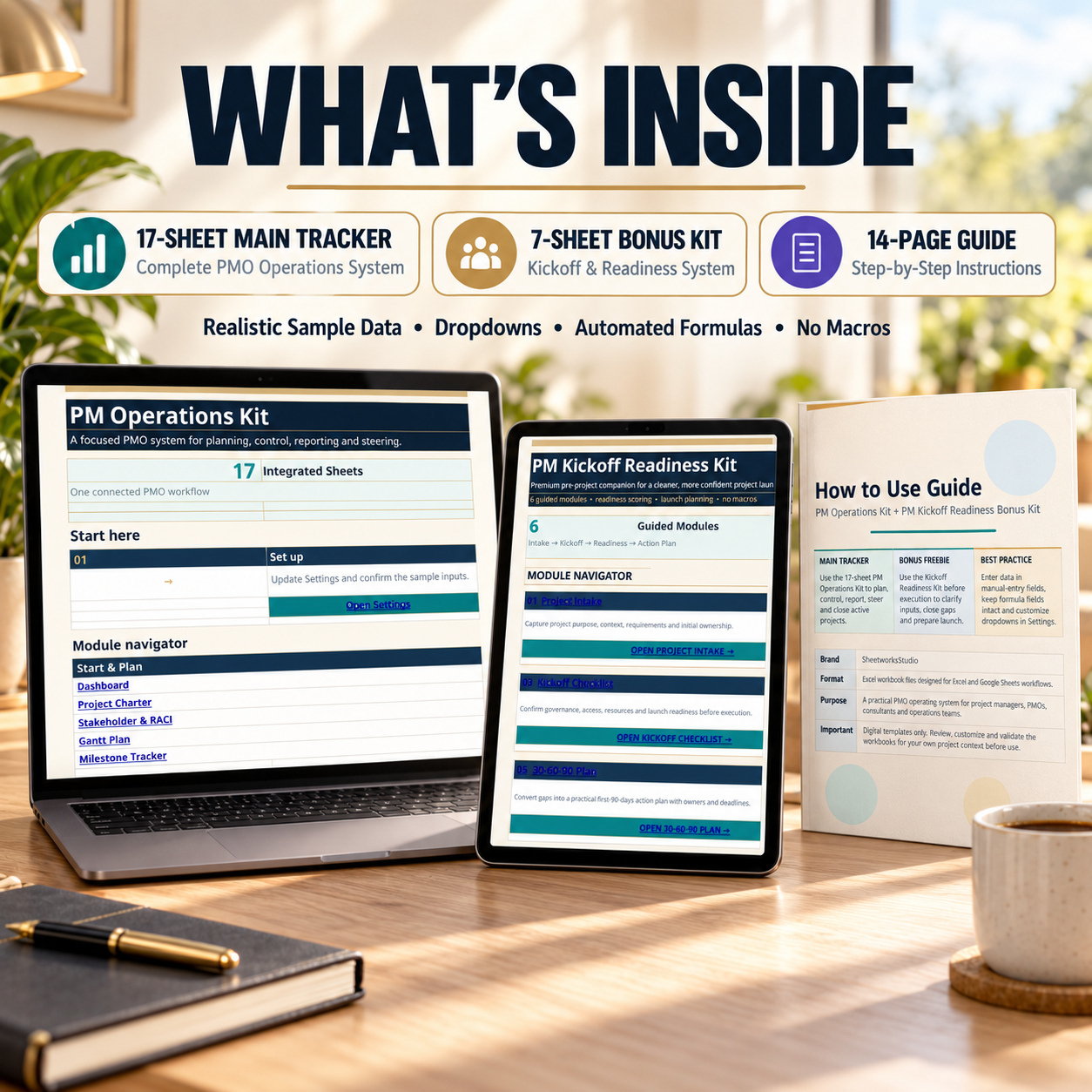
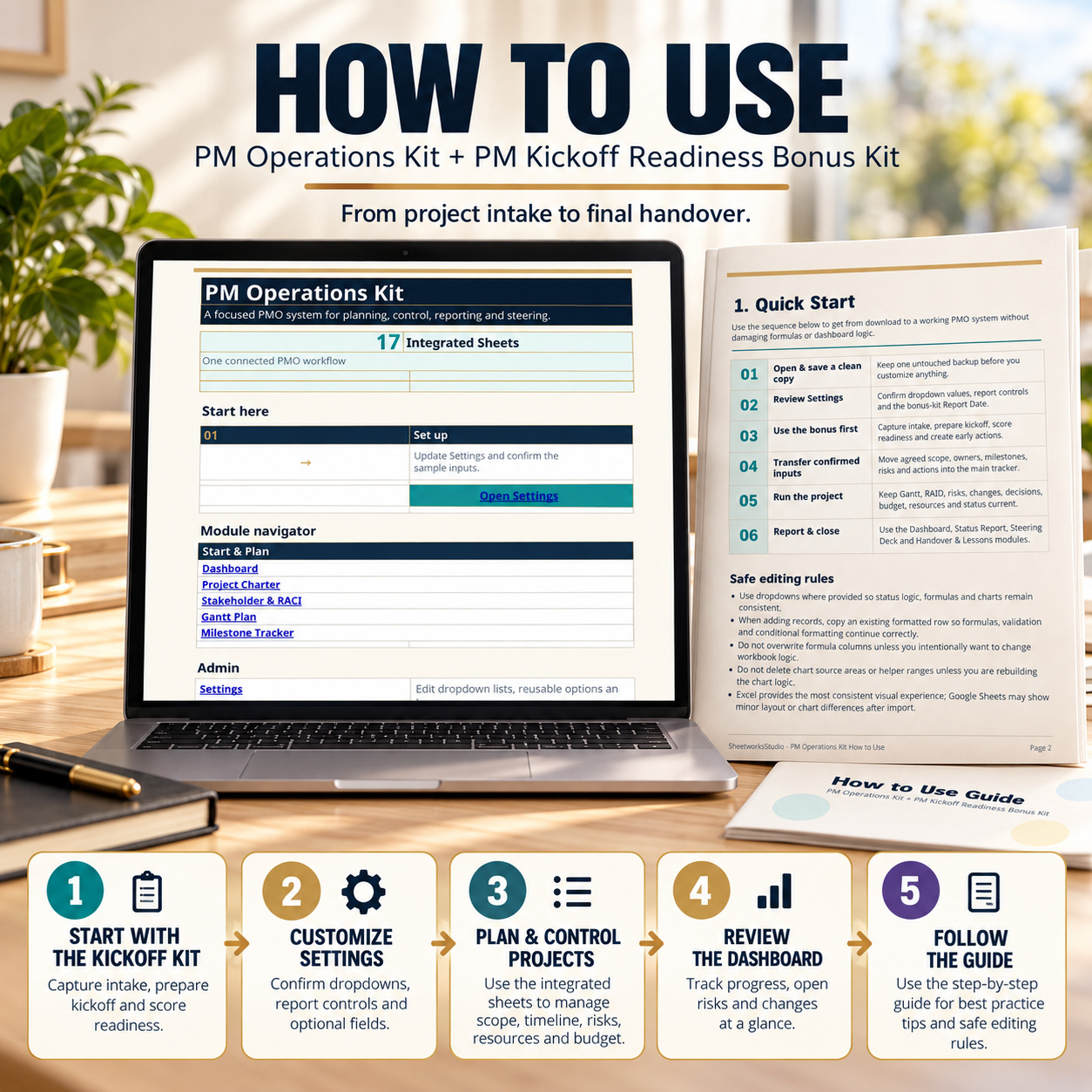
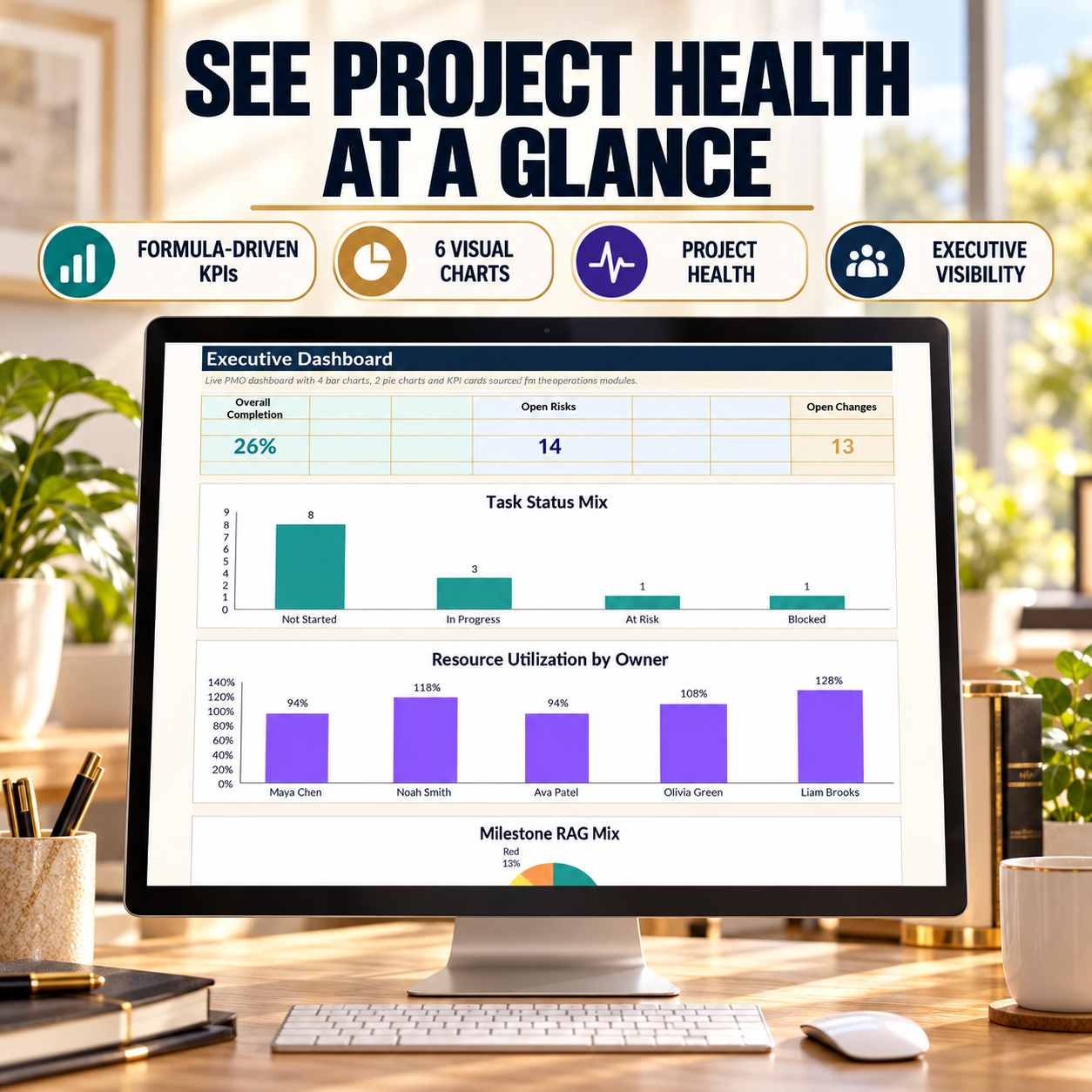
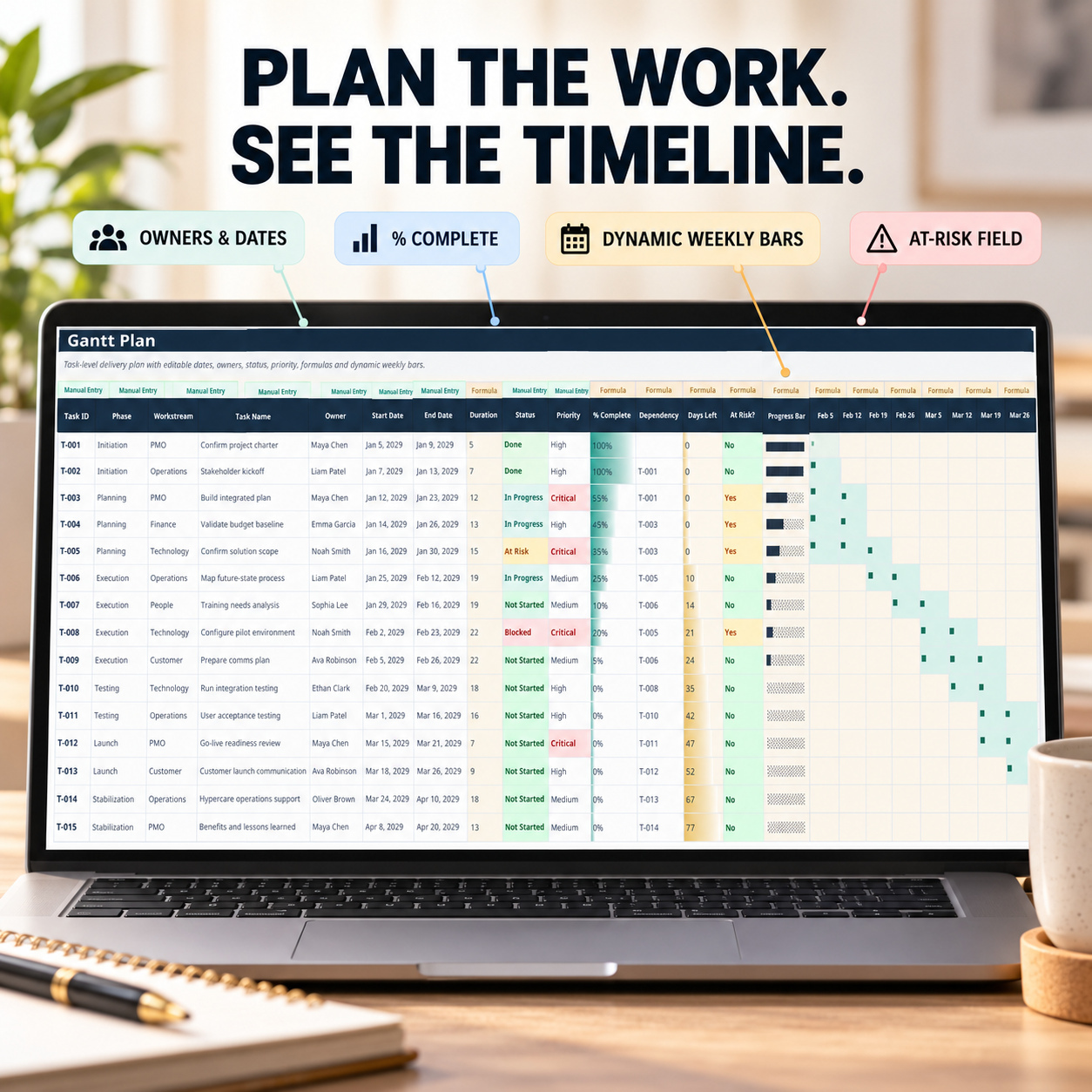
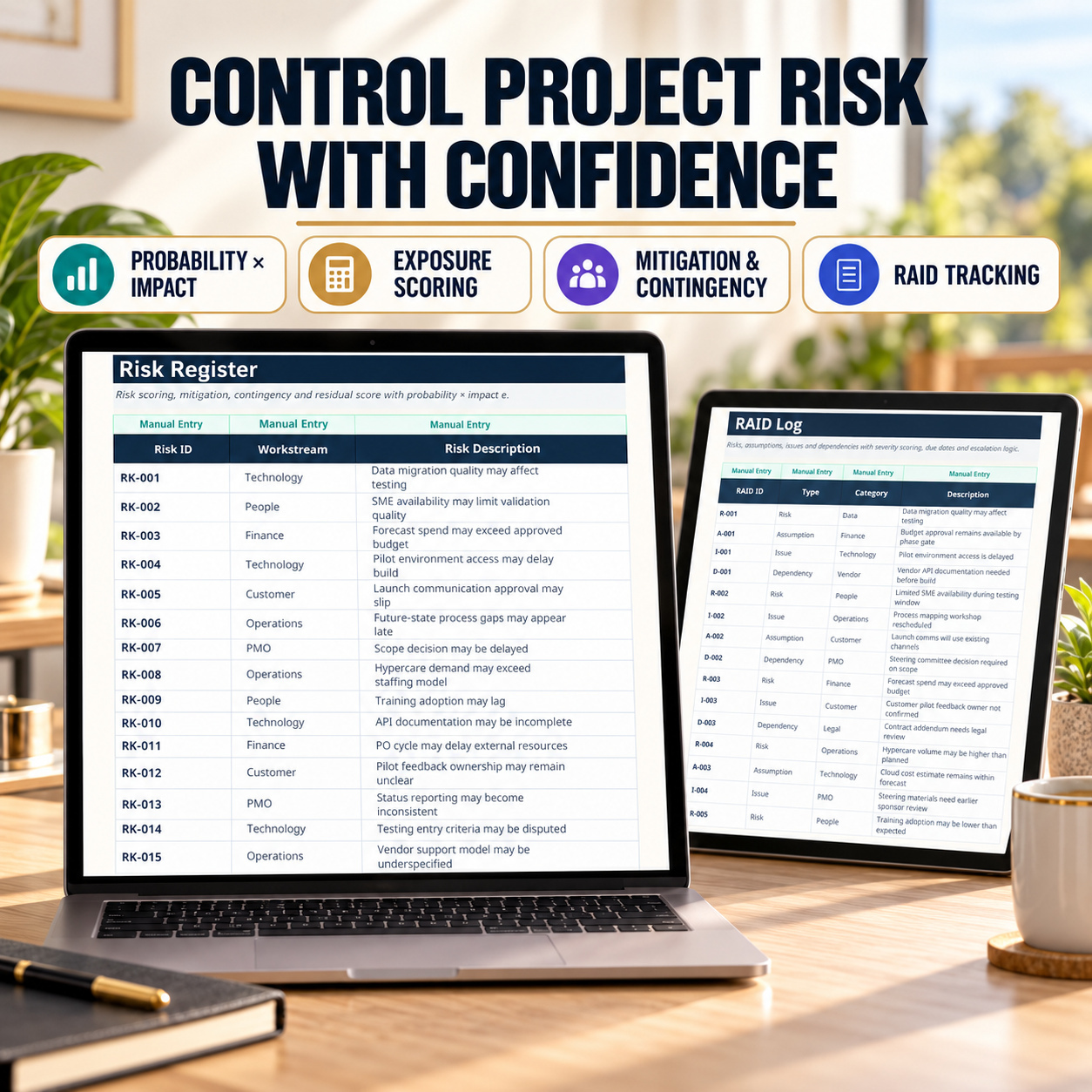
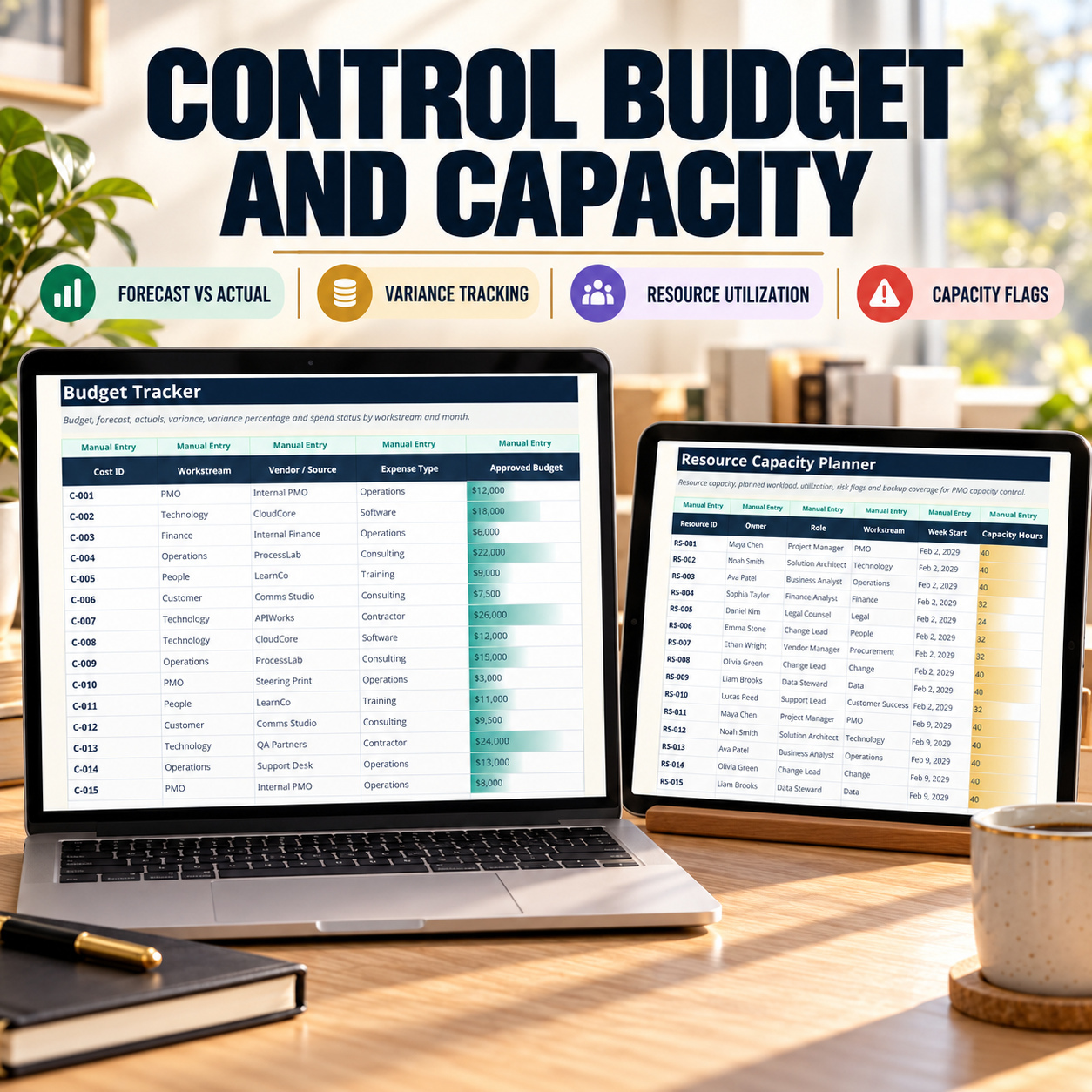
Project Management Excel System | PMO Dashboard, Gantt, RAID, RACI, Budget & Risk Control
Professional 17-sheet PMO system for project planning, Gantt scheduling, RAID, RACI, budget control, resources, risks, reporting and project handover.
Further information
The objectives of this toolkit are to:
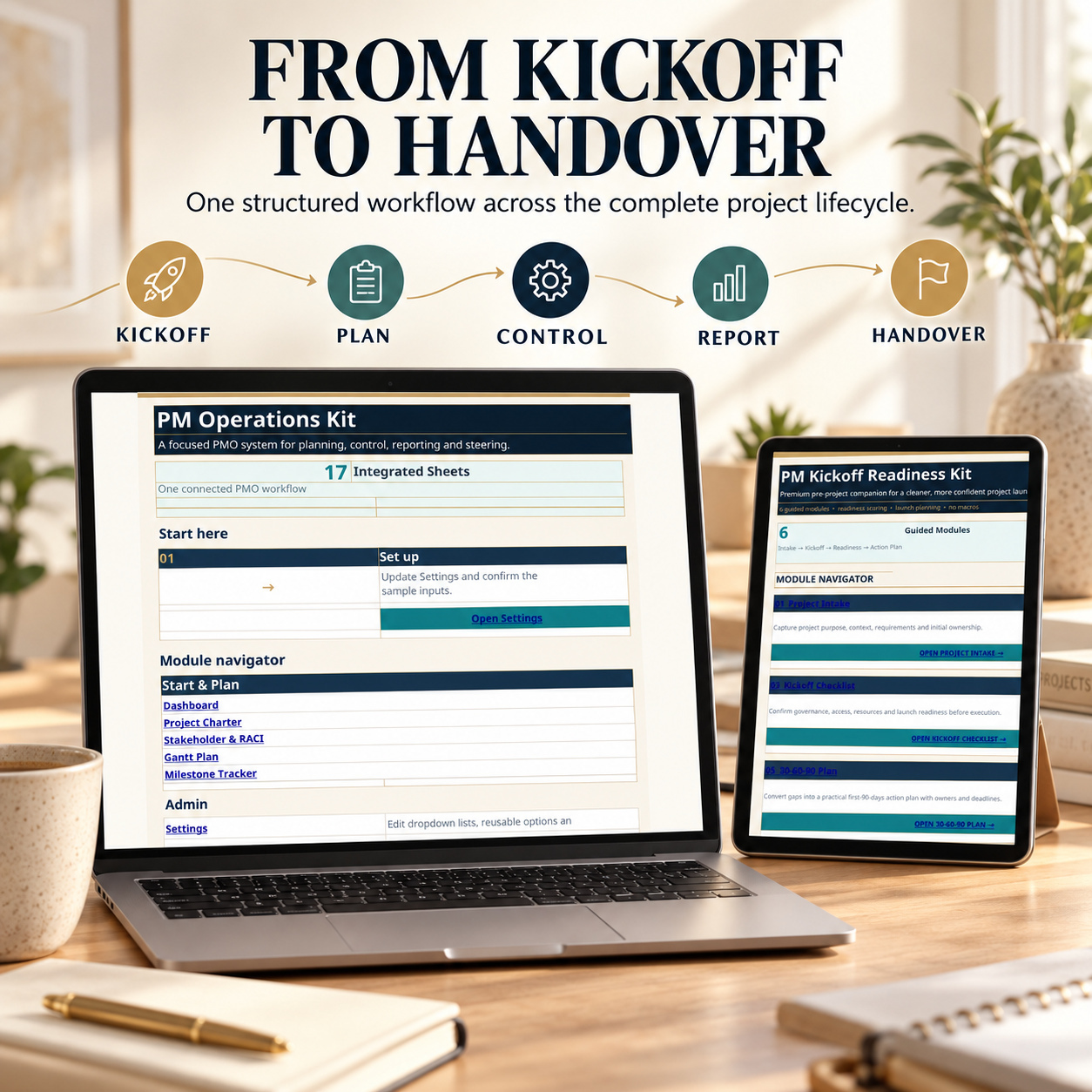
Structure project planning from initial intake through handover
Centralize key project-management information
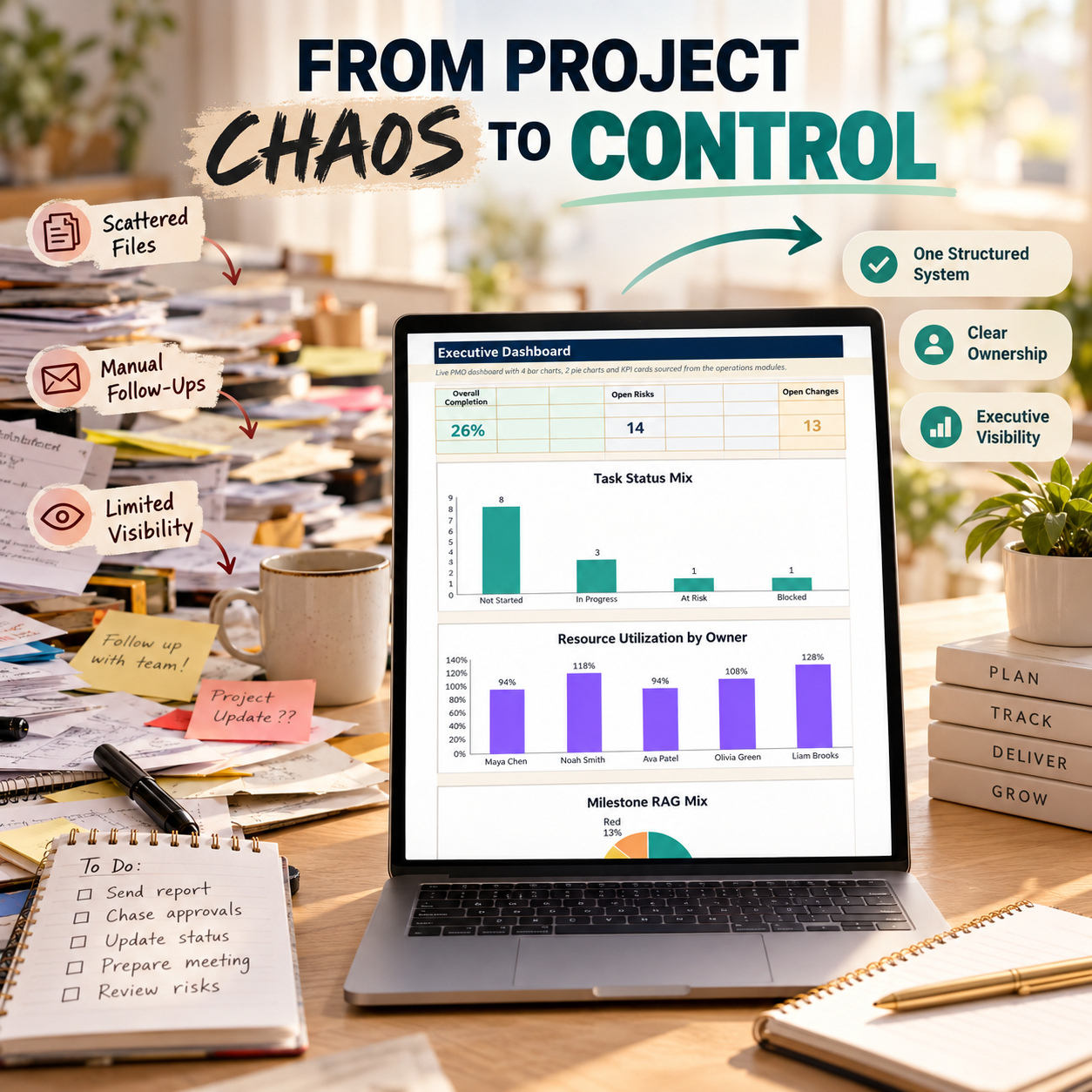
Improve visibility over tasks, milestones and project status
Document project risks, assumptions, issues and dependencies
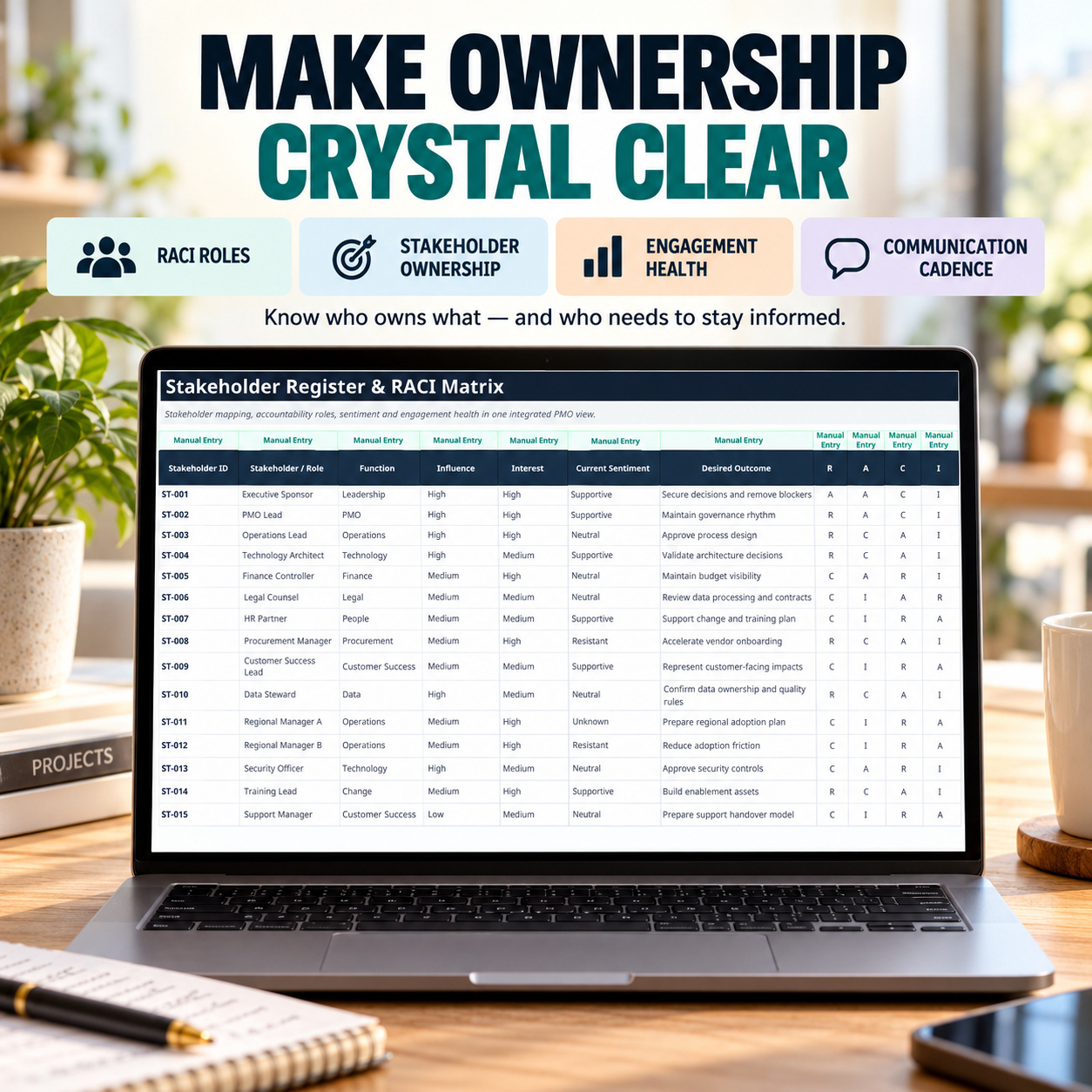
Strengthen stakeholder and responsibility tracking
Support structured change and decision management
Monitor budgets, forecasts and project-cost variances
Improve resource-planning visibility
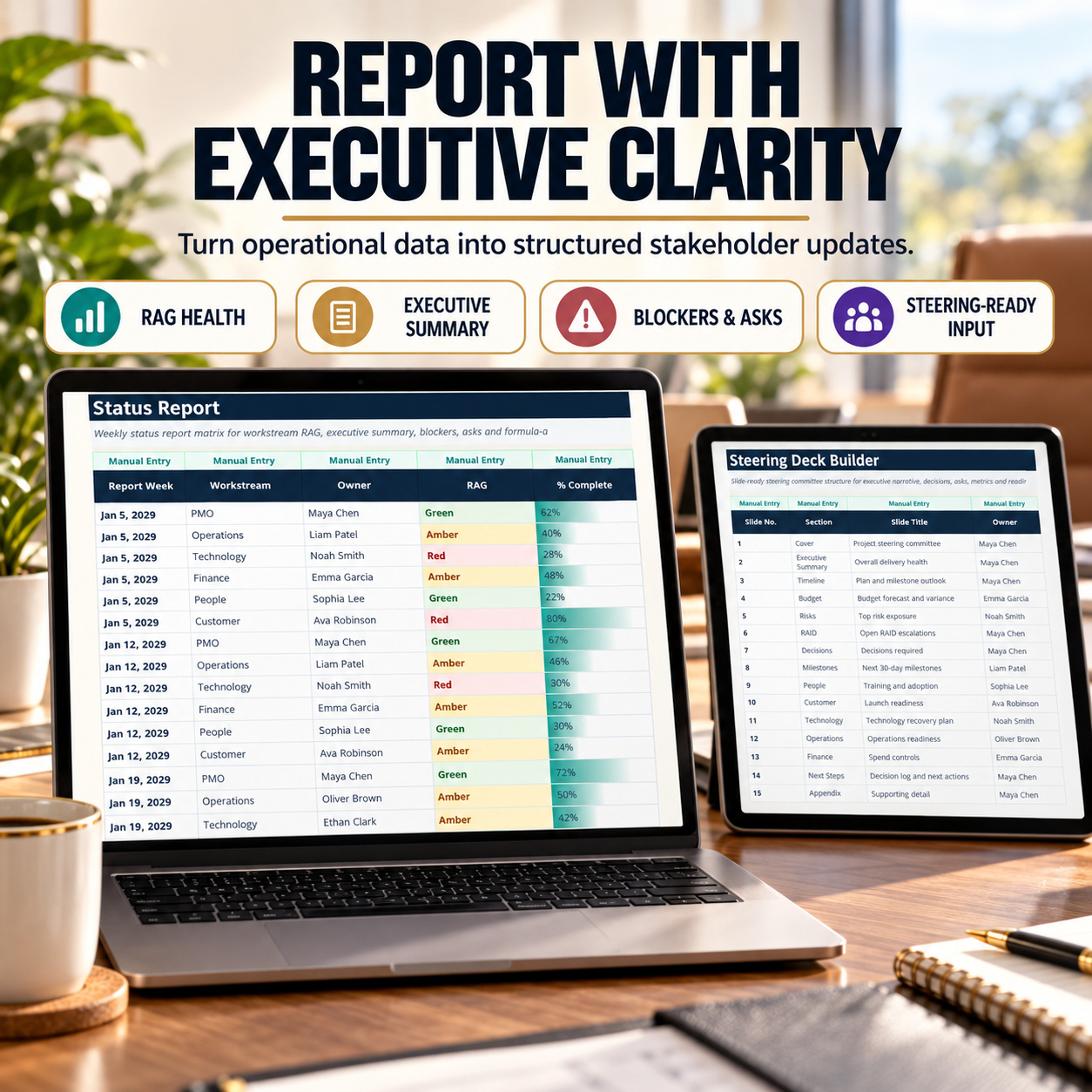
Support recurring status and steering reviews
Create more consistent project documentation and management reporting
Strengthen traceability of actions, decisions and project controls
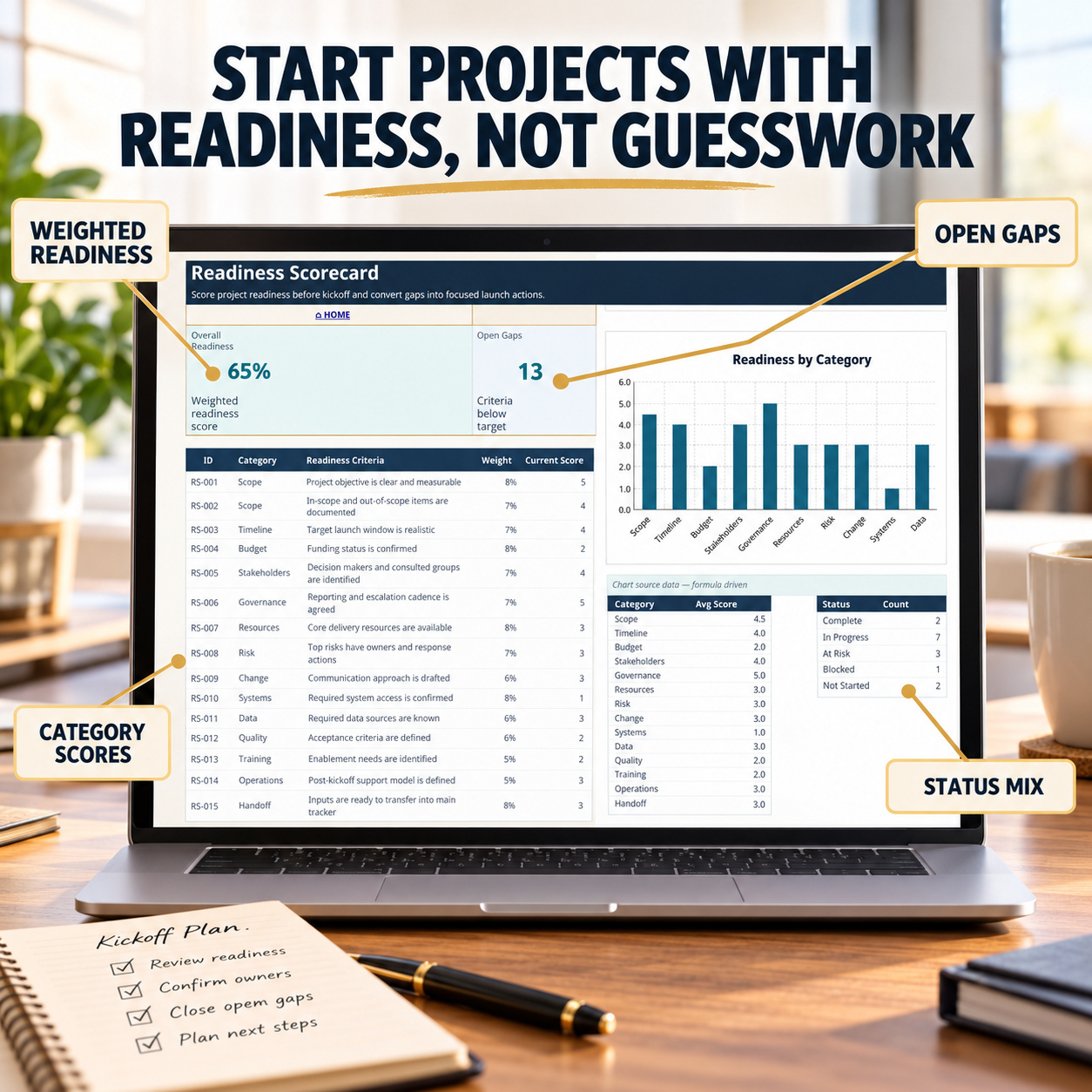
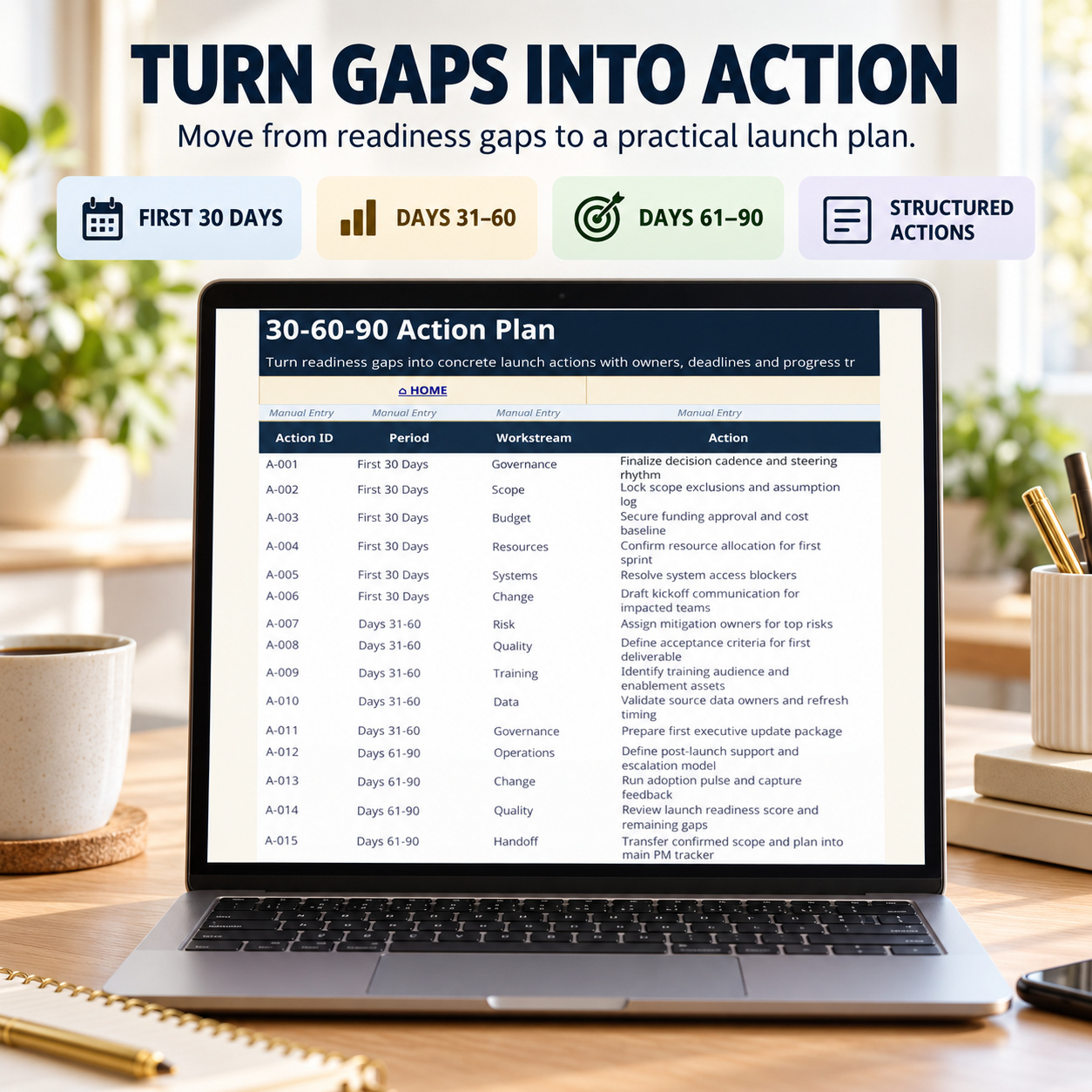
Support structured kickoff readiness and early action planning
The toolkit supports organization and management processes but does not guarantee project outcomes.
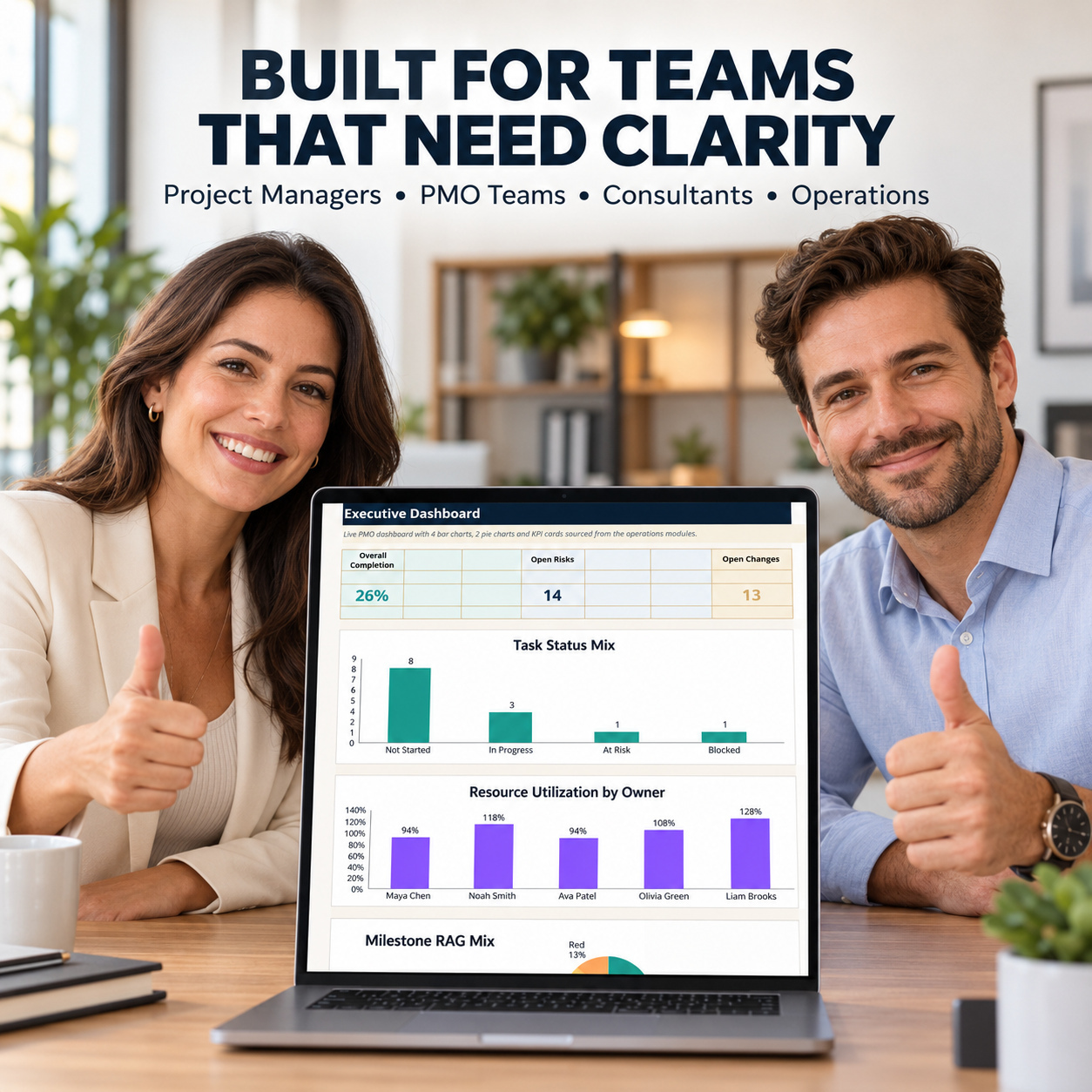
This toolkit is particularly suitable for:
Project Managers
PMO teams
Consultants
Operations Managers
SMEs
Startup teams
Business project teams
Product and delivery teams
Team Leads
Freelancers managing structured client projects
It works particularly well where teams need a practical Excel-based project-control framework covering planning, governance, schedule management, risks, resources, budgets, meetings, decisions, status reporting and handover.
It is especially relevant for organizations that want more structure than a basic task tracker but do not require a fully integrated enterprise project-management platform.
This toolkit is not intended to replace enterprise project-management, ERP, financial, resource-management or collaboration platforms where real-time multi-user workflow, live system integrations, automated synchronization or advanced portfolio-level infrastructure are required.
It does not include APIs, live data feeds, Power Query, external system integrations or automated synchronization.
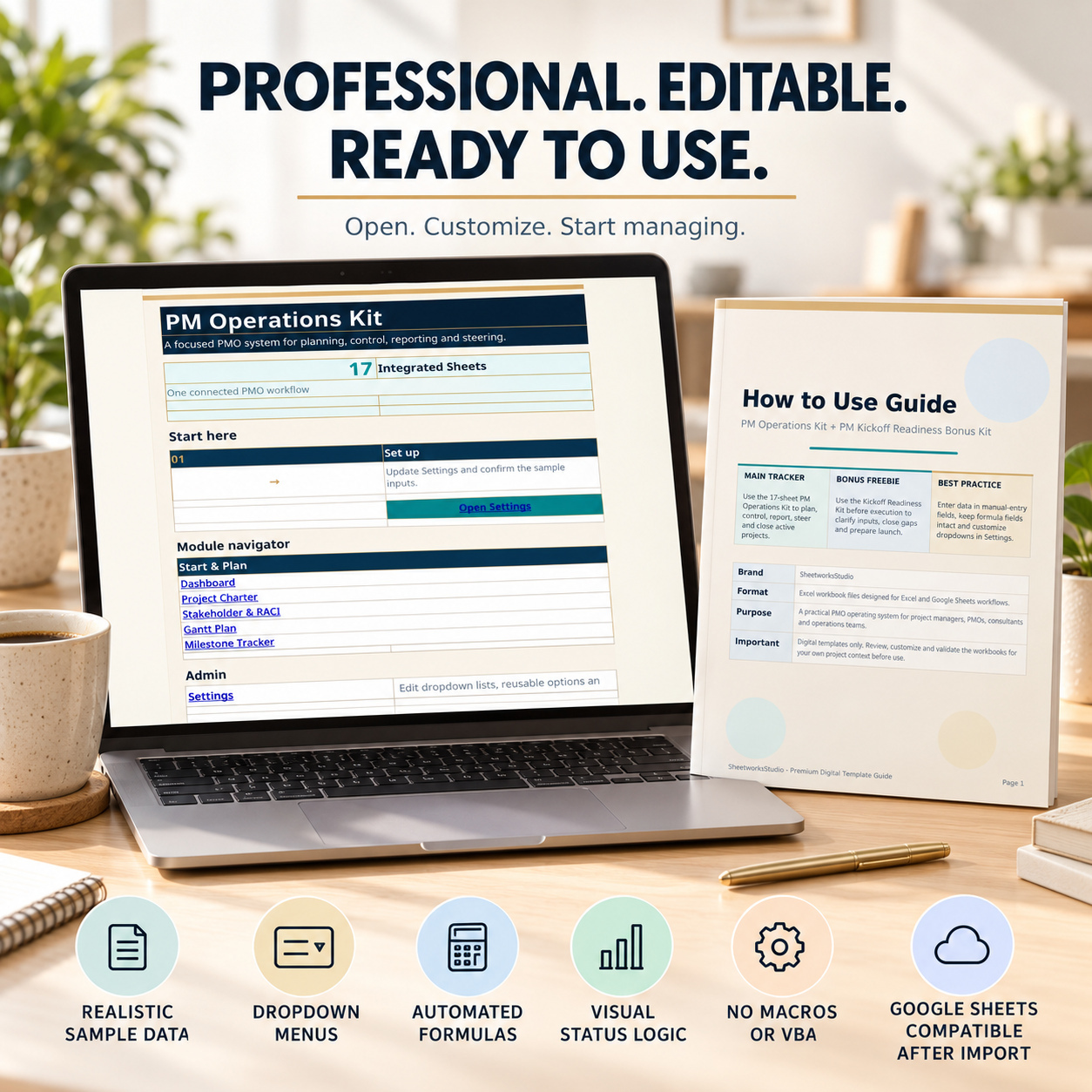
Google Sheets can be used by importing the Excel files, but Microsoft Excel remains the reference environment and some charts, dropdown behavior, formatting or visual elements may differ after import.
Users remain responsible for validating their own project data, calculations, decisions and reporting outputs.

