
Publication number: ELQ-71883-1
View all versions & Certificate

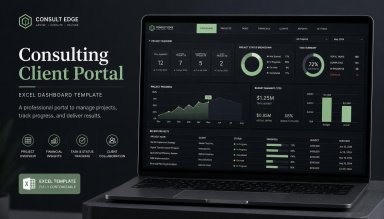
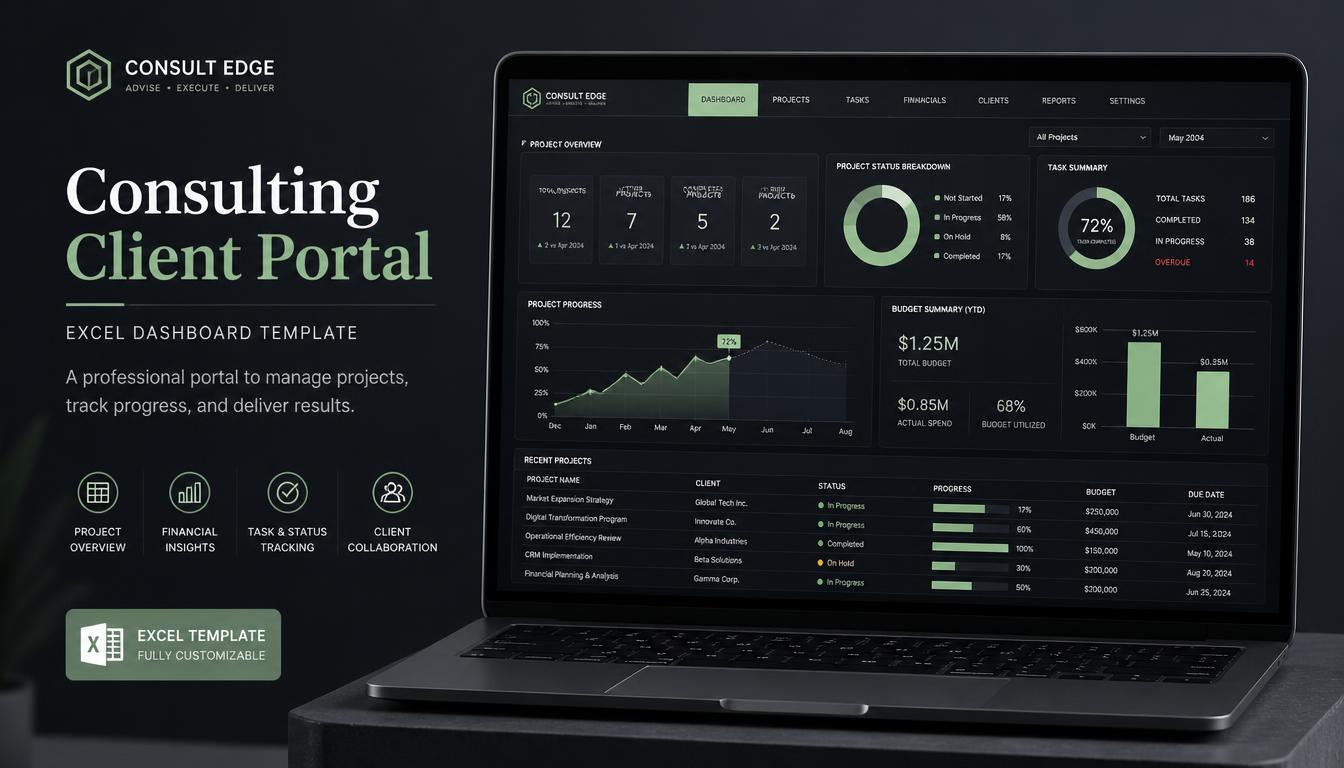
Consulting Client Portal OS | Excel CRM, Project Tracker & Financial Hub
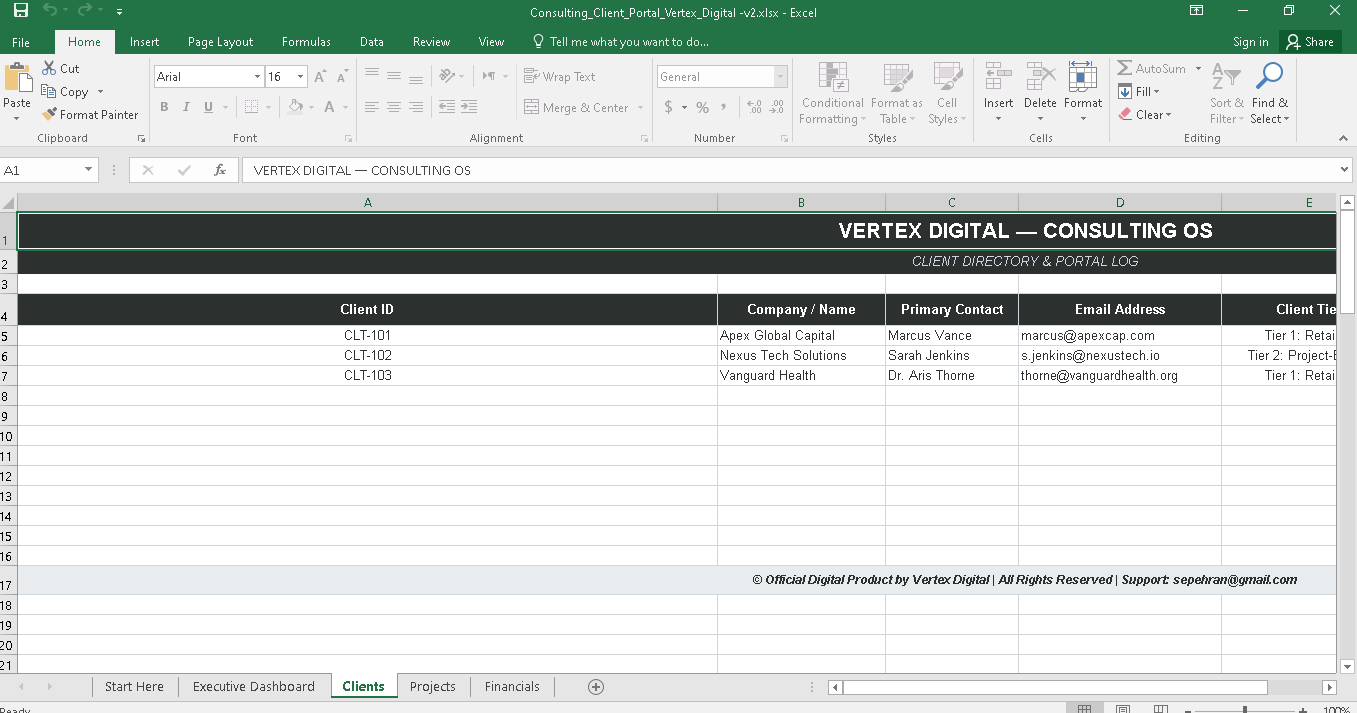
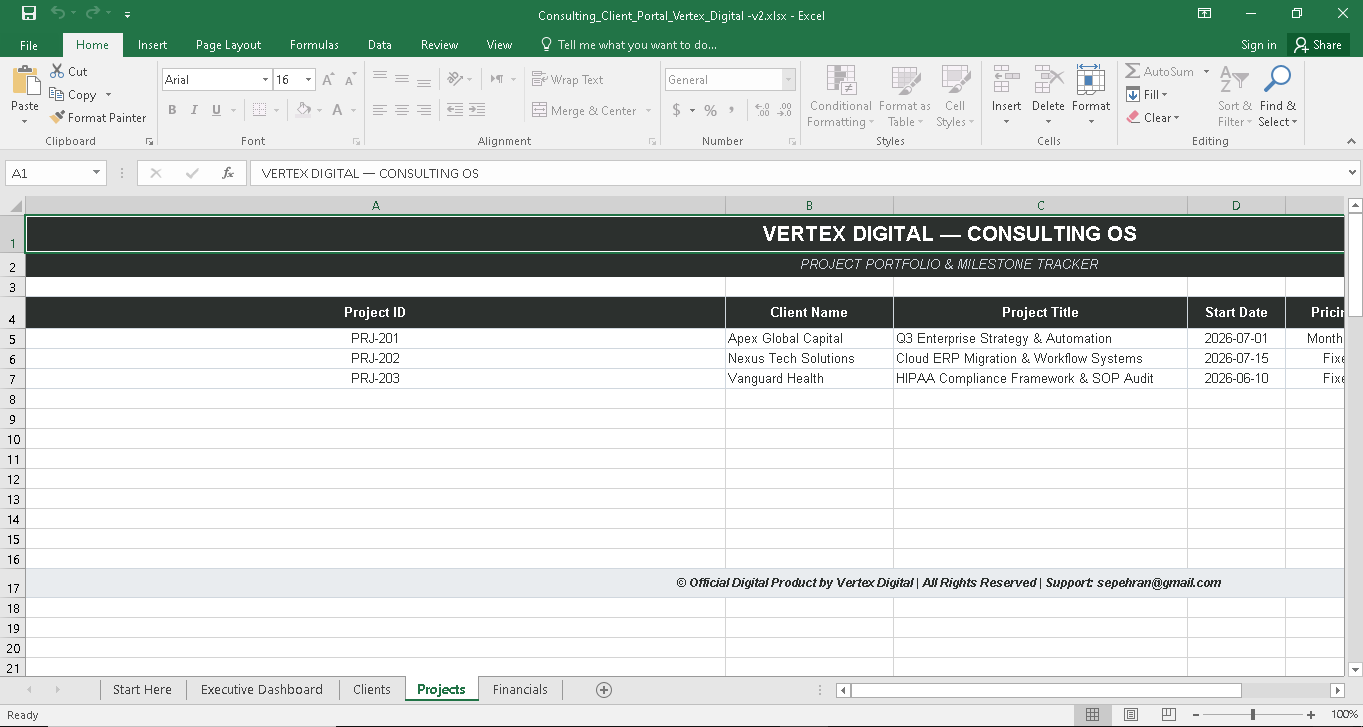
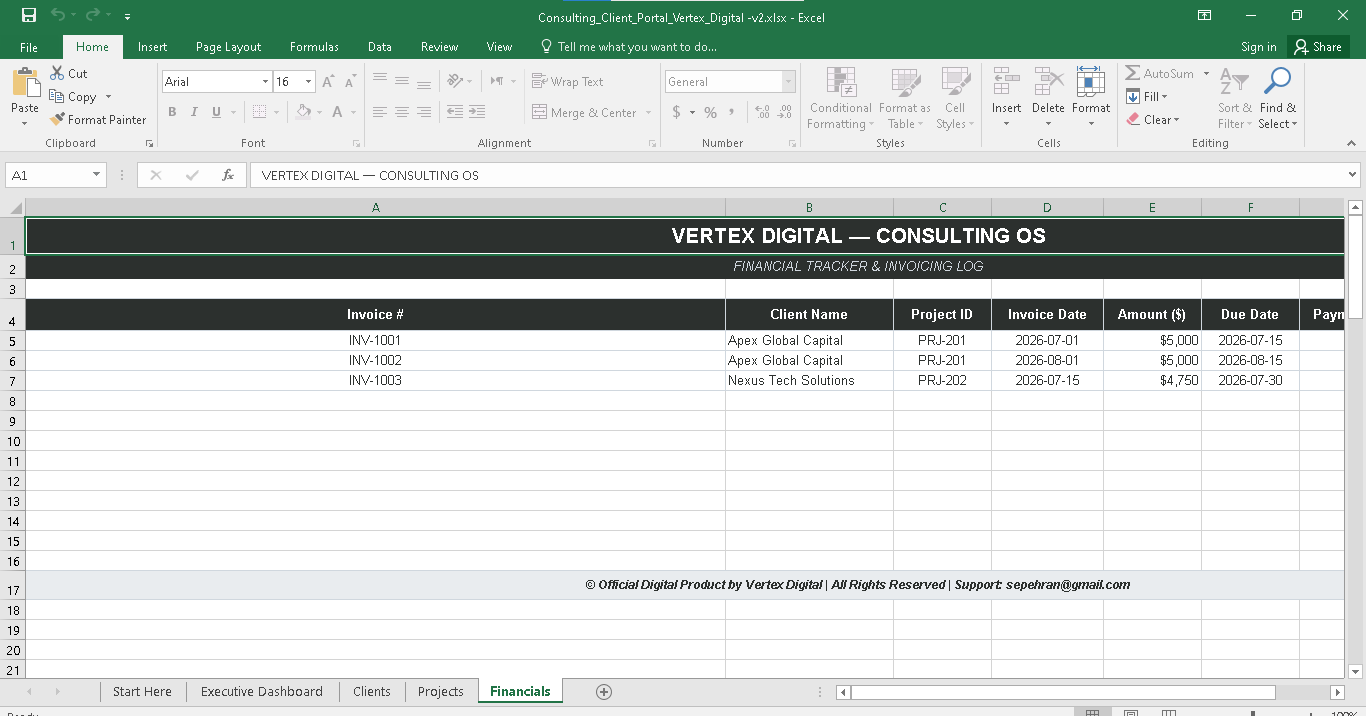
A streamlined, ready-to-use Excel management system tailored for solo consultants, freelancers, and boutique service agencies.
Further information
The primary objectives of this Best Practice tool are to:
1. Centralize Client & Project Operations: Eliminate scattered spreadsheets and fragmented communication by consolidating all client metadata, active project timelines, and deliverables into a single, unified workspace.
2. Streamline Financial Tracking & Cash Flow Forecasting: Provide consulting agency leads and independent professionals with clear, real-time visibility into invoicing statuses, accounts receivable, and projected revenue streams.
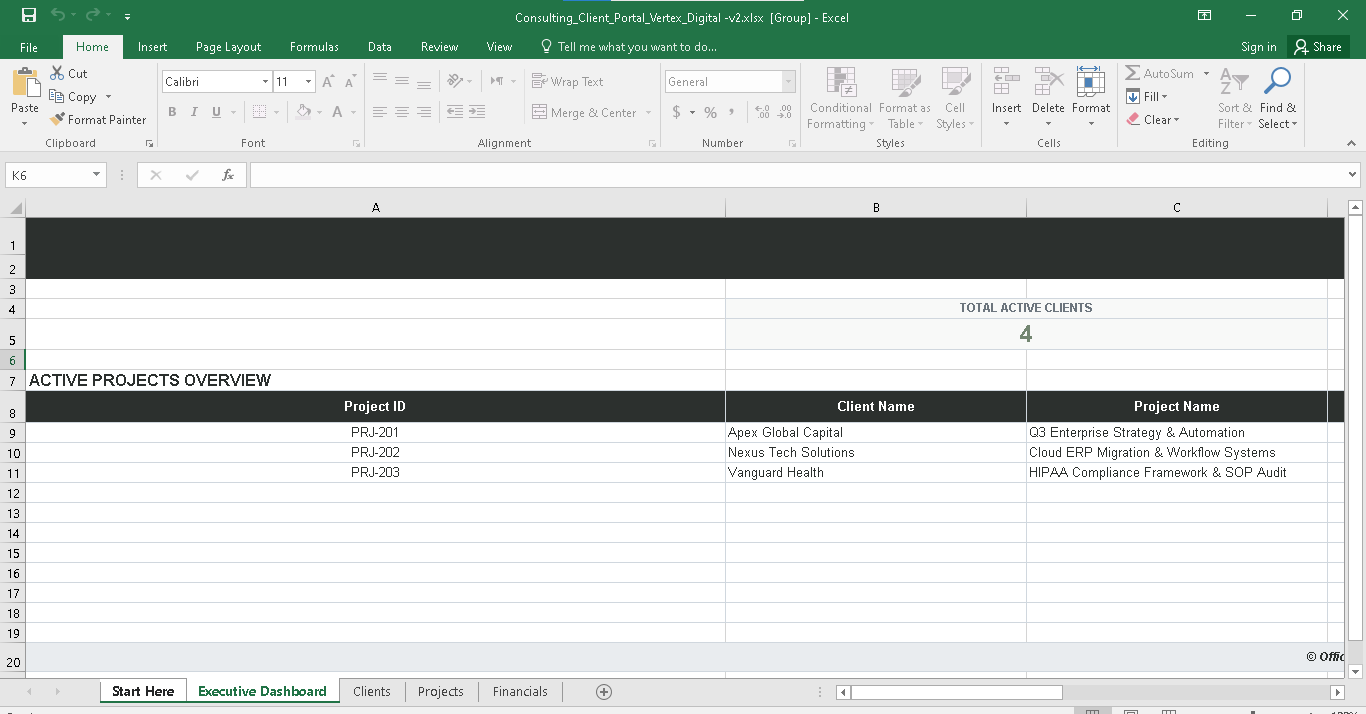
3. Enhance Account Governance & Transparency: Offer a structured system to monitor project progress, contract values, and key deliverables, ensuring projects stay on budget and on schedule.
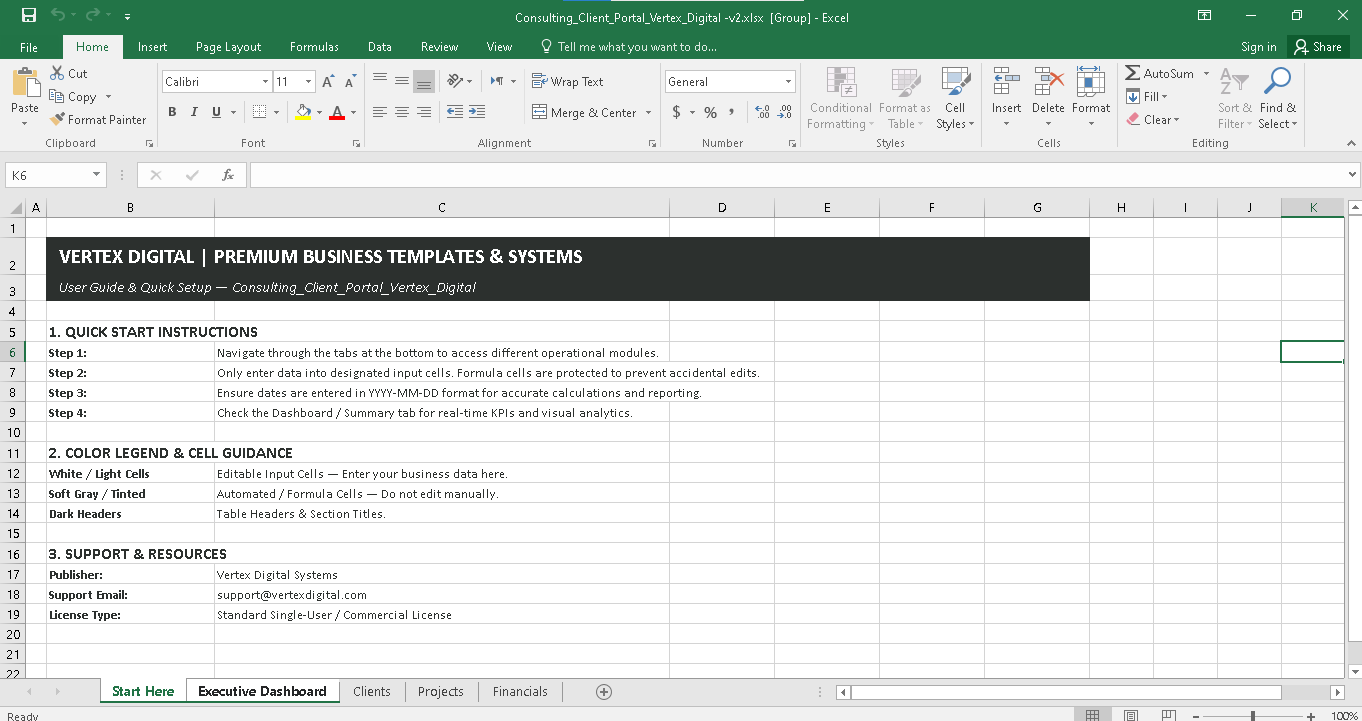
4. Save Operational Time & Eliminate Manual Errors: Deliver a plug-and-play, formula-protected Excel framework that reduces administrative overhead and minimizes calculation errors for solo practitioners and boutique teams.
This Downloadable Best Practice applies best under the following conditions:
• Business Model & Profile:
- Independent consultants, solo practitioners, boutique agencies, and professional service providers managing multiple client accounts simultaneously.
• Operational Challenges:
- You are currently managing clients, projects, and invoices across disconnected spreadsheets or basic note apps and need a unified workspace.
- You want to eliminate administrative clutter and manual entry errors with a formula-protected, standardized template.
• Financial & Governance Needs:
- You need clear visibility into active contract values, pending invoices, accounts receivable, and short-term cash flow projections.
- You require a clean, executive-level dashboard to review client health and project statuses without setting up complex CRM software.
• Technical Environment:
- You operate primarily within Microsoft Excel (Desktop or Office 365) and prefer a one-off, no-subscription solution over recurring SaaS tools.
This Downloadable Best Practice is NOT ideally suited for:
• Enterprise-Scale Operations & Large Teams:
- Enterprise organizations requiring complex, multi-user role permissions, simultaneous real-time editing by dozens of team members, or multi-department approval workflows.
• Advanced Automated CRM Requirements:
- Businesses looking for fully automated, cloud-based SaaS capabilities such as automated email sequence triggers, built-in payment processing, or live two-way integration with external software (e.g., Salesforce, HubSpot).
• Complex Inventory & Product-Based E-commerce:
- Companies managing physical inventory, supply chain logistics, product warehousing, or multi-channel retail operations.
• Non-Excel Work Environments:
- Organizations that exclusively use alternative proprietary databases or custom software and do not support Microsoft Excel files (.xlsx).
