Team Task Tracker | Employee To Do Lists | Task Tracking Spreadsheet | Google Sheets | Manage Team Member Tasks
Originally published: 24/07/2025 13:39
Publication number: ELQ-12003-1
View all versions & Certificate
certified

Team Task Tracker | Employee To Do Lists | Task Tracking Spreadsheet | Google Sheets | Manage Team Member Tasks

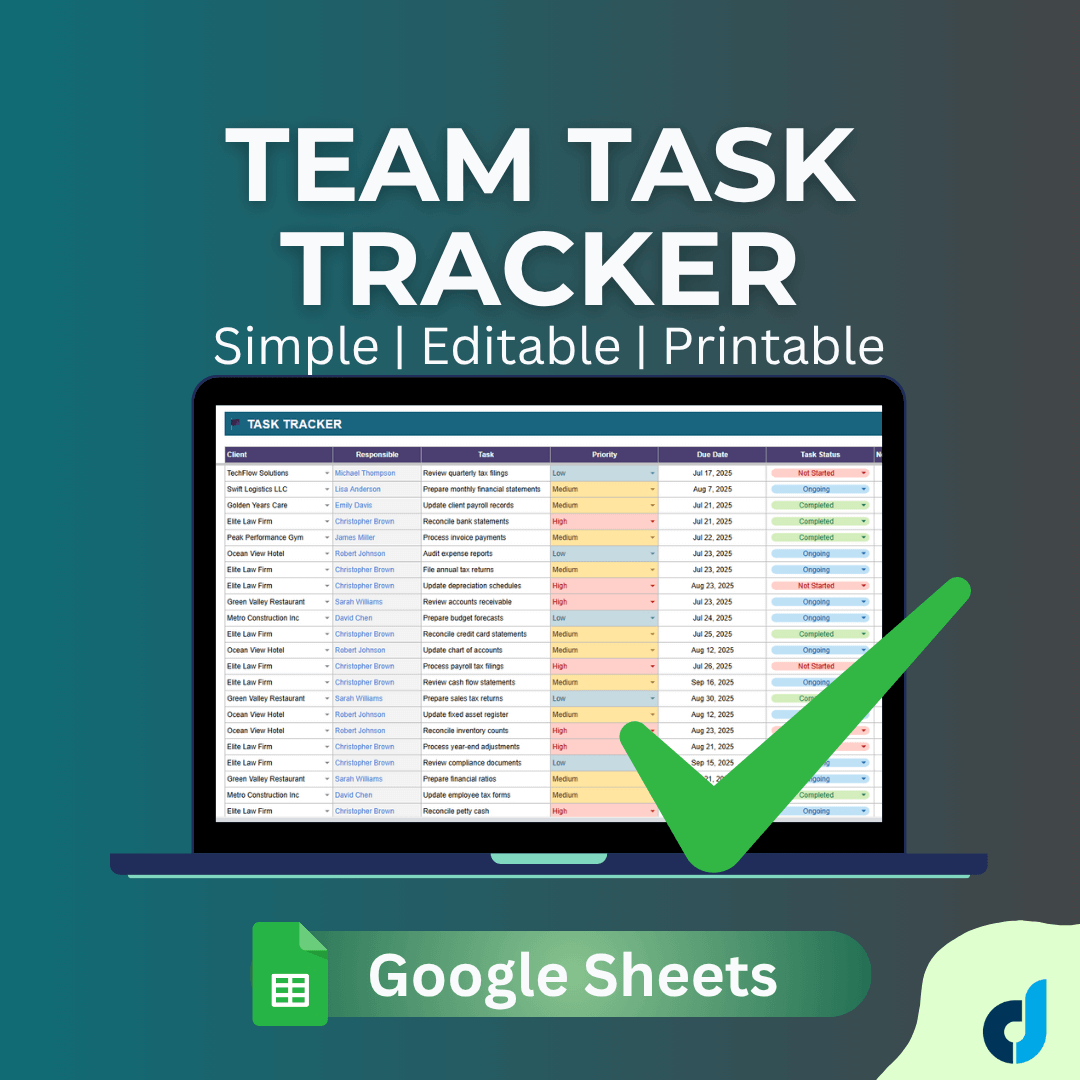
Team Task Tracker Google Sheets Template. Simple and effective task management tool. Manage team to-do lists in one place. No need for complex PM tools.

Description
Team Task Tracker - Google Sheets Template


Streamline your team's productivity with this comprehensive task management solution built entirely in Google Sheets.


What's Included?


Instant Access Google Sheets Template featuring five integrated modules:


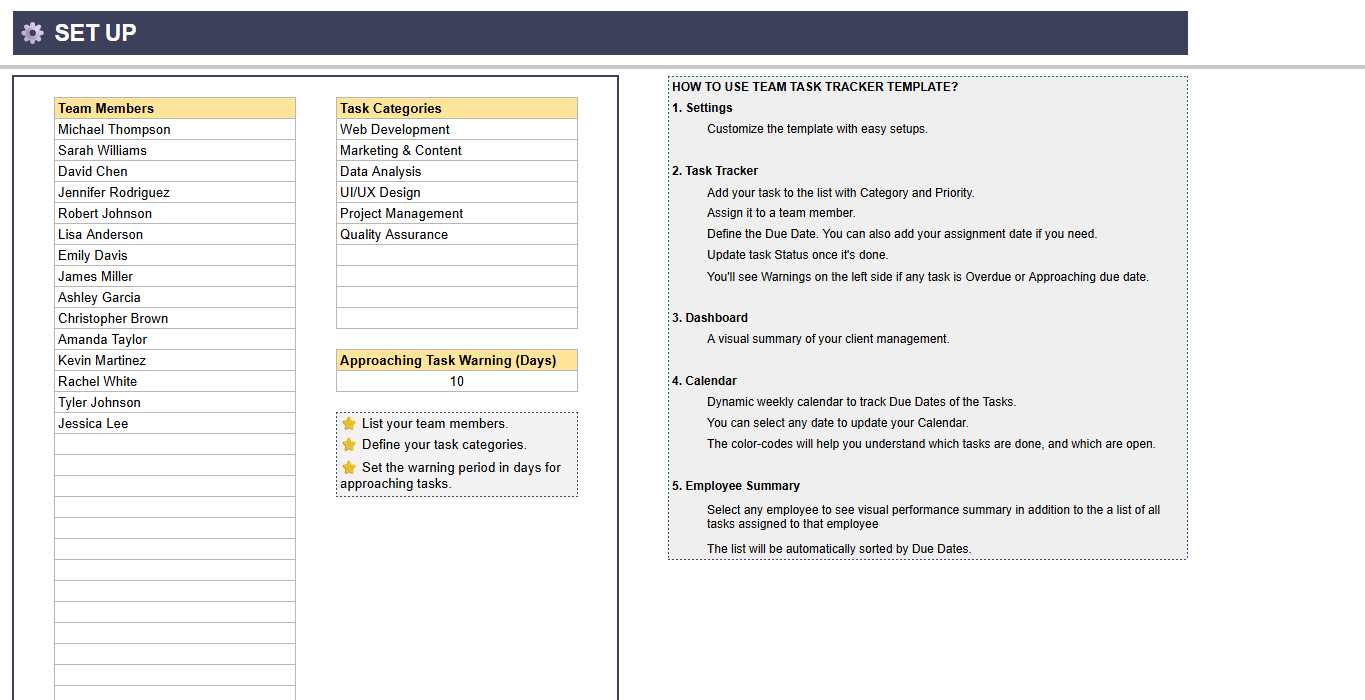
Settings - Set up team members and define custom task categories tailored to your business needs
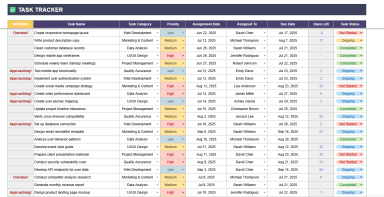
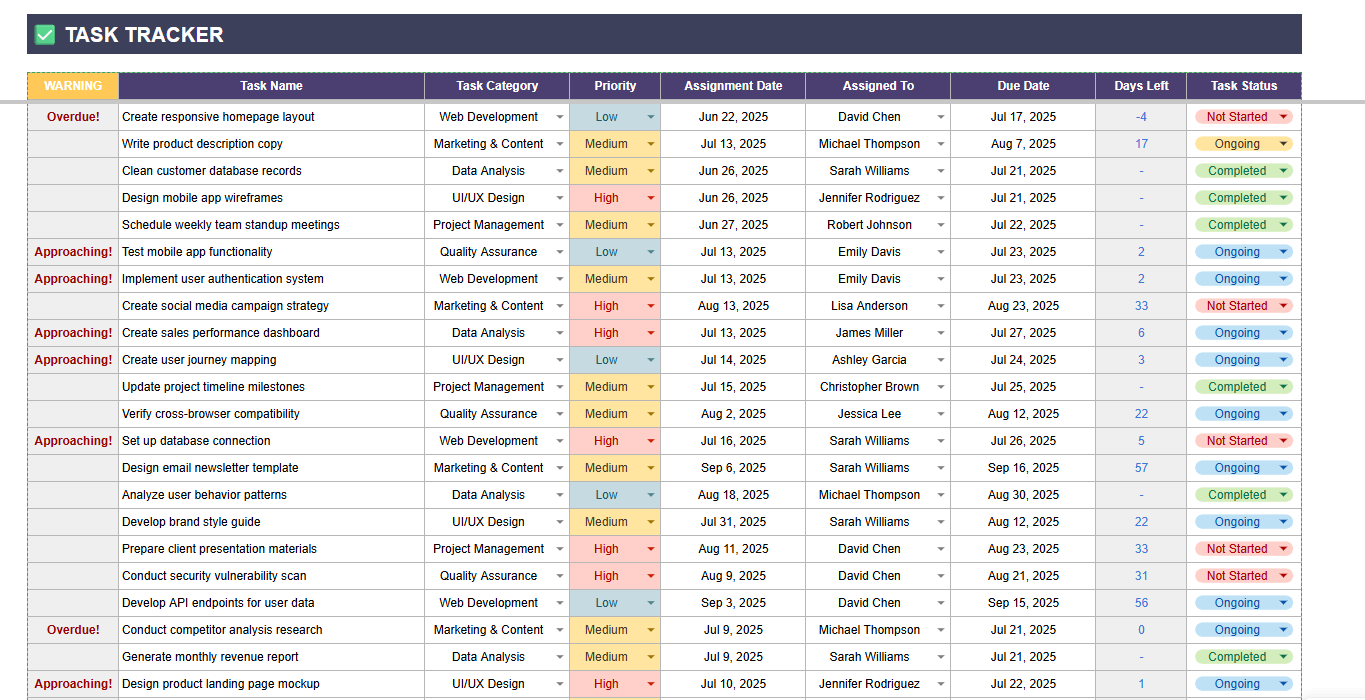
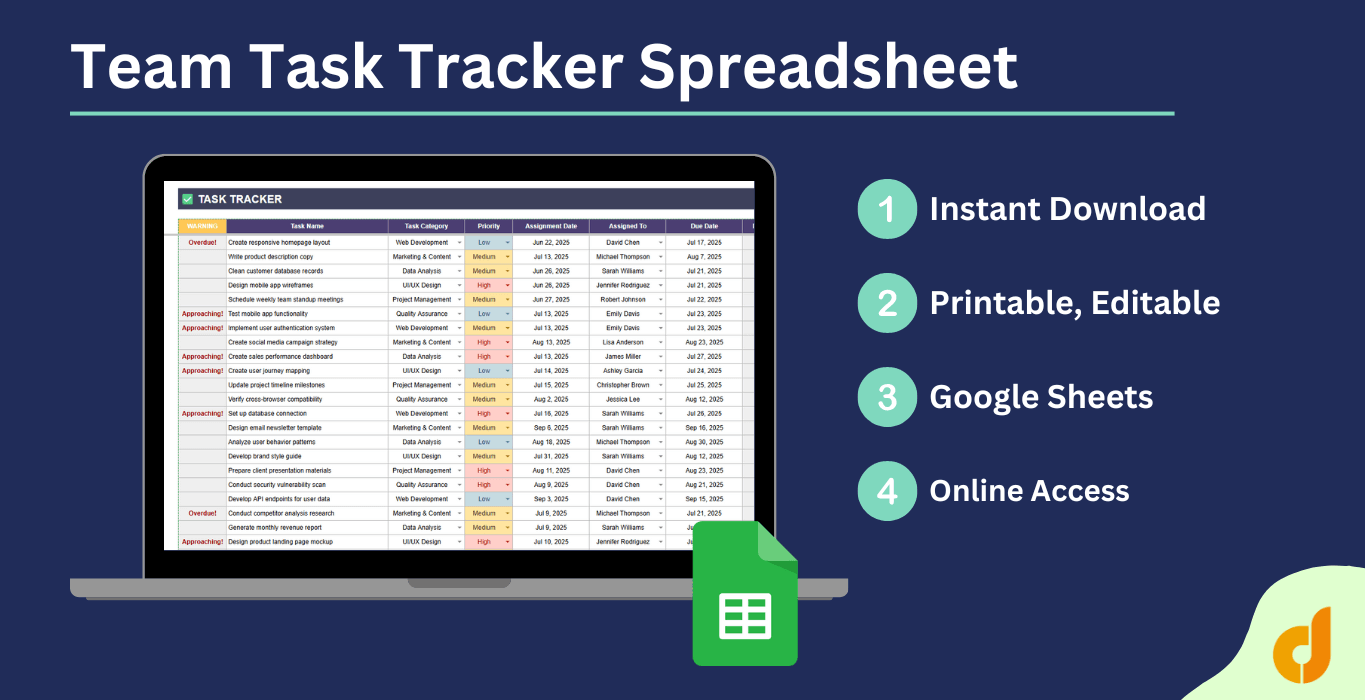
Task Tracker- Create, assign, and track tasks with due date management and automated status notifications
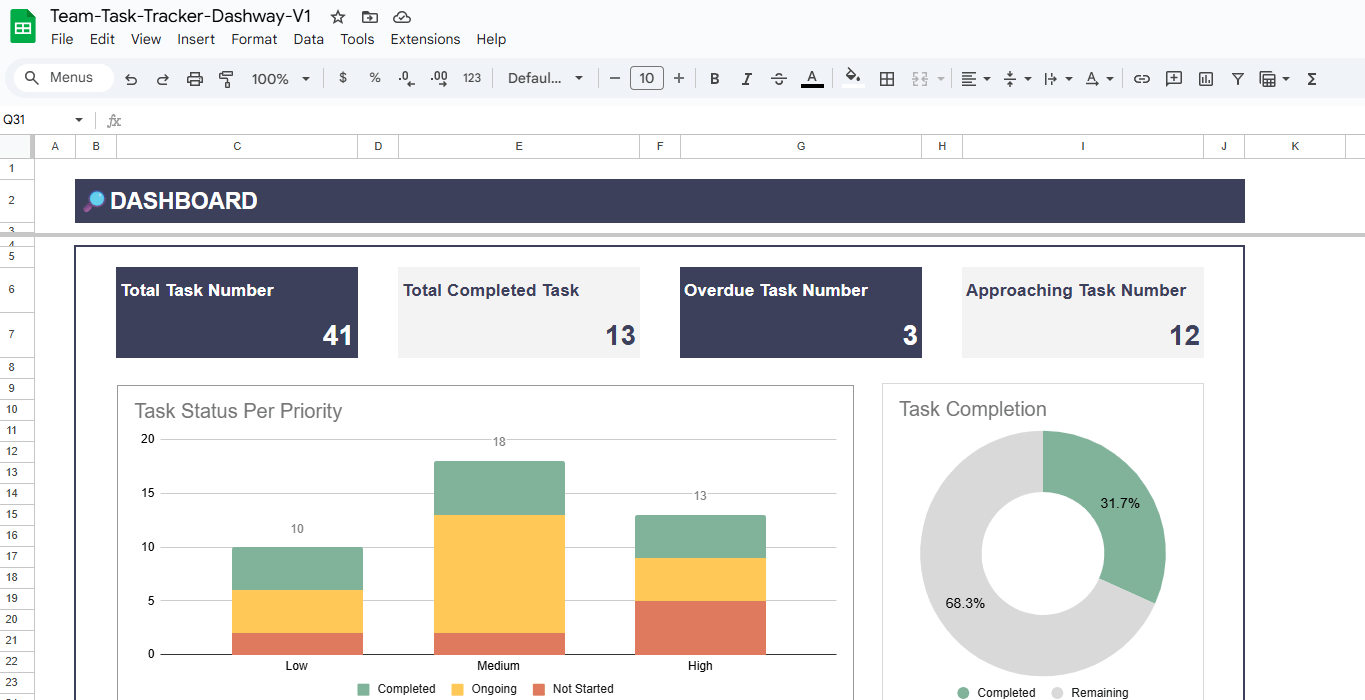
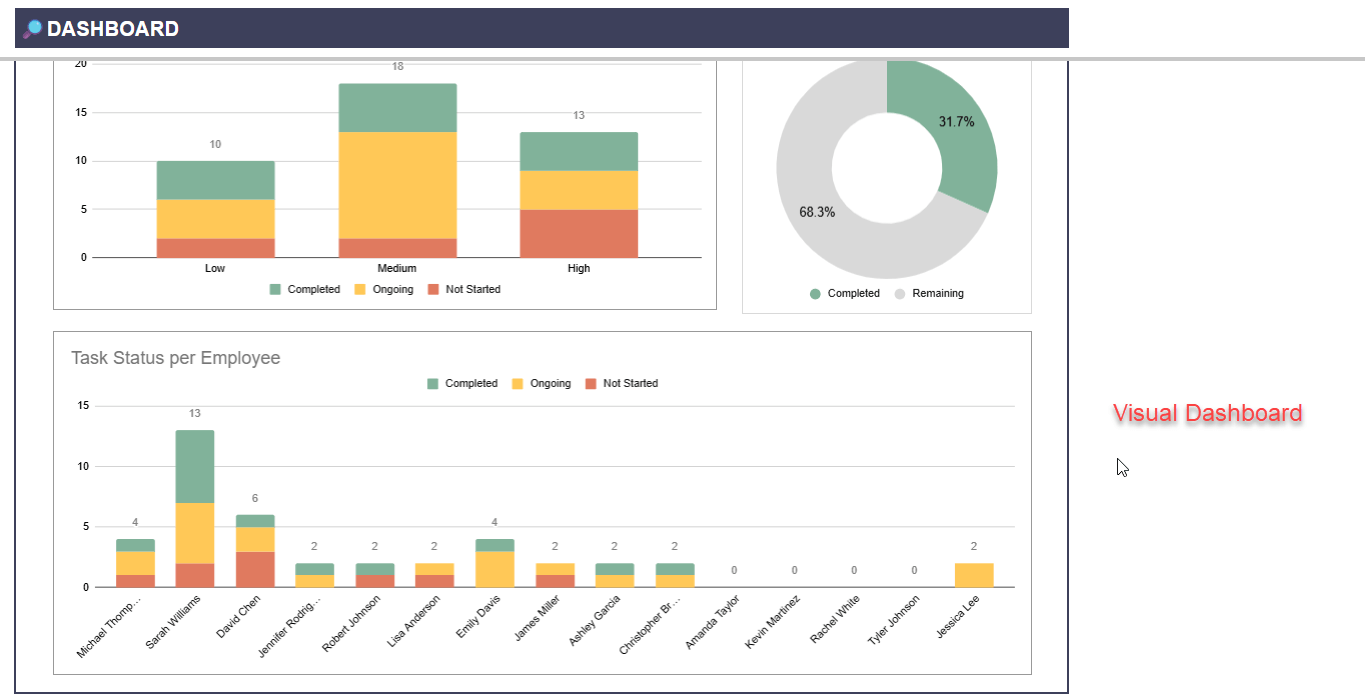
Analytics Dashboard - Comprehensive visual reports showing team performance, completion rates, and productivity metrics
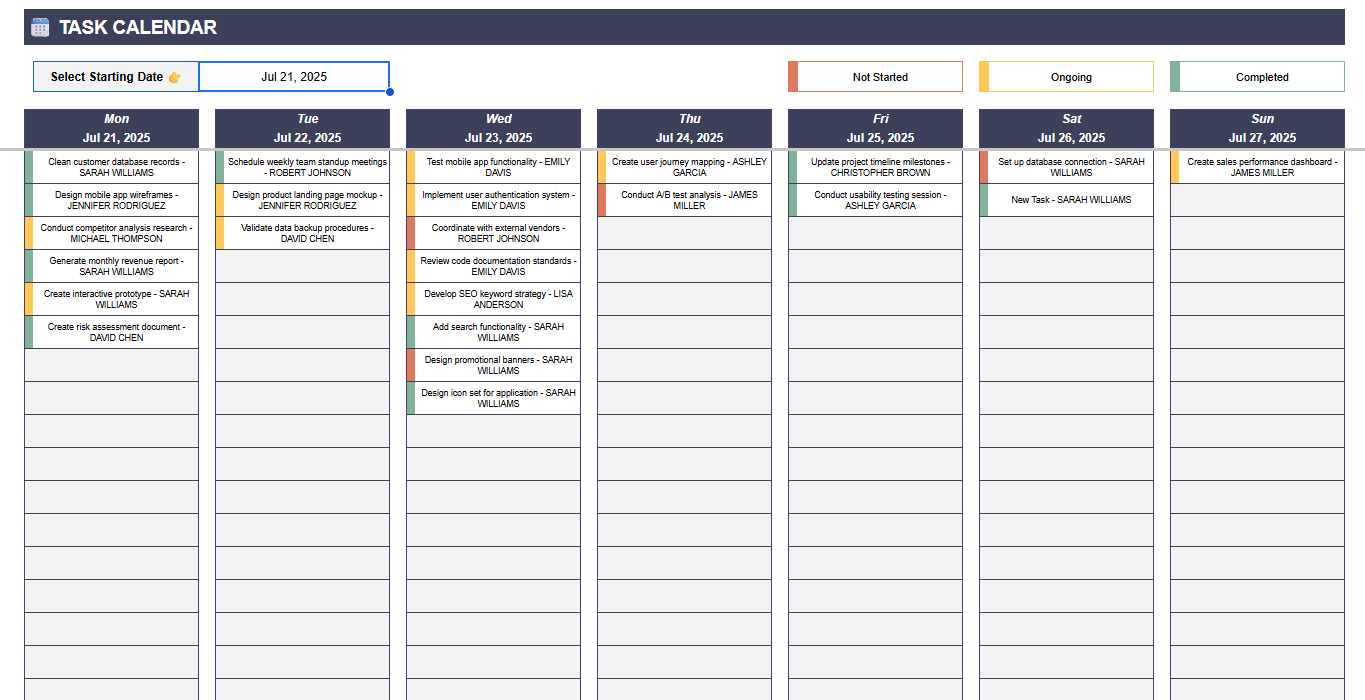
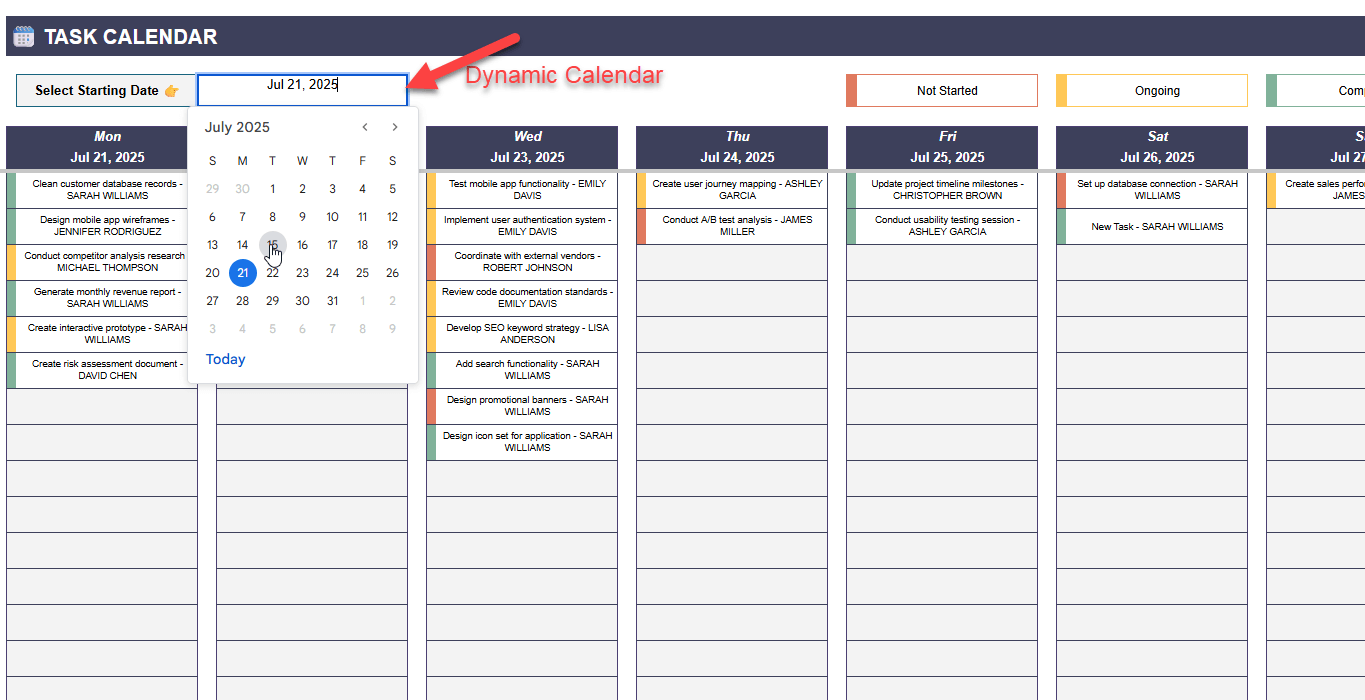
Dynamic Calendar - Weekly timeline view with color-coded task status and deadline tracking
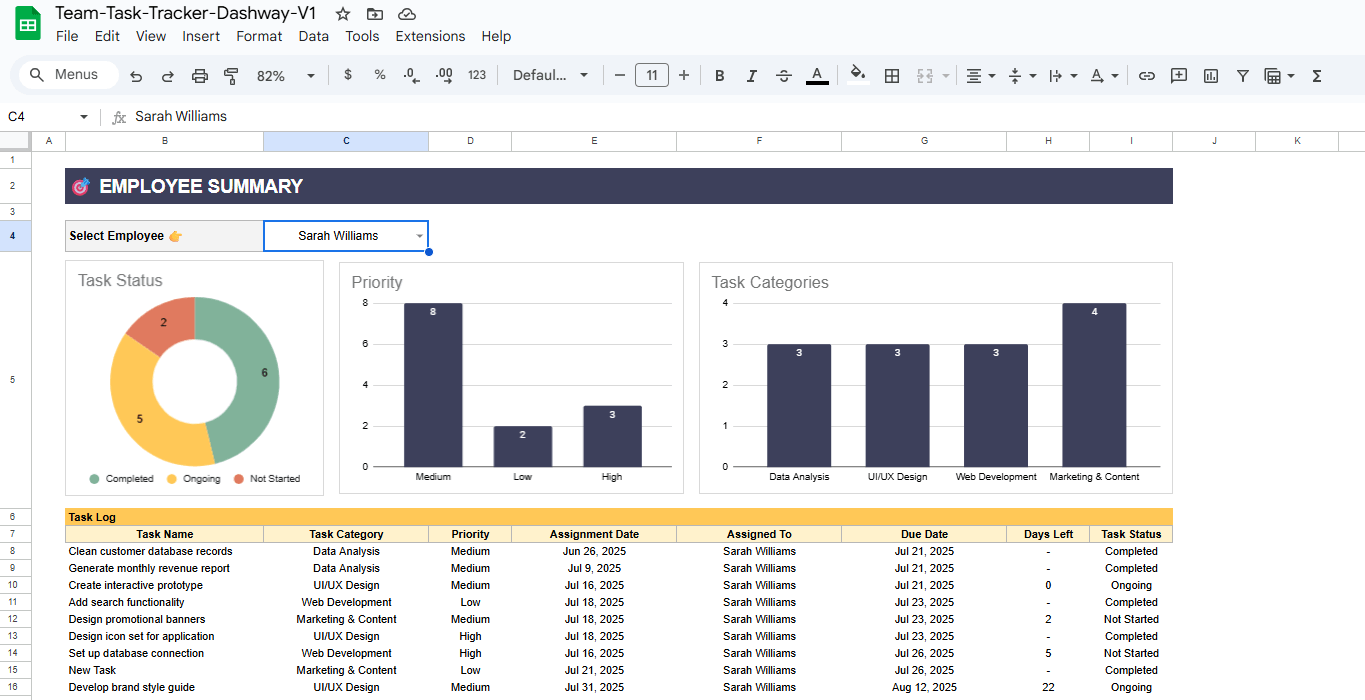
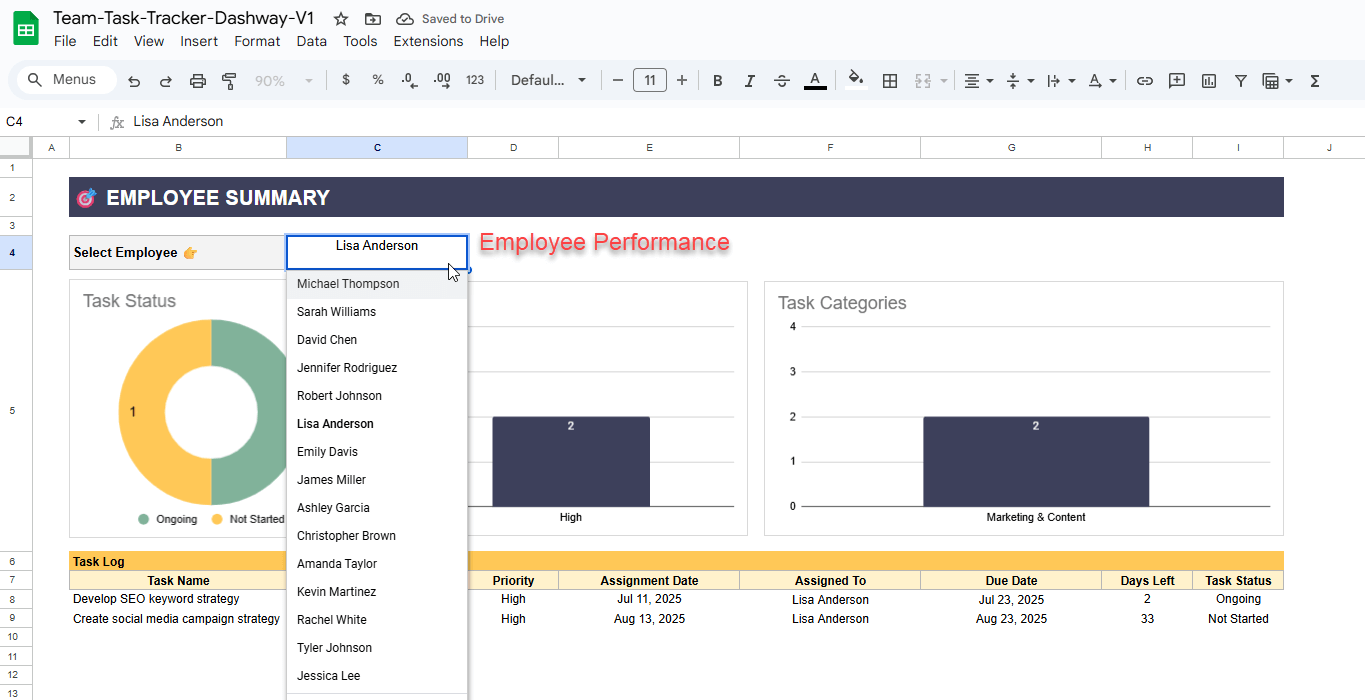
Employee Insights - Individual performance breakdowns with workload distribution and completion statistics


Key Features
  • Priority-based task sorting and filtering
  • Automatic deadline warnings and overdue notifications
  • Interactive charts and performance visualizations
  • Cross-team collaboration with real-time updates
  • Mobile-friendly design for on-the-go access
  • Customizable categories and status options
  • Export capabilities for reporting and analysis


Who Uses This?
Small Business Owners - Coordinate staff activities across multiple departments and projects
Freelance Professionals - Manage client deliverables and juggle multiple project timelines
Consulting Firms - Track project milestones and client commitments across engagements
Creative Agencies - Oversee campaign deliverables and creative team workflows
Remote Team Leaders - Maintain visibility into distributed team productivity and deadlines
Department Managers - Monitor departmental goals and individual contributor performance
Startup Founders - Scale operations without investing in expensive PM software
Project Coordinators - Bridge communication gaps between stakeholders and execution teams


Benefits
Cost Effective - Replace expensive project management subscriptions with a one-time purchase
Zero Learning Curve - Built on familiar Google Sheets interface everyone already knows
Instant Implementation - No software installation, training, or complex setup procedures
Complete Data Ownership - All information stays within your Google ecosystem
Universal Access - Works on desktop, tablet, and mobile devices seamlessly
Unlimited Scalability - Add as many team members, tasks, and projects as needed
Real-Time Collaboration - Multiple users can work simultaneously with automatic sync
Ready to transform your team's task management? Get organized, stay on track, and boost productivity with this powerful yet simple solution.

This Best Practice includes
1 PDF file with a direct link to the Google Sheets file

Acquire business license for $15.00

Add to cart

Add to bookmarks

Discuss

Further information

This template eliminates the complexity and cost of traditional project management software by providing a complete task tracking system within Google Sheets. Designed for teams of any size, it offers real-time collaboration, automated deadline alerts, and visual progress tracking without requiring technical expertise or expensive subscriptions.

Small business owners
Freelance professionals
Creative Agencies
Department Managers
Startups
Project Coordinators
Team Leaders
Team managers


0.0 / 5 (0 votes)

please wait...