
Publication number: ELQ-55874-1
View all versions & Certificate

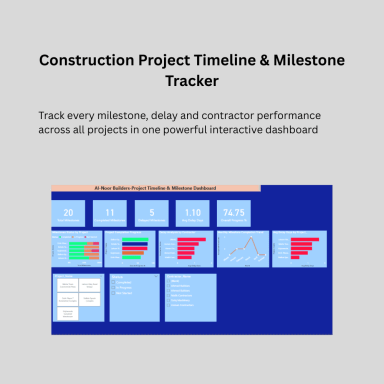
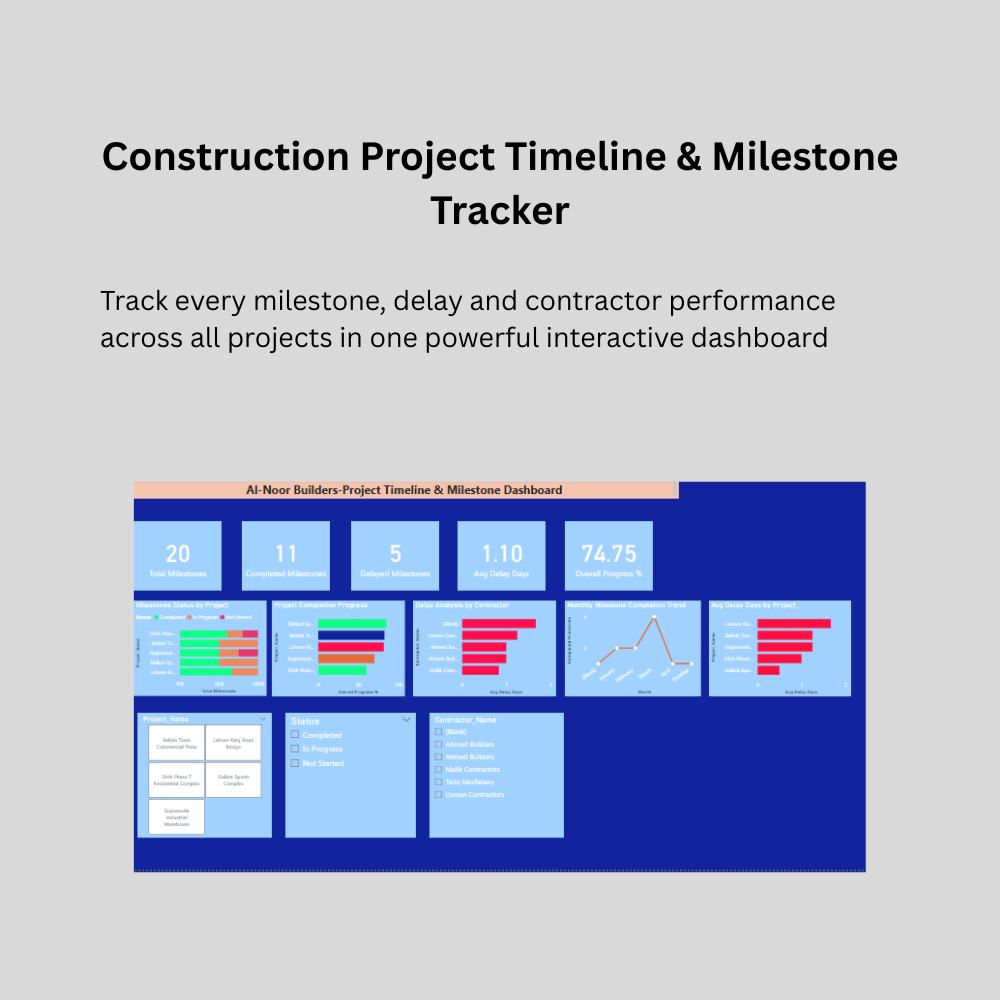
Construction Project Timeline & Milestone Tracker | Power BI Dashboard | Delay & Progress Analysis
A professional Power BI dashboard that tracks construction project milestones, monitors contractor delays, analyzes project progress and identifies bottlenecks
Further information
This Construction Project Timeline and Milestone Tracker
Dashboard is designed to achieve the following objectives:
- To provide construction project managers with instant
visibility of milestone completion status across all
projects without manual register checking
- To identify delayed milestones immediately before they
cascade into larger schedule and budget problems
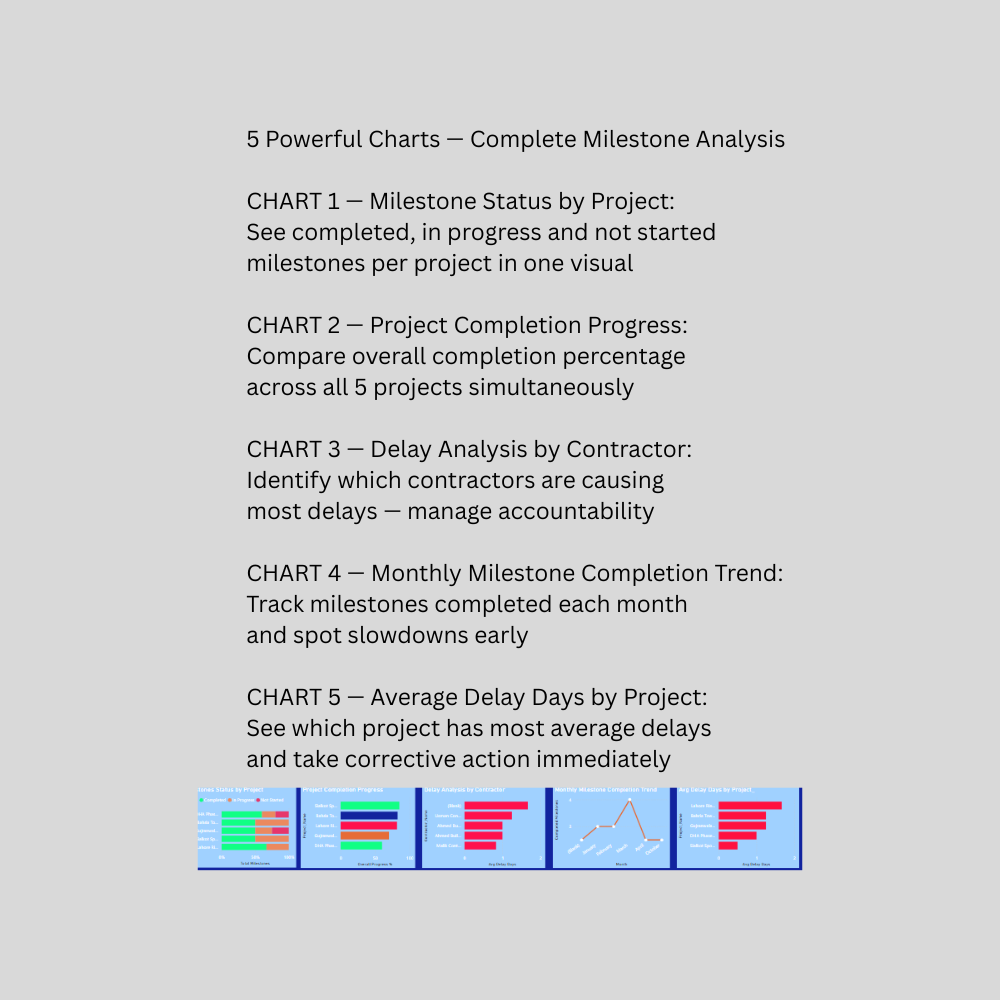
- To analyze contractor performance by tracking which
contractors are responsible for most project delays
- To monitor monthly milestone completion trends helping
management identify periods of low productivity
- To replace time consuming Friday status report preparation
with an automated interactive dashboard updating with
one click refresh
- To compare planned versus actual project progress across
multiple construction projects simultaneously
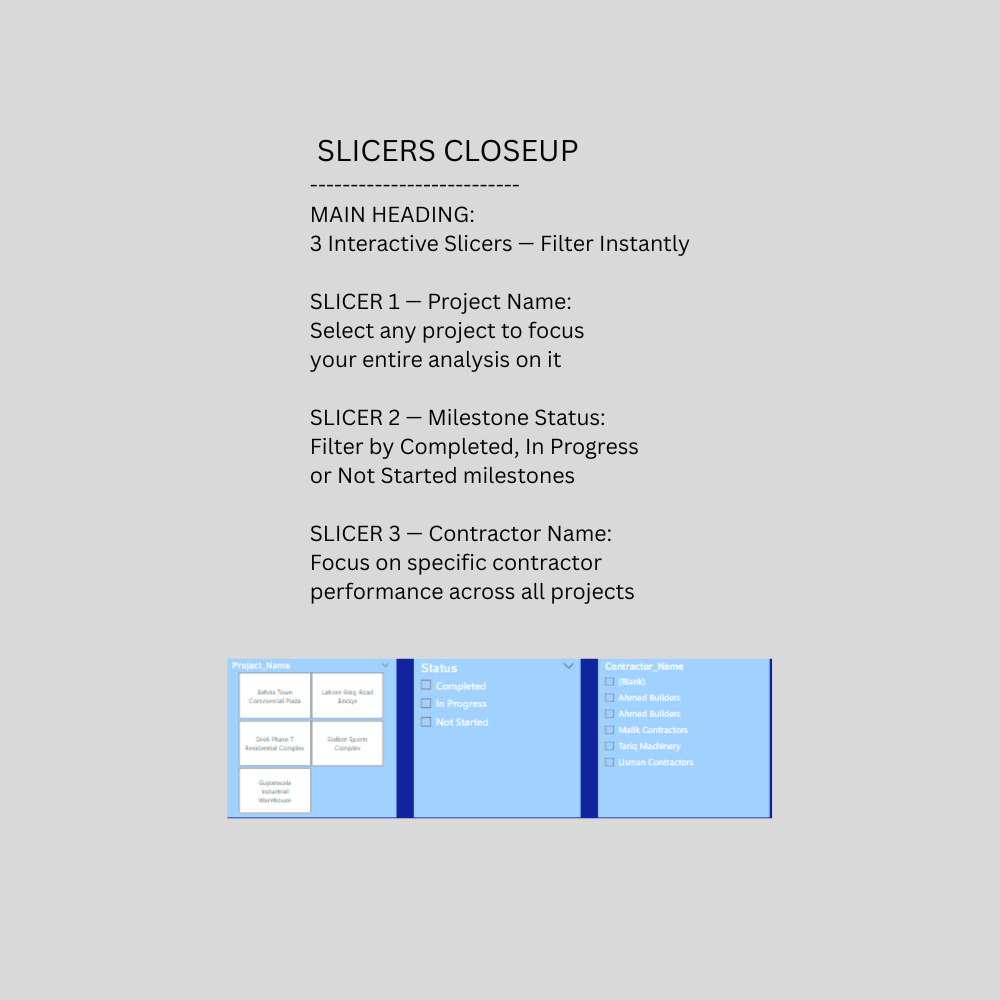
- To enable filtering and analysis of specific projects,
contractors or milestone statuses using interactive slicers
- To demonstrate professional data cleaning practices
including handling mixed date formats, duplicate records,
inconsistent text and missing values in Power Query
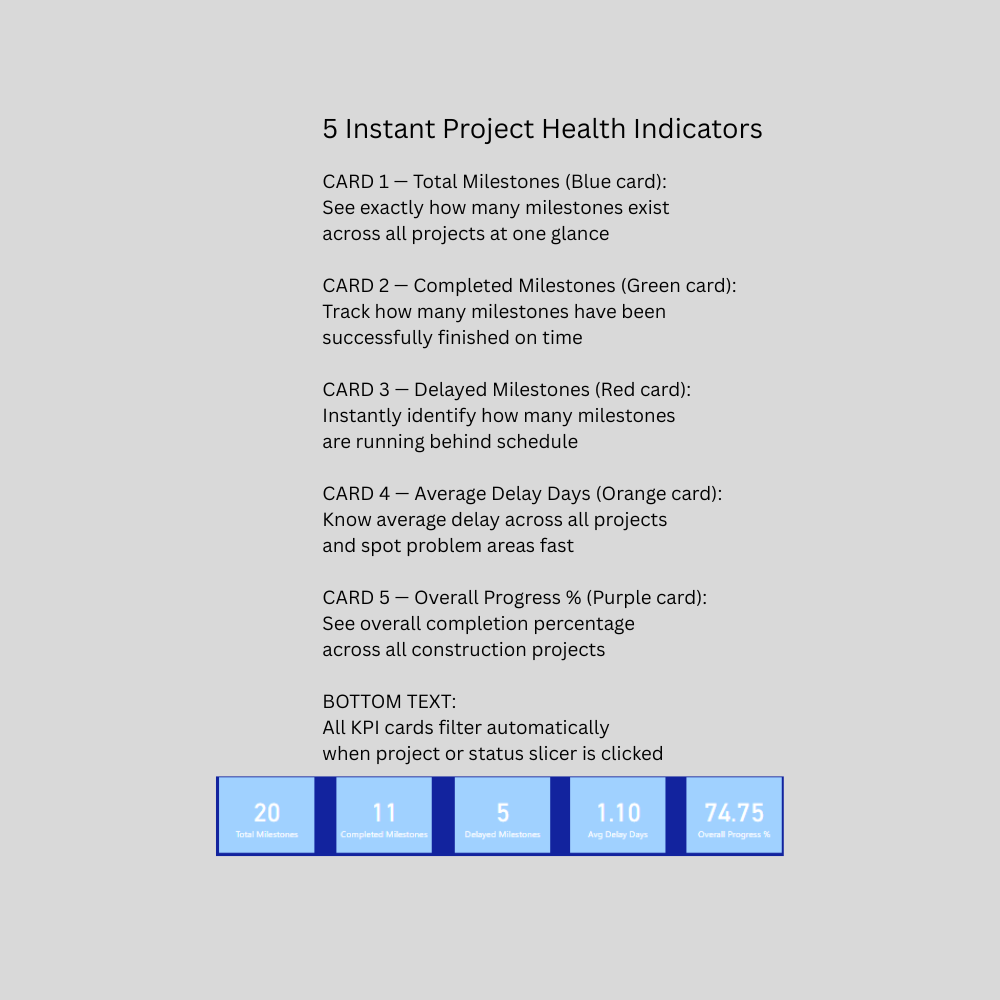
- To provide KPI cards showing total milestones, completed,
delayed, average delay days and overall progress percentage
at a single glance
- To present construction timeline data in a visually
impressive professional format suitable for board meetings,
investor presentations and client reporting
- To help construction companies make faster decisions about
resource allocation, contractor management and project
scheduling based on accurate visual data
This Dashboard is most suitable in the following conditions:
Company Types:
- Construction companies managing 2 or more simultaneous
projects with milestone tracking requirements
- Civil engineering firms tracking project deliverables
- Real estate developers monitoring construction timelines
- Project management consultants reporting progress to clients
- Infrastructure development companies tracking road,
bridge or building projects
- General contractors managing subcontractors across sites
Data Conditions:
- Company maintains milestone data in Excel spreadsheets
- Milestone data includes planned dates, actual dates,
status and completion percentages
- Company has contractor assignment data available
- Microsoft Power BI Desktop is installed on computer
- Microsoft Excel 2016 or later is available
Business Conditions:
- Company manages between 2 and 20 simultaneous projects
- Weekly or monthly milestone status reporting is required
- Management wants to identify delayed milestones before
deadlines are missed
- Company wants to hold contractors accountable for delays
with visual evidence and data
- Project managers need to reduce time spent on manual
status report preparation every week
This Dashboard is NOT suitable in the following conditions:
Technical Limitations:
- Does NOT connect to live project management software like
MS Project, Primavera P6 or Asana automatically
- Does NOT replace a full Enterprise Project Management
system for large corporations
- Does NOT generate Gantt charts — provides milestone
status and progress analysis only
- Does NOT work without Microsoft Power BI Desktop installed
- Does NOT update automatically without manual data refresh
- Does NOT support real time live updates from site apps
- Does NOT generate official project completion certificates
or regulatory compliance documents
- Does NOT track resource allocation or equipment scheduling
- Does NOT calculate earned value management metrics
Business Limitations:
- NOT suitable for very large corporations managing hundreds
of projects requiring enterprise level systems
- NOT suitable for companies wanting fully automated
milestone tracking without any manual Excel data entry
- NOT suitable for companies requiring multi user
simultaneous editing from different locations
- NOT suitable for companies requiring cloud based real
time collaboration across multiple offices
- NOT suitable for government contractors requiring specific
regulatory compliance milestone reporting formats
- NOT designed for agile or sprint based project management
- NOT suitable for companies whose milestone data is stored
in formats other than Excel
