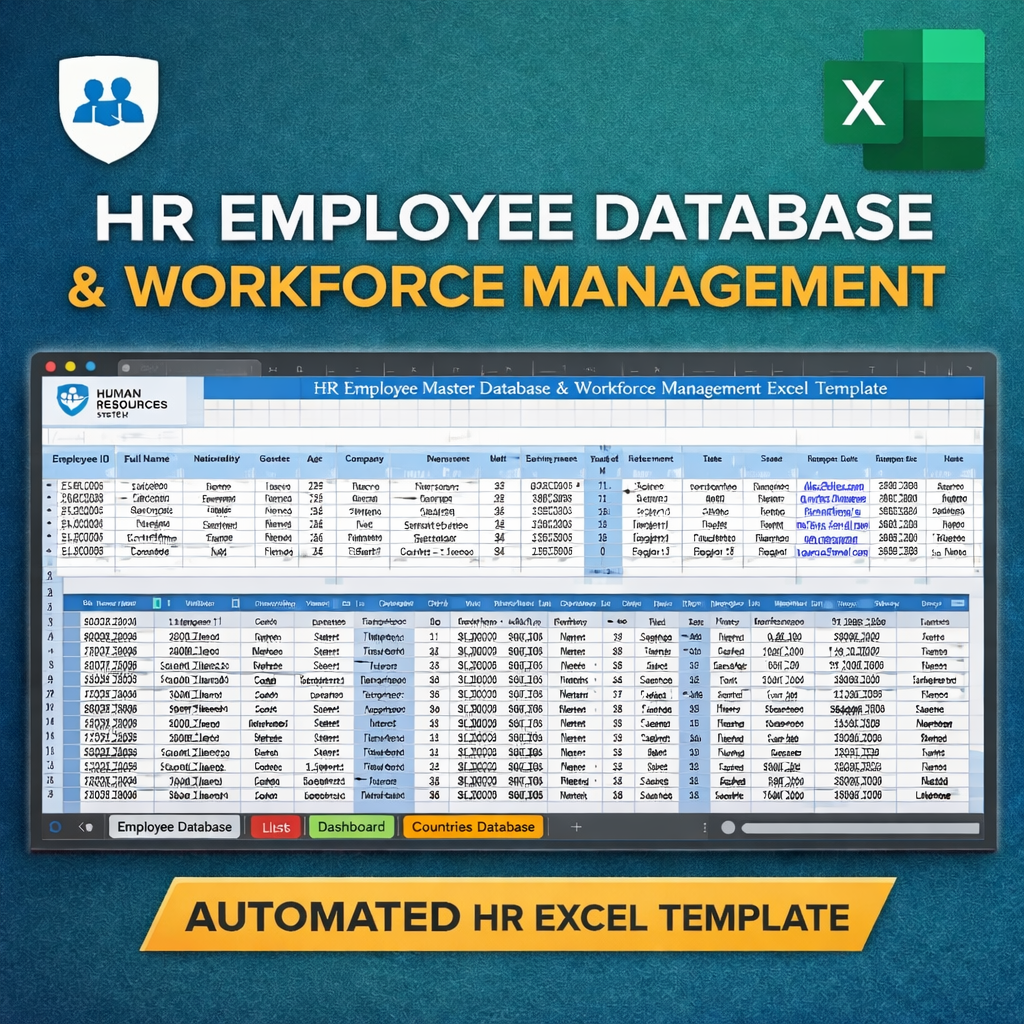
HR Employee Master Database & Workforce Management
Originally published: 20/02/2026 08:33
Publication number: ELQ-75209-1
View all versions & Certificate
certified

HR Employee Master Database & Workforce Management

A professionally designed Excel-based HR Employee Management System to track workforce data, monitor employee analytics, and visualize key HR insights.

Description

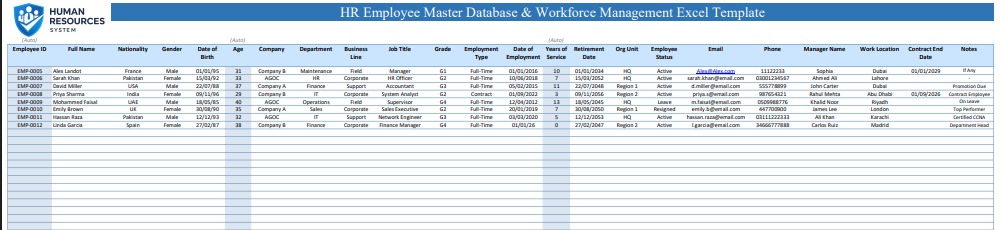
Manage your workforce efficiently with this HR Employee Master Database & Workforce Management Excel Template, designed for HR professionals, managers, startups, and growing organizations.


This template transforms Excel into a powerful HR management system, allowing you to store employee records, analyze workforce trends, and monitor key HR metrics in one organized environment.


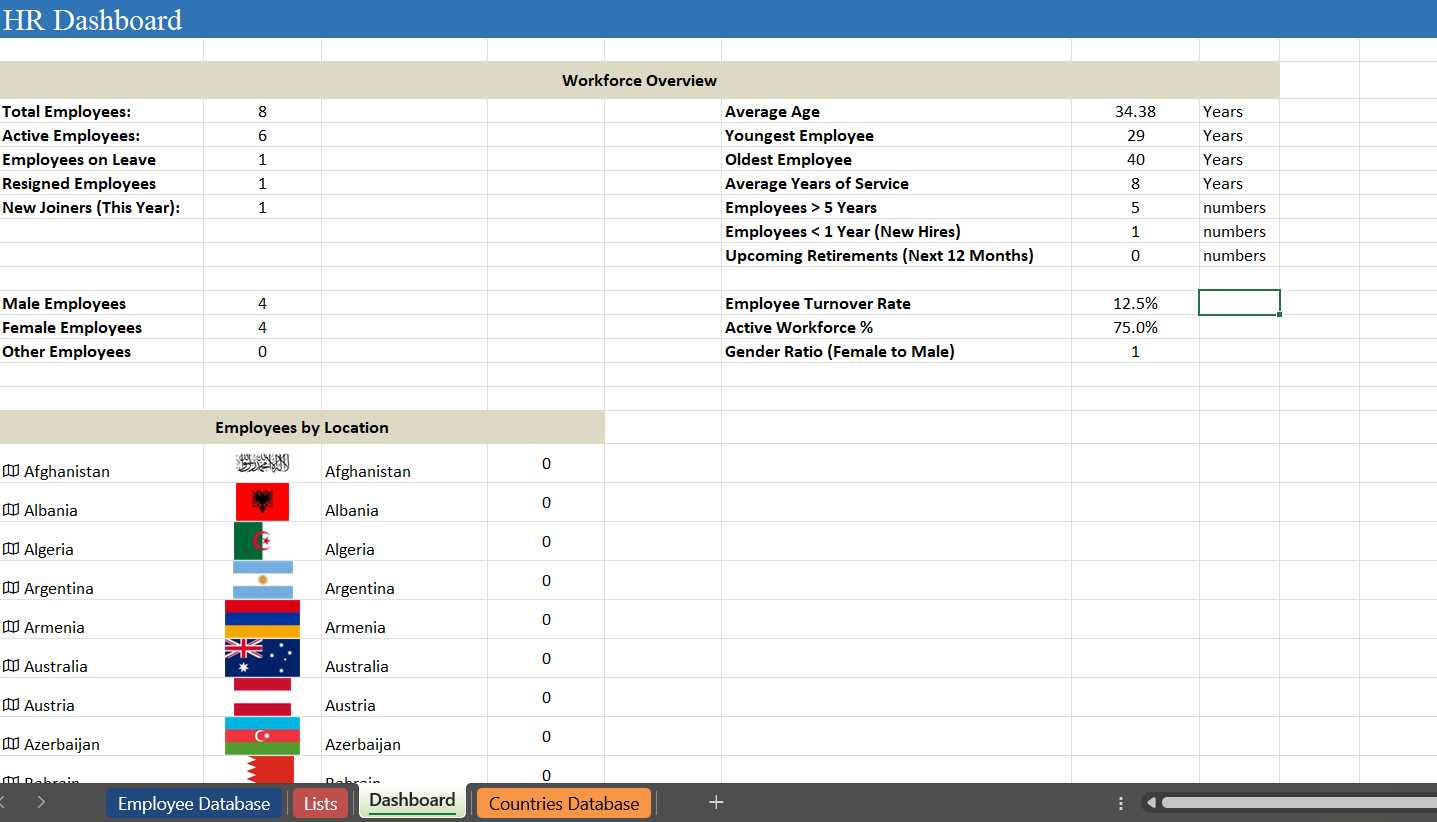
The dashboard automatically updates as you enter employee data, providing instant insights such as workforce overview, demographics, employment analytics, and location-based reporting.


No advanced Excel skills are required. Just enter employee information and the system handles calculations and summaries automatically.


Perfect for:

  • HR Departments

  • Small & Medium Businesses

  • Remote Teams

  • Consultants & Project Managers

  • Workforce Planning & Reporting


This template is clean, professional, and designed to feel like a modern HR system rather than a spreadsheet.


⭐ WHAT’S INCLUDED

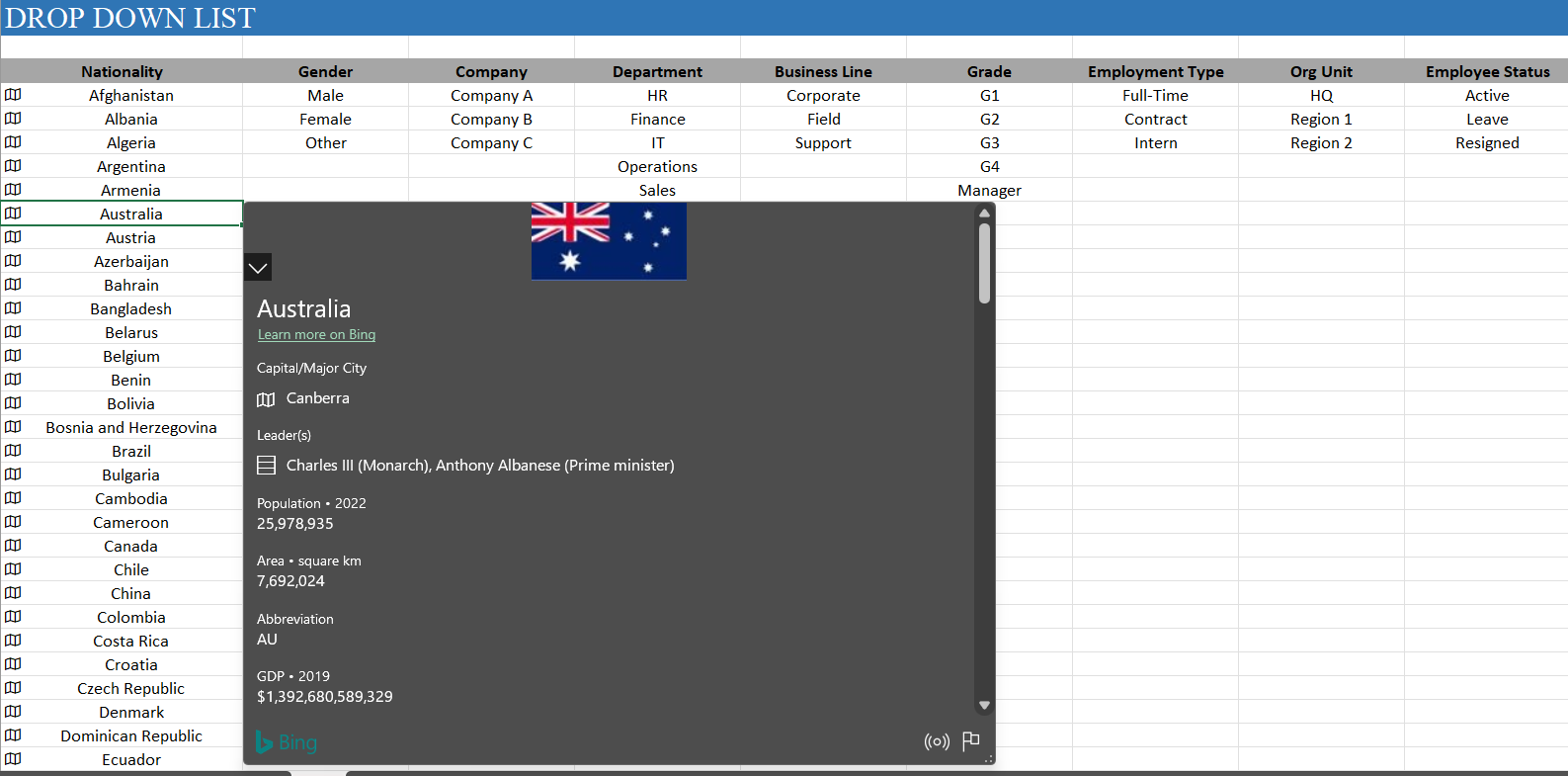
✅ Employee Master Database ✅ Automated HR Dashboard ✅ Workforce Overview Metrics ✅ Employment Analytics ✅ Demographics Insights ✅ Global Countries Database ✅ Dropdown Lists & Validations ✅ Automated Calculations ✅ Professional Layout Ready for Reporting


⭐ HOW TO USE (VERY SIMPLE)

  1. Open the Excel file.

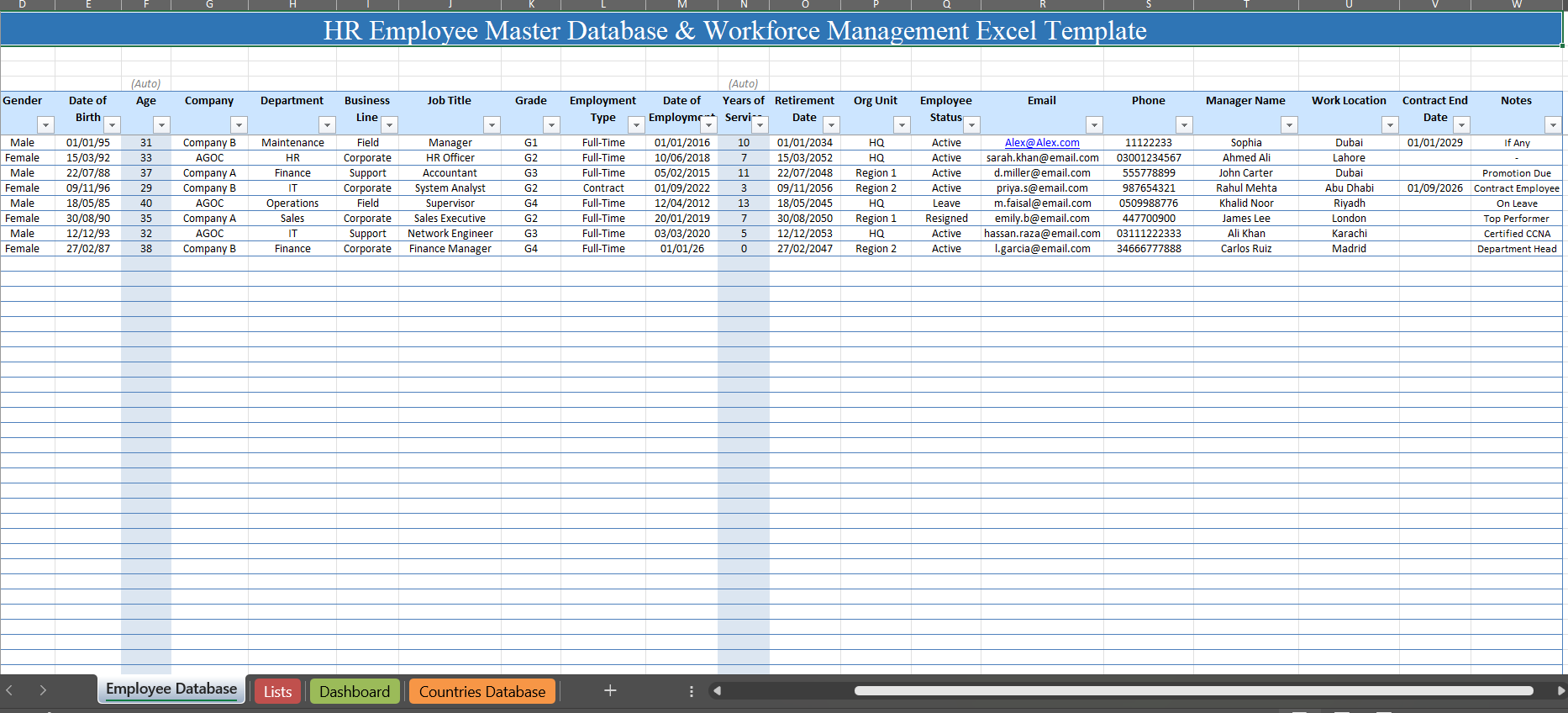
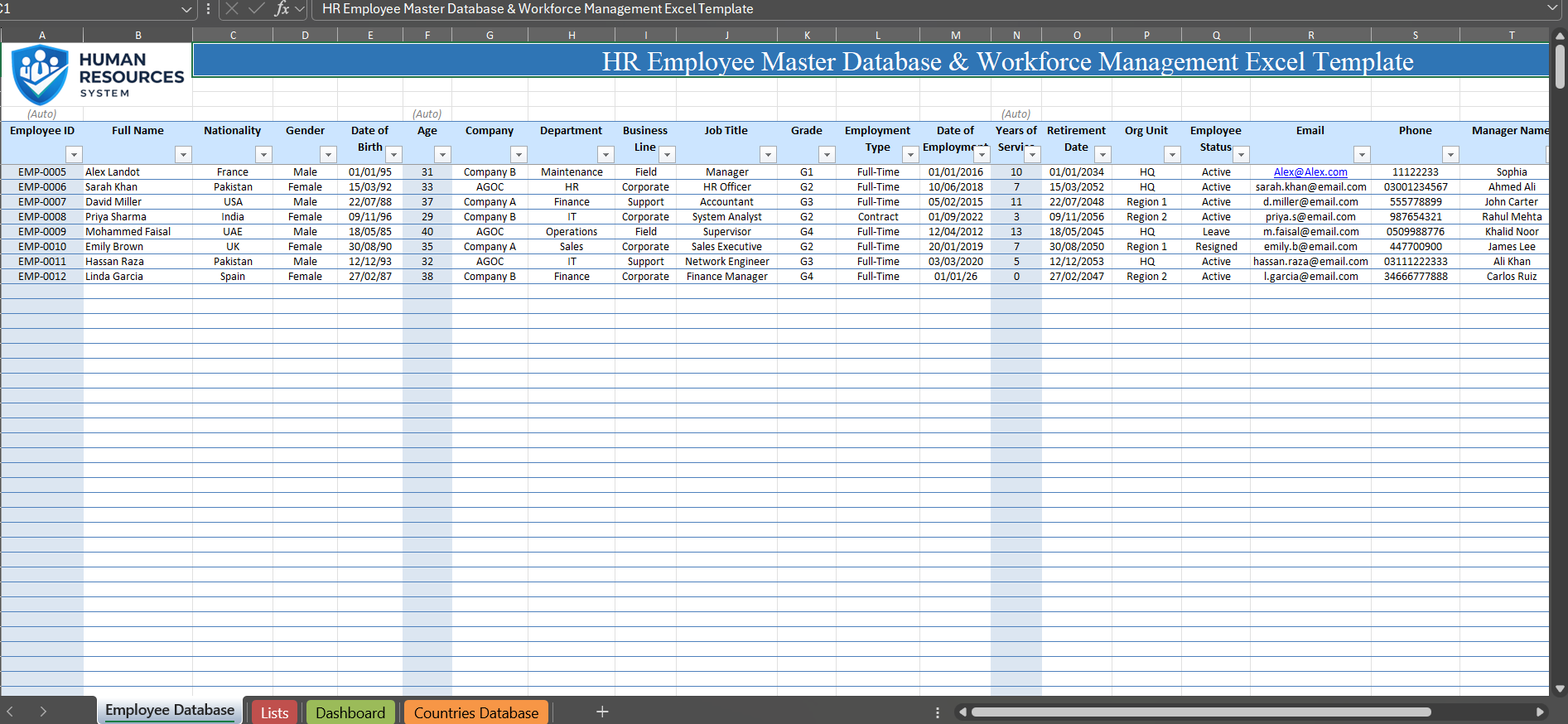
  2. Go to the Employee Database tab.

  3. Enter employee information only in white cells.

  4. Do not edit blue highlighted columns — these are automated fields.

  5. Dashboard updates automatically as data is entered

That’s it. No setup required.


⭐ IMPORTANT NOTES

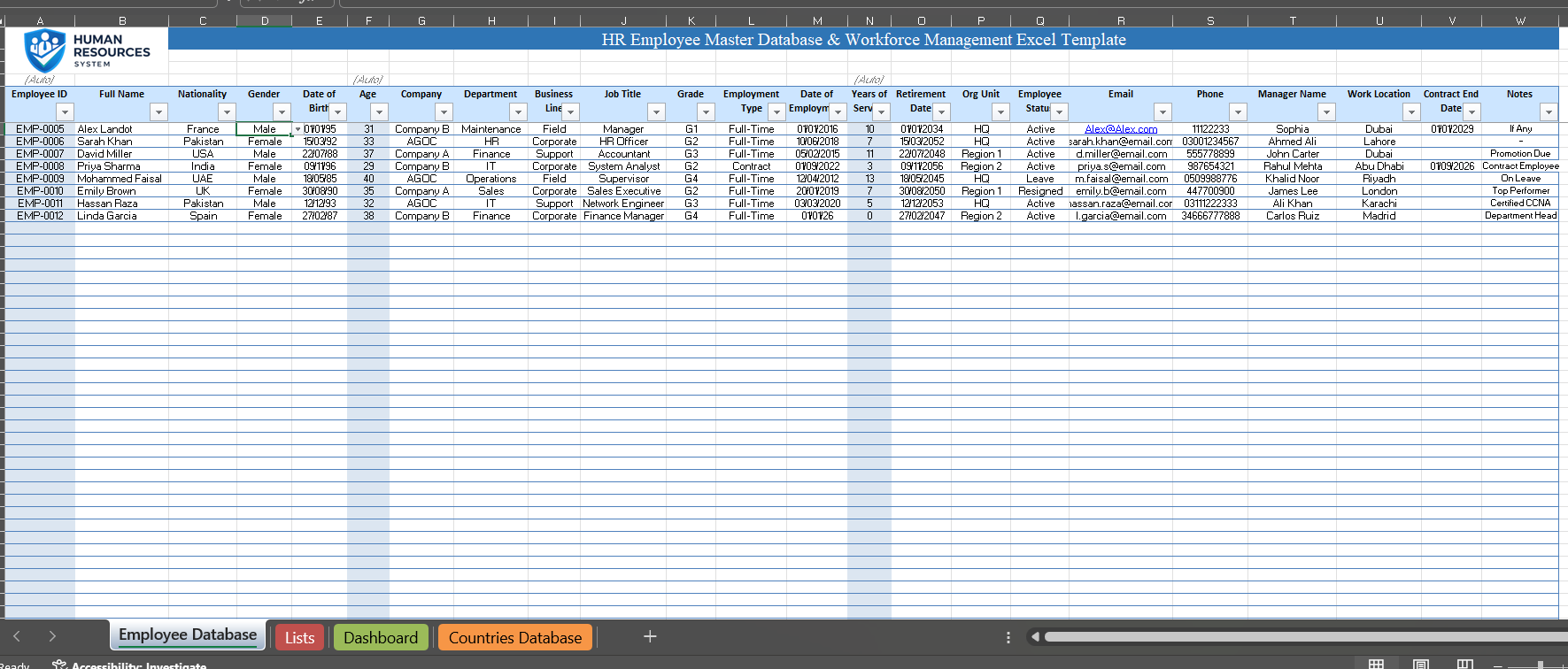
  • 🔵 Blue highlighted columns are automatic calculations (Age, Years of Service, IDs, analytics fields).

  • The template contains 4 tabs:

    • Employee Database → Enter employee data here

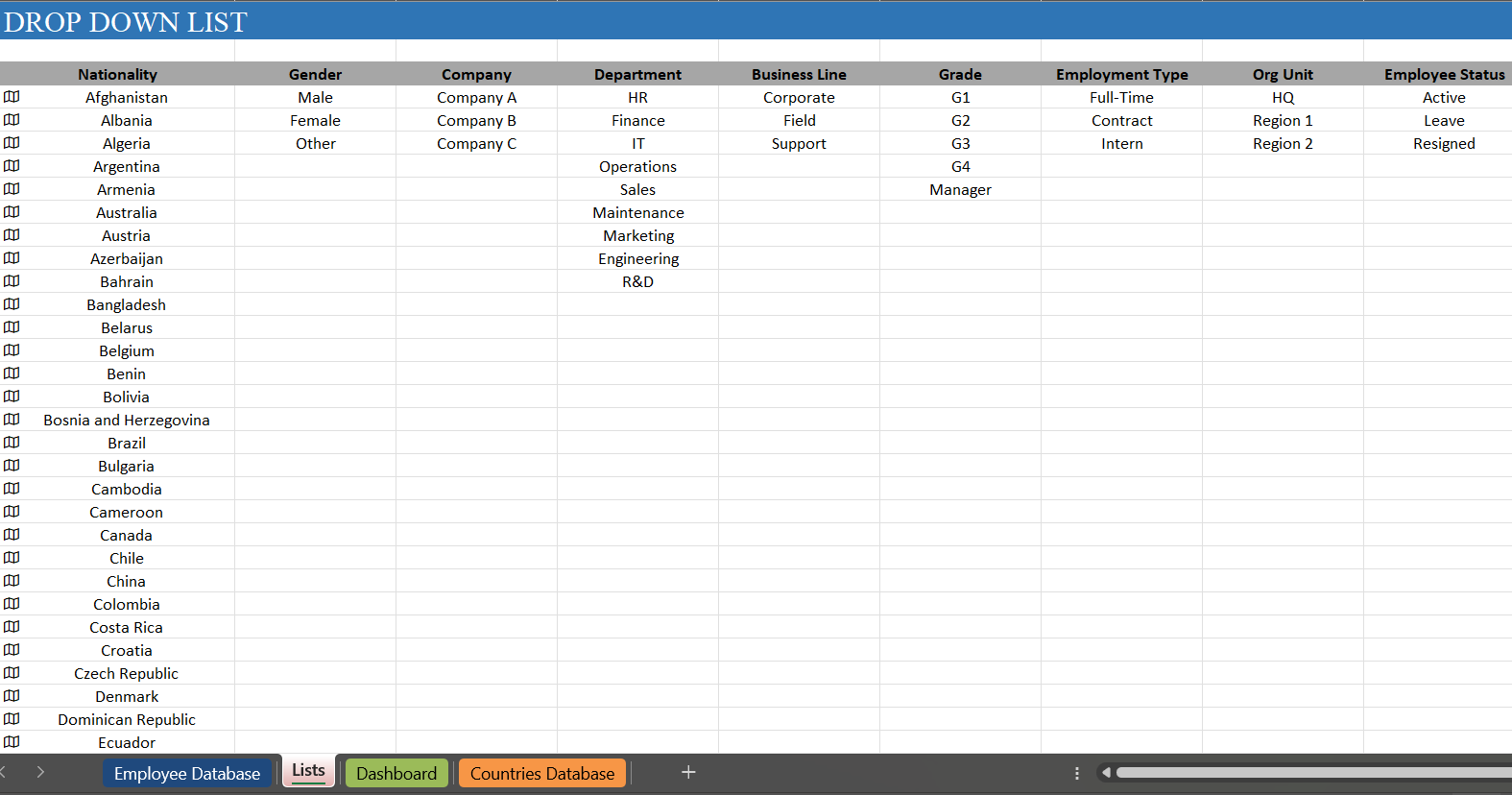
    • Lists → Dropdown values (do not edit unless needed)

    • Dashboard → Automated HR analytics & KPIs

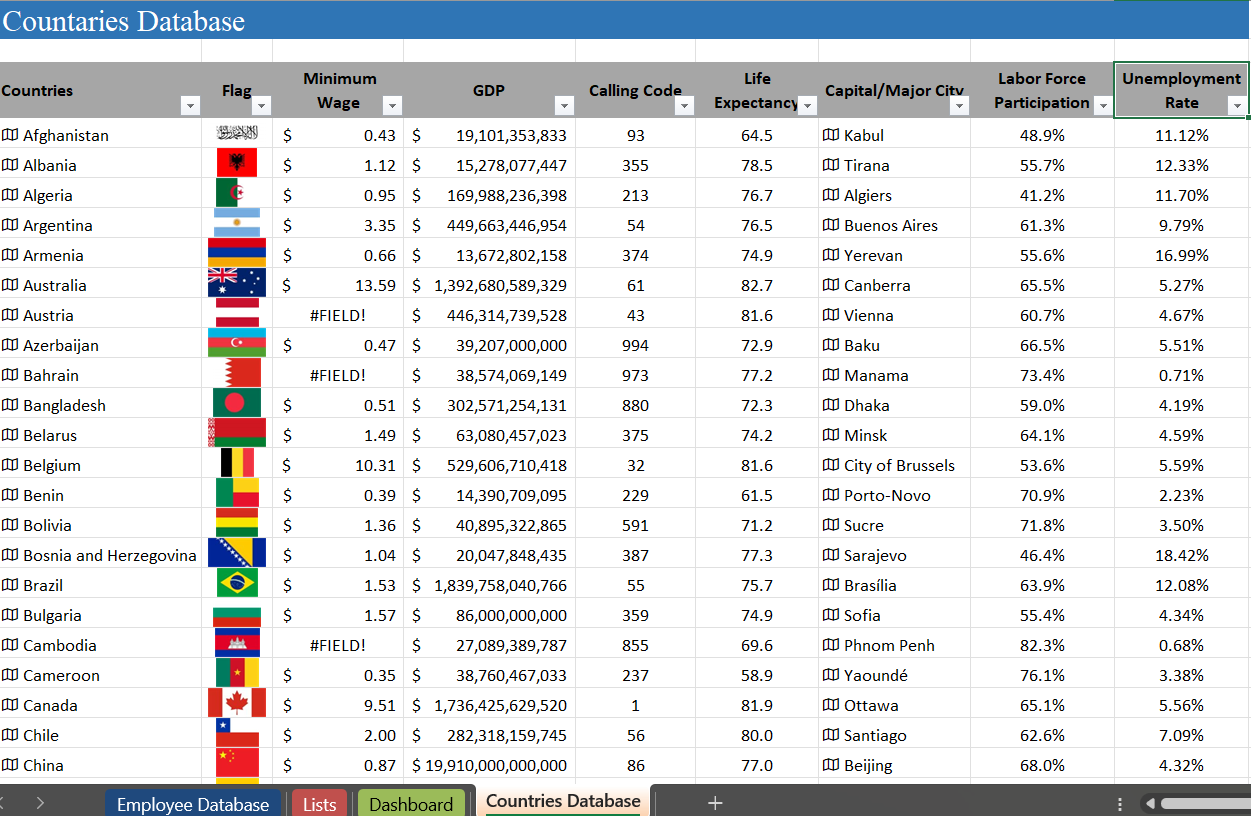
    • Countries Database → Global workforce reference data

  • Simply maintain the Employee Database and everything else updates automatically.


⭐ FEATURES
  • Automated HR KPIs

  • Workforce Overview

  • Employee Status Tracking

  • Gender & Demographic Analytics

  • Employment Duration Analysis

  • Retirement Forecasting

  • Location Insights

  • Clean corporate design


⭐ SOFTWARE REQUIREMENT

Microsoft Excel (Office 365 / Excel 2019 or later recommended)


⭐ BEST FOR

HR Managers • Recruiters • Admin Teams • Business Owners • Consultants • Data Analysts

This Best Practice includes
1 x Excel Sheet

Acquire business license for $12.00

Add to cart

Add to bookmarks

Discuss


0.0 / 5 (0 votes)

please wait...
