Task Progress Dashboard in Google Sheets | Track Deadlines & Productivity
Originally published: 22/08/2025 22:22
Publication number: ELQ-95044-1
View all versions & Certificate
certified

Task Progress Dashboard in Google Sheets | Track Deadlines & Productivity

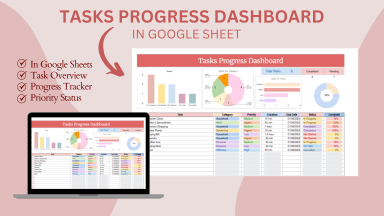
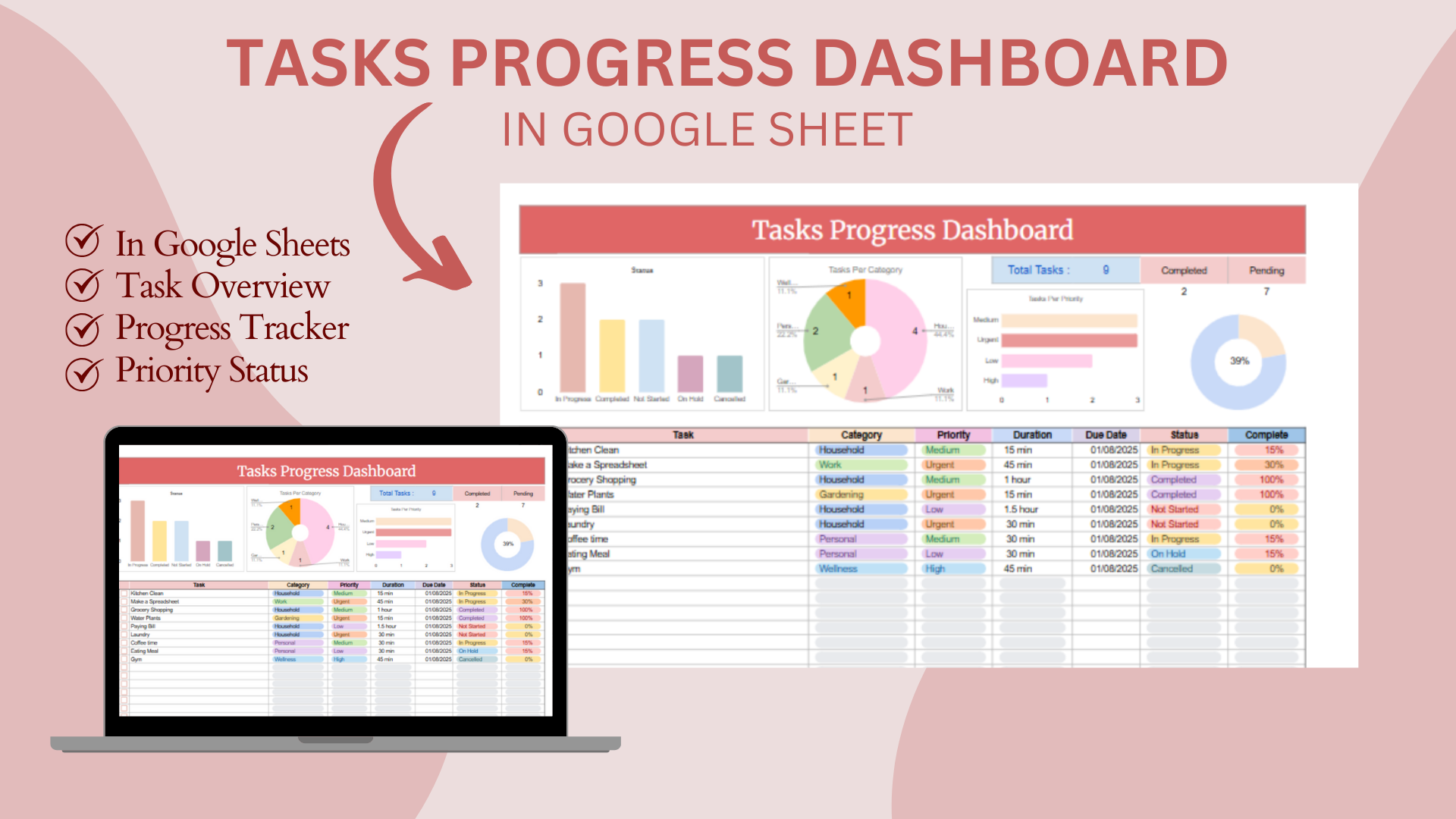
This Google Sheets Task Progress Dashboard helps you easily track tasks, deadlines, and completion status with automated progress updates.

Description

Managing tasks effectively is the key to better productivity, and this Google Sheets Task Progress Dashboard is designed to make that simple and efficient. Whether you are a student, freelancer, or project manager, this template allows you to monitor your work progress, upcoming deadlines, and overall completion percentage—all in a one place.

Key Features:

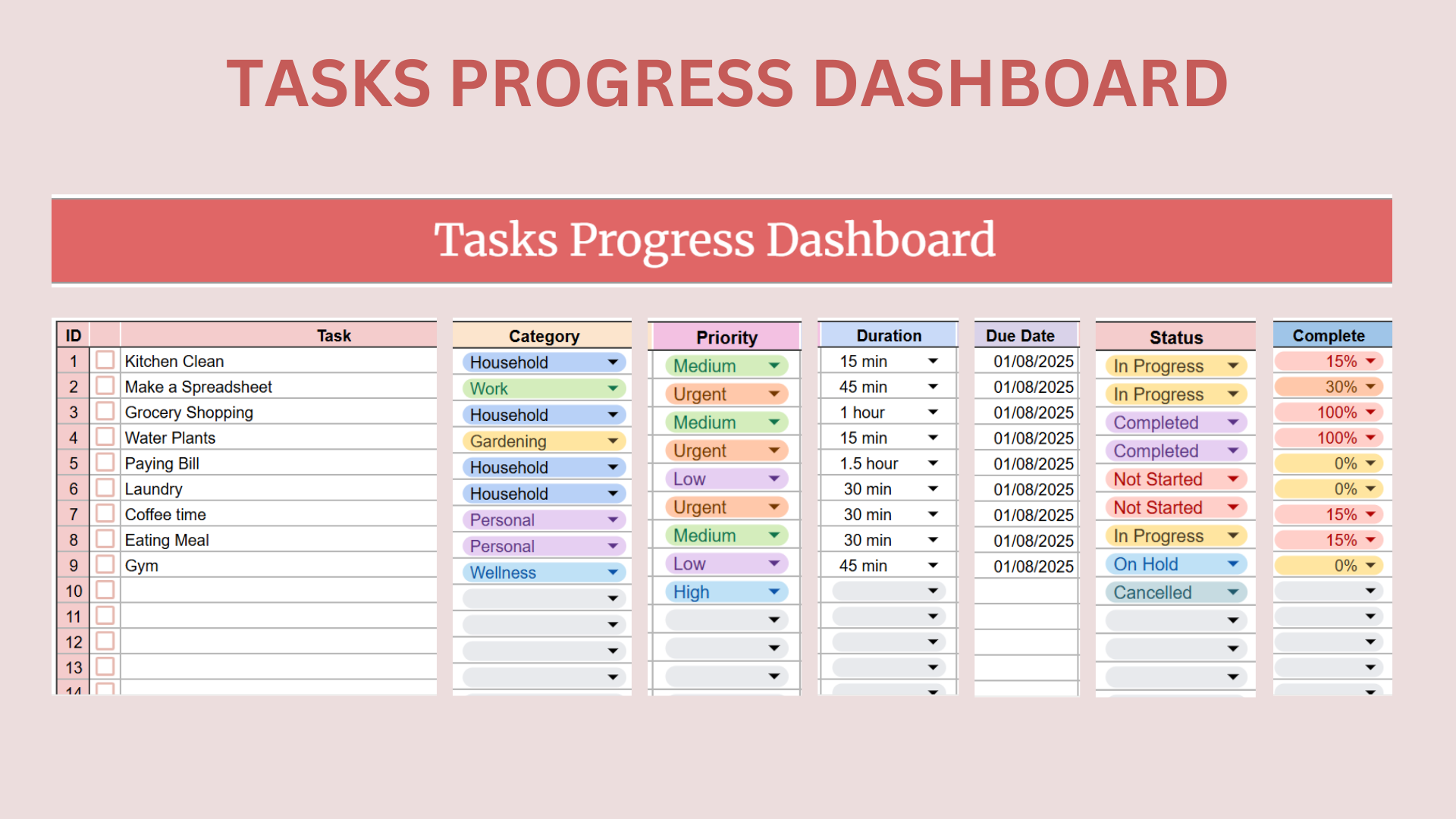
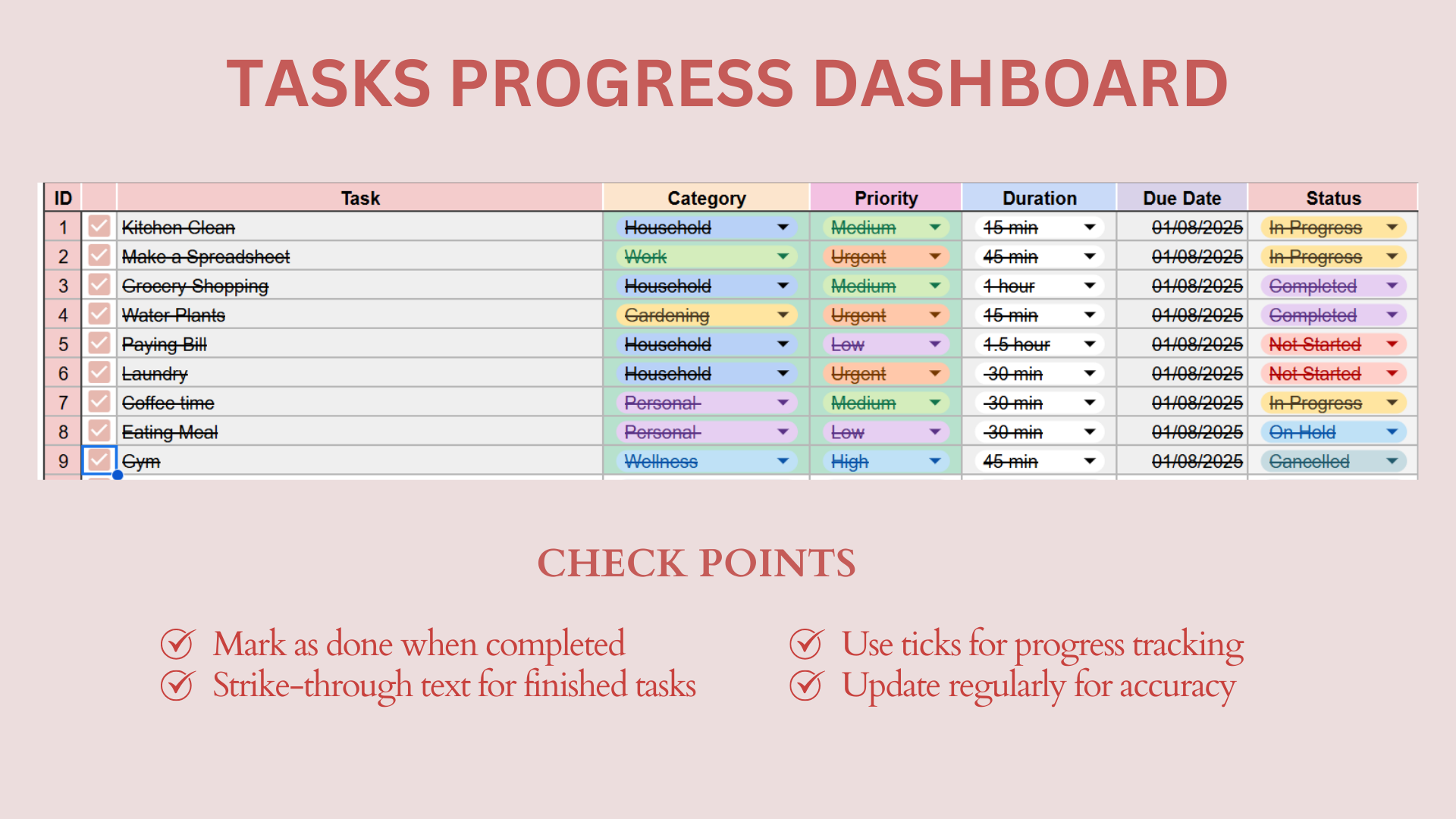
  1. Task Tracker: Add tasks with the start dates, due dates, and assigned owners to keep everything organized.

  2. Progress Status: Mark tasks as “Not Started,” “In Progress,” or “Completed” and watch the dashboard update automatically.

  3. Deadline Monitoring: Quickly identify overdue or upcoming tasks with conditional formatting.

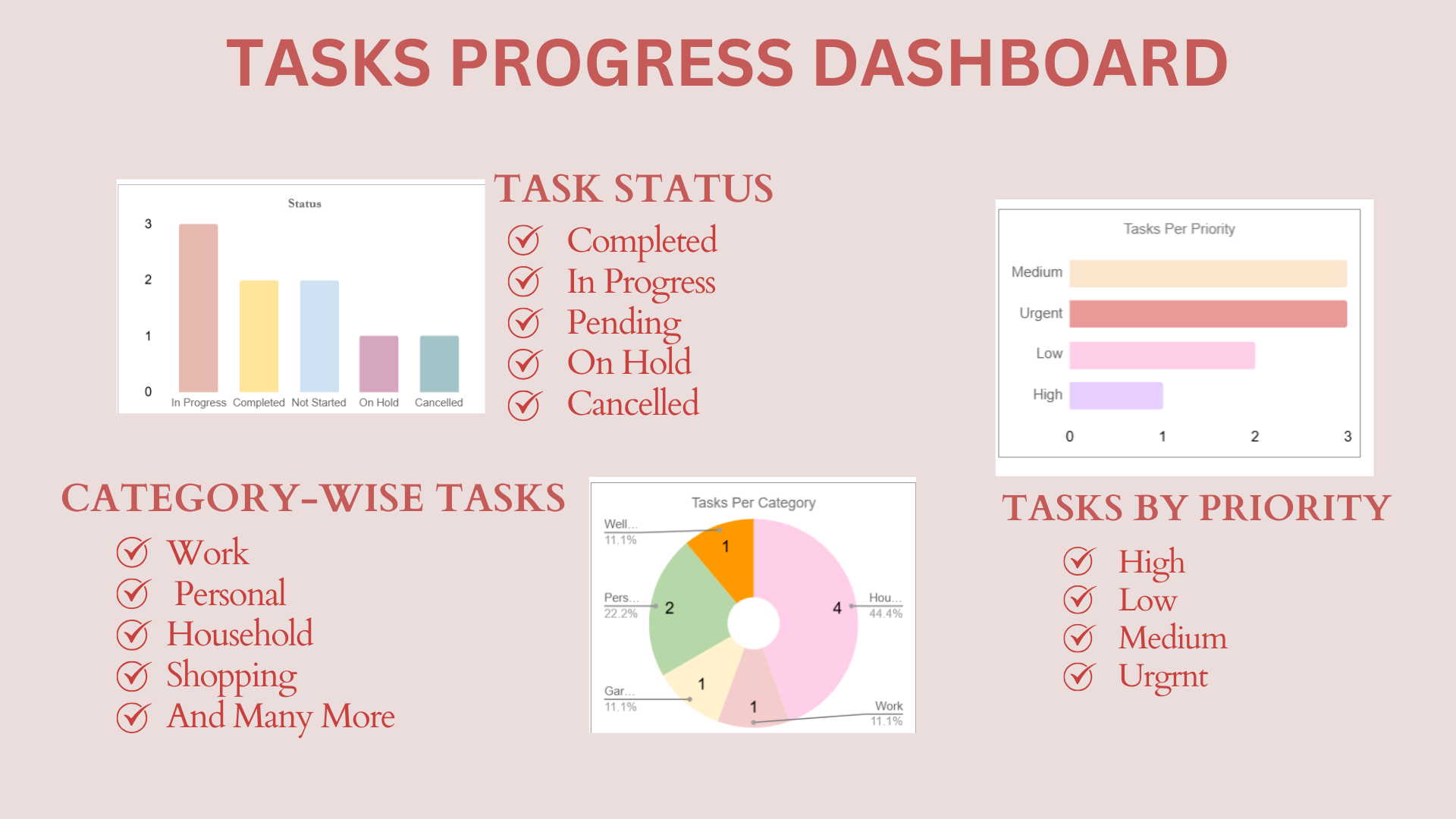
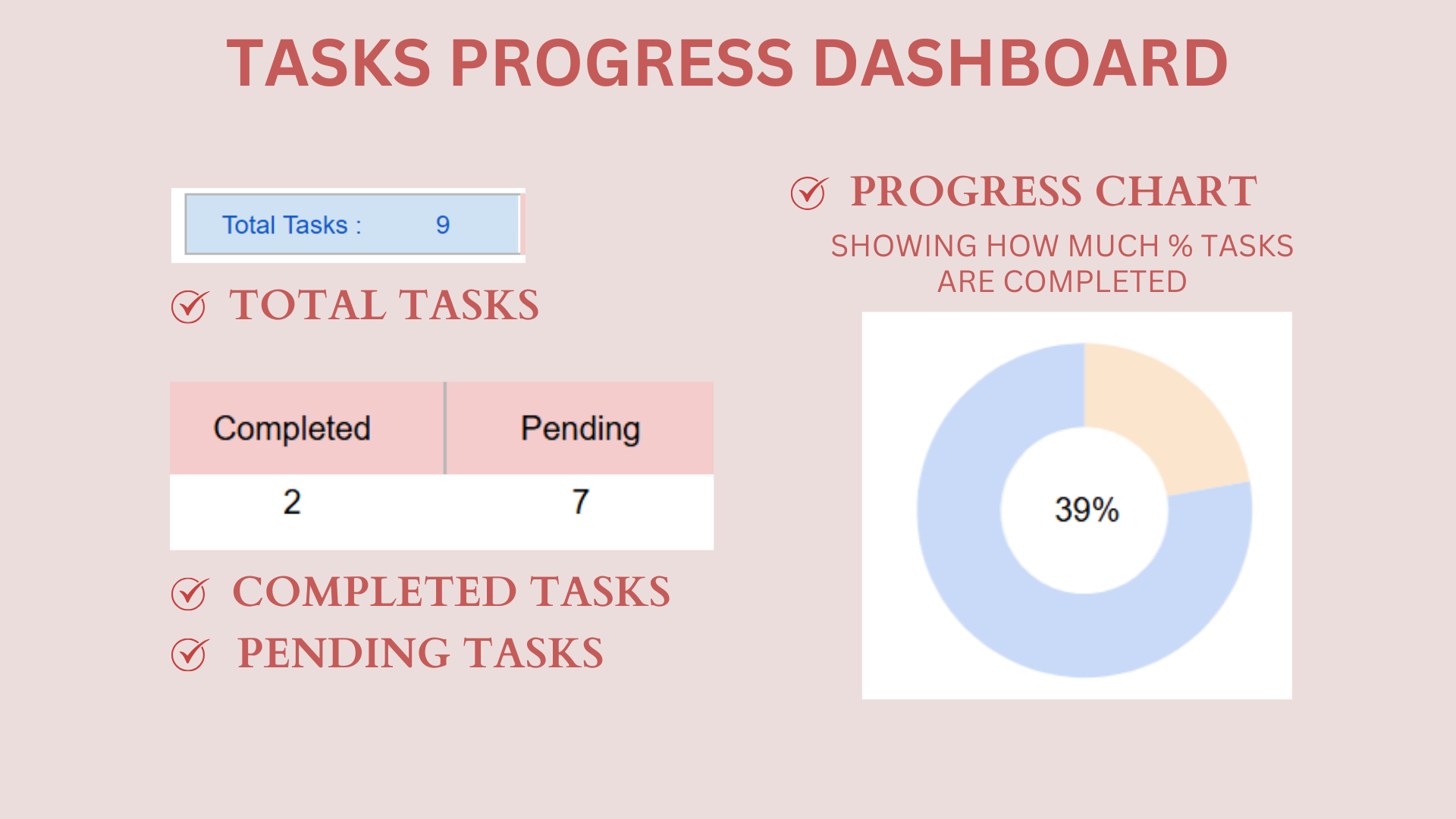
  4. Visual Progress Chart: Get a clear overview of how much the work has been completed using progress bars and charts.

  5. Customizable Categories: Categorize tasks by project, priority, or team member for better tracking.

  6. Automatic Summary: The dashboard provides a quick summary of total tasks, completed tasks, and pending tasks.

  7. Simple & User-Friendly: Built entirely in Google Sheets—no complicated setup required.

With this template, you can improve time management, stay on top of deadlines, and boost productivity. It works perfectly for personal planning, academic projects, freelancing tasks, and professional team management.


👉 Download the template now and take full control of your work progress!

    This Best Practice includes
    1 PDF file (with instructions + dashboard preview) , Public Google Sheets link (to use & customize the dashboard)

    Acquire business license for $5.00

    Add to cart

    Add to bookmarks

    Discuss

    Further information

    To provide a simple, easy-to-use system for tracking task completion and deadlines.

    To improve productivity by giving individuals and teams a clear overview of pending and completed work.

    To enable real-time collaboration for task management using Google Sheets.

    To help managers and team leads monitor project progress and bottlenecks visually.

    To support better time management and ensure tasks are completed before deadlines.

    Small to medium-sized teams managing daily or weekly tasks.

    Individual professionals who want a personal task tracker.

    Remote teams needing a shared and free project management tool.

    Short-term projects with clear deadlines and deliverables.

    Educational or training projects where teachers/students want to monitor assignments.

    Large organizations requiring advanced project management features (e.g., resource allocation, time tracking).

    Highly complex projects that need tools like MS Project, Jira, or Trello.

    Workflows requiring automation or integration with multiple external systems.

    Scenarios where offline access is mandatory (since Google Sheets needs internet for full collaboration).


    0.0 / 5 (0 votes)

    please wait...