SaaS Financial Model
Originally published: 13/04/2025 10:20
Publication number: ELQ-46824-1
View all versions & Certificate
certified

SaaS Financial Model

3-Year Subscription as a Service Financial Pro Forma Statements (Annual & Monthly Breakdown)

Description
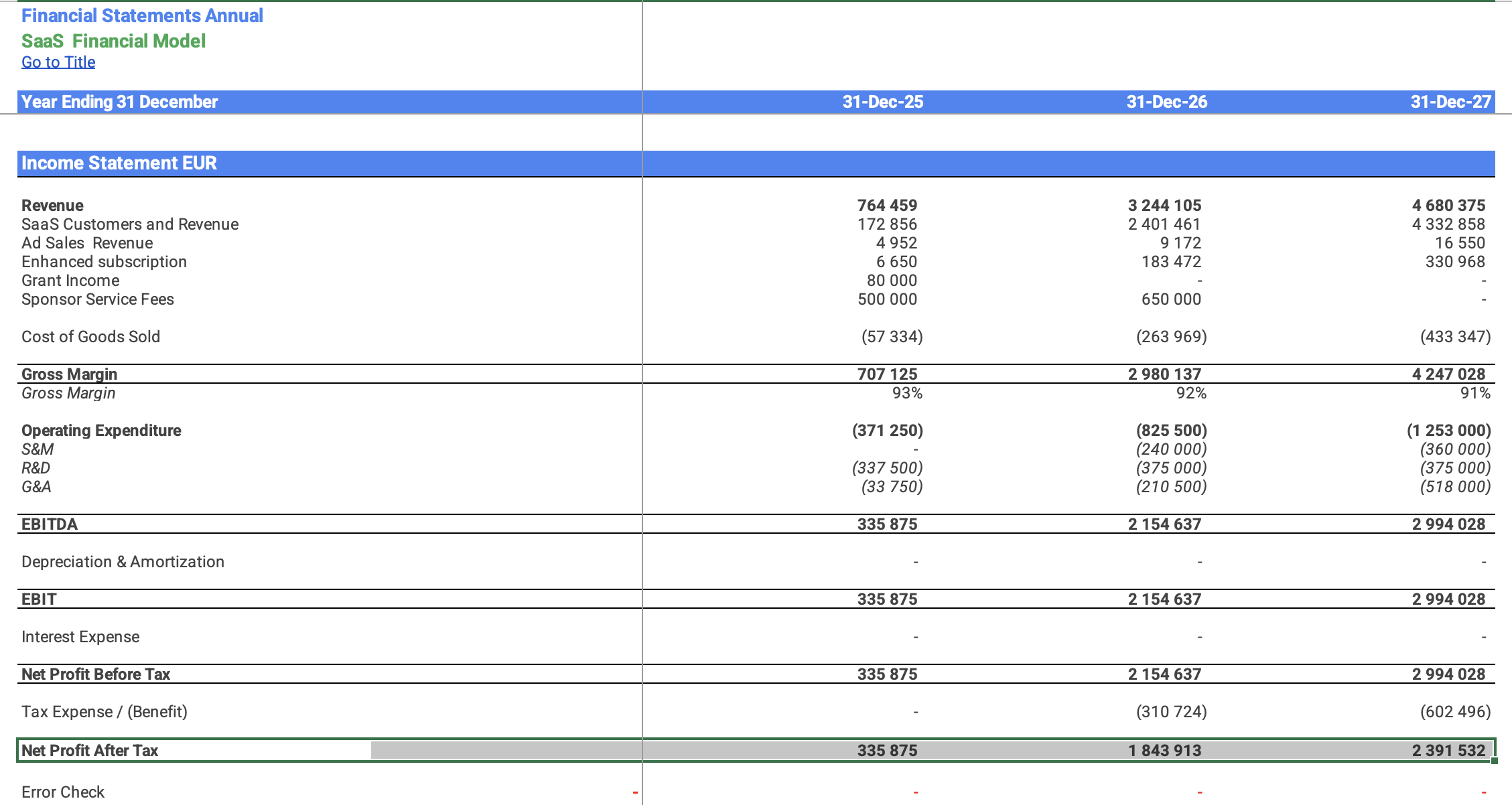
The template will take your unique inputs and assumptions to automatically calculate and build your Income Statement (Profit & Loss), Balance Sheet, and Cash Flow statement. Any change you make on the input tabs will automatically be calculated and updated on your financial statements making for easy changes and experimentation. The financial statements are easily exported or printed for investors.


If you are running a Subscription as a Service  business that involves running then this model can guide you with the financial feasibility of your business.

The highlights of this financial model are:

Forecast of Income Statement, Balance Sheet, Cash Flow Statement and Financial Ratios over the next 3 years

Detailed breakdowns to estimate transaction value, sales, gross profit, and operating costs

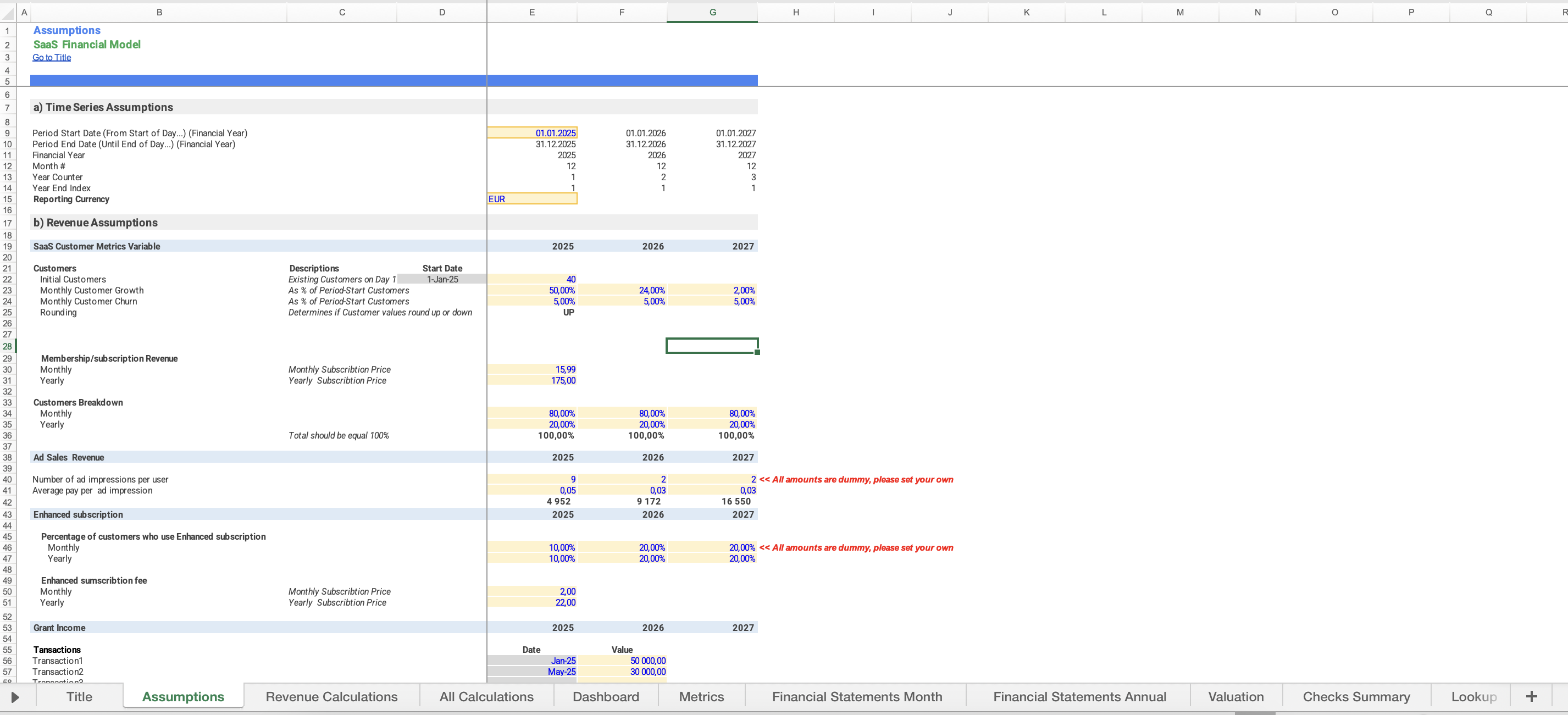
Assumptions block for revenue contains four categories of revenue, costs of services assumptions have four categories too. Selling, General & Administrative Expenses consist of Sales & Marketing, Wages and Salaries, General & Administrative Expenses with own subcategories.

Working Capital Forecast (Accounts Receivable, Accounts Payable)

Debt schedule:
Fixed Asset Schedule which includes 3 assets categories.
Ordinary Equity Schedule and dividends planing
Financial Analysis:
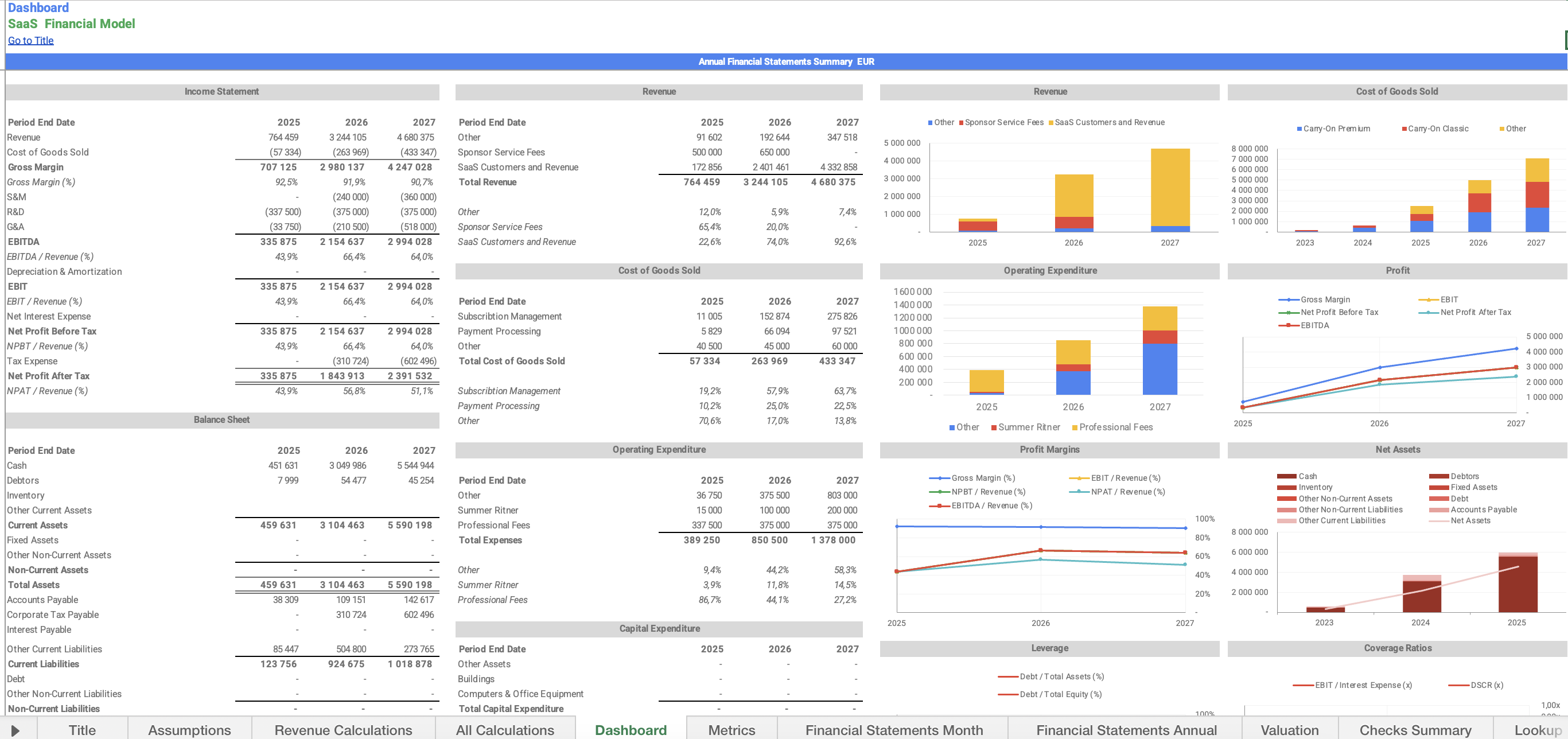
A summary and financial charts with a quick glance at the company’s key highlights.

Summary contains:
- Income Statement
- Balance Sheet
- Cash Flow Statement
- Five-Year Performance Summary infographic
- Revenue Chart
- Cumulative Revenue chart which allows setting the performance year via a dropdown.
- Operating Expenditure chart
- Cash Flow Chart
- Cash at Bank Chart
Source & Uses of funds;
Capitalization Table.

Workbook Structure:

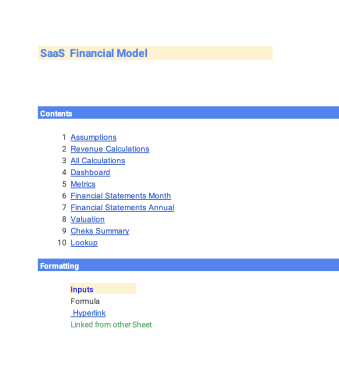
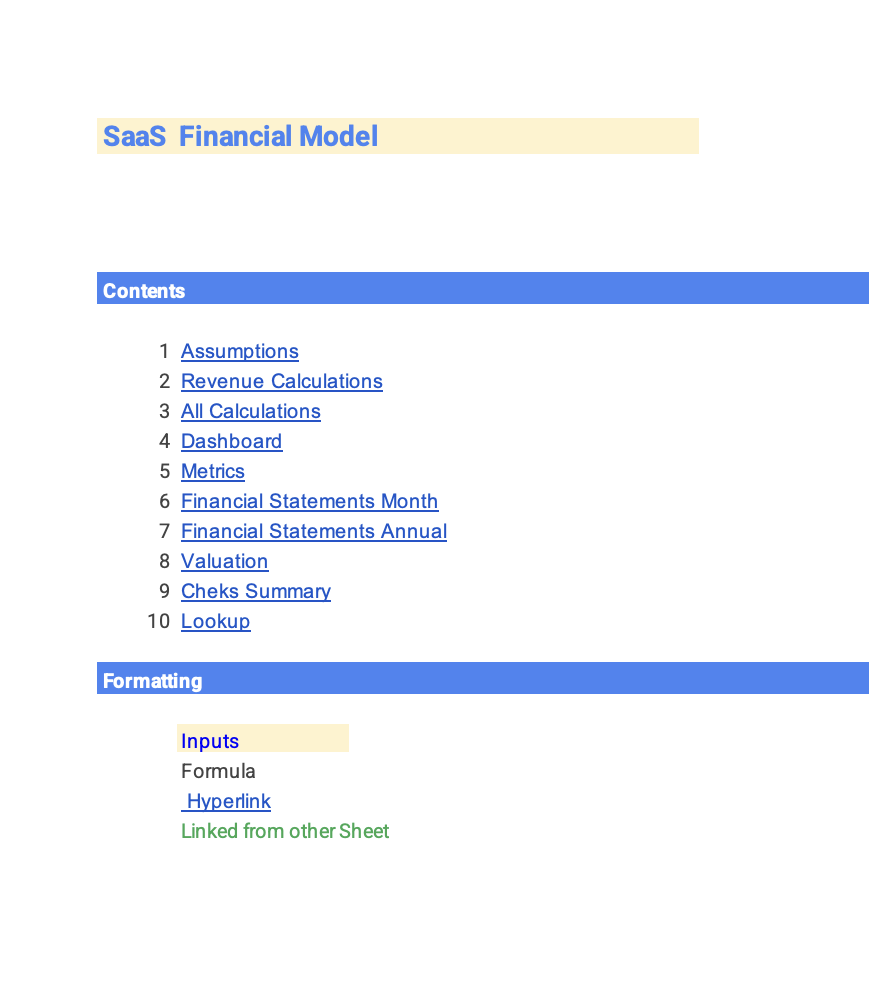
Every workbook that contains multiple sheets should contain a separate overview sheet as the first sheet in the workbook.

Every workbook that contains multiple sheets containing similar or related types of information should be separated into sections.

This Best Practice includes
Excel File

Acquire business license for $60.00

Add to cart

Add to bookmarks

Discuss


0.0 / 5 (0 votes)

please wait...