Publication number: ELQ-99846-1
View all versions & Certificate

Interactive Budget Planner Spreadsheet | Personal Finance Project
Track income, expenses, and savings effortlessly. Customizable, visual, and user-friendly—ideal for personal finance management.
 by Sankar Srinivasan
Stock Market Consultant | Options Strategies | Portfolio Risk Management & Professional Trading SystemsFollow
Further information
Help students understand how a monthly budget works in real life
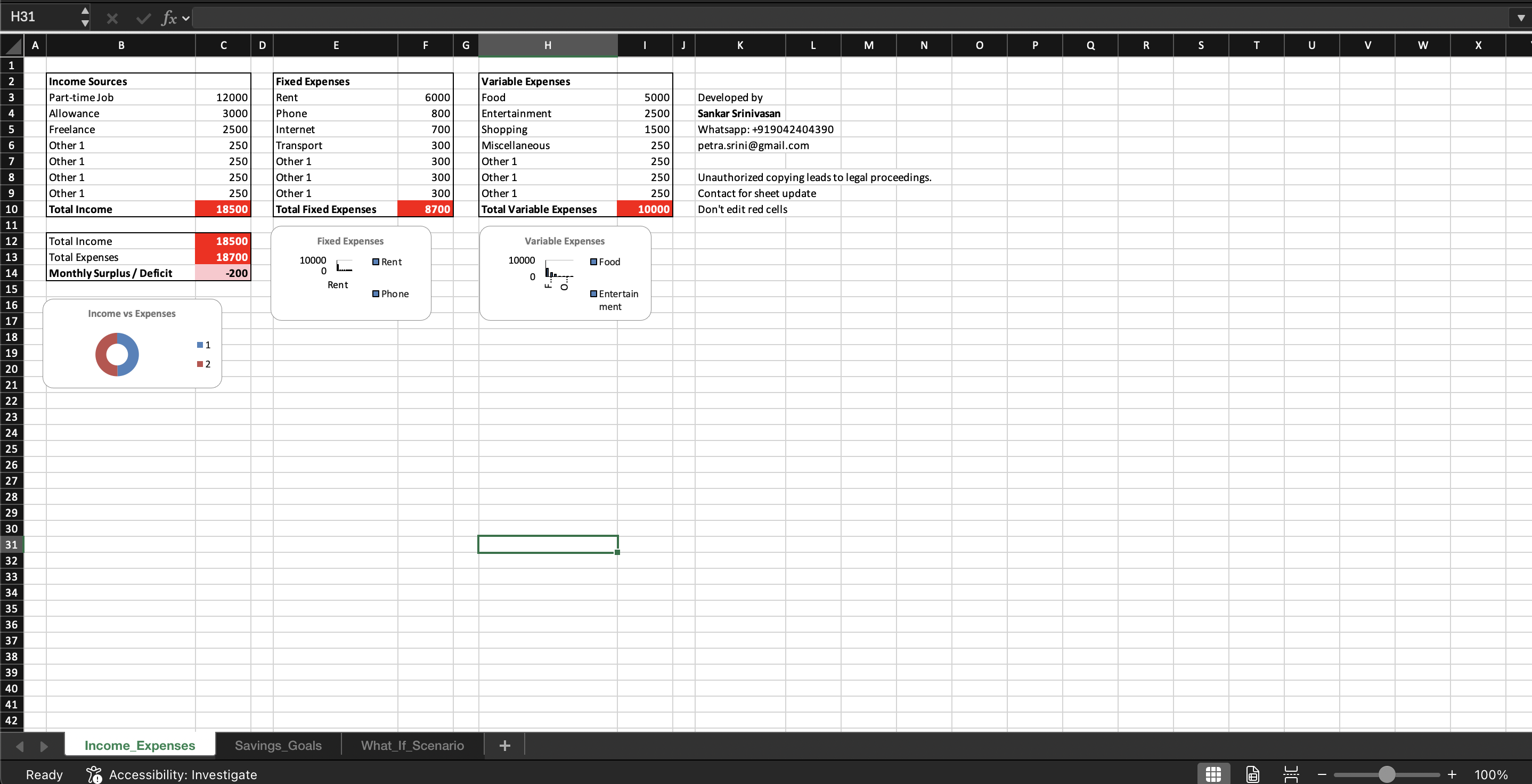
Teach students to track income and expenses clearly
Show the difference between surplus and deficit spending
Encourage students to analyze spending patterns using charts
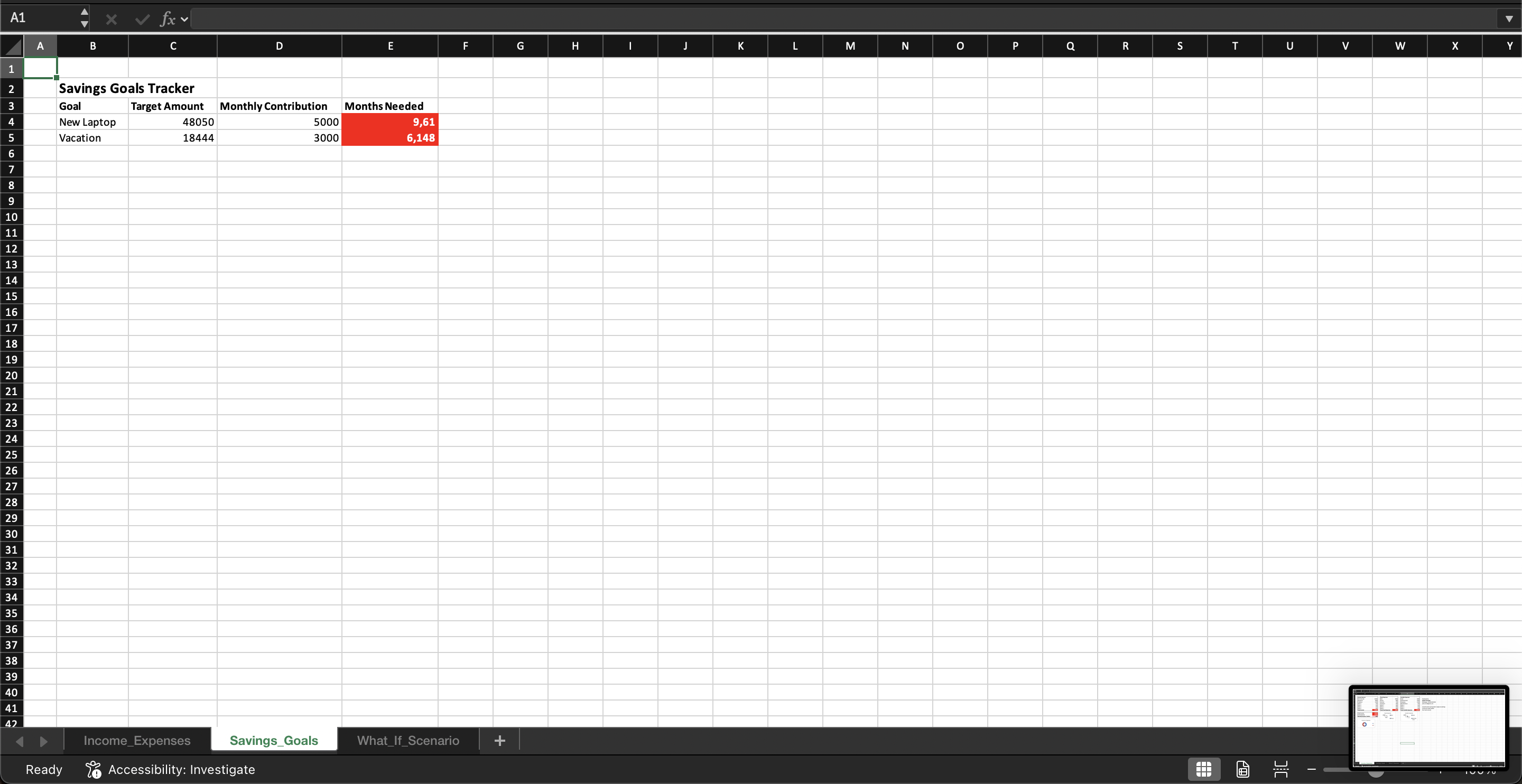
Build awareness about saving and financial planning
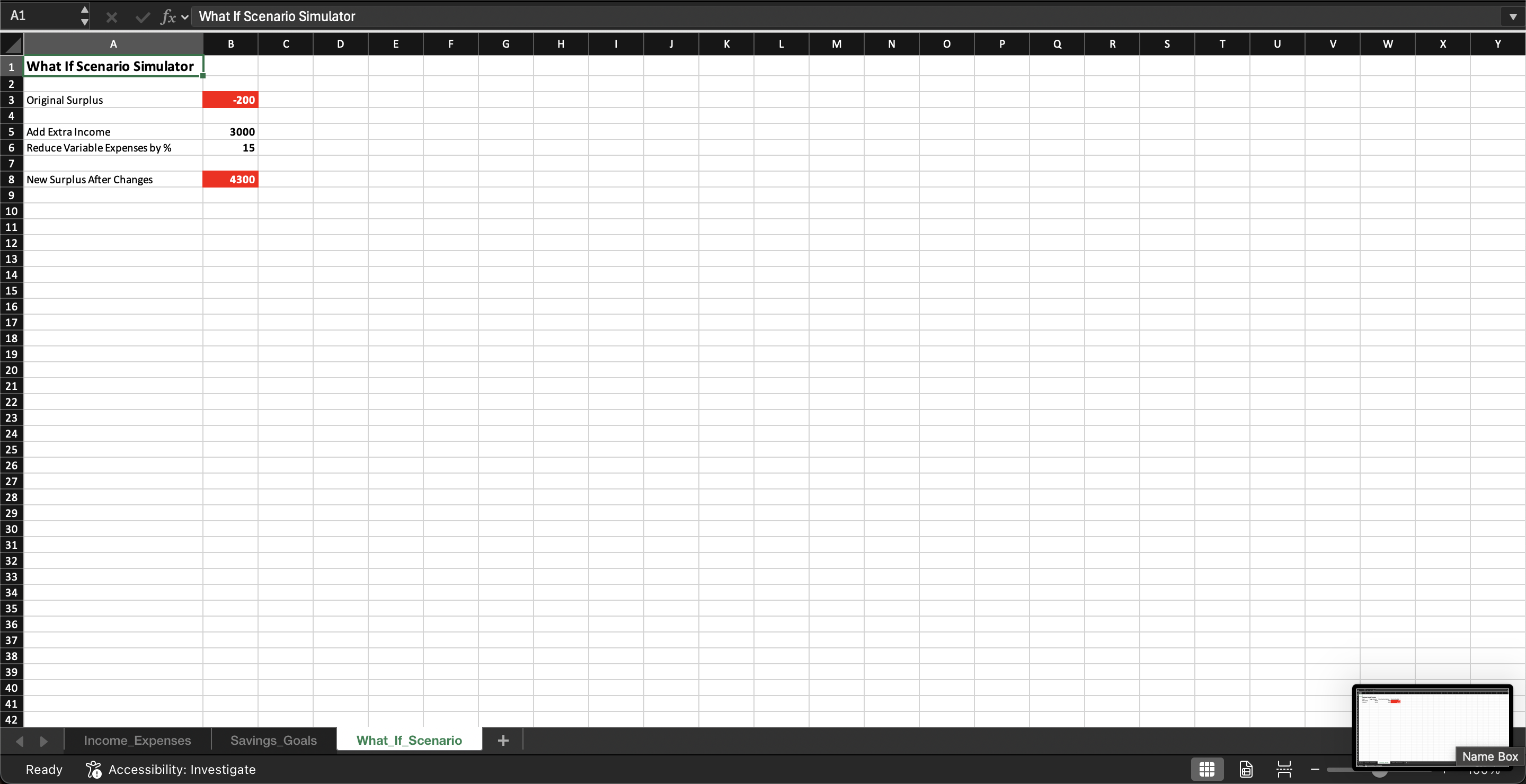
Allow students to experiment with financial decisions using What-If scenarios
Develop practical financial literacy skills through hands-on learning
This downloadable resource works best in middle school and high school financial literacy classes, personal finance lessons, and economics courses where students are learning the basics of budgeting and money management.
It is most effective when students have access to Excel or Google Sheets and can actively experiment with income, expenses, and savings decisions.
Teachers can use it for classroom activities, budgeting simulations, or personal finance projects where students explore real-life financial choices and analyze the results through automatic calculations and charts.
This downloadable resource may not be suitable for very young students who have not yet learned basic concepts of money, income, and expenses.
It is also less ideal for classrooms without access to Excel or Google Sheets, since the spreadsheet features and interactive calculations require these tools.
In addition, the resource may not be appropriate for courses that require advanced financial modeling or professional accounting software, as it is designed primarily for middle school and high school financial literacy education.
