AI-Powered Loan & Debt Toolkit for Excel — Amortization, Refinance, Compare & Payoff (5 Tools)
Originally published: 12/06/2026 12:23
Publication number: ELQ-14926-1
View all versions & Certificate
certified

AI-Powered Loan & Debt Toolkit for Excel — Amortization, Refinance, Compare & Payoff (5 Tools)

5 AI-powered Excel tools for loans & debt: amortization, refinance, comparison & payoff - plus a built-in AI advisor. Works on Excel 2016→365.

Description
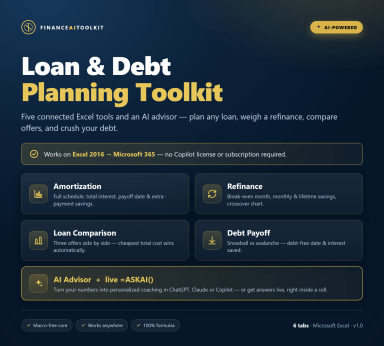
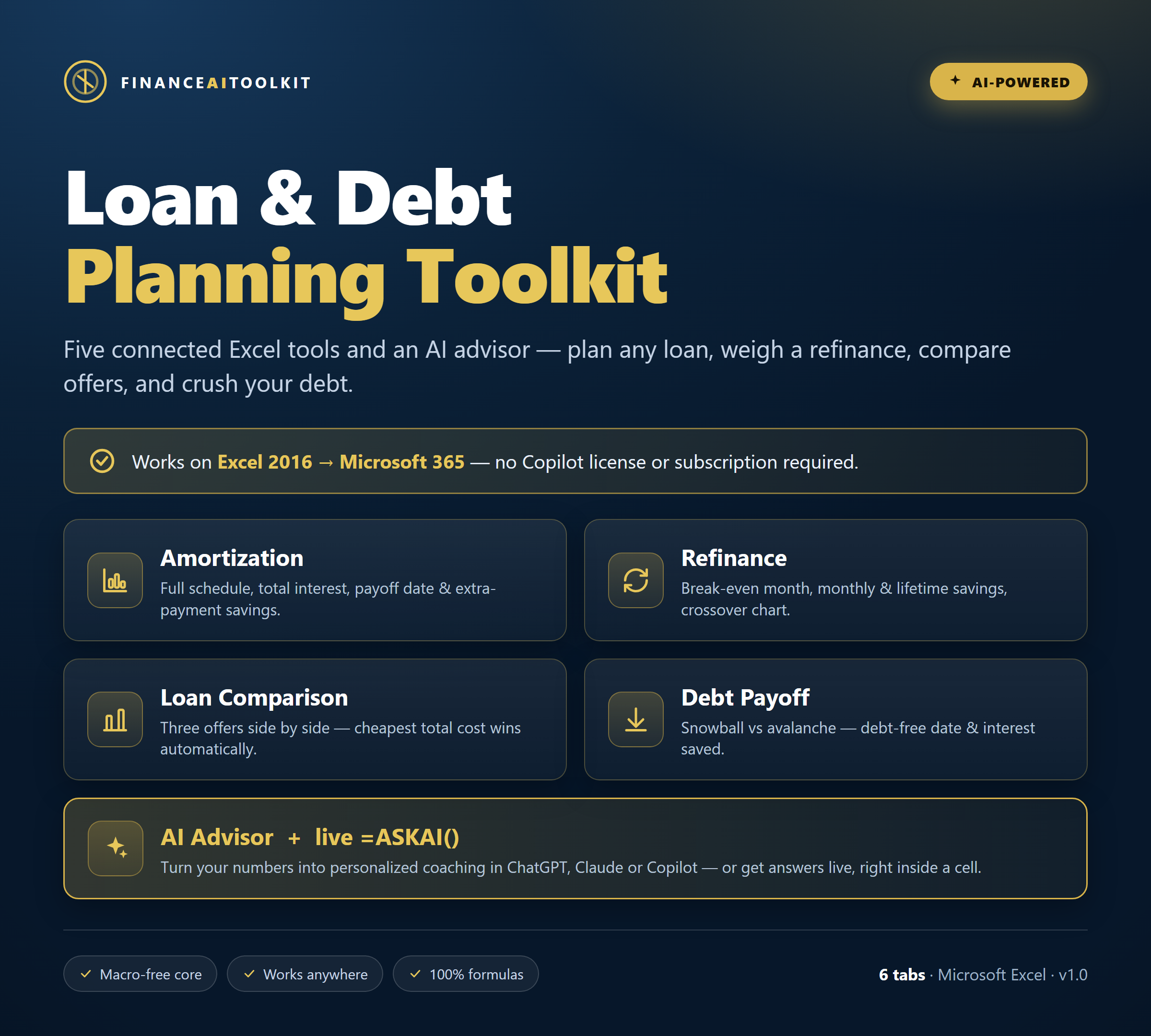
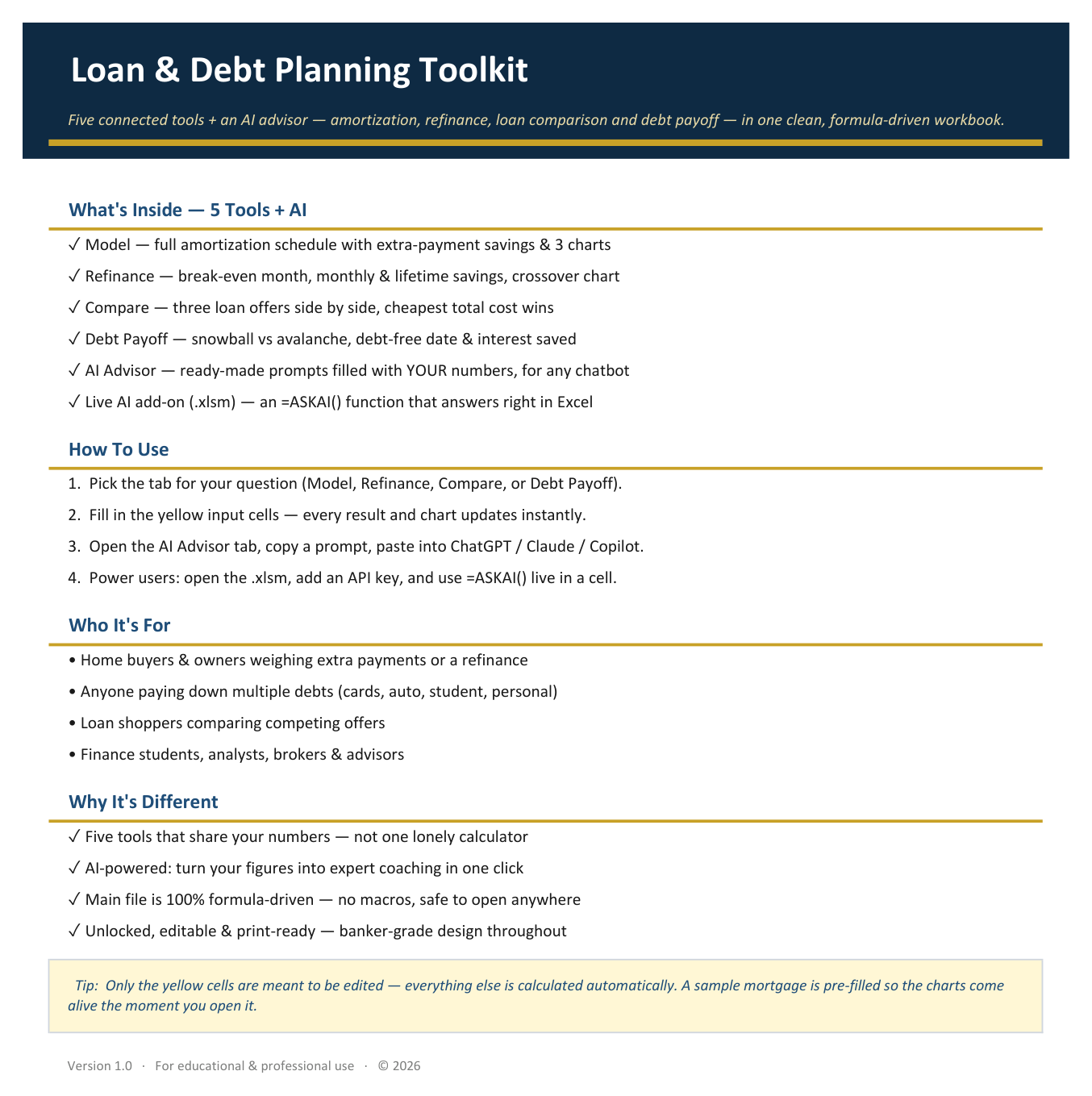
Most loan templates do one thing. This is a connected toolkit where your numbers flow across five tools:

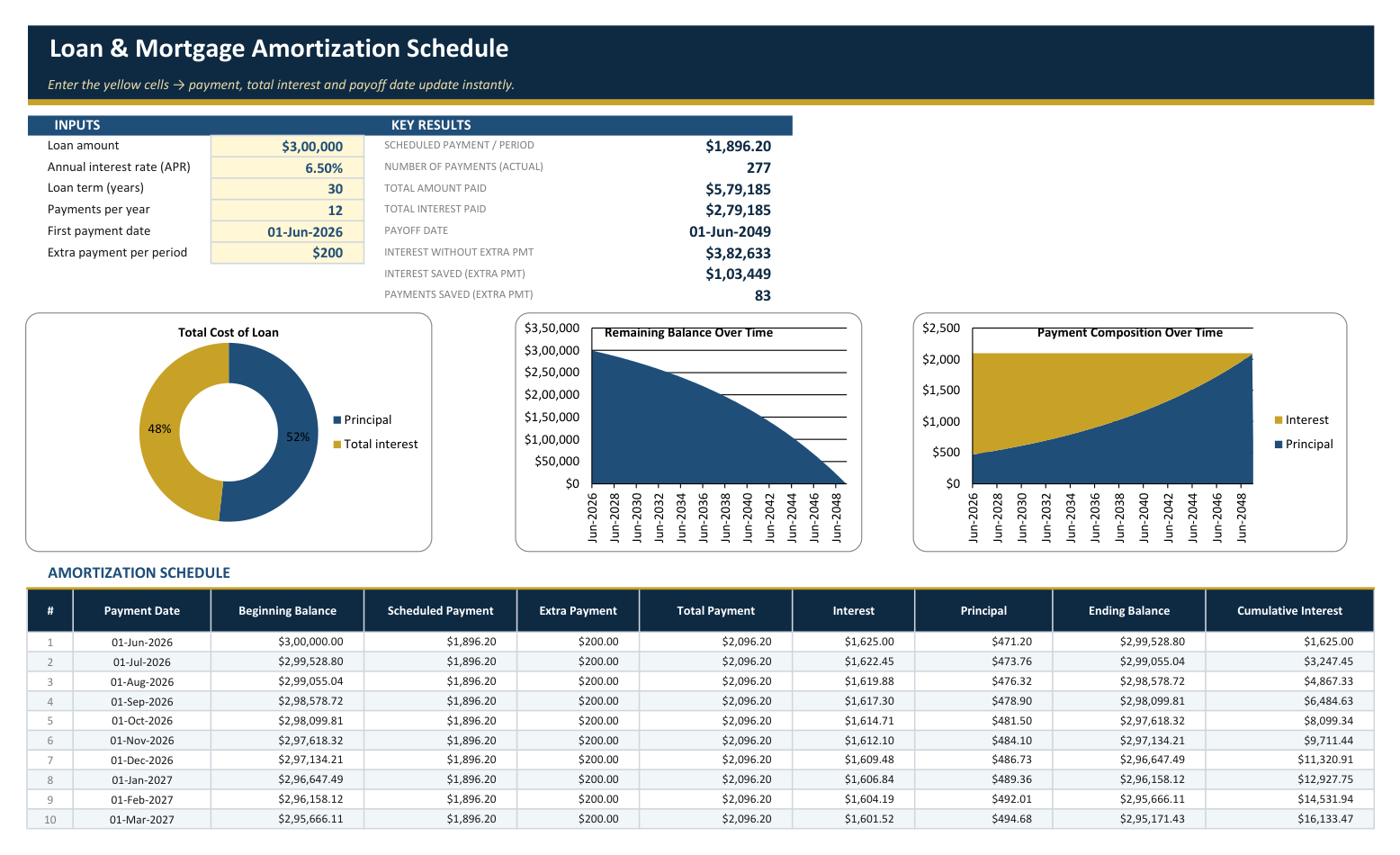
• Amortization Schedule — payment, full schedule (up to 360 payments), total interest, payoff date, and an extra-payment engine showing the interest and time you save.
• Refinance Break-Even — compare your loan to a refinance offer: monthly savings, the exact break-even month, lifetime savings, and a crossover chart.
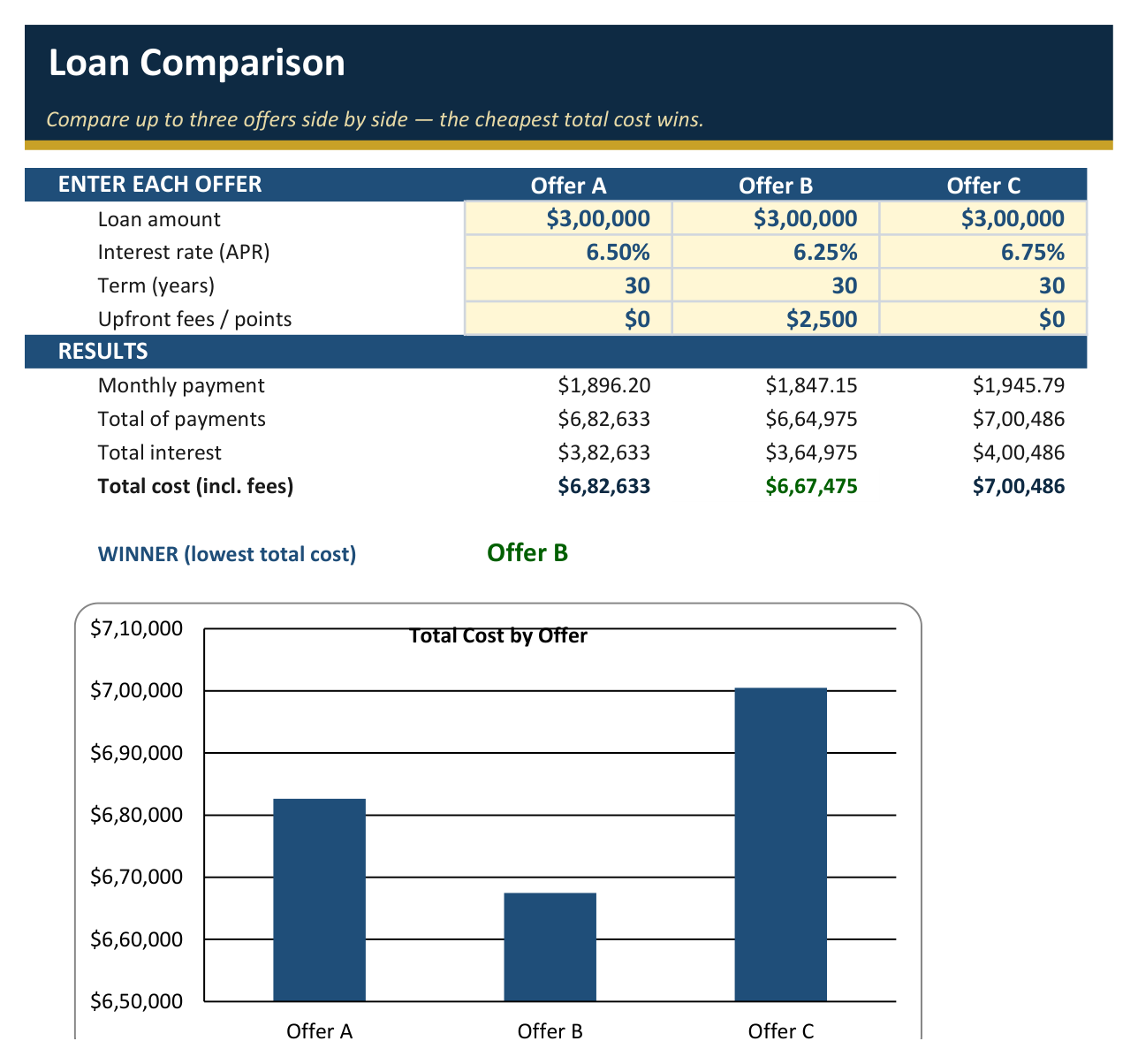
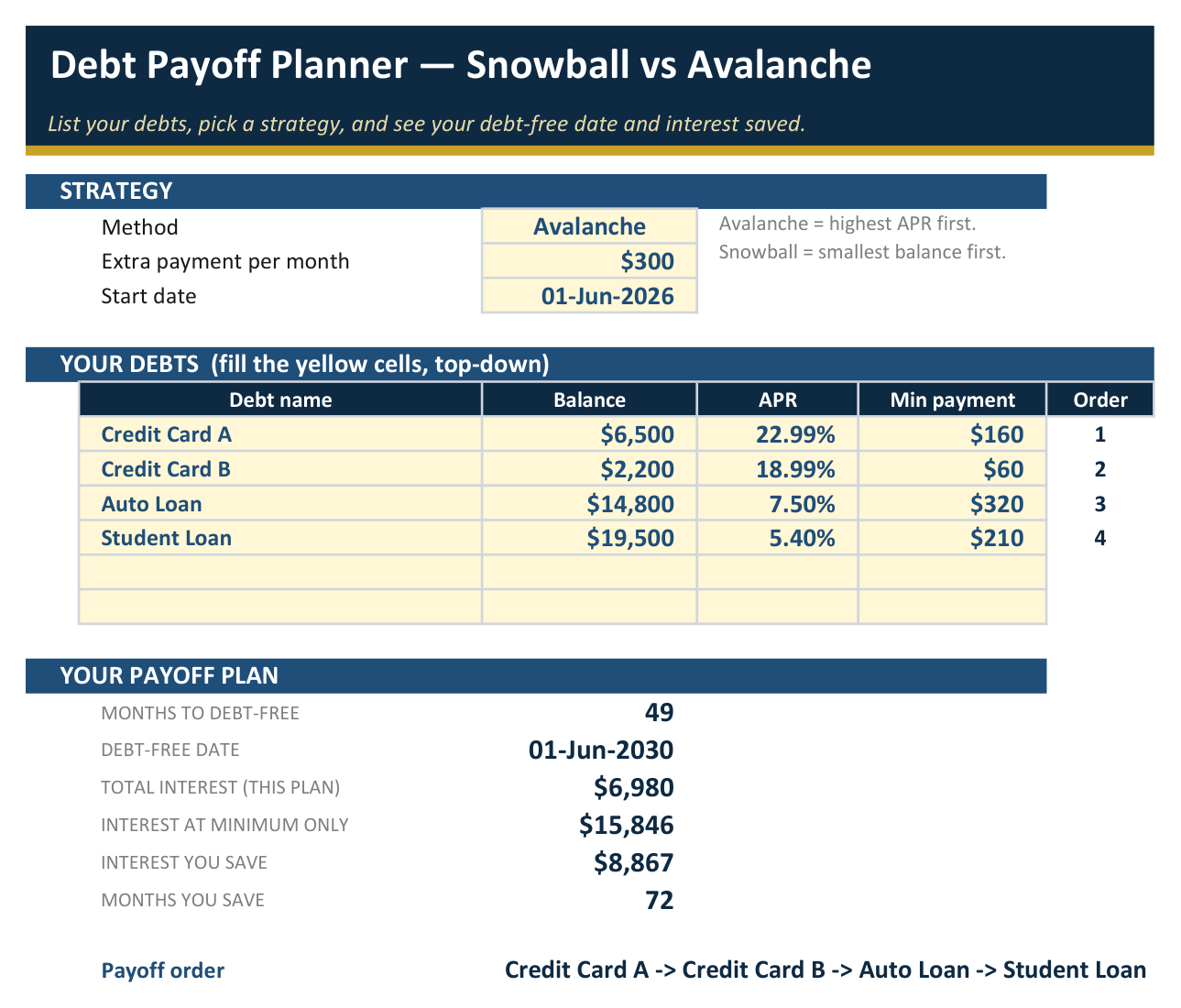
• Loan Comparison — three offers side by side; the cheapest total cost is highlighted automatically. • Debt Payoff Planner — snowball or avalanche: debt-free date, interest saved, and the exact payoff order.
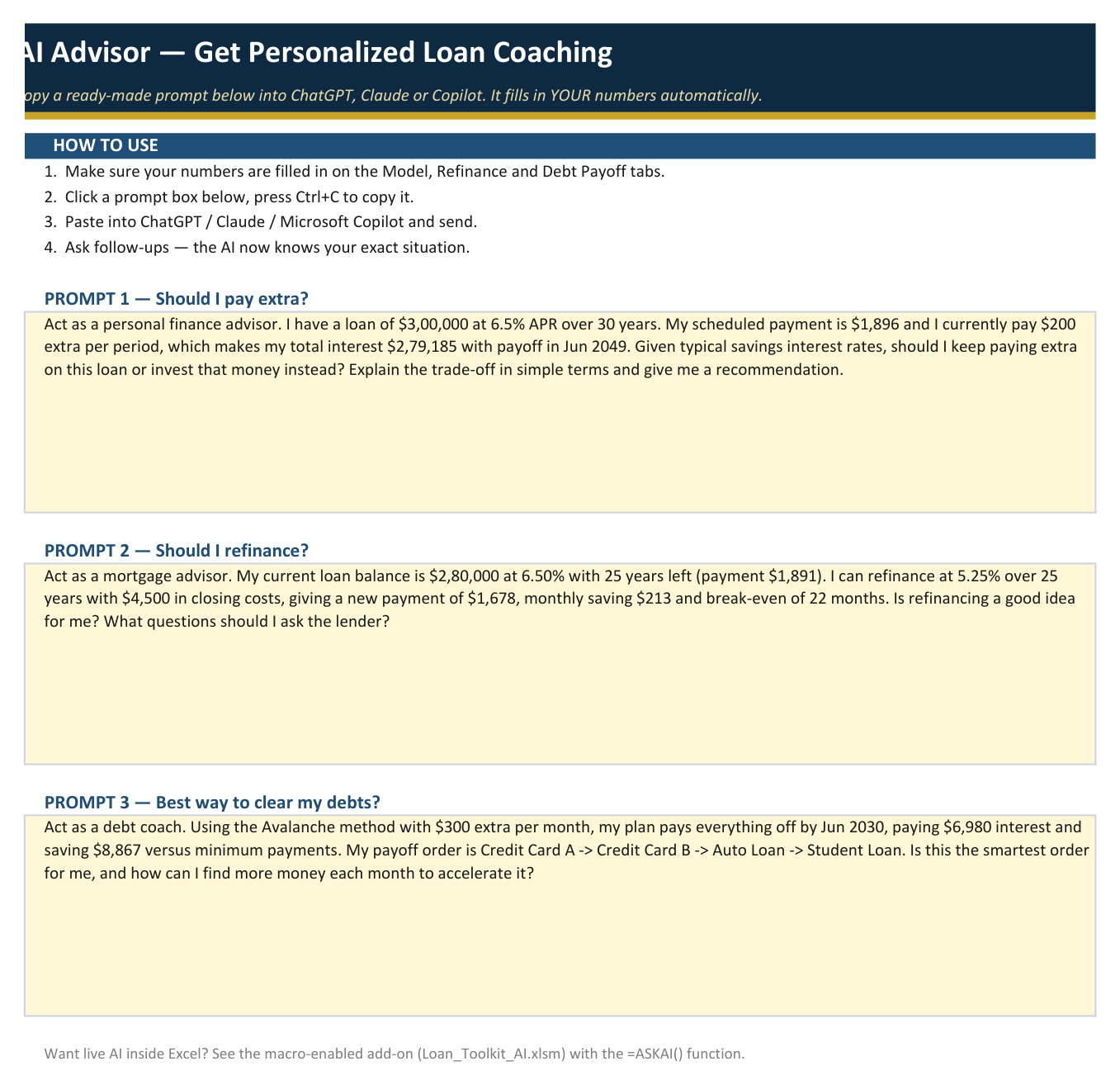
• AI Advisor — one click builds a prompt filled with YOUR figures for ChatGPT, Claude or Copilot. 

Plus a macro-enabled bonus with a live =ASKAI() function that answers right inside a cell.

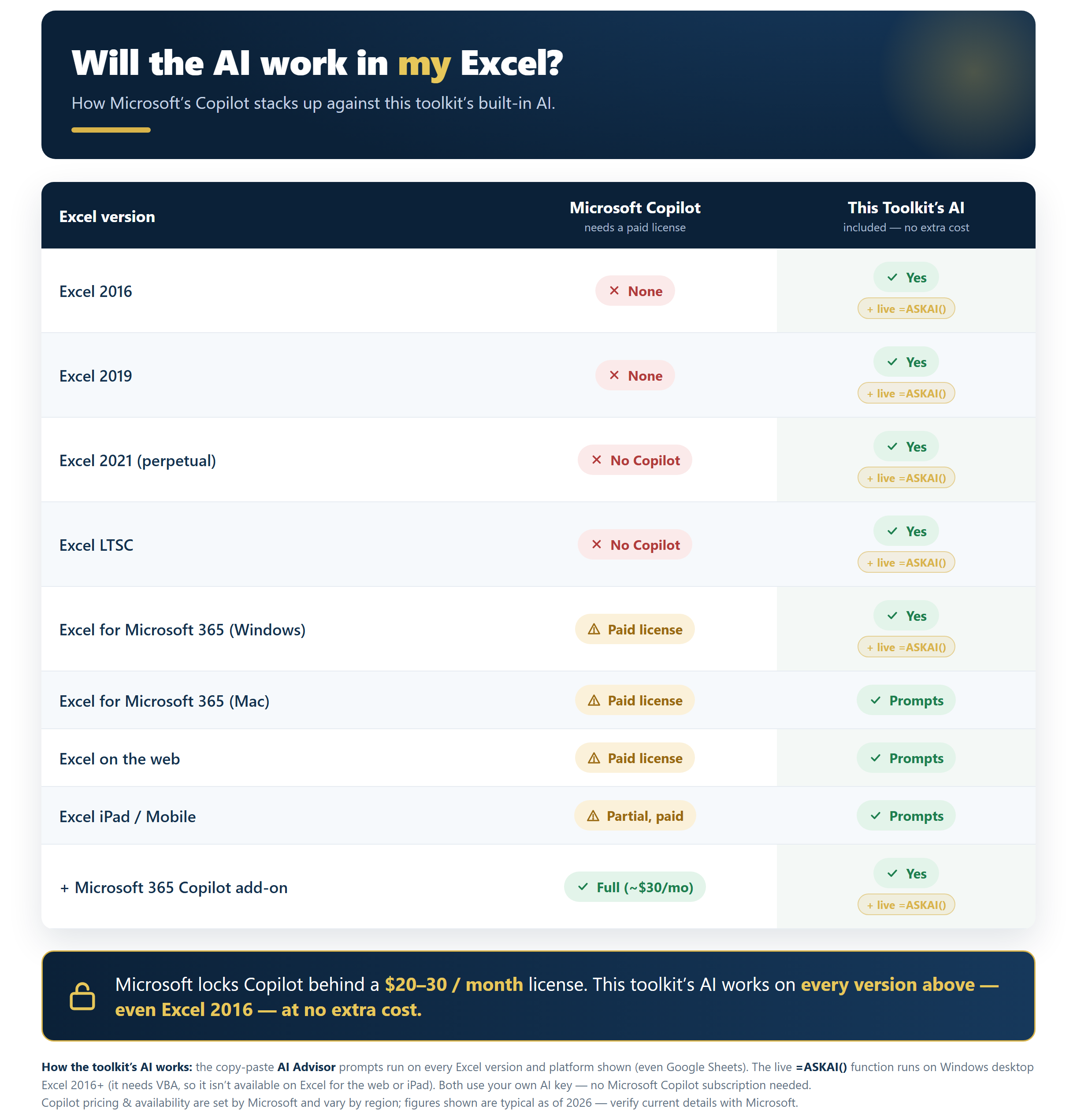
Best of all, the AI works at no extra cost on every Excel version from 2016 to Microsoft 365 (even Google Sheets) — no Copilot subscription required. 


Perfect for home buyers, borrowers juggling multiple debts, loan shoppers, students and analysts. 100% formula-driven, unlocked, print-ready, and banker-grade. Sample data is pre-filled so every chart and result is alive the moment you open it. No add-ins, no setup — just open and type your numbers.

This Best Practice includes
2 Excel files — a macro-free .xlsx (6 tabs) and a macro-enabled .xlsm with a live =ASKAI() function — plus a PDF setup

Acquire business license for $25.00

Add to cart

Add to bookmarks

Discuss

Further information

Help anyone make confident loan and debt decisions without a financial advisor. In minutes you'll see the true cost of any loan, whether to pay extra or refinance, which offer is cheapest, and the fastest route to debt-free — then get personalized AI guidance on what to do next. One workbook replaces a stack of separate calculators.

Fixed-rate, regular-payment loans: mortgages, auto, student, business and personal. Ideal for home buyers weighing extra payments or a refinance, anyone juggling multiple debts (snowball/avalanche), borrowers comparing competing offers, and students or analysts learning amortization. Works on Excel 2016→365, Mac, web and even Google Sheets — the live =ASKAI() function needs Windows desktop Excel.

Not designed for variable/adjustable-rate or interest-only loans, balloon payments, irregular or lump-sum schedules, or detailed tax/PMI/escrow modeling. The live =ASKAI() function requires Windows desktop Excel with macros enabled and your own AI API key (the copy-paste AI Advisor works everywhere). Outputs are estimates for planning and education — not formal financial advice.


0.0 / 5 (0 votes)

please wait...