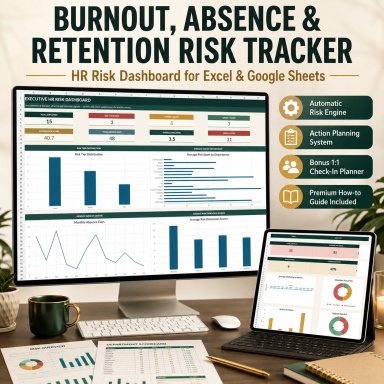

Burnout, Absence & Retention Risk Tracker | HR Risk Dashboard in Excel

A professional HR early-warning system for monitoring workload, absence, wellbeing and employee retention signals in one structured Excel workflow.

Description
🌿 BURNOUT, ABSENCE & RETENTION RISK MANAGEMENT SYSTEM


Bring structure and visibility to workforce risk monitoring with a professional Excel-based HR early-warning system designed for HR teams, People Operations, managers and consultants.


This package helps organizations consolidate key workload, absence, wellbeing and retention signals, identify employees or areas requiring closer attention, coordinate follow-up actions and maintain clearer management visibility.


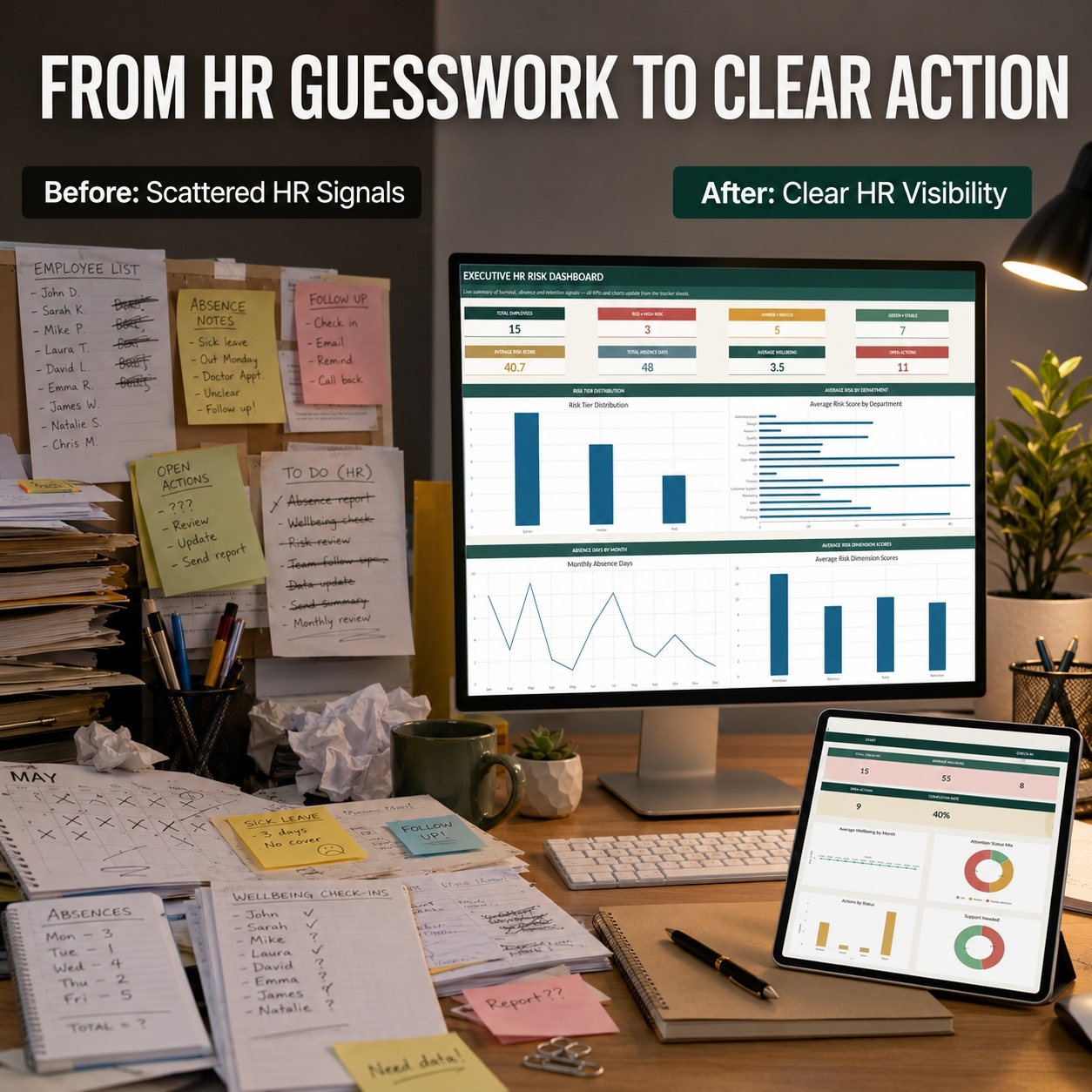
Rather than relying on disconnected spreadsheets and informal notes, the system connects employee information, operational HR signals, automated risk scoring, intervention tracking and manager check-ins in one structured workflow.


πŸ“Š CENTRALIZED HR RISK MONITORING
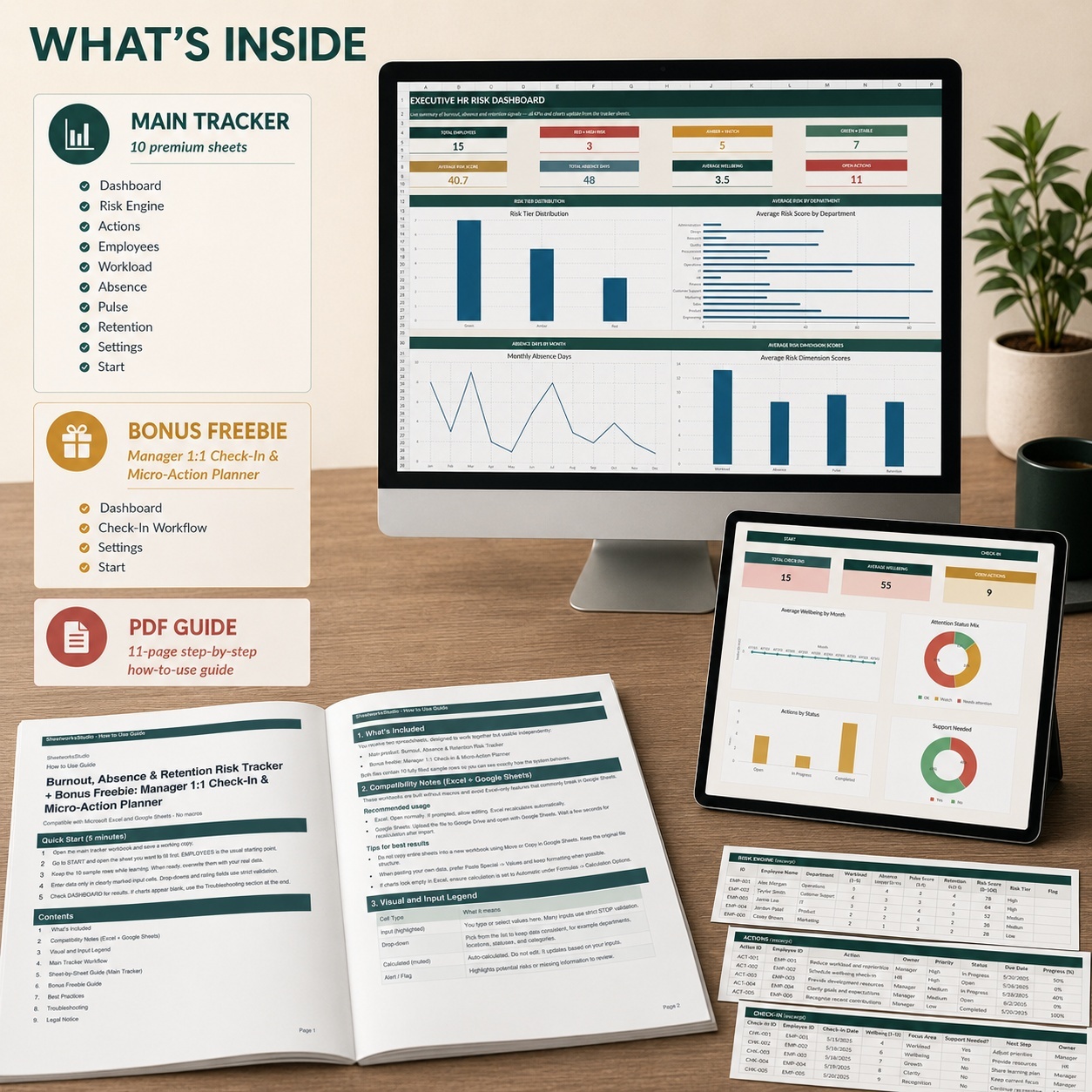
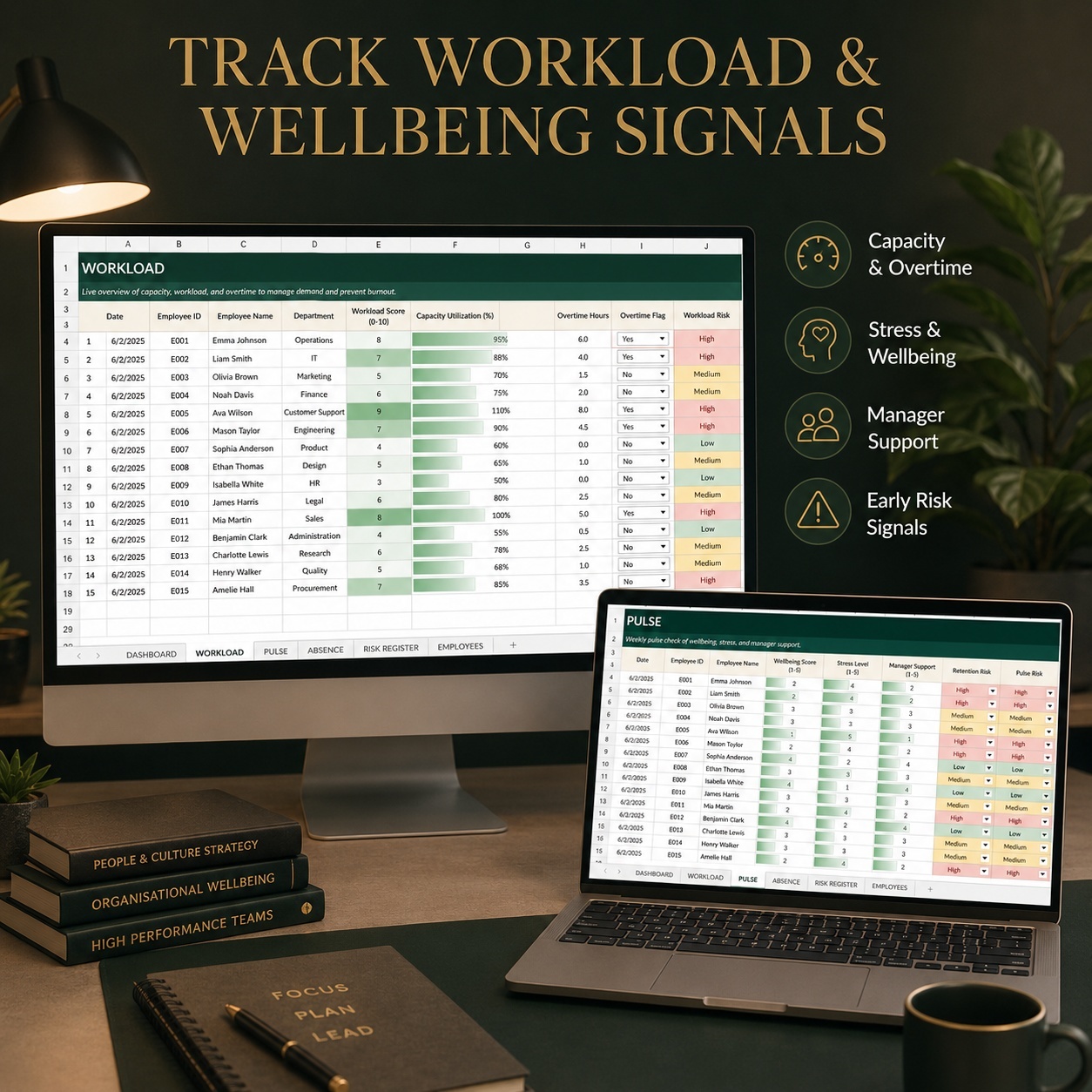
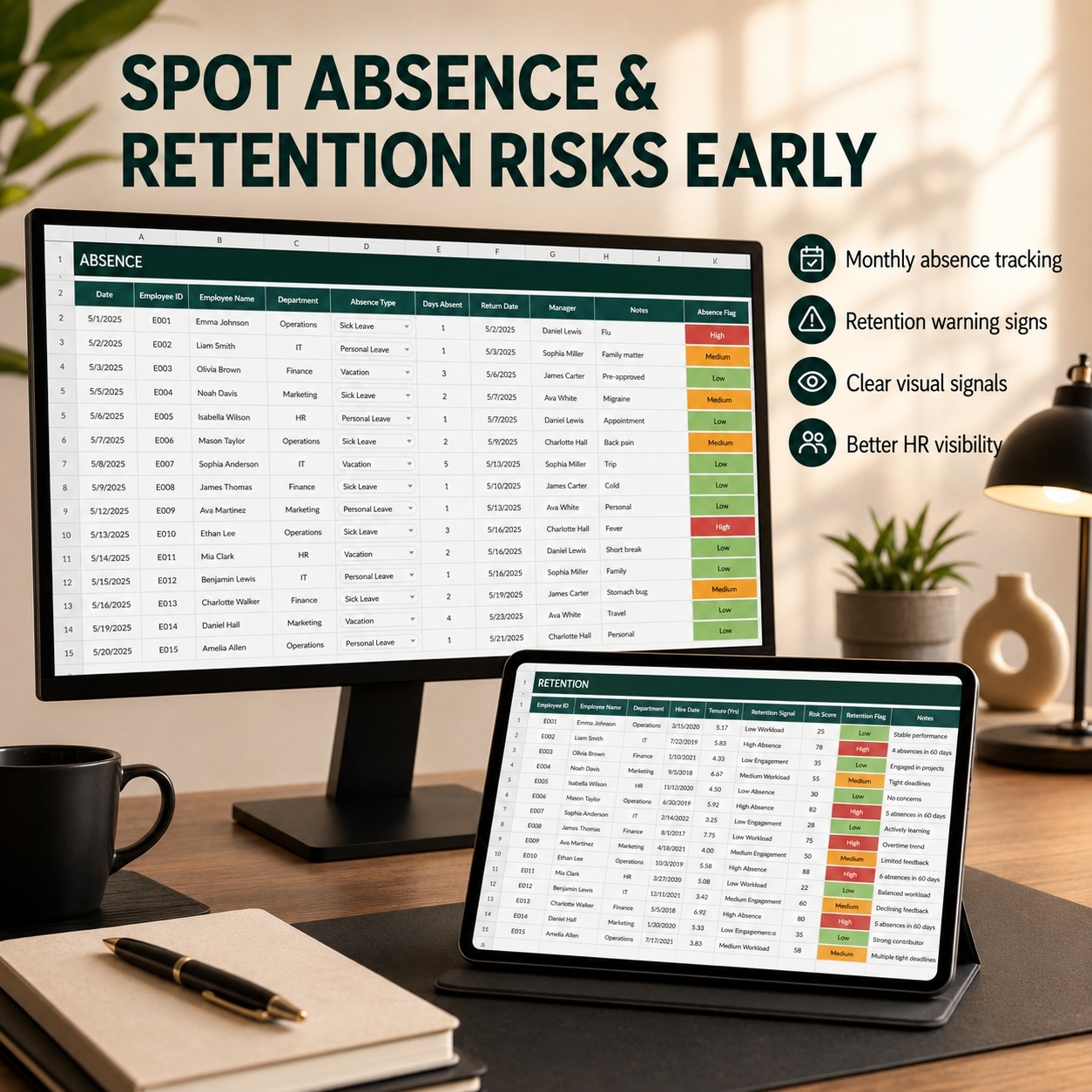
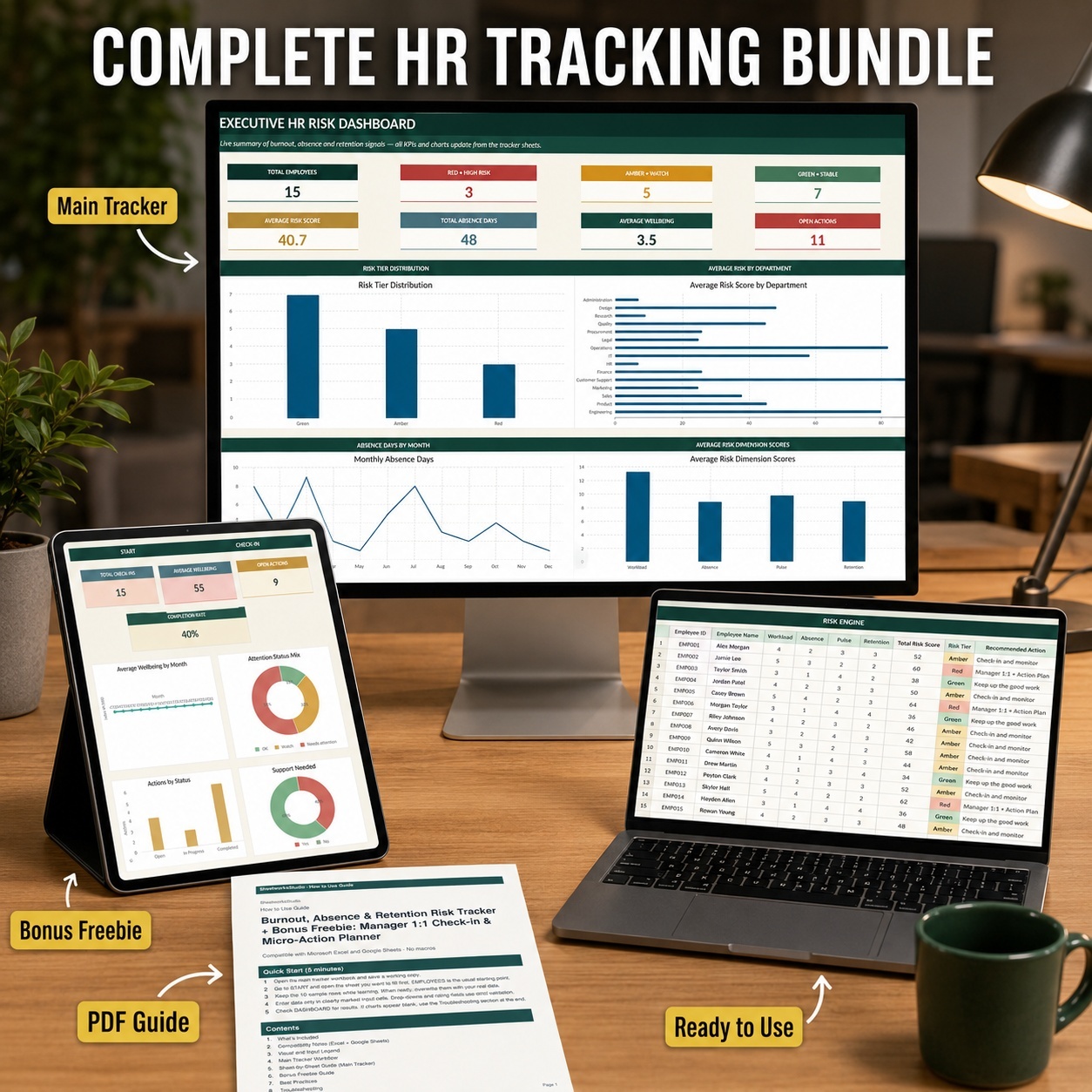
The main workbook contains 10 dedicated sheets covering employees, workload, absence, pulse signals, retention indicators, automated risk assessment, actions and executive reporting.
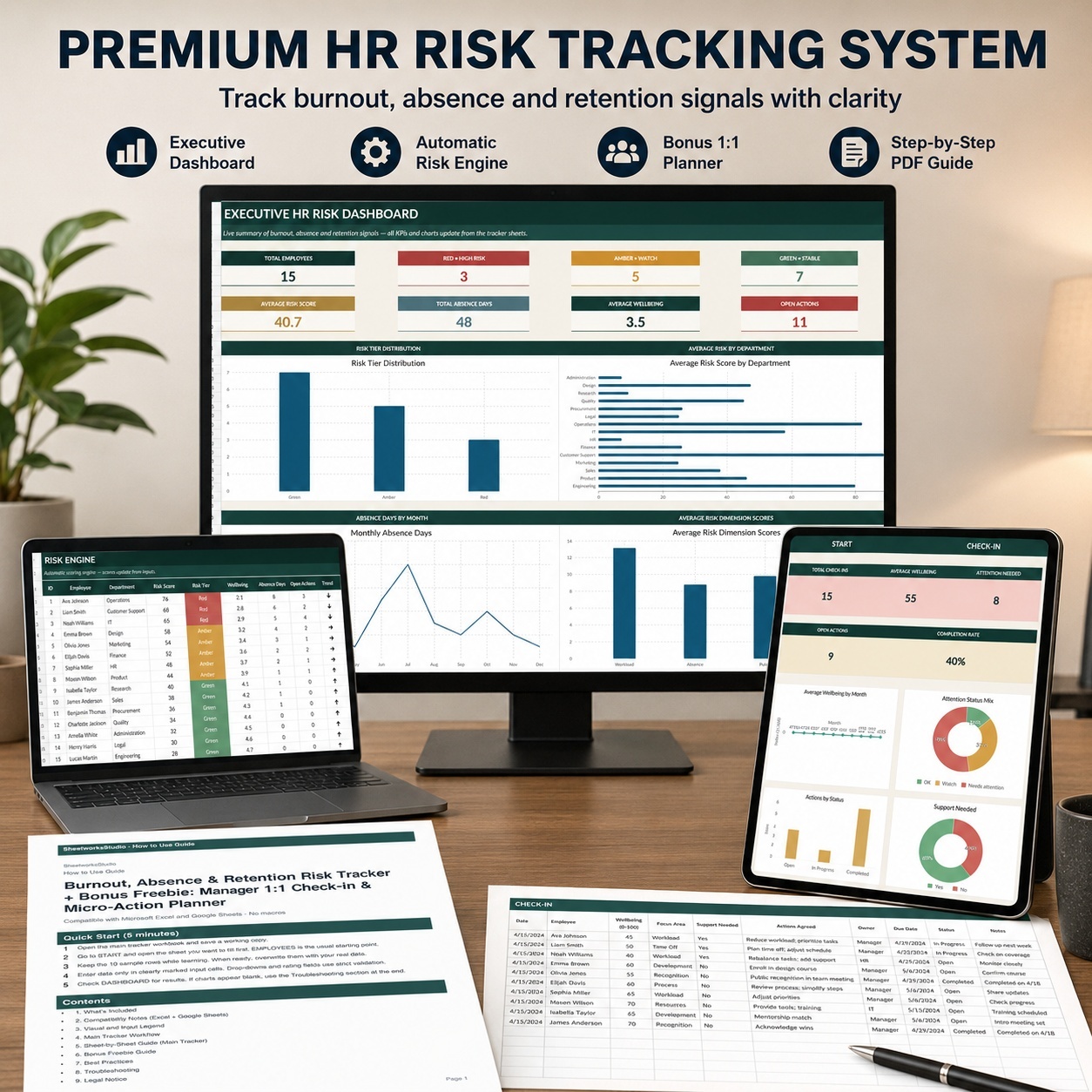
Each risk area feeds into a structured Risk Engine that converts the available inputs into clear management indicators.
The system is designed as an organizational and decision-support tool. It does not diagnose burnout or any medical condition.


🧠 AUTOMATED RISK ENGINE
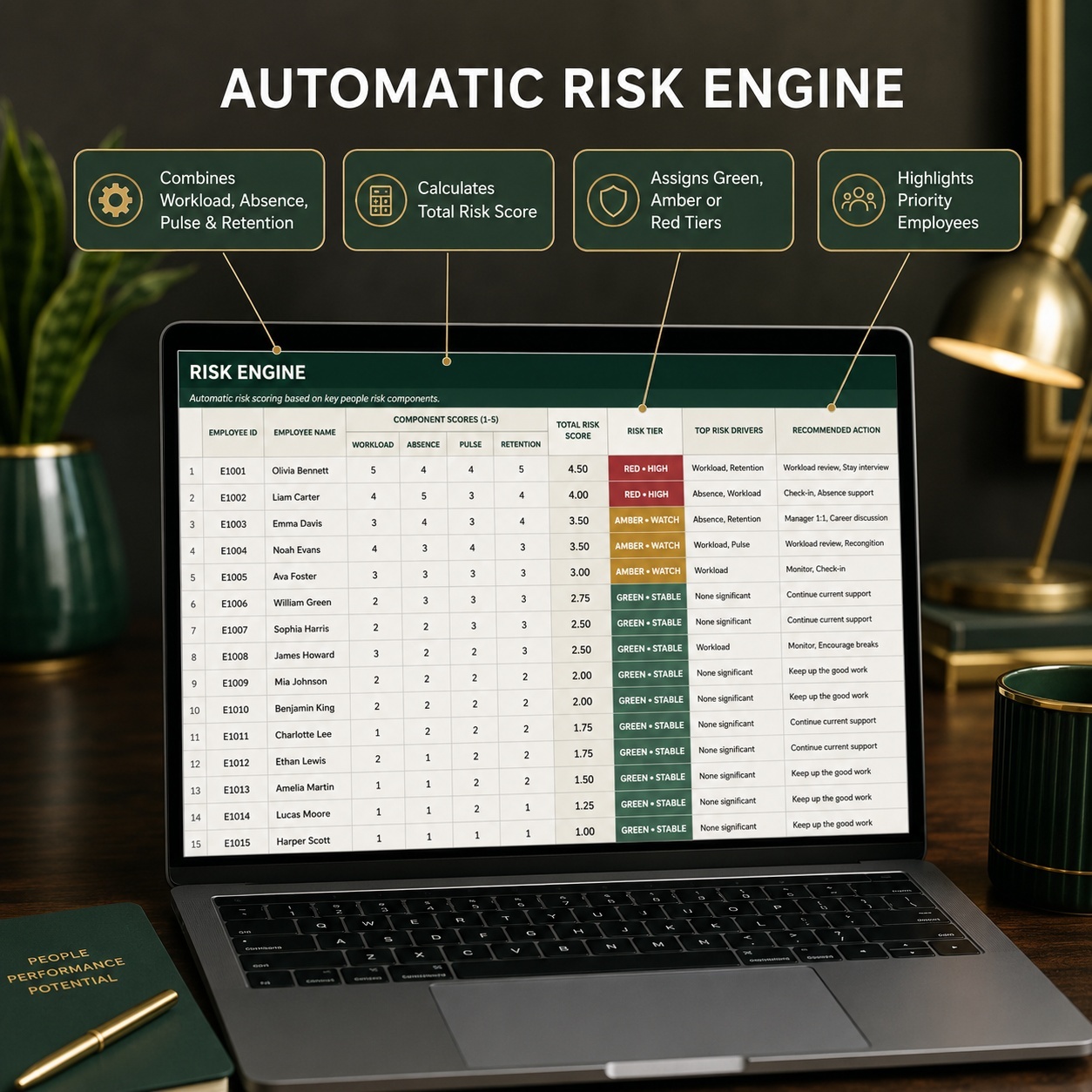
The Risk Engine combines four defined risk dimensions:
⚑ Workload
πŸ₯ Absence
πŸ’¬ Pulse / Wellbeing
πŸ” Retention


Each dimension contributes up to 25 points toward an overall Total Risk Score from 0 to 100.


Employees are automatically classified into:
🟒 Green – Stable
🟠 Amber – Watch
πŸ”΄ Red – High Risk


The Risk Engine also identifies the strongest current risk driver, provides a recommended next action and shows whether an employee already has action coverage.


This creates a consistent framework for reviewing multiple workforce signals without relying solely on manual interpretation.


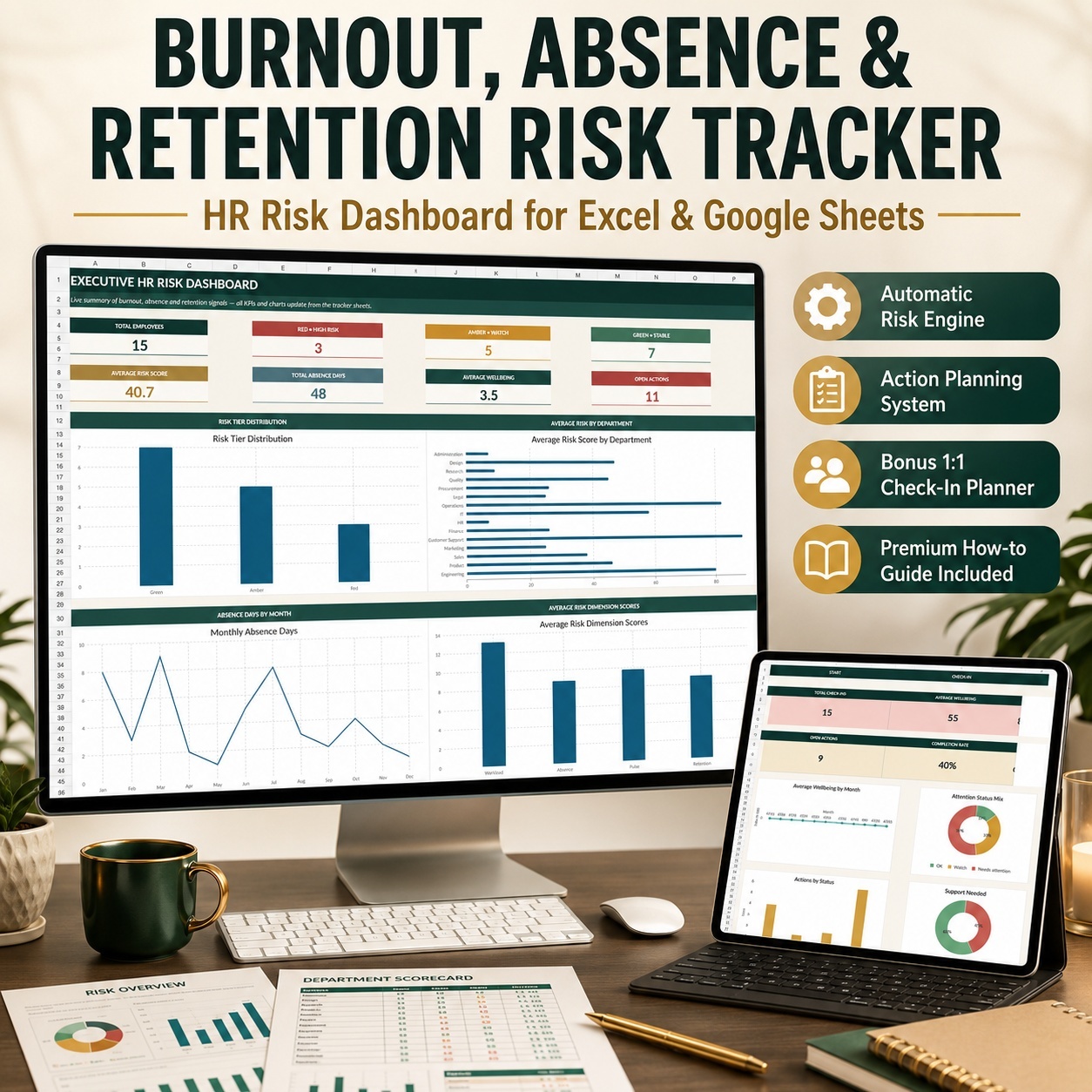
πŸ“ˆ EXECUTIVE HR DASHBOARD
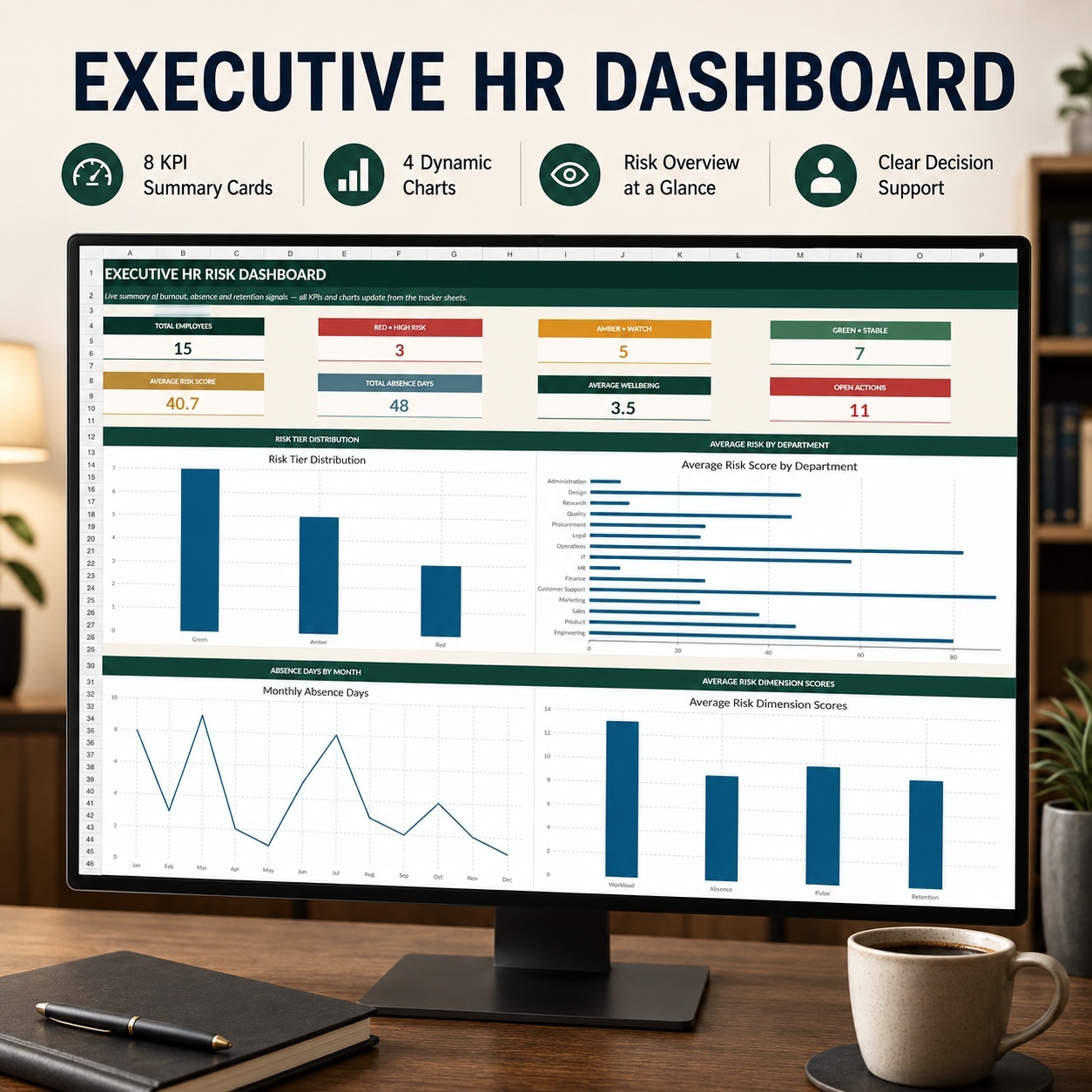
The Executive Dashboard turns the underlying tracker data into a concise management view with 8 KPI cards:
πŸ‘₯ Total Employees
πŸ”΄ High-Risk Employees
🟠 Employees to Monitor
🟒 Stable Employees
πŸ“Š Average Risk Score
πŸ₯ Total Absence Days
πŸ’› Average Wellbeing
βœ… Open Actions


Four dynamic charts provide additional visibility into:
πŸ“‰ Risk Tier Distribution
🏒 Average Risk by Department
πŸ“… Monthly Absence Days
🧩 Average Scores Across the Four Risk Areas


βœ… STRUCTURED ACTION MANAGEMENT
Identifying a risk signal is only useful if there is a clear follow-up process.
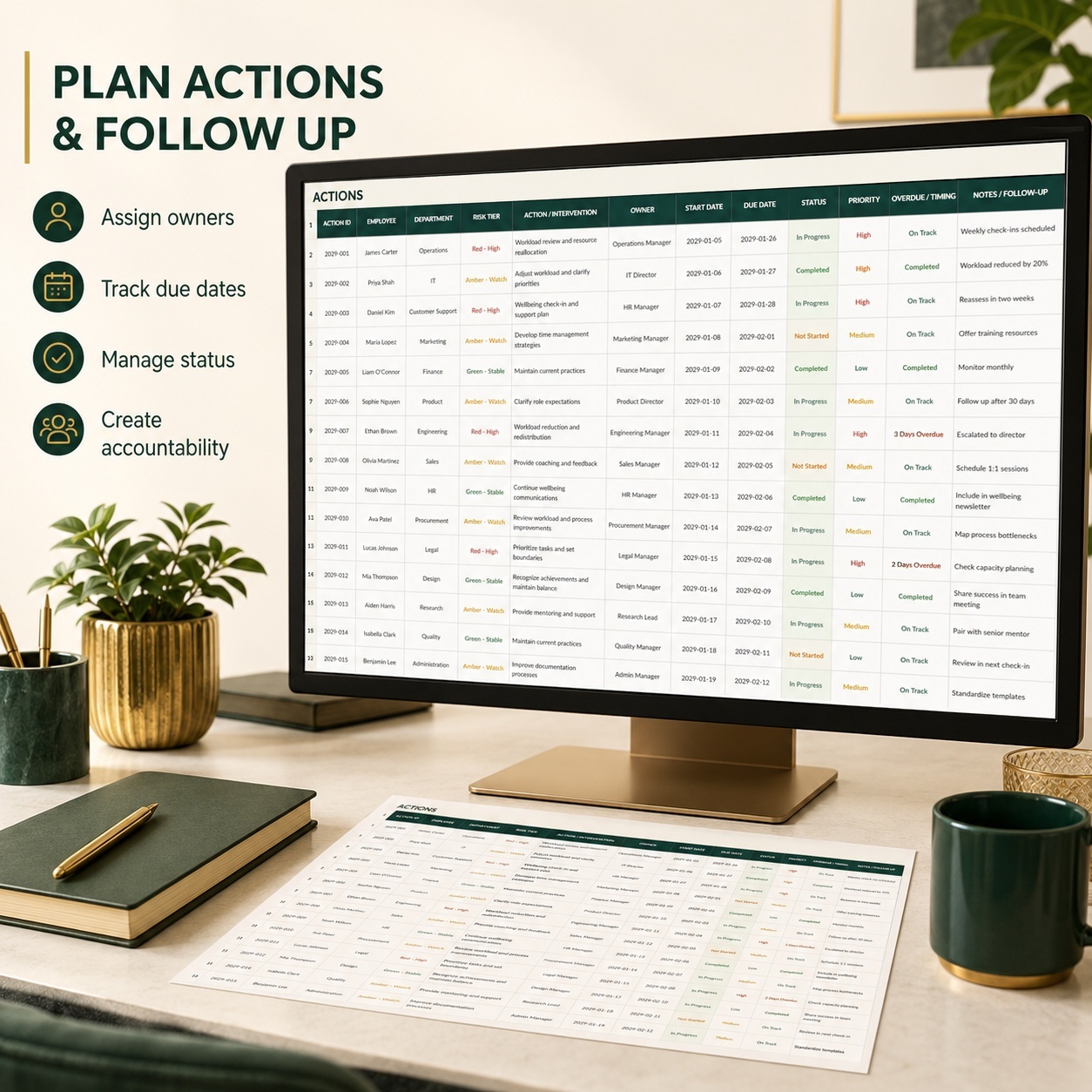
The dedicated ACTIONS sheet supports structured intervention management with fields for responsible ownership, priority, created date, due date, status, intervention type, outcome notes and follow-up monitoring.
This helps teams move from identification to documented action and accountability.


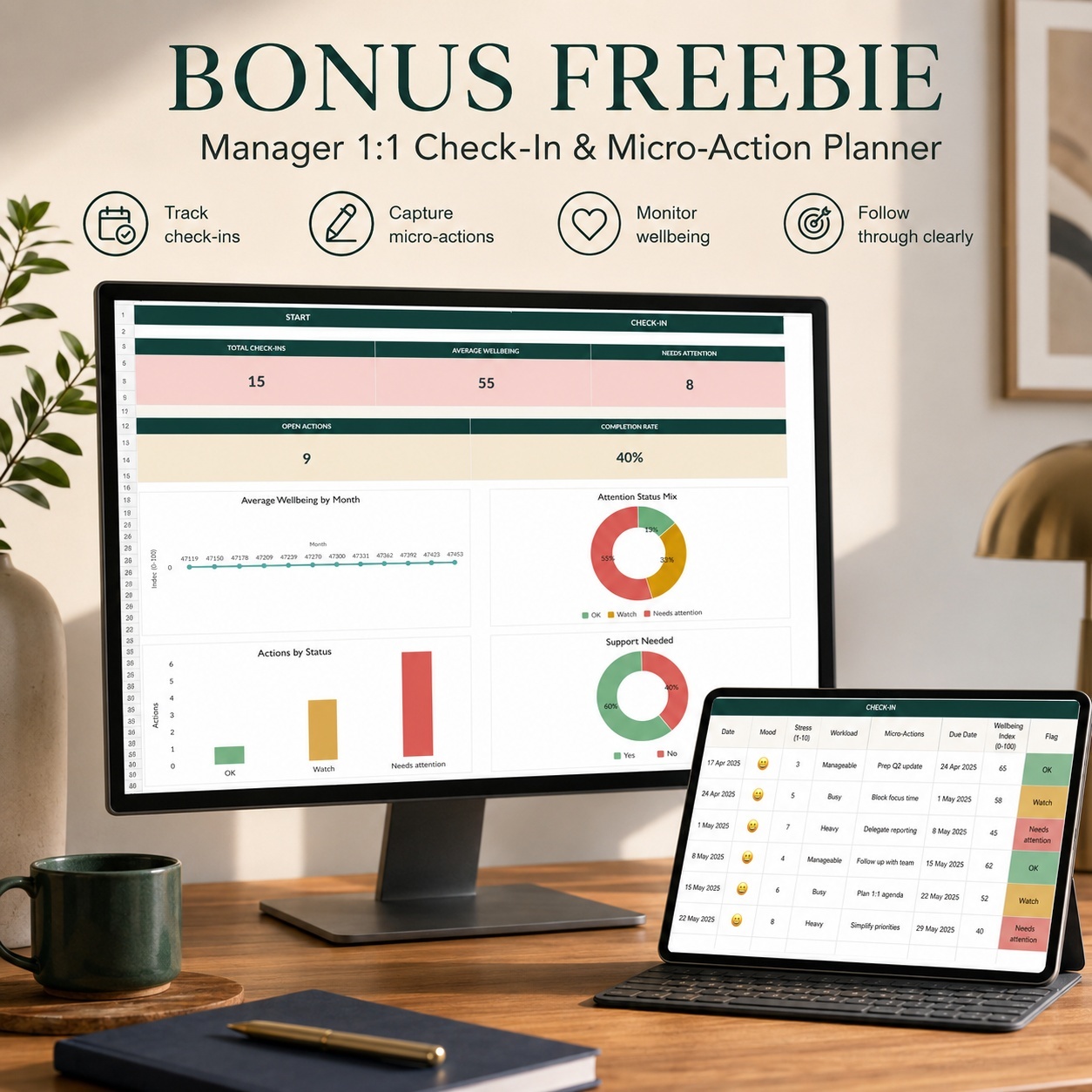
🎁 MANAGER 1:1 CHECK-IN & MICRO-ACTION PLANNER
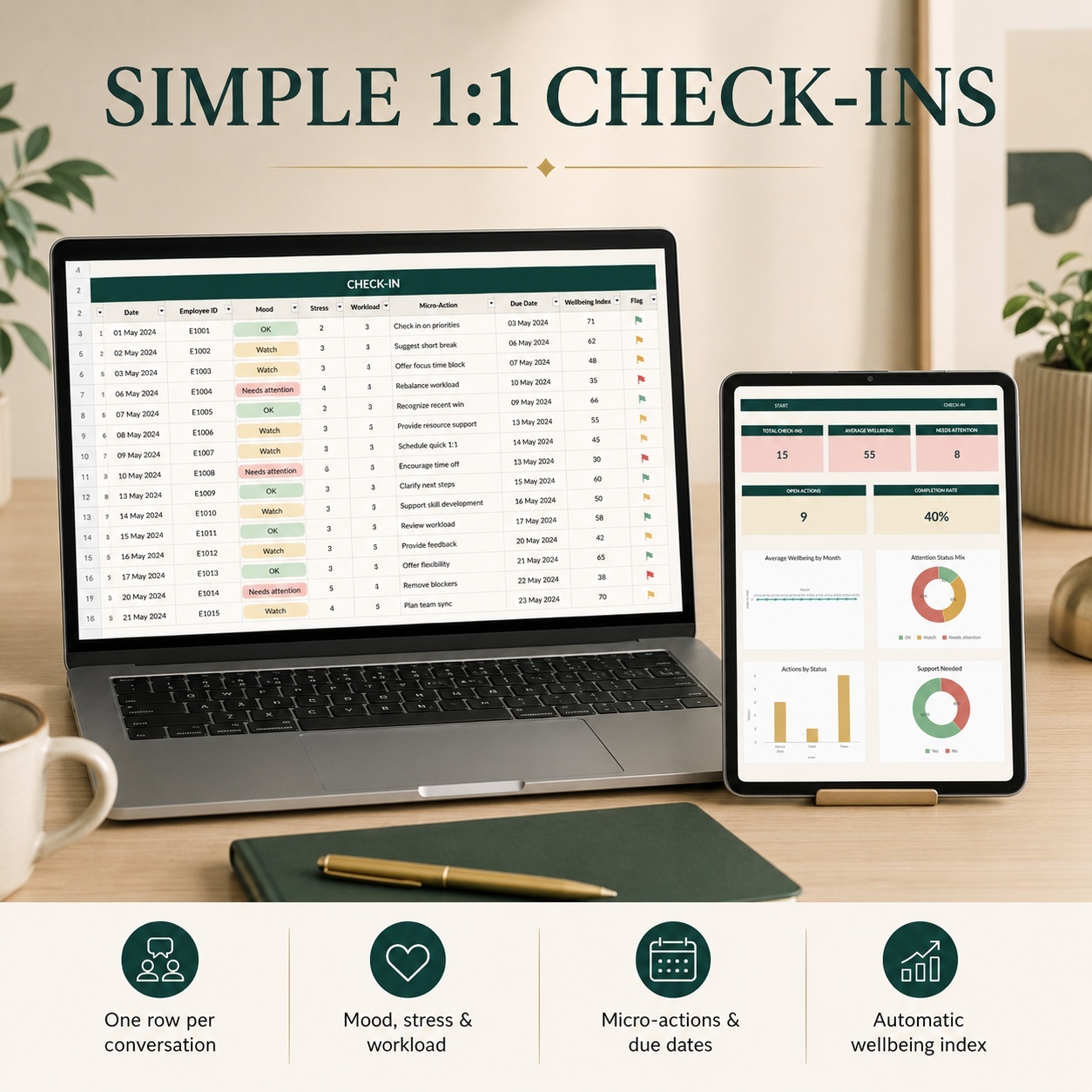
The package also includes a separate Manager 1:1 workbook for documenting recurring employee conversations and practical follow-up actions.


Managers can record:
πŸ“… Check-in date and type
πŸ‘€ Employee
😊 Mood
⚑ Stress and workload
πŸŒ™ Sleep quality
🀝 Support needs
🎯 Agreed micro-actions
πŸ‘₯ Responsible owner
⏰ Due dates and action status
πŸ“ Conversation notes


The workbook automatically calculates a 0–100 Wellbeing Index, assigns an attention flag and monitors follow-up status.
Its dedicated dashboard contains 6 KPI cards and 4 charts covering wellbeing, attention status, action progress and support requirements.


πŸ“˜ 11-PAGE IMPLEMENTATION GUIDE
A professional PDF guide walks users through both workbooks, including:
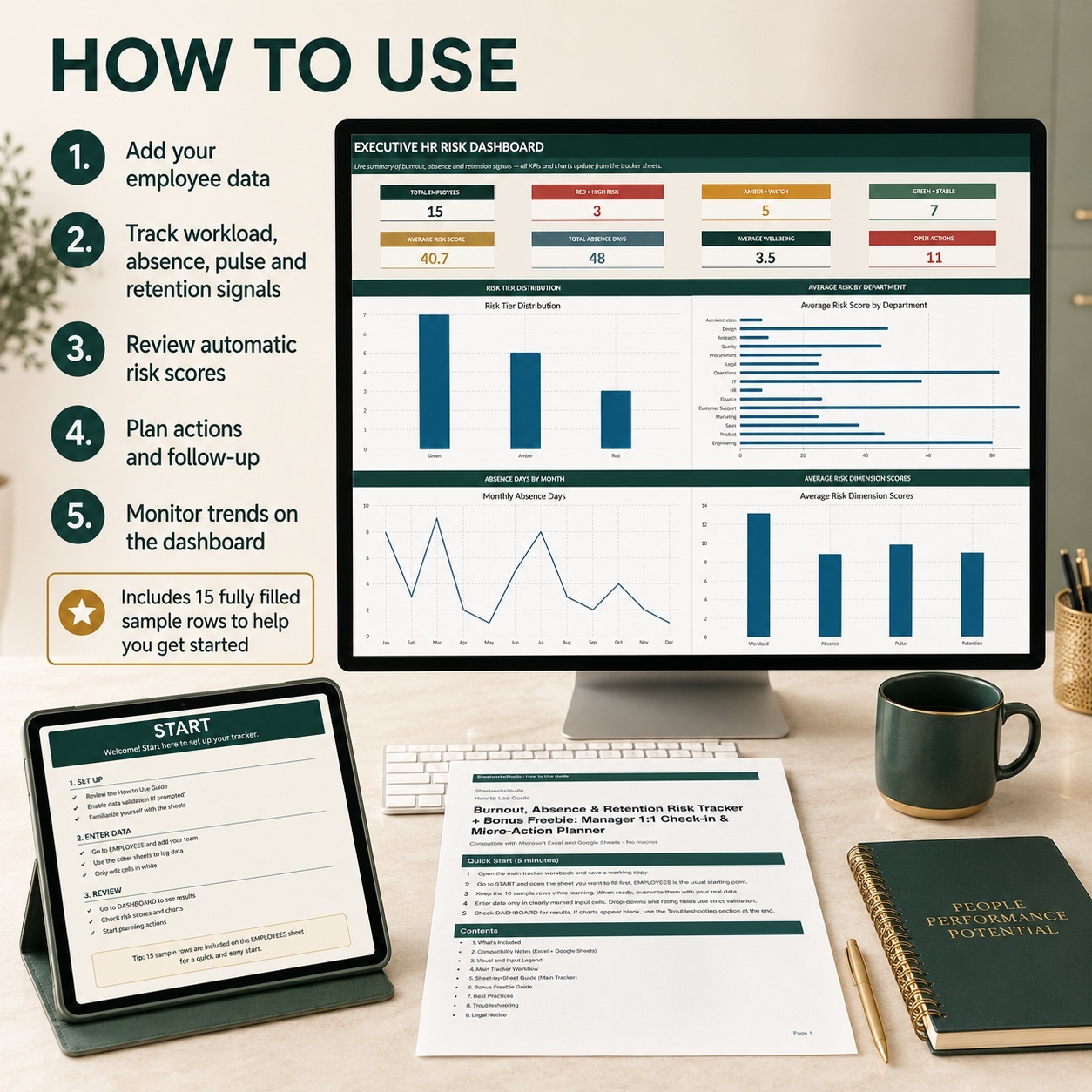
πŸš€ 5-Minute Quick Start
🧭 Recommended Workflow
🎨 Navigation and Input Logic
πŸ“Š Dashboard and KPI Explanations
🧠 Risk Engine Interpretation
🧹 Sample Data Replacement
πŸ’¬ Manager 1:1 Workflow
πŸ–₯️ Excel and Google Sheets Guidance
πŸ› οΈ Troubleshooting
πŸ” Data Protection Considerations
βš–οΈ Legal Information


✨ BUILT FOR PRACTICAL BUSINESS USE
Both workbooks include realistic 2029 sample data so users can immediately understand how the systems work before replacing the examples with their own information.


Working areas and formulas are prepared through row 500.
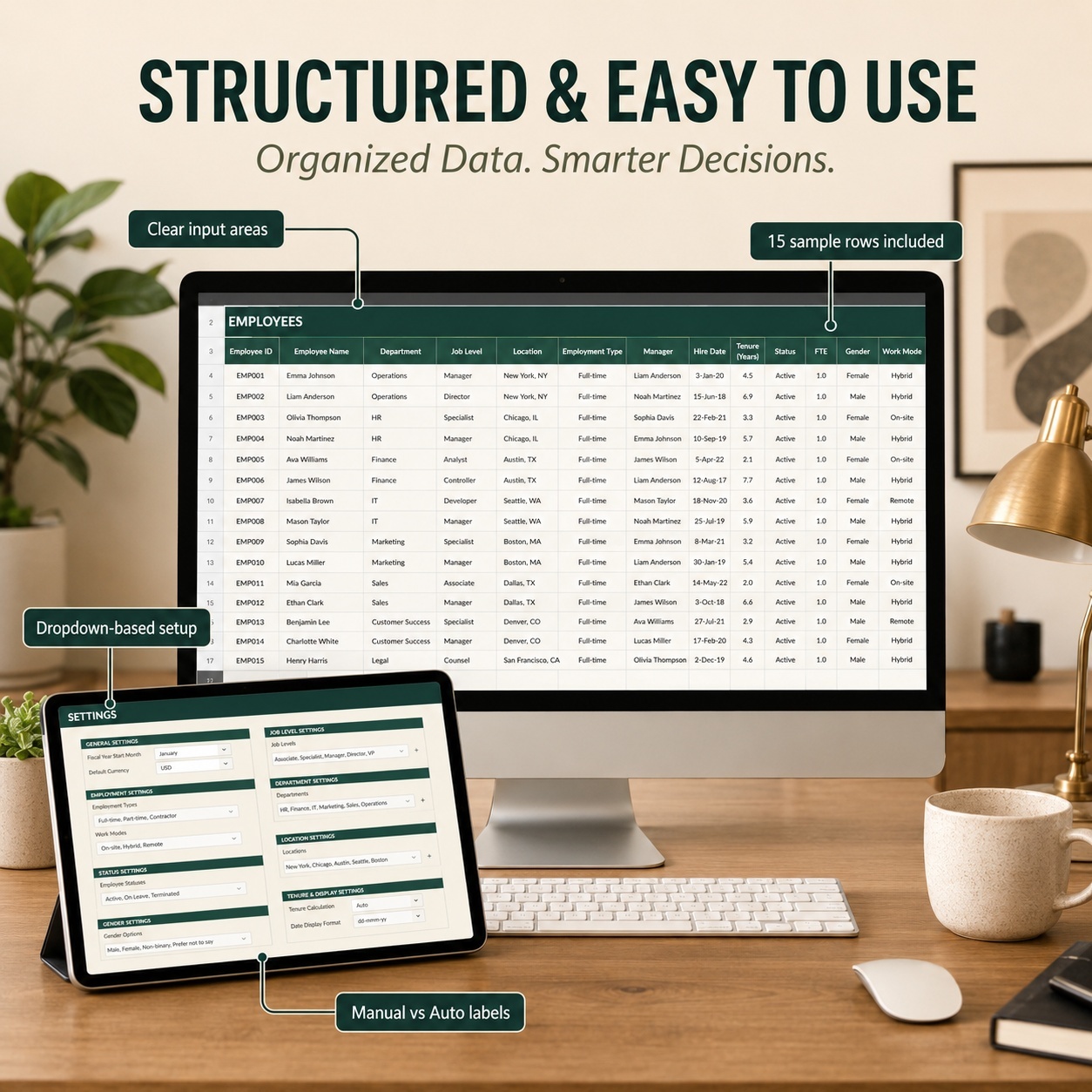
The system also includes dropdown menus, strict input validations, automatic formulas, conditional formatting, colored data bars, clear manual-versus-automatic input logic and clickable navigation.


No macros, VBA, PowerQuery, external add-ins or subscriptions are required.


πŸ‘€ IDEAL FOR
This system is particularly suited to organizations that want a structured way to monitor workforce risk signals without immediately implementing a large HR analytics or enterprise HRIS platform.
It can support HR teams, People Operations professionals, HR Business Partners, department managers, organizational development professionals, HR consultants and small to mid-sized organizations running recurring employee check-ins.


πŸ’Ž WHY THIS SYSTEM STANDS OUT
The value of the package lies in connecting several processes that are often managed separately:


Workforce signals β†’ Risk assessment β†’ Prioritization β†’ Action β†’ Manager follow-up β†’ Executive reporting


The result is a structured, editable HR management framework that improves visibility and follow-up while remaining accessible in a familiar spreadsheet environment.


βš–οΈ LEGAL DISCLAIMER
This product is an editable management, organization and documentation template for general business use.
It does not constitute medical, legal, employment, HR, regulatory or data-protection advice and is not a diagnostic instrument. Risk scores, tiers, recommendations, wellbeing indicators and warning flags should not be used as the sole basis for employment, medical or business decisions.


All sample data, scores and assessments are illustrative only. Users are responsible for adapting the templates to their organization, protecting confidential employee information and complying with applicable laws, internal policies and data-protection requirements.
Qualified medical, legal or HR professionals should be consulted where professional guidance is required.

This Best Practice includes
1Γ—Burnout, Absence & Retention Risk Tracker (xlsx), 1Γ—Manager 1:1 Check-in & Micro-Action Planner (xlsx), 1x HowtoUse

Acquire business license for $34.90

Add to cart

Add to bookmarks

Discuss

Further information

β€’ Consolidate workload, absence, wellbeing and retention signals in one structured system
β€’ Identify employees or workforce areas requiring closer review
β€’ Standardize internal HR risk assessment using a consistent scoring framework
β€’ Improve management visibility through automated KPIs and dashboards
β€’ Translate identified risk signals into documented follow-up actions
β€’ Support recurring Manager 1:1 conversations and micro-actions
β€’ Maintain clearer ownership, due dates and follow-up accountability

This system is particularly useful for:

β€’ Small and mid-sized organizations without a dedicated workforce-risk platform
β€’ HR teams currently using separate spreadsheets or manual tracking methods
β€’ Organizations wanting a structured early-warning framework for workforce signals
β€’ Teams managing recurring employee check-ins and follow-up actions
β€’ HR consultants supporting clients with workforce monitoring and organizational development
β€’ Businesses that prefer an editable Excel-based solution without macros or external software dependencies

This product is not designed to:

β€’ Diagnose burnout, stress disorders or any medical condition
β€’ Replace professional medical, legal or HR advice
β€’ Replace a full enterprise HRIS, HCM or workforce analytics platform
β€’ Provide automatic live integrations with payroll, HRIS or attendance systems
β€’ Provide live API connections or cloud synchronization
β€’ Make autonomous employment decisions
β€’ Guarantee compliance with employment, privacy or data-protection legislation

Organizations processing sensitive employee information should review their own access controls, confidentiality requirements and applicable data-protection obligations before implementation.


0.0 / 5 (0 votes)

please wait...