Business Expense Tracker – Excel Template with Live KPIs & Category Breakdown
Originally published: 19/08/2026 16:26
Publication number: ELQ-19457-1
View all versions & Certificate
certified

Business Expense Tracker – Excel Template with Live KPIs & Category Breakdown

An Excel expense tracker that logs every business expense in one place, automatically calculating total spend, payment status.

Description
This Business Expense Tracker is a formula-driven Excel template built for small business owners, freelancers, bookkeepers, and finance teams who need a reliable, centralized way to log and monitor every business expense — without building a tracking system from scratch or relying on scattered receipts and spreadsheets. Rather than discovering spending problems at month-end, this tool gives real-time visibility into where money is going as expenses are logged.
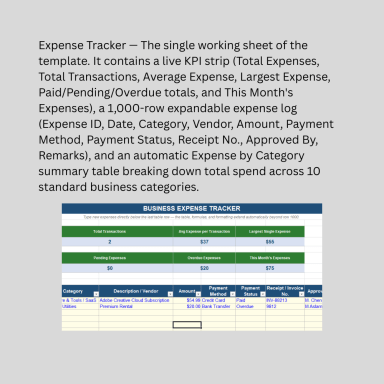
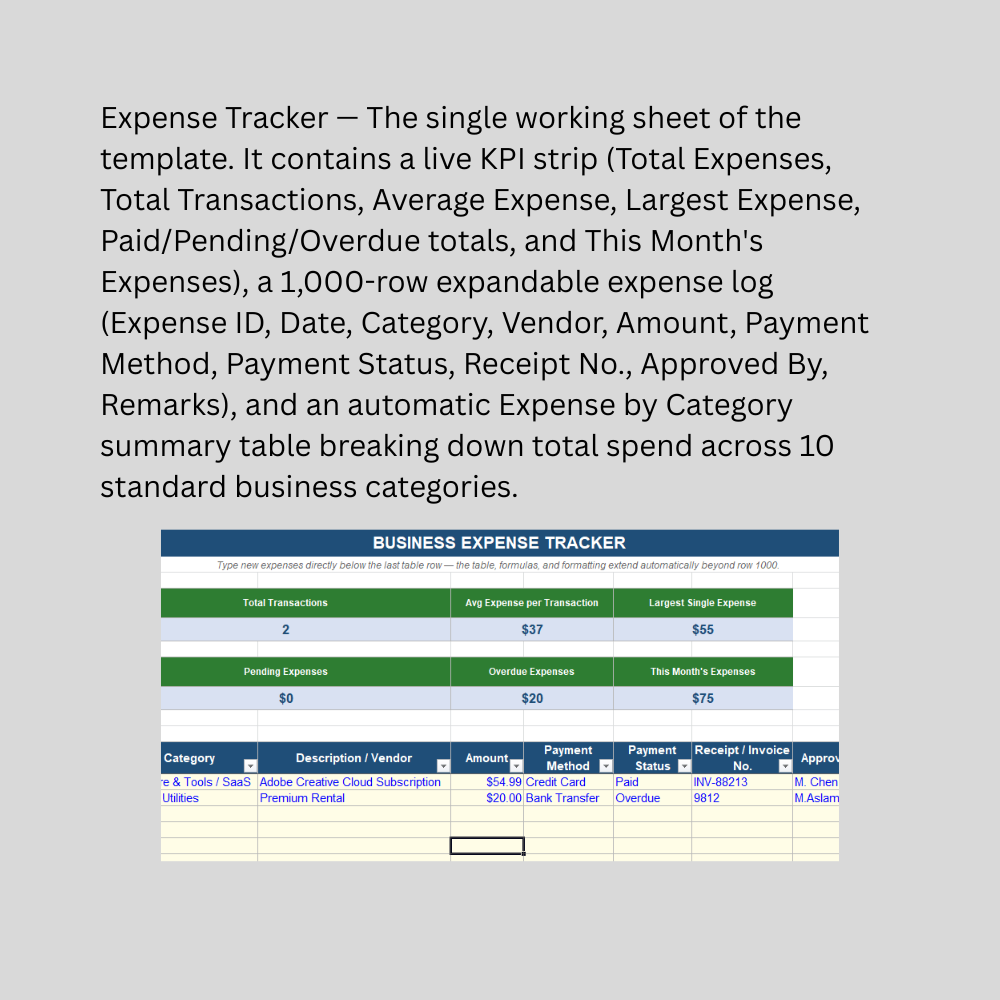
At the top, a live KPI strip shows eight key metrics at a glance: Total Expenses (YTD), Total Transactions, Average Expense per Transaction, Largest Single Expense, and totals broken out by Paid, Pending, and Overdue status — plus an automatically calculated "This Month's Expenses" figure that updates based on today's date every time the file is opened. Below that sits the main expense log, capturing Expense ID, Date, Category (a dropdown covering 10 standard business categories from Salaries to Software/SaaS to Professional Fees), Vendor/Description, Amount, Payment Method, Payment Status, Receipt/Invoice Number, Approved By, and Remarks.

A standout feature is the automatic Expense by Category summary table, which uses live SUMIF formulas to break down total spend across all 10 categories without requiring the user to build a pivot table or manual summary — instantly answering "where is our money actually going?" Built as a native Excel Table, the tracker comes pre-loaded with 1,000 rows of formulas and dropdown validation, and automatically extends beyond that limit the moment you type into the row below the last one — no manual setup required, no matter how many expenses you log over time.

This Best Practice includes
1 excel dashboard file (xlsx) with instruction set

Acquire business license for $15.00

Add to cart

Add to bookmarks

Discuss

Further information

Provide a centralized, easy-to-use system for logging every business expense
Automatically calculate total spend, average expense, and payment status breakdowns
Break down spending by category without manual pivot tables or formulas
Flag pending and overdue payments so nothing gets missed
Give business owners real-time visibility into monthly and year-to-date spending
Scale seamlessly from a handful of expenses to thousands of records with no extra setup

Small businesses, freelancers, and startups tracking day-to-day operating expenses
Bookkeepers and finance staff who want a lightweight expense log without full accounting software
Businesses wanting visibility into spending by category, vendor, or payment status
Teams tracking payment approval status (paid, pending, overdue) for internal accountability
Users comfortable with basic Excel data entry and dropdown-based categorization
Businesses with a single-entity, single-currency expense structure

Businesses requiring multi-entity or multi-currency expense consolidation
Companies needing automated receipt scanning, OCR, or mobile expense capture (this is a manual-entry log)
Situations requiring integrated approval workflows, multi-level sign-off, or automated notifications
Businesses needing direct integration with accounting software (QuickBooks, Xero, etc.) — this is a standalone Excel tracker
Expense reimbursement processing for individual employees (this tracks company-level expenses, not employee-submitted reimbursement claims)
Situations requiring audit-ready, tamper-proof expense records for compliance or tax filing — this is an operational tracking tool, not a certified accounting record


0.0 / 5 (0 votes)

please wait...