
Publication number: ELQ-41300-1
View all versions & Certificate

Balance Sheet Template – Monthly Excel Statement of Financial Position with Built-In Balance Check
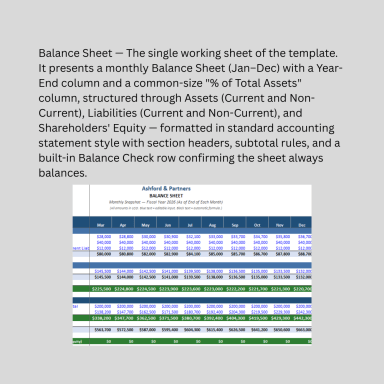
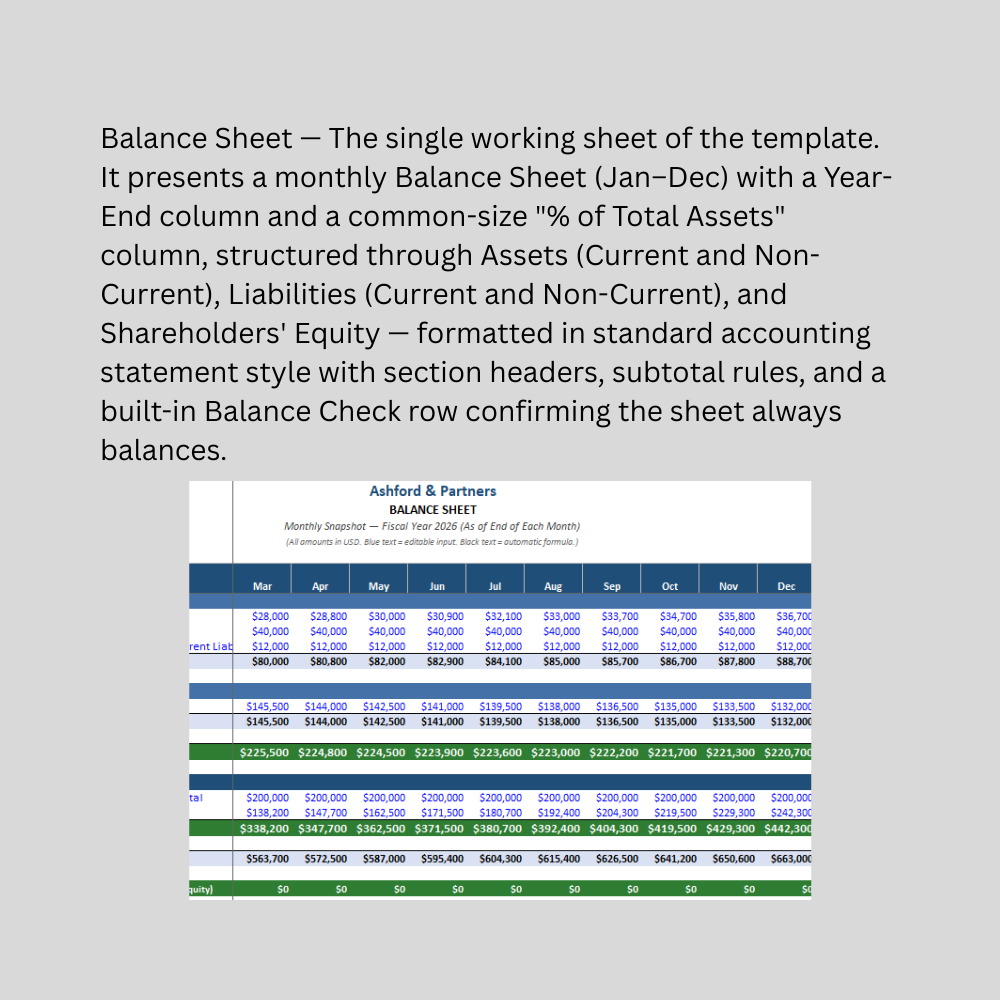
A professionally formatted Excel Balance Sheet template with 12 months of columns, automatic subtotals for Assets, Liabilities, and Equity.
Further information
Provide a ready-to-use, professionally formatted monthly Balance Sheet in Excel
Automatically calculate Total Current Assets, Total Assets, Total Liabilities, and Total Equity with correct accounting logic
Confirm balance sheet accuracy instantly with a built-in Balance Check row
Offer a common-size "% of Total Assets" view for quick composition and trend analysis
Save business owners and finance teams the time of building a Balance Sheet format from scratch
Serve as the second component of a linked 3-statement financial reporting series
Small to mid-sized businesses tracking their financial position monthly or annually
Startups and founders preparing financials for investors, lenders, or due diligence
Business owners applying for loans or credit who need a standard-format balance sheet
Finance and accounting staff who want a fast, reliable Balance Sheet template instead of building one from scratch
Businesses with a relatively standard asset/liability structure (no complex multi-entity consolidation)
Users comfortable replacing sample data with their own monthly actuals
Businesses needing consolidated balance sheets across multiple subsidiaries or entities
Companies needing GAAP/IFRS-compliant statements prepared or reviewed by a qualified accountant for statutory filing or audit purposes
Multi-currency businesses needing built-in currency translation across entities
Businesses with complex equity structures (multiple share classes, stock options, convertible instruments)
Situations where Retained Earnings must roll forward precisely from prior-period actuals plus Net Income minus Dividends — this template uses a simplified balancing-figure approach for illustration, noted clearly in-sheet
Businesses needing full financial statement linkage (this template is standalone; the linked Income Statement and Cash Flow Statement, along with a combined 3-statement model, are available as separate/companion products)
Situations requiring certified, audit-ready financial statements — this is a management-reporting tool, not a substitute for professional accounting services
