Quick Graph Timeline Excel Template | Task Schedule Tracker | Editable Timeline Spreadsheet
Originally published: 20/02/2026 08:29
Publication number: ELQ-65466-1
View all versions & Certificate
certified

Quick Graph Timeline Excel Template | Task Schedule Tracker | Editable Timeline Spreadsheet

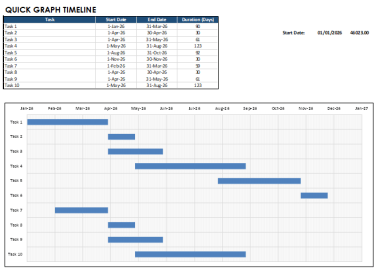
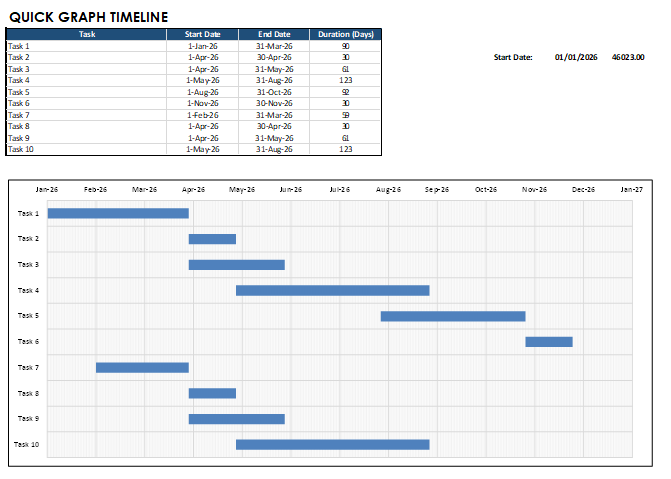
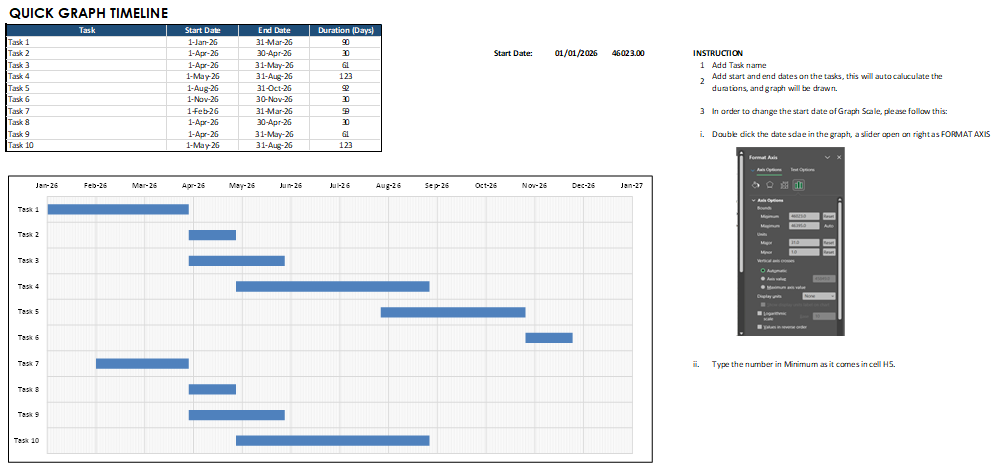
Simple Excel timeline template with automatic Gantt-style chart. Enter tasks and dates, and your project schedule updates instantly.

Description

Plan your projects visually with this Quick Graph Timeline Excel template designed for people who want clarity speed and professional presentation. This spreadsheet converts your task list into an automatic Gantt style timeline that updates instantly as you change dates. No complex software or steep learning curve required. Simply enter task names start dates and end dates and the sheet calculates duration and builds a clean visual schedule. It is ideal for freelancers project managers students startups and small teams who need fast planning without stress.


The template includes an editable dashboard flexible task rows automatic duration formulas and a printable chart that looks great in meetings or client reports. Everything is beginner friendly and fully customizable. Add more tasks duplicate sections or adjust the timeline range to match your workflow. No macros are used so the file stays lightweight secure and easy to share.


You receive an instant download Excel file ready to use. It works on Windows and Mac versions of Excel and also opens in Google Sheets with basic support. Perfect for business planning construction schedules study timelines content calendars and personal goal tracking. Stay organized focused and confident while presenting a polished timeline that saves time and improves communication. 📊✨


Start planning smarter today and turn ideas into clear action steps with a template built for speed simplicity and results. Your schedule deserves a visual system that keeps everyone aligned motivated and informed every day.

Features: • Automatic Gantt-style timeline chart • Editable task list (add or remove tasks) • Auto duration calculation • Clean, printable layout • Beginner-friendly Excel design • No macros required • Instant download


What you get: • 1 Excel (.xlsx) template file • Ready-to-use timeline dashboard • Fully editable spreadsheet


Works with: • Microsoft Excel (Windows & Mac) • Excel 2016 or newer • Compatible with Google Sheets (basic support)

This is a digital product. No physical item will be shipped.

Great for: project planning, construction schedules, client timelines, academic planning, content calendars, and business tracking.

This Best Practice includes
1 x Excel Sheet

Acquire business license for $6.00

Add to cart

Add to bookmarks

Discuss


0.0 / 5 (0 votes)

please wait...
