
Publication number: ELQ-64705-1
View all versions & Certificate

Construction Cost Tracking Dashboard
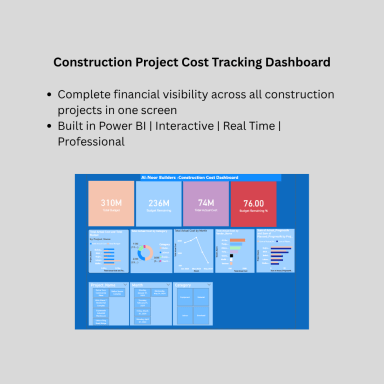
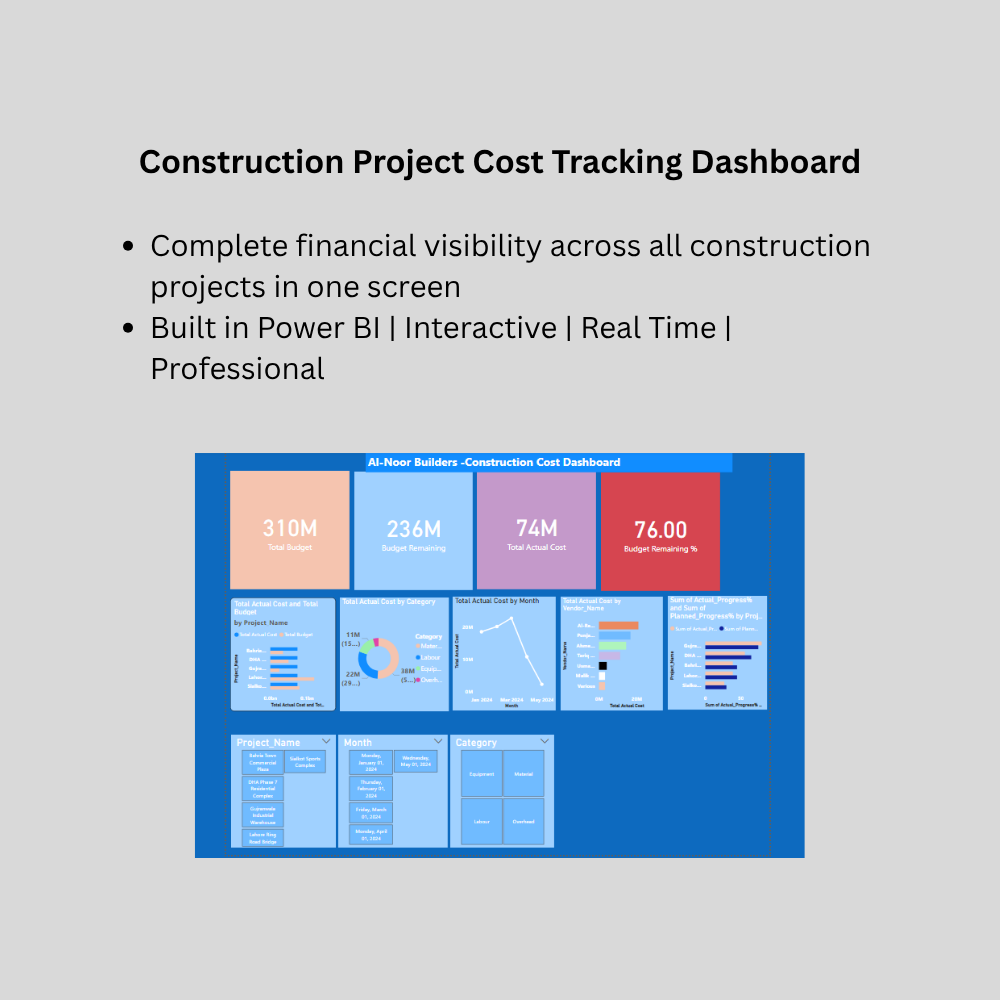
A professional Power BI dashboard designed specifically for construction companies to track project costs, monitor budget vs actual spending etc
Further information
This Construction Cost Tracking Dashboard is designed to achieve the following objectives:
To provide construction companies and project managers with instant visibility of project costs without waiting for monthly accountant reports
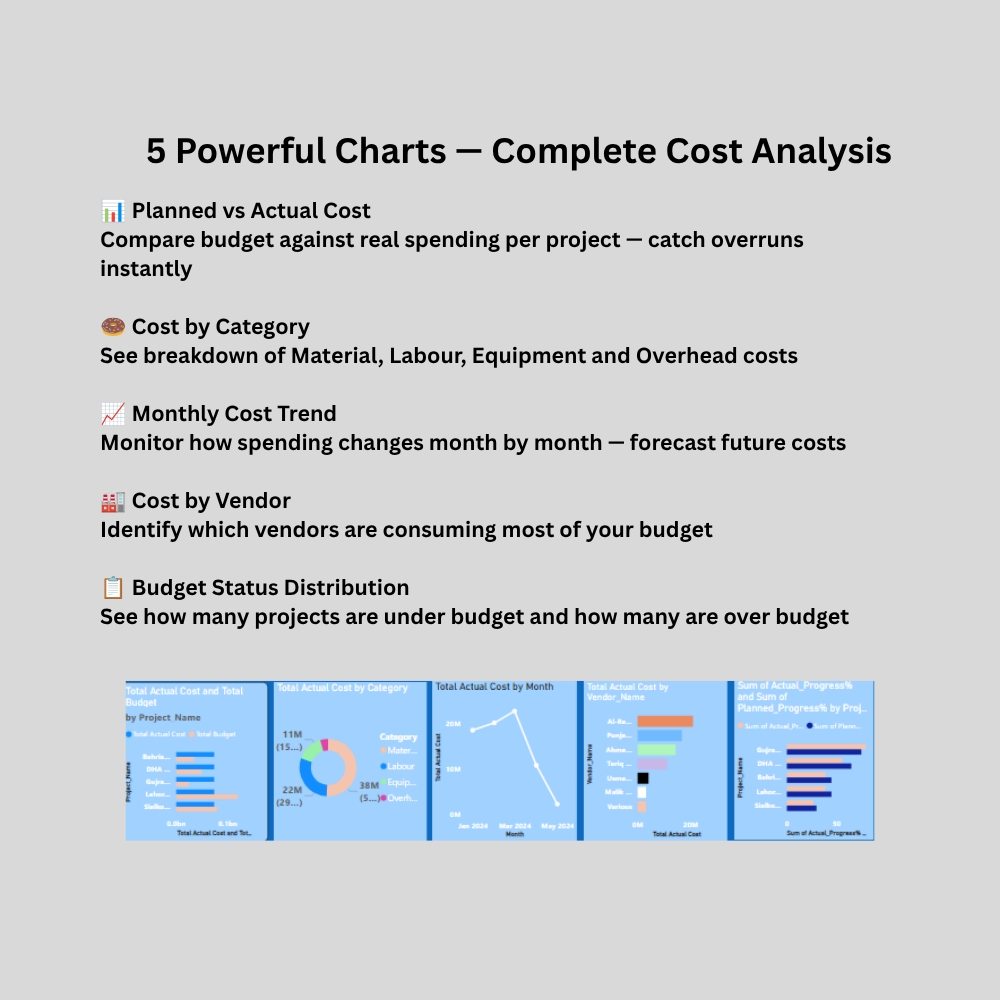
To enable real time comparison of planned budget versus actual spending across multiple construction projects simultaneously
To identify cost overruns and budget variances at early stages before they become uncontrollable financial problems
To analyze vendor and contractor payments identifying which suppliers are consuming most budget
To track monthly spending trends helping owners forecast future cash flow requirements
To replace time consuming manual Excel reporting with an automated interactive dashboard that updates with one click
To present construction financial data in a visually impressive format suitable for board meetings, investor presentations and bank financing applications
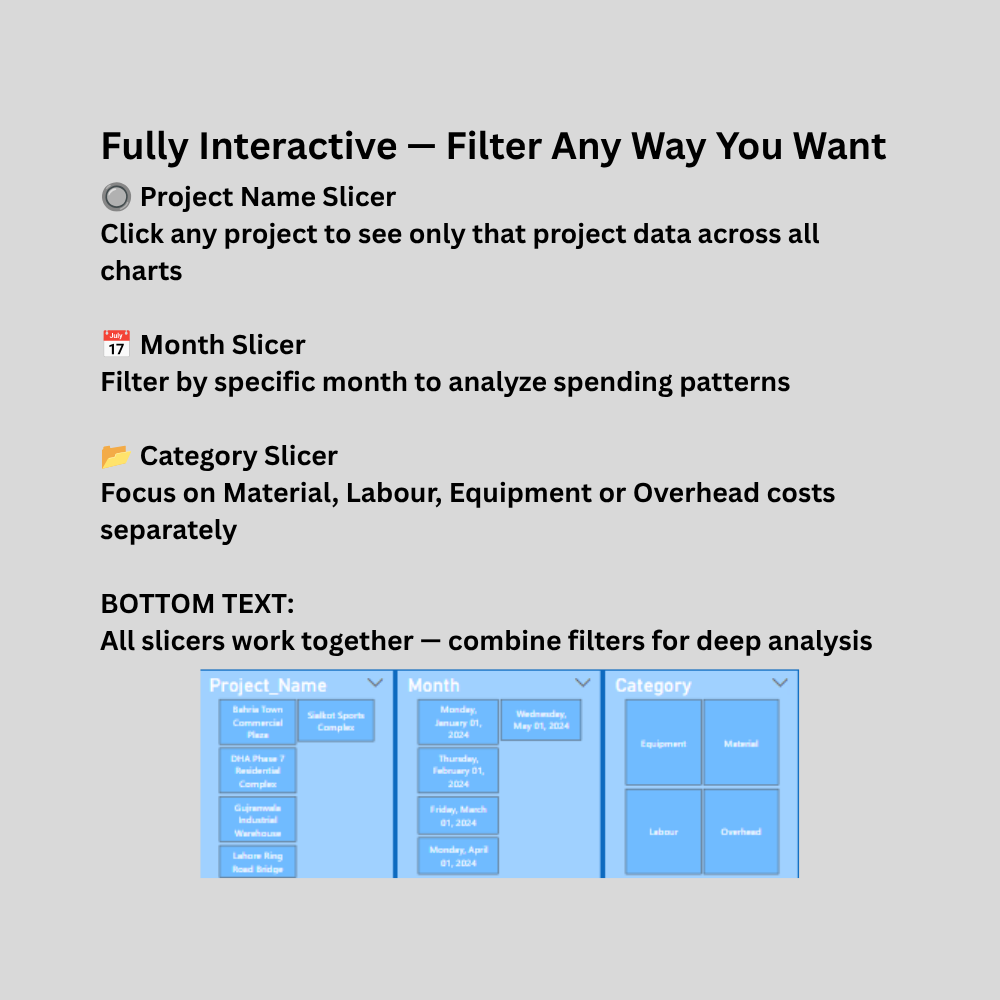
To enable project managers to filter and drill down into specific projects, cost categories and time periods using interactive slicers
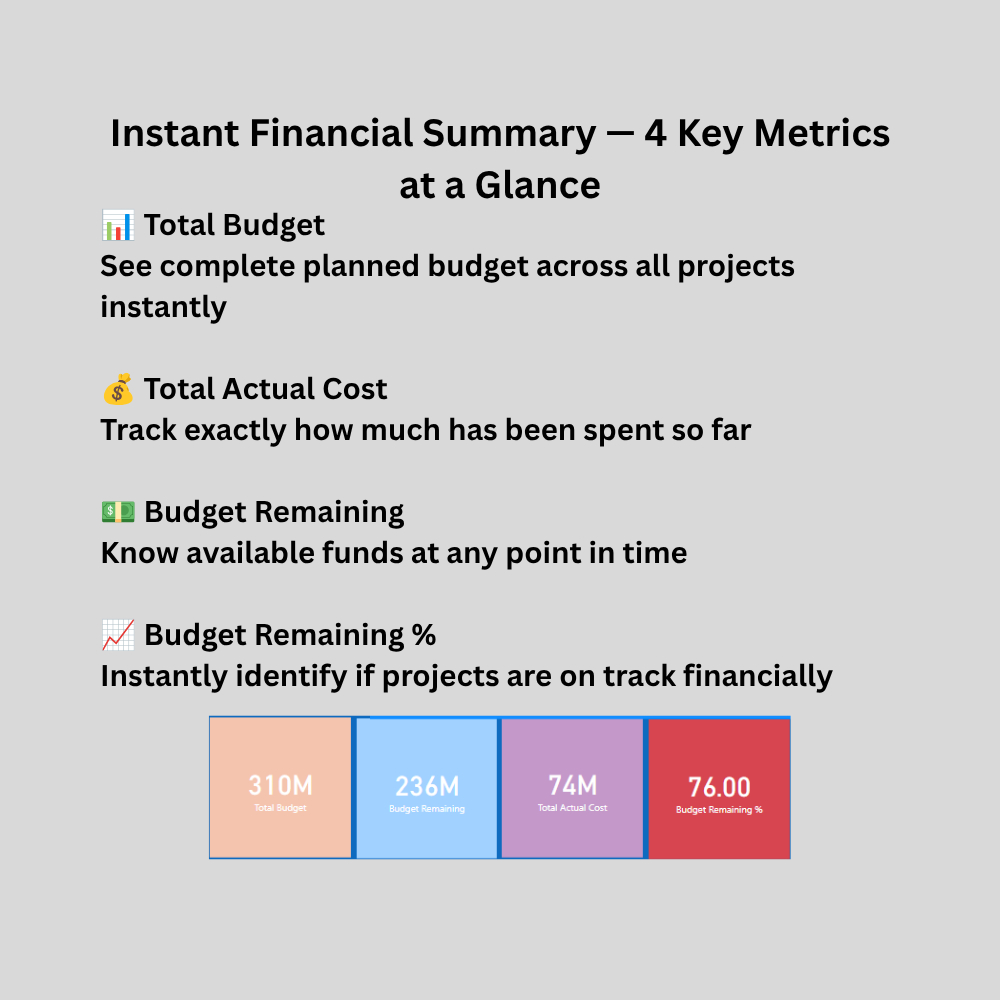
To provide KPI cards showing total budget, actual cost, budget remaining and budget variance percentage at a single glance
To help construction companies make faster and more informed financial decisions based on accurate real time data rather than gut feeling or outdated reports
This Construction Cost Tracking Dashboard is most suitable and applicable in the following conditions:
Company Types:
Construction companies managing one or more simultaneous projects
Civil contractors tracking project wise expenditures
Real estate developers monitoring development costs
Quantity surveyors preparing cost reports for clients
Infrastructure development companies
Building contractors managing residential and commercial projects
Data Conditions:
Company maintains cost data in Excel spreadsheets
Cost data includes project names, categories, vendors and monthly amounts
Company wants to move from manual reporting to visual dashboards
Microsoft Power BI Desktop is installed on computer
Microsoft Excel 2016 or later is available
Business Conditions:
Company manages between 2 and 20 simultaneous projects
Monthly project costs need to be tracked and reported regularly
Management wants instant answers without waiting for accountant reports
Company wants to impress clients or investors with professional reporting
Project managers need to identify problem areas quickly
This Construction Cost Tracking Dashboard is NOT suitable in the following conditions:
Technical Limitations:
This dashboard does NOT connect to live accounting software like QuickBooks or SAP automatically — data must be entered in Excel manually
This dashboard does NOT replace a full Enterprise Resource Planning system for large corporations
This dashboard does NOT work without Microsoft Power BI Desktop installed
This dashboard does NOT update automatically without manual data refresh
This dashboard does NOT support real time live data feeds from bank accounts or payment systems
This dashboard does NOT generate official financial statements or audited accounts
This dashboard does NOT work on Google Data Studio or Tableau without significant modification
Business Limitations:
NOT suitable for very large construction corporations managing hundreds of projects requiring enterprise level ERP systems
NOT suitable for companies wanting fully automated data entry without any manual Excel input
NOT suitable for companies requiring multi user simultaneous editing of dashboard data
NOT suitable for companies requiring cloud based real time collaboration across multiple offices
NOT suitable for government contractors requiring specific regulatory compliance reporting formats
NOT designed for companies whose cost data is stored in formats other than Excel
