

Construction Cash Flow Architect - Automated Liquidity & Runway Tracker
Originally published: 22/12/2025 21:47
Last version published: 03/08/2026 13:00
Publication number: ELQ-54319-3
View all versions & Certificate
certified

Construction Cash Flow Architect - Automated Liquidity & Runway Tracker

Track daily construction cash flow and project financial runway with this locked-down spreadsheet. Calculate exact liquidity and avoid cash shortages.

Description

Mismanaging cash flow during a construction project quickly leads to delayed payments and stalled job sites. You must maintain exact visibility over your daily liquidity to ensure progress draws cover material and payroll expenses. This spreadsheet is designed to be used in Google Sheets.


The Operational Friction


Relying on manual spreadsheets to track operating cash flow often causes critical financial errors. When project managers type over complex running balance formulas or fail to update scattered ledgers, your business loses sight of its true runway. Without a locked, centralized daily log, an unexpected material invoice or delayed owner deposit can trigger a severe cash shortage.


The Mathematical & Structural Solution


This terminal delivers a uniform, protected interface that calculates your running cash balance safely. The underlying calculation engine is completely hidden and locked, preventing accidental formula deletion while instantly updating your dashboard metrics based on simple ledger entries. To ensure immediate deployment, your purchase includes two supplementary documents:


  • The Operational User Guide: Provides step-by-step instructions so the user can deploy the tool immediately without staring at a confusing blank screen.
  • The Technical Spec Sheet: Fully exposes the background formulas, math, and logical framework so the user has absolute trust in the calculations and knows exactly what is happening under the hood.


Core System Capabilities


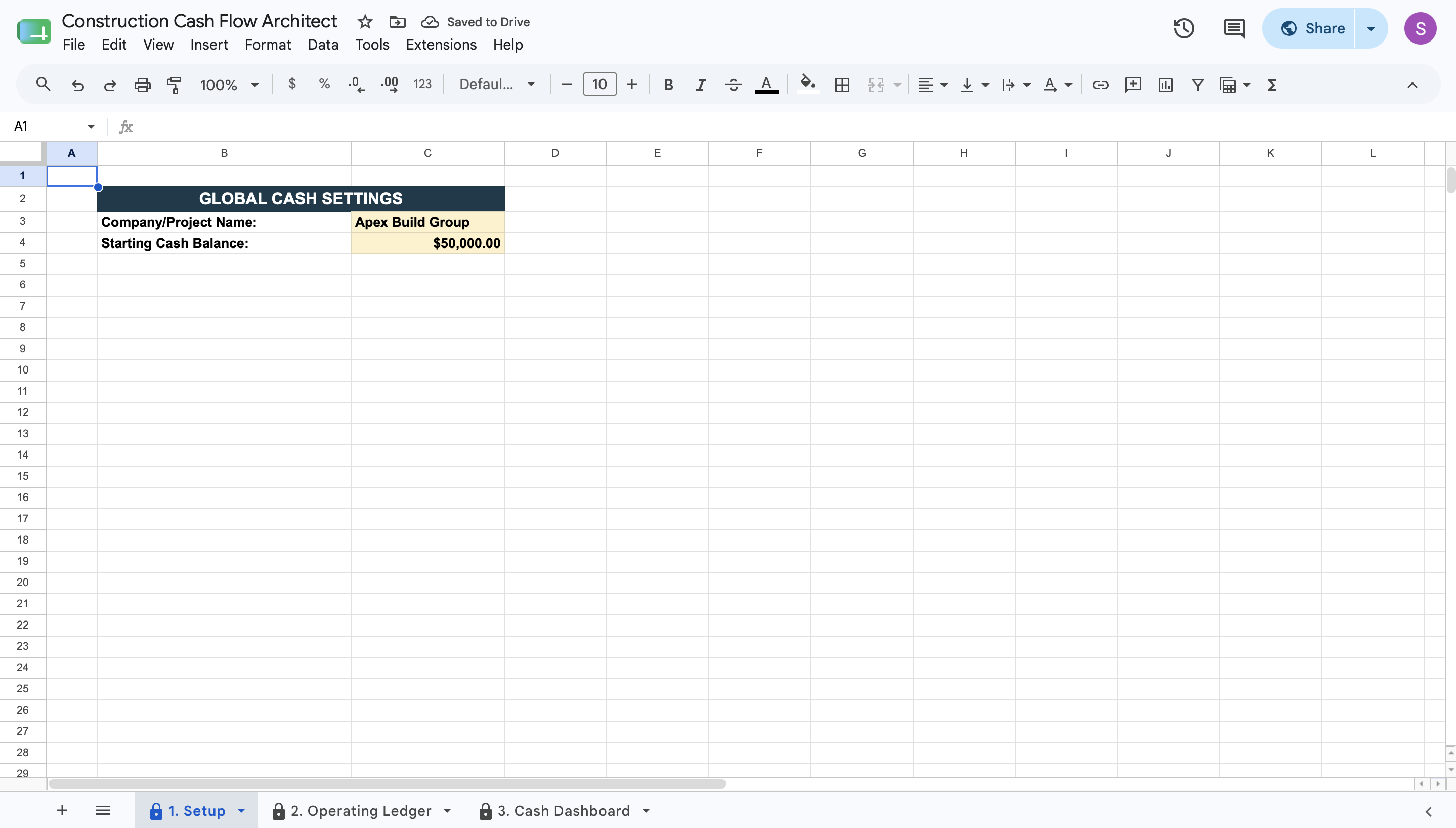
  • Global Cash Setup: Enter your starting cash balance and company details into a secure configuration tab to establish your baseline liquidity.
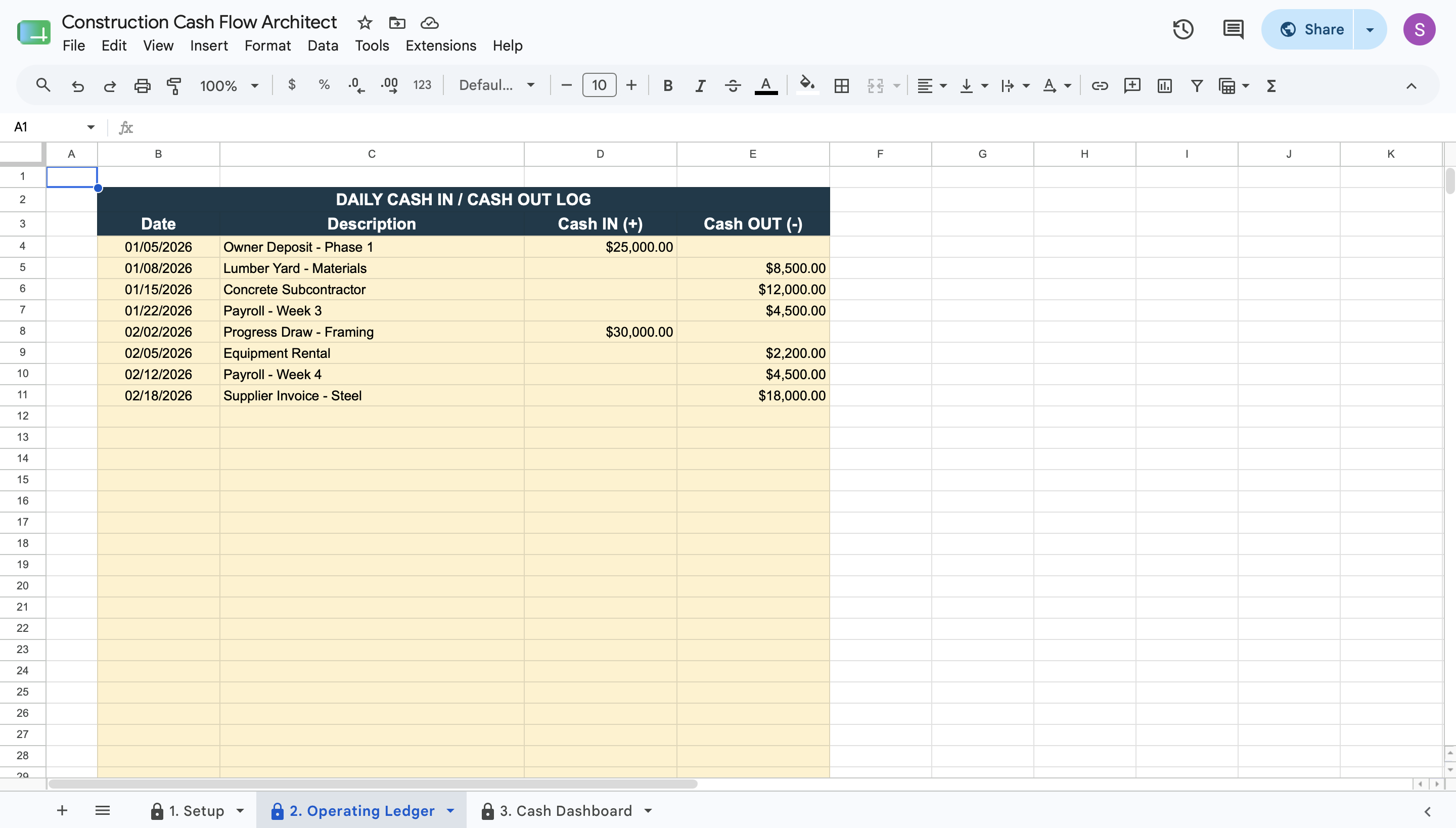
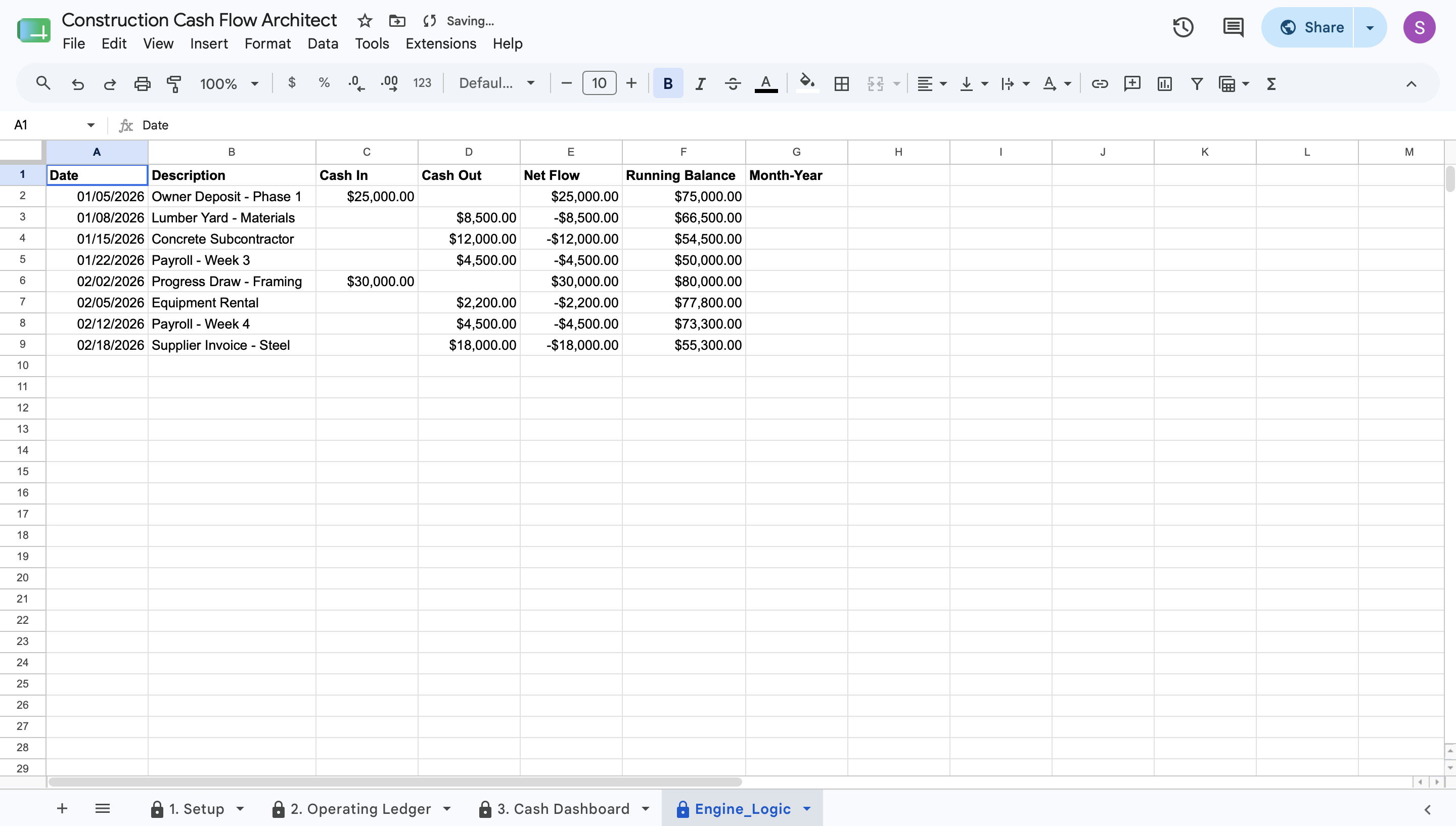
  • Daily Operating Ledger: Log daily progress draws, payroll expenses, and material invoices into a clean, centralized table.
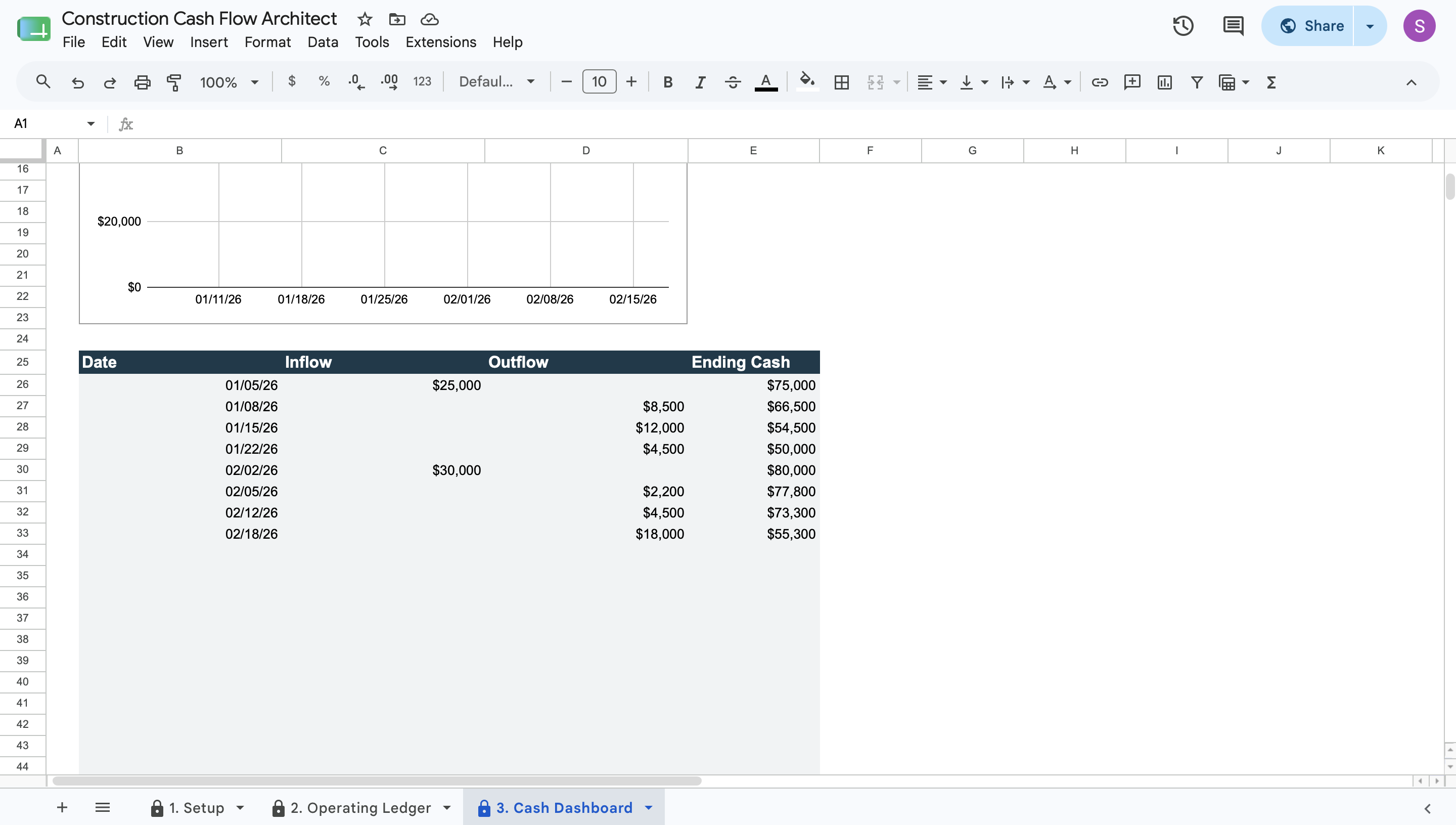
  • Hidden Calculation Engine: Processes every logged transaction in the background to calculate net flow and running balances securely.
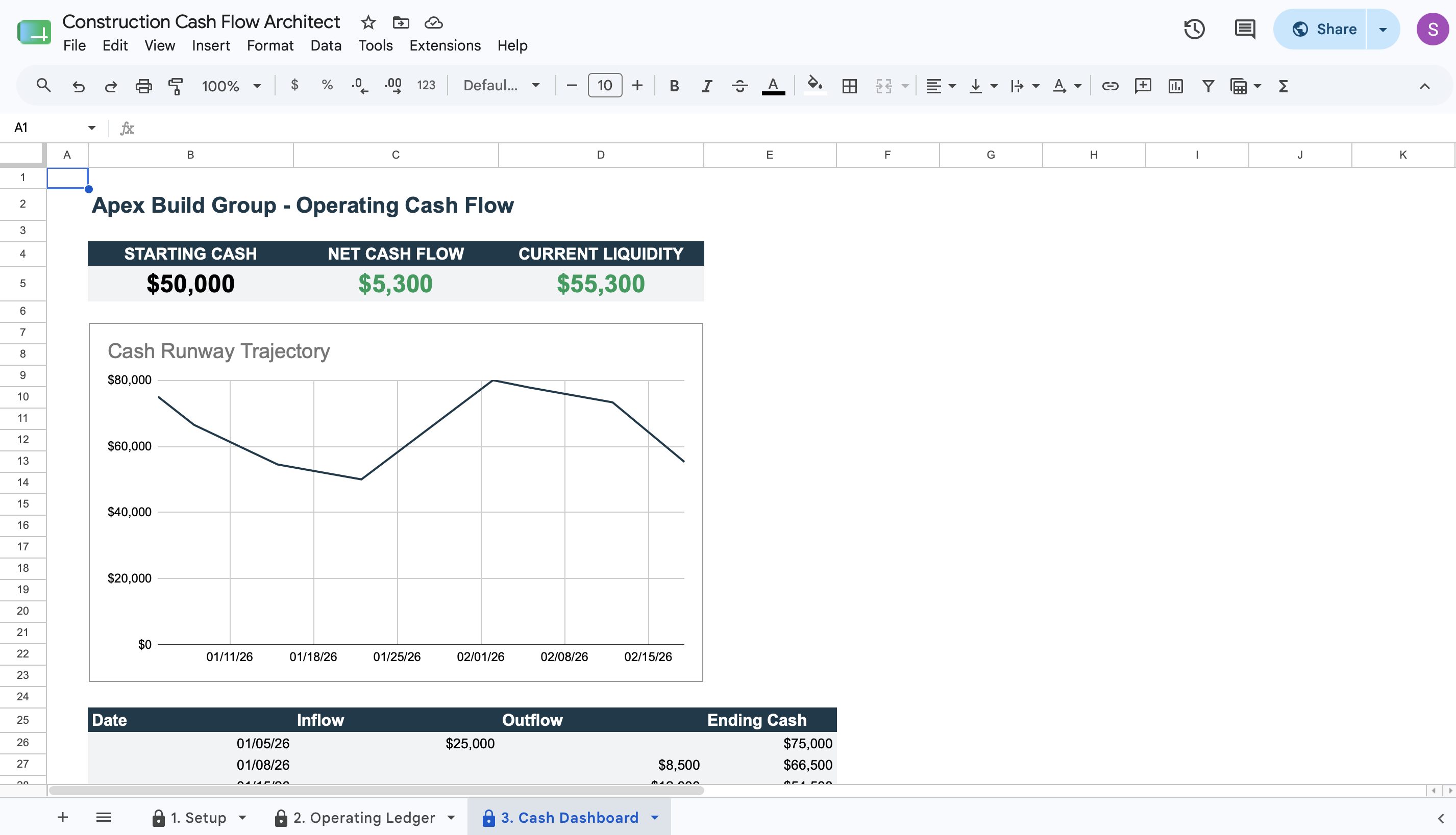
  • Executive Cash Dashboard: Displays your starting cash, net cash flow, and current liquidity in real-time.
  • Runway Trajectory Chart: Visualizes your running balance on a dynamic line chart to help you anticipate financial peaks and valleys.


Deployment & Prerequisites


  • Included Assets: 1 Native Google Sheets Template, 1 Step-by-Step User Guide, 1 Technical Spec Sheet.
  • Format: Native Google Sheets Template
  • Prerequisites: A free Google Workspace or Gmail account (Not compatible with Microsoft Excel)
  • Time to Deploy: Under 15 minutes (Input your parameters into the yellow cells; calculations run automatically)

This Best Practice includes
1 Google Sheet, 1 User Guide, 1 Technical Spec Sheet.

Acquire business license for $20.00 $5.00

Add to cart

Add to bookmarks

Discuss

Further information

Track daily cash inflows and outflows to maintain exact project liquidity.


Calculate a running cash balance dynamically to forecast financial runway.


Identify potential cash shortages before they delay construction progress.


Provide executive visibility into net cash flow through a central dashboard.

Construction contractors needing to track progress draws against daily material and payroll expenses.


Project managers requiring a clear daily view of cash runway to schedule subcontractor payments safely.


Business owners seeking to replace fragmented, error-prone manual ledgers with a locked-down financial tracker.

Not compatible with Microsoft Excel (requires Google Sheets).


Not a full accounting system or double-entry bookkeeping replacement.


Not designed for multi-year enterprise portfolio forecasting (optimized for direct operating cash flow).


1.0 / 5 (1 votes)

please wait...