Netflix Dashboard in Power BI | Analyze Movies & TV Shows
Originally published: 22/08/2025 22:26
Last version published: 26/08/2025 16:28
Publication number: ELQ-11659-2
View all versions & Certificate
certified

Netflix Dashboard in Power BI | Analyze Movies & TV Shows

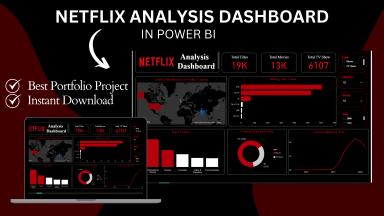
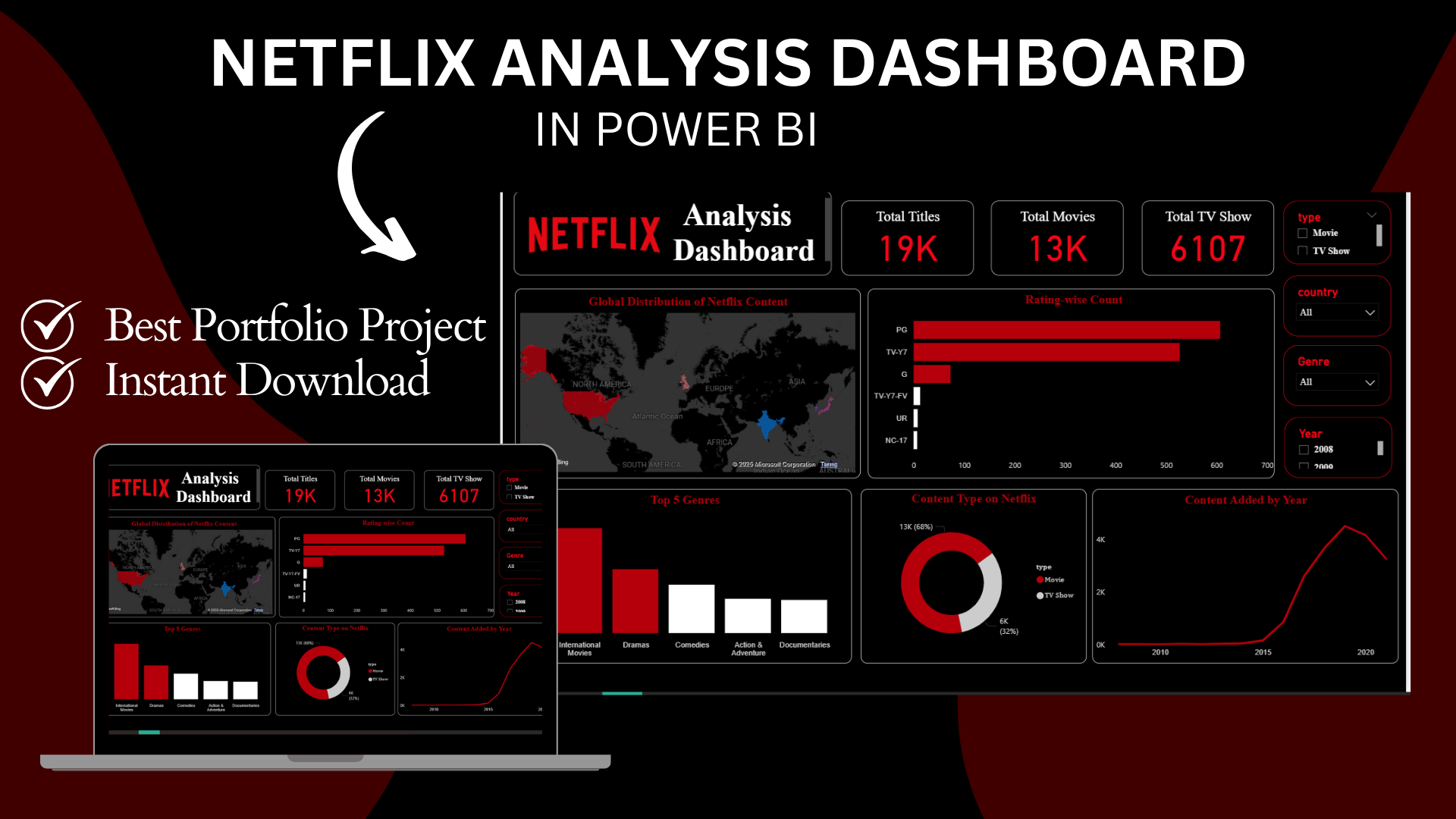
Interactive Power BI dashboard built with the Netflix dataset. Explore movies, TV shows, genres, release years, and ratings with dynamic visuals.

Description

This Power BI dashboard project has been designed using the Netflix dataset to provide a complete and professional analysis of the world’s leading streaming platform. The dashboard allows users to explore and understand different aspects of Netflix content in a visually appealing and interactive way.

The dashboard includes multiple key features:

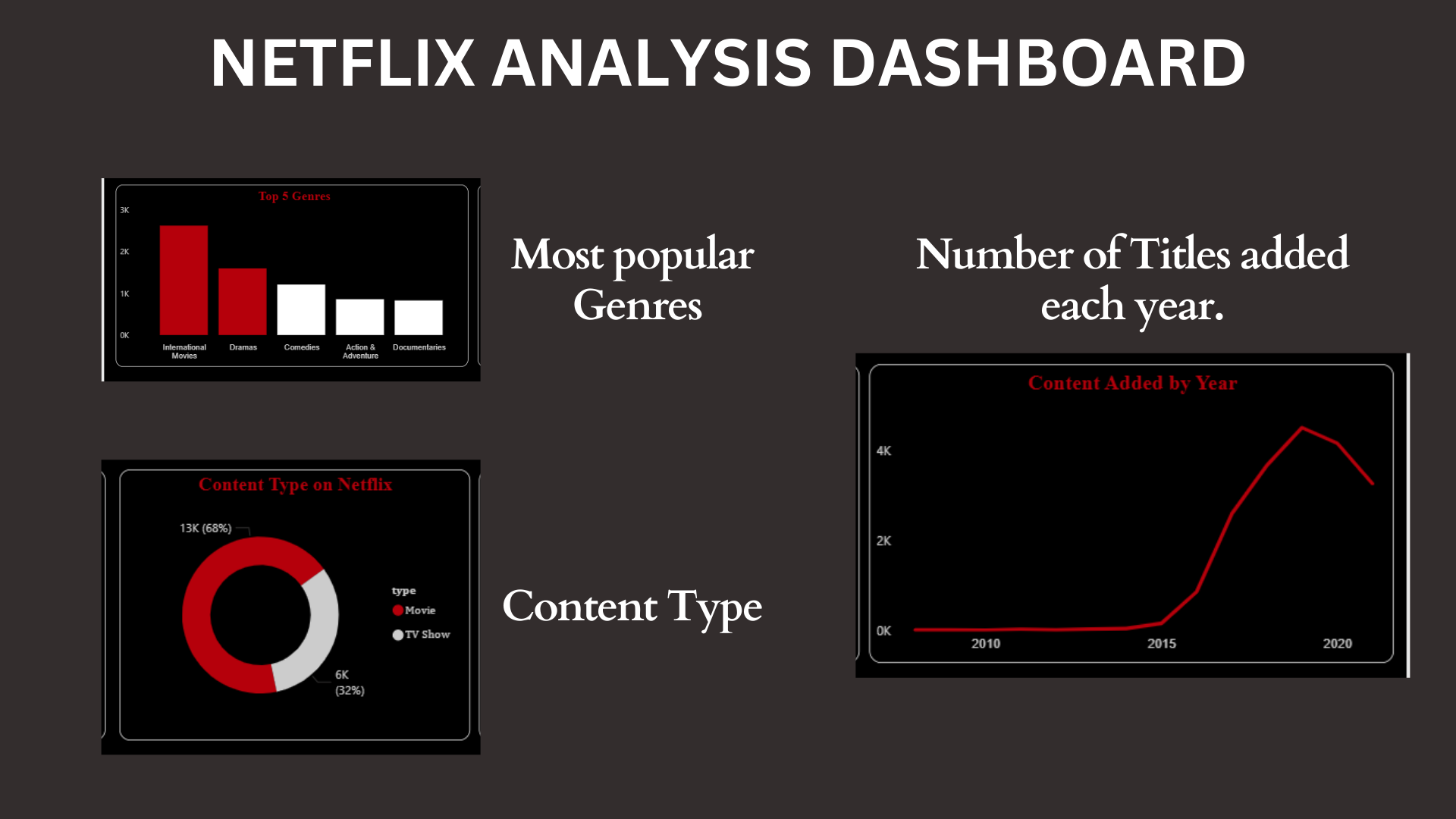
  • Content Type Analysis: Comparison between movies and TV shows to highlight the type of content Netflix focuses on.

  • Yearly Trends: An interactive timeline to analyze how Netflix content has evolved over the years.

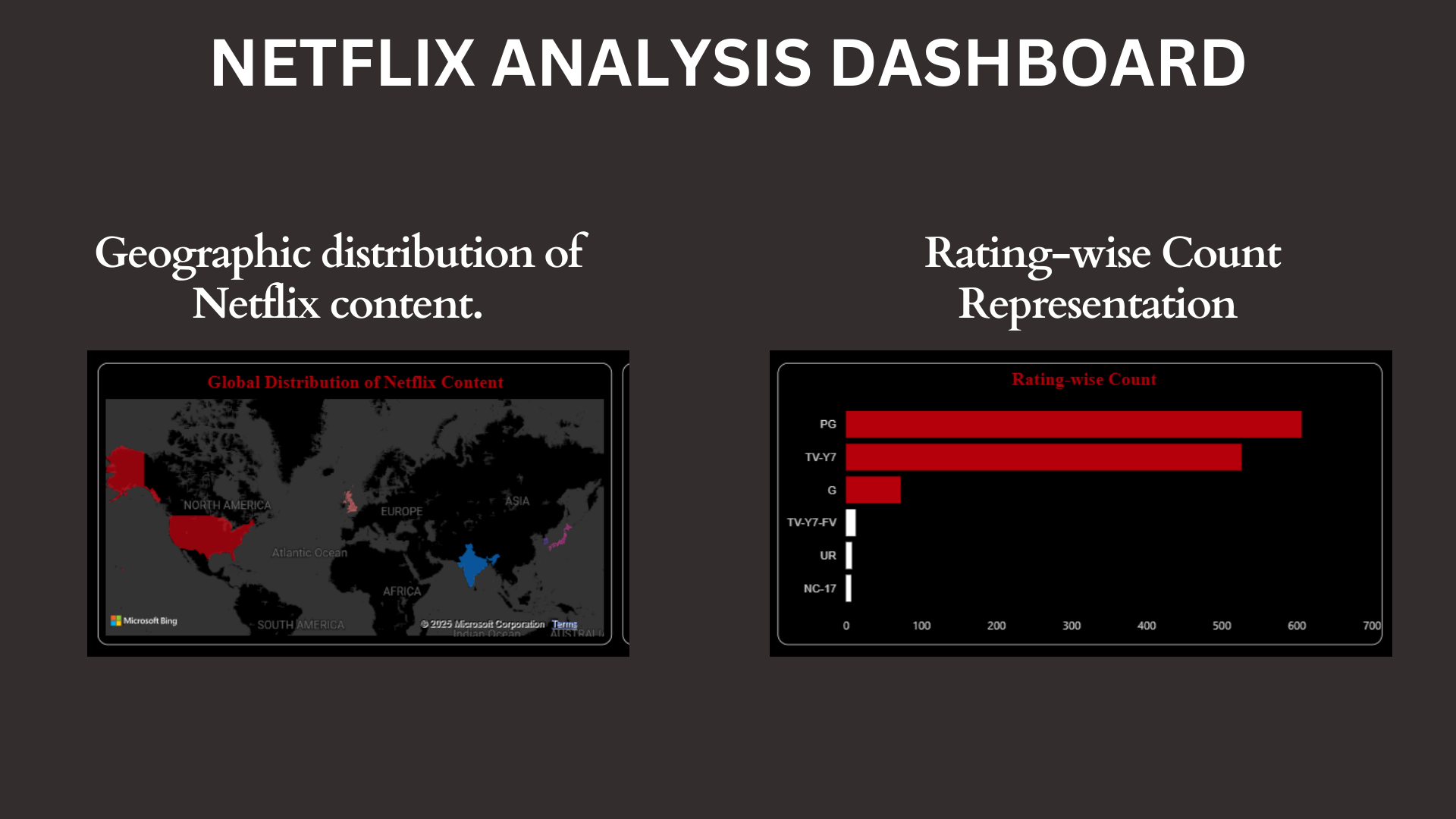
  • Country-wise Distribution: A map-based visualization that shows which countries contribute the most titles.

  • Genre Insights: A breakdown of top genres to identify the most popular categories across Netflix’s global library.

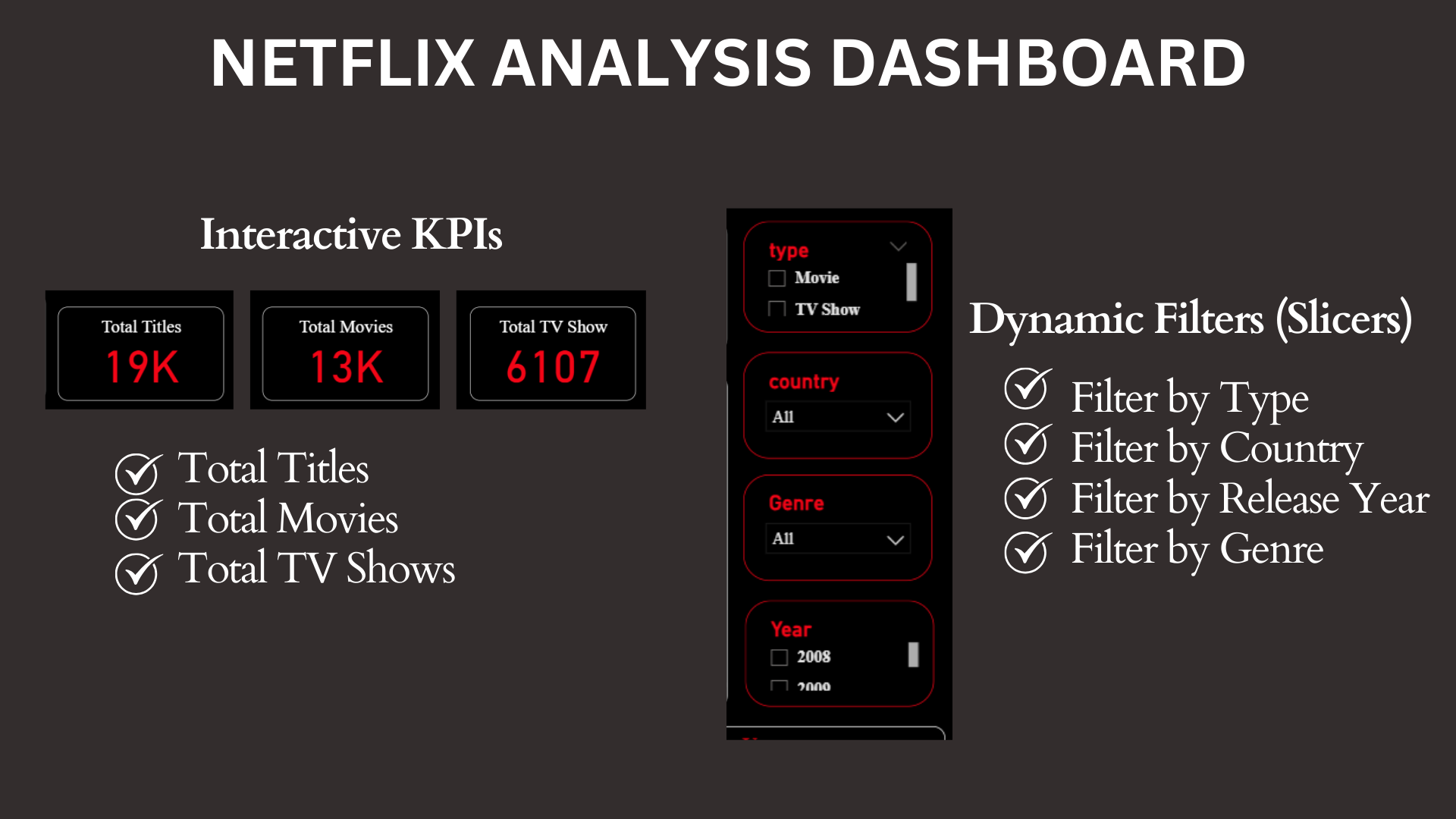
  • Interactive Filters: Slicers to filter data by country, year, type, and genre, making the dashboard highly dynamic.

The dashboard has been designed with clear KPIs, modern visuals, and user-friendly navigation so that insights can be quickly extracted without technical complexity. Users can explore trends, discover patterns, and generate meaningful observations within minutes.

This project is highly beneficial for:

  • Students and beginners who want to practice Power BI with a real dataset.

  • Data analysts looking to enhance their portfolio with a professional case study.

  • Professionals who want to learn dashboard design best practices.

By downloading this dashboard, you will not only get a ready-to-use Power BI file but also an excellent reference for your own projects. You can customize it with your own data, replicate the design, and strengthen your skills in data analytics and visualization.

This Best Practice includes
1 Netflix Power BI Dashboard File (.pbix), Sample dataset (CSV) or public dataset link

Acquire business license for $5.00

Add to cart

Add to bookmarks

Discuss

Further information

Provide a ready-to-use Power BI dashboard for Netflix dataset analysis.

Help beginners and data analysts practice data visualization skills using real-world data.

Showcase important KPIs like number of movies, TV shows, ratings, release years, and country distribution.

Enable learners to customize and replicate dashboards for their own datasets.

Support portfolio building for students and professionals in Data Analytics / Business Intelligence.

Users who are learning Power BI and need a structured example.

Data analysts who want a Netflix dataset dashboard to practice or showcase.

Beginners who are preparing their portfolio projects.

Trainers/teachers who want to demonstrate Power BI dashboards in class.

Users who do not have access to Power BI Desktop.

People expecting live Netflix API connection (this is based on a static dataset).

Advanced professionals who need highly complex analytics (predictive modeling, ML, etc.) instead of visualization.


0.0 / 5 (0 votes)

please wait...