
Last version published: 03/08/2026 12:50
Publication number: ELQ-88050-2
View all versions & Certificate

Construction Project Planner | Excel Task Scheduling & Project Tracking Template
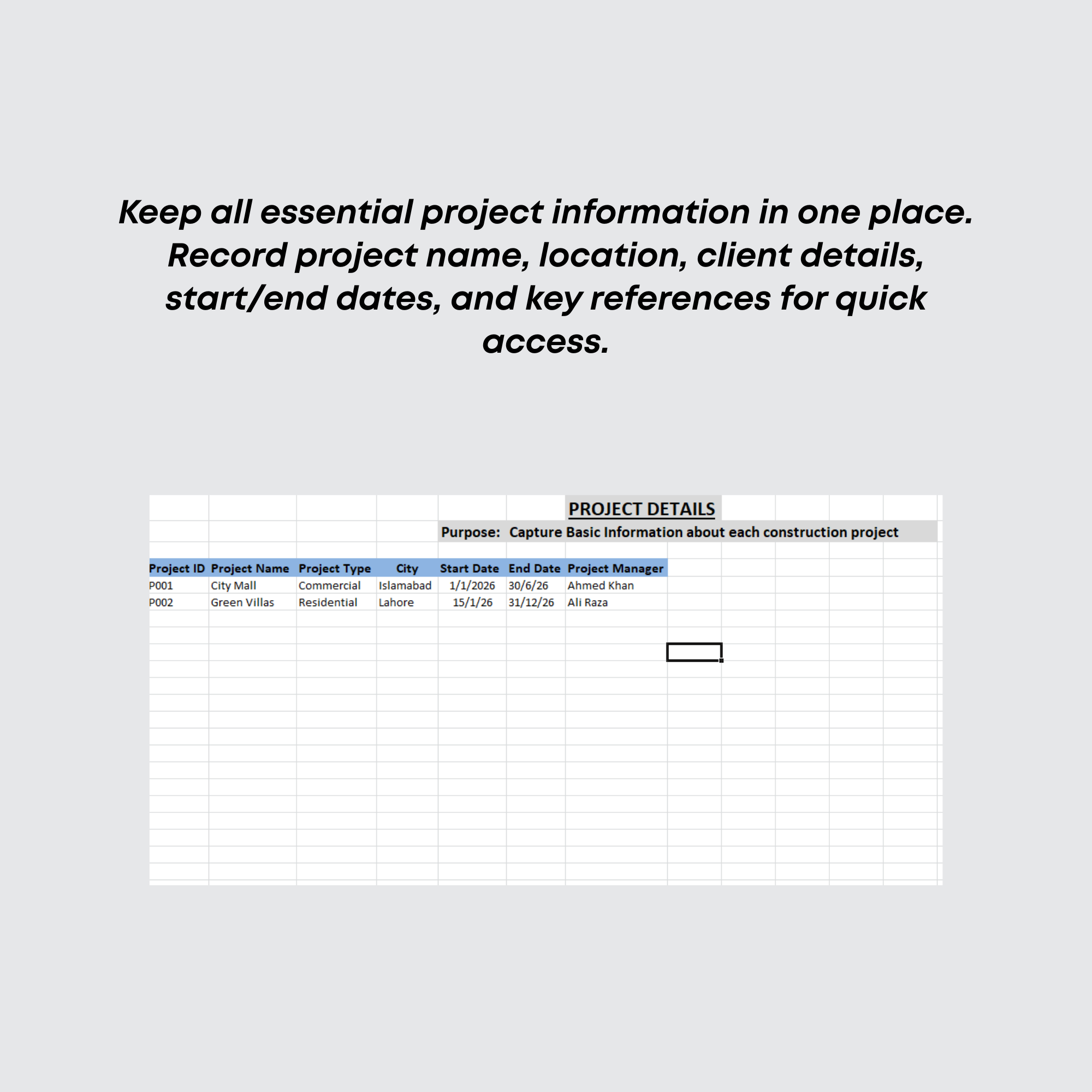
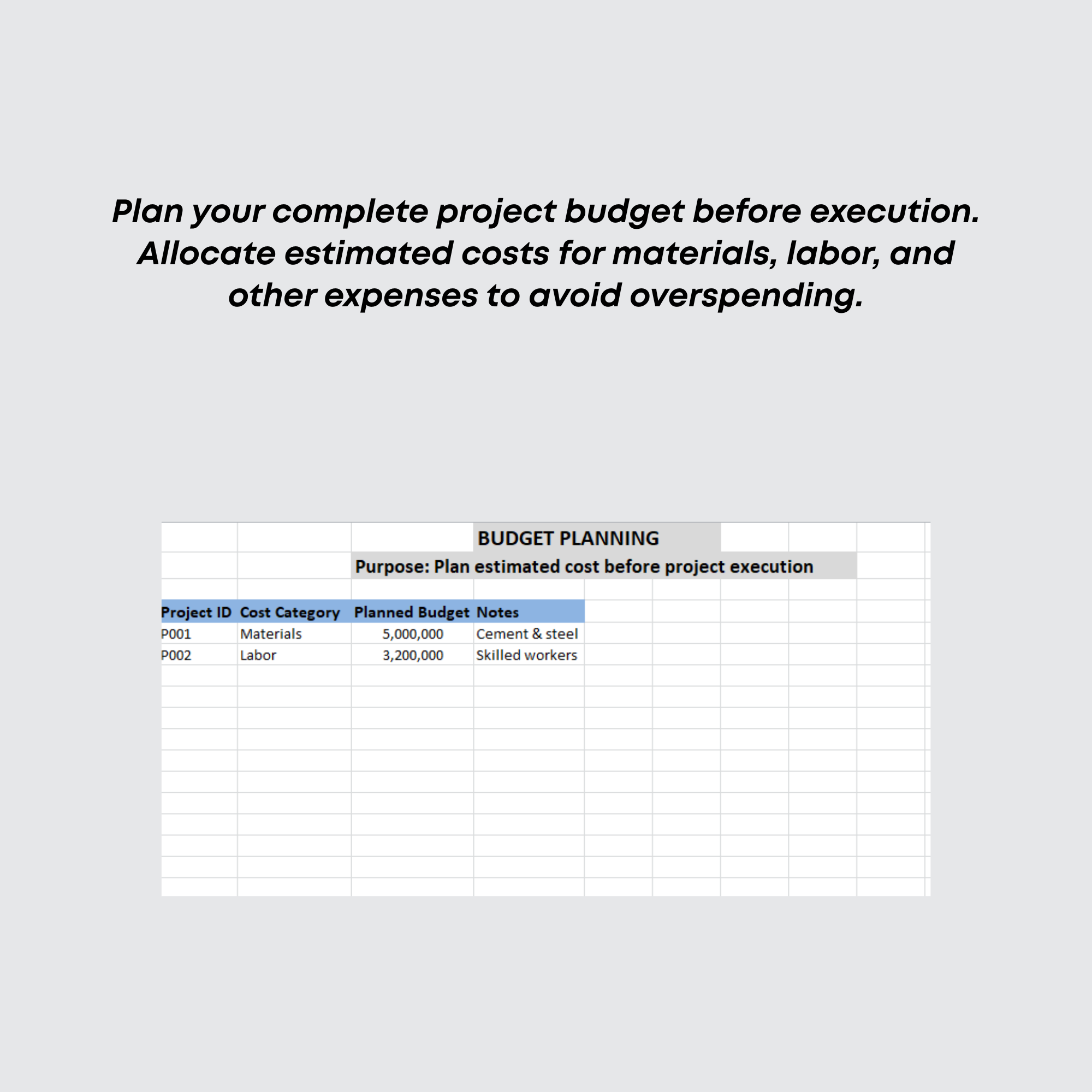
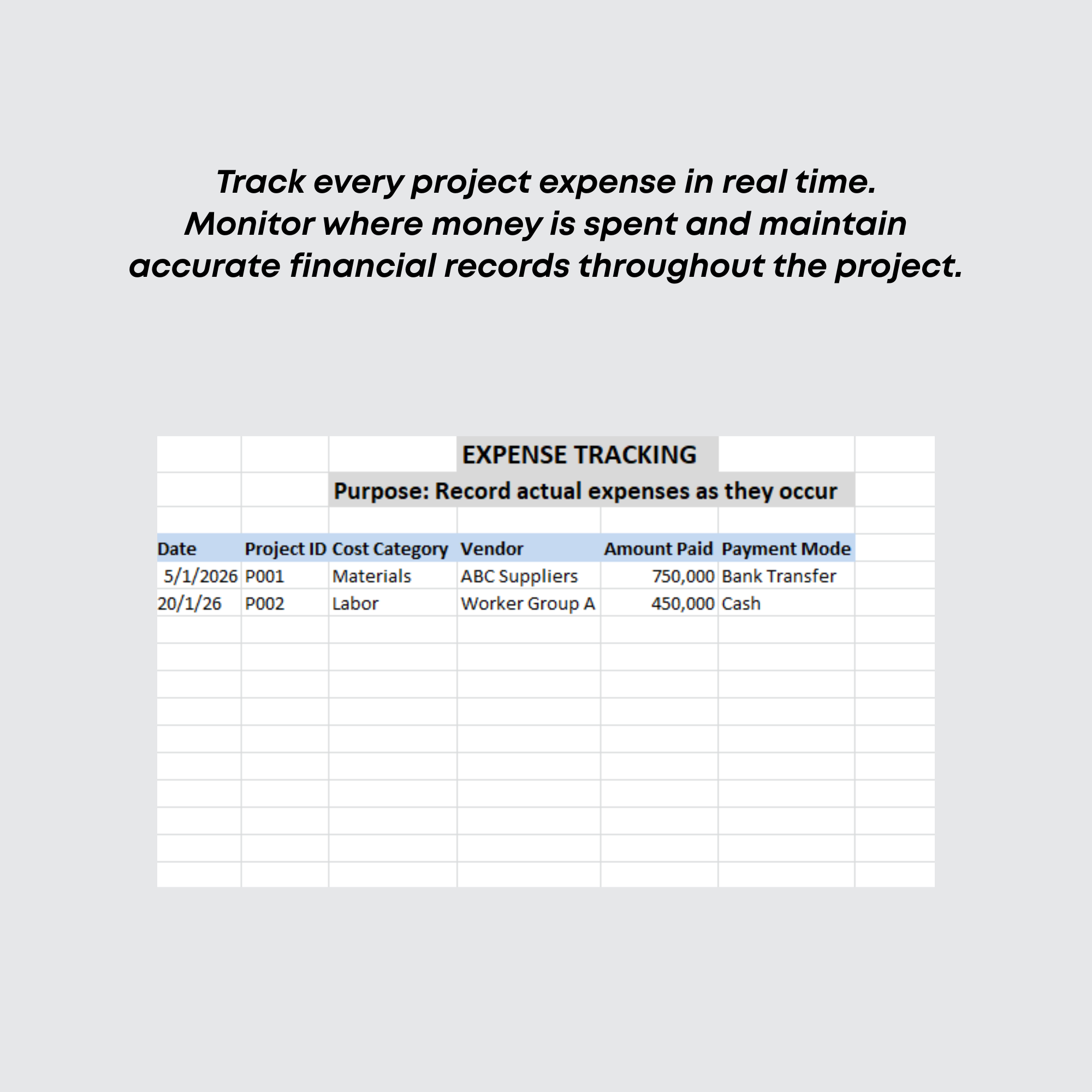
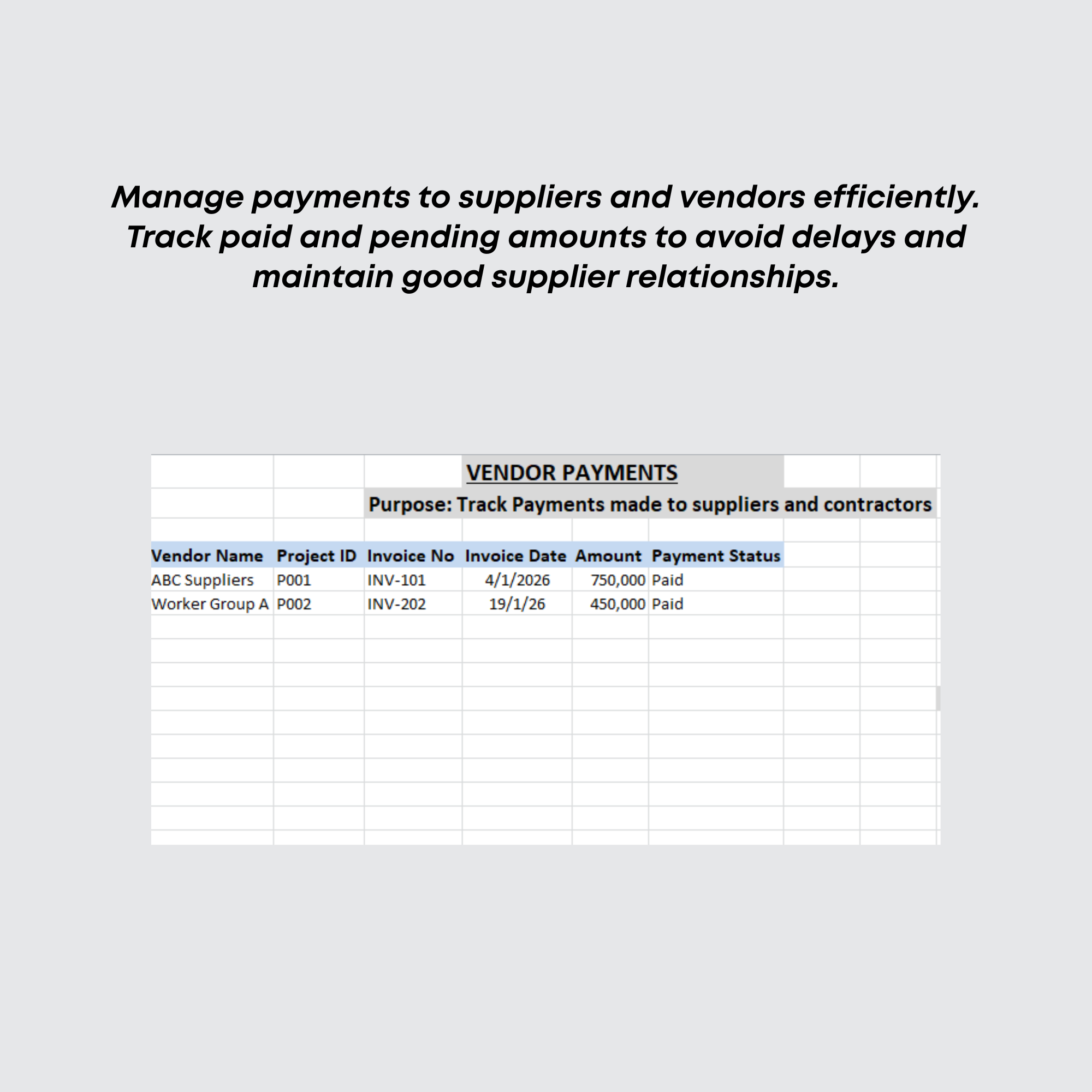
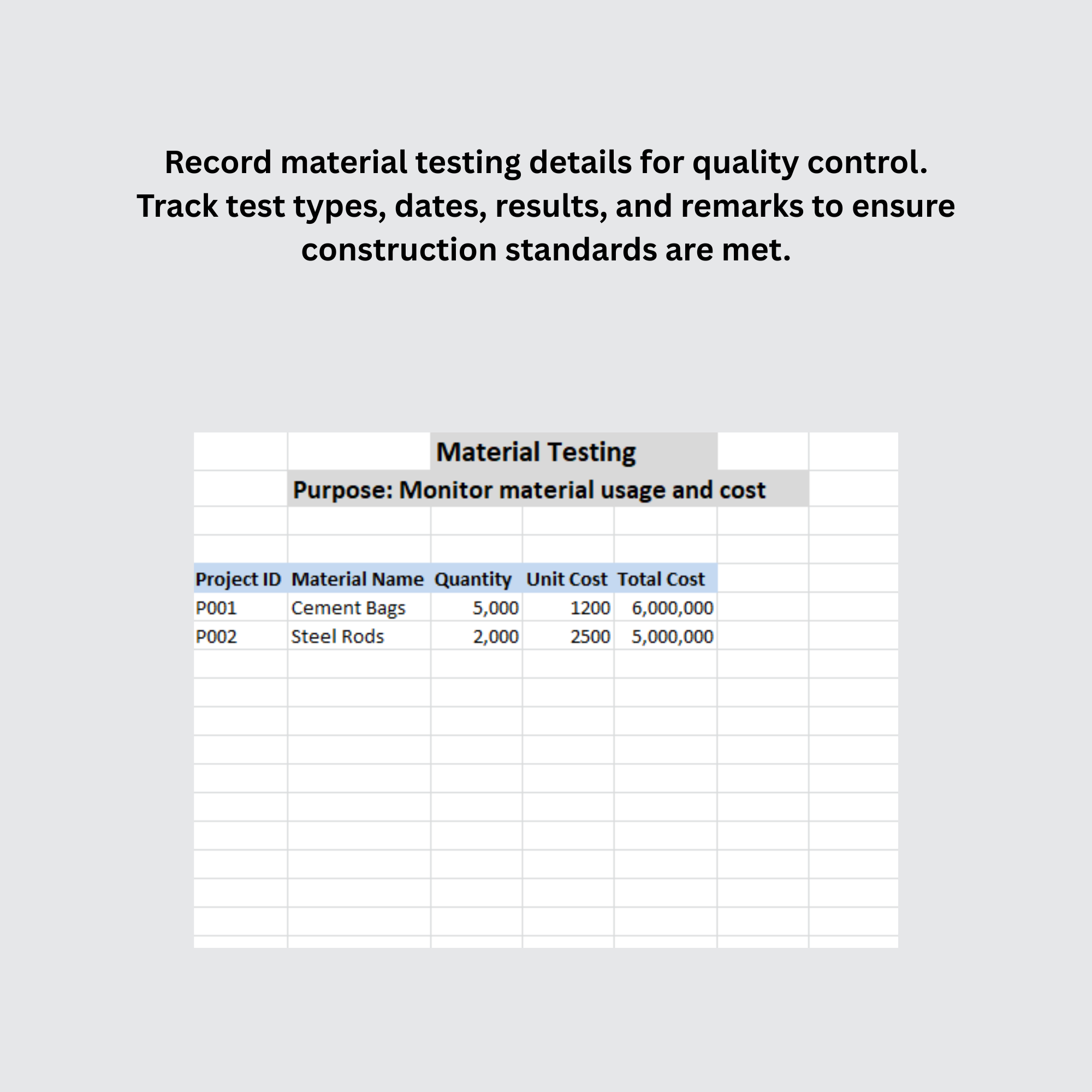
Interactive Excel construction planner designed to manage project timelines, task scheduling, progress tracking, and workflow monitoring through organized table
Further information
1. Objectives of This Downloadable Best Practice
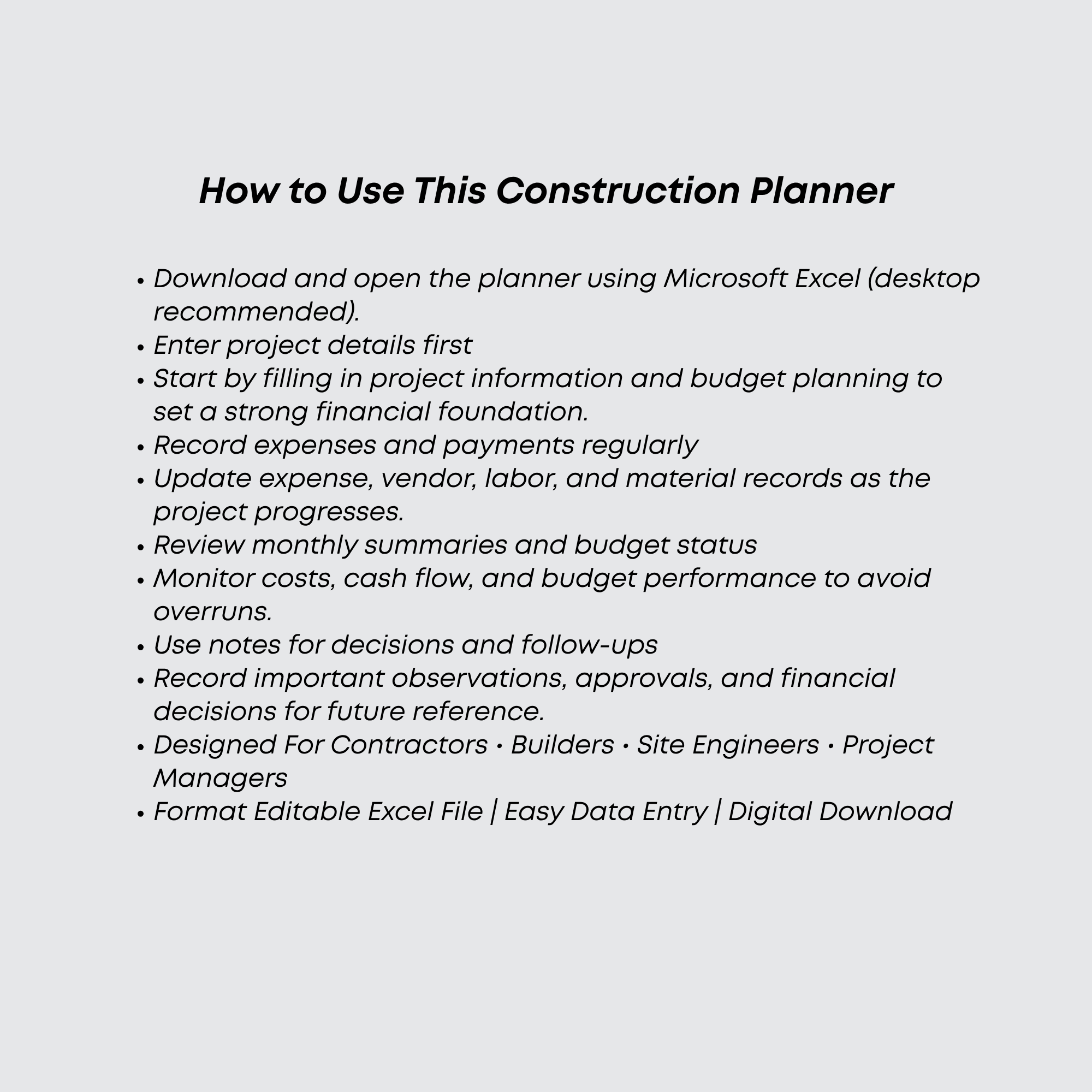
Plan and manage construction project activities through an organized Excel-based planner.
Track project timelines, task progress, and workflow status efficiently.
Improve project scheduling and coordination among different construction activities.
Monitor task completion and identify delays for better project control.
Support project managers, engineers, and contractors with structured planning tools.
Reduce manual planning effort through automated tracking and organized project reporting.
2. Conditions for Which This Downloadable Best Practice Applies Best
Small to medium construction projects requiring task scheduling and progress tracking.
Contractors, engineers, and project managers using Excel for project planning.
Residential, commercial, and renovation projects needing organized workflow monitoring.
Teams looking for an affordable and easy-to-use construction planning solution.
Users requiring project timeline management without advanced project management software.
3. Conditions for Which This Downloadable Best Practice Does Not Apply
Large enterprise construction projects using advanced ERP or project management systems.
Organizations requiring real-time cloud collaboration and multi-user project tracking.
Projects needing advanced resource allocation, procurement, or BIM integration tools.
Companies requiring mobile apps or web-based construction management platforms instead of Excel.
Highly complex projects involving large-scale automation and enterprise-level reporting systems.
