Automatic restaurant inventory solution Excel template
Originally published: 18/08/2025 19:38
Publication number: ELQ-55038-1
View all versions & Certificate
certified

Automatic restaurant inventory solution Excel template

Café inventory Excel file, set recipes once, and stock updates automatically with each sale or purchase.

Description

This Excel-based solution is designed for cafés and restaurants to track raw material usage and maintain real-time stock levels with minimal effort.


Key Features:

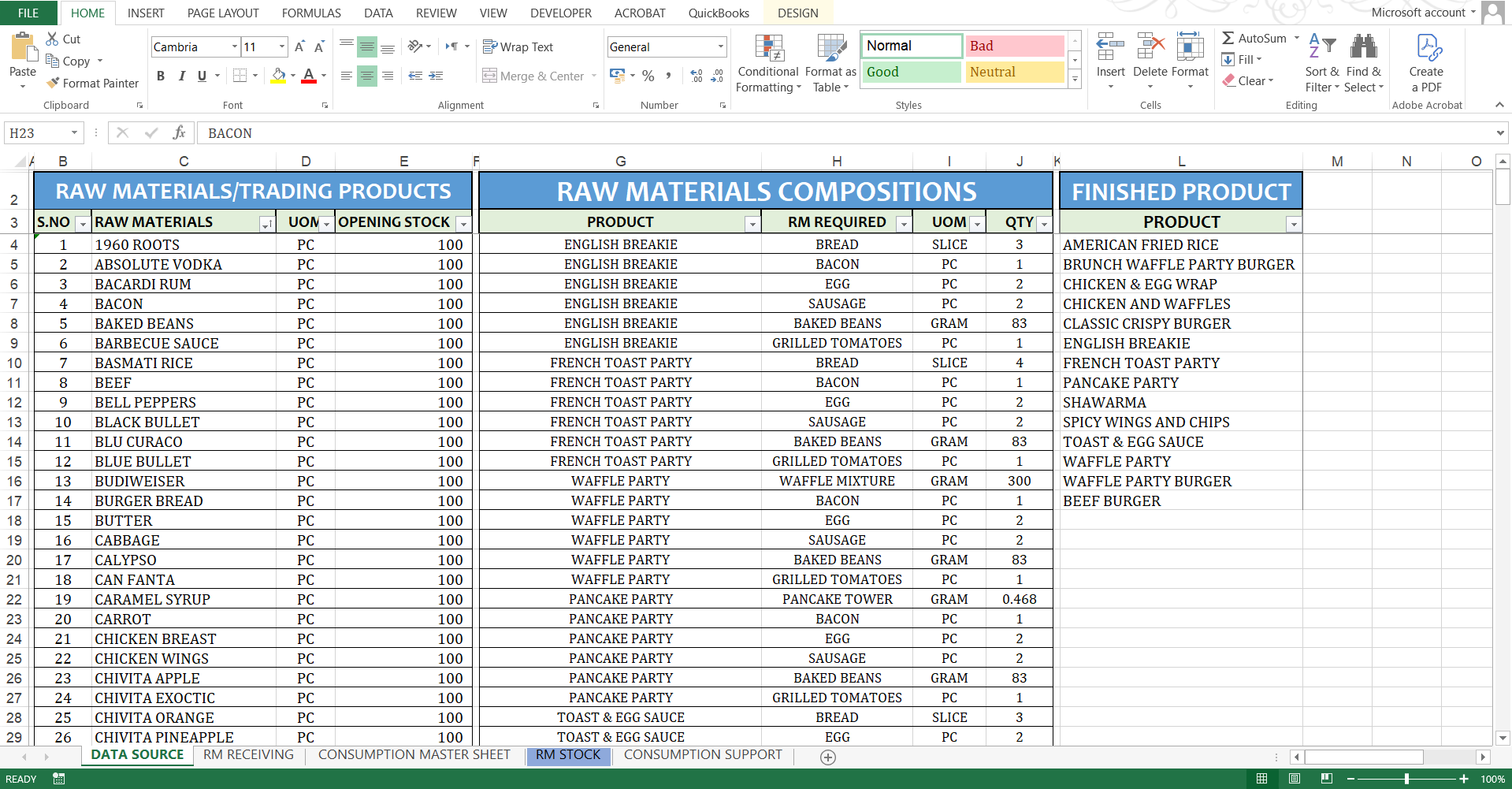
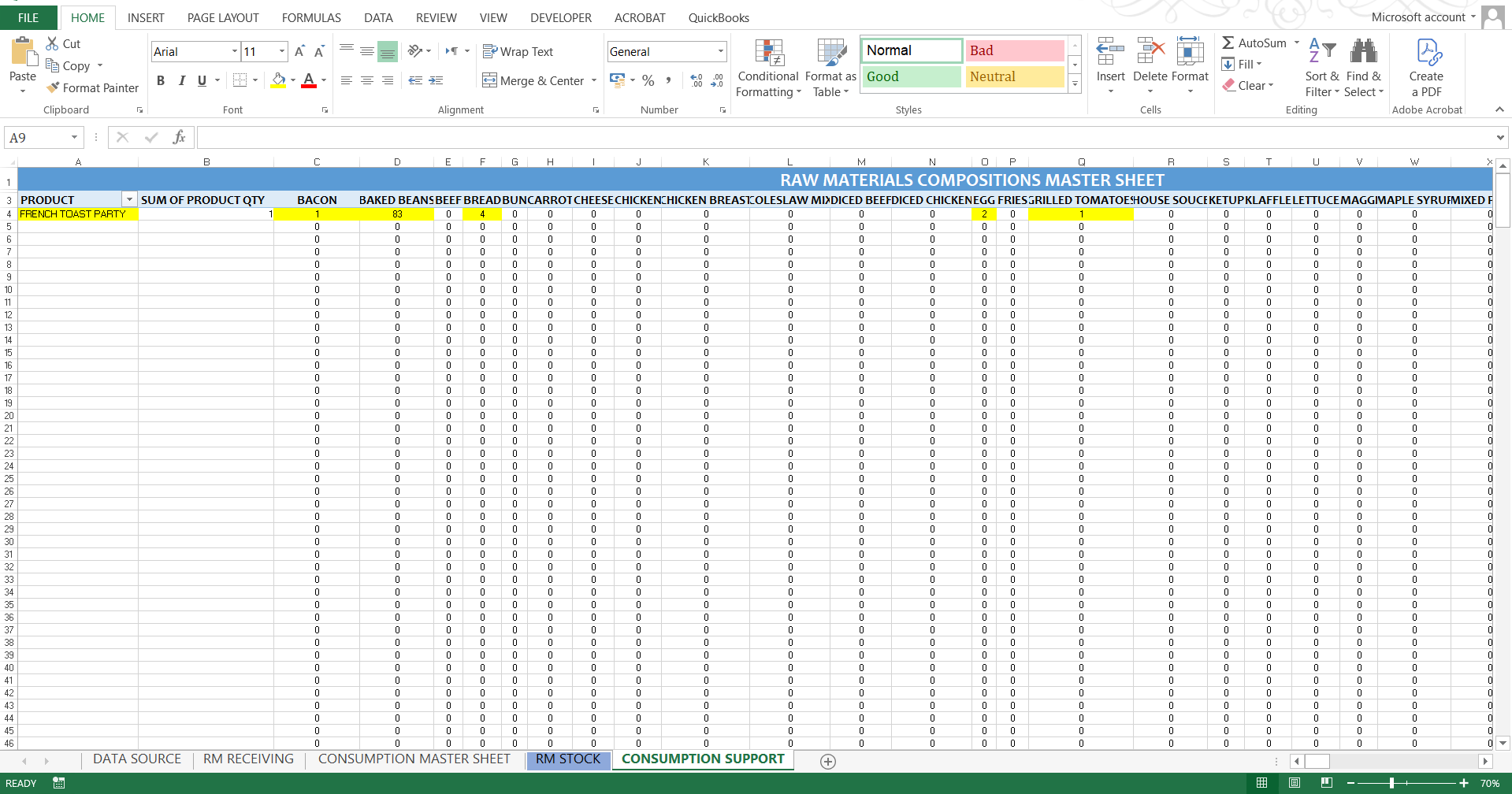
  • One-Time Recipe Setup: Enter each product’s recipe once, specifying the exact quantity of every ingredient.

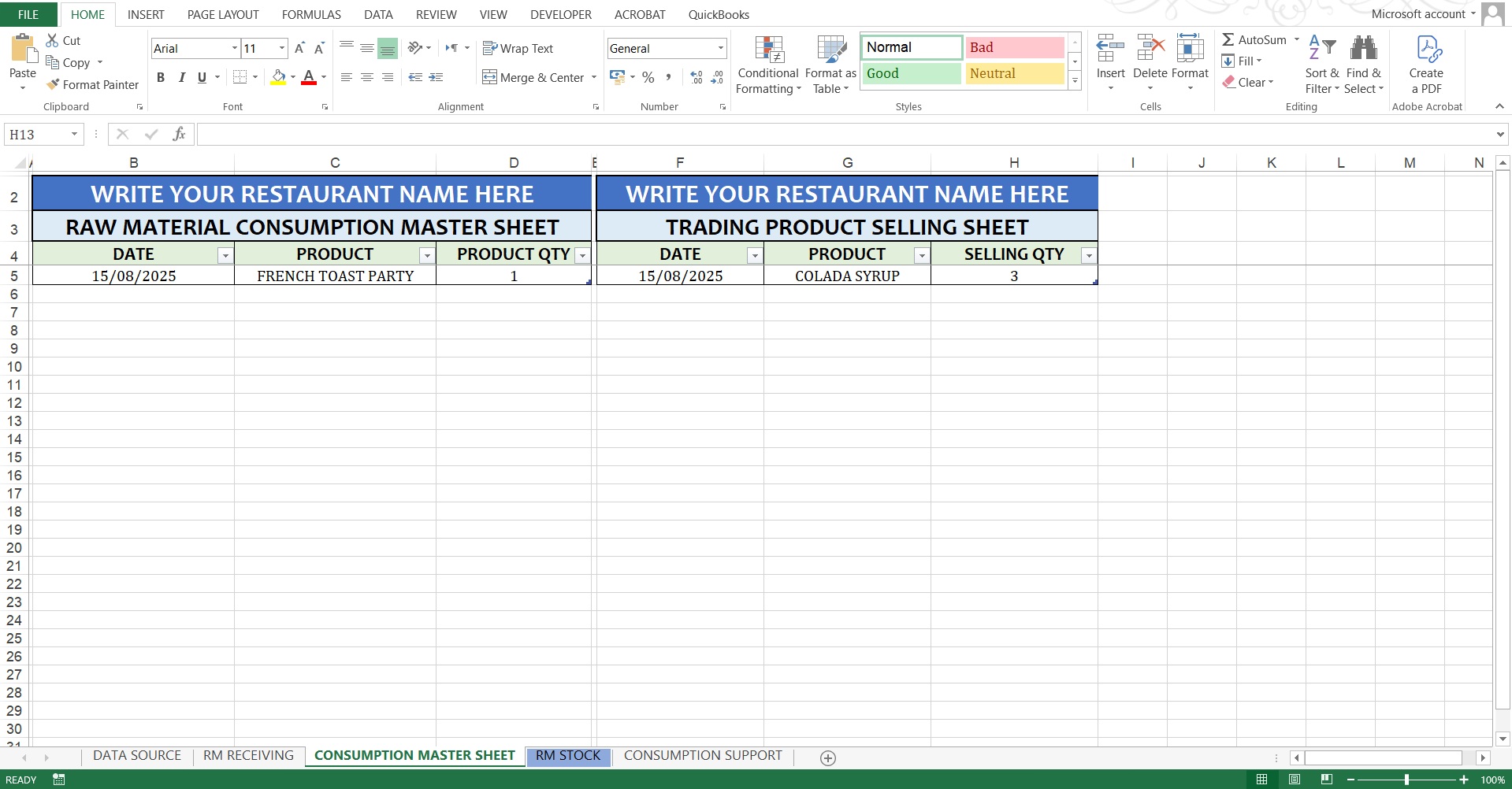
  • Automated Stock Deduction: During sales or consumption, simply select the product and quantity—the system automatically deducts the required ingredients from inventory in real time.

  • Separate Issue Forms:

    • Cooking Items: Select a prepared food or drink product to update related ingredient stock instantly.

    • Ready-Made Items: For products like cold drinks purchased ready-made from the market, a dedicated form updates stock with a single click.

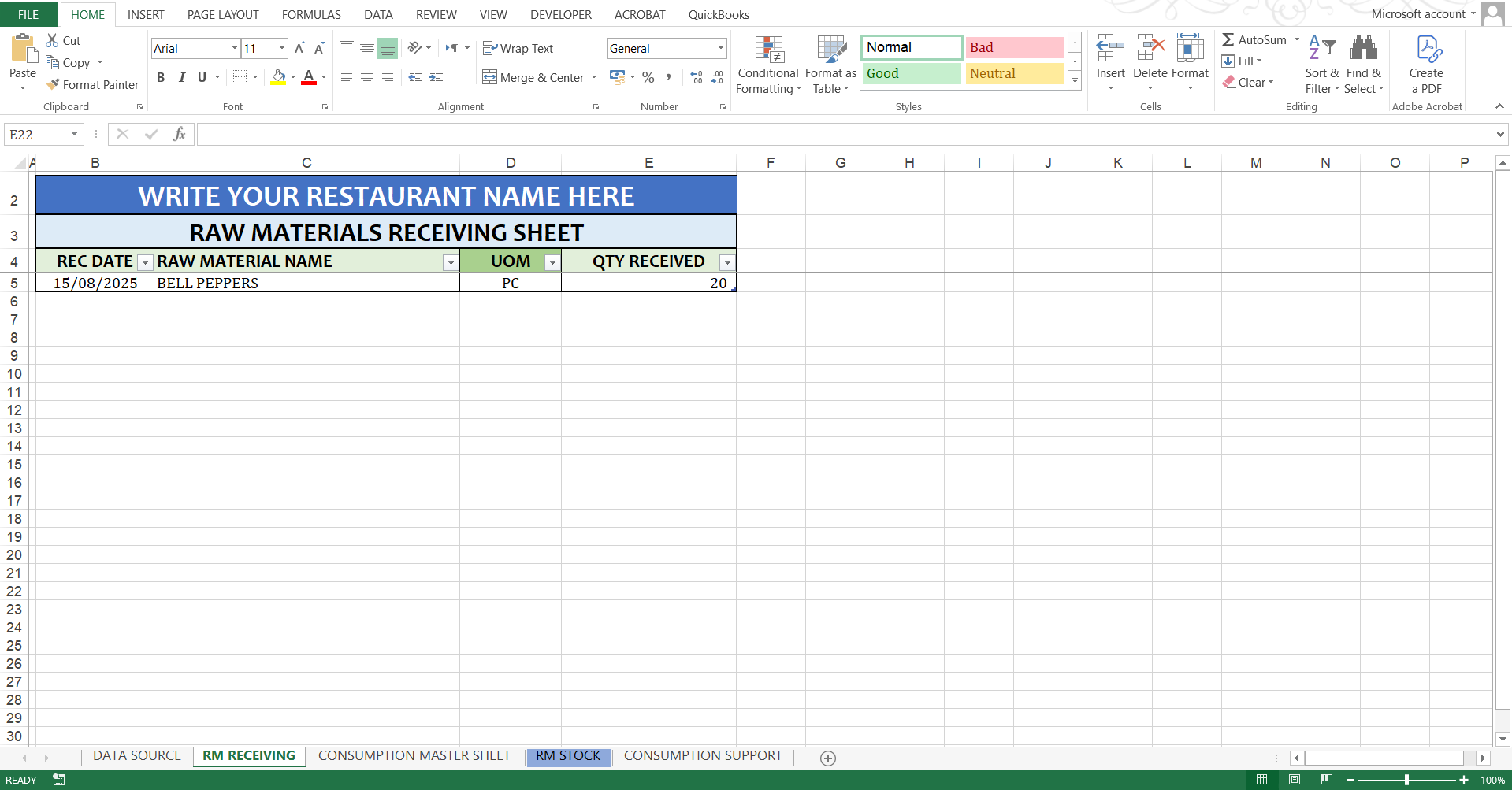
  • Purchase/Receiving Form: Log all incoming stock in one place to instantly update inventory levels.

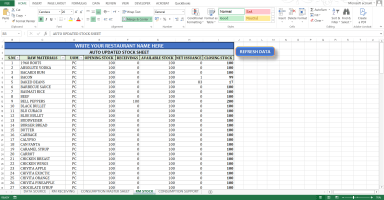
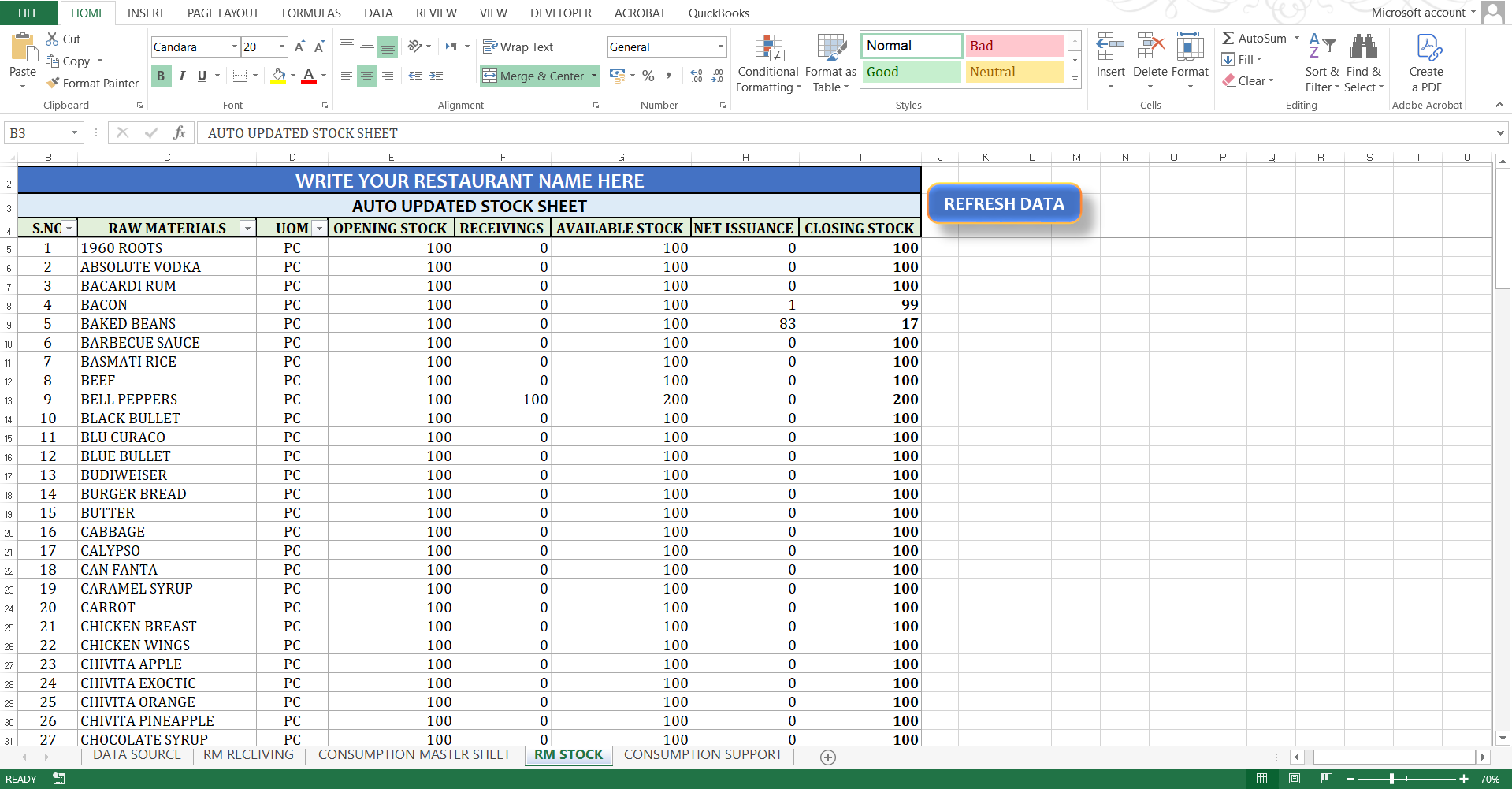
  • Real-Time Updates: Stock reports refresh automatically, giving you up-to-date quantities at any time.

This tool is easy to use, accurate, and saves time perfect for cafés, restaurants, and food businesses looking for a simple but powerful stock control system.

This Best Practice includes
1 Microsoft Excel Worksheet

Acquire business license for $40.00

Add to cart

Add to bookmarks

Discuss


0.0 / 5 (0 votes)

please wait...