Budget vs Actual Variance Analysis Excel Model with Auto Flags
Originally published: 13/07/2026 20:10
Publication number: ELQ-39774-1
View all versions & Certificate
certified

Budget vs Actual Variance Analysis Excel Model with Auto Flags

Excel model that compares budget to actual, computes variance $/% by line item, and flags overages automatically.

Description

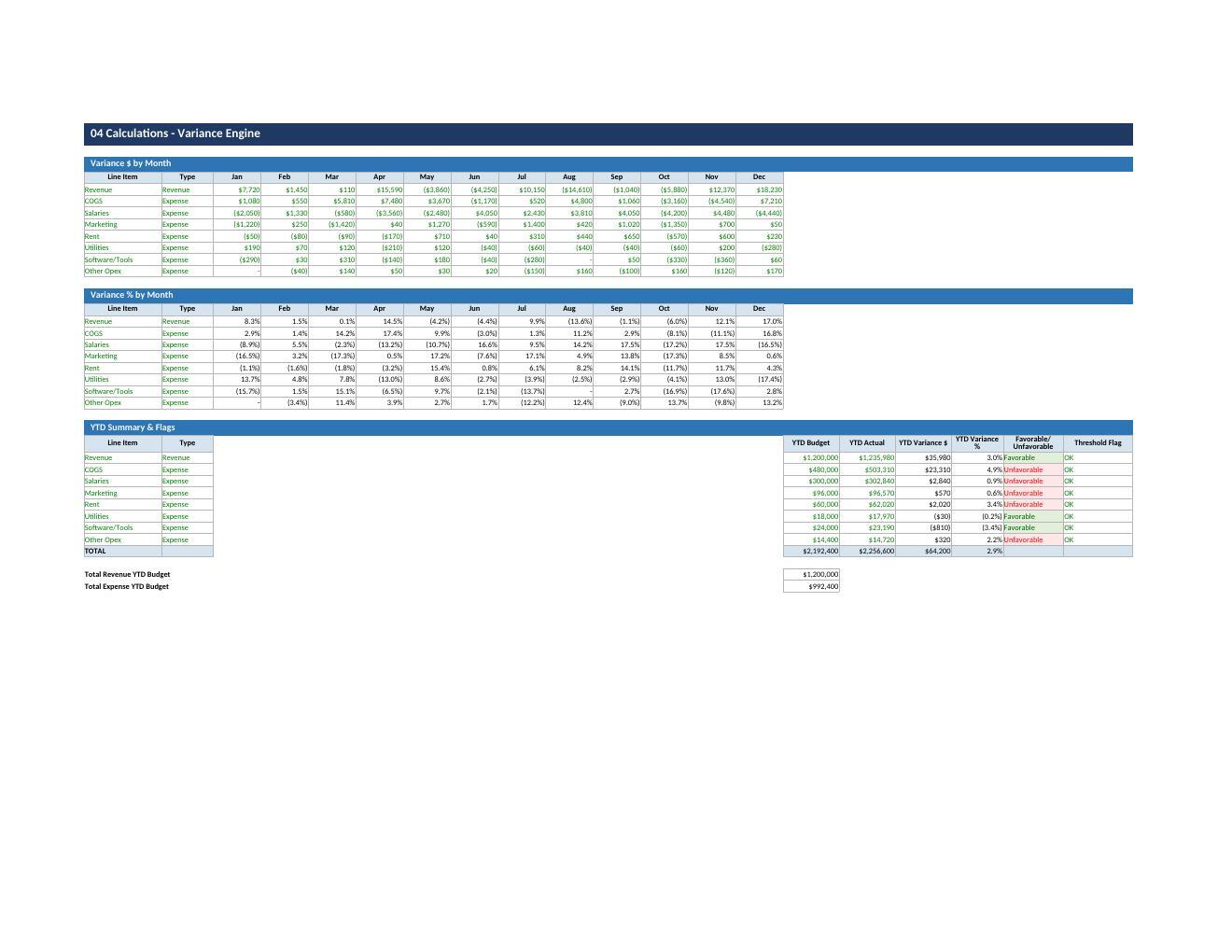
This Excel model compares budgeted figures against actual results across 12 months for any set of revenue and expense line items. It calculates the dollar and percentage variance for each line item and month, classifies each variance as favorable or unfavorable, and flags variances that exceed a user-defined threshold percentage (default 10%).

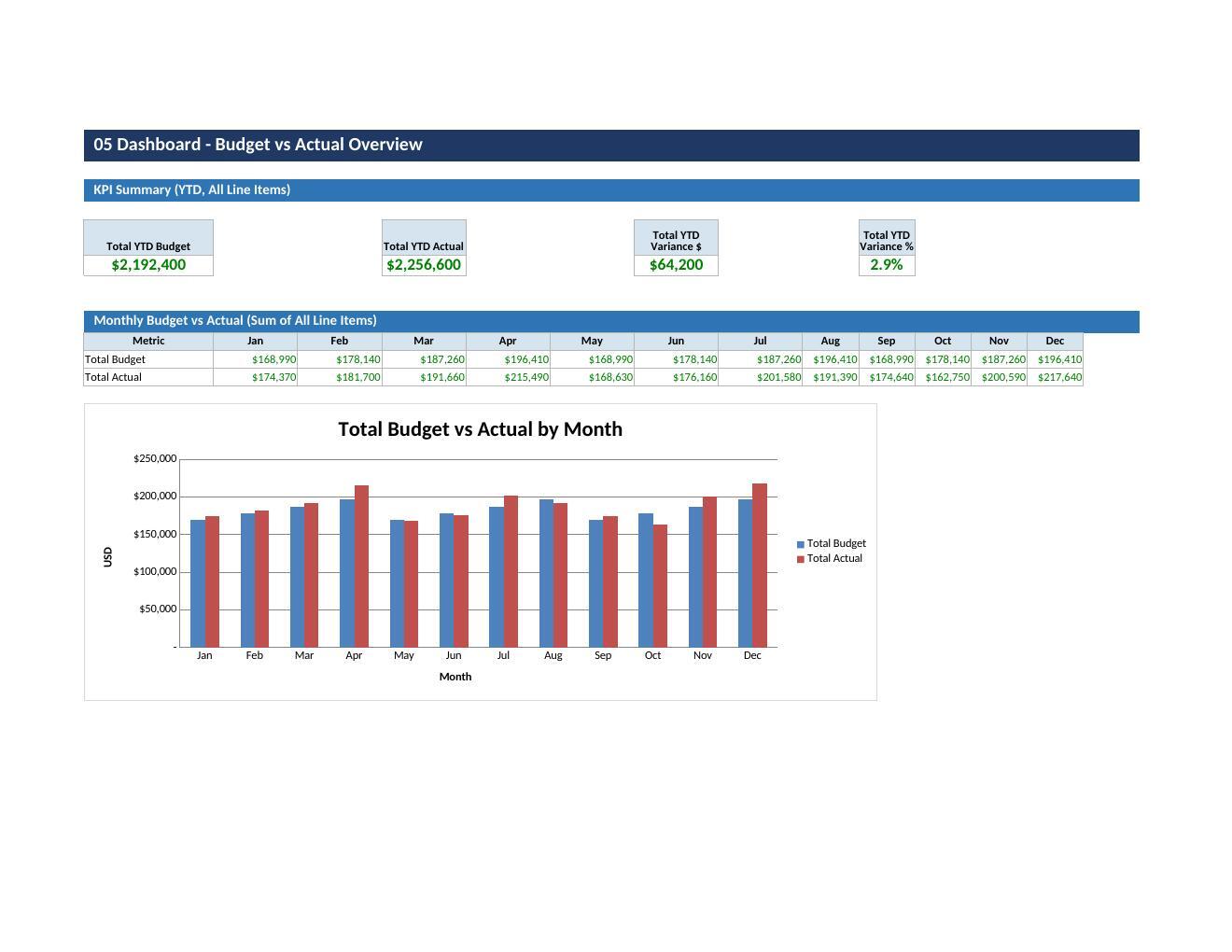
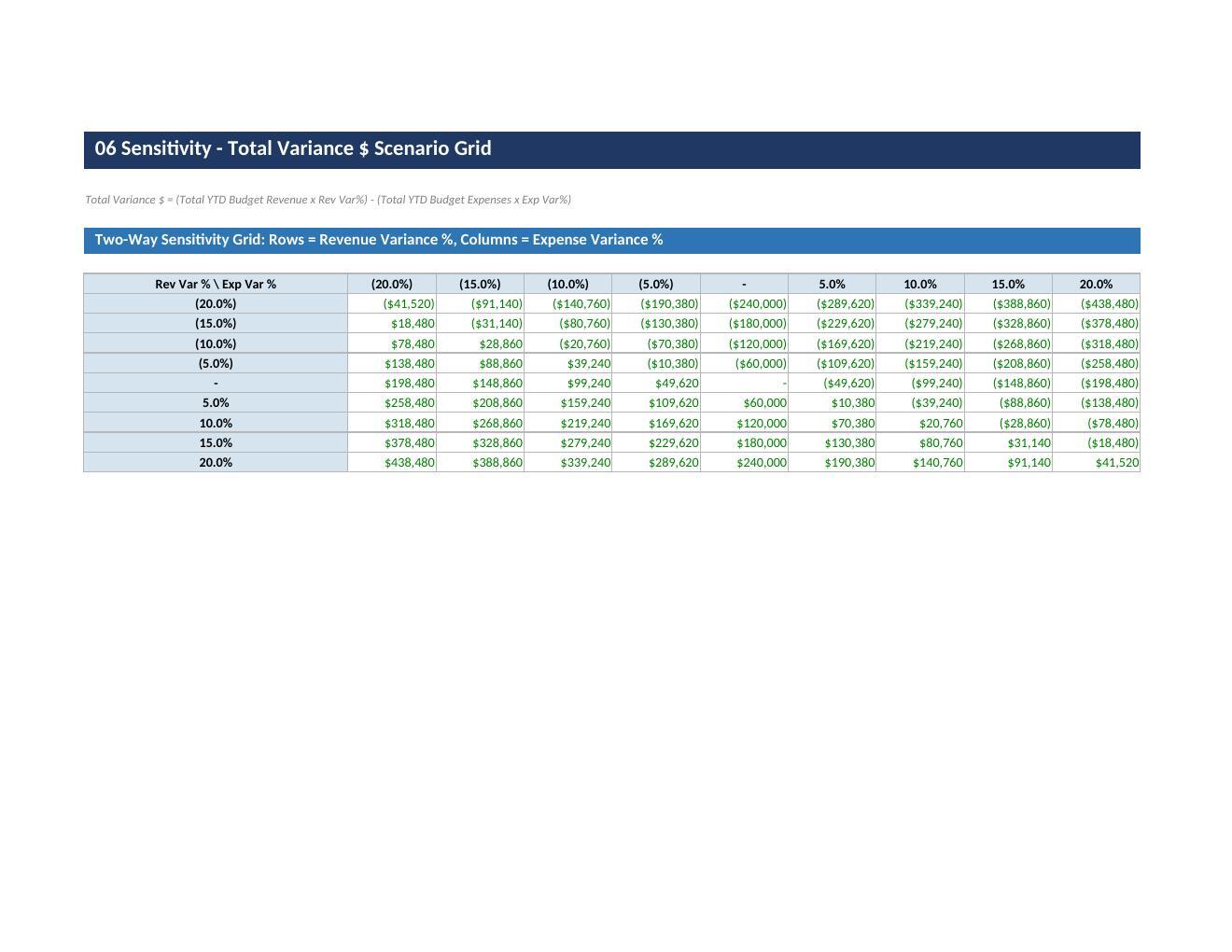
A dashboard rolls results up into YTD budget, YTD actual, total variance $, total variance %, and a count of flagged items, while a sensitivity grid shows how total variance $ shifts under different revenue and expense scenarios.

Who It Is For

Built for:

  • FP&A analysts, finance managers, and controllers,

  • Small business owners who need a fast, repeatable way to track performance against budget without rebuilding a variance report every month or quarter,

  • Anyone currently comparing budget to actual in a plain spreadsheet with manual formulas who wants a structured, error-checked template instead,

  • Department budget owners reporting to finance,

  • Consultants preparing client budget reviews.

What Is Included

The workbook follows a 9-sheet playbook:

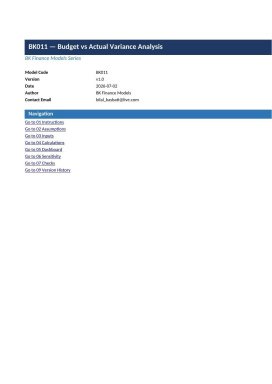
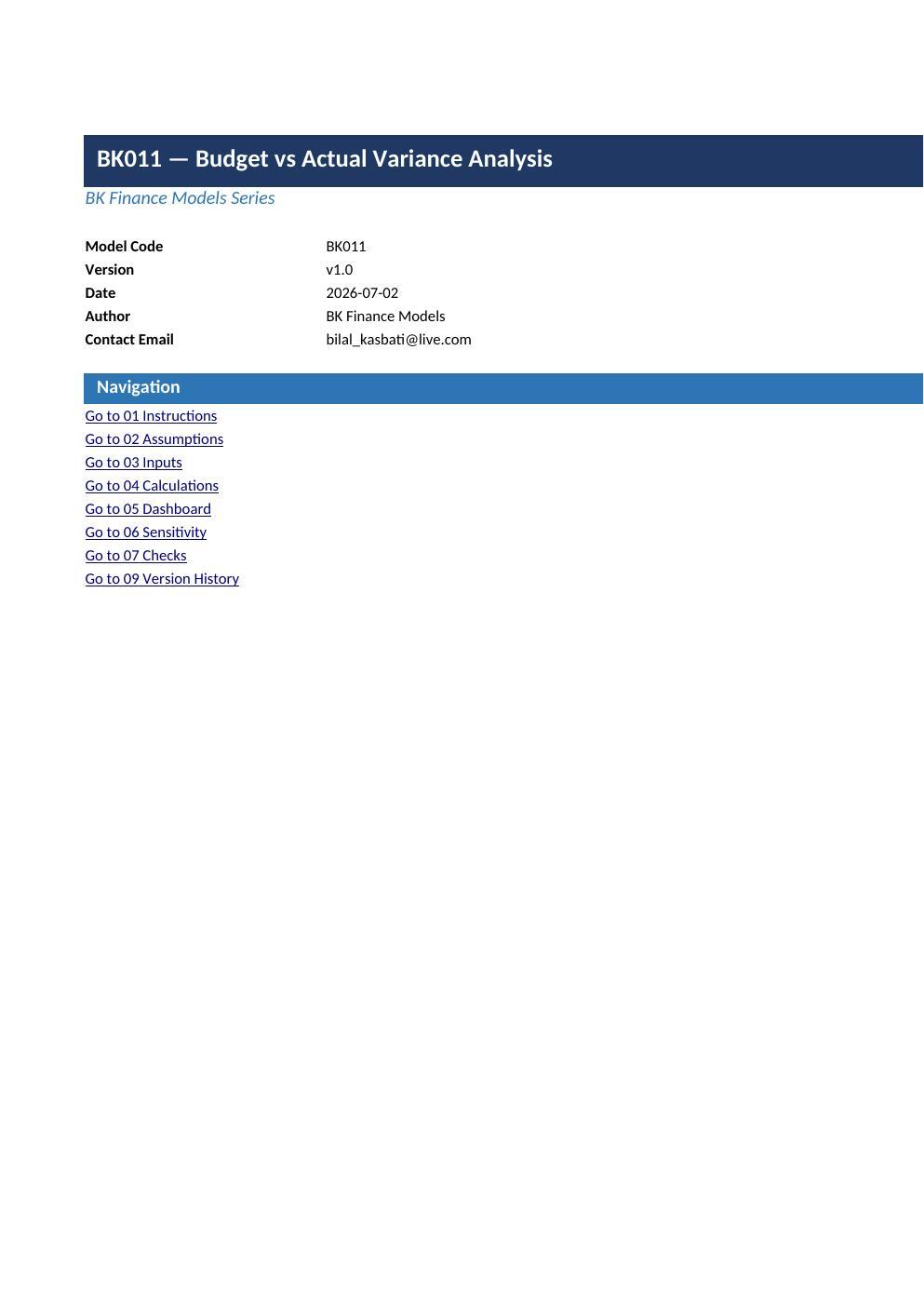
  • Cover (model metadata),

  • Instructions (usage guidance),

  • Assumptions (company name, currency, fiscal year start),

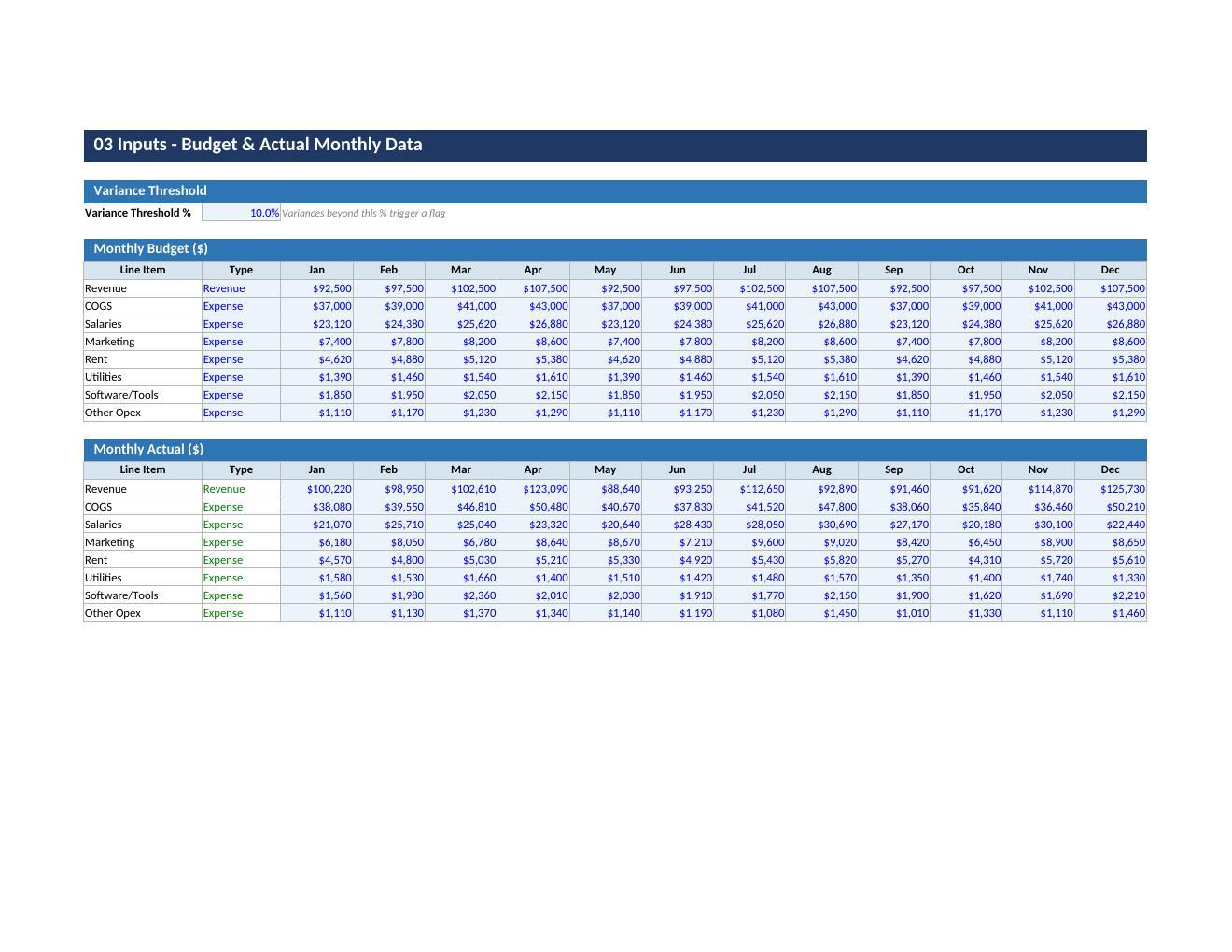
  • Inputs (monthly budget/actual figures and variance threshold),

  • Calculations (the variance engine),

  • Dashboard (YTD KPIs and flagged items),

  • Sensitivity (scenario grid),

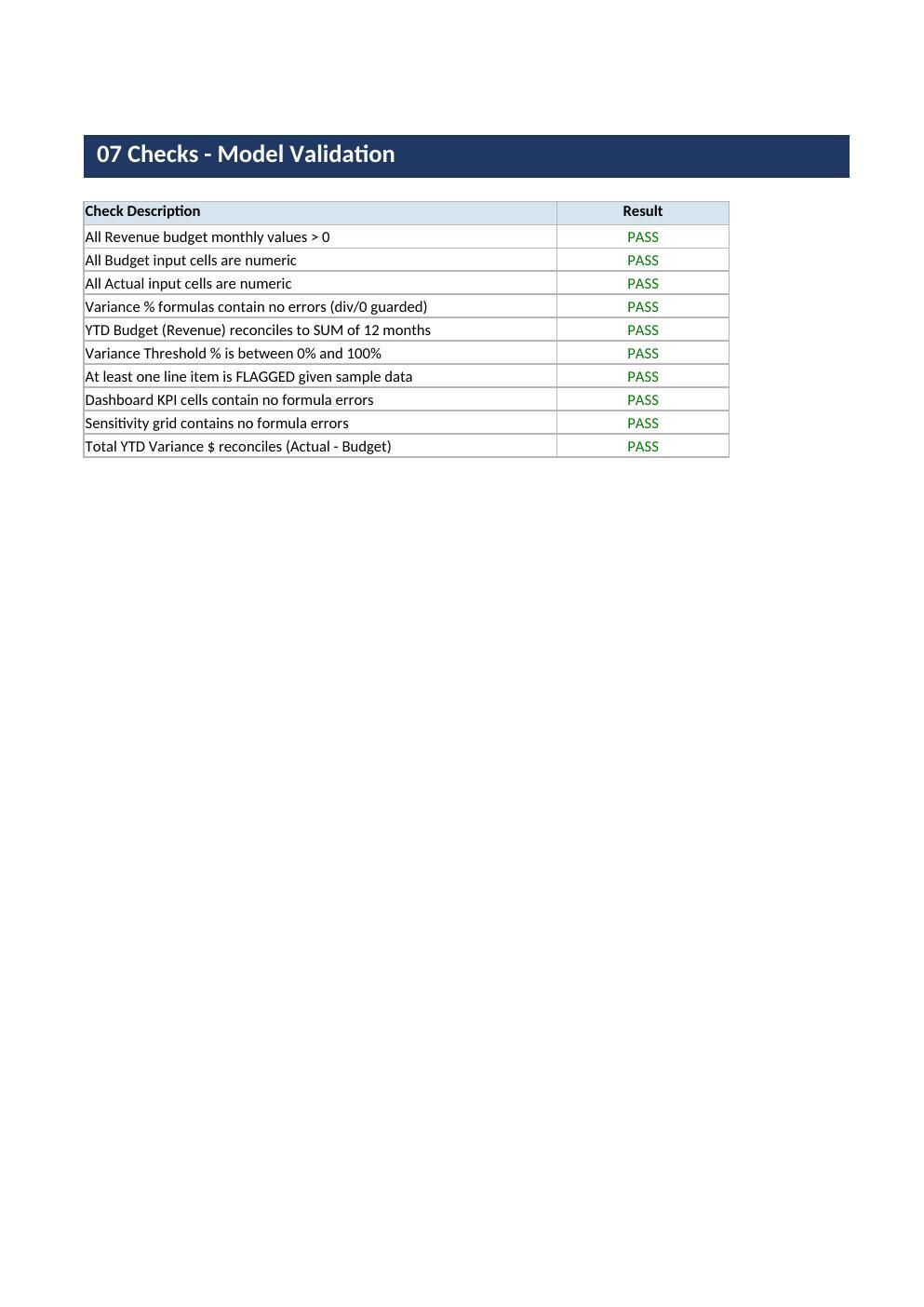
  • Checks (10 automated validation tests confirming the model is error-free),

  • Version History.

Formulas are transparent and unlocked, inputs are color-coded, and the model requires no add-ins or macros — it works in standard Excel.

This Best Practice includes
1 Excel workbook (.xlsx), 9 sheets: Cover, Instructions, Assumptions, Inputs, Calculations, Dashboard, Sensitivity, Checks, Version History

Acquire business license for $24.99

Add to cart

Add to bookmarks

Discuss


0.0 / 5 (0 votes)

please wait...
