
Last version published: 31/08/2026 11:35
Publication number: ELQ-54307-2
View all versions & Certificate

Costing Studio Lite – Excel-Based CAPEX, COGS & Project Economics Software
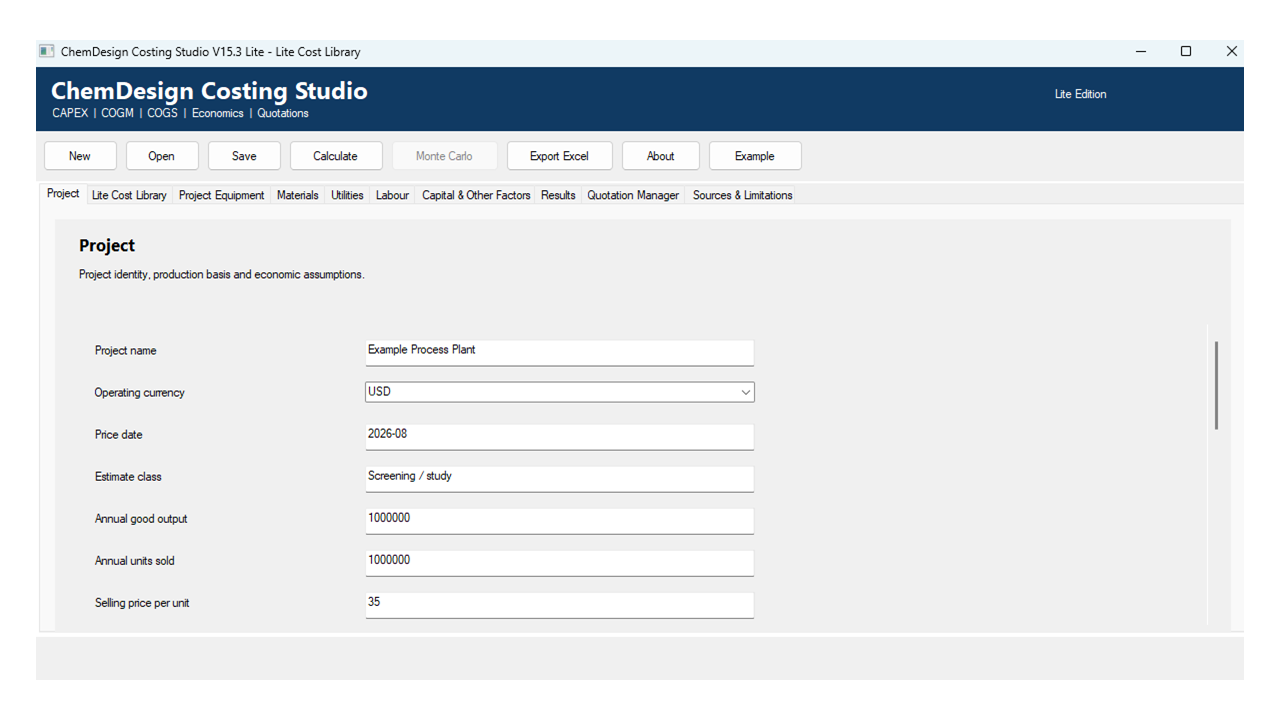
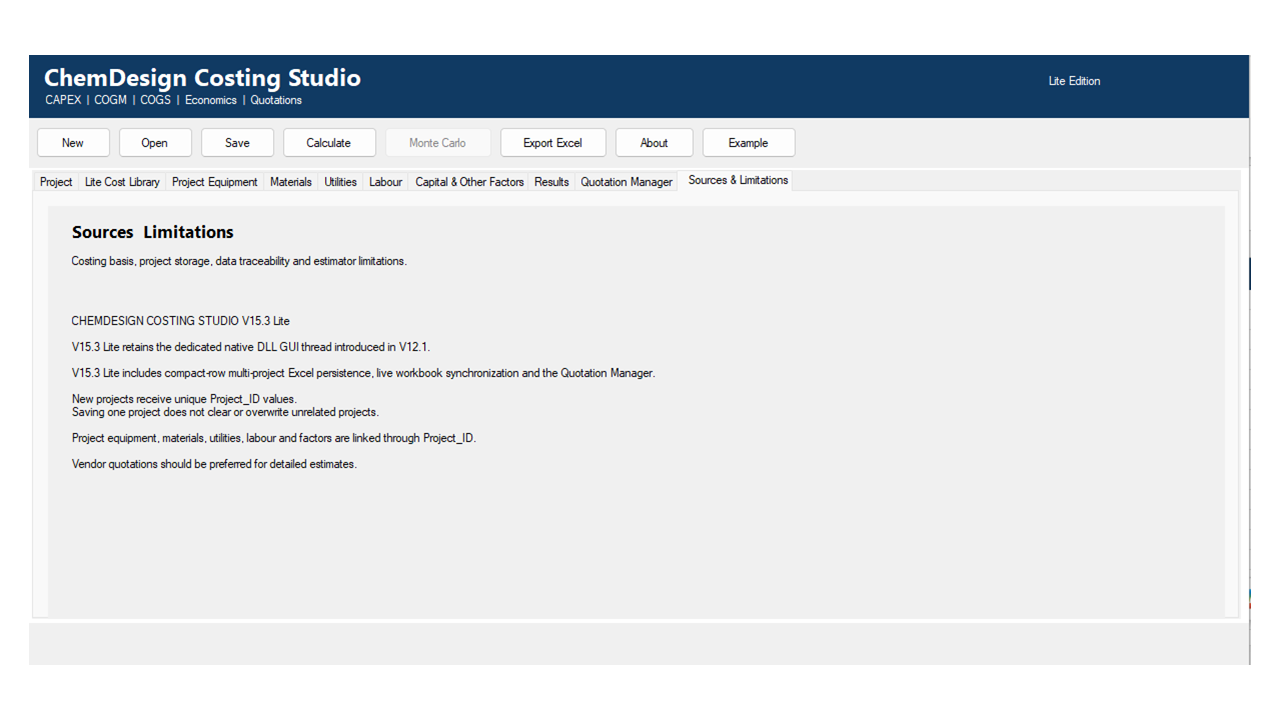
ChemDesign Costing Studio Lite is a 64-bit Excel-based engineering costing application for estimating CAPEX, COGM, COGS and project financial returns.
Further information
The objectives of ChemDesign Costing Studio Lite are to:
* Provide engineers, consultants and analysts with a structured method for preparing preliminary capital and manufacturing cost estimates.
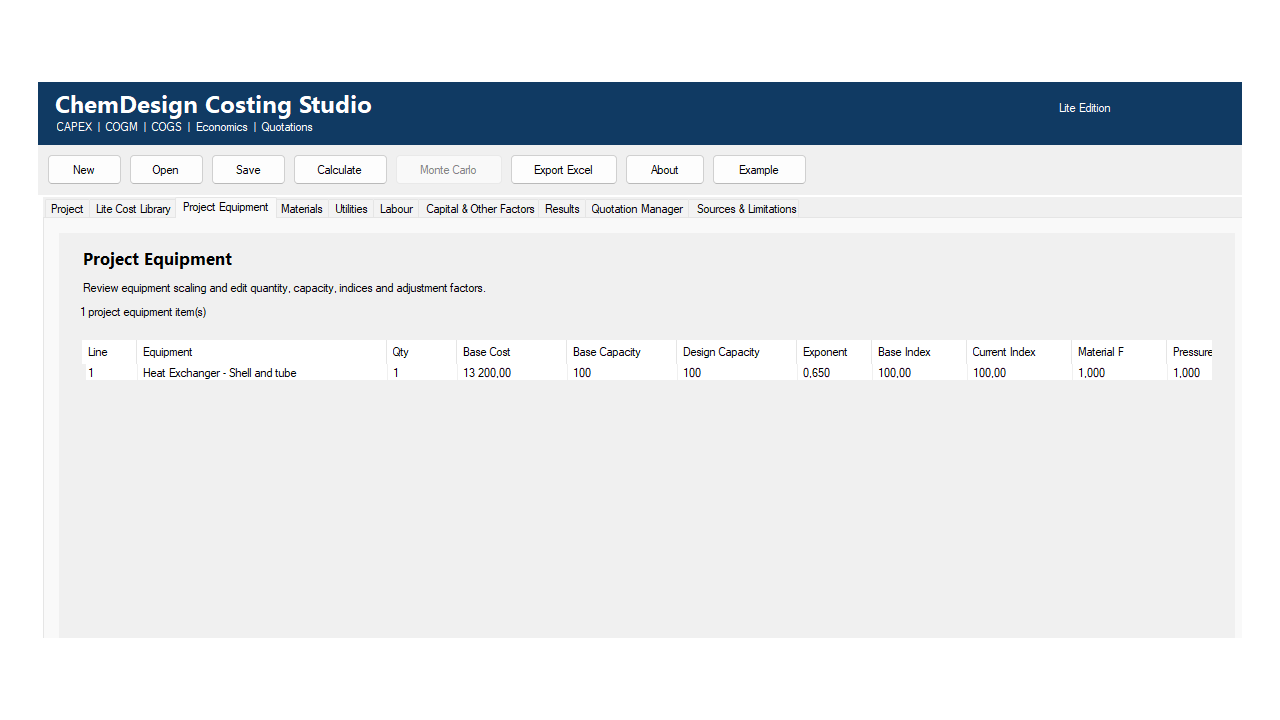
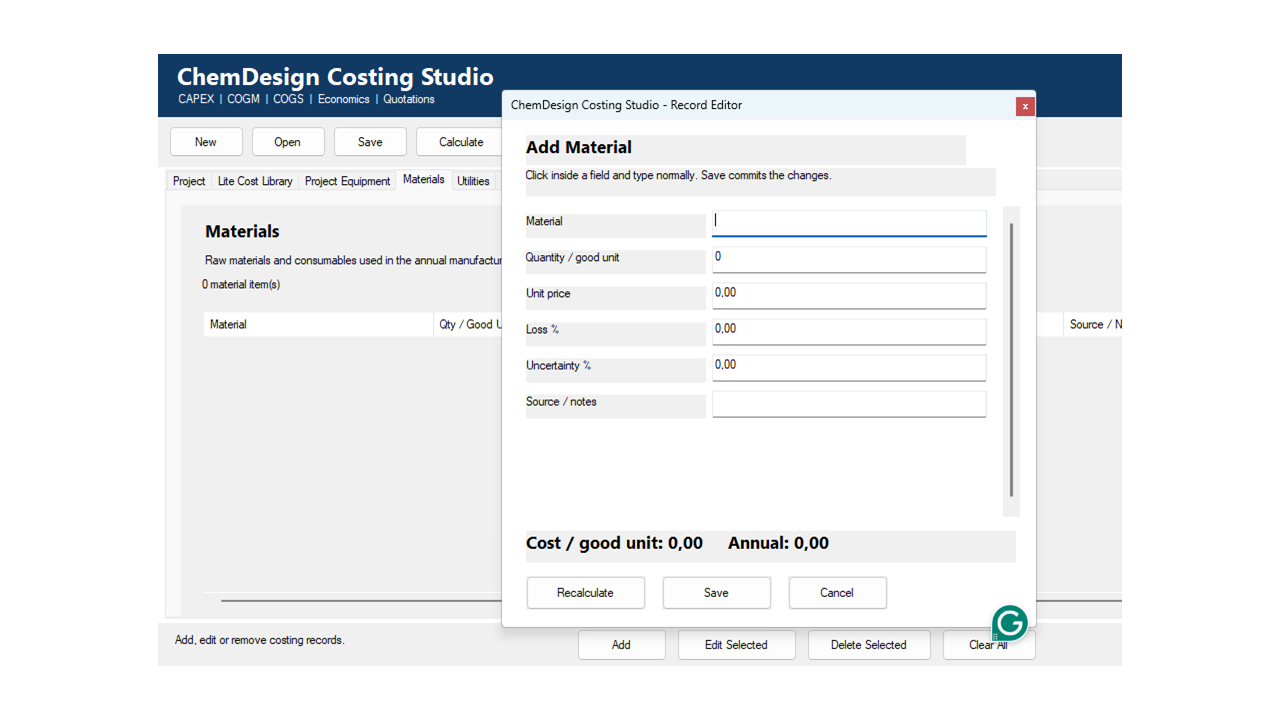
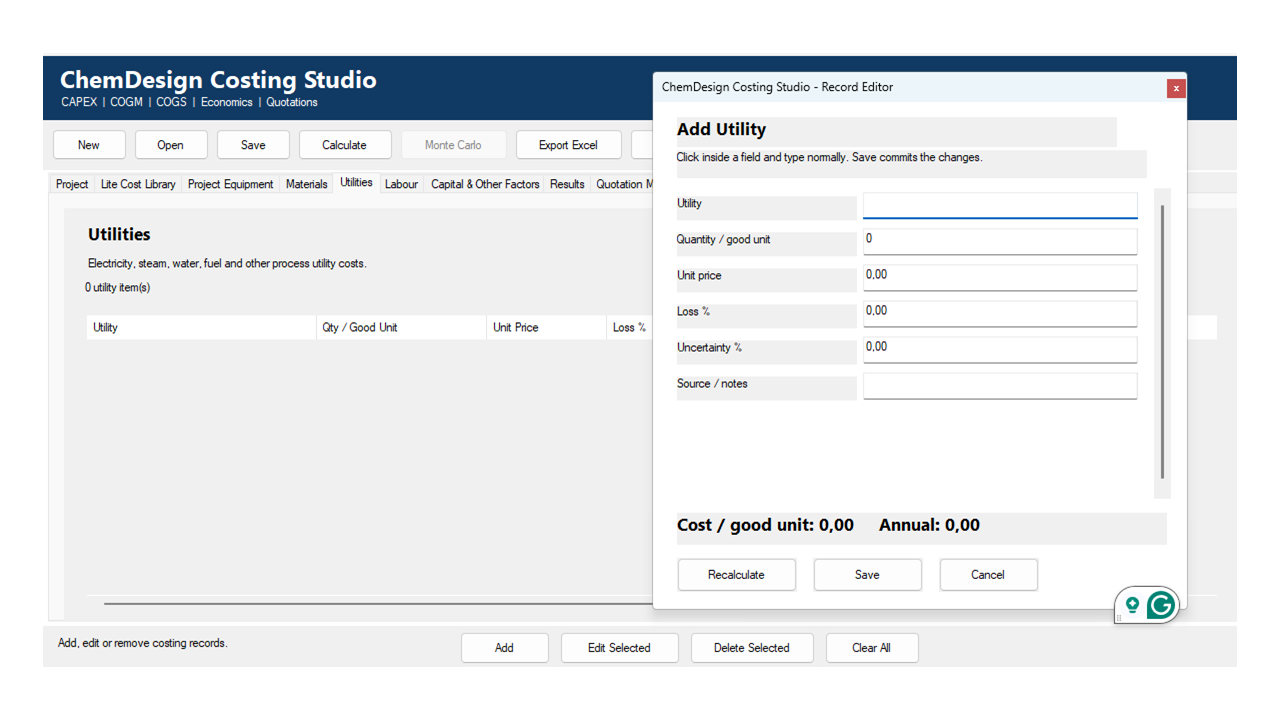
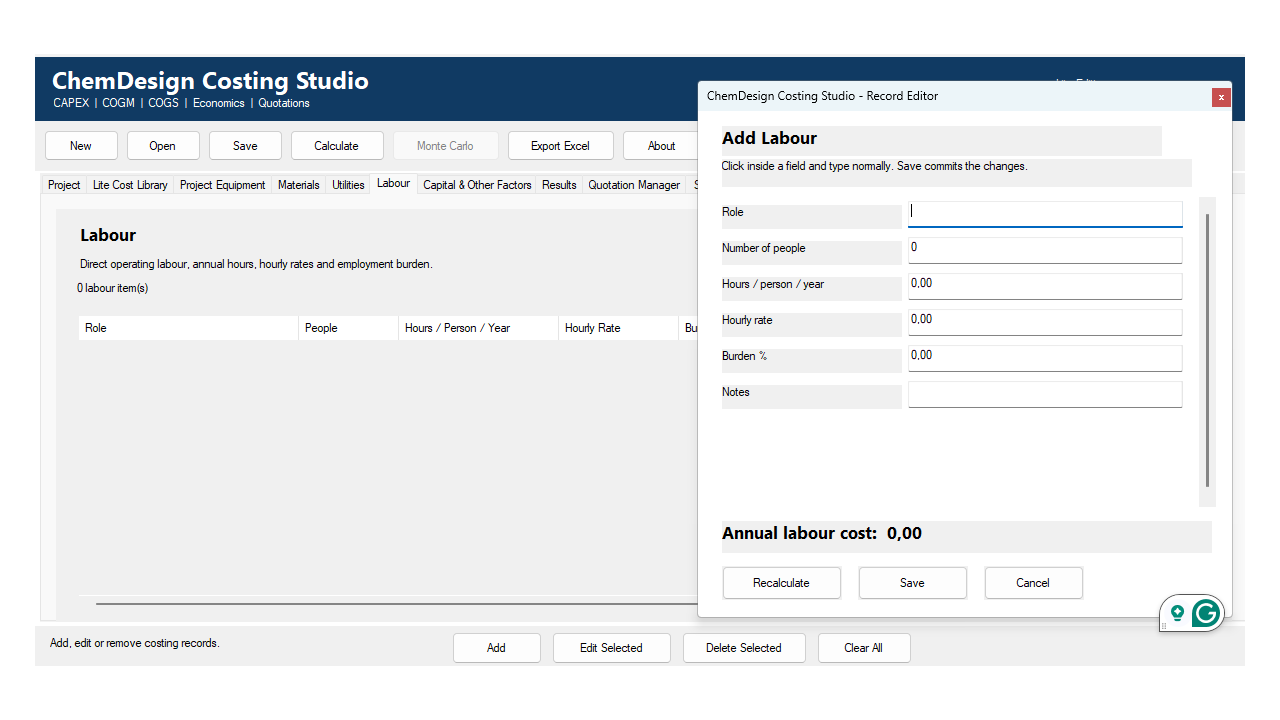
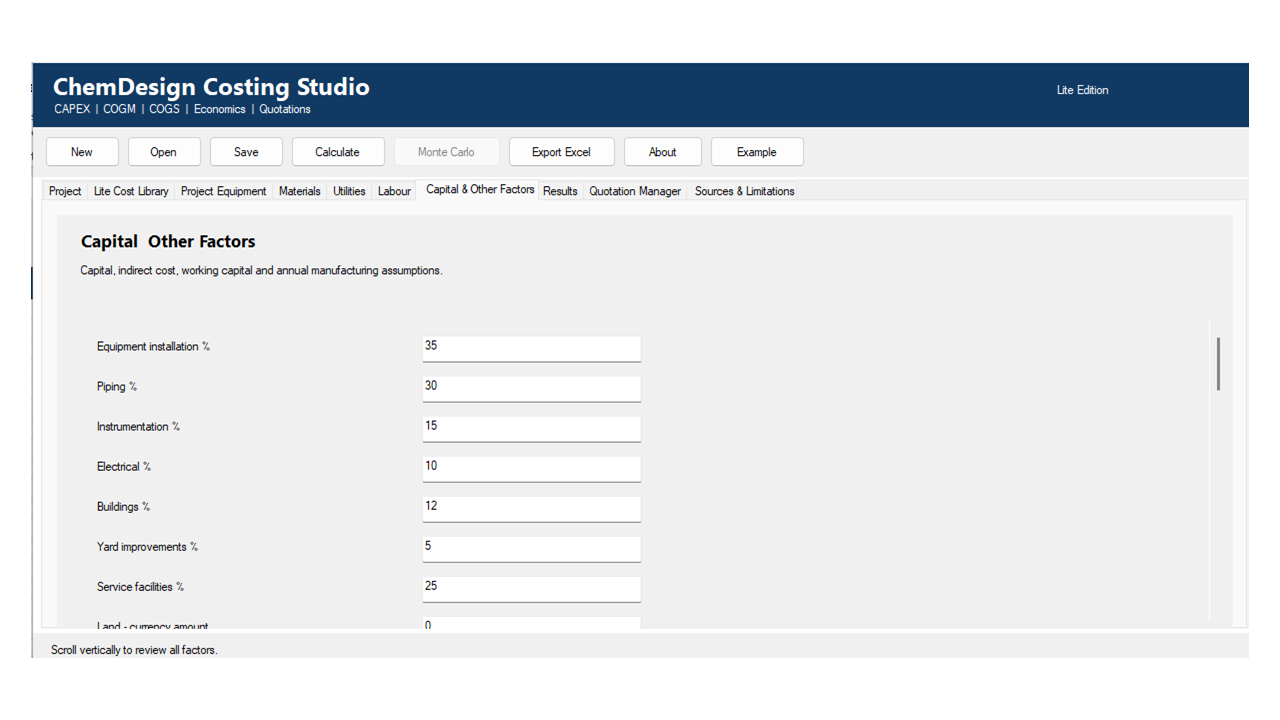
* Consolidate equipment, materials, utilities, labour and costing factors into one integrated project model.
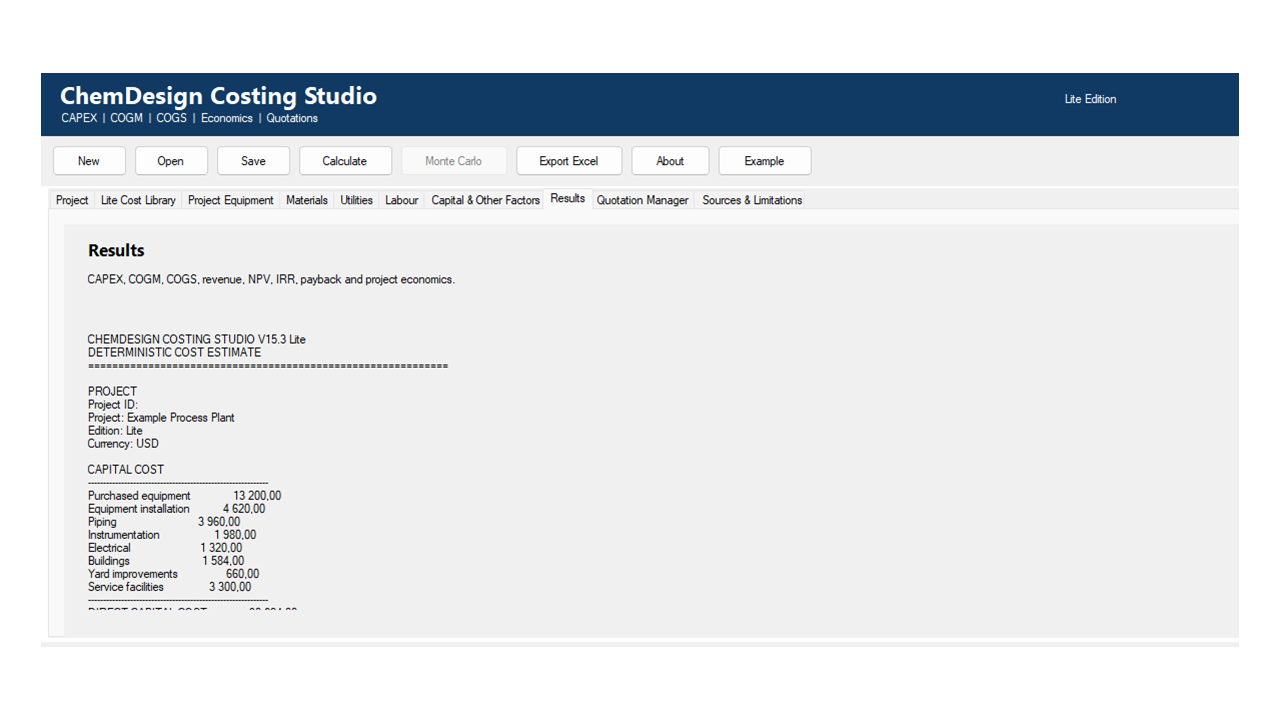
* Calculate CAPEX, Total Capital Investment, COGM, COGS and unit manufacturing costs.
* Evaluate project financial performance using NPV, IRR, ROI, payback, EBITDA, revenue and manufacturing margin.
* Improve the consistency, transparency and auditability of early-stage engineering estimates.
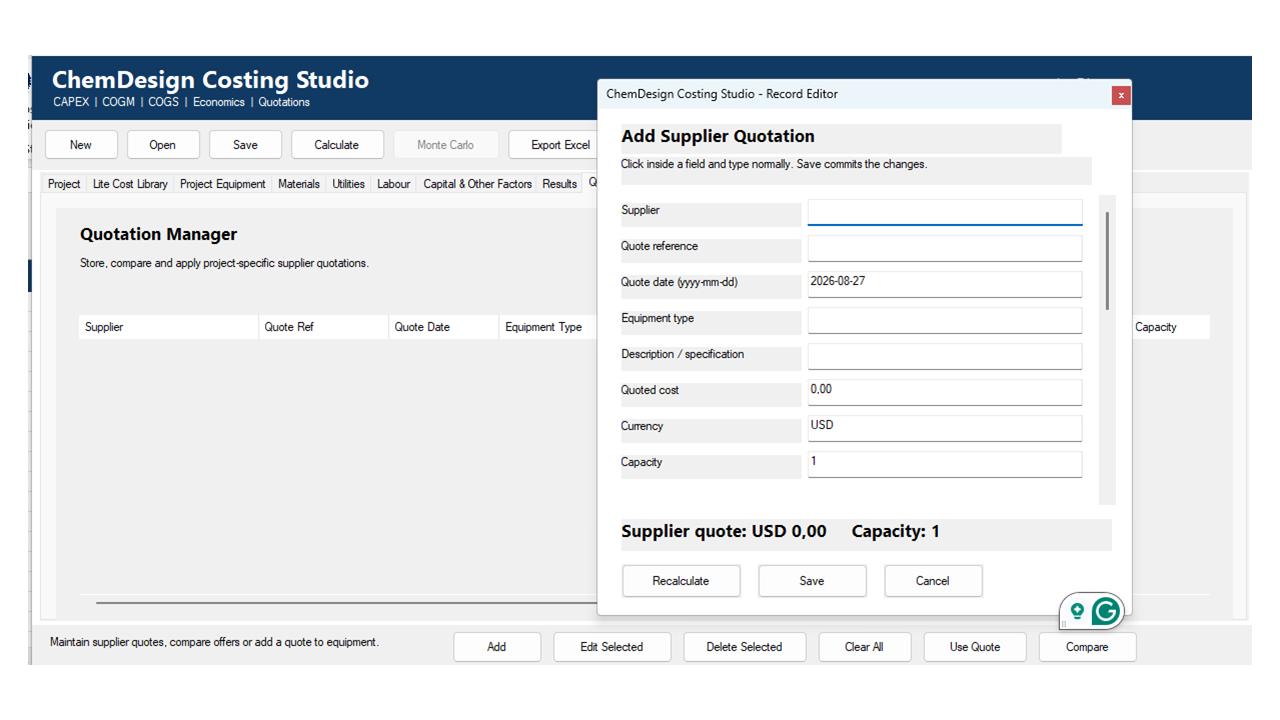
* Allow users to capture, compare and apply project-specific supplier quotations.
* Prevent accidental mixing of currencies through explicit currency selection and validation.
* Maintain a live Excel record of project assumptions, quotations, calculations and results.
* Enable rapid scenario evaluation by allowing users to change project inputs and immediately recalculate outcomes.
* Support feasibility studies, internal decision-making, budgeting, product development and preliminary investment screening.
* Provide worked examples and editable datasets that help users understand engineering costing principles.
* Offer a practical offline tool that requires no Python installation, cloud service or recurring subscription.
ChemDesign Costing Studio Lite applies best under the following conditions:
* Early-stage projects requiring screening, conceptual or preliminary cost estimates.
* Feasibility studies where capital cost, manufacturing cost and financial viability must be evaluated together.
* Process, chemical, manufacturing, utility, environmental or product-development projects.
* Projects for which equipment, material, utility and labour assumptions are available or can be reasonably estimated.
* Situations requiring rapid comparison of alternative capacities, process configurations or operating assumptions.
* Internal budgeting, investment screening, product pricing and project-selection exercises.
* Supplier-enquiry stages where multiple equipment quotations must be recorded and compared.
* Projects requiring transparent and editable costing assumptions rather than a closed calculation model.
* Users who want project data, supplier quotations and results stored in an auditable Excel workbook.
* Educational or training applications involving CAPEX, COGM, COGS, NPV, IRR, ROI and payback calculations.
* Small and medium-sized businesses that require a structured costing tool without specialised enterprise software.
* Consultants and engineers preparing preliminary client assessments or internal recommendations.
* Projects using a single, consistently applied operating currency.
* Windows environments using 64-bit desktop Microsoft Excel with macros enabled.
* Offline working environments where cloud services and internet access are unavailable or undesirable.
The software is most appropriate when the objective is to support preliminary decisions, compare alternatives and identify the principal economic drivers of a project. It is not intended to replace detailed engineering estimates, certified financial models, formal quantity surveying or binding supplier quotations.
ChemDesign Costing Studio Lite does not apply ideally under the following conditions:
* Detailed engineering estimates requiring completed designs, bills of quantities, construction drawings or vendor-certified specifications.
* Definitive or control estimates intended for final project approval, financing, contracting or construction.
* Situations requiring binding supplier prices rather than preliminary or user-entered cost assumptions.
* Projects requiring real-time equipment prices, commodity prices, exchange rates or cost-index updates.
* Estimates that automatically combine or convert costs entered in different currencies.
* Projects requiring location-specific duties, freight, taxes, labour agreements or regulatory costs unless these are entered and documented by the user.
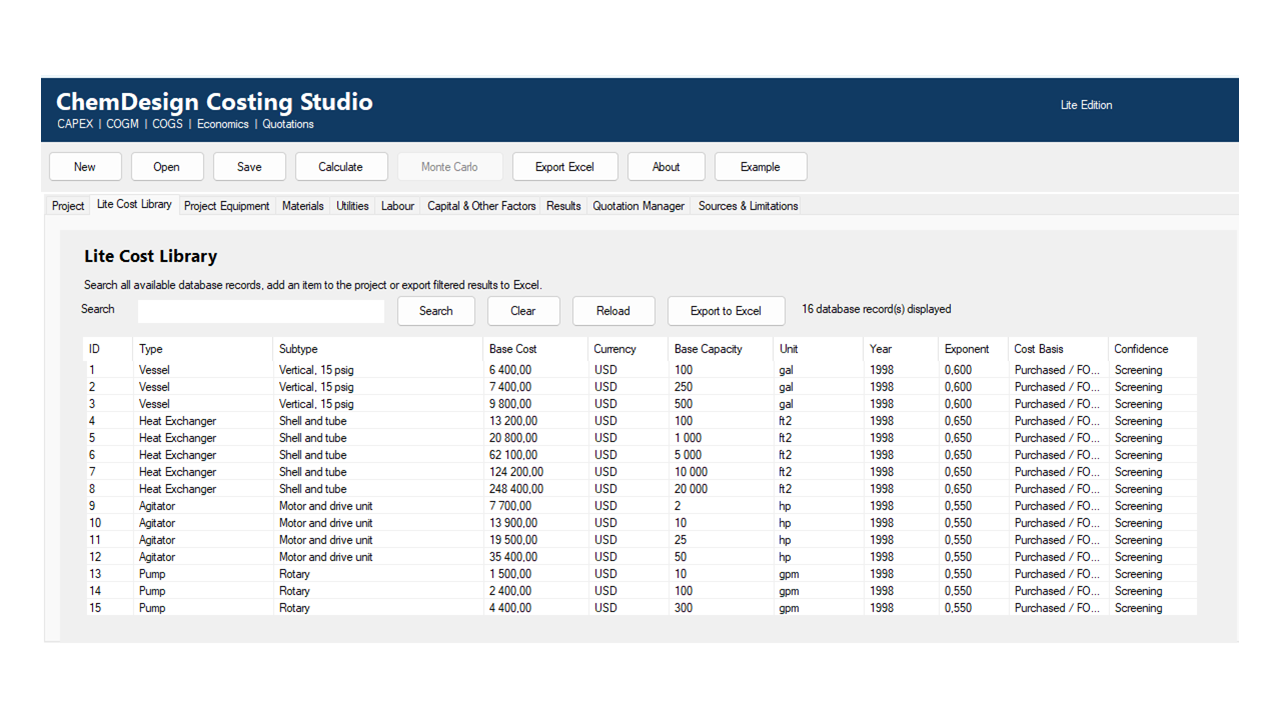
* Highly specialised projects for which the Lite sample equipment library does not represent the required technology.
* Projects requiring the complete Professional global equipment-cost database.
* Risk assessments requiring Monte Carlo simulation, probability distributions or detailed uncertainty analysis.
* Complex project-finance structures involving debt schedules, multiple financing tranches, variable interest rates, grants or sophisticated tax arrangements.
* Accounting applications requiring compliance with a particular financial-reporting standard.
* Formal tender submissions, insurance valuations, statutory reports or certified investment valuations without independent professional review.
* Safety-critical engineering decisions where costing outputs could affect regulatory, environmental or operational compliance.
* Projects in which input quantities, units, capacities, currencies or cost bases cannot be defined consistently.
* Collaborative cloud environments requiring simultaneous multi-user editing, central database access or automated online data retrieval.
* Computers using 32-bit Excel, Excel Online, macOS-only Excel or environments in which VBA macros and external DLLs are prohibited.
* Situations where the user expects the software to replace engineering judgement, supplier engagement, quantity surveying, accounting advice or professional financial review.
The software should not be used as the sole basis for a major procurement, contractual, financing or investment commitment. Its results are best treated as structured screening and feasibility estimates that should be refined as better engineering information and supplier quotations become available.
