
Last version published: 07/08/2026 12:21
Publication number: ELQ-36024-2
View all versions & Certificate

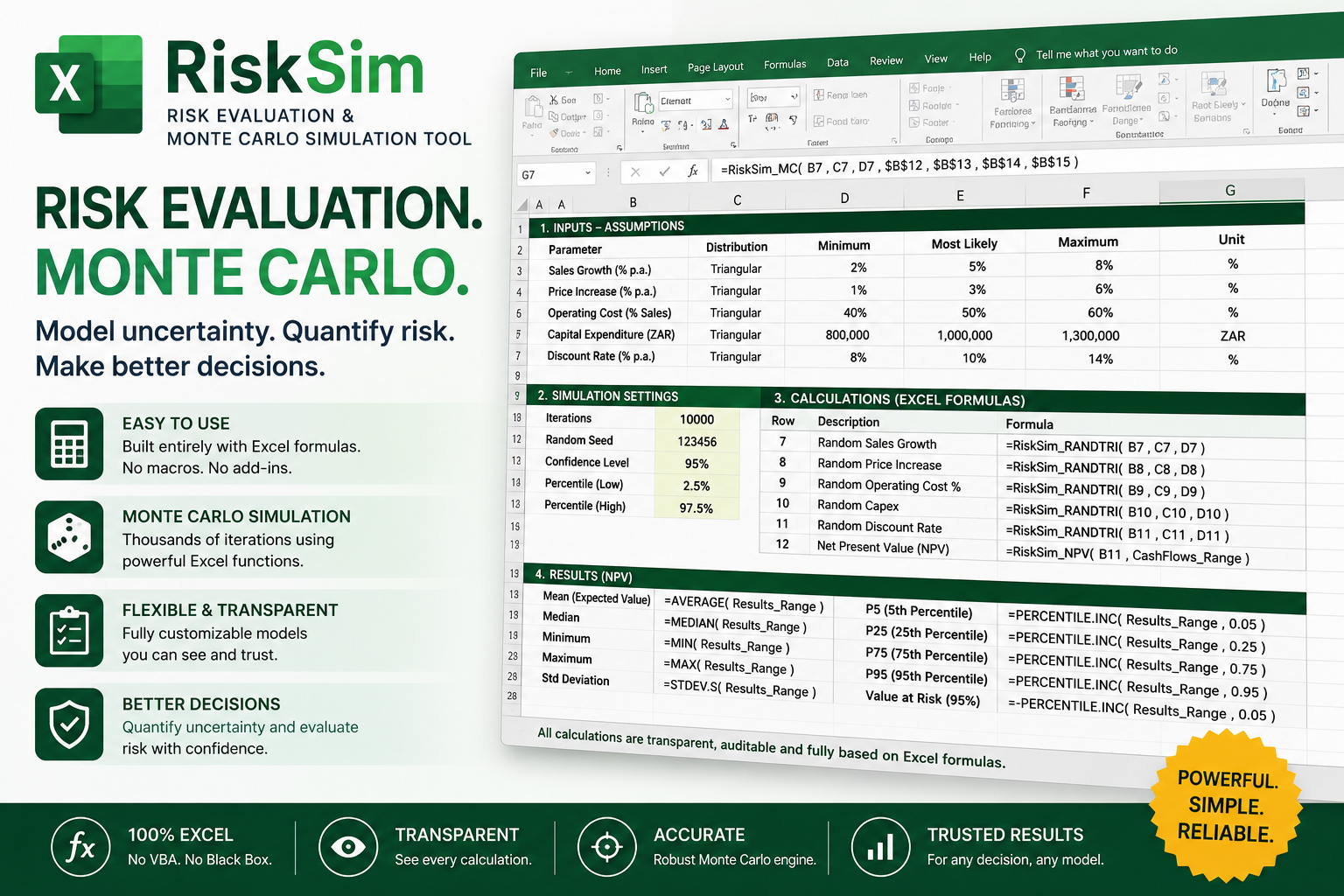
RISKSIM2 for Excel – Updated Risk Evaluation and Monte Carlo Simulation Toolkit
An Excel-based risk evaluation and Monte Carlo simulation toolkit featuring probability distributions, time-series functions, named outputs and case studies
Further information
Introduce uncertainty directly into Excel models using probability-distribution formulas.
Perform Monte Carlo simulations without requiring Python or an online service.
Replace single-point assumptions with realistic ranges of possible outcomes.
Measure the probability of losses, budget overruns, delays, stockouts and other adverse events.
Identify expected outcomes, percentiles, minimums, maximums and confidence ranges.
Define and track multiple model results using LGRiskOutput.
Simulate financial, engineering, operational and scientific variables.
Model variables that change through time using AR, MA, ARMA, Brownian-motion and volatility functions.
Support more informed planning, budgeting, valuation and risk-management decisions.
Demonstrate the functions through practical case studies covering profit, mining, construction, inventory, chemical production, insurance, investment, electricity demand and commodity prices.
Provide an adaptable framework that users can incorporate into their own Excel workbooks.
Offer a locally operated risk-analysis toolkit without requiring Python, an internet connection or a paid simulation subscription.
This Downloadable Best Practice applies best when:
Decisions depend on uncertain inputs rather than fixed assumptions.
Microsoft Excel is the main modelling and analysis environment.
Users need Monte Carlo simulation without Python, cloud services or a paid simulation subscription.
Probability distributions can reasonably represent uncertain prices, costs, demand, production, yield, duration or failure events.
Management needs expected results, percentiles, confidence ranges or probabilities of adverse outcomes.
Financial models require risk analysis for profit, cash flow, NPV, IRR, investment returns or project funding.
Project models need to evaluate budget overruns, completion delays or contingency requirements.
Operational models involve inventory, stockouts, production volumes, supplier delays or capacity planning.
Engineering or scientific models involve uncertain measurements, material properties, process yields or equipment performance.
Insurance or safety models involve event frequencies and uncertain loss amounts.
Variables change through time and can be represented by AR, MA, ARMA, Brownian-motion, mean-reverting or volatility processes.
Users want to add simulation functions to an existing Excel workbook while retaining its familiar structure and formulas.
Analysis must run locally on a Windows computer with a compatible version of Microsoft Excel.
A transparent, formula-driven model is preferred so that assumptions and calculations can be reviewed and modified directly in the spreadsheet.
This Downloadable Best Practice is not ideally suited when:
The outcome is fully deterministic and does not involve meaningful uncertainty.
Reliable probability assumptions or reasonable input ranges cannot be defined.
The model requires certified regulatory, actuarial, clinical or safety-critical validation.
Decisions will be based solely on simulation results without professional review or independent verification.
The workbook contains incorrect, incomplete or poorly understood calculation logic.
Highly advanced dependence structures, specialised stochastic processes or institution-grade quantitative finance models are required.
Real-time market feeds, database connections or cloud-based collaborative simulation are essential.
Very large simulations must be executed across millions of trials or extensive high-dimensional models.
The user requires a web-based, macOS-native or mobile simulation solution.
Microsoft Excel for Windows, VBA or the supplied DLL cannot be used.
Organisational security policies prohibit macros or locally loaded DLL files.
The user expects the toolkit to select probability distributions and assumptions automatically without subject-matter judgement.
Historical data is insufficient to support the selected assumptions and distributions.
Simulation is being used as a substitute for reliable data, sound model construction or expert decision-making.
Guaranteed forecasts or exact future outcomes are required.
