Prepaid Expense Amortisation Schedule (PRO Version)
Originally published: 01/06/2026 16:09
Publication number: ELQ-22087-1
View all versions & Certificate
certified

Prepaid Expense Amortisation Schedule (PRO Version)

Unlimited-contract prepaid expense amortisation engine with daily-rate VBA, termination and refund logic, pre-built Power Query Report, visual Dashboard, and un

Description
PURPOSE:

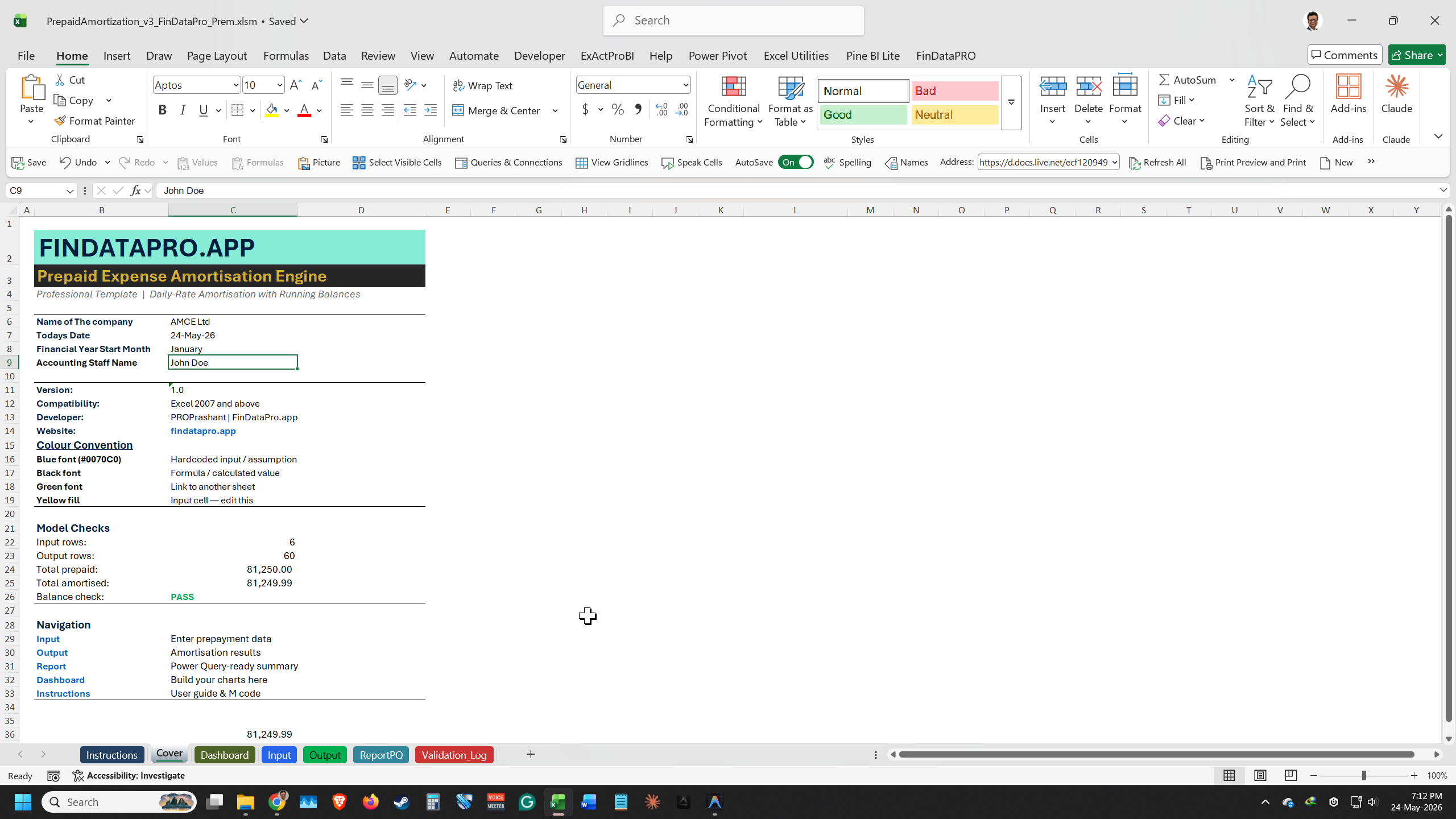
The Pro version of the FinDataPro Prepaid Amortisation Engine removes every limitation of the free version and adds the reporting layer that finance teams actually need at month-end: a pre-built Report sheet grouped by GL Code and month, a visual Dashboard showing amortisation progress and remaining balances, and fully unlocked VBA for teams that want to extend the engine to their own workflows. 

WHAT IS INCLUDED
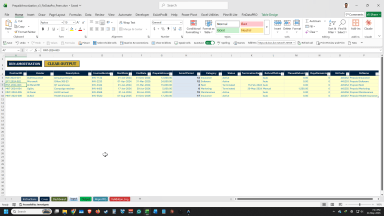
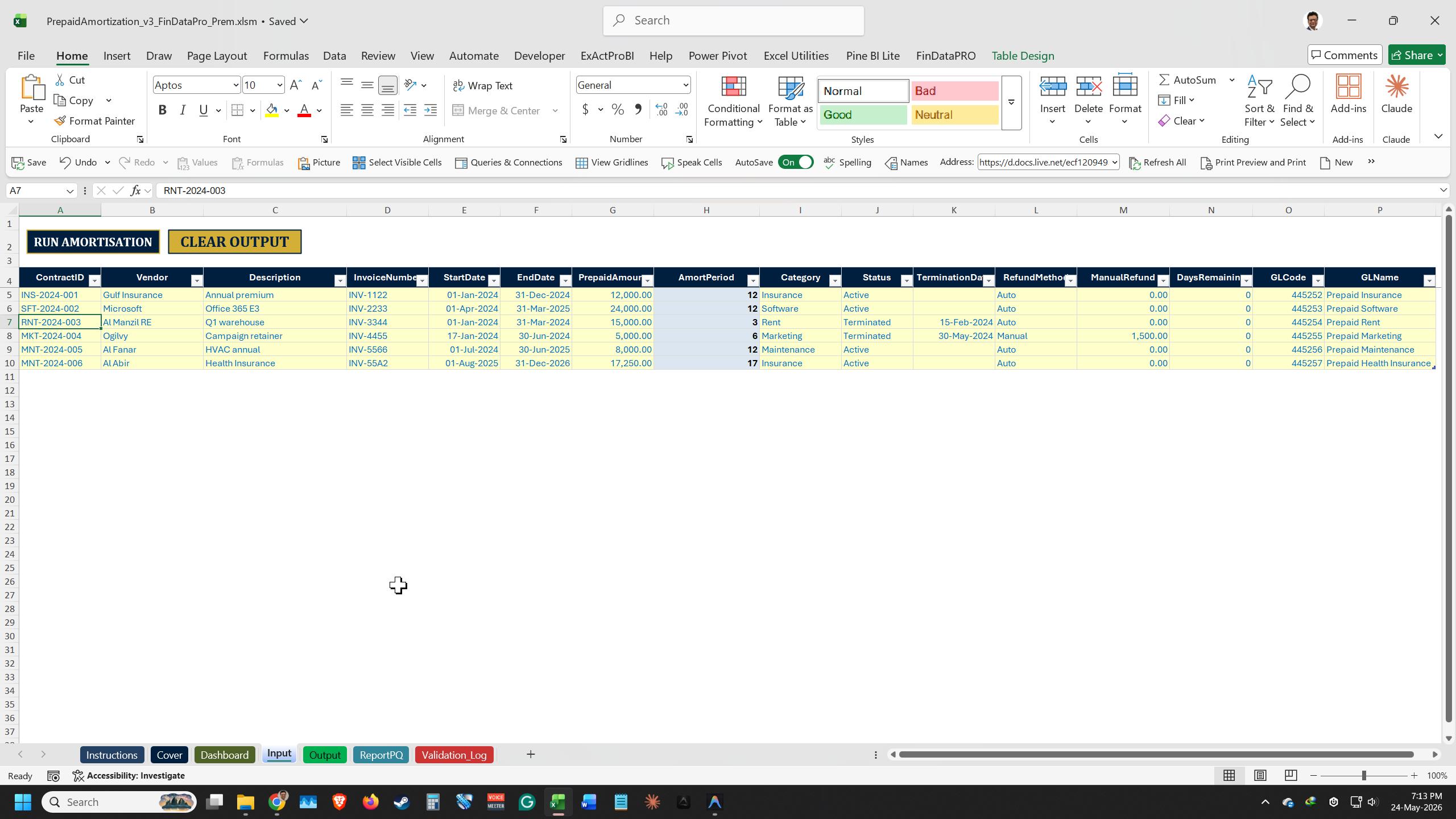
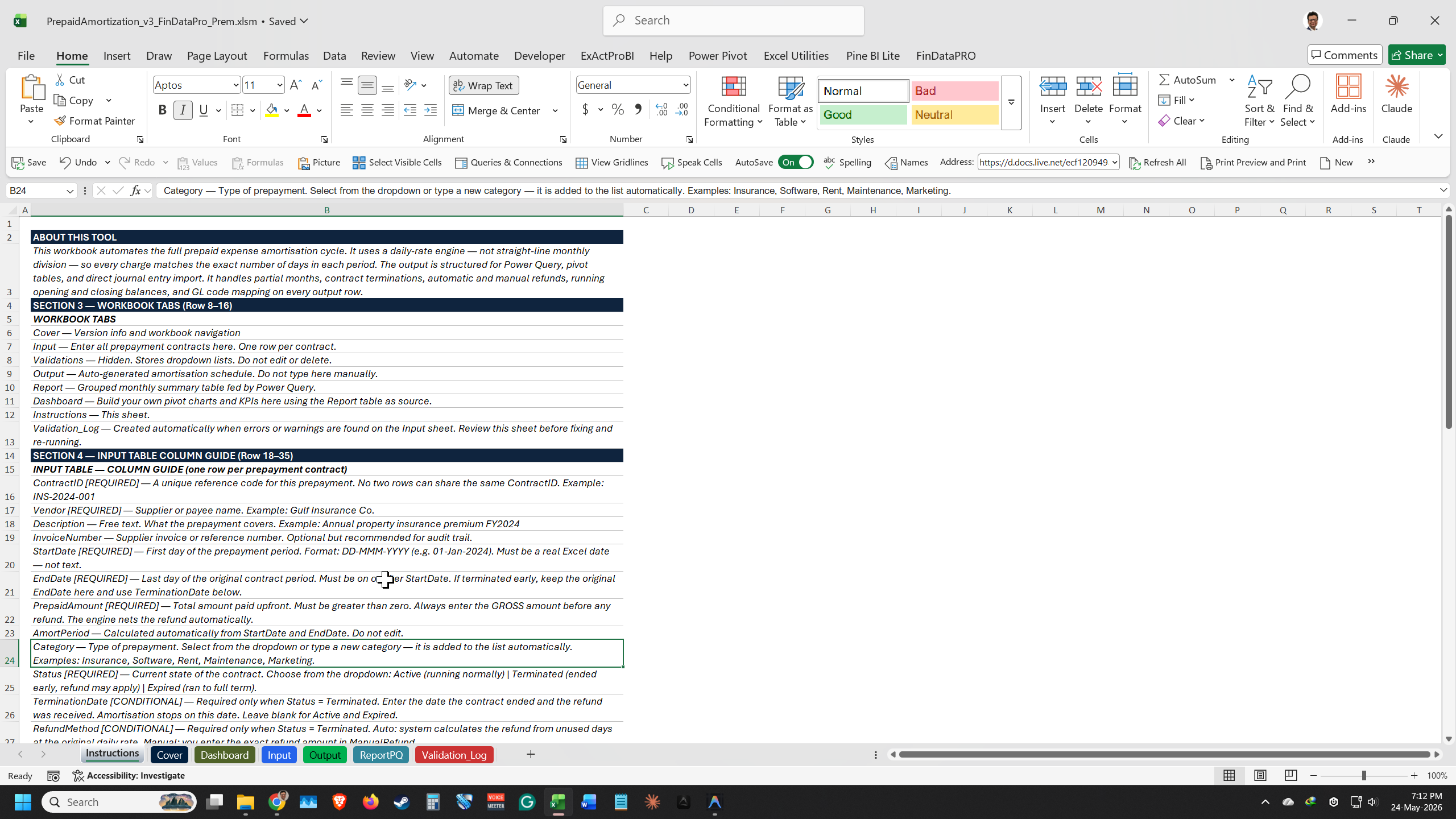
 INPUT sheet: One row per contract. Columns — Contract ID, Vendor Name, Description, Prepaid Amount, Start Date, End Date, GL Code, GL Name, Status (Active or Terminated), Termination Date, Refund Mode (Automatic or Manual).

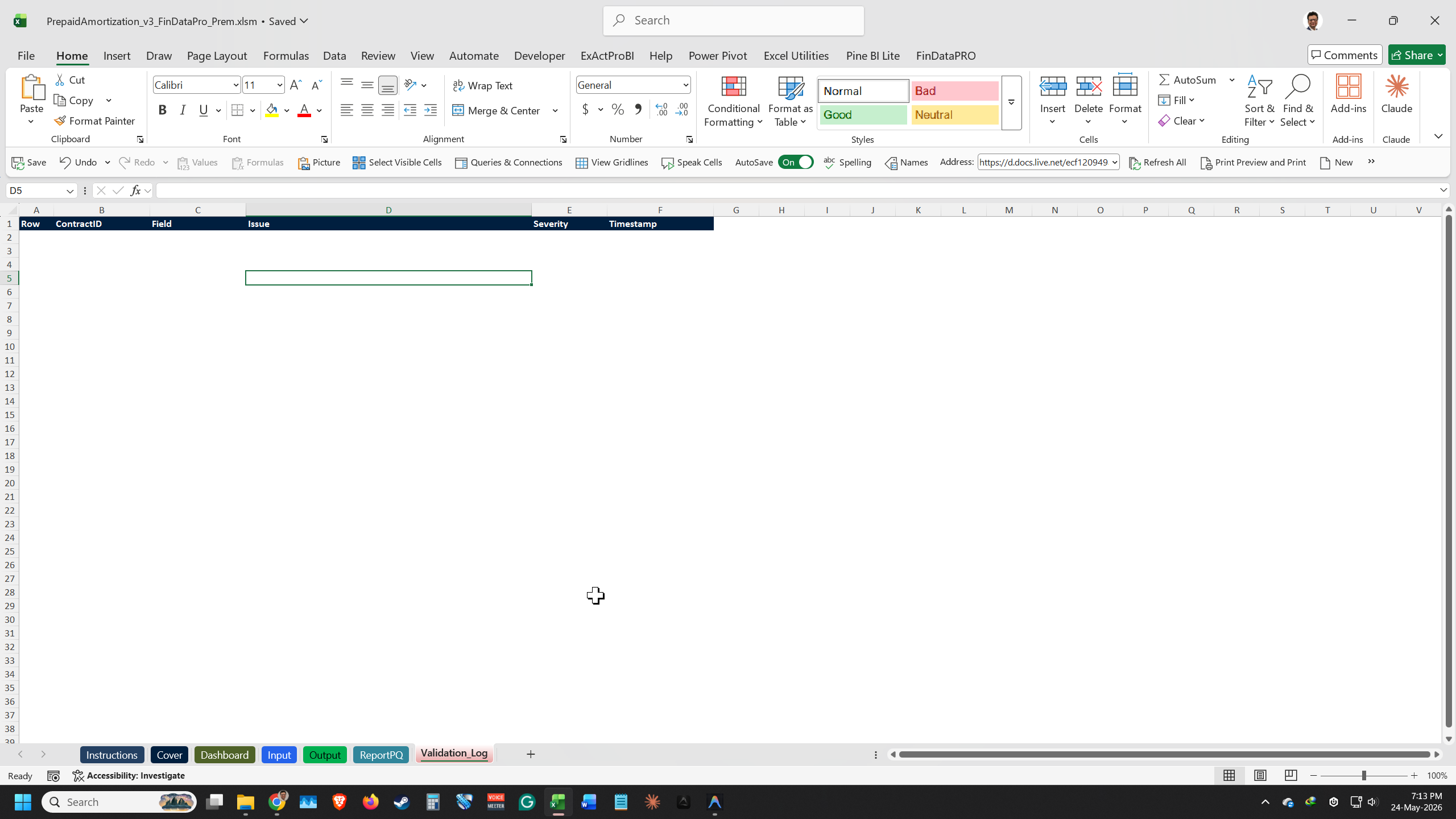
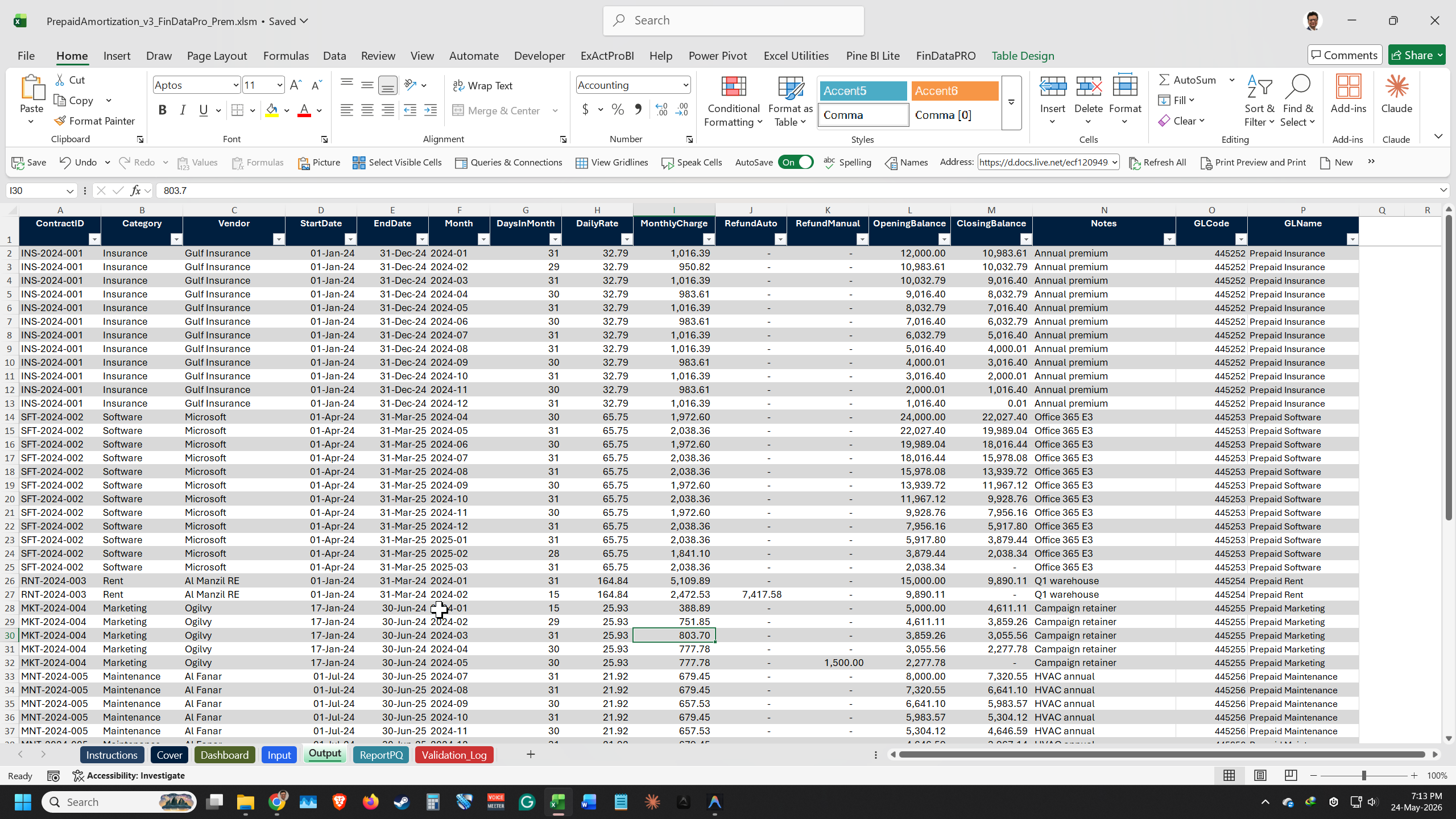
OUTPUT sheet: Flat table. One row per contract per month. Columns — Period, Opening Balance, Amortisation, Closing Balance, GL Code, GL Name. Unlimited contracts. Runs in under 10 seconds for 200 plus contracts.

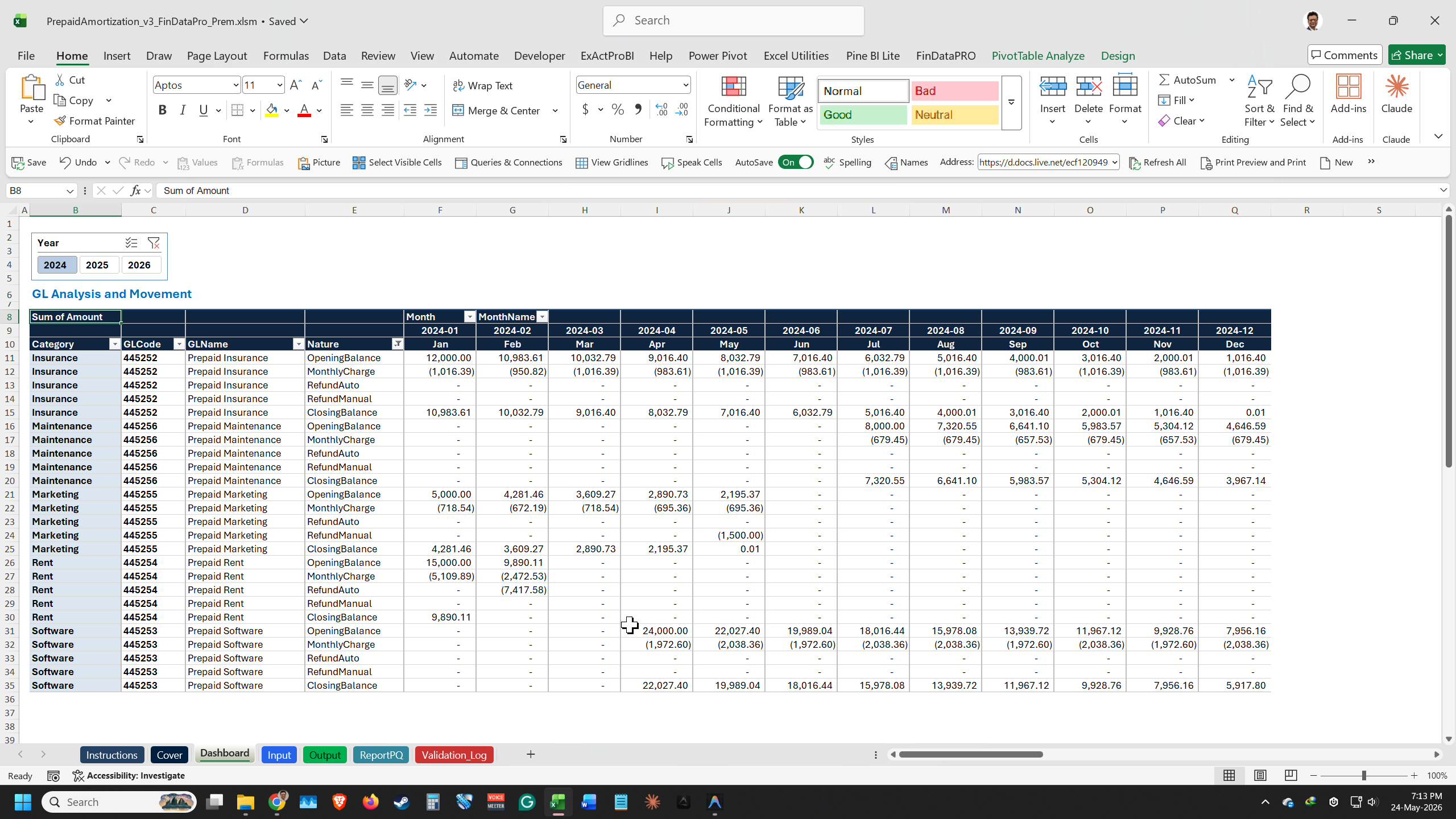
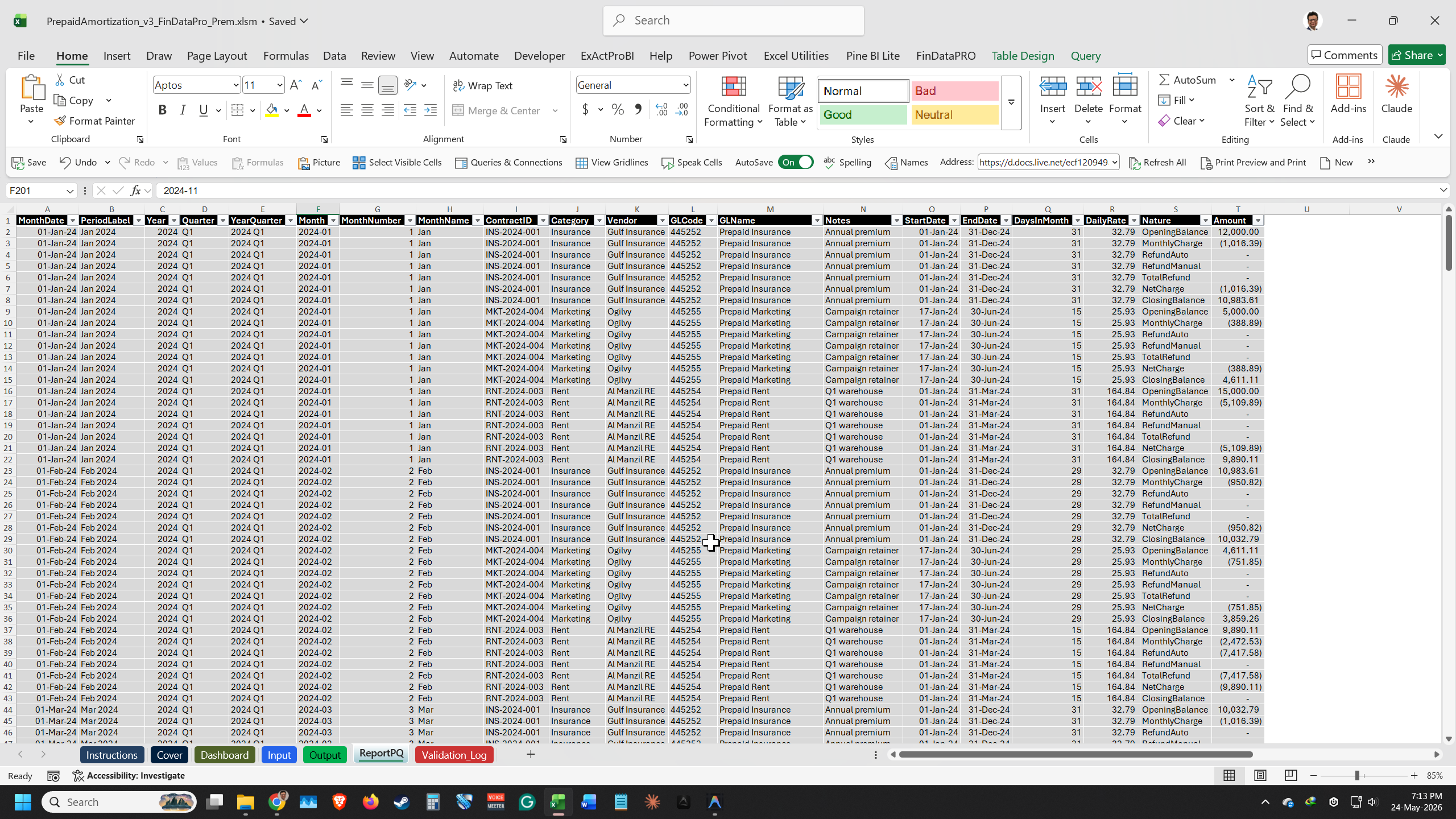
REPORT sheet: Pre-built Power Query summary grouped by GL Code and month. Pivot-ready. Connect directly to Power BI without restructuring.

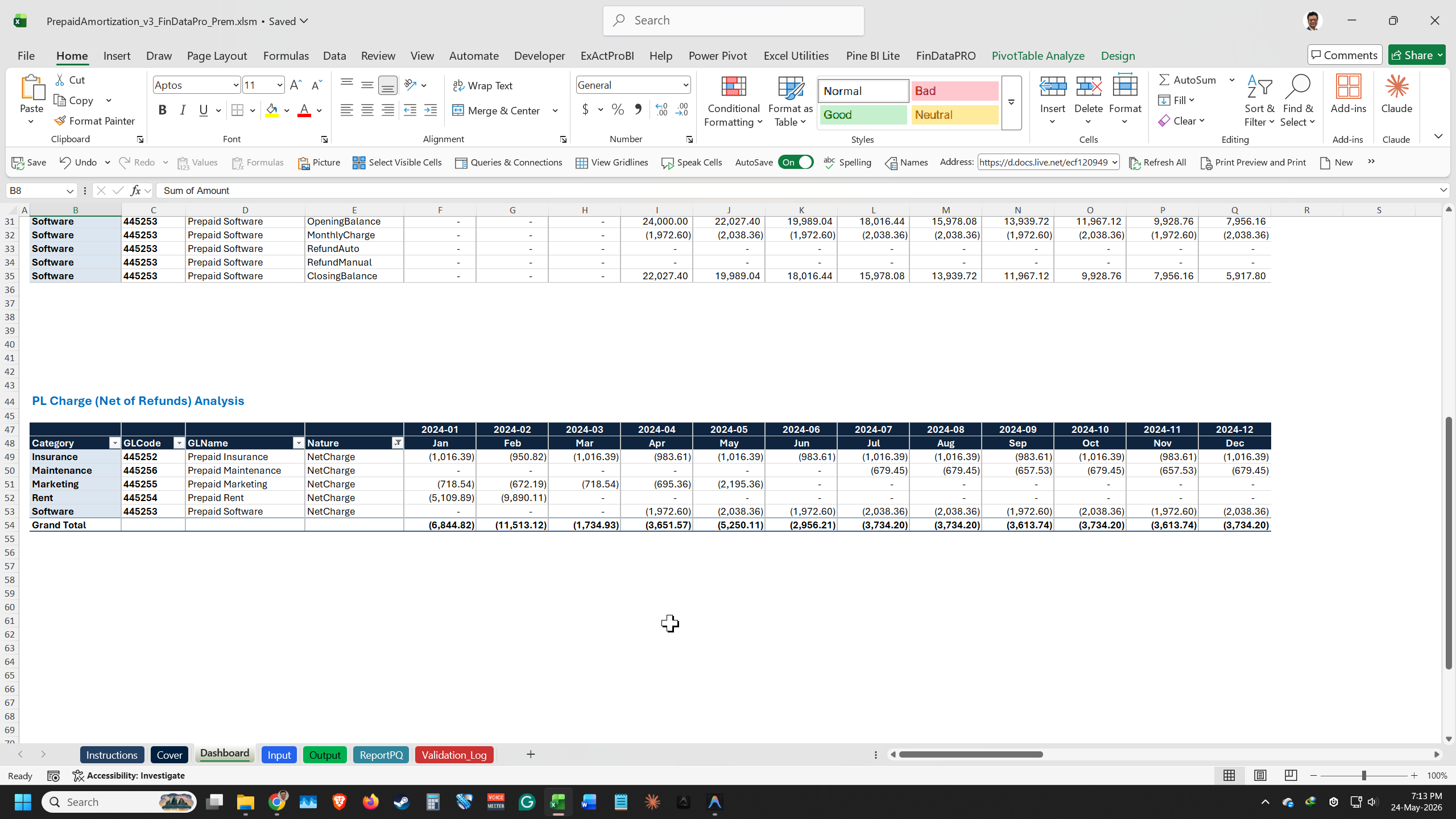
DASHBOARD sheet: Visual summary — amortisation progress by contract, remaining balances, monthly expense projections. Management-ready without building it manually.Unlocked VBA source: Full access to the amortisation engine code. Modify run logic, add columns, or integrate with your own Excel infrastructure.Future updates: All future versions of the engine will be included at no additional cost.

This Best Practice includes
1 Excel workbook (.xlsm) — Prepaid Expense Amortisation Engine, Pro Edition

Acquire business license for $39.00

Add to cart

Add to bookmarks

Discuss

Further information

After purchasing and using this template, you will be able to:

- Calculate accurate monthly amortisation using the daily-rate method for unlimited prepaid contracts, including partial months and mid-term terminations
- Run the full amortisation engine for 200 plus contracts in under 10 seconds with a single button click
- Handle contract terminations and refund logic automatically — choose Automatic or Manual refund mode to match your close process
- Access a pre-built Power Query Report sheet grouped by GL Code and month, ready for direct Power BI connection
- View a management-ready Dashboard showing amortisation progress, remaining balances, and monthly expense projections without building it manually
- Customise the amortisation engine using the fully unlocked VBA source code to extend functionality for your specific workflow
- Eliminate manual prepaid expense calculations from month-end close and produce a GL-mapped output that feeds directly into your journal upload template


0.0 / 5 (0 votes)

please wait...