Gantt Chart Excel Template | Project Timeline | Simple Gantt Creator | Task Scheduler | Project Management Tool
Originally published: 27/11/2025 13:57
Publication number: ELQ-62510-1
View all versions & Certificate
certified

Gantt Chart Excel Template | Project Timeline | Simple Gantt Creator | Task Scheduler | Project Management Tool

A simple Gantt Chart generator in Excel. List your tasks and watch your Gantt. Dynamic start date for Gantt view. Editable Excel Template for Gantt Chart.

Description
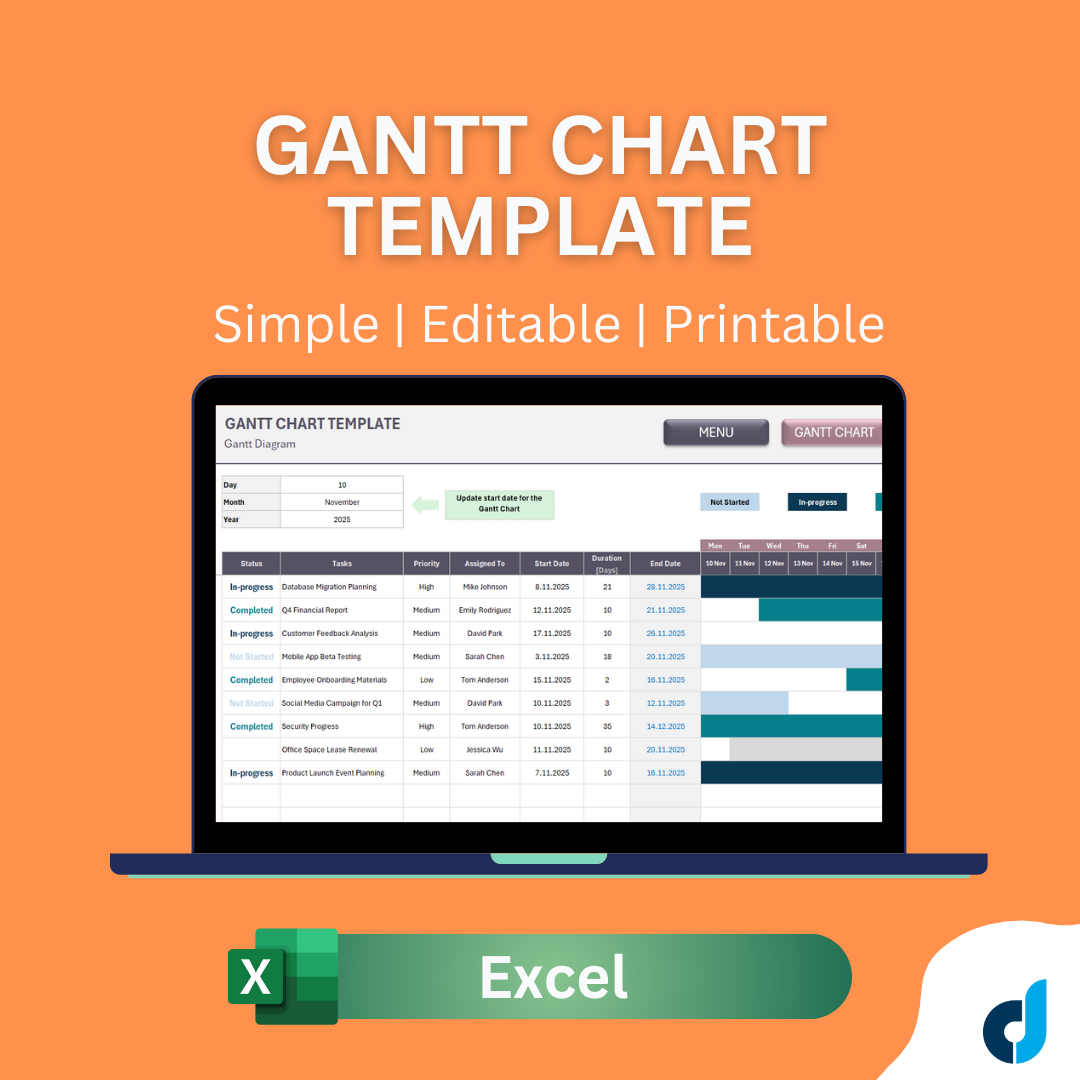
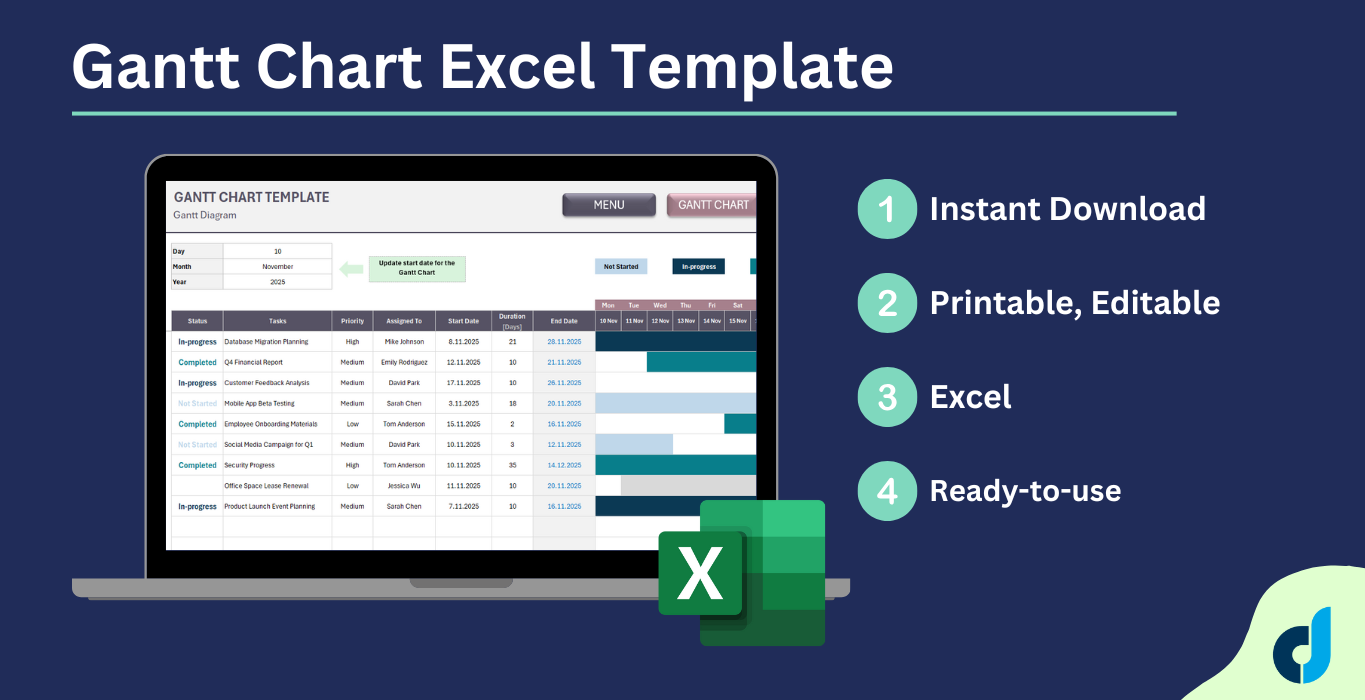
Streamline your project planning with this professional Gantt Chart Excel template. Track tasks, deadlines, and team assignments with automatic timeline visualization.


What You Get:
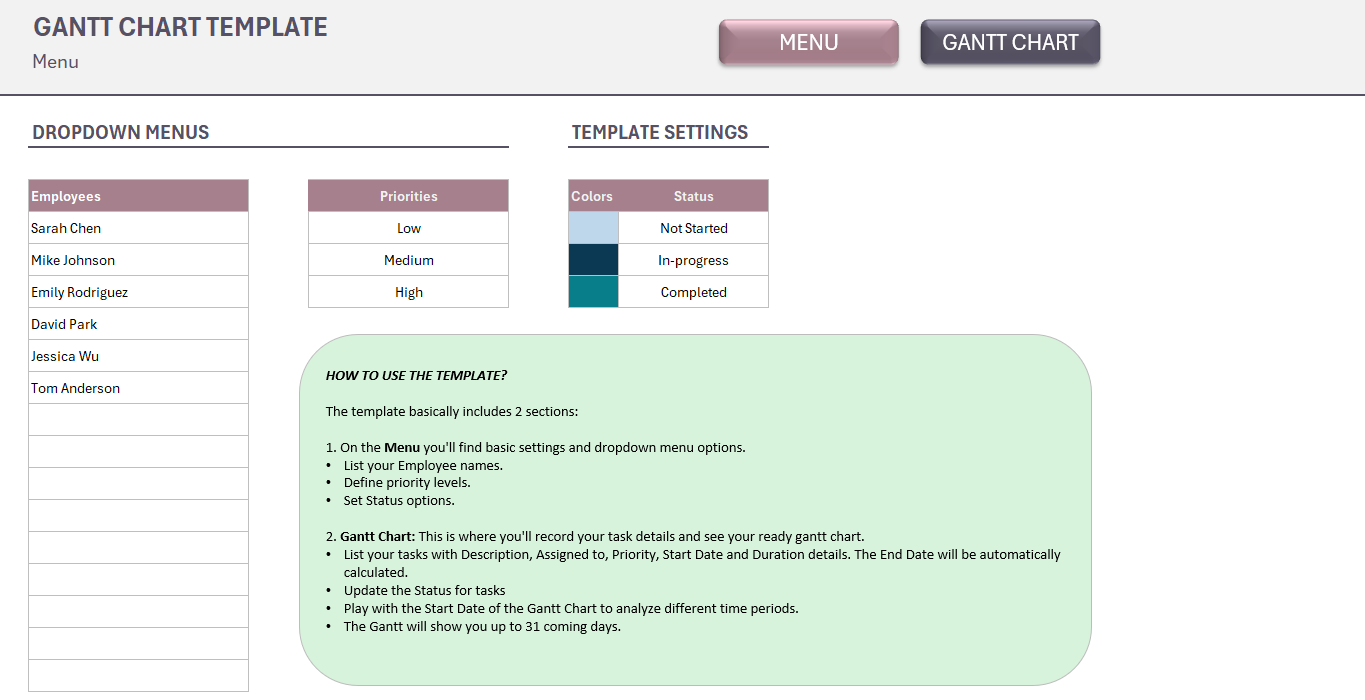
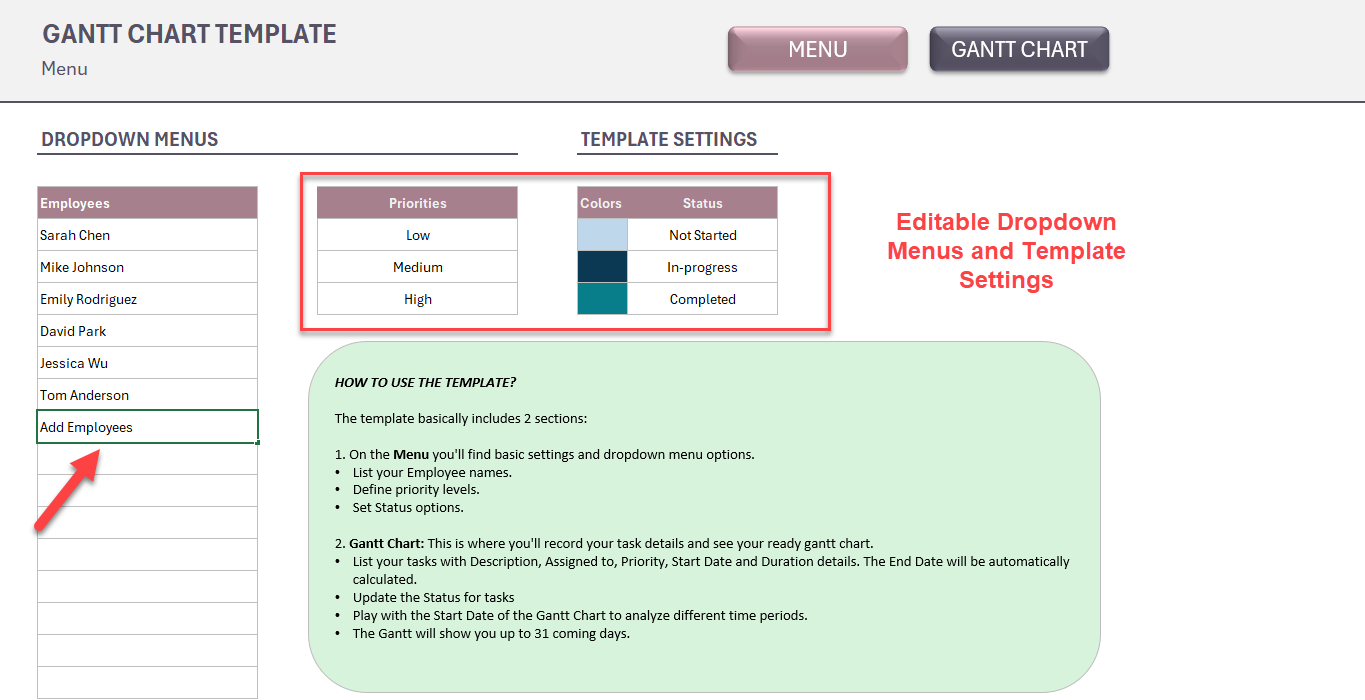
Menu Configuration Panel:
  • Employee/team member name list
  • Priority level settings
  • Custom status options
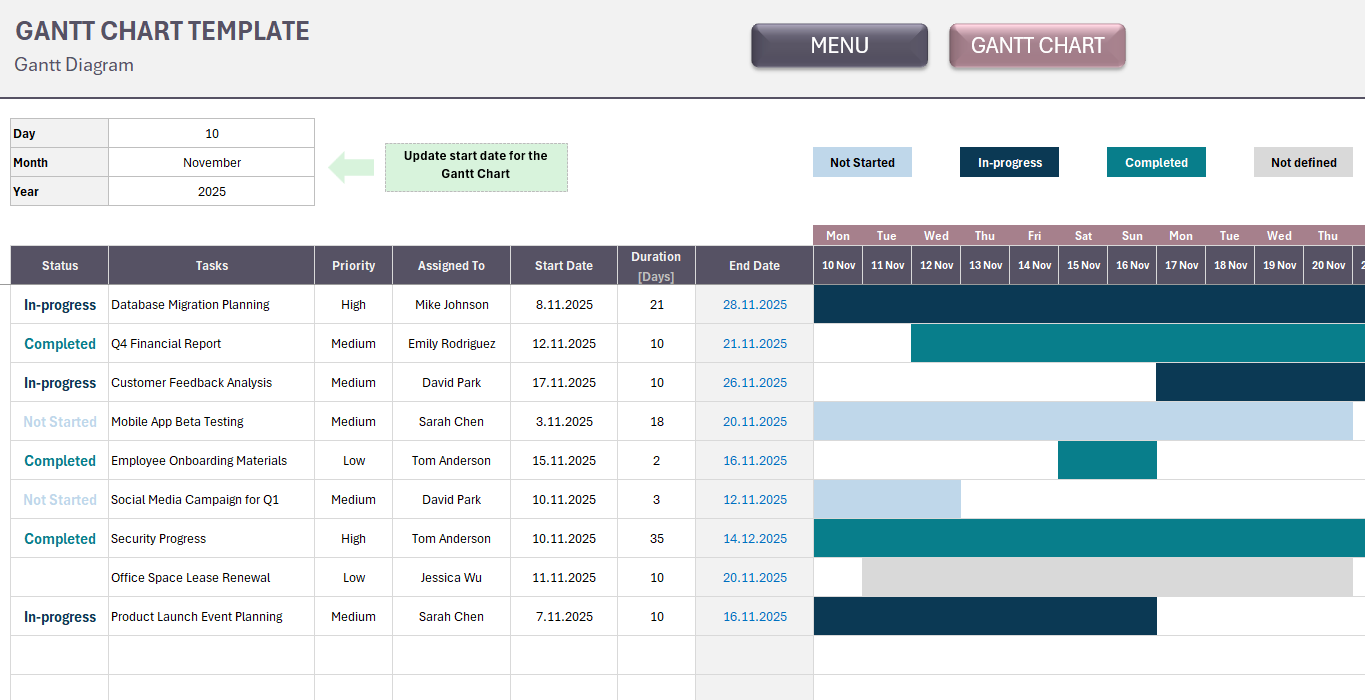
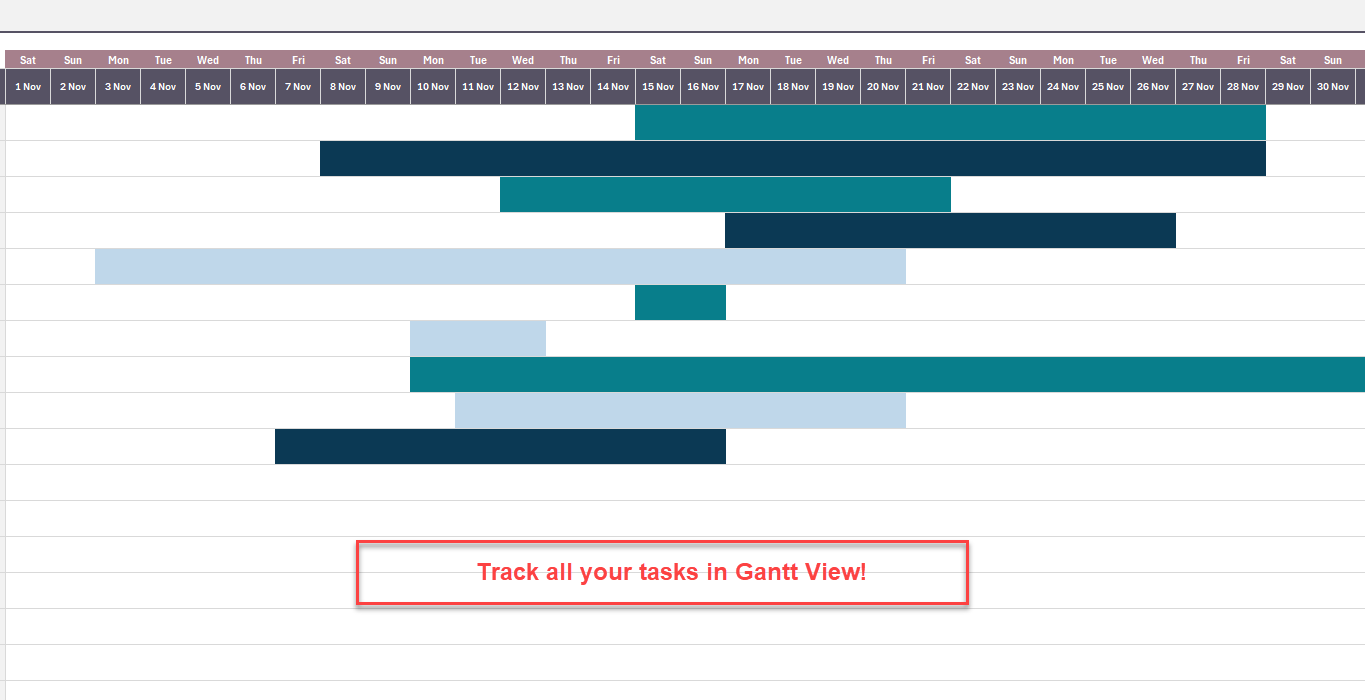
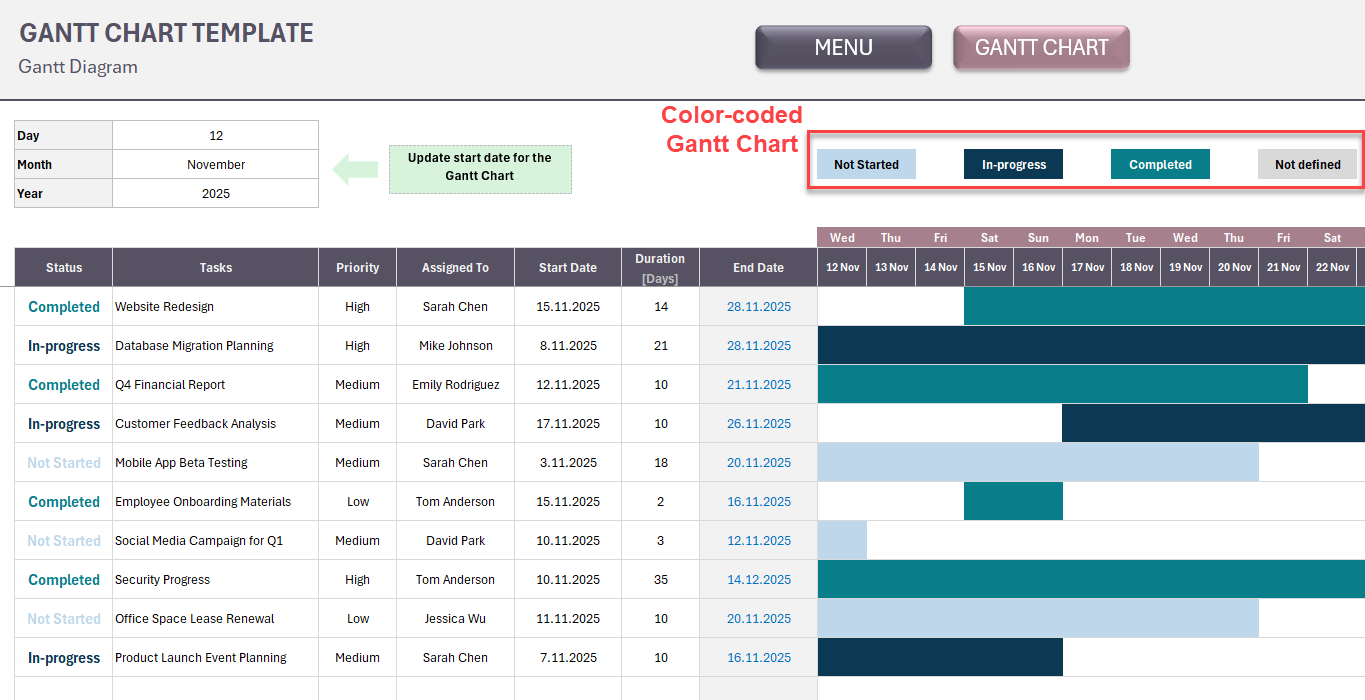
Interactive Gantt Chart:
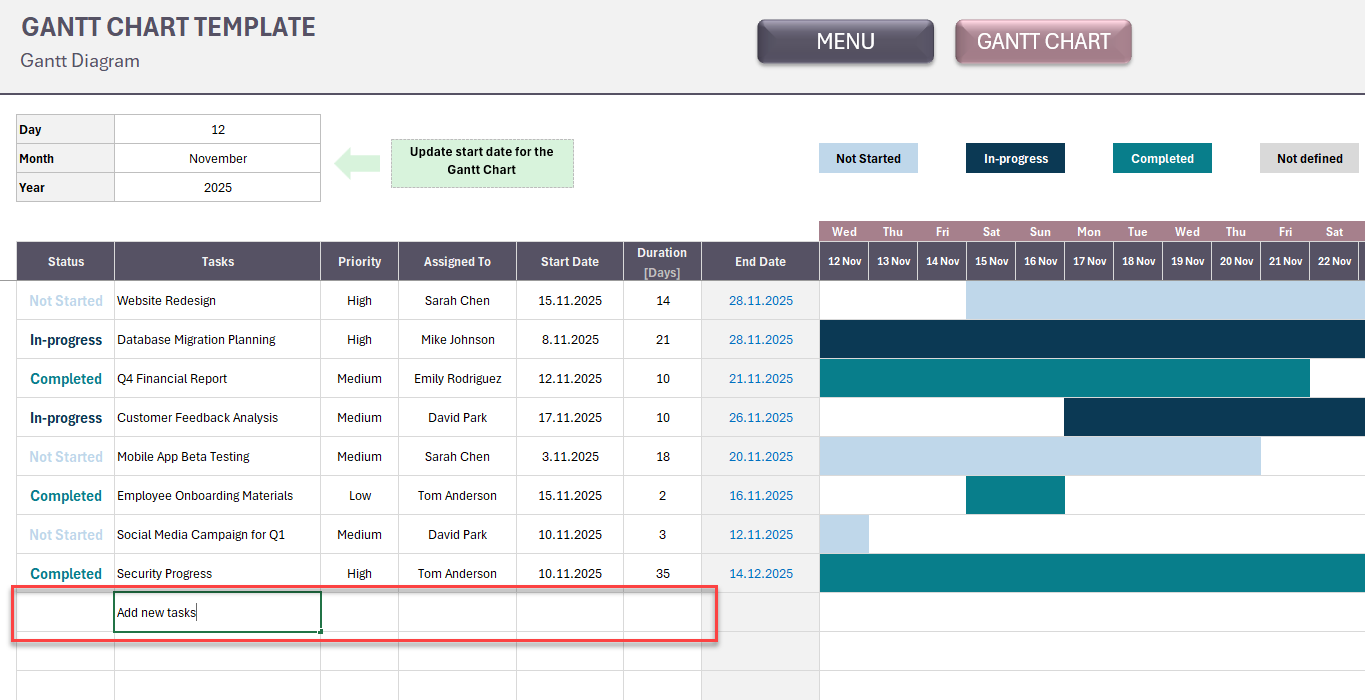
  • Task list with description, assignee, priority, start date & duration fields
  • Auto-calculated end dates
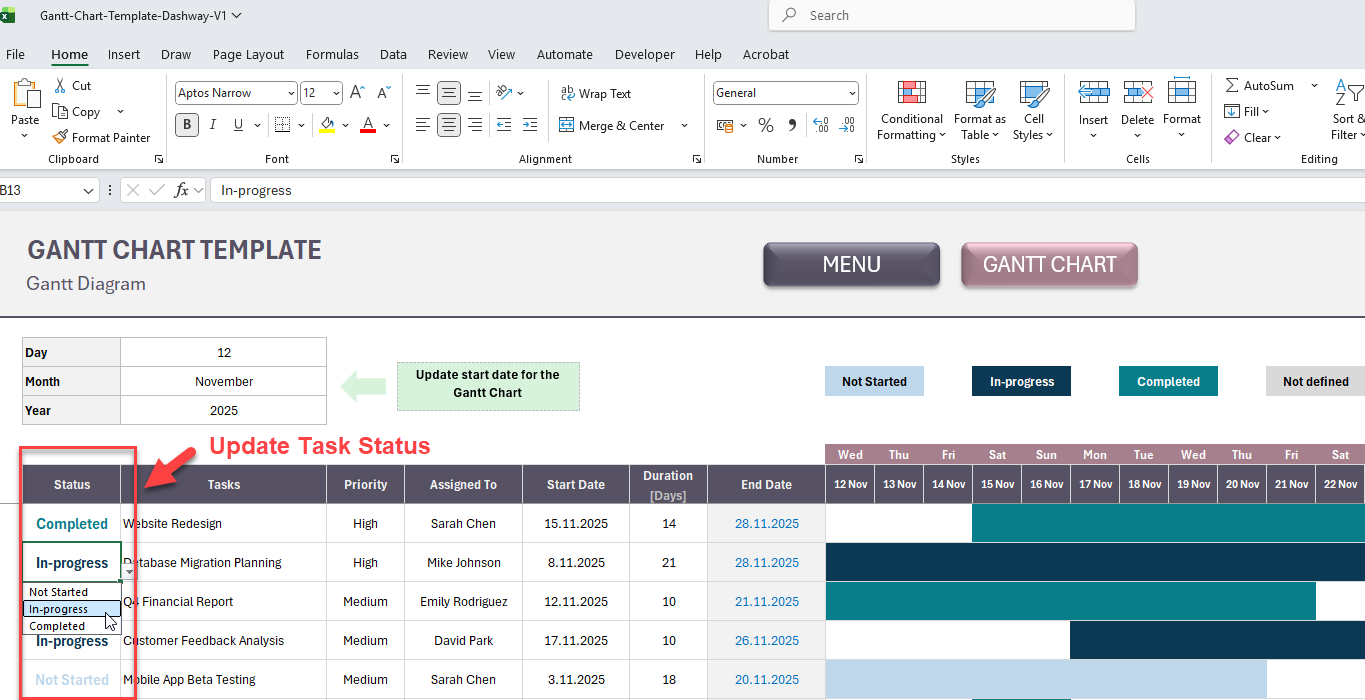
  • Real-time status updates
  • 31-day visual timeline display
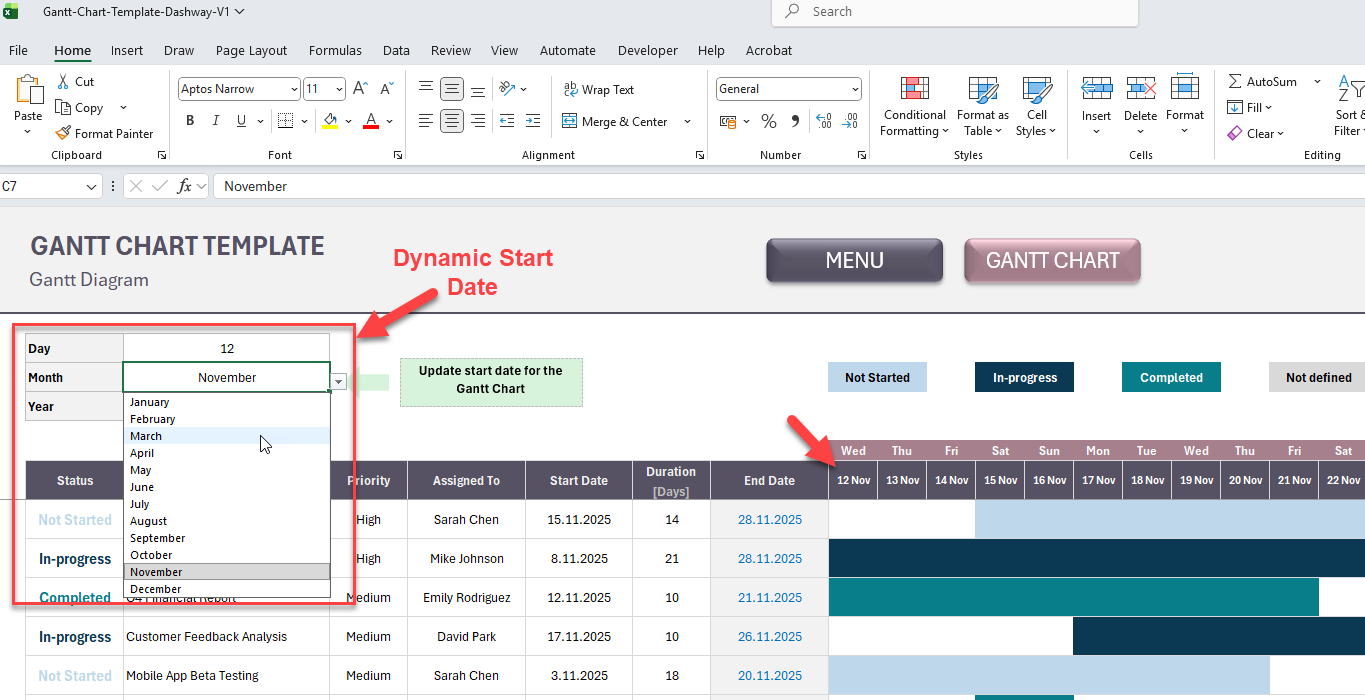
  • Flexible date range adjustment

Template Features:
✓ Automatic end date calculation based on start date + duration ✓ Visual timeline bars for easy schedule overview ✓ Customizable priority and status tracking ✓ Multi-task and multi-person project management ✓ No formulas to learn - just input your data ✓ Compatible with Excel and Google Sheets
Ideal For:
  • Project managers coordinating multiple deliverables
  • Small business owners managing team workload
  • Freelancers juggling client projects
  • Event planners tracking preparation tasks
  • Construction or renovation project scheduling
  • Marketing campaign timeline planning
Easy Setup:
  1. Add your team members and define priority/status options in the Menu
  2. List all project tasks with start dates and estimated durations
  3. The Gantt chart automatically generates your visual timeline
  4. Update task status and adjust dates as your project progresses

Instant Digital Download | No Subscription Required | Lifetime Use
Perfect for anyone seeking a straightforward, visual way to manage project timelines without expensive software.

This Best Practice includes
1 Excel file

Acquire business license for $10.00

Add to cart

Add to bookmarks

Discuss

Further information

To create Gantt Chart automatically for your tasks. A simple yet powerful project monitor.

Perfect For:

Project planning and scheduling
Team task management
Deadline tracking
Resource allocation
Timeline visualization
Small to medium-sized projects


0.0 / 5 (0 votes)

please wait...