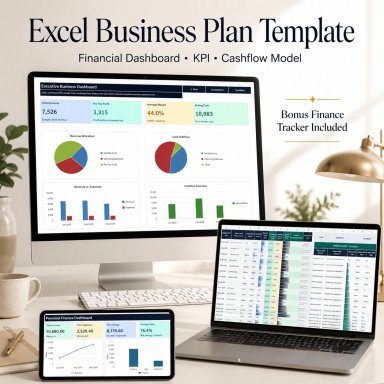
Excel Business Plan & Cash Flow Model | Startup Financial Dashboard

Free Excel business planning toolkit with revenue, expenses, profit, cash flow, assumptions, KPI dashboard and personal finance bonus tracker.

Description
📊 EXCEL BUSINESS PLAN & CASH FLOW MODEL


Plan revenue, expenses, profit, taxes and cash flow through one clean and structured Excel financial planning system.
This free professional toolkit is designed for founders, freelancers, online sellers, consultants, creators and small businesses that want a clearer way to understand financial performance and plan future business activity.


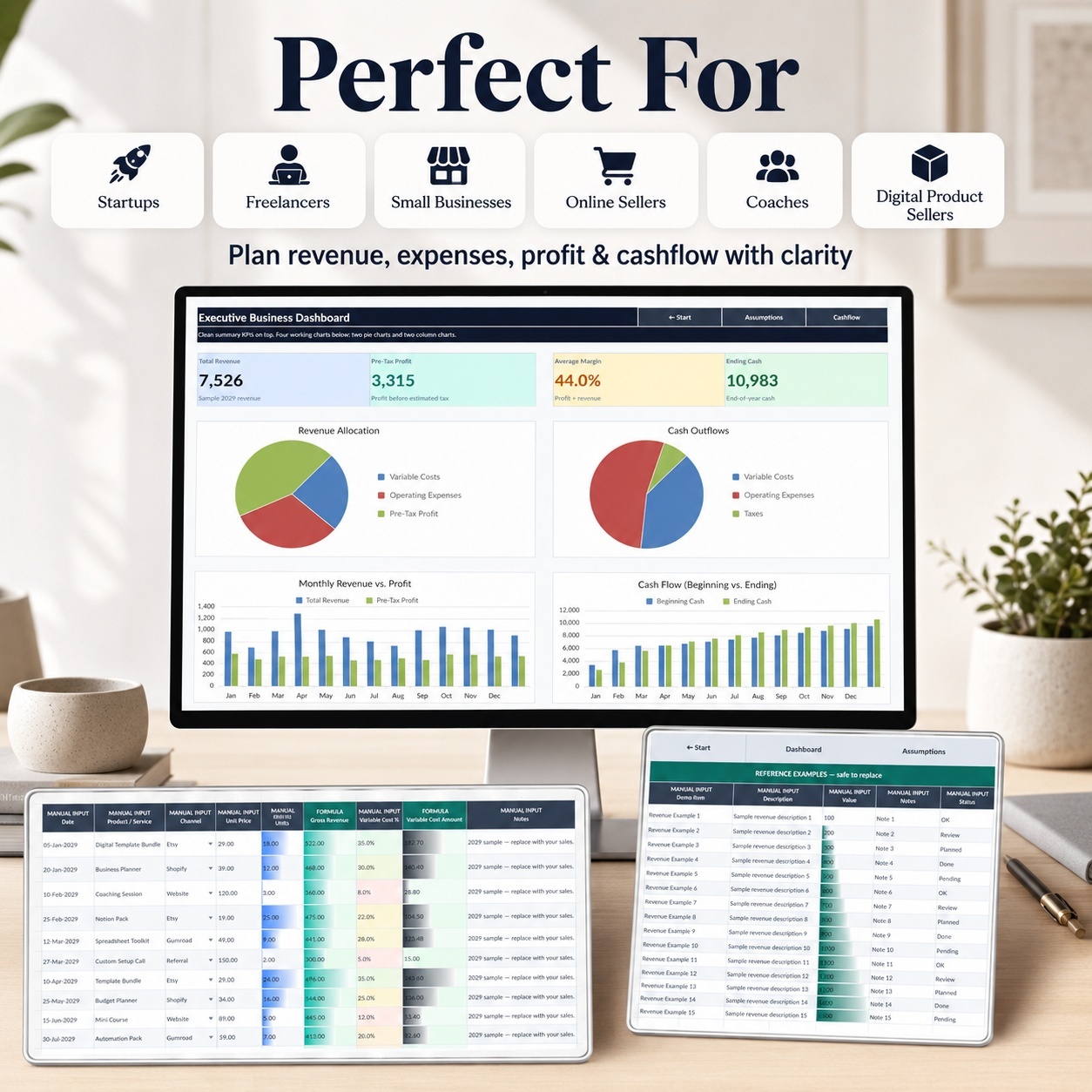
IDEAL FOR
🚀 Founders & Startups
🛍️ Online Sellers
💼 Freelancers
📚 Coaches & Consultants
🎨 Creators
📦 Digital Product Businesses
🏢 Small Businesses
👤 Solo Entrepreneurs


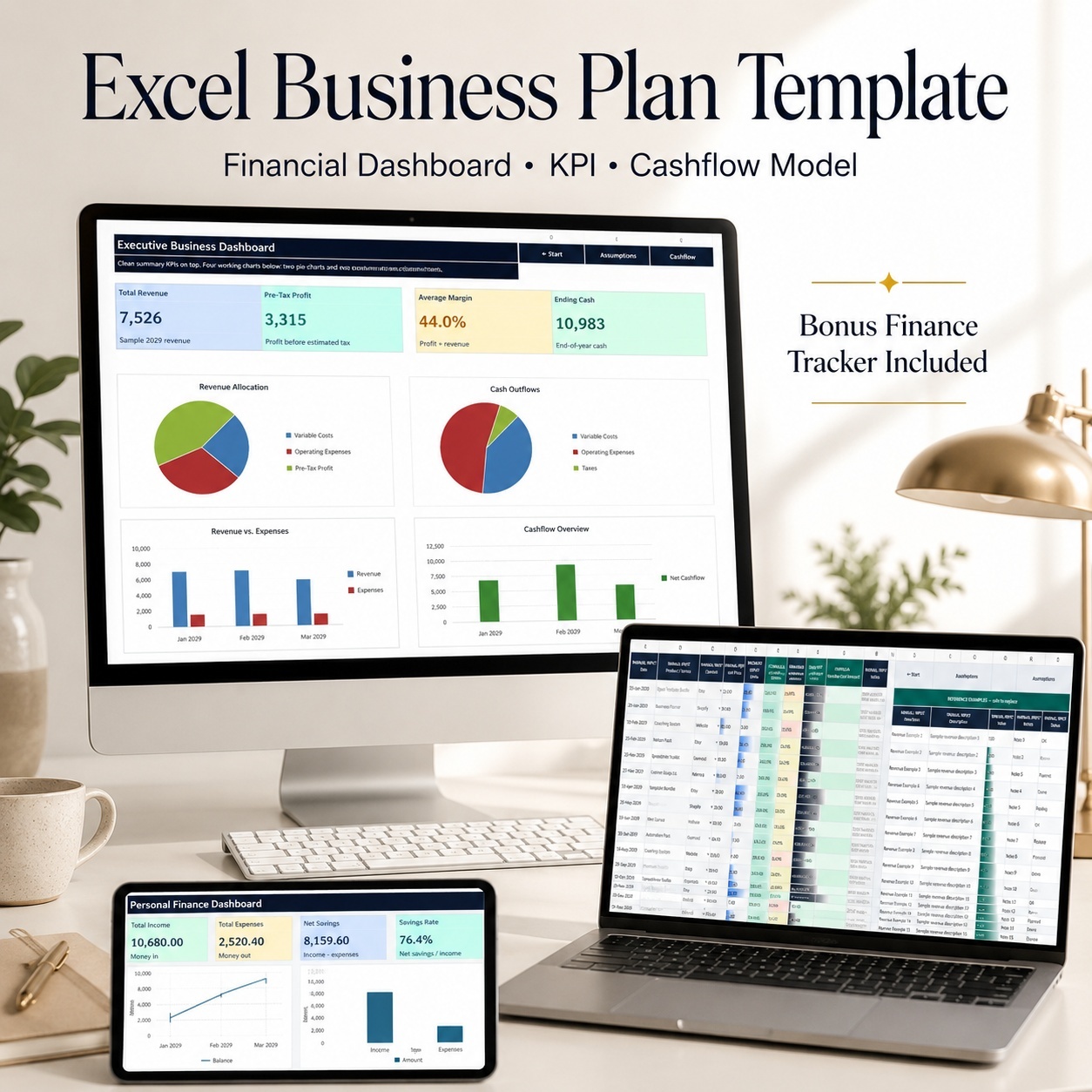
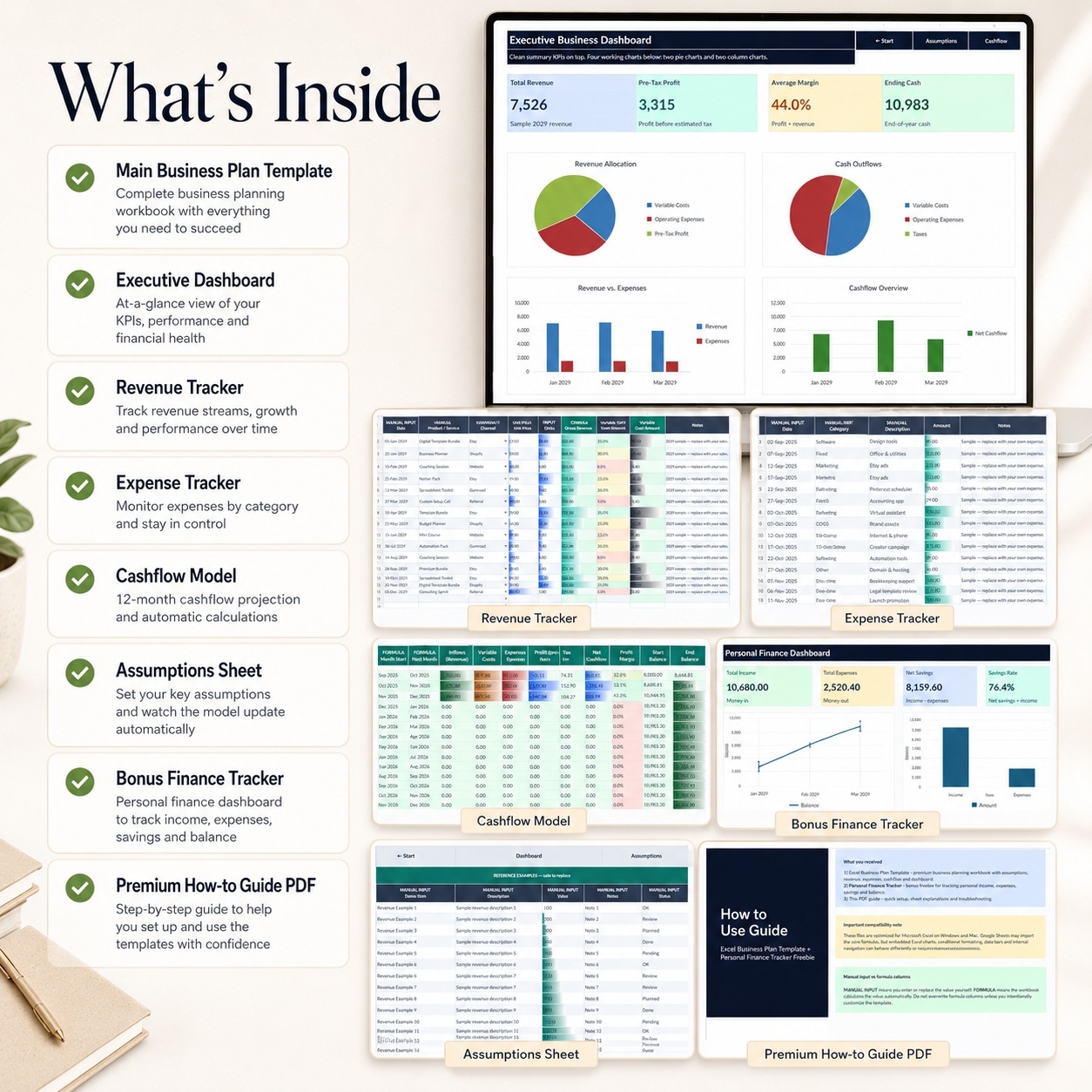
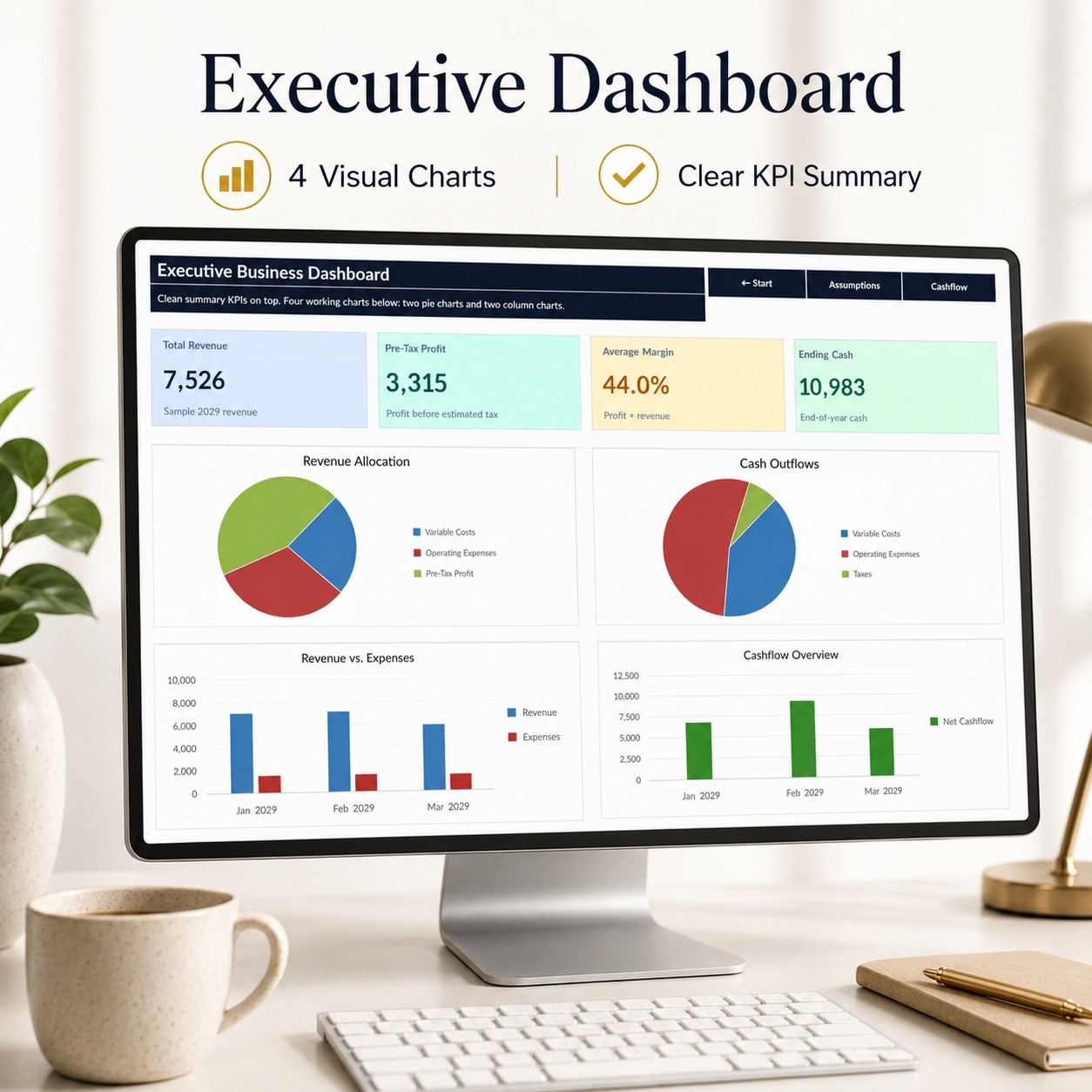
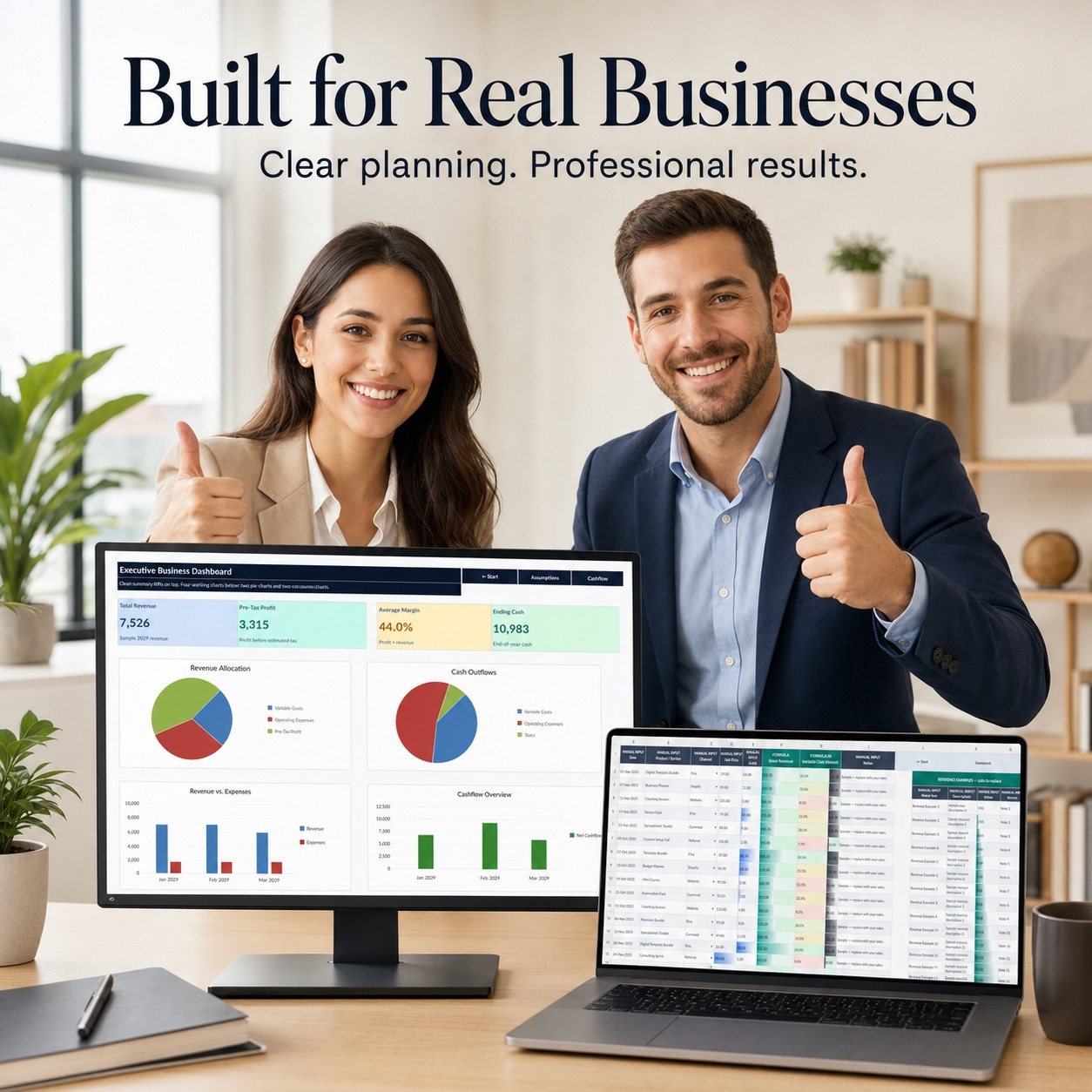
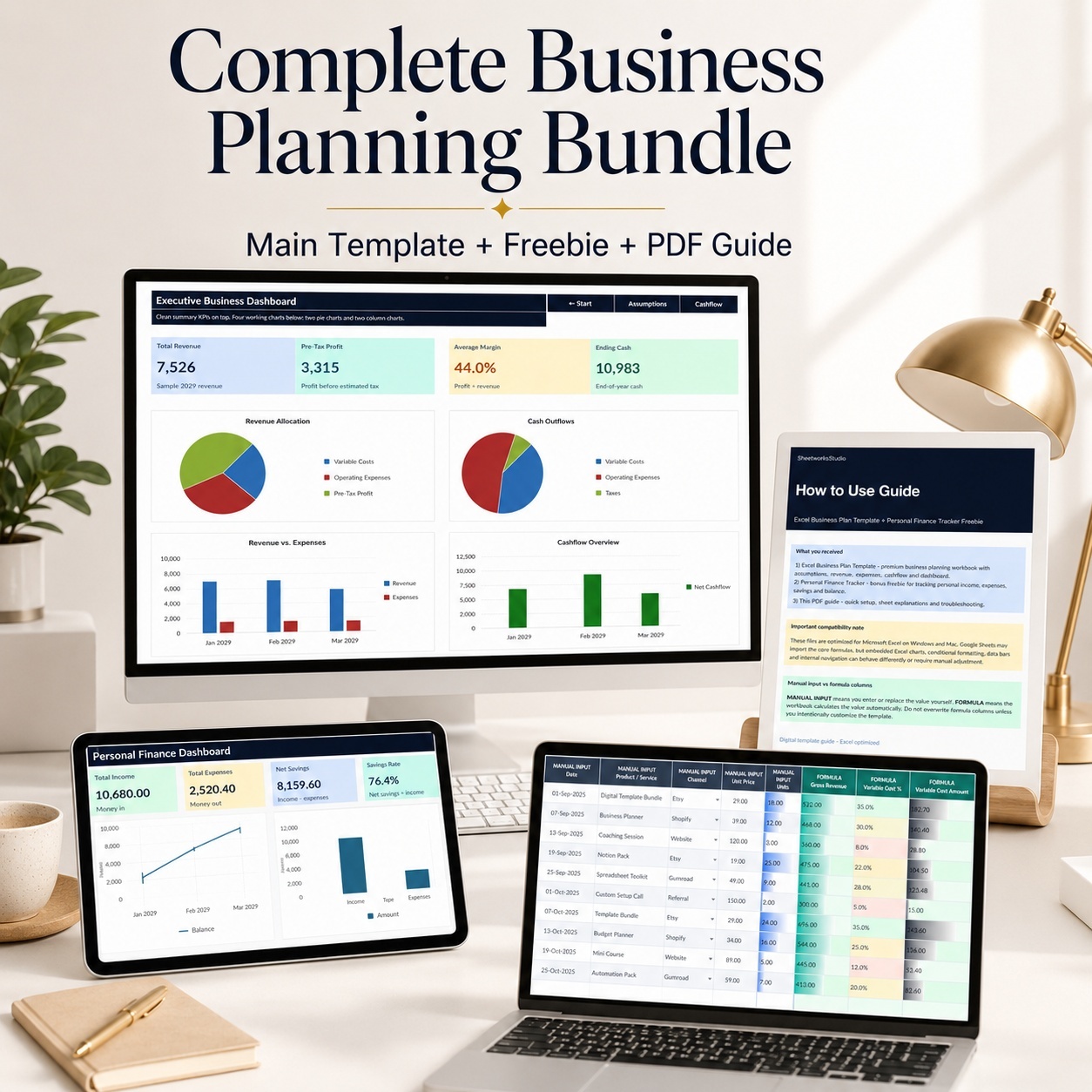
📈 EXECUTIVE BUSINESS DASHBOARD
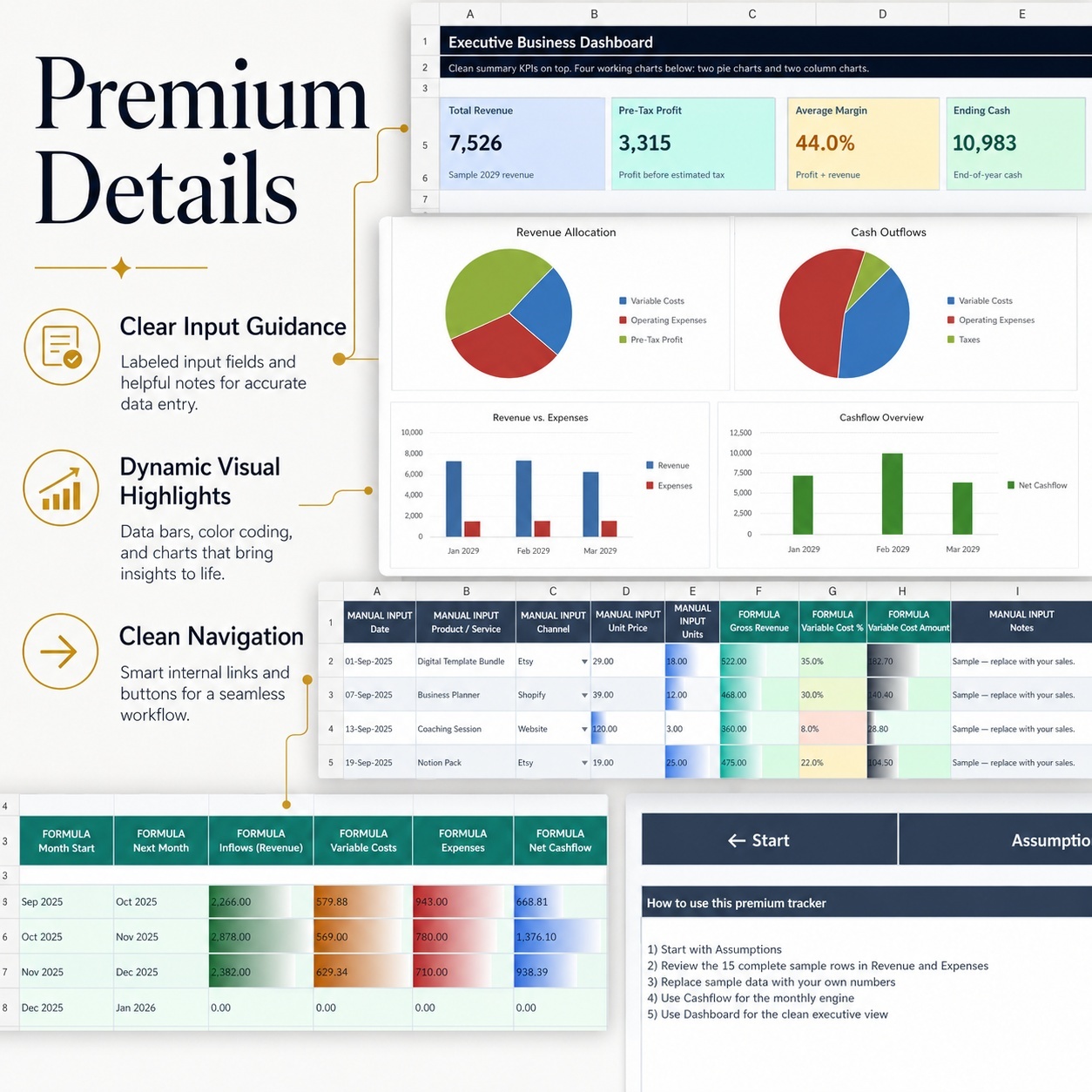
The Main Workbook provides a clean executive overview with 4 financial KPI cards:
💰 Total Revenue
📈 Pre-Tax Profit
📊 Average Margin
💵 Ending Cash


Four dynamic Excel charts provide additional visibility:
🥧 Revenue Allocation
🥧 Cash Outflows
📊 Monthly Revenue vs Costs
📊 Profit, Tax & Net Cashflow


The dashboard updates automatically from the workbook's planning data.


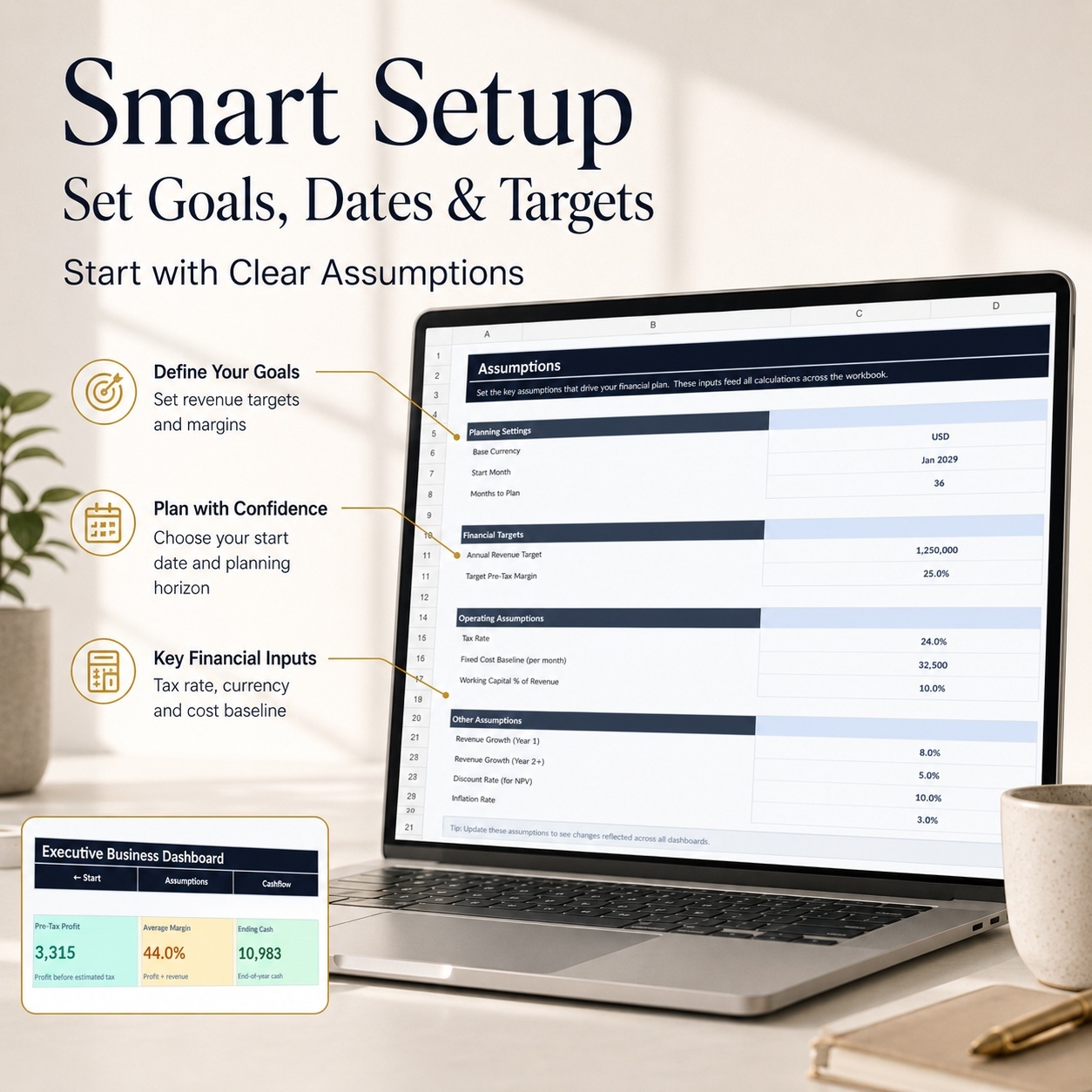
⚙️ ASSUMPTIONS & BUSINESS TARGETS
Start by defining the key assumptions that drive your financial plan:
💱 Base Currency
📅 Planning Start Month
🗓️ Months to Plan
💵 Starting Cash Balance
📊 Average Variable Cost %
🧮 Estimated Tax Rate
🎯 Annual Revenue Target
📈 Profit Margin Target
💸 Monthly Fixed Cost Baseline
The workbook supports a planning period of up to 24 months, with the included sample setup using 12 months.


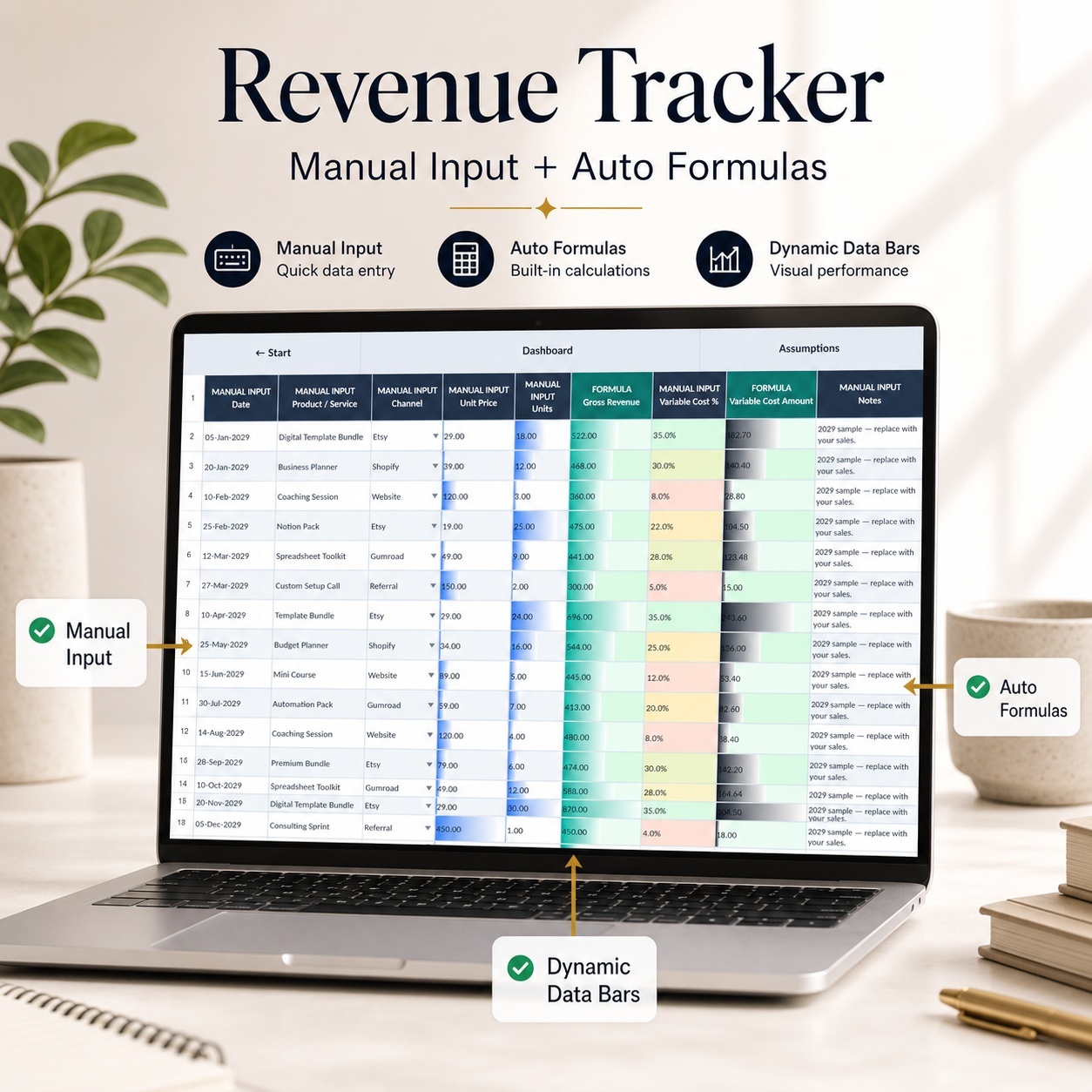
💰 REVENUE PLANNING
The Revenue tracker allows you to enter:
• Date
• Product / Service
• Sales Channel
• Unit Price
• Units Sold
• Variable Cost %
• Notes


The workbook automatically calculates:
✅ Gross Revenue
✅ Variable Cost Amount
15 realistic 2029 sample rows are included so you can understand the workflow before replacing them with your own business data.


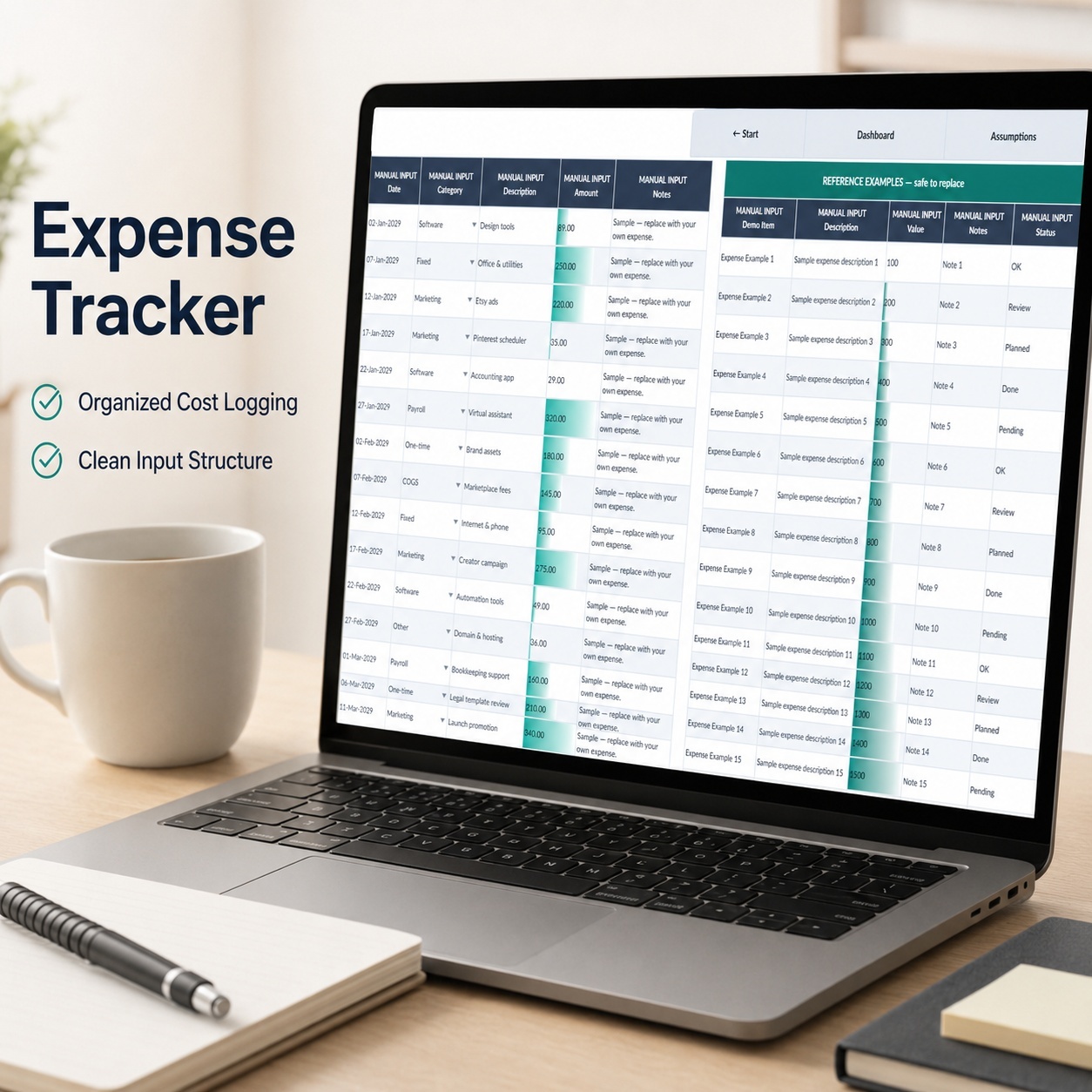
💸 EXPENSE TRACKING
Record operating costs by:
• Date
• Category
• Description
• Amount
• Notes
15 sample expense records demonstrate the intended structure.
Use consistent categories to improve the quality of dashboard and financial analysis.


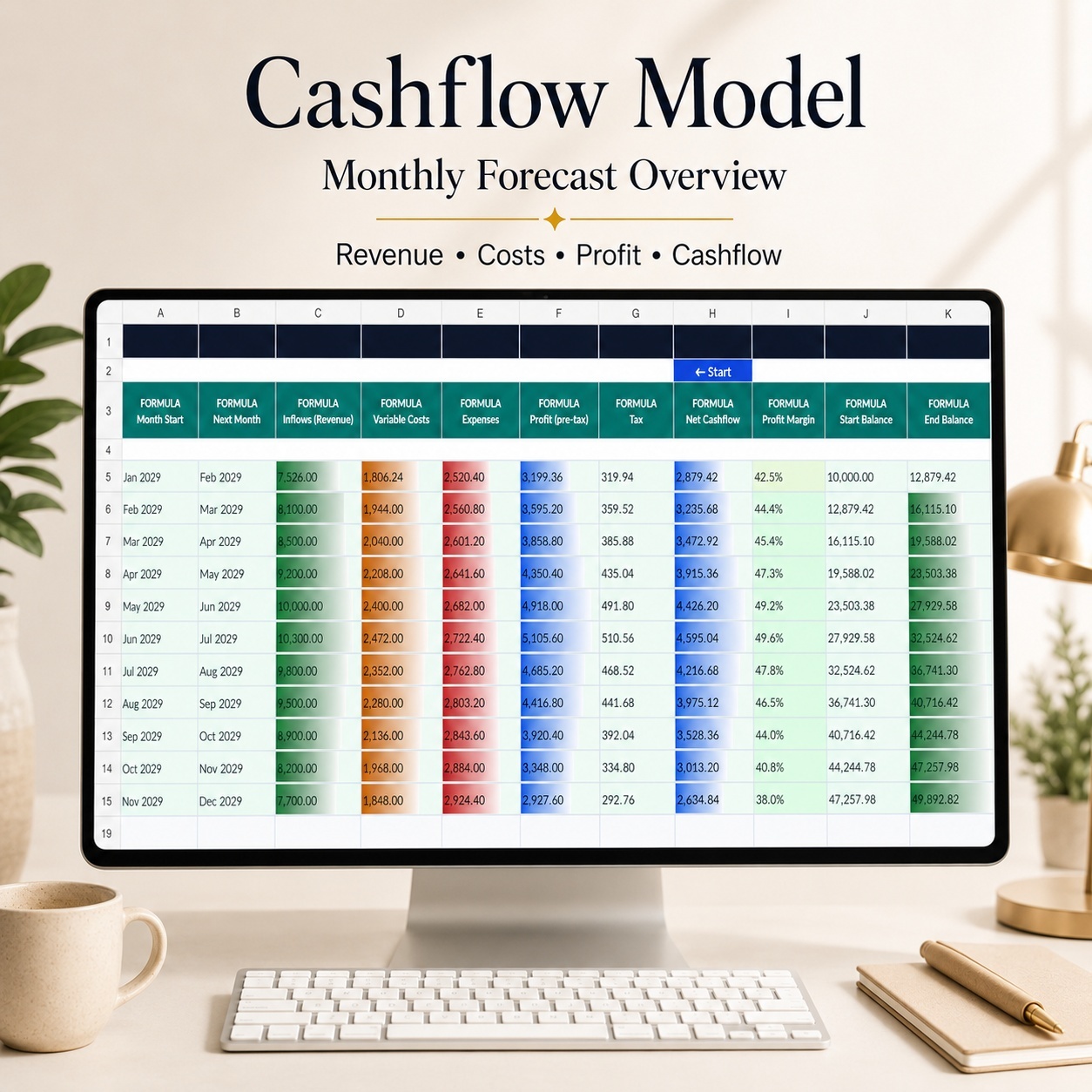
💵 MONTHLY CASH FLOW MODEL
The Cashflow sheet automatically consolidates financial activity into a monthly model.
It calculates:
📈 Revenue Inflows
💸 Variable Costs
💳 Operating Expenses
📊 Pre-Tax Profit
🧮 Estimated Tax
💵 Net Cashflow
📈 Profit Margin
🏦 Starting Cash
🏦 Ending Cash


This creates a clear connection between business activity, profitability and liquidity.


🎯 BUSINESS PLANNING & TARGETS
The model is designed not only to record numbers but also to help compare financial performance with business assumptions and targets.
Use the Revenue Target, Margin Target and Fixed Cost Baseline as planning reference points when reviewing your results.


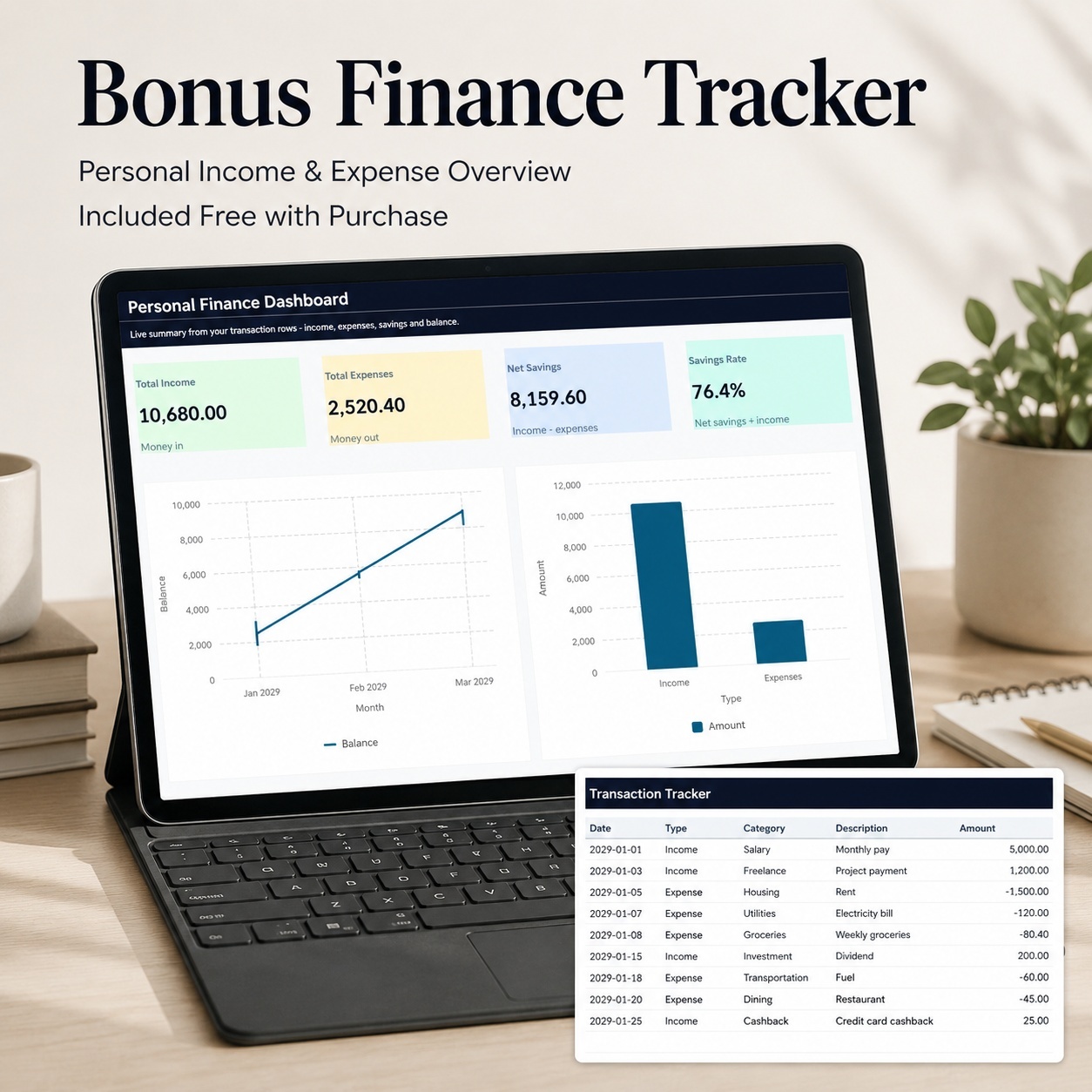
🎁 BONUS: PERSONAL FINANCE TRACKER
A separate Personal Finance Tracker is included for users who also want a simple overview of personal income, spending and savings.


The bonus workbook contains 5 worksheets:
🏠 Start
📊 Dashboard
💳 Transactions
⚙️ Lists
📘 Guide


Enter one transaction per row and record either Income or Expense.
The workbook automatically calculates the running balance.


📊 PERSONAL FINANCE DASHBOARD
The bonus dashboard provides 4 KPI cards:
💰 Total Income
💸 Total Expenses
💵 Net Savings
📈 Savings Rate
Plus 2 visual charts:
📈 Balance Over Time
📊 Income vs Expenses
15 sample transactions are included for easy orientation.


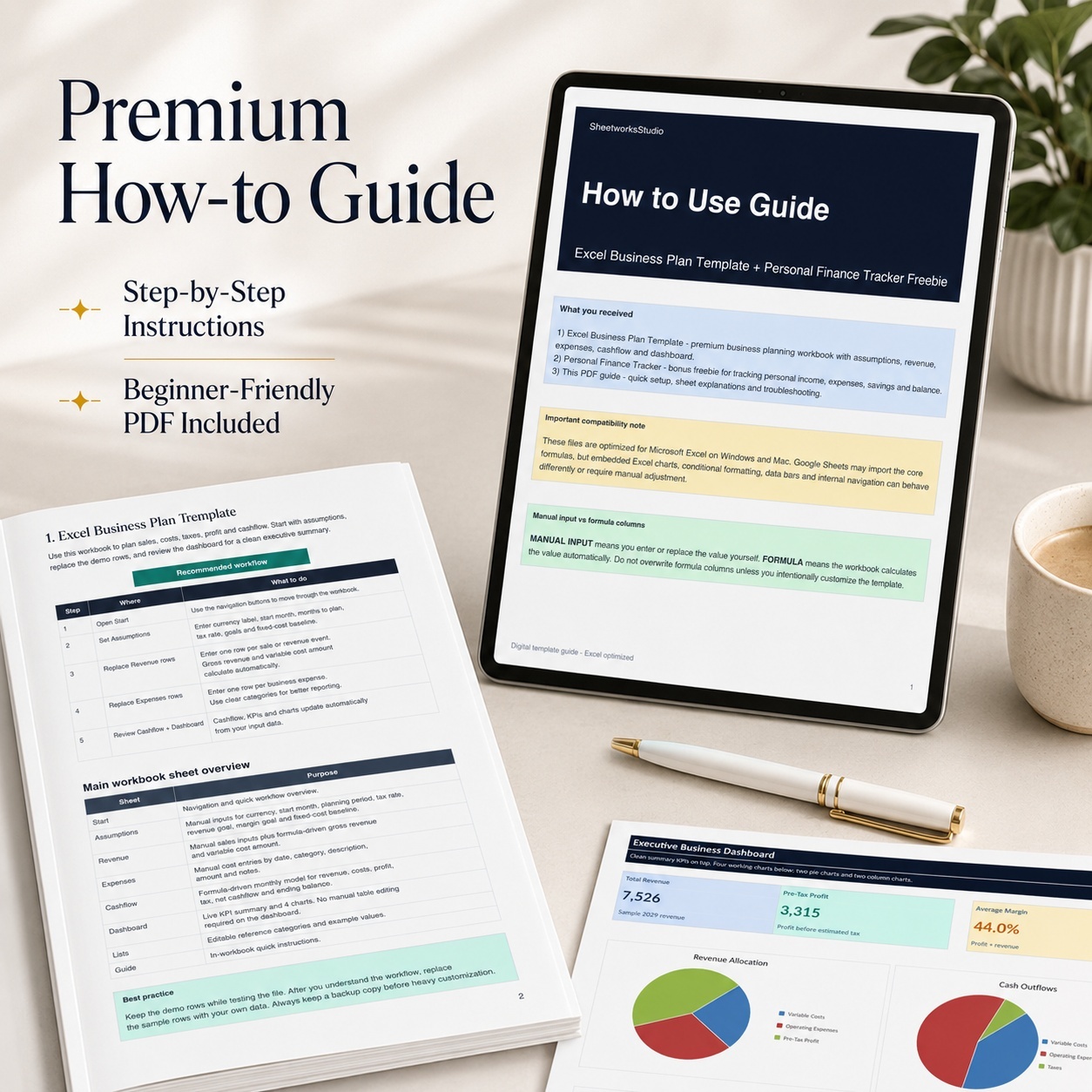
📘 6-PAGE HOW-TO GUIDE
The included PDF guide covers:
🚀 Initial Setup
⚙️ Assumptions
💰 Revenue Tracking
💸 Expense Tracking
💵 Cashflow Model
📊 Dashboard Usage
🎁 Personal Finance Bonus Tracker
✏️ Manual Input vs Formula Fields
☁️ Google Sheets Considerations
🛠️ Troubleshooting
⚖️ Safe Customization & Legal Notes


✨ SIMPLE, EDITABLE & FORMULA-DRIVEN
✅ Microsoft Excel workbooks
✅ Automatic calculations
✅ Clear MANUAL INPUT / FORMULA guidance
✅ Dropdown categories
✅ Visual data bars and status logic
✅ Realistic 2029 sample data
✅ 4 Main Dashboard Charts
✅ 2 Bonus Dashboard Charts
✅ No macros
✅ No VBA
✅ No external data connections


Microsoft Excel is recommended for the complete original experience.
Google Sheets may import the core calculations, but Excel charts, conditional formatting, data bars, internal navigation and some styling may differ or require manual adjustment after conversion.


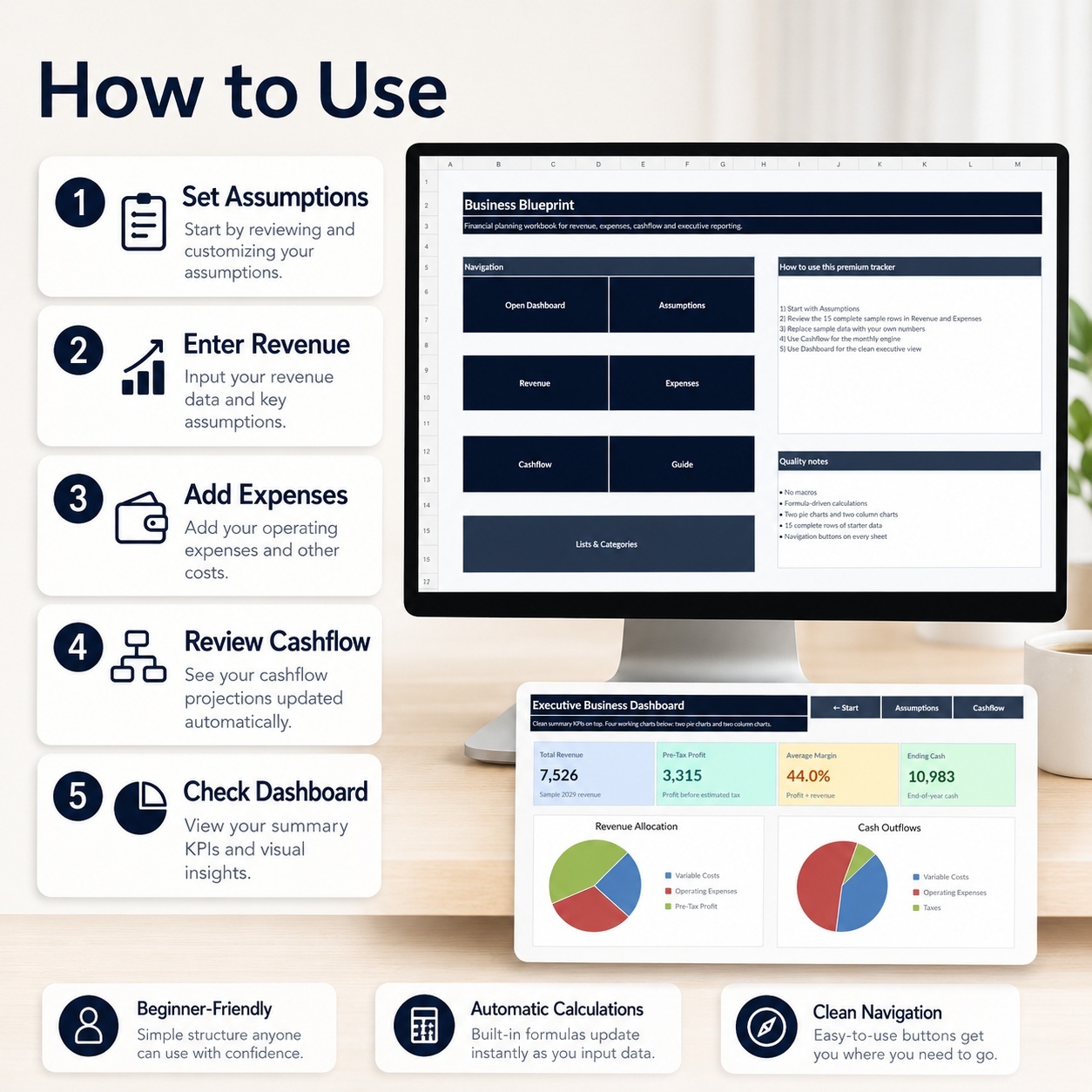
💎 ONE SIMPLE BUSINESS PLANNING WORKFLOW
Assumptions → Revenue → Expenses → Cashflow → Dashboard → Review
Use the included sample data to understand the model, then replace the examples with your own assumptions and financial information.

This Best Practice includes
1 × Excel Business Plan Template (.xlsx), 1 × Personal Finance Tracker (.xlsx), 1 × How-to-Use Guide (.pdf)

SheetworksStudio offers you this Best Practice for free!

download for free

Add to bookmarks

Discuss

Further information

• Build a structured financial business plan
• Forecast revenue and operating costs
• Understand variable-cost impact
• Review estimated profitability
• Plan monthly cash flow
• Monitor expected ending cash
• Compare financial outcomes with business targets

This toolkit works particularly well for users who:
• need a simple financial planning model
• want to plan approximately 12–24 months
• operate a relatively straightforward small business
• sell products or services
• want to connect revenue and cost assumptions with cashflow
• prefer Excel rather than complex financial-modeling software
• need a clean dashboard for recurring business reviews

This model is not intended to:
• replace accounting or bookkeeping software
• produce statutory financial statements
• perform full balance-sheet modeling
• automatically import bank transactions
• perform complex financing or valuation analysis
• prepare or file tax returns
• provide investment advice
• guarantee business profitability or future performance


0.0 / 5 (0 votes)

please wait...