Excel VBA Data Splitter – Automatically Split Data Into Multiple Sheets
Originally published: 22/01/2026 19:22
Publication number: ELQ-14691-1
View all versions & Certificate
certified

Excel VBA Data Splitter – Automatically Split Data Into Multiple Sheets

Excel VBA Data Splitter by Column – One Click Sheet Generator

Description

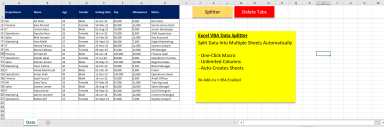
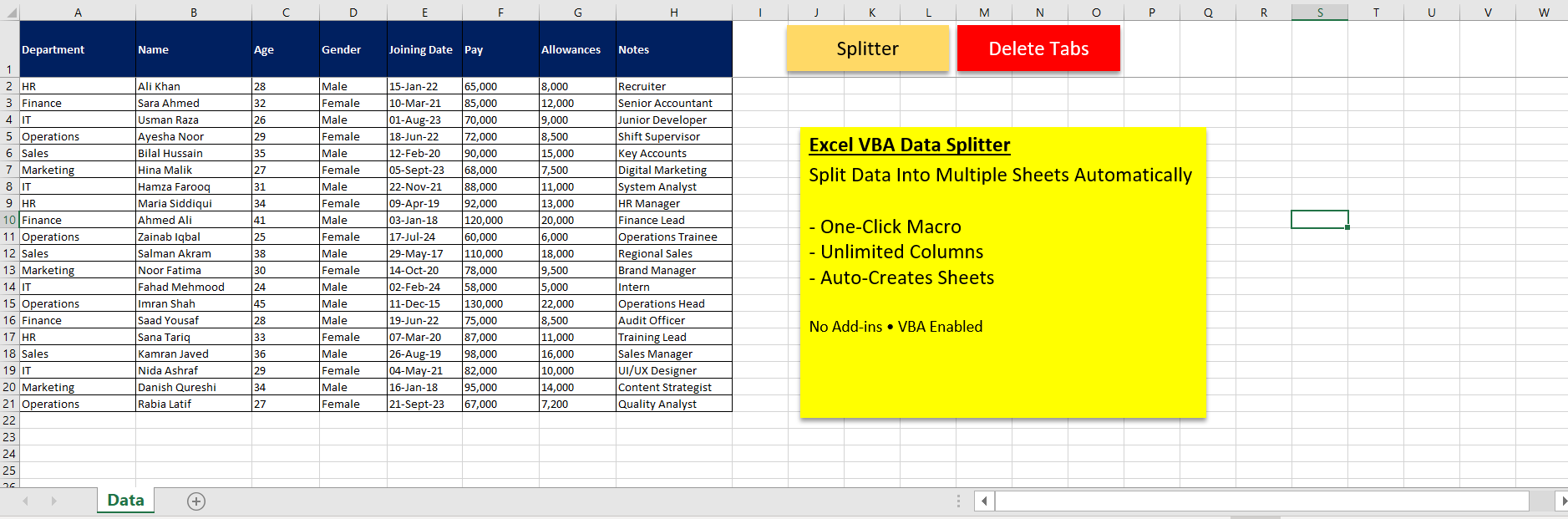
This Excel VBA template allows you to automatically split data into multiple worksheets based on any selected column — with no column limits.

The tool prompts the user to select:

  • A header row

  • A criteria column (such as Department, Category, Status, etc.)


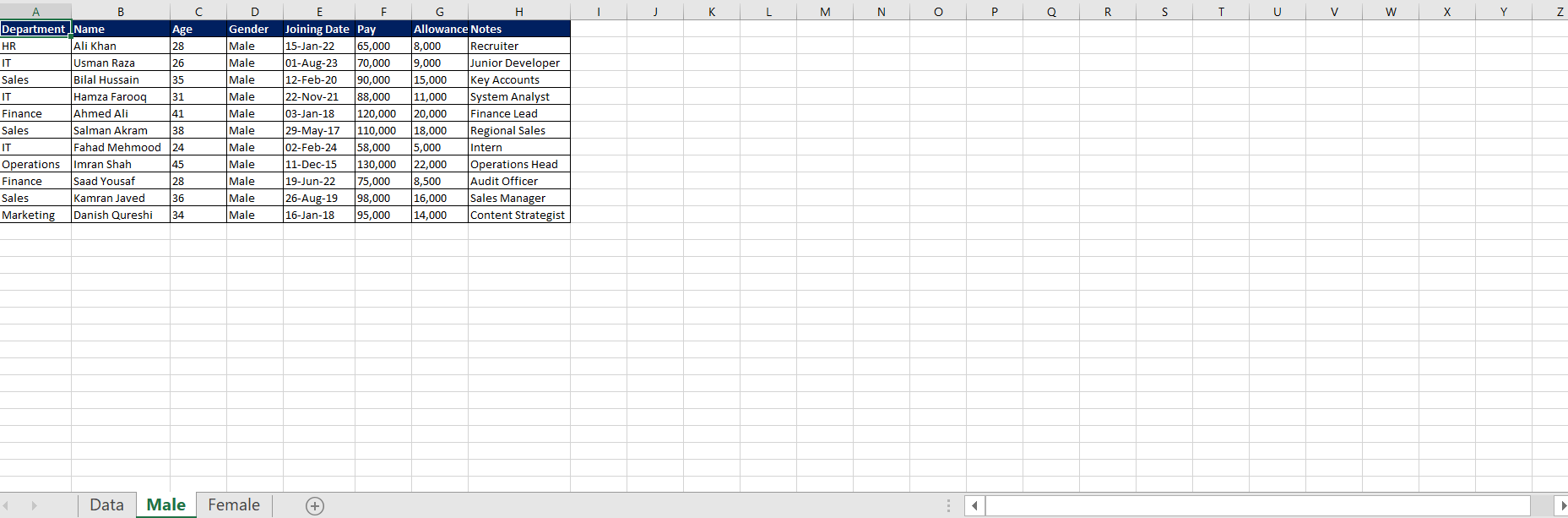
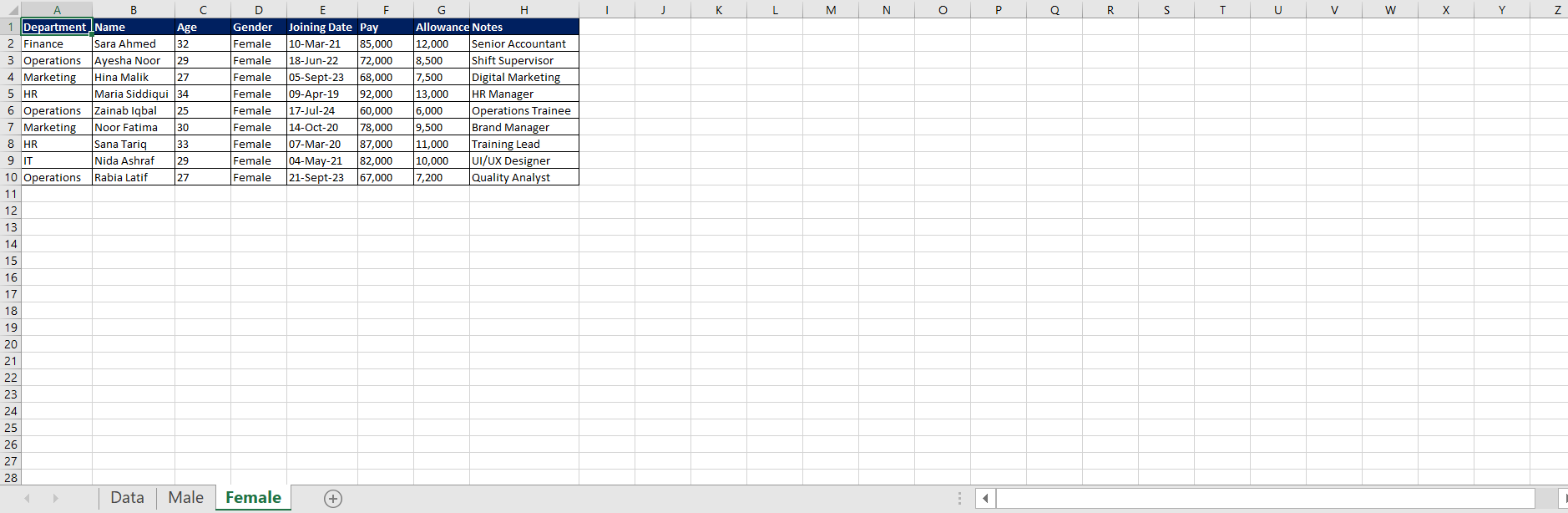
Each unique value in the selected column is placed into its own worksheet, with headers preserved. The template adapts automatically if more columns are added in the future.


An additional one-click cleanup macro is included to delete all generated sheets except the original Data sheet, allowing the process to be safely repeated.


Key Features

  • Unlimited columns supported (future-proof)

  • User-selected header and criteria column

  • Automatically creates and names sheets

  • Preserves original headers

  • One-click cleanup macro

  • No formulas, no add-ins required


Best Use Cases
  • Splitting sales data by region

  • Separating employees by department

  • Organizing transactions by category

  • Preparing datasets for reporting or audits

Compatible with Excel for Windows (VBA-enabled).

This Best Practice includes
1 Excel File

Abdul H. offers you this Best Practice for free!

download for free

Add to bookmarks

Discuss


0.0 / 5 (0 votes)

please wait...
