Family Investment Sheet
Originally published: 20/04/2026 07:32
Publication number: ELQ-63520-1
View all versions & Certificate
certified

Family Investment Sheet

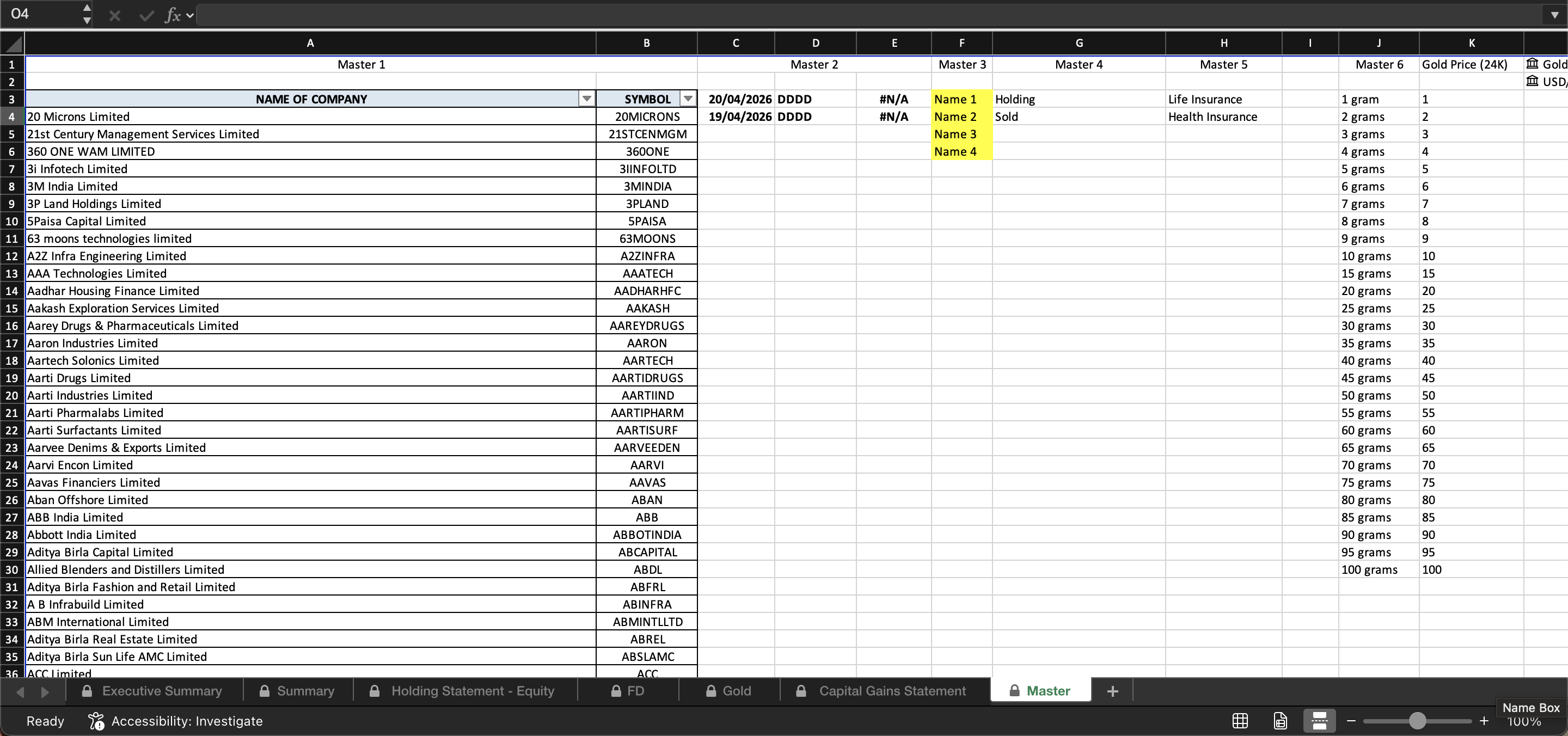
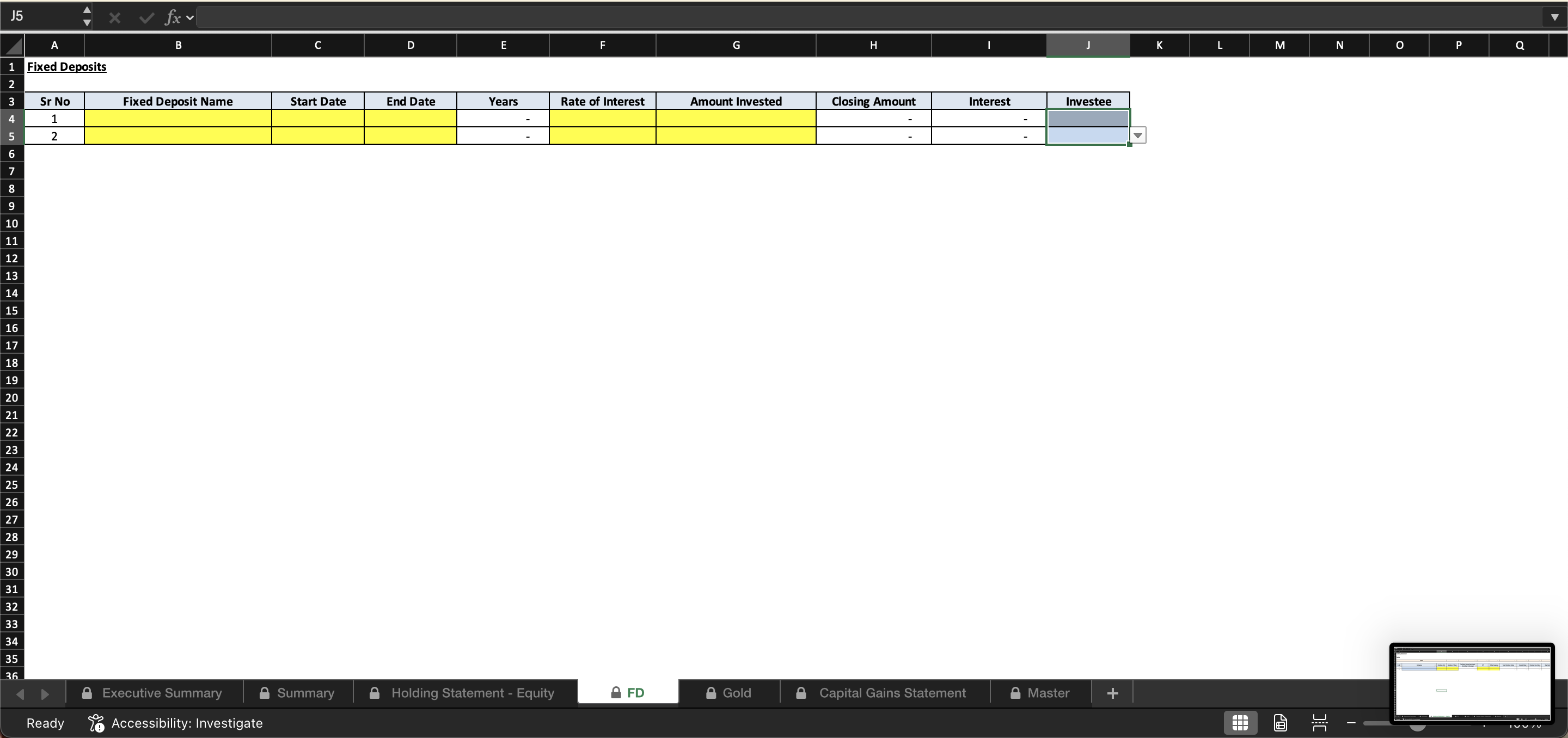
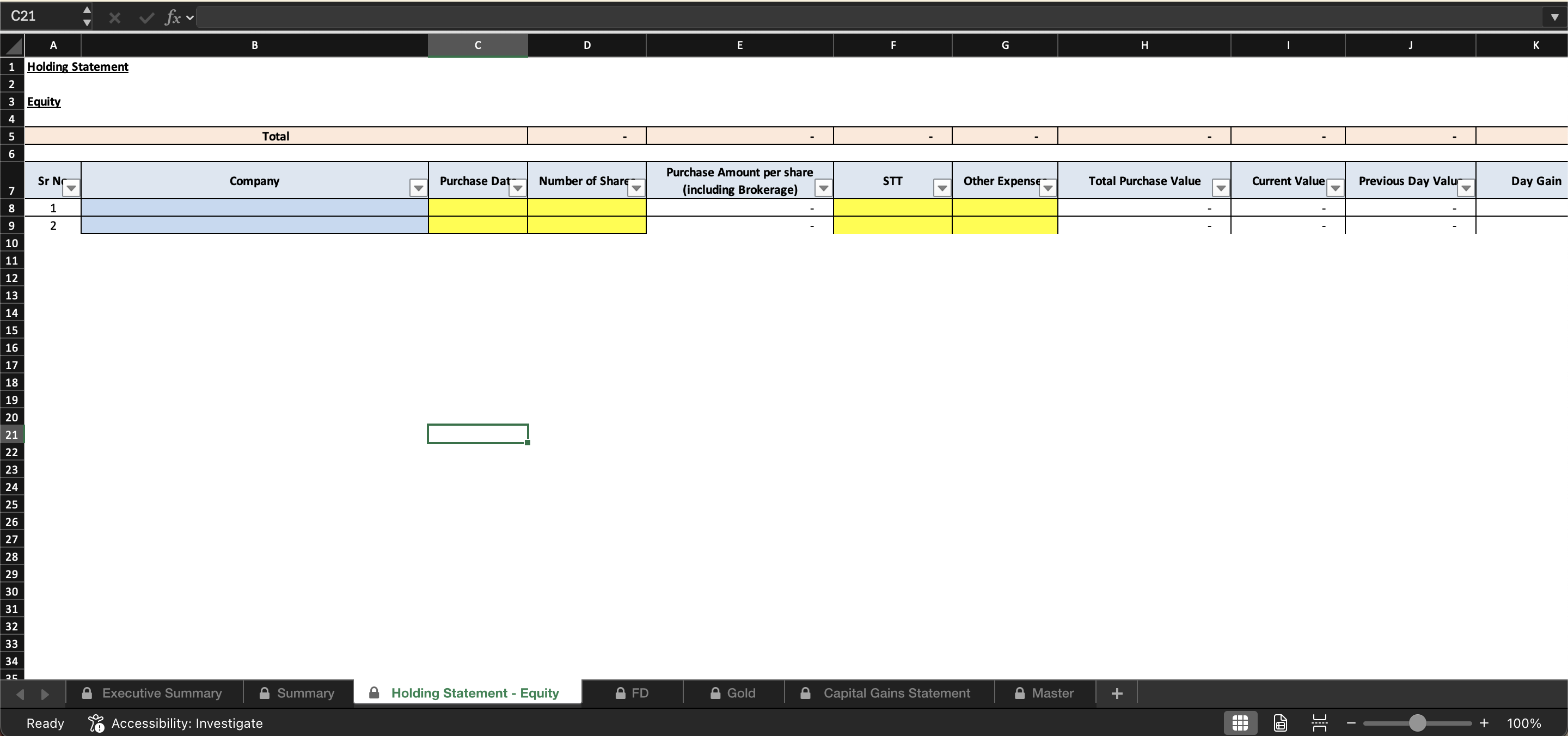
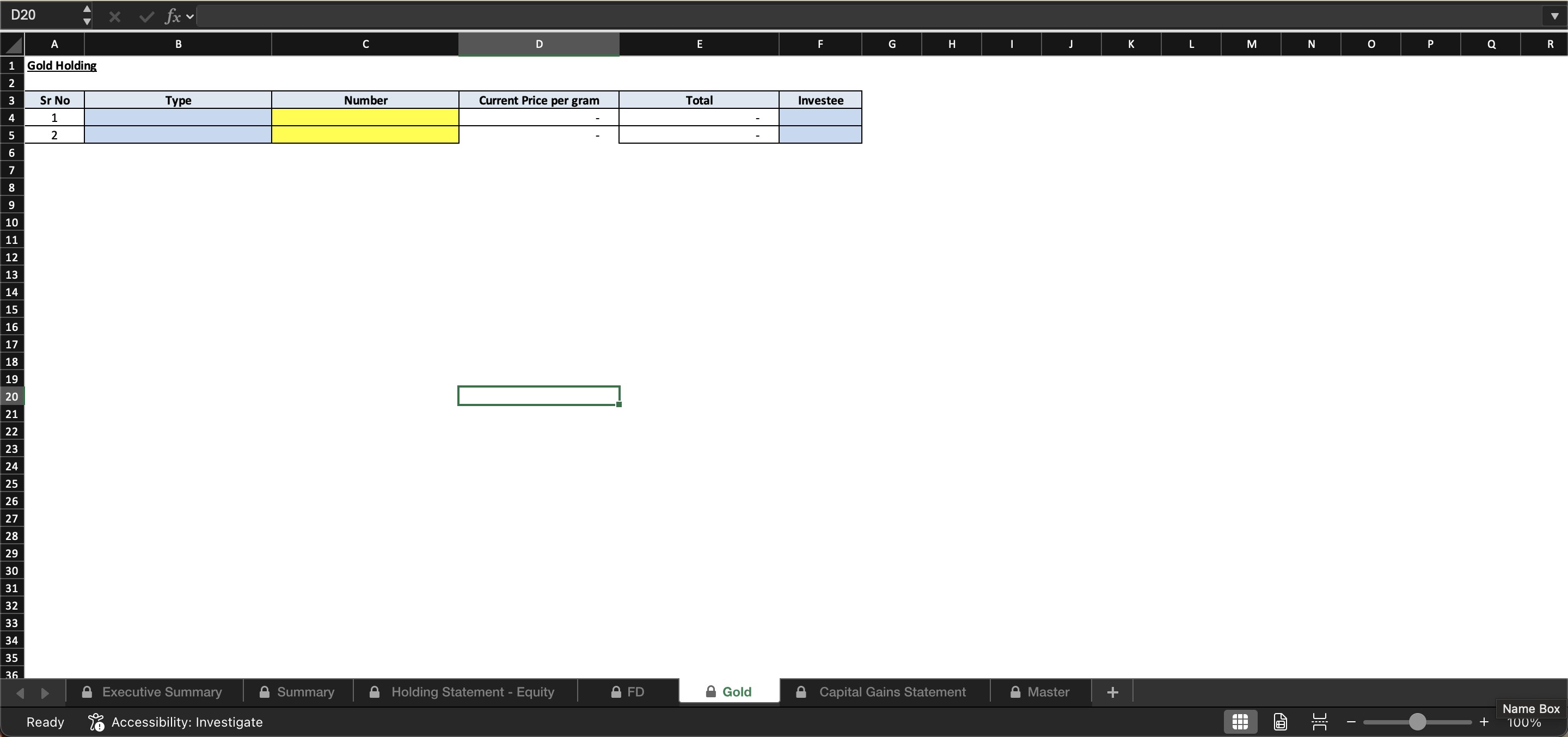
THIS IS ONLY FOR INDIAN USERS You can only change cells highlighted in yellow across all sheets (including master sheet). Cells highlighted in blue are dropdown

Description
THIS IS ONLY FOR INDIAN USERS


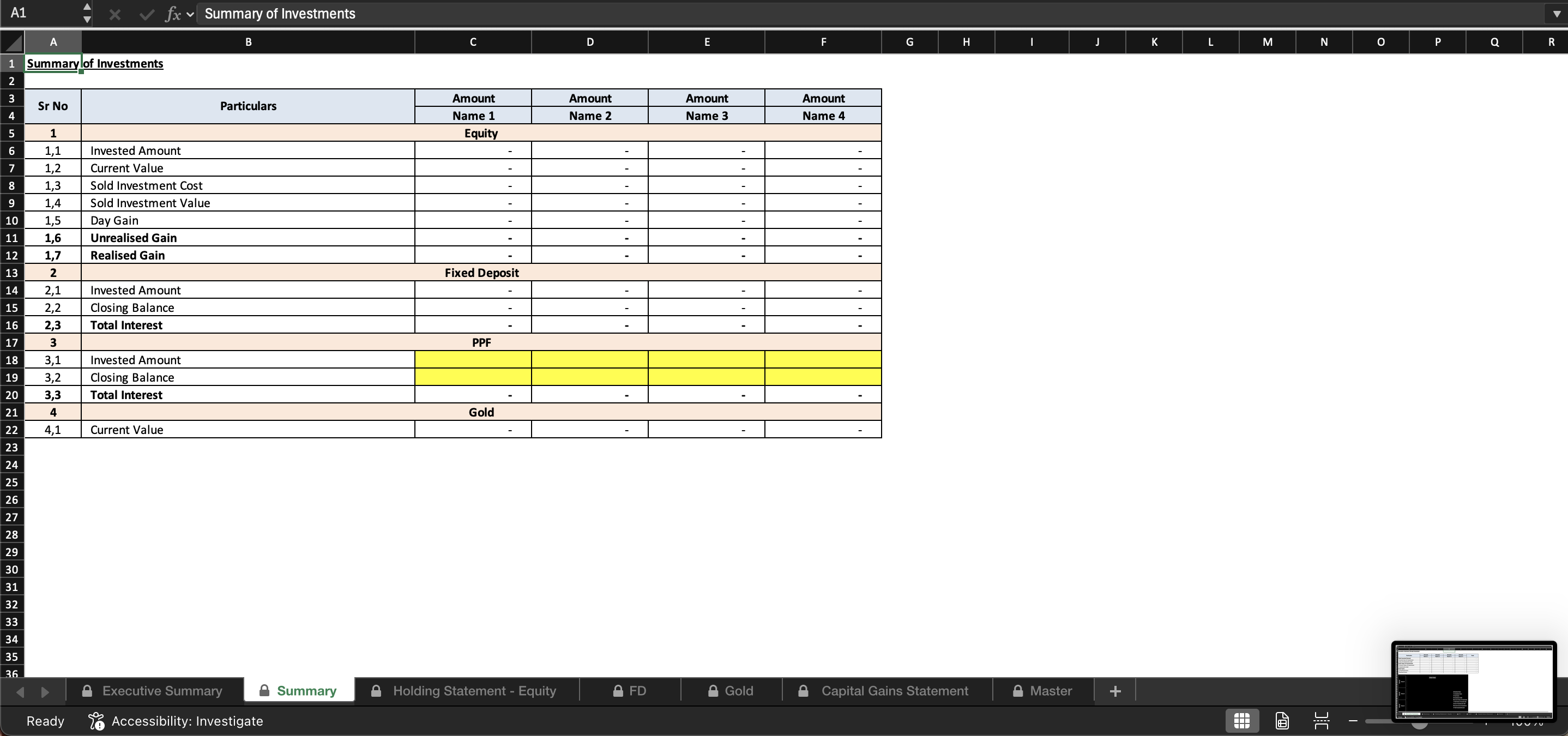
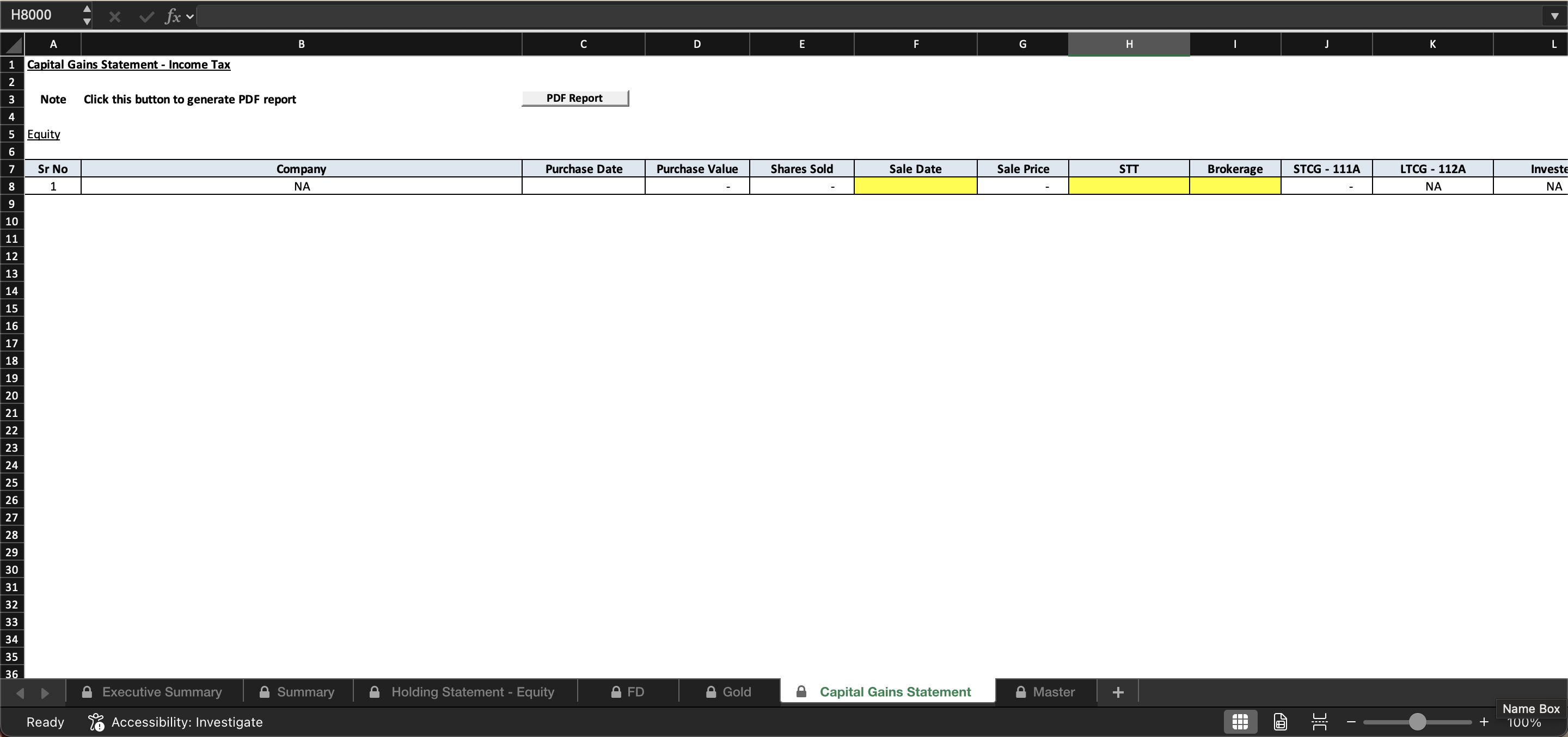
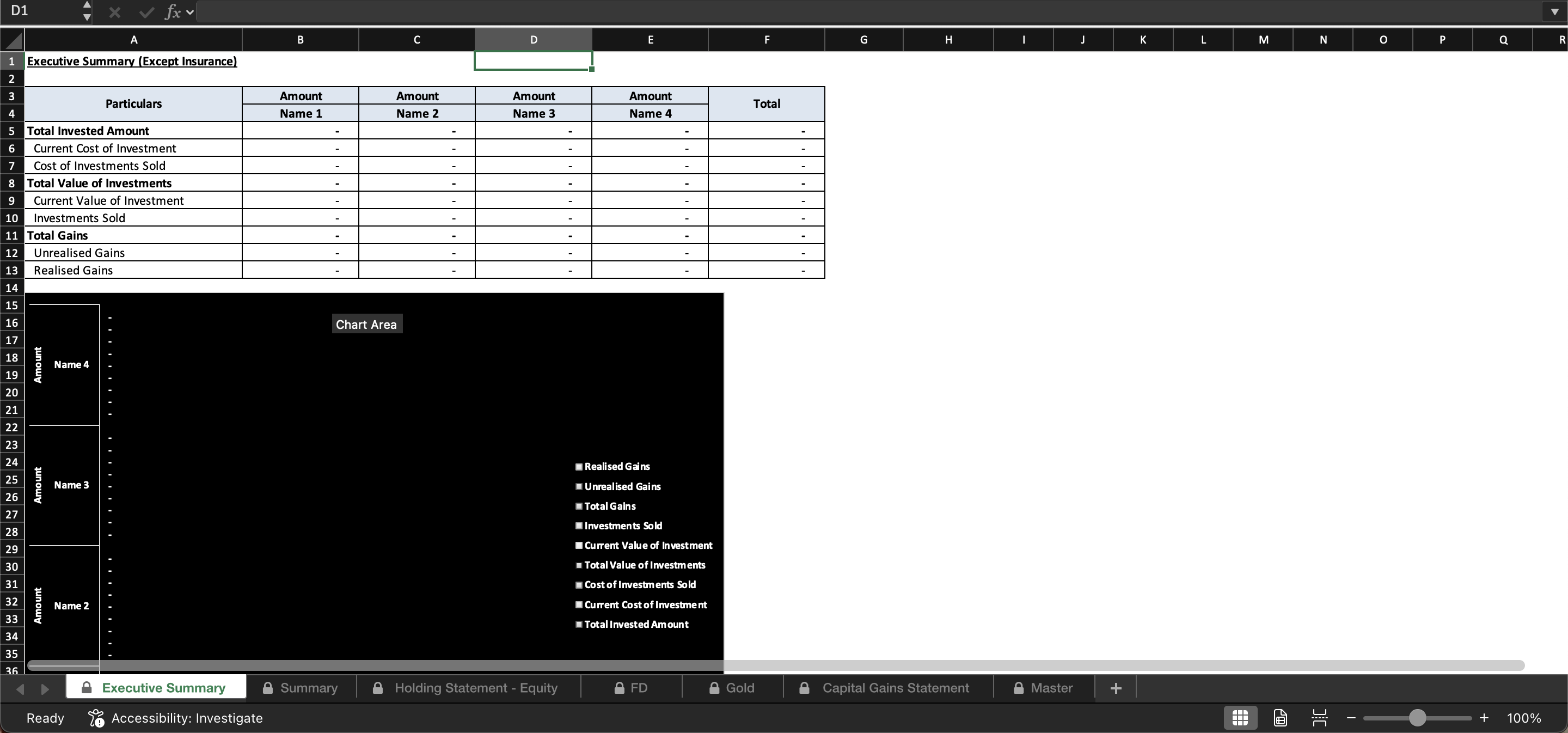
This workbook is designed to help you track all your investments in one place in a simple and structured manner. It provides a consolidated view of your holdings, transactions, and capital gains across multiple sheets, including a master sheet for overall tracking.

To ensure data accuracy and preserve the integrity of formulas, you are allowed to modify only the cells highlighted in yellow across all sheets, including the master sheet. These cells are meant for user inputs such as investment details, transaction dates, quantities, and values. Any other cells should not be edited, as they contain automated calculations and references.

Cells highlighted in blue are linked to predefined dropdown menus. For these fields, please select the appropriate option directly from the dropdown instead of entering values manually. This helps maintain consistency across the workbook and avoids errors in calculations or reports.

For tracking capital gains, update the Holding sheet whenever an investment is sold by selecting “Sold” in the relevant status field. At the end of each financial year, once all sales are updated, click the “Generate PDF” button to automatically create a capital gains report for that year. This PDF can be used for record‑keeping or tax reporting purposes.

This Best Practice includes
1 Excel File

Acquire business license for $3.00 $0.90

Add to cart

Add to bookmarks

Discuss


0.0 / 5 (0 votes)

please wait...