
Capital Budgeting Model — NPV, IRR & Investment Decision Excel Template
Originally published: 01/07/2026 13:08
Publication number: ELQ-45906-1
View all versions & Certificate
certified

Capital Budgeting Model — NPV, IRR & Investment Decision Excel Template

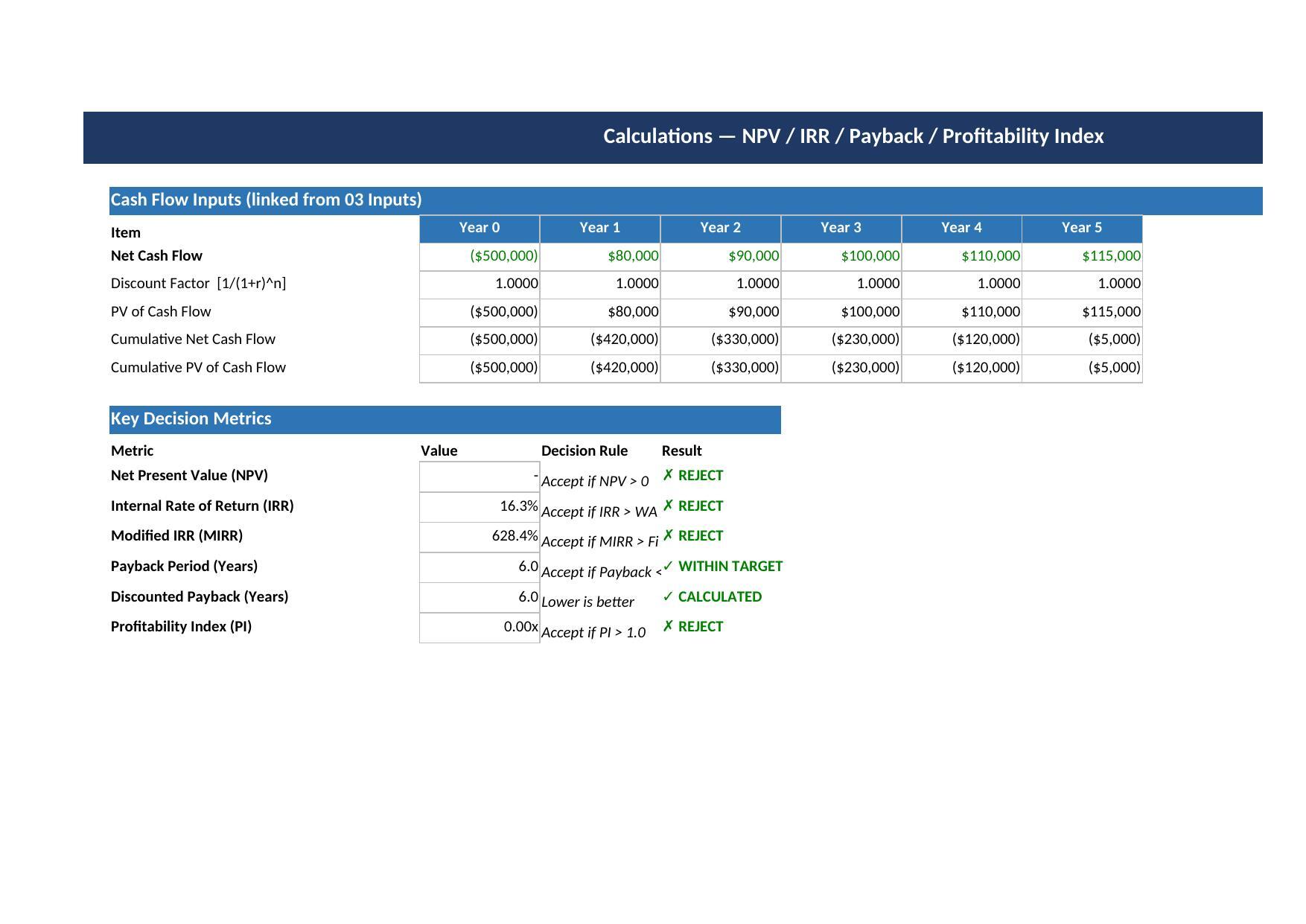
Instantly compute NPV, IRR, MIRR, Payback, Discounted Payback & Profitability Index — with a clear ACCEPT/REJECT verdict for any capital project.

Description
Evaluate any capital investment decision in minutes with this professional Excel model. BK002 covers every metric a finance team, analyst, or business owner needs to decide whether a project is worth funding — from the basics (NPV and IRR) to more sophisticated measures (MIRR, Discounted Payback, Profitability Index) — all driven by native Excel formulas, no macros required.

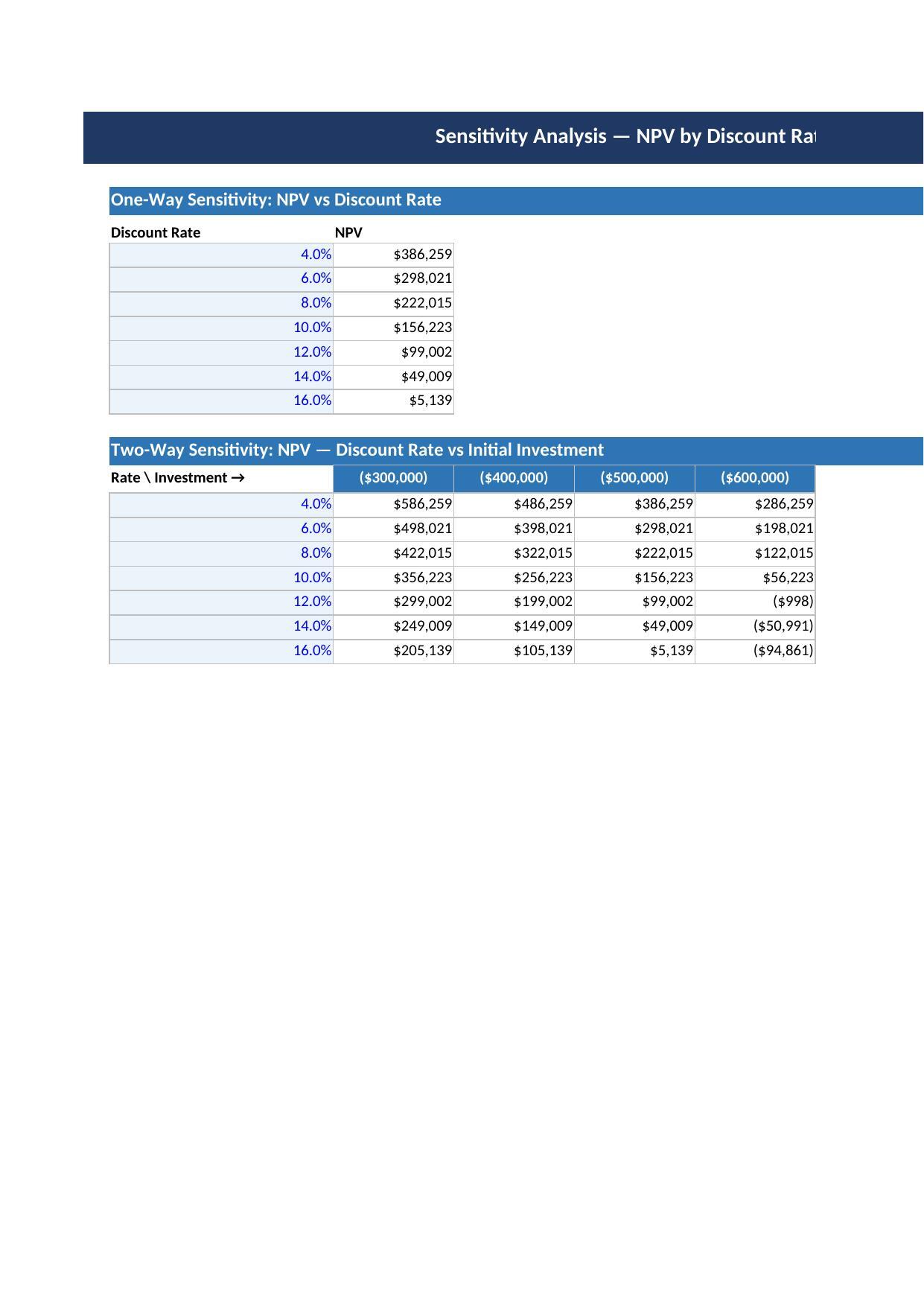
What This Model Does: Computes Net Present Value (NPV) for up to 10 years of projected cash flows. Calculates Internal Rate of Return (IRR) and Modified IRR (MIRR) to account for reinvestment assumptions. Measures Payback Period and Discounted Payback Period for liquidity risk assessment. Calculates Profitability Index (PI) to rank competing projects. Delivers an instant ACCEPT/REJECT verdict for each metric against your hurdle rate. Visualises cumulative net cash flow against present value of cash flows on a dashboard chart. Includes one-way sensitivity (NPV across 9 discount rates, 4%-20%) and two-way sensitivity (NPV across 5 discount rates x 5 investment sizes).

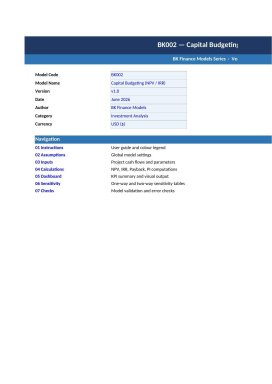
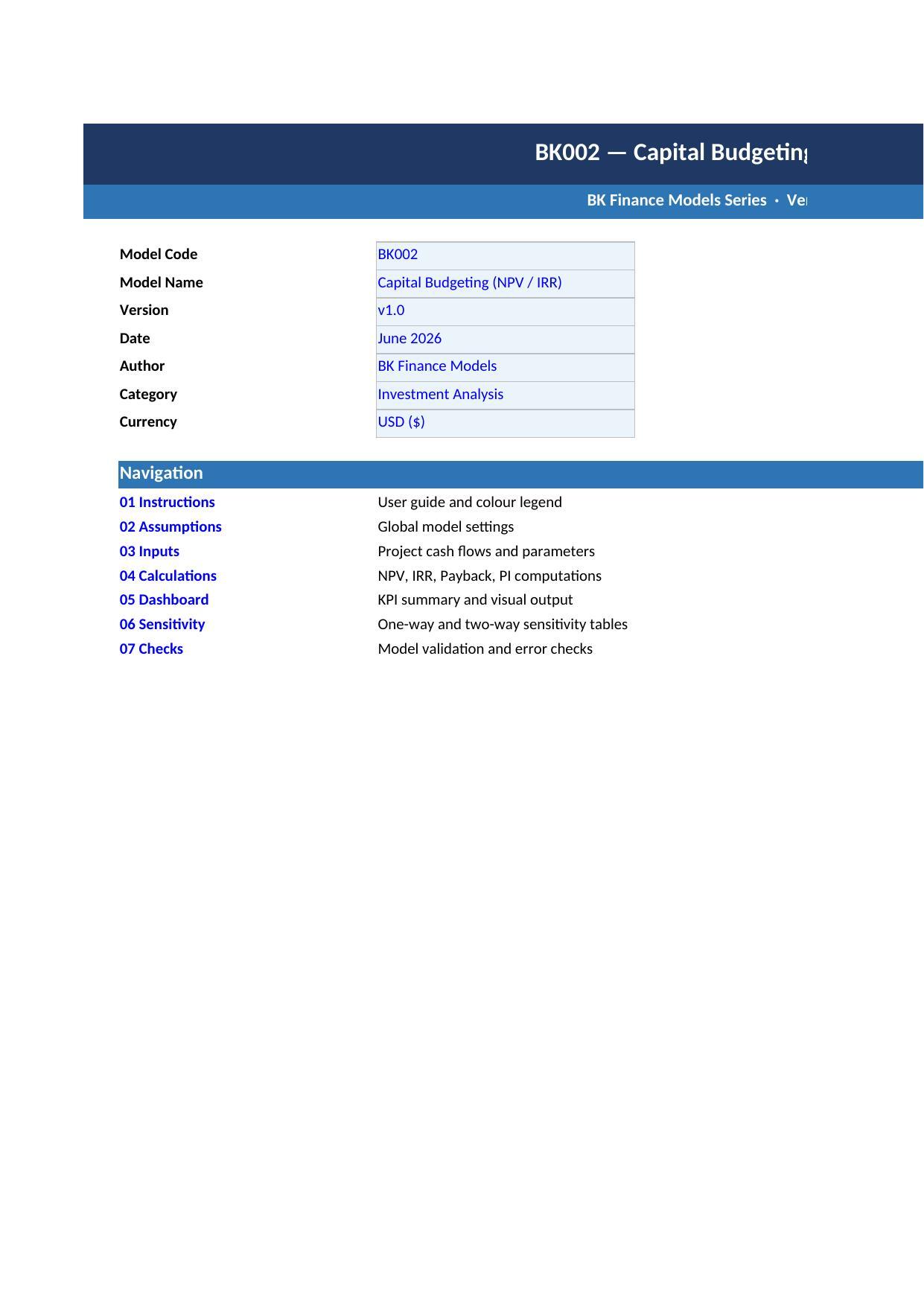
What Is Included: 1 Excel workbook (.xlsx) with 9 professionally formatted sheets: Cover, Instructions, Assumptions, Inputs, Calculations, Dashboard, Sensitivity, Checks, and Version History.

Who It Is For: CFOs and finance managers evaluating CapEx proposals, investment analysts building business cases, MBA students learning capital budgeting, startups and SMEs deciding whether to invest in equipment or expansion, and consultants preparing investment appraisal reports.


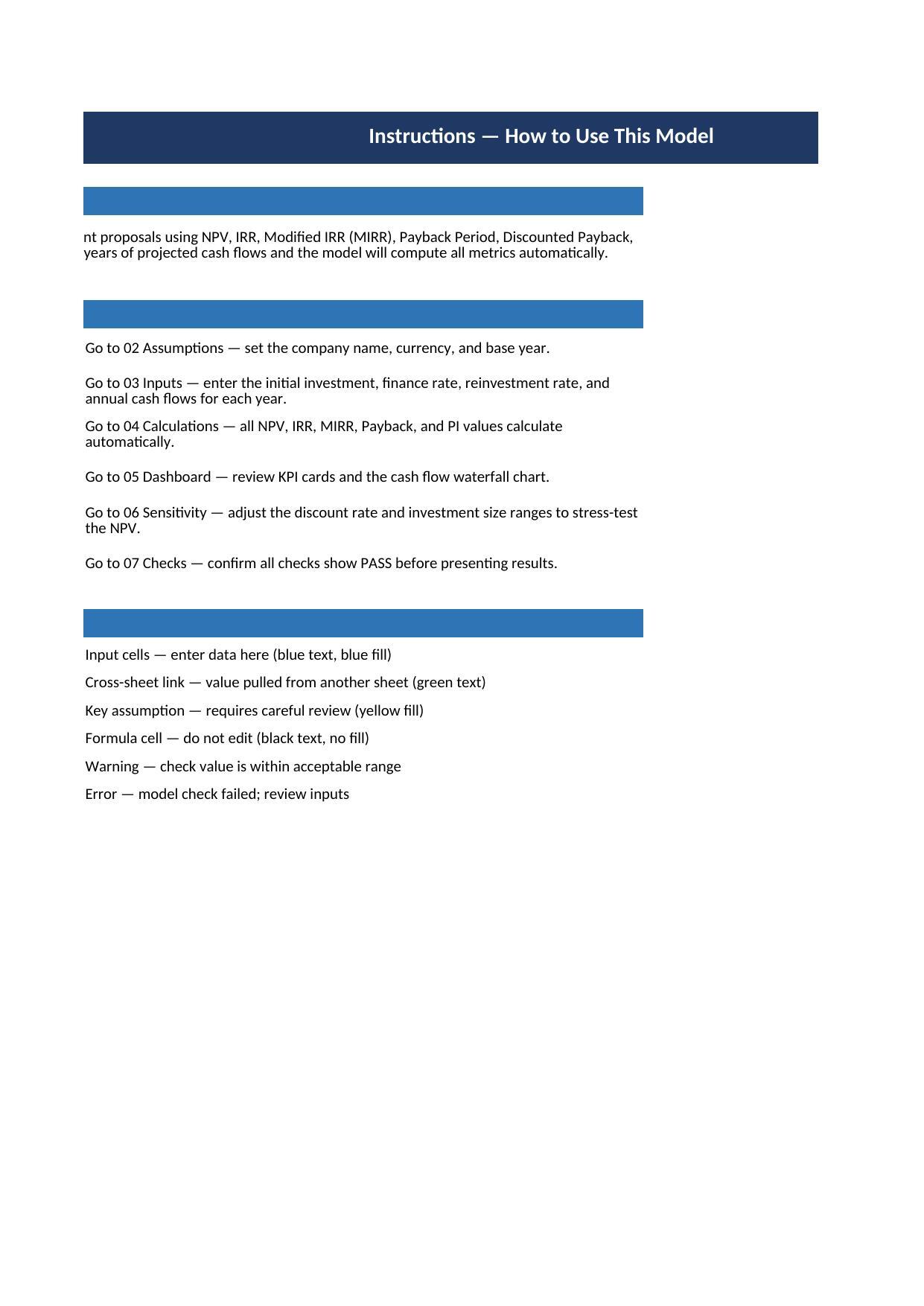
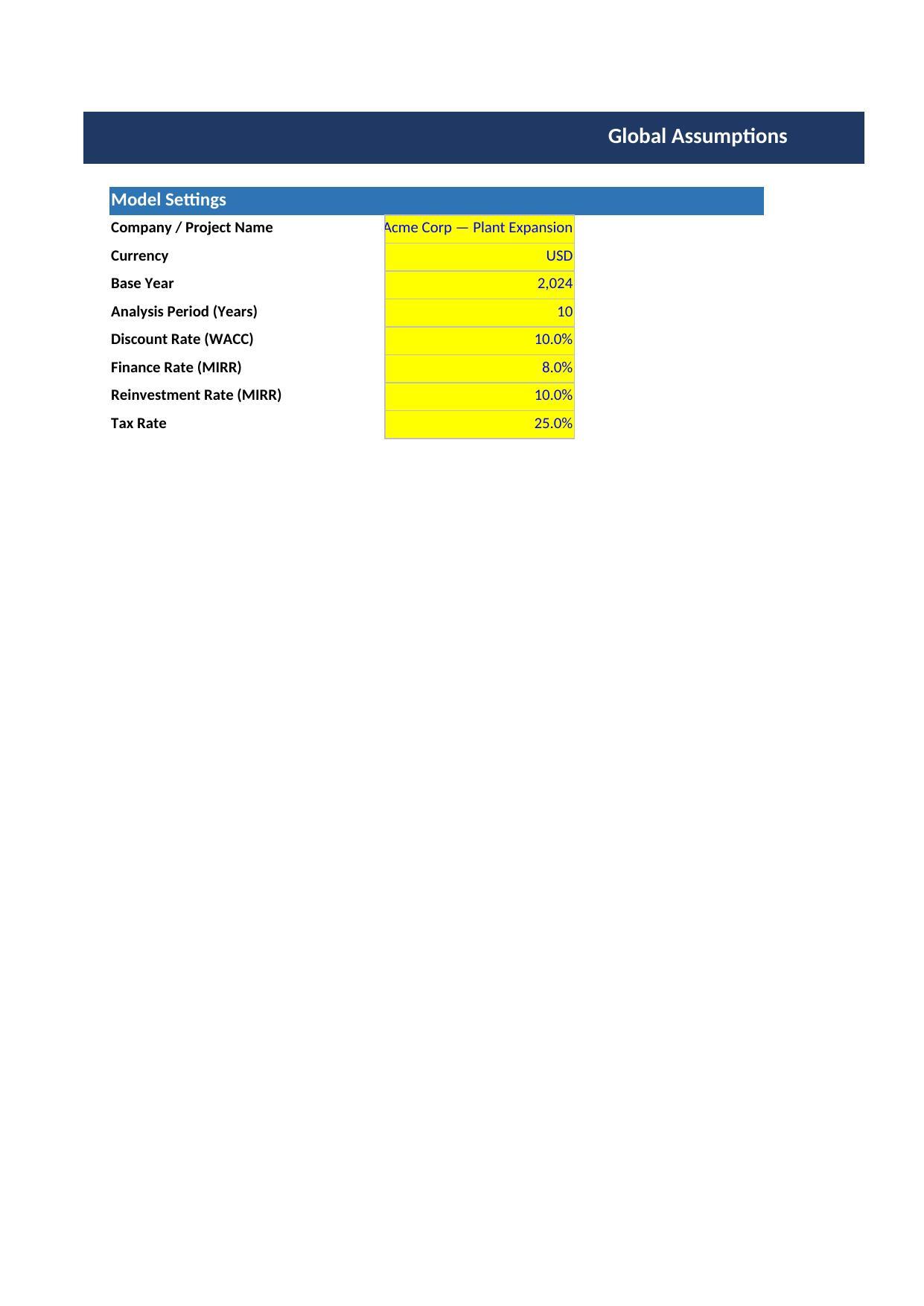
Design & Quality: All calculations use native Excel formulas, no macros or VBA. Blue cells are user inputs; black cells are locked formulas. IFERROR() and ISNUMBER() guards prevent #DIV/0! and #VALUE! errors. Sheet protection enabled to prevent accidental overwriting. Print areas defined on all sheets, landscape orientation for wide tables, consistent BK Finance Models colour scheme throughout.

This Best Practice includes
1 Excel workbook (.xlsx), 9 sheets: Cover, Instructions, Assumptions, Inputs, Calculations, Dashboard, Sensitivity, Chec

Acquire business license for $24.99

Add to cart

Add to bookmarks

Discuss


0.0 / 5 (0 votes)

please wait...