Payroll & Headcount Planning — Excel Model for Hiring & Cost Forecasts
Originally published: 13/07/2026 20:10
Publication number: ELQ-18436-1
View all versions & Certificate
certified

Payroll & Headcount Planning — Excel Model for Hiring & Cost Forecasts

An 18-month, role-by-role payroll and headcount planning model that forecasts hiring costs, benefits, and total workforce spend.

Description

This Excel-based Payroll and Headcount Planning model gives a role-by-role view of your workforce plan and its true cost.

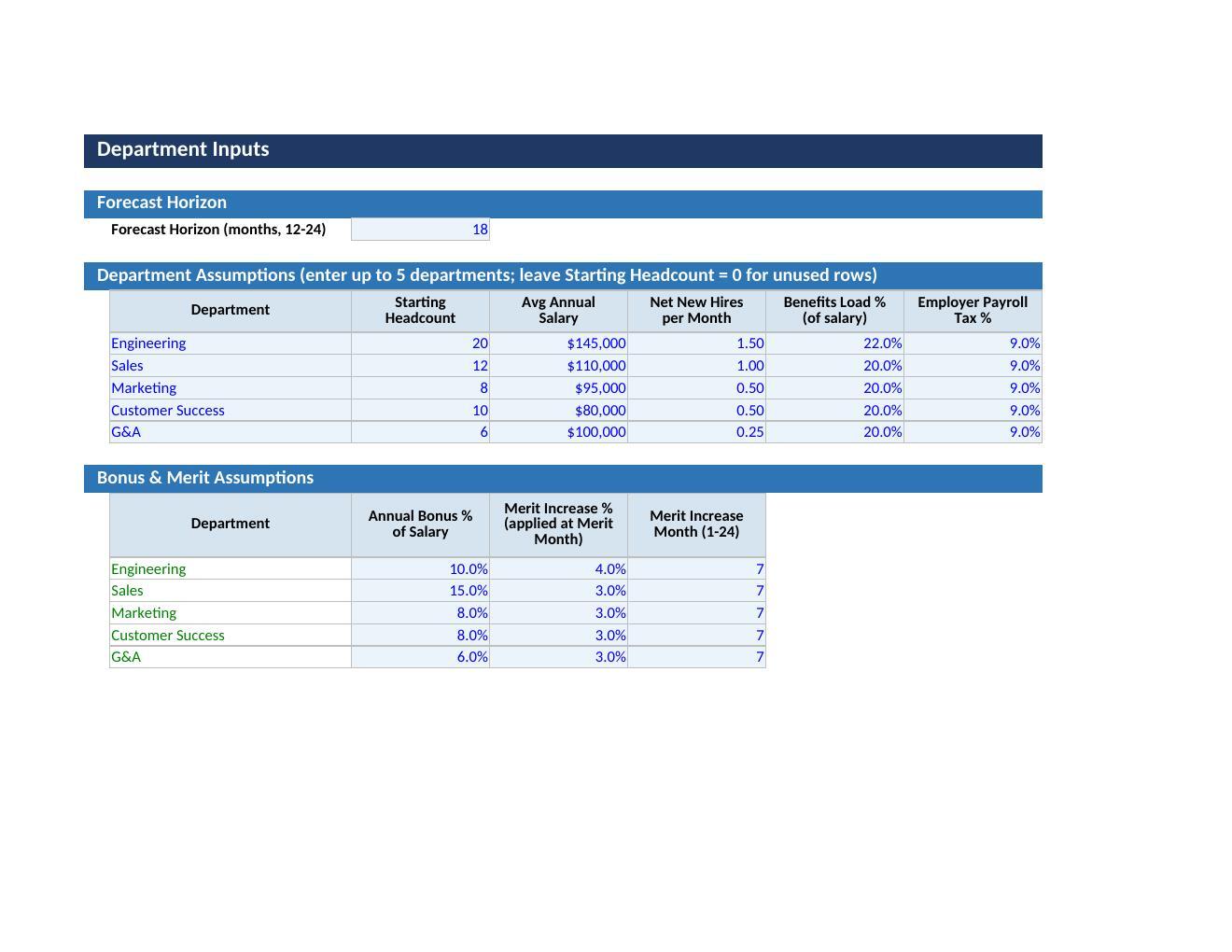
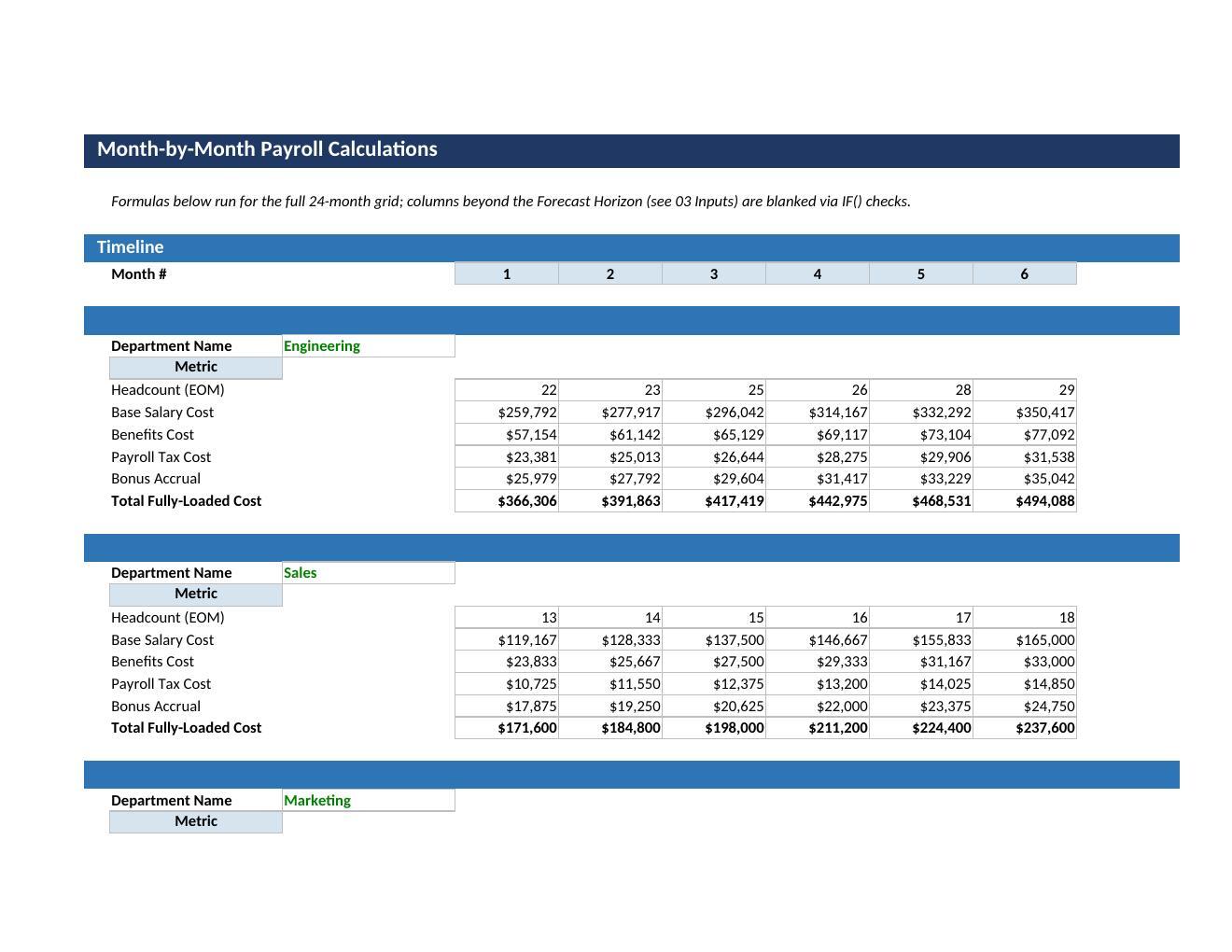
Starting from department headcount inputs, it builds a month-by-month forecast of hiring, salary cost, payroll tax, benefits, and annual bonus accrual, then rolls everything into a fully-loaded payroll cost per department and for the company overall. You set the hiring timeline and start date for each role, and the model ramps headcount up over the forecast horizon, calculating base salary, benefits load, employer payroll tax, and merit increases into a clear monthly and cumulative cost trajectory.

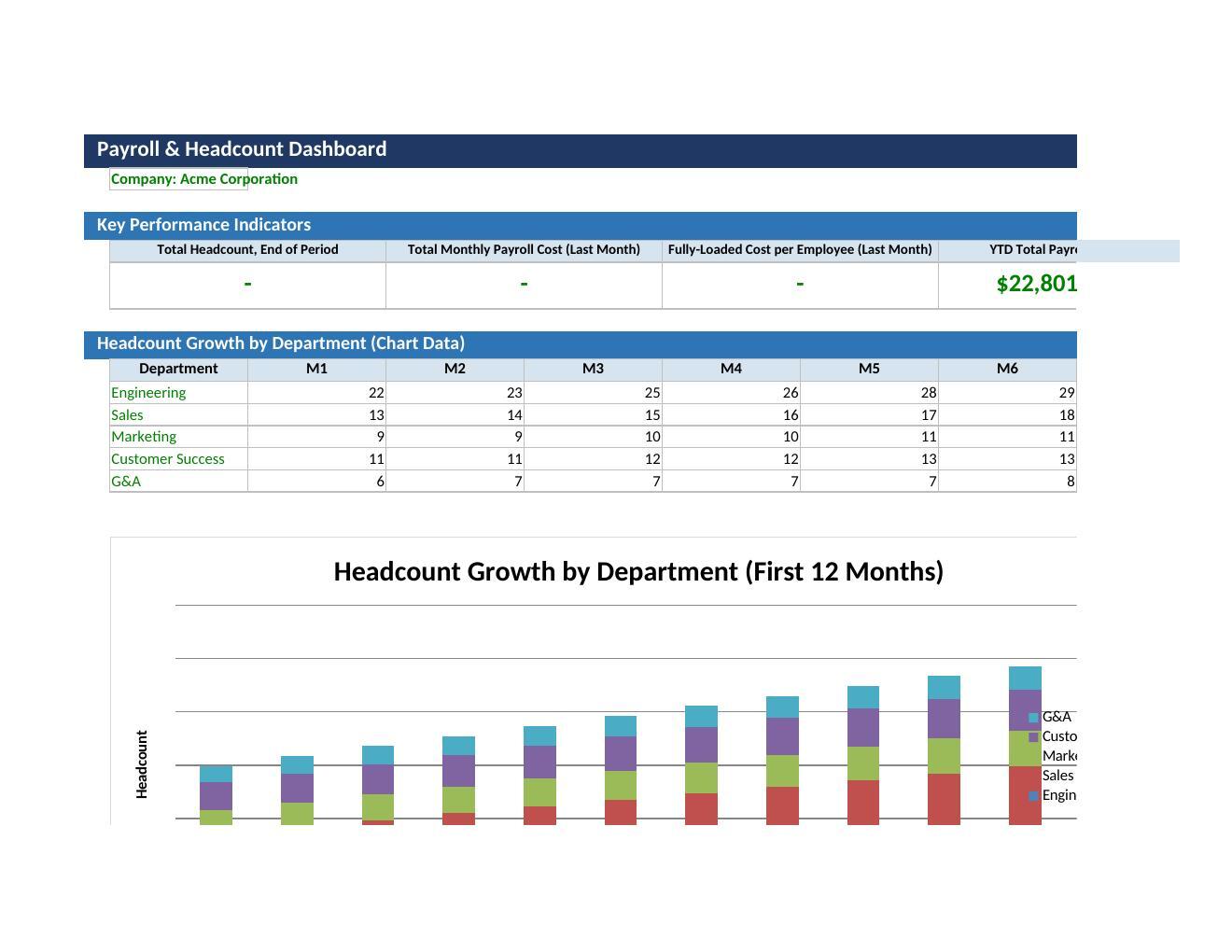
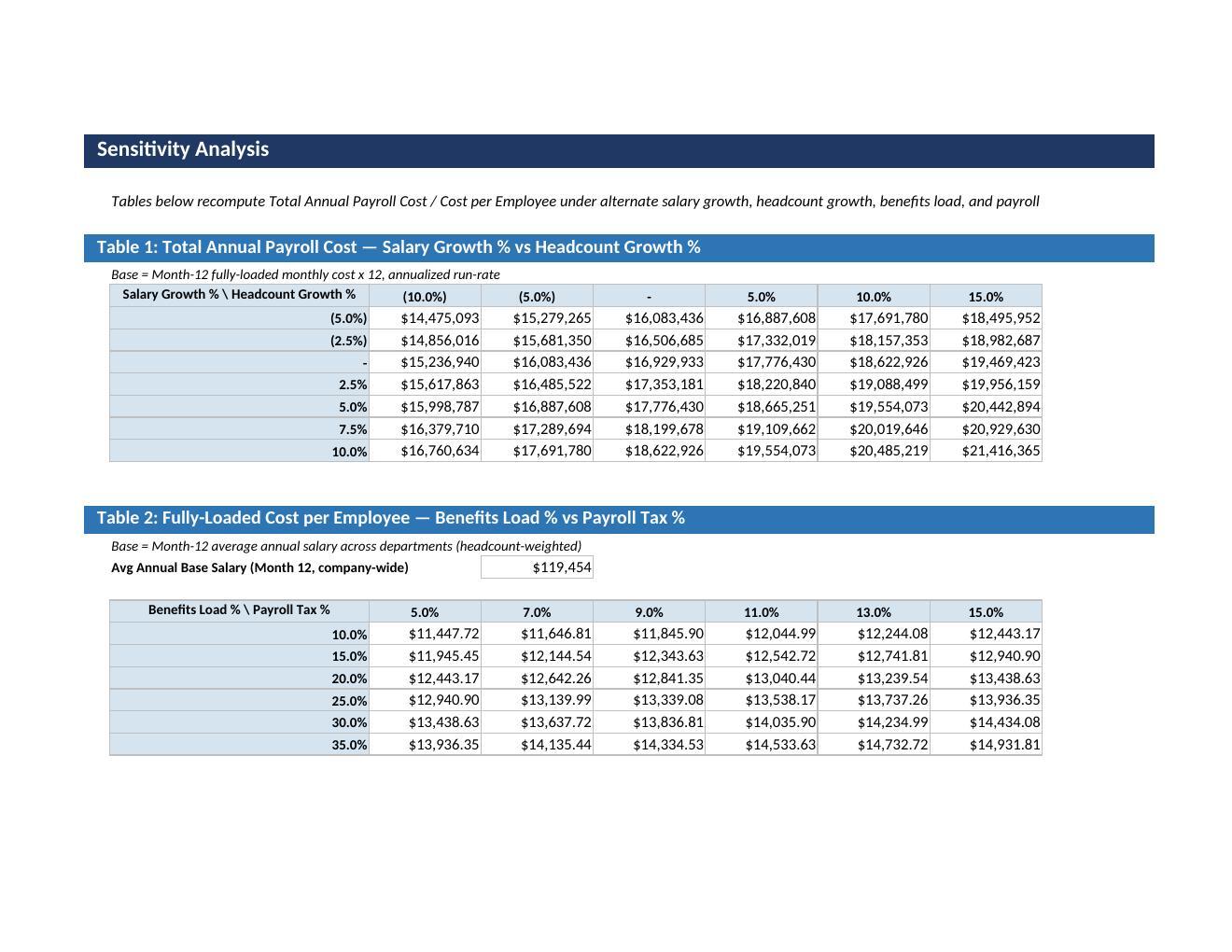
A Dashboard summarizes KPIs, department cost mix, and total payroll spend at a glance, while a two-way Sensitivity Analysis stress-tests the plan against alternate salary growth, headcount growth, benefits load, and payroll tax assumptions.

Who It Is For

Built for:

  • Finance and FP&A teams needing an auditable payroll forecast for budgets and board reporting,

  • Startup founders and operators planning hiring waves against runway and cash flow,

  • HR and People Operations teams modeling headcount by department and role, testing hiring timelines, and communicating cost impact to leadership,

  • Consultants and advisors supporting clients on workforce planning or fundraising.

What Is Included

The workbook has nine structured sheets:

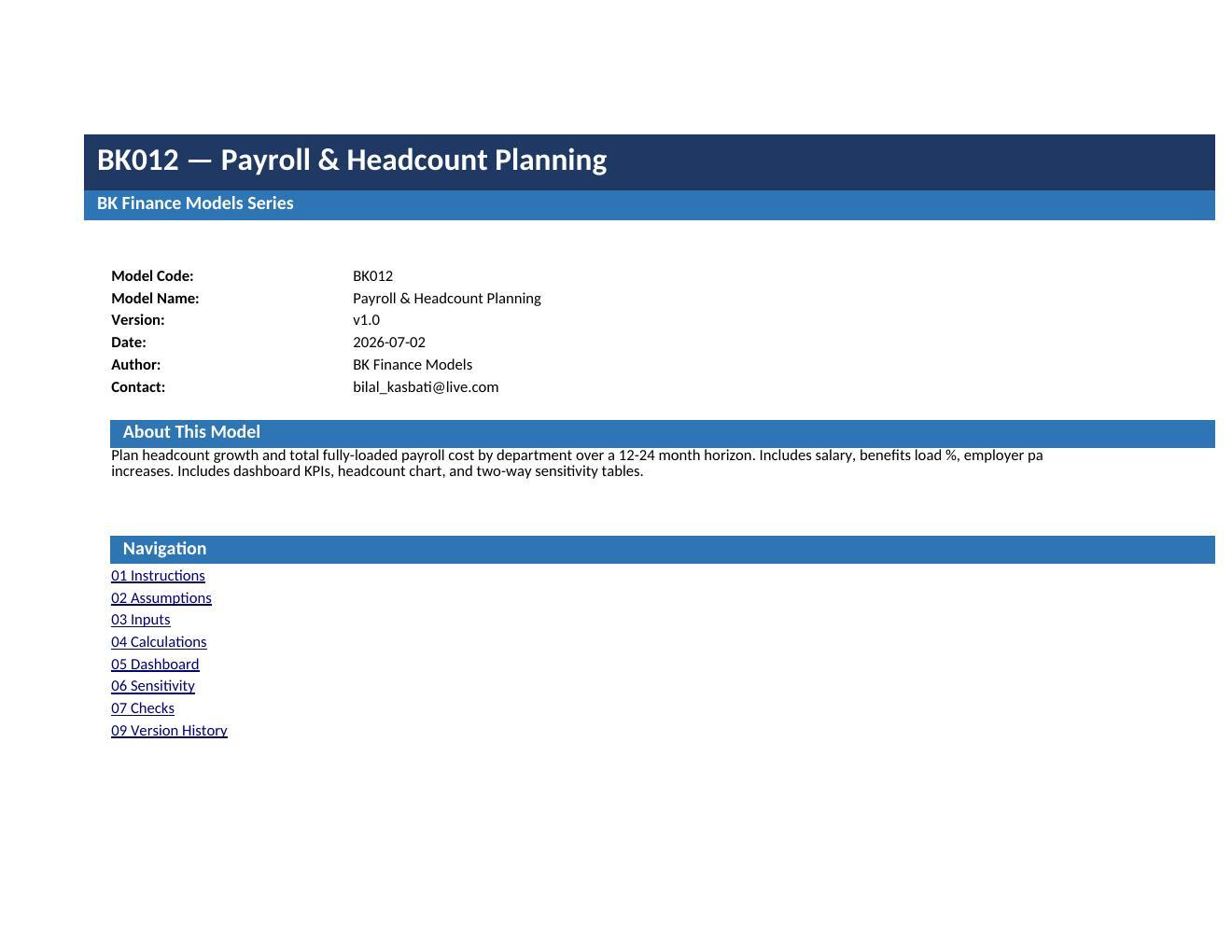
  • Cover,

  • Instructions with step-by-step usage guidance,

  • Assumptions for global settings like currency and fiscal year,

  • Inputs for department headcount and hiring plans,

  • Calculations engine running the month-by-month payroll math,

  • Dashboard with KPIs and charts,

  • Sensitivity sheet with two-way data tables,

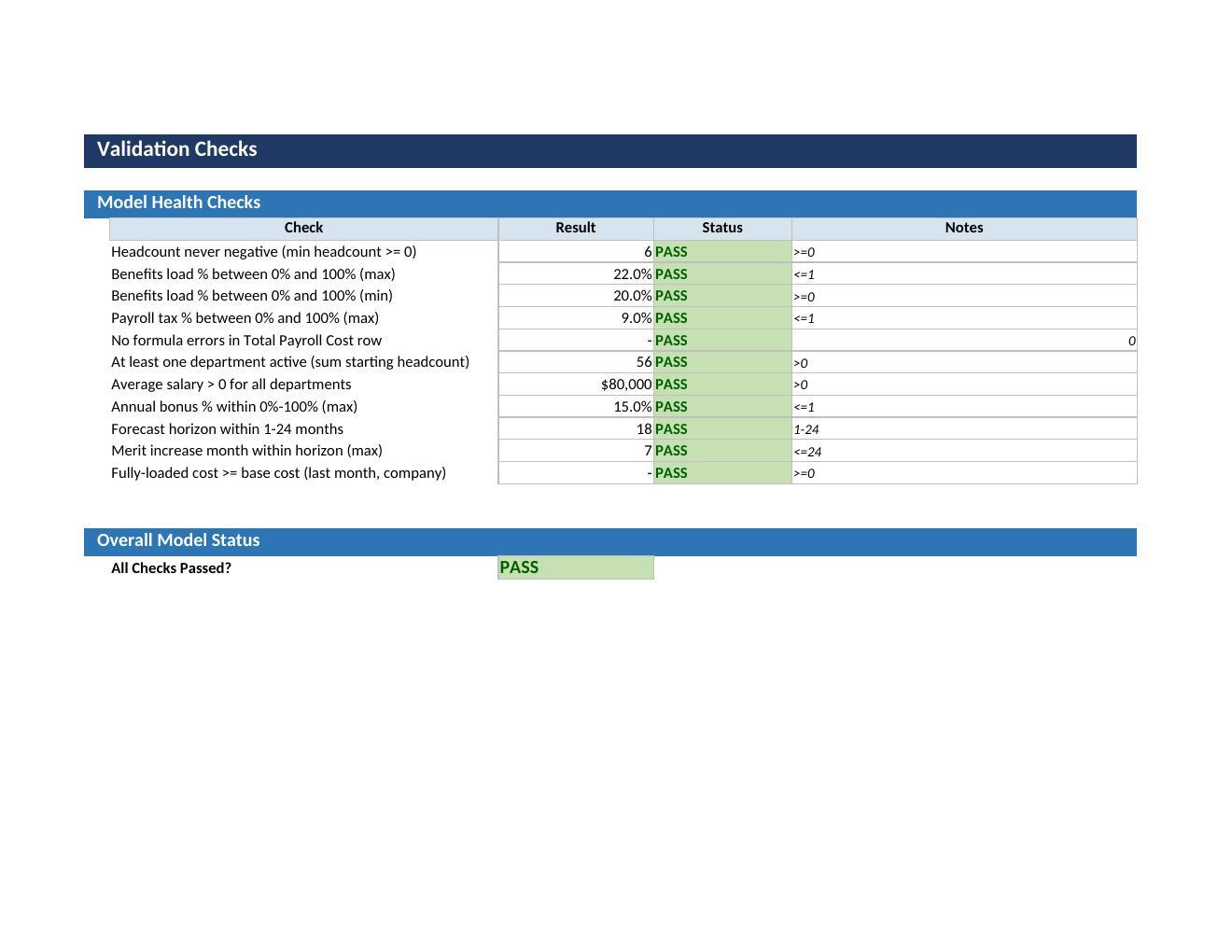
  • Checks sheet running automated validation tests,

  • Version History.

This Best Practice includes
1 Excel workbook (.xlsx), 9 sheets: Cover, Instructions, Assumptions, Inputs, Calculations, Dashboard, Sensitivity, Checks, Version History

Acquire business license for $24.99

Add to cart

Add to bookmarks

Discuss


0.0 / 5 (0 votes)

please wait...
