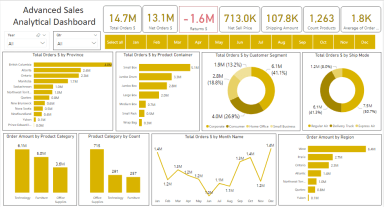
Advanced Sales Analytical Dashboard in Microsoft POWER BI (DAX)
Originally published: 17/05/2021 07:31
Last version published: 19/12/2025 21:22
Publication number: ELQ-91312-5
View all versions & Certificate
certified

Advanced Sales Analytical Dashboard in Microsoft POWER BI (DAX)

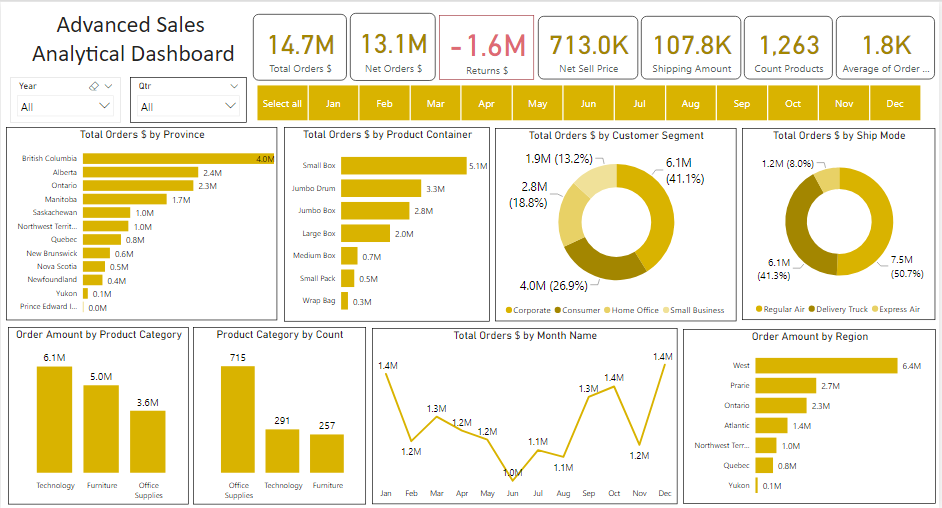
Advanced Sales Dashboard in Microsoft Power BI with DAX. Includes YOY, fiscal calendar, AI visuals, dynamic ranking & customer/time intelligence analysis.

Description
Advanced Sales Analytical Dashboard in Microsoft POWER BI using DAX

December 2025 Updates! Added Custom Slicer with KPI Visual - Time Period Based Selection

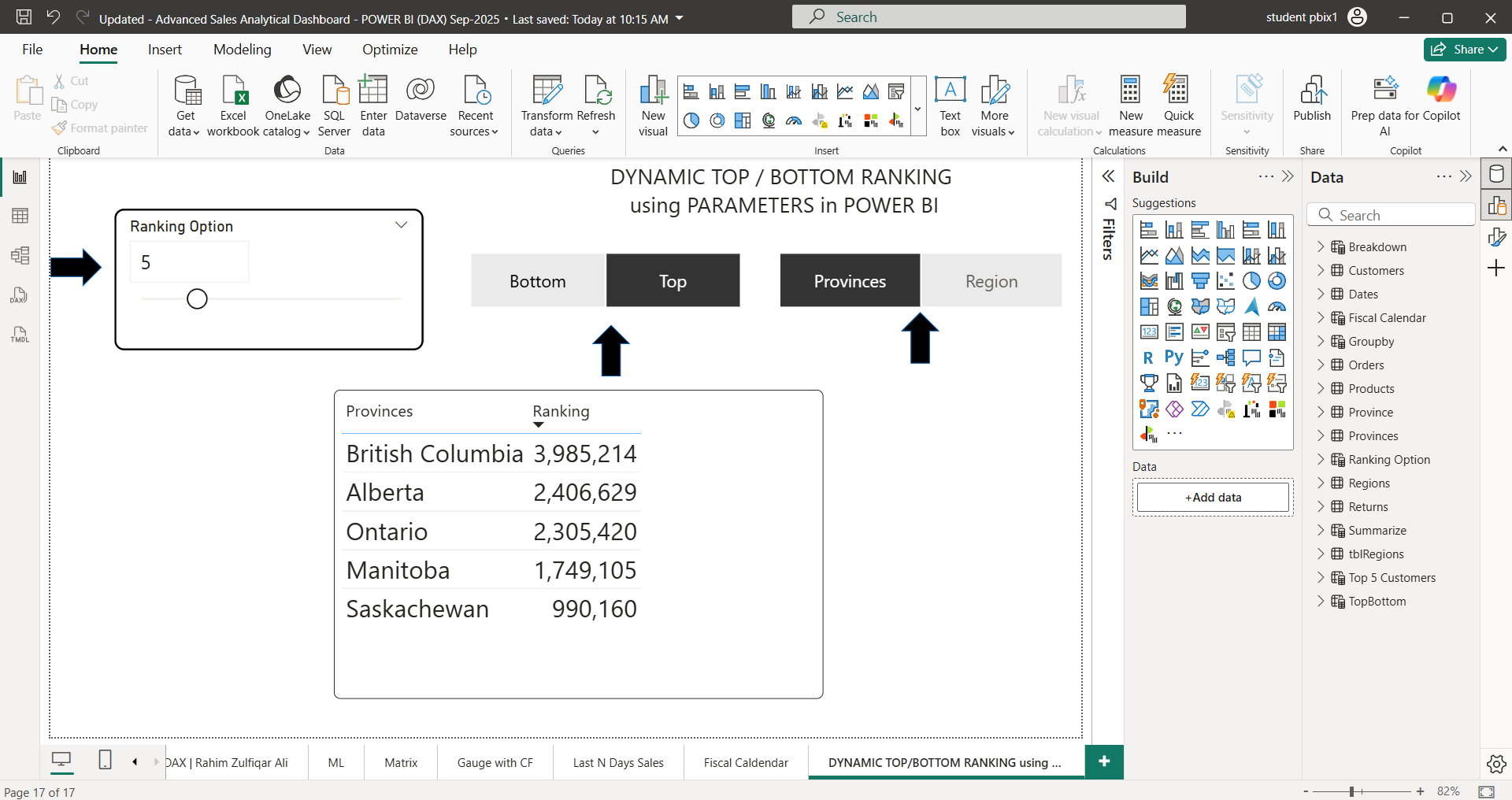
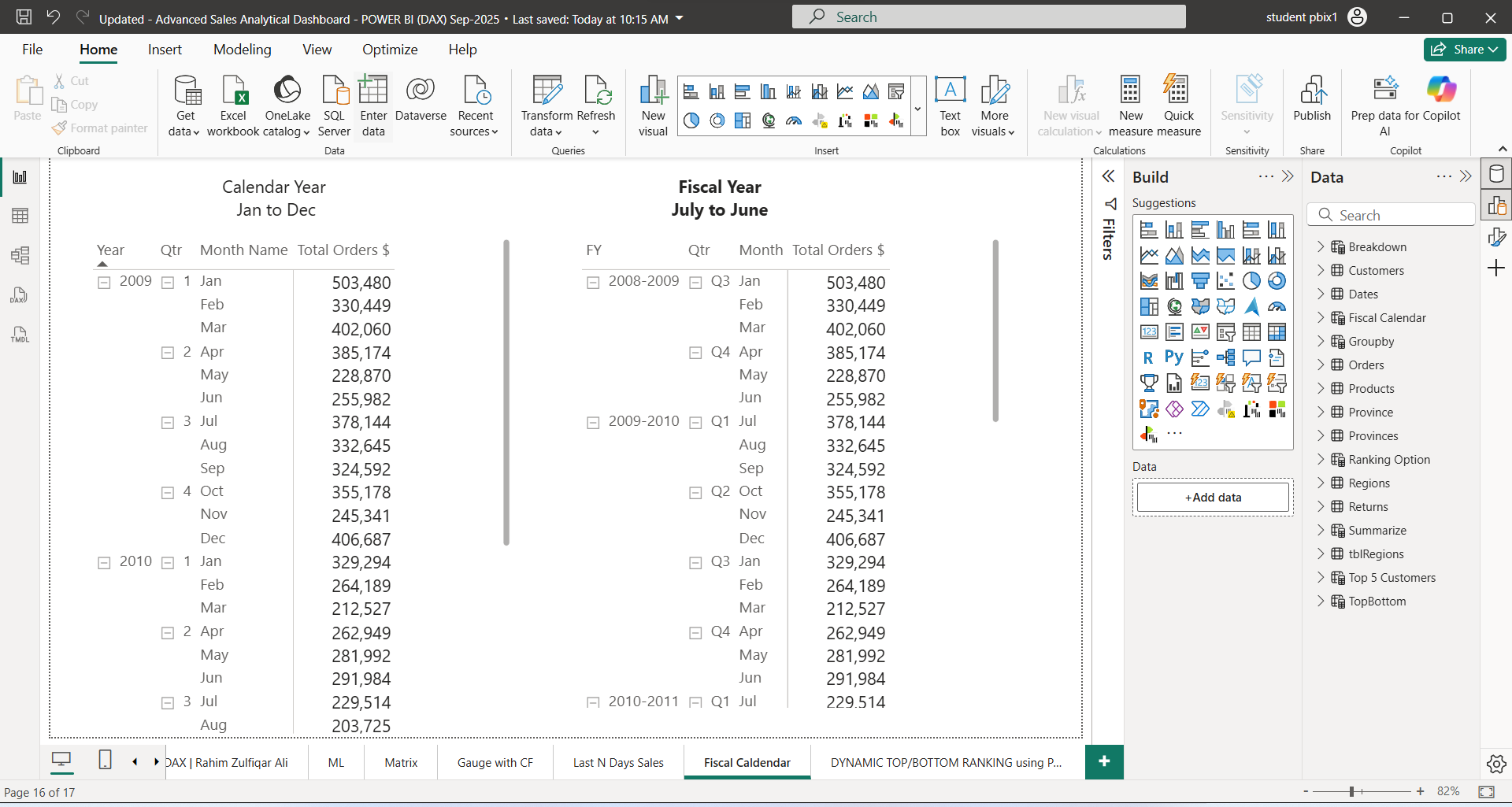
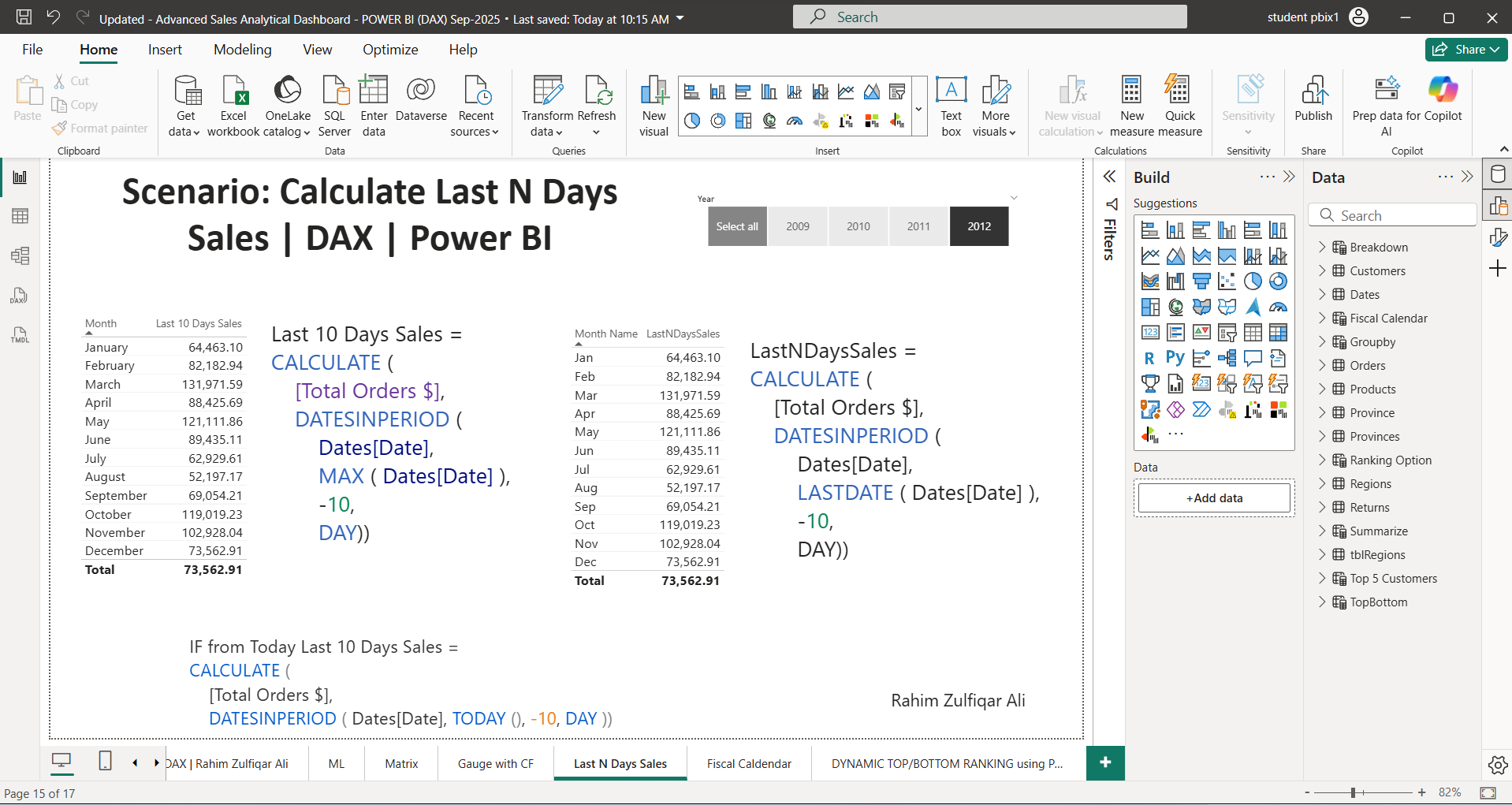
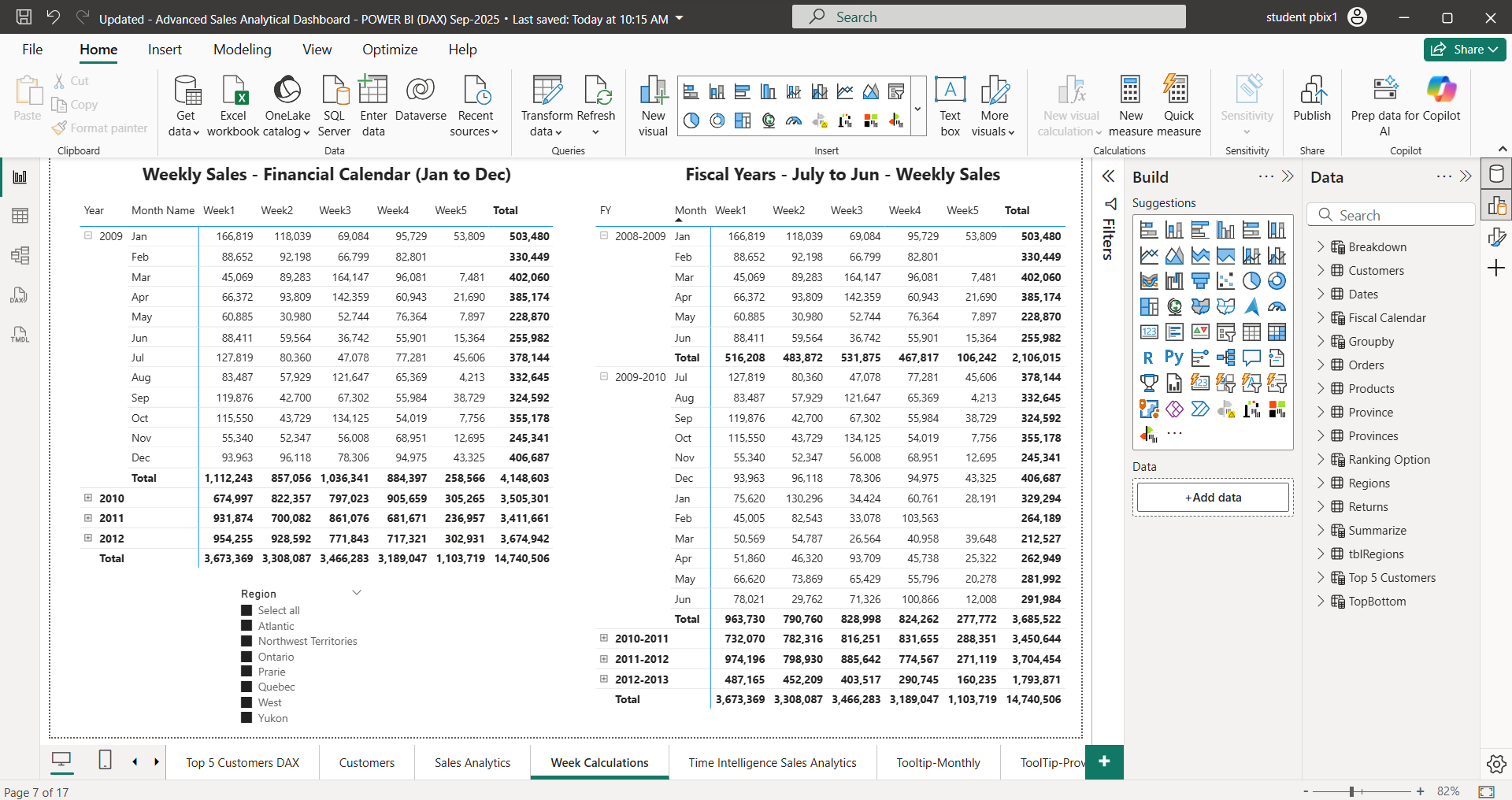
September 2025 Updates - Gauge with Conditional Formatting, Last N Days Sales DAX, Fiscal Calendar, Dynamic TOP or BOTTOM Ranking Using Parameters, Weekly Calculations DAX, Artificial Intelligence Visuals added.

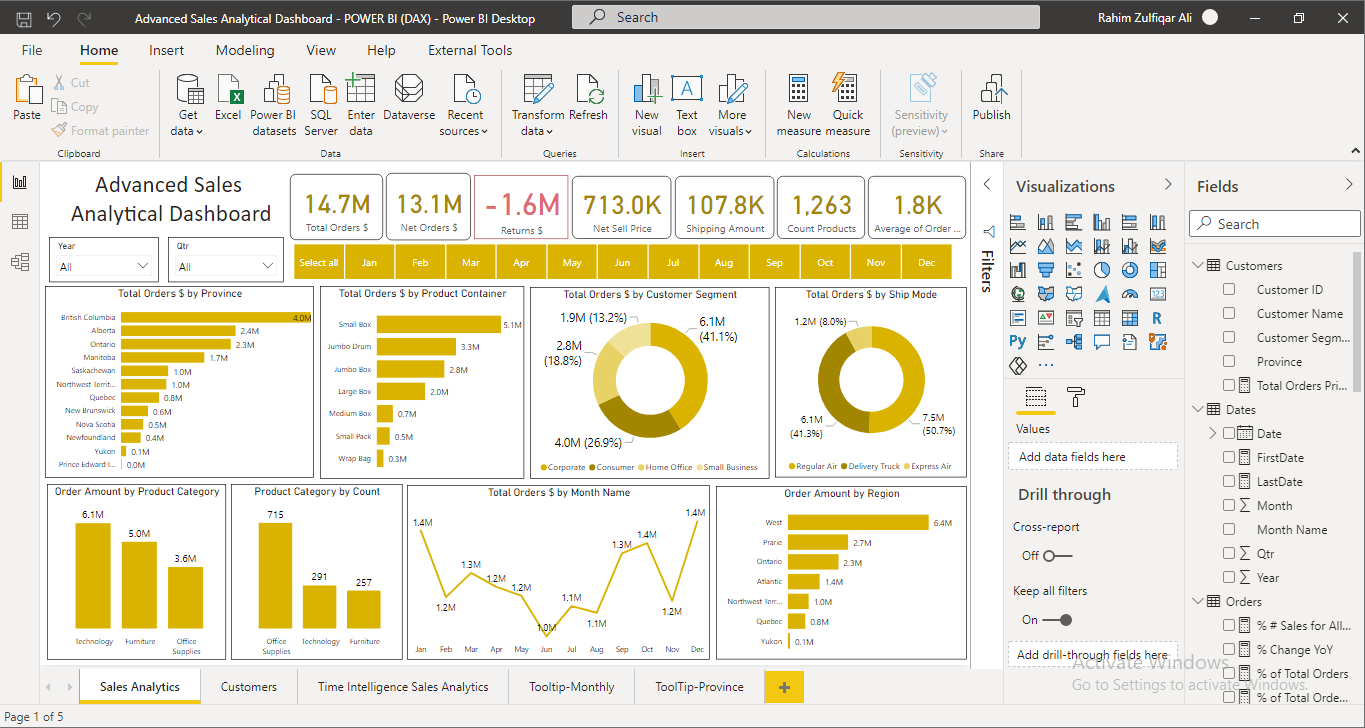
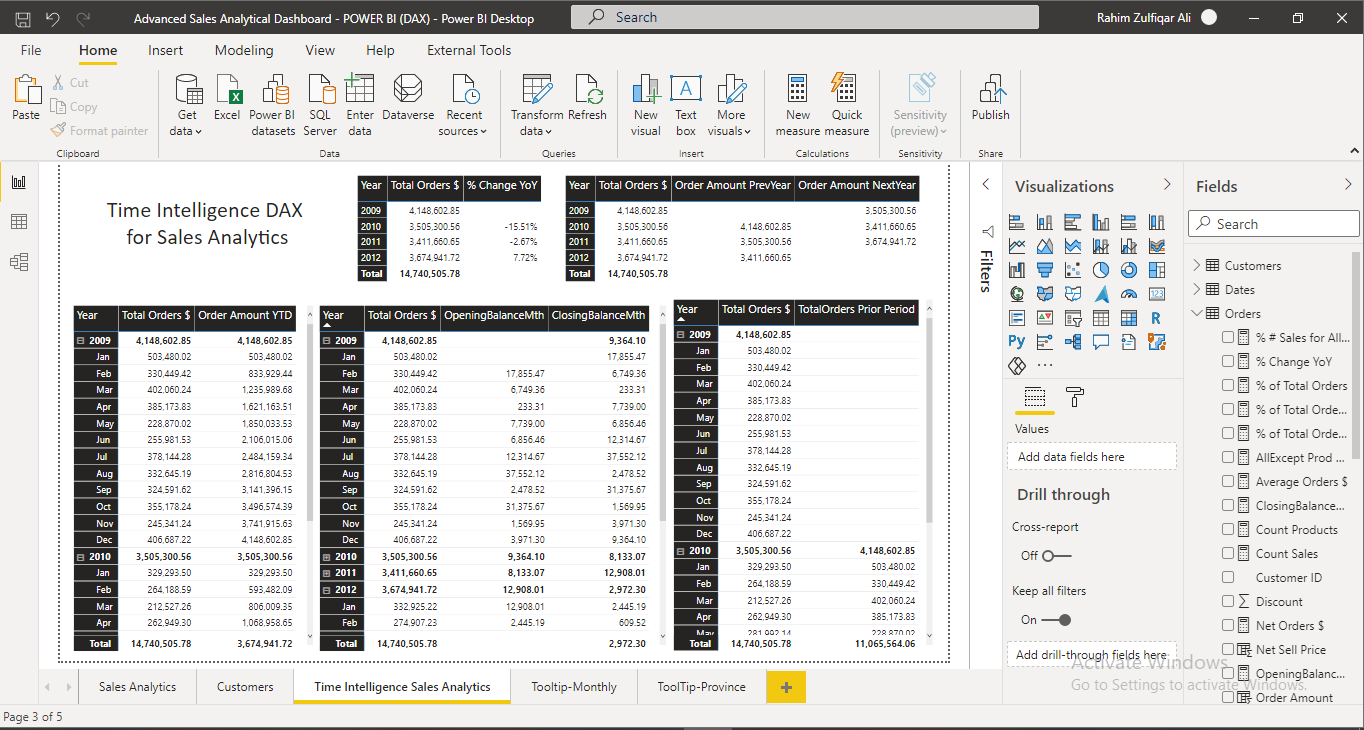
This Sales Analytical Dashboard is filled with DAX and Visualizations (Storytelling). Following DAX are used in this POWER BI file, CALCULATE, FILTER, ALL, ALLEXCEPT, ALLSELECTED, PREVIOUSYEAR, DATESYTD, DATESBETWEEN, FIRSTDATE, LASTDATE, CLOSING AND OPENING BALANCES, YEAR ON YEAR (YOY), SUM, AVERAGE, COUNT, and many others to calculate analytics using Explicit Measures (DAX) at the advanced level. This dashboard is relevant for all finance and sales professionals.

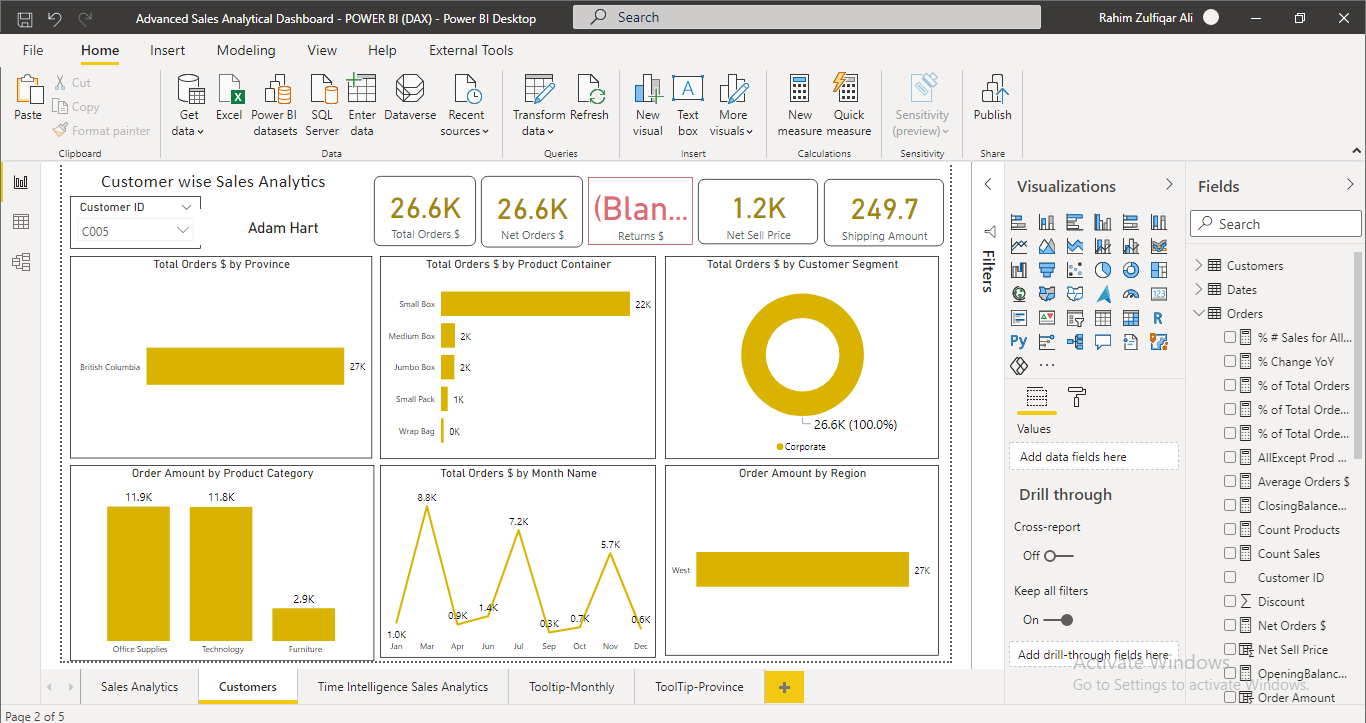
There are 5 pages in the dashboard, The first page consists of the overall advanced sales analytical dashboard, the second page consists of customer-wise information, the third page contains a time intelligence matrix so that users can learn in more detail. The remaining 2 pages are used for tooltips.

Power BI is a business analytics service by Microsoft. It aims to provide interactive visualizations and business intelligence capabilities with an interface simple enough for end-users to create their own reports and dashboards.

Microsoft Power BI is a business intelligence platform that provides non-technical business users with tools for aggregating, analyzing, visualizing, and sharing data. Power BI's user interface is fairly intuitive for users familiar with Excel and its deep integration with other Microsoft products makes it a very versatile self-service tool that requires little upfront training.

This Best Practice includes
3 Excel Files, 1 Notepad File, 1 MS Access File, 1 POWER BI File

Rahim Zulfiqar Ali offers you this Best Practice for free!

download for free

Add to bookmarks

Discuss


4.8 / 5 (119 votes)

please wait...
