File Inventory Automation Tool — Generate a Complete File List in One Click (Excel Macro)
Originally published: 12/09/2022 14:58
Last version published: 09/09/2026 12:16
Publication number: ELQ-44632-2
View all versions & Certificate
certified

File Inventory Automation Tool — Generate a Complete File List in One Click (Excel Macro)

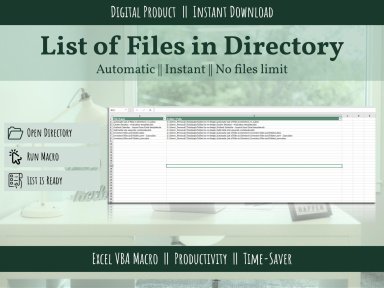
This Excel macro scans any folder (and subfolders, if you choose) and instantly builds a clean, sortable inventory: file name, path, size, and last-modified...

Description
Need a record of every file in a folder — names, paths, dates modified — without opening each one or building a list by hand? Most people still do this manually, or not at all, because it's tedious.

This Excel macro scans any folder (and subfolders, if you choose) and instantly builds a clean, sortable inventory: file name, path, size, and last-modified date, all in one spreadsheet.

Built for:
  • Anyone doing document audits, compliance checks, or handover reports
  • Ops and admin teams tracking what's in a shared drive or project folder
  • Consultants documenting a client's file structure before reorganizing it
What you get:
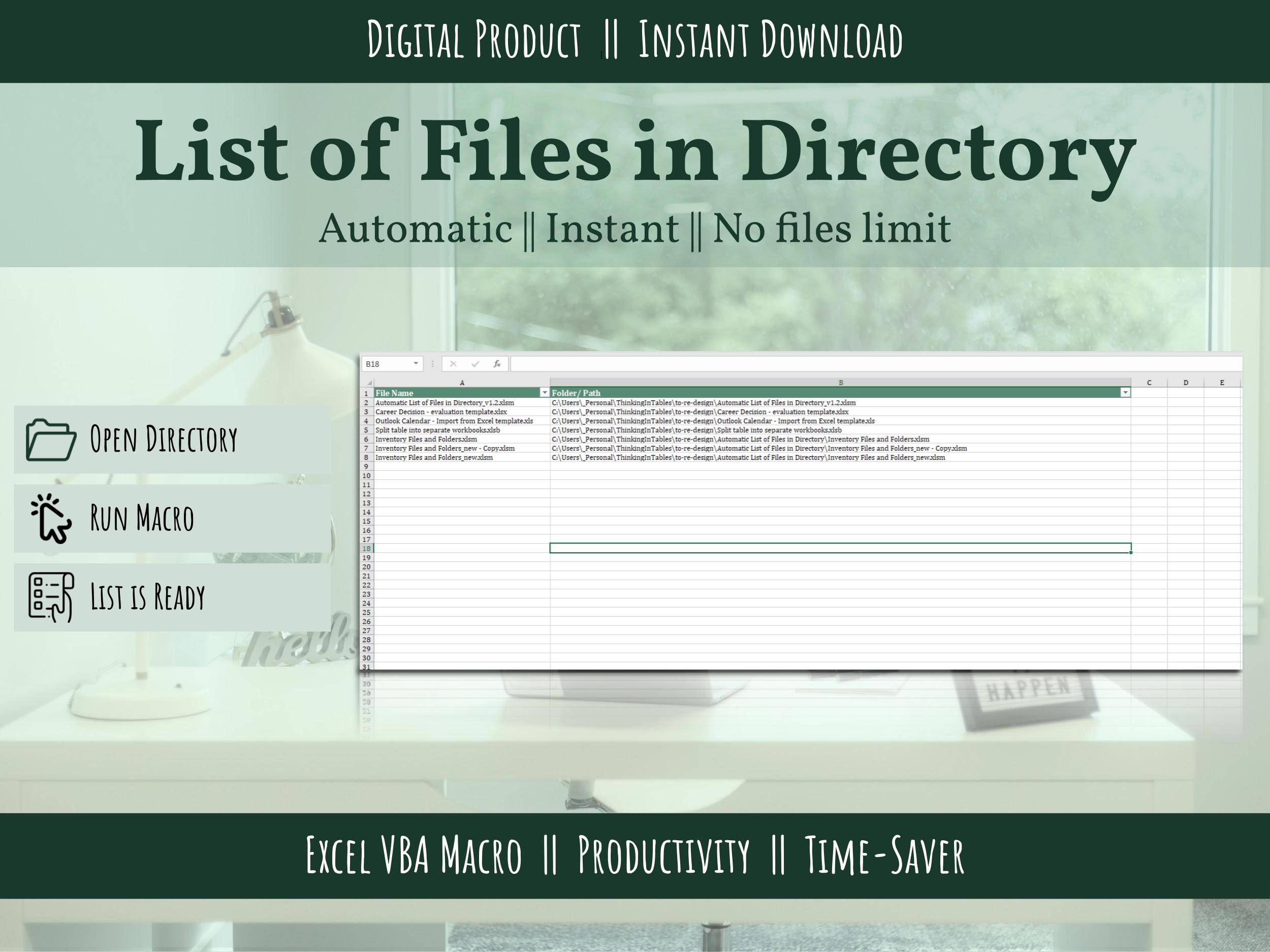
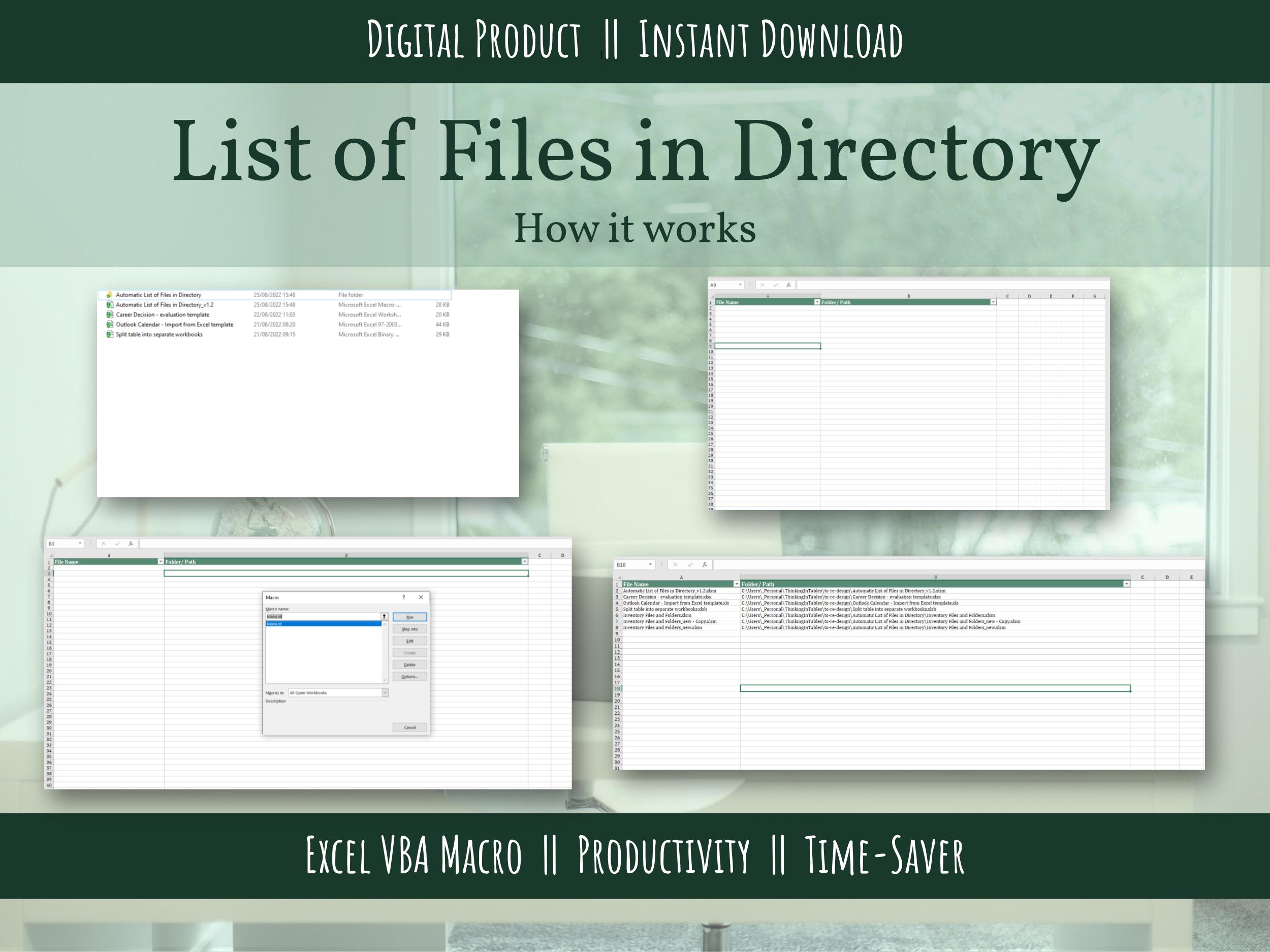
  • Ready-to-use Excel Macro (.xlsm) file — no setup beyond pointing it at a folder
  • No VBA knowledge required
  • Works on any Windows PC with Excel
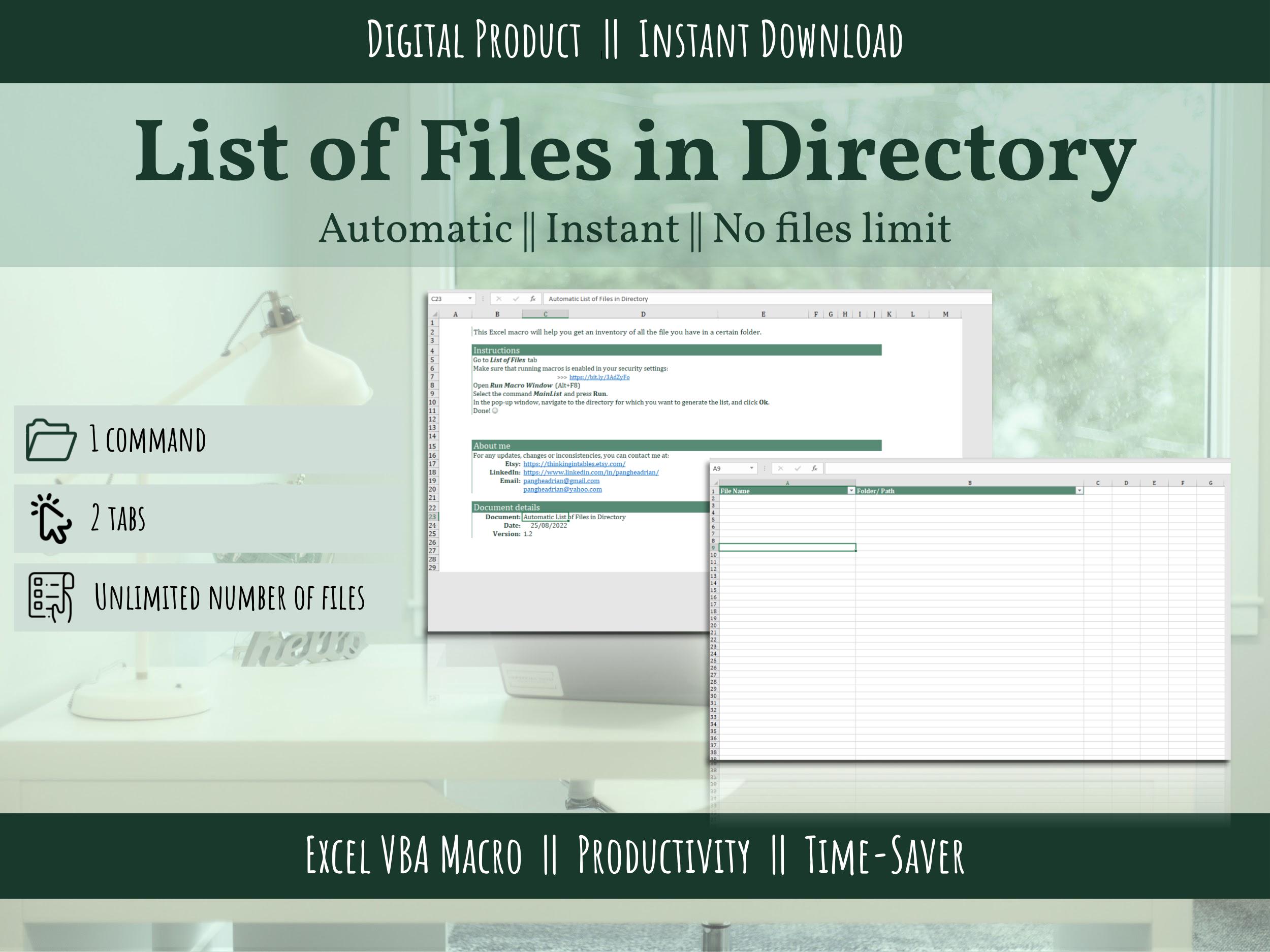
How it works:
  1. Open the file, select the folder to scan
  2. Click one button
  3. Get a complete, sortable file inventory in seconds

Instant download. One-time purchase, use forever.

This Best Practice includes
1 Excel file (Macro Enabled)

Acquire business license for $3.00

Add to cart

Add to bookmarks

Discuss


0.0 / 5 (0 votes)

please wait...
