Corrective and Preventive Action Tracker
Originally published: 25/03/2020 21:21
Last version published: 26/08/2025 16:40
Publication number: ELQ-64217-8
View all versions & Certificate
certified

Corrective and Preventive Action Tracker

Template for logging nonconformance (NCs) and Corrective and Preventive Actions (CAPAs) for effective tracking purposes

Description

To ensure continuous improvement of the Health and Safety Management System, identifying nonconformances and analyzing their root causes for Corrective and Preventive Actions (CAPA) plays a pivotal role.

Nonconformances are usually identified through Safety Monitoring or Assurance Activities such as:


  • Safety audits


  • Workplace inspections


  • Environmental inspections


  • Chemical inspections


  • Safety walkthroughs


  • Hazard hunts, and more


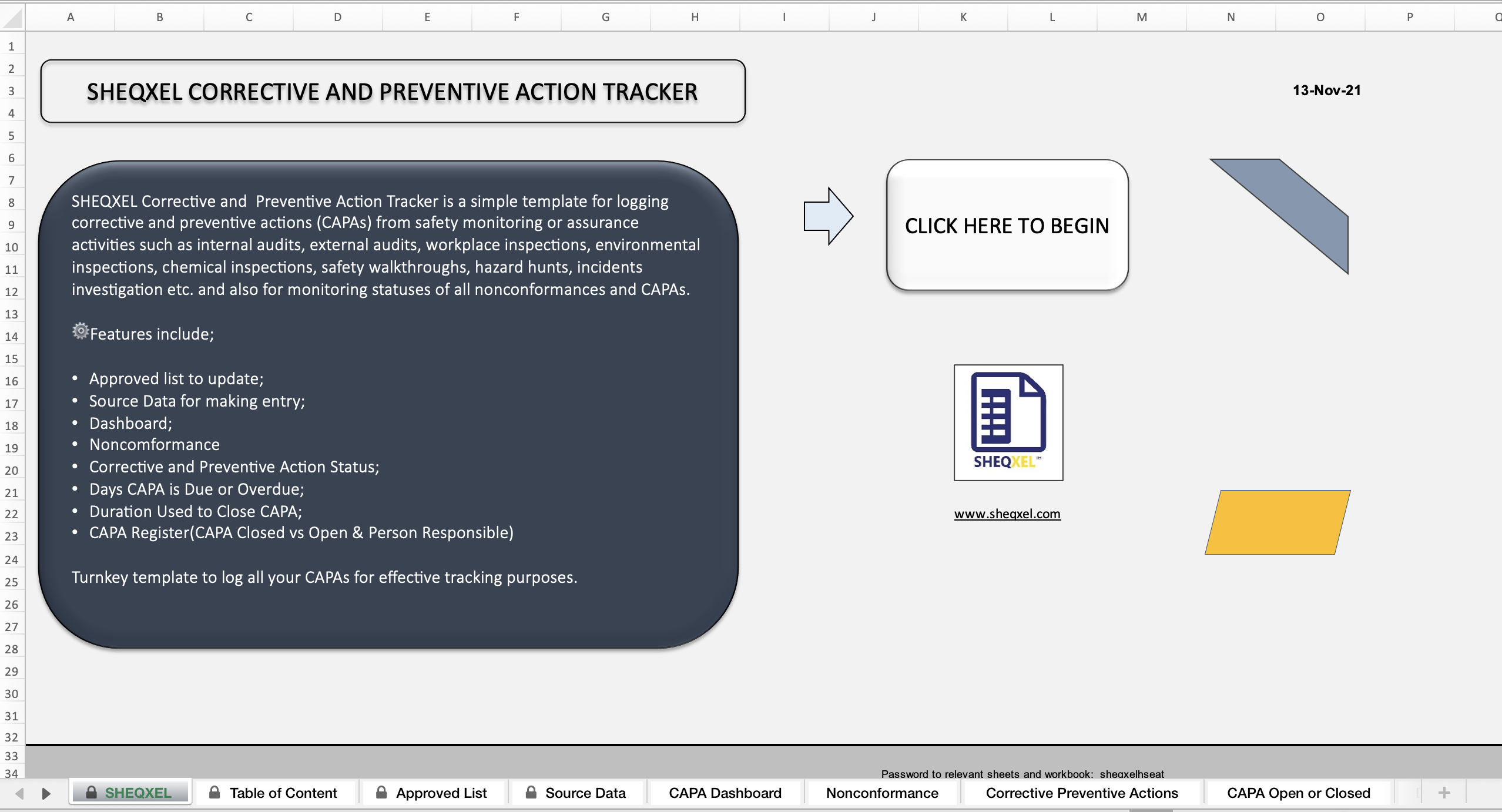
The SHEQXEL Corrective and Preventive Action Tracker provides the best template for logging all nonconformances and CAPAs for effective tracking and follow-up.


🔑 Key Features
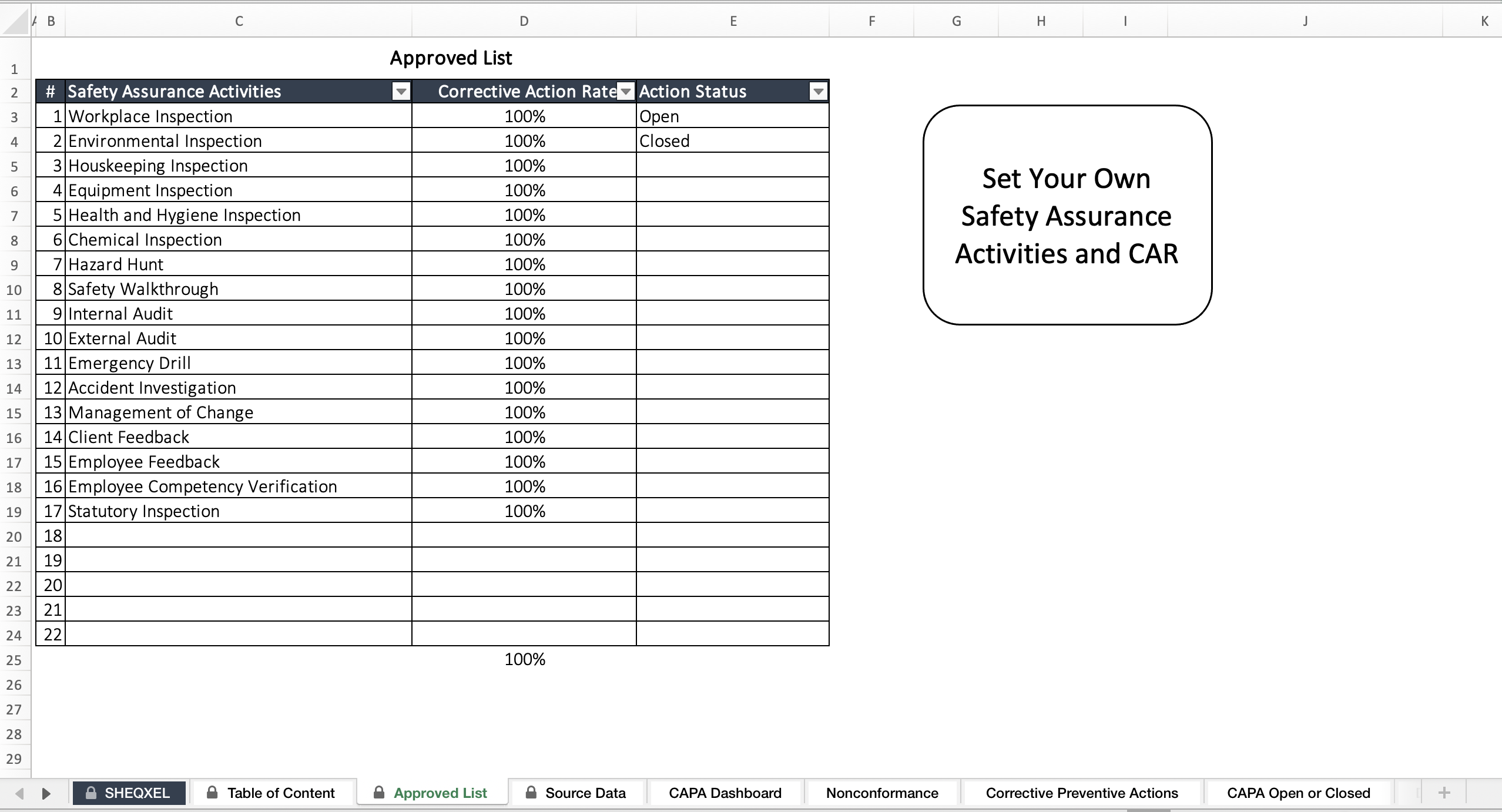
1. Approved List

The Approved List is the settings section where:


  • Safety Assurance Activities are defined


  • Corrective Action Rate targets (usually 100%) are set


A list of activities (internal audits, external audits, workplace inspections, etc.) is already provided. Users can update or replace these with their own, which automatically reflects in the Source Data Sheet.


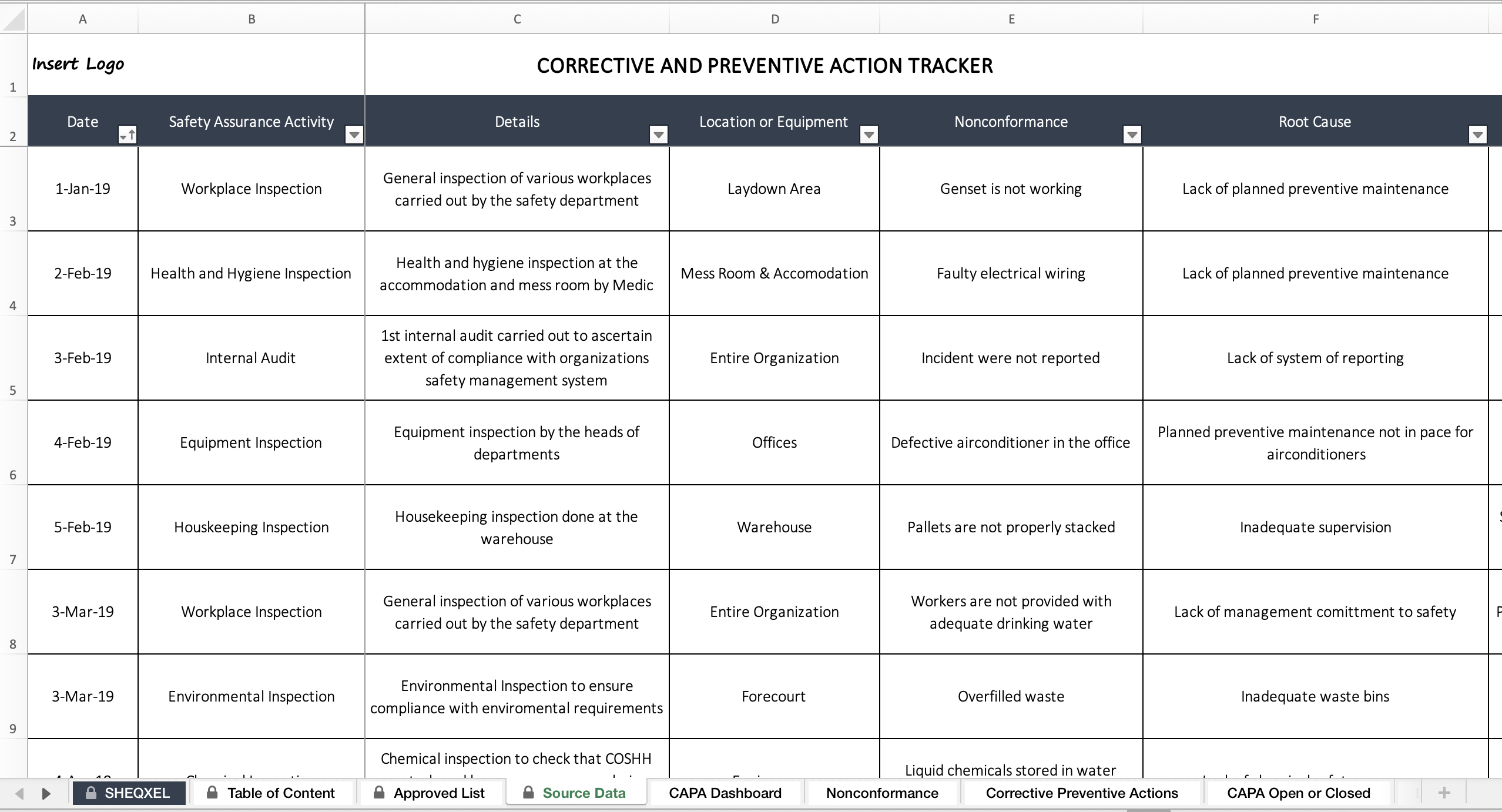
2. Source Data

The Source Data Sheet captures details of all Safety Assurance Activities, including:


  • Type of activity


  • Location or equipment inspected


  • Nonconformance identified


  • Root causes


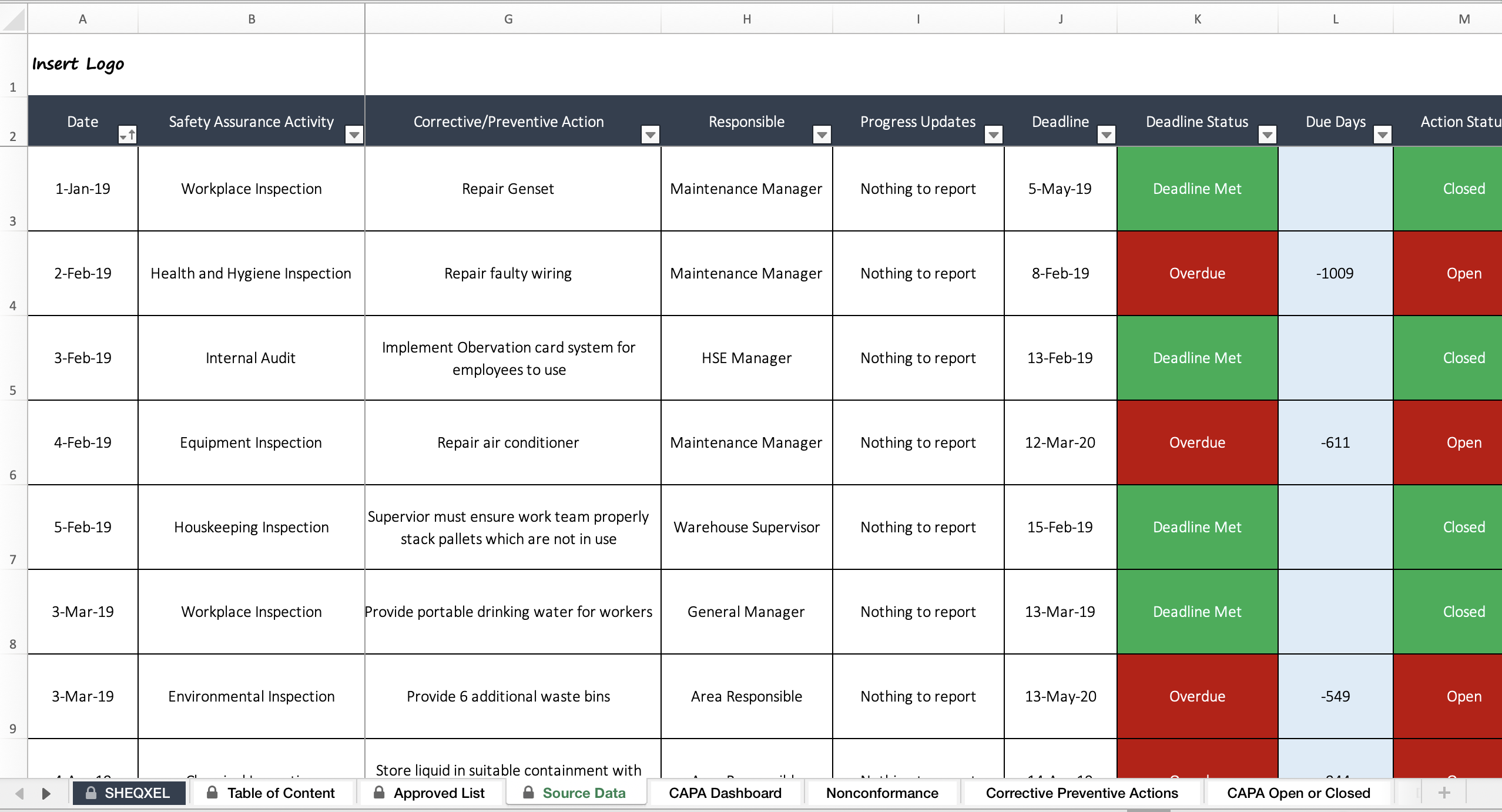
  • Corrective/Preventive actions


  • Responsible person


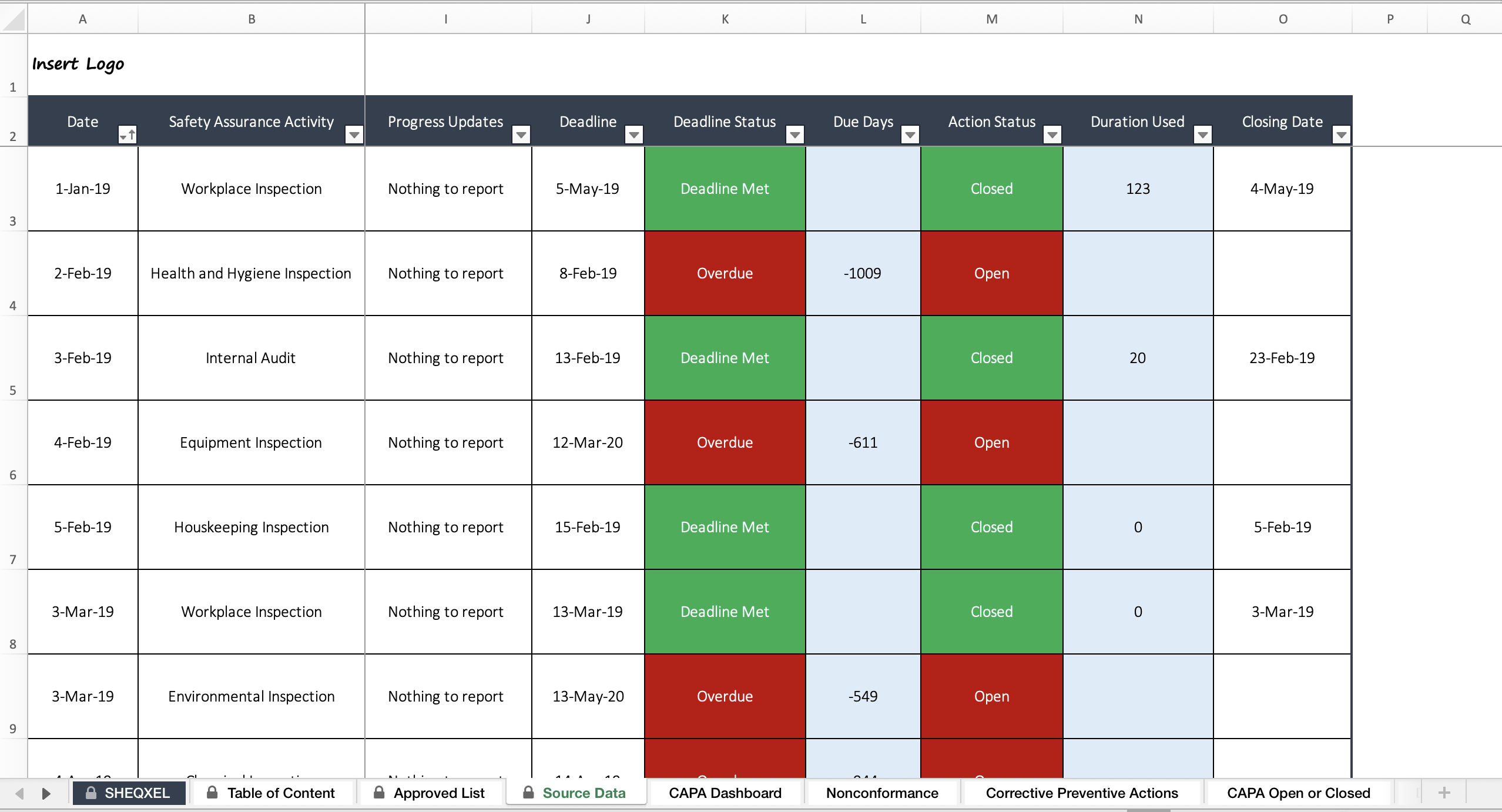
  • Progress updates and deadlines


The system automatically updates deadline status as:


  • Not Yet Due


  • Deadline Due Soon


  • Overdue


  • Deadline Met


It also tracks days due and duration to closure once an action is marked as closed with a closing date.


3. Dashboard

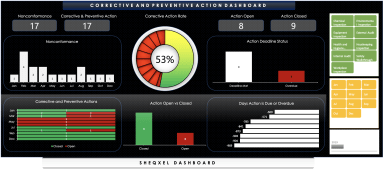
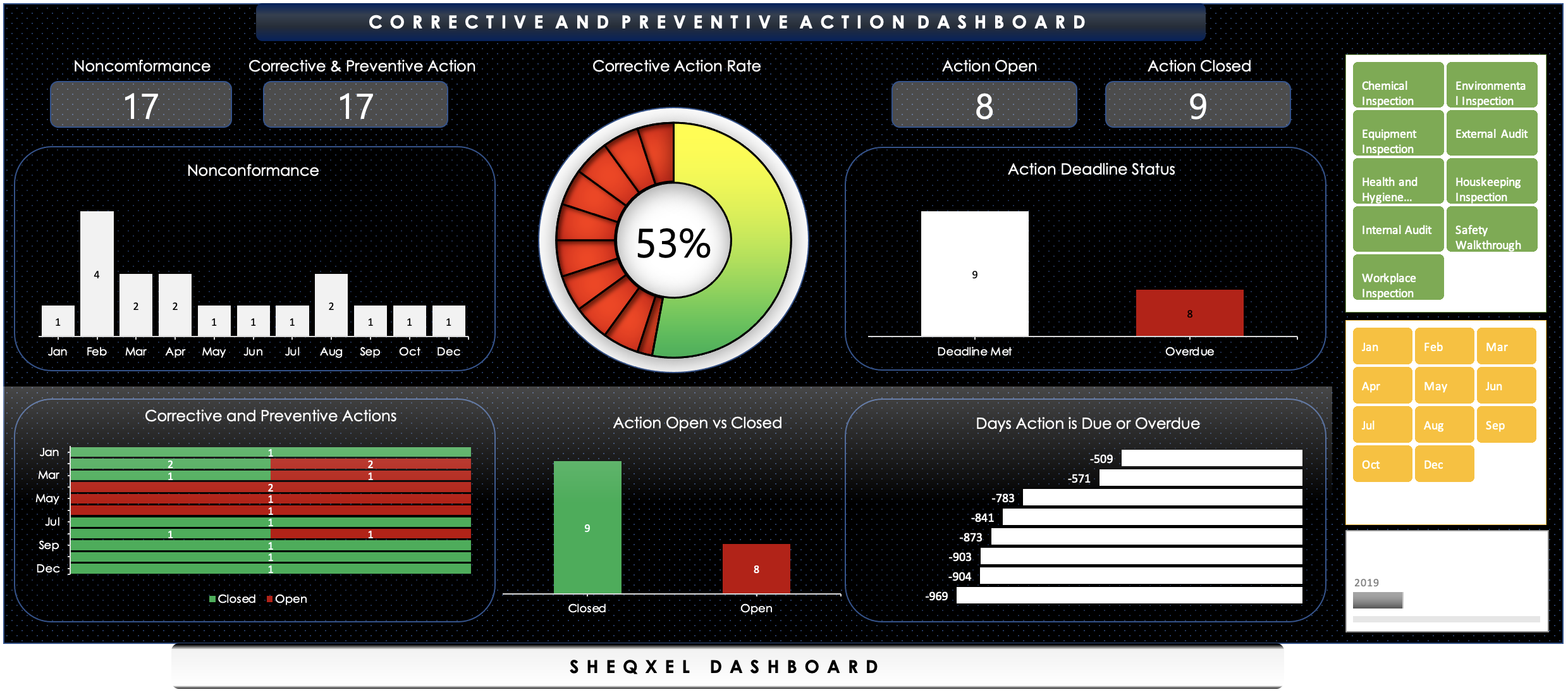
A dynamic dashboard is built with:


  • Stacked bar charts


  • Clustered column charts


  • Speedometer chart


These visualize:


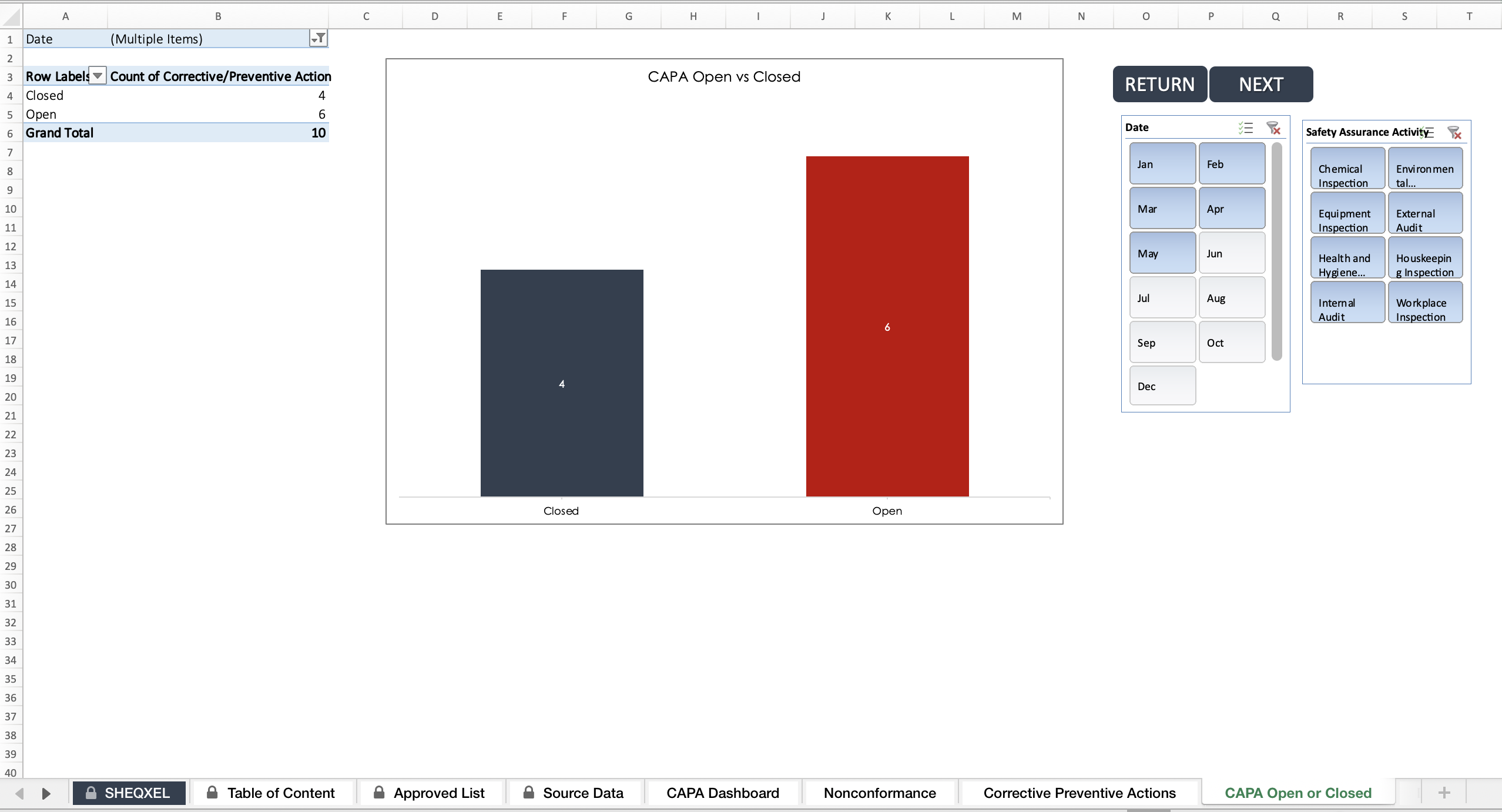
  • Open vs. closed actions


  • Progress towards the Overall Corrective Action Rate target


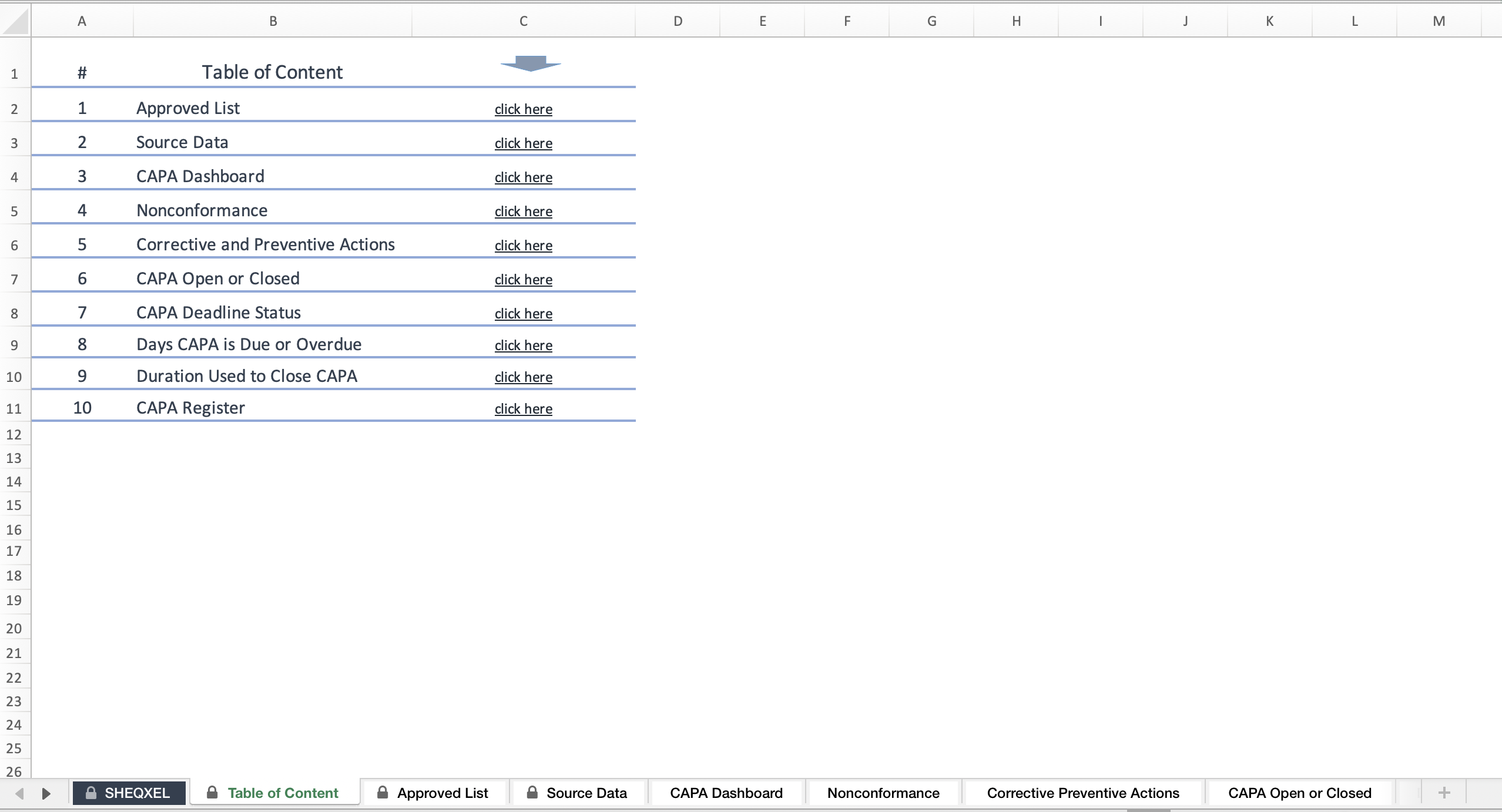
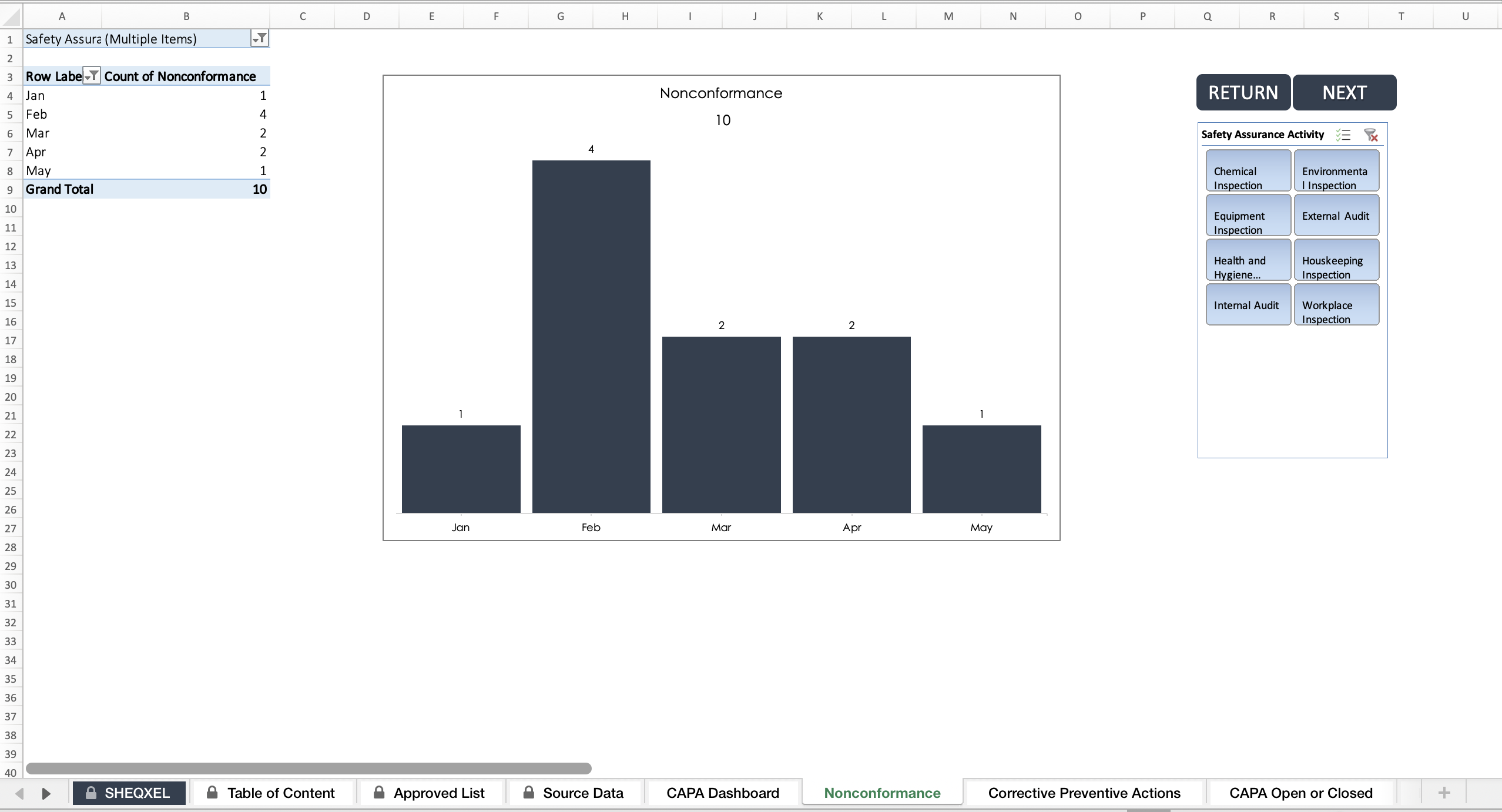
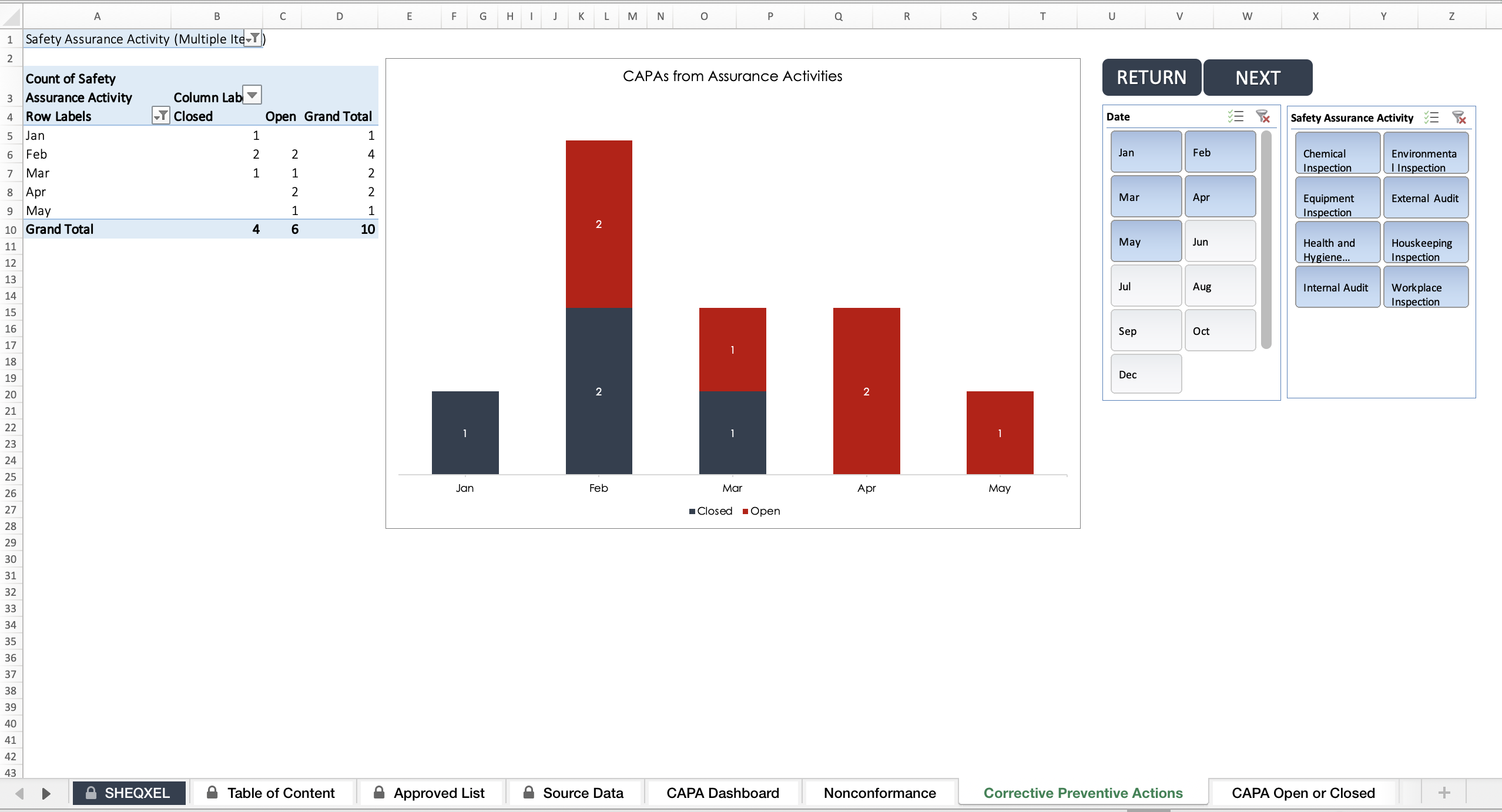
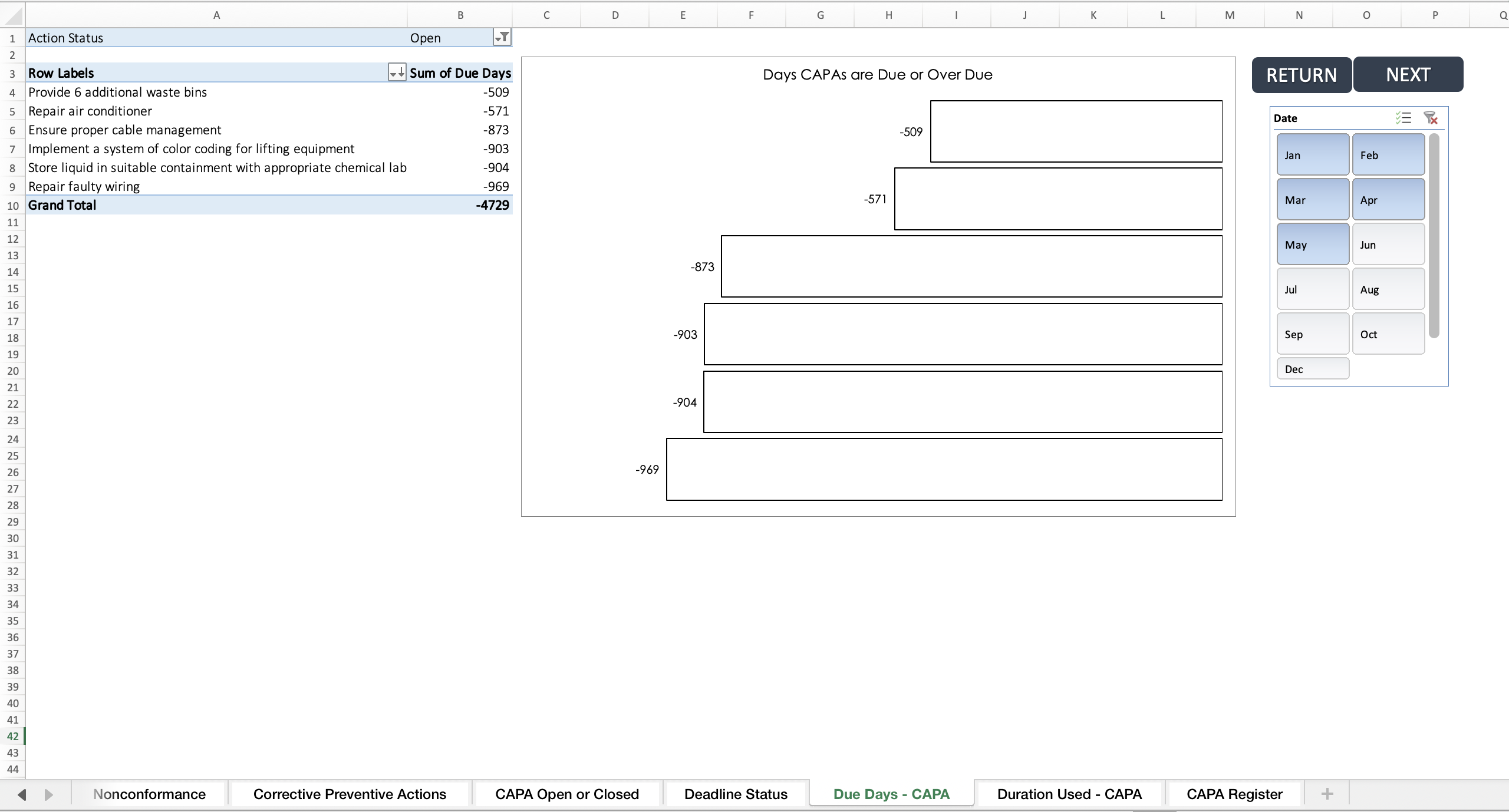
4. Pivot Tables & Graphs

Additional sheets include:


  • Total nonconformances


  • CAPA (action) status by Safety Assurance Activity


  • CAPA Due or Overdue days


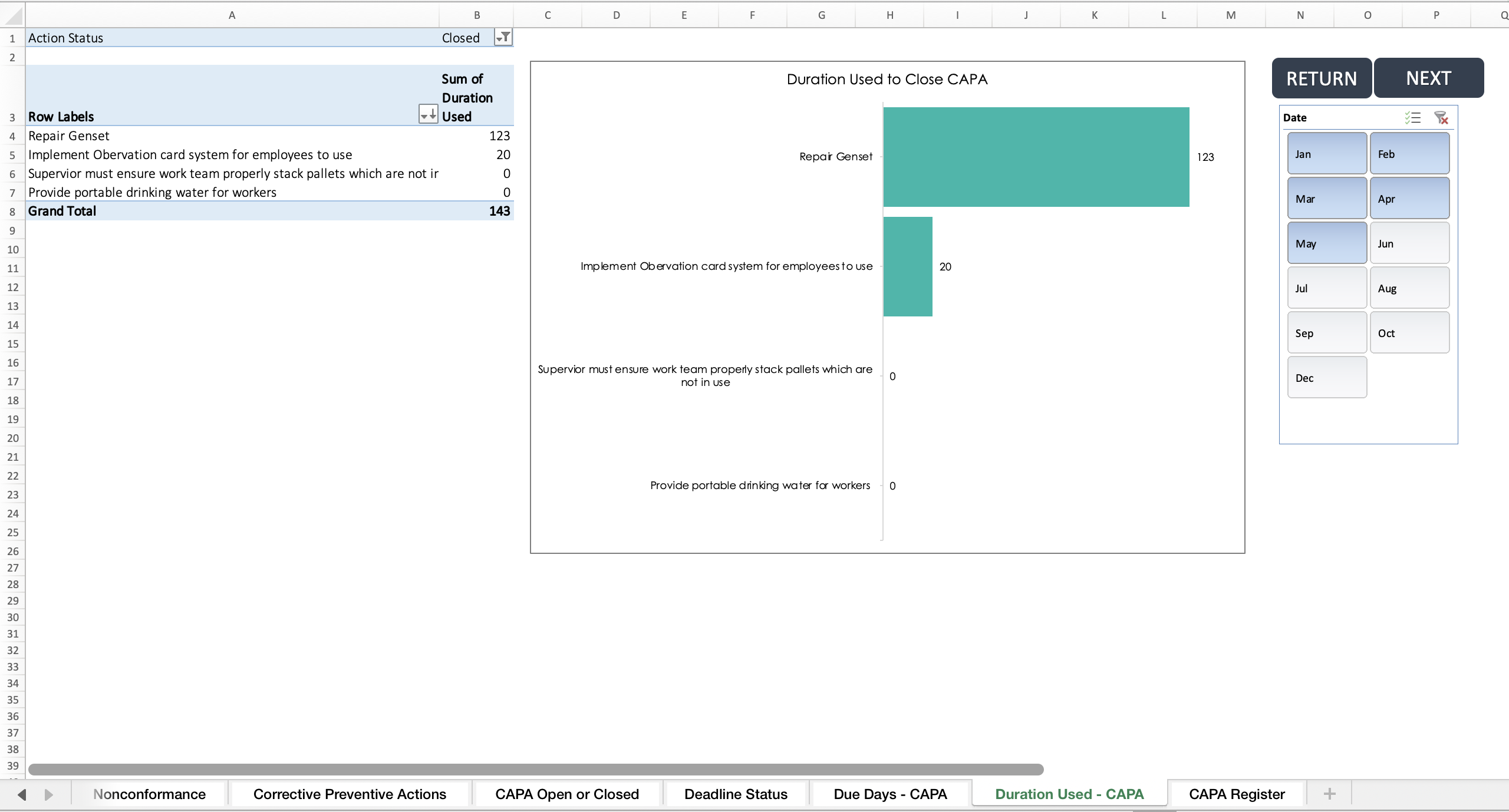
  • Duration used to close CAPAs


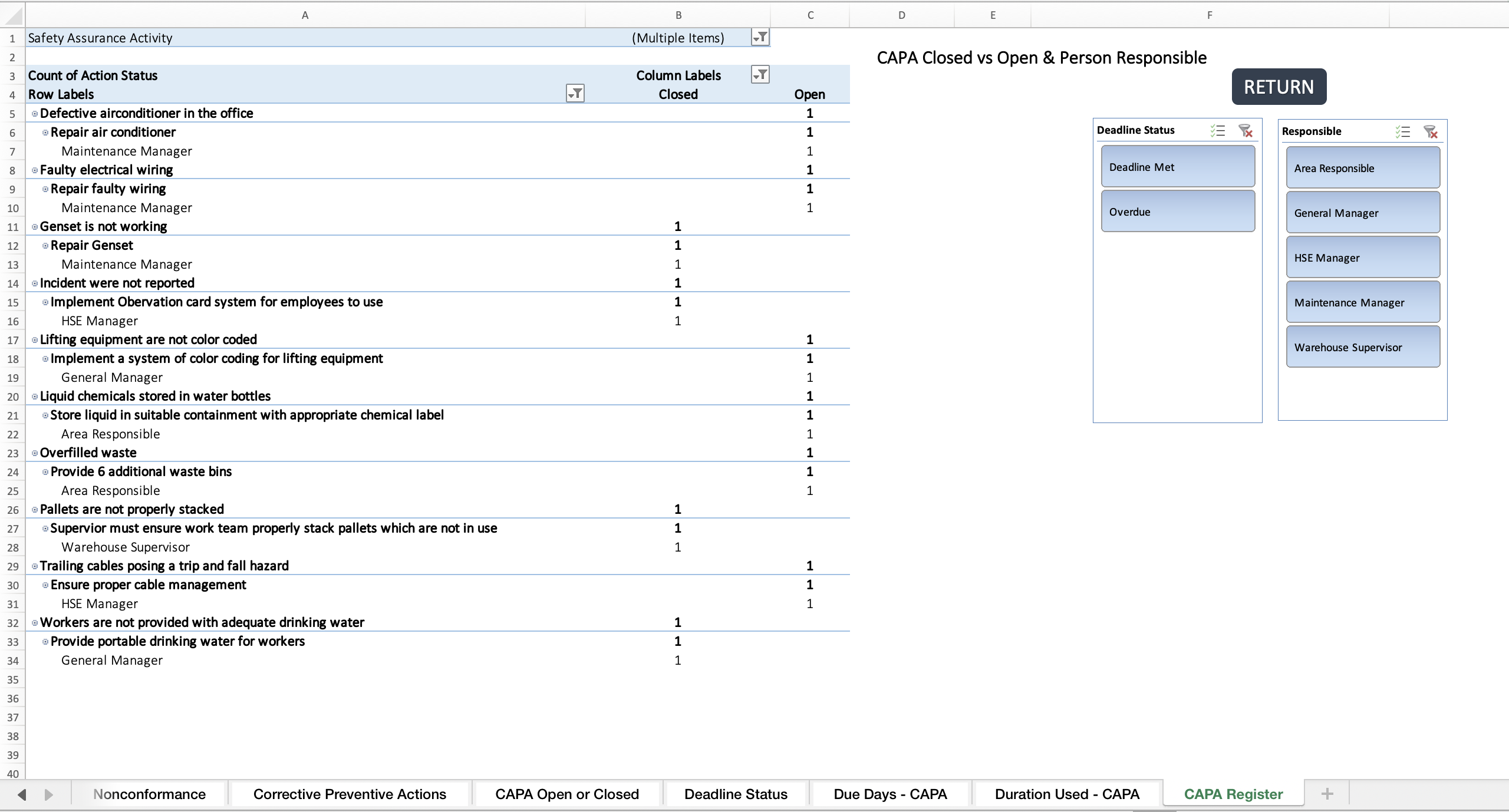
  • CAPA Register (all closed vs. open actions & responsible persons)


💻 File Format: Microsoft Excel (no installation required)
⚙️ Compatibility: Excel 2013 and later versions
🖥️ Platforms: Works on both Windows and Mac


Would you like me to also shorten and reframe this as a one-page product flyer (like a brochure-style summary), or keep it as a detailed structured description?

This Best Practice includes
1 excel file, 3 pdfs

Acquire business license for $19.97

Add to cart

Add to bookmarks

Discuss

Further information

This designed for logging nonconformance (NCs) and Corrective and Preventive Actions (CAPAs) from Safety Assurance Activities for effective tracking purposes


5.0 / 5 (2 votes)

please wait...