Monthly Calendar View
Originally published: 13/03/2024 14:50
Last version published: 23/05/2024 06:55
Publication number: ELQ-71105-2
View all versions & Certificate
certified

Monthly Calendar View

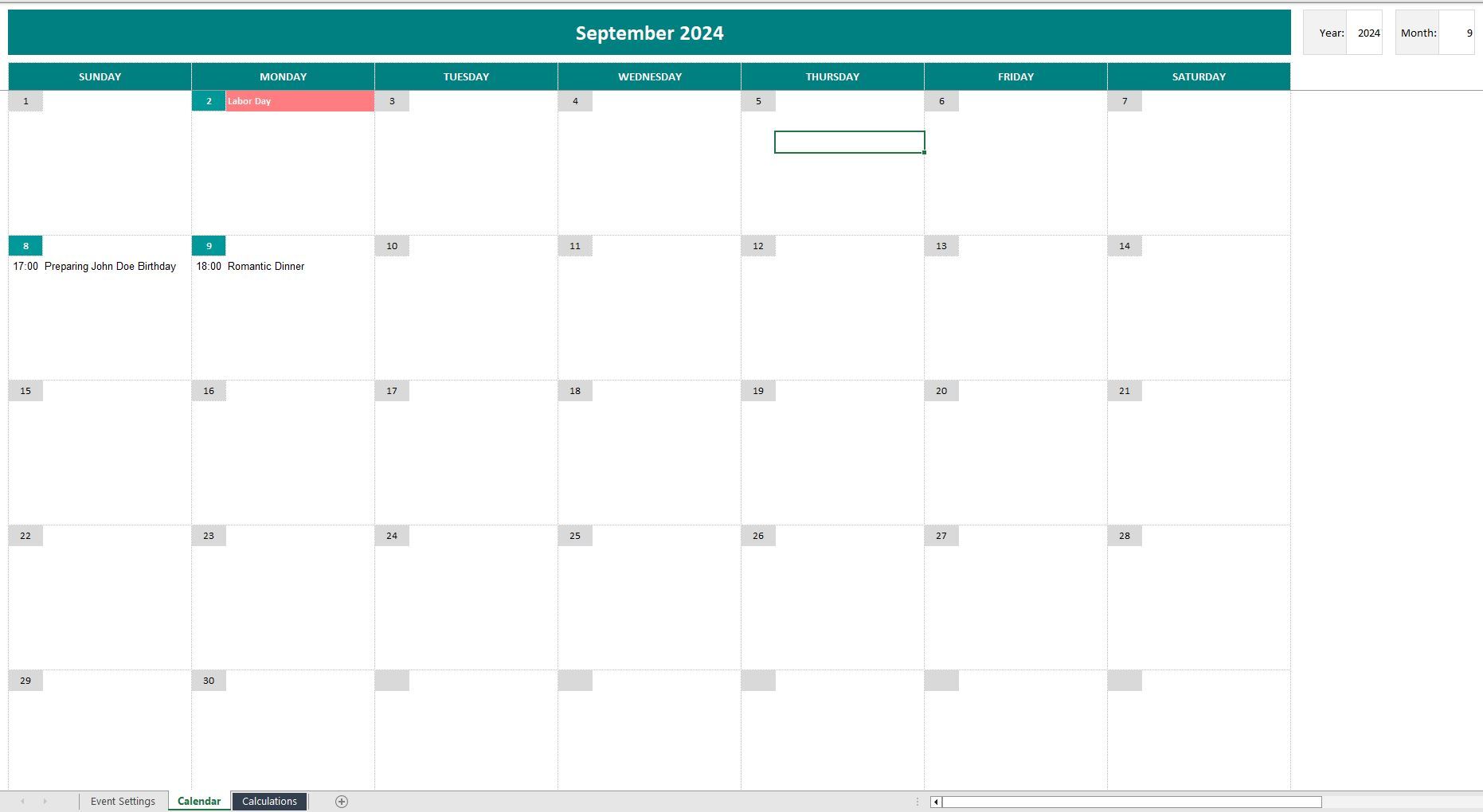
Calendar that displays all days in a selected month along with associated events.

Description
Created a comprehensive calendar in Excel doesn't require complex VBA macros anymore. This template presents a straightforward method using Excel functions  to design a customizable calendar displaying all days of a selected month along with associated events.

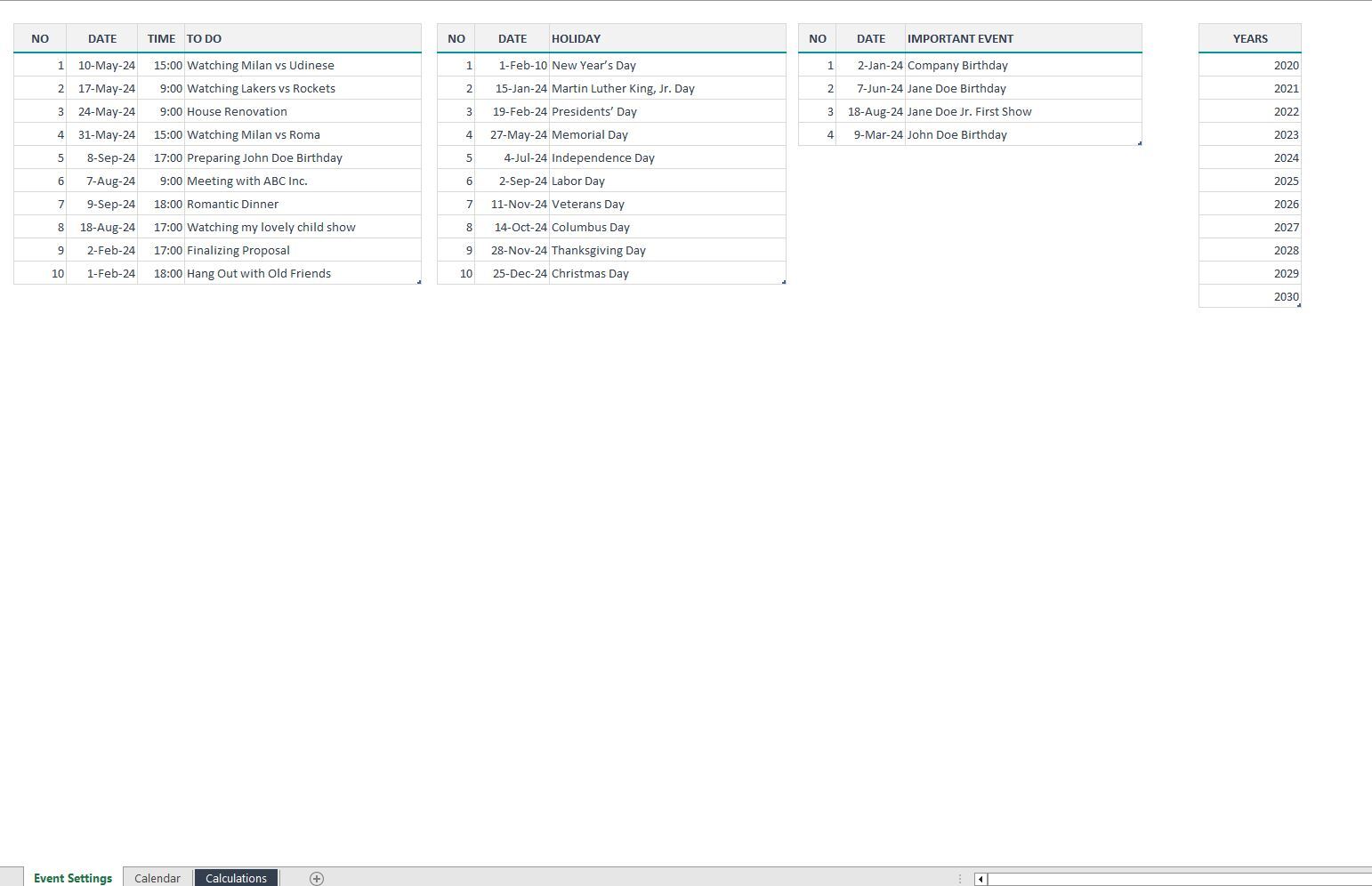
Central to this calendar system is an Excel Table housed within the Setting Sheet, serving as the repository for event data. Users can effortlessly update the calendar's displayed month by interacting with Validations adjacent to the year and month fields. A simple click initiates the adjustment process, offering seamless navigation through different time frames.

In addition to its user-friendly interface and functionality, the dynamic calendar offers extensive flexibility by accommodating monthly data spanning across any year. Users can seamlessly navigate through various years, accessing historical, current, and future monthly data with ease.

This adaptability ensures that the calendar remains relevant and valuable over time, serving as a reliable tool for long-term scheduling and planning. Whether users need to review past events, organize current activities, or strategize for future endeavors, the dynamic calendar effortlessly adapts to their requirements.

In essence, the dynamic calendar transcends traditional boundaries, offering users unparalleled control and convenience in managing their schedules. Its adaptability, scalability, and user-friendly design make it a valuable asset for individuals and teams seeking to optimize their time management and productivity strategies.

This Best Practice includes
Excel File

Acquire business license for $3.00

Add to cart

Add to bookmarks

Discuss


5.0 / 5 (1 votes)

please wait...
