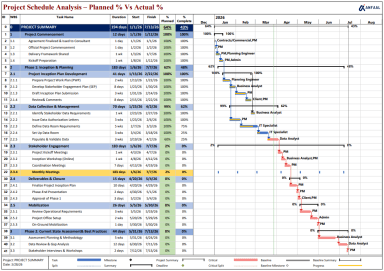
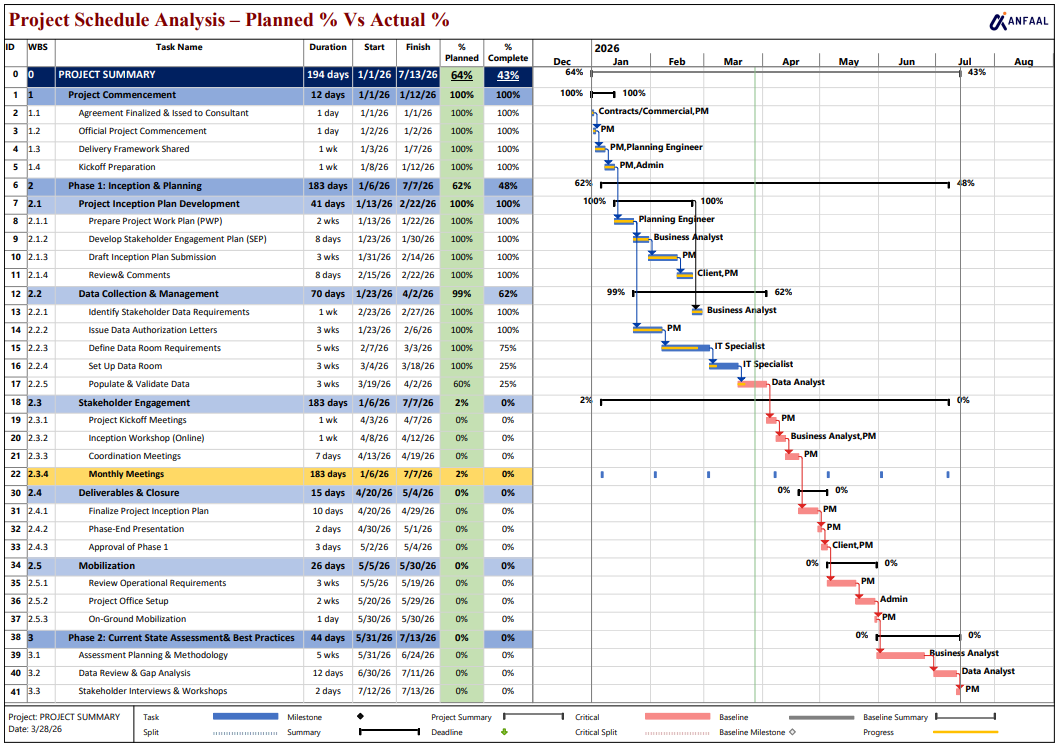
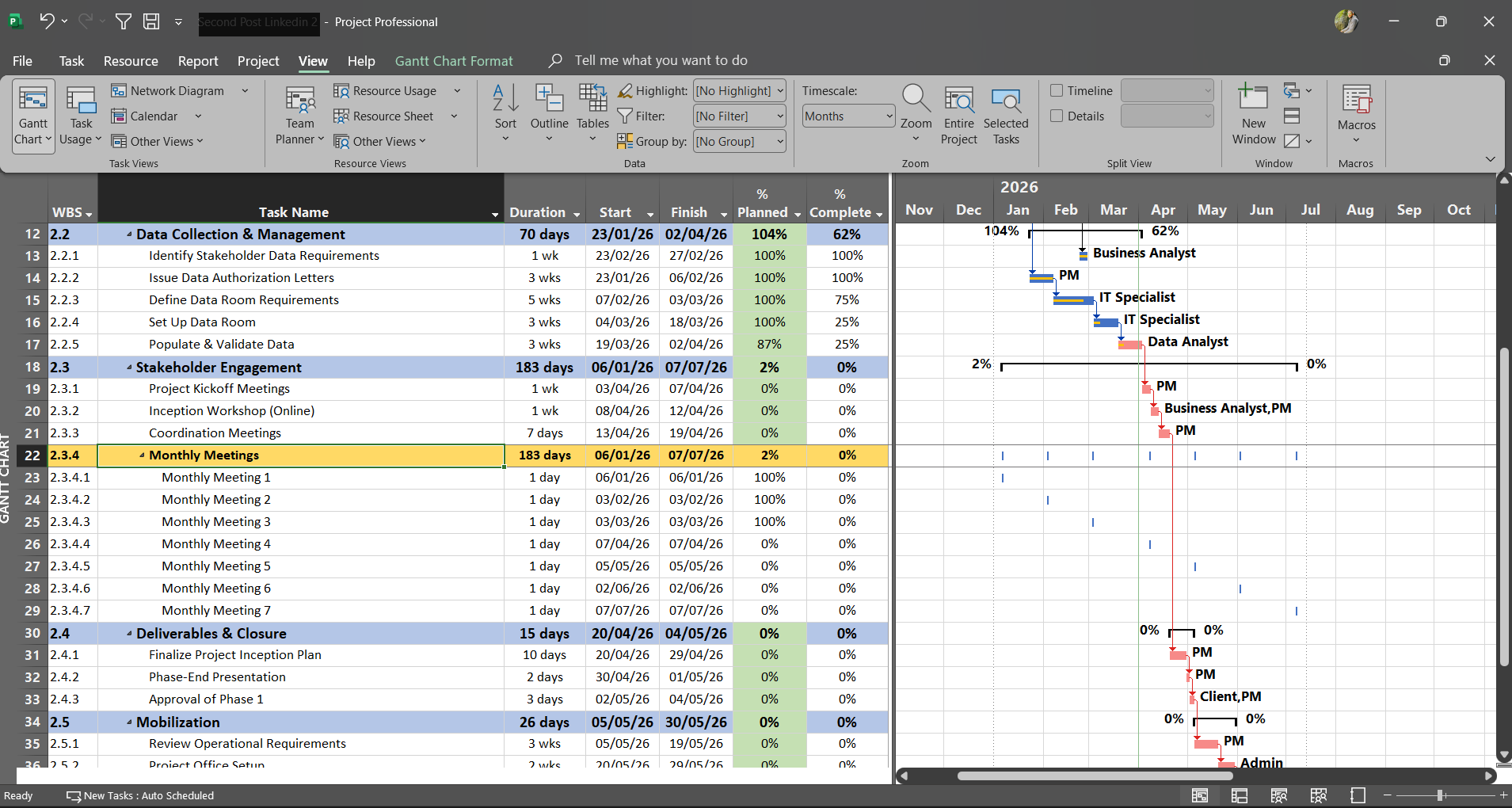
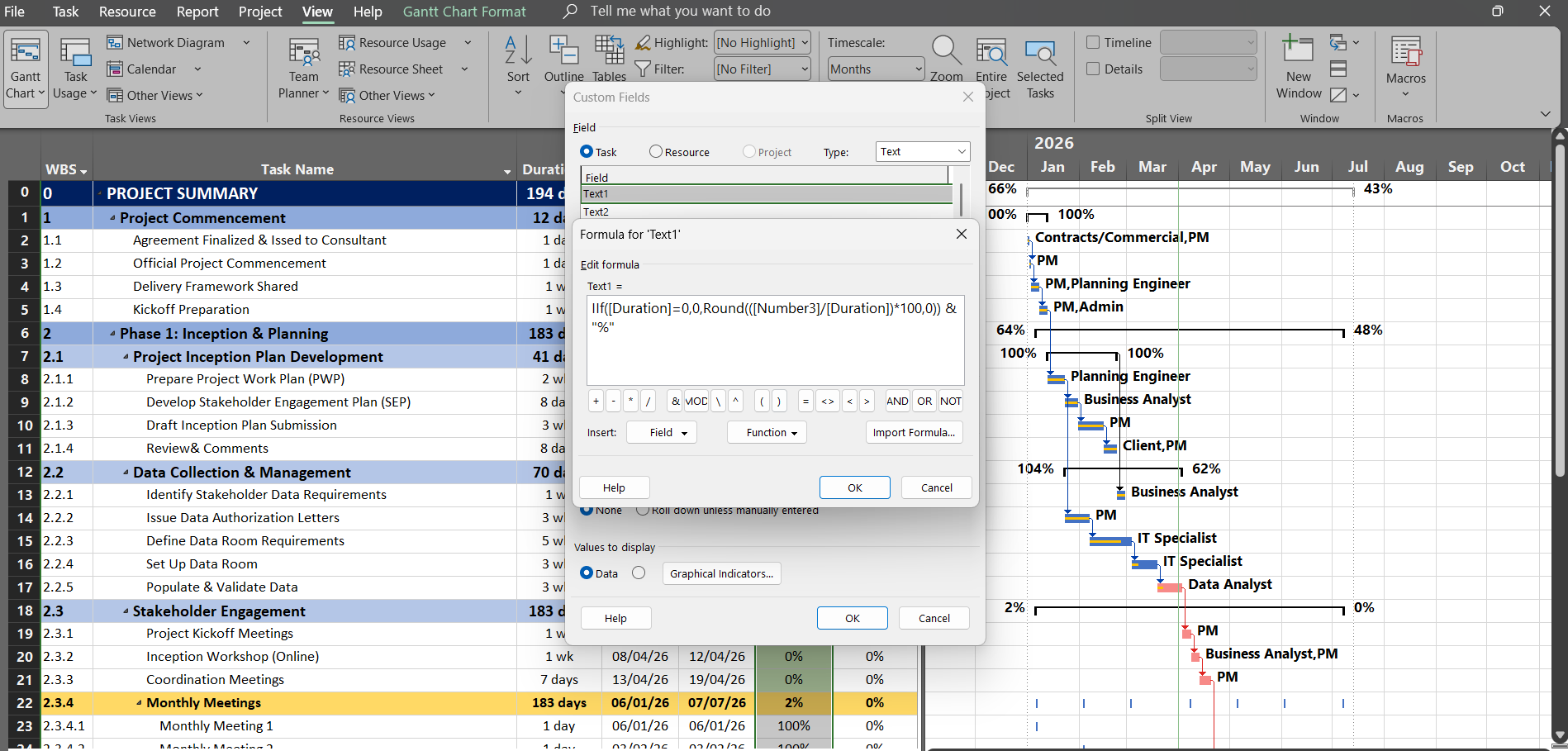
Project Schedule Analysis Dashboard (MS Project Template - Planned vs Actual Tracker with Gantt)
Originally published: 31/03/2026 20:30
Publication number: ELQ-25653-1
View all versions & Certificate
certified

Project Schedule Analysis Dashboard (MS Project Template - Planned vs Actual Tracker with Gantt)

A ready-to-use MS Project template with custom planned vs actual tracking, Gantt chart, and WBS. Simply replace with your data and start tracking instantly.

Description

This is a fully functional Microsoft Project template designed for project managers and planning engineers to efficiently track and analyze project performance.


You can directly use this file in MS Project by simply replacing the existing data with your own project details, making it highly practical and time-saving.


The template includes a structured Work Breakdown Structure (WBS), task durations, start and finish dates, and a clear Gantt chart for timeline visualization.


A key highlight of this template is the inclusion of Planned % vs Actual % tracking. The Planned Percentage, which is not a standard feature in MS Project, has been added using customized columns, allowing you to perform advanced schedule analysis and performance comparison.


Key Features: • Fully functional MS Project template (ready to use) • Simply replace data with your own project • Planned vs Actual % tracking for performance monitoring • Custom columns for Planned % (non-standard MS Project feature) • Structured WBS with task hierarchy • Gantt chart visualization for clear scheduling • Multi-phase project tracking (planning, execution, assessment) • Resource allocation visibility


This template is ideal for consultants, PMOs, planners, and professionals who want a more advanced and practical way to monitor project progress beyond standard MS Project capabilities.


The plan % is automated so no need to do anything on that and use the template just as per MS Project. For those teams looking for understanding and learning MS Project can please contact us.

This Best Practice includes
1 x MS PROJECT.MPP file

Acquire business license for $10.00

Add to cart

Add to bookmarks

Discuss

Further information

Provide a ready-to-use MS Project template to track planned vs actual progress, improve schedule control, and enable quick, accurate project performance analysis.

Best suited for projects requiring structured scheduling, WBS-based planning, and planned vs actual performance tracking in MS Project, especially for PMOs, consultants, and planning engineers.

Teams not using MS Project, or cases where simple task tracking without detailed schedule analysis is sufficient.


5.0 / 5 (1 votes)

please wait...