Electronics Inventory & Stock Tracker – Excel Template with Automatic Reorder Alerts
Originally published: 30/08/2026 12:51
Publication number: ELQ-13000-1
View all versions & Certificate
certified

Electronics Inventory & Stock Tracker – Excel Template with Automatic Reorder Alerts

An Excel inventory tracker that logs every stock movement and automatically calculates current stock levels per SKU.

Description
This Electronics Inventory & Stock Tracker is a formula-driven Excel template built for electronics retailers, distributors, and small manufacturers who need reliable visibility into what's in stock and what needs reordering, without investing in dedicated inventory management software. Rather than trying to track current stock levels directly (which is error-prone and hard to audit), this template separates the problem into two connected parts, the way a proper inventory system should: a transaction log of every movement, and a summary that calculates current stock from that log automatically.

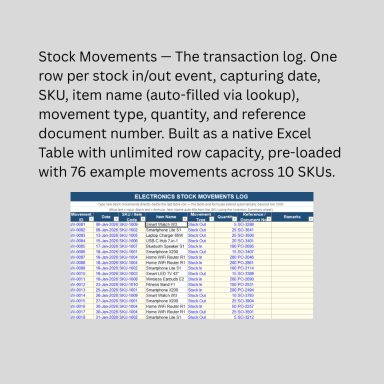
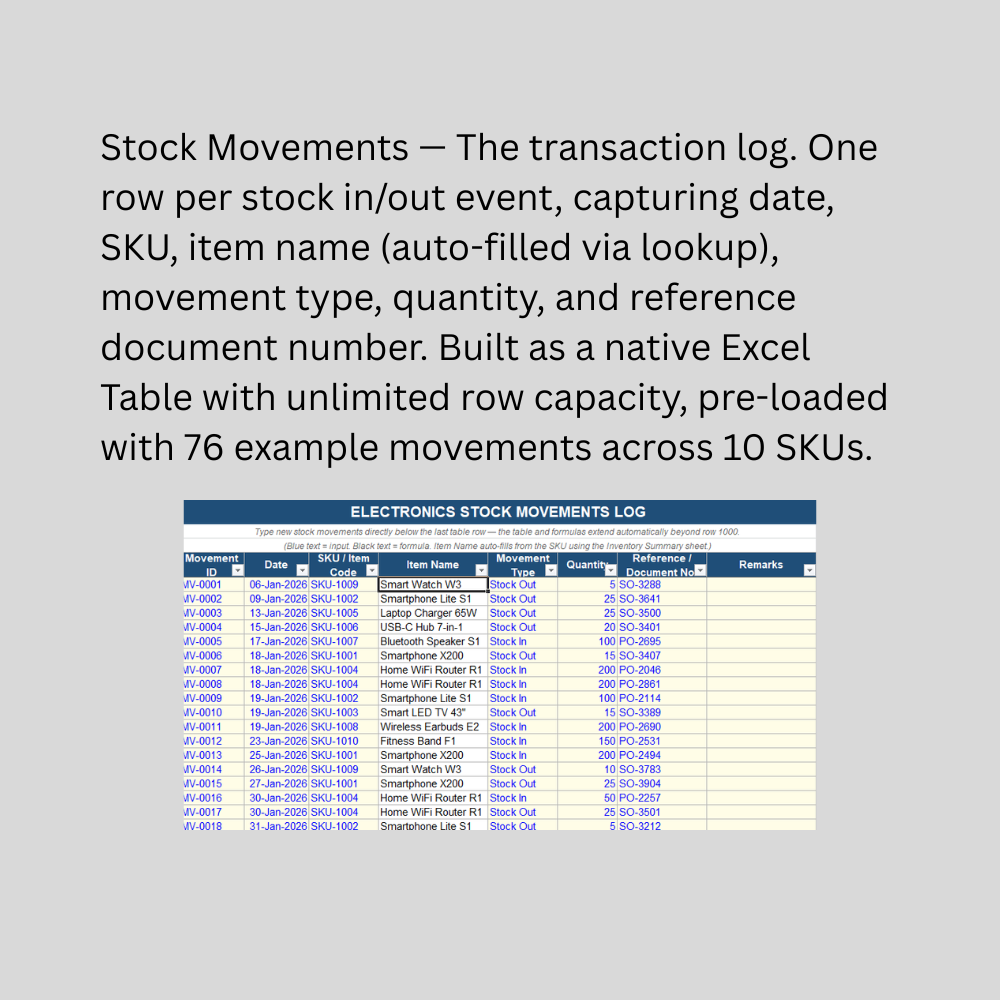
The Stock Movements sheet is where every stock event gets logged — a purchase order arriving, a sales order shipping out — as a single row with date, SKU, movement type, and quantity. Selecting a SKU automatically pulls in the item's name via a lookup formula, so there's no risk of typos or mismatched item names cluttering your data. This sheet is a native Excel Table, meaning it grows without limit as you log more movements over time.

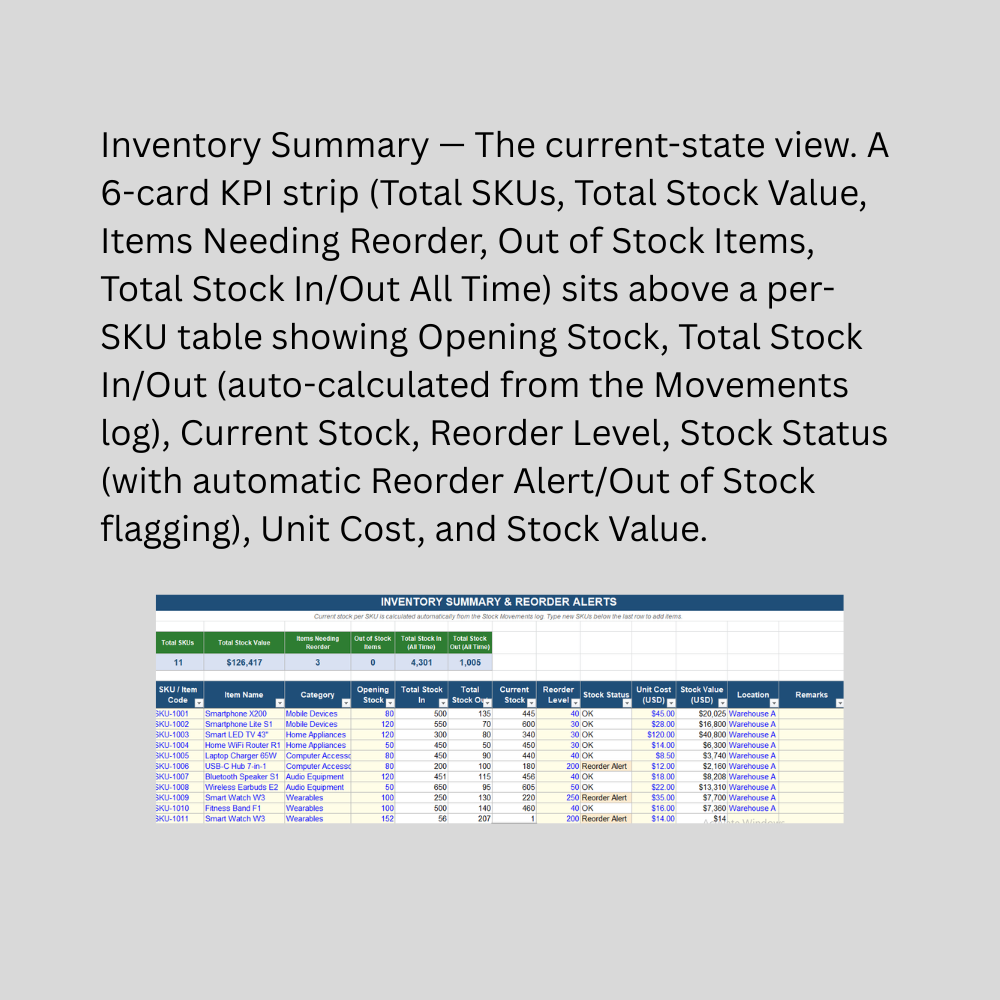
The Inventory Summary sheet is where the real value shows up. For each SKU, Total Stock In and Total Stock Out are calculated automatically by summing the matching movements from the log — you never manually update a running stock count. Current Stock, Stock Value, and a Stock Status column follow automatically, with built-in logic that flags each item as "OK," "Reorder Alert" (once stock falls to or below your set reorder level), or "Out of Stock" — highlighted with color-coded conditional formatting so problem items are immediately visible. A live KPI strip at the top summarizes total SKUs, total stock value, and how many items currently need attention, updating instantly as new movements are logged.

This Best Practice includes
1 excel dashboard file (xlsx) with instruction set

Acquire business license for $10.00

Add to cart

Add to bookmarks

Discuss

Further information

Provide a reliable, auditable log of every stock movement (in and out) by SKU
Automatically calculate current stock levels from the movement log, eliminating manual stock counts
Flag items needing reorder before they run out, using automatic status logic and color coding
Track stock value per item and in total for inventory valuation purposes
Give business owners instant visibility into inventory health through live KPI cards
Scale from a handful of SKUs and movements to thousands of records with no extra setup

Electronics retailers, distributors, or small manufacturers tracking SKU-level inventory
Businesses wanting a lightweight, offline alternative to dedicated inventory management software
Operations with a manageable number of SKUs where manual movement logging is practical
Businesses wanting proactive reorder alerts rather than discovering stockouts after the fact
Single-location or single-warehouse inventory (with an optional Location field for light multi-location tagging)
Users comfortable with basic Excel data entry and dropdown-based movement logging

Businesses needing barcode scanning, automated data capture, or point-of-sale integration
Multi-warehouse operations requiring location-specific stock balances and transfers between locations
High-volume operations needing real-time inventory updates across multiple simultaneous users
Batch/lot tracking, serial number tracking, or expiry date management
Businesses needing direct integration with accounting or ERP software
Situations requiring audit-ready, tamper-proof inventory records for compliance or financial reporting — this is an operational tracking tool, not a certified accounting record


0.0 / 5 (0 votes)

please wait...