GST/VAT Calculator – Add, Remove & Split Tax Instantly in Excel
Originally published: 03/08/2026 13:03
Publication number: ELQ-48674-1
View all versions & Certificate
certified

GST/VAT Calculator – Add, Remove & Split Tax Instantly in Excel

A versatile Excel tool that adds or removes GST/VAT from any amount in seconds, splits Indian GST into CGST/SGST/IGST for invoicing, and includes a built-in ref

Description
This GST/VAT Calculator is a formula-driven Excel template built to handle the most common tax calculations businesses and individuals face every day: adding tax to a price, removing tax from a price, and generating a compliant tax breakdown for invoicing. Rather than reaching for a manual formula or an online calculator each time, users simply type into clearly marked yellow input cells and every result updates instantly.

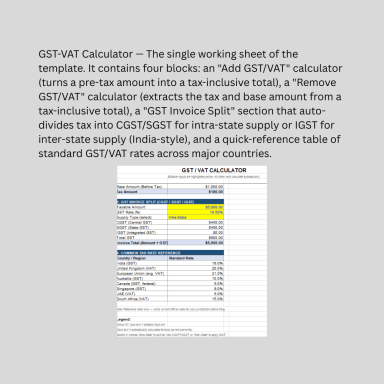
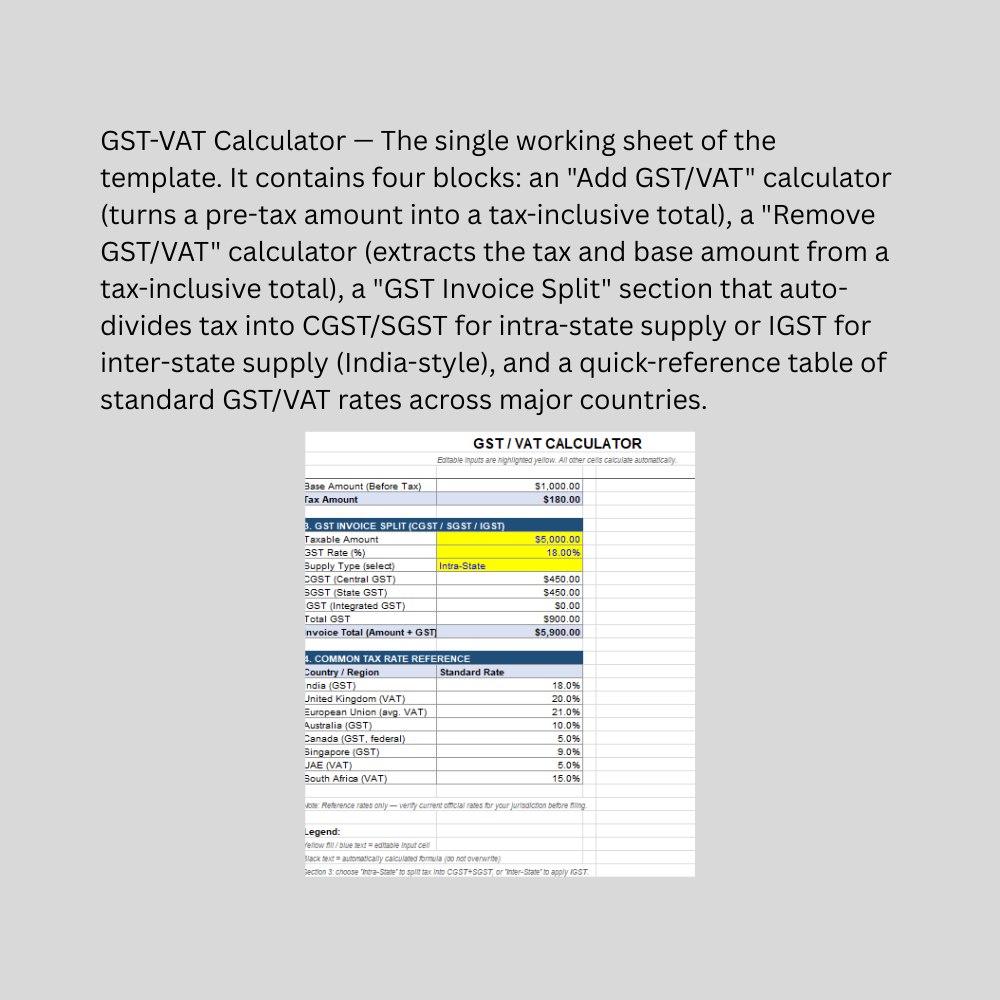
The template is organized into four practical sections. "Add GST/VAT" takes a pre-tax amount and rate and returns the tax amount plus the tax-inclusive total — useful when quoting prices to customers. "Remove GST/VAT" does the reverse: given a tax-inclusive total, it backs out the original base amount and the tax portion, which is essential for bookkeeping and expense reconciliation. The "GST Invoice Split" section is tailored to India's dual-GST system — enter the taxable amount and rate, select "Intra-State" or "Inter-State" from a dropdown, and the sheet automatically calculates CGST and SGST (for intra-state sales) or IGST (for inter-state sales), then produces the final invoice total. A built-in rate reference table lists standard GST/VAT rates for India, the UK, the EU, Australia, Canada, Singapore, the UAE, and South Africa, so users don't need to look rates up elsewhere.

Every calculation uses live Excel formulas, not hardcoded numbers, so changing any input instantly recalculates the entire sheet. The color-coded design (yellow/blue for inputs, black for protected formulas) makes it immediately clear what to edit. The file works in Excel, Google Sheets, and LibreOffice Calc, and is easy to adapt to any country's tax rate or terminology.

This Best Practice includes
1 excel dashboard file (xlsx) with instruction set

Tariq Hussain offers you this Best Practice for free!

download for free

Add to bookmarks

Discuss

Further information

Quickly add or remove GST/VAT from any amount without manual formulas
Generate an accurate India-style GST invoice split (CGST/SGST/IGST) based on supply type
Reduce errors in tax-inclusive vs. tax-exclusive pricing calculations
Provide a quick reference for standard GST/VAT rates across major countries/regions
Support pricing, invoicing, and bookkeeping workflows for small businesses and freelancers

Small businesses, freelancers, or consultants who need to quickly add/remove tax on quotes and invoices
Indian businesses needing a simple CGST/SGST/IGST split for standard-rate GST invoices
Bookkeepers or accountants reconciling tax-inclusive receipts and expenses
Anyone needing a fast, offline, single-rate tax calculation without accounting software
Situations involving a single flat tax rate applied to the full transaction amount

Businesses needing multi-line invoices with mixed tax rates or product-wise HSN/SAC-based GST slabs
Jurisdictions with multiple tax layers beyond GST/VAT (e.g., excise duty, customs duty, cess) — these are not modeled
Automated, compliance-grade GST/VAT return filing or reconciliation with government portals (e.g., GSTR filings)
Reverse charge mechanism (RCM) scenarios, exempt/zero-rated goods, or composition scheme calculations — not covered
Multi-country transactions requiring simultaneous handling of different tax regimes in one invoice
Situations needing legal or tax-filing certification — this is a calculation aid only, not a substitute for professional tax advice


0.0 / 5 (0 votes)

please wait...