
Android Enterprise Deployment Lifecycle Toolkit
Originally published: 30/08/2026 12:37
Publication number: ELQ-35354-1
View all versions & Certificate
certified

Android Enterprise Deployment Lifecycle Toolkit

Enterprise-grade Android deployment toolkit for MDM/UEM, zero-touch, pilot validation, rollout governance, and operational handover.

Description

Plan and execute corporate Android deployments with a structured, evidence-based methodology instead of disconnected spreadsheets and ad hoc checklists.

This professional toolkit covers the complete enterprise Android deployment lifecycle, from initial readiness assessment and management-mode selection through enrollment design, zero-touch enrollment, pilot validation, controlled rollout, risk governance, production acceptance, and operational handover.

It is designed for IT managers, MDM/UEM administrators, enterprise mobility consultants, systems integrators, resellers, MSPs, and technical project teams responsible for deploying or managing corporate Android devices.

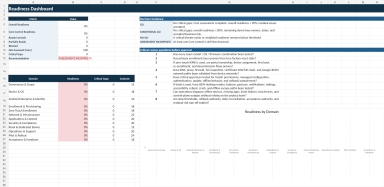
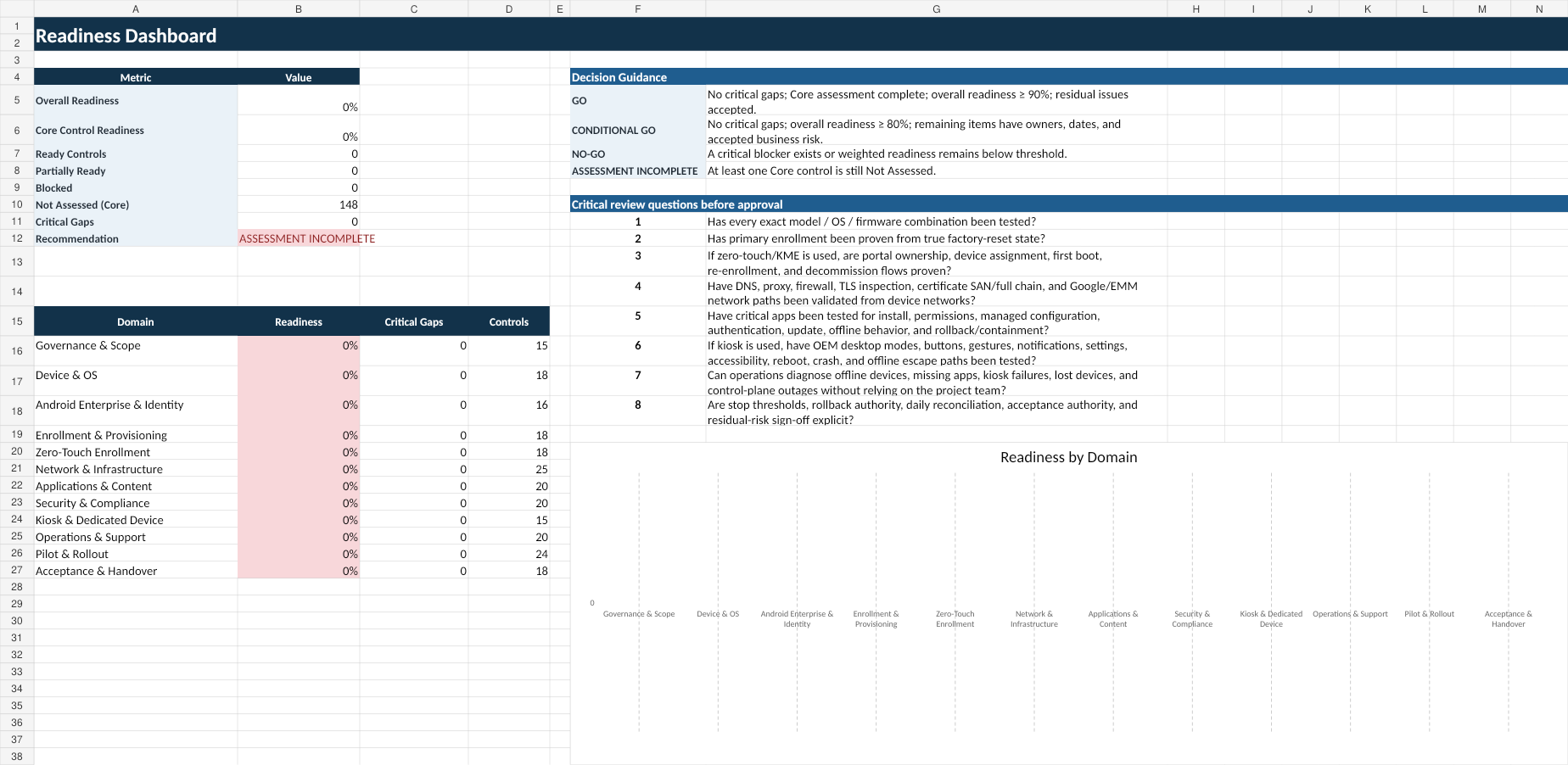
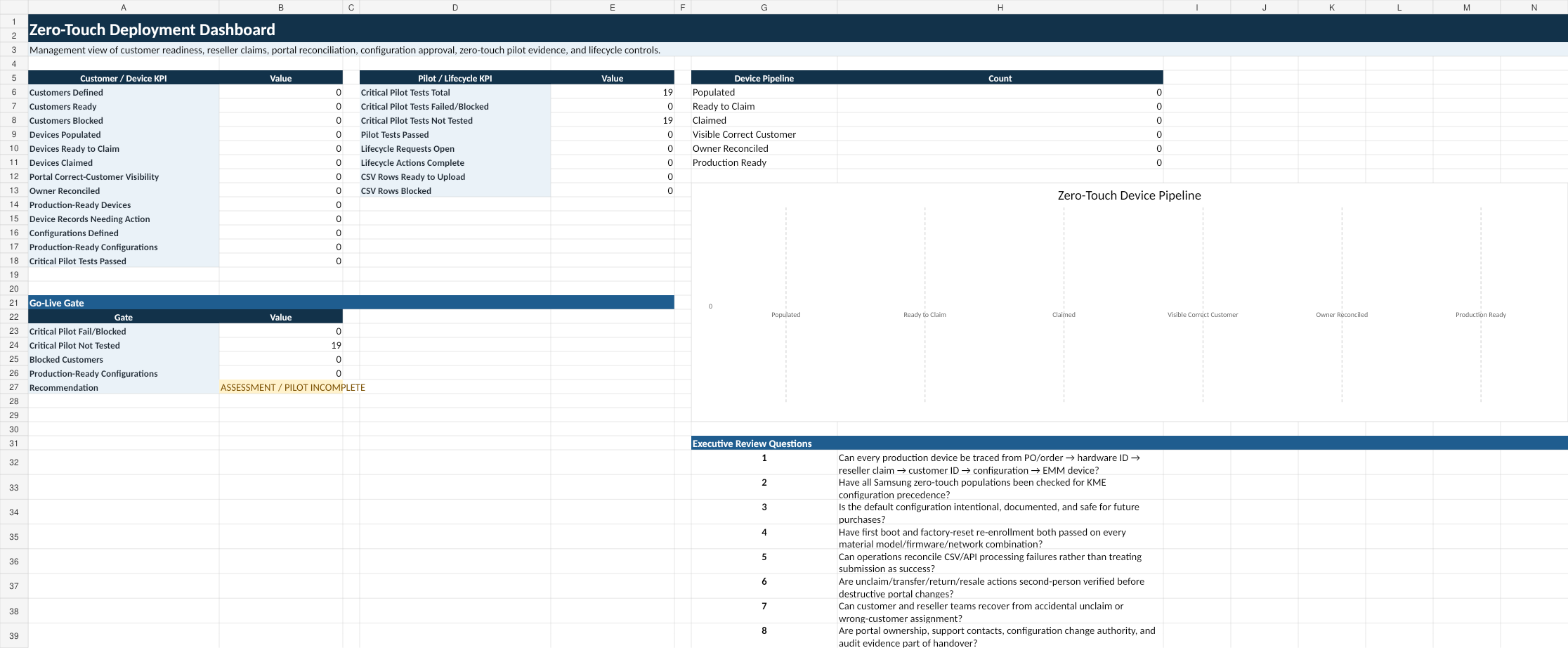
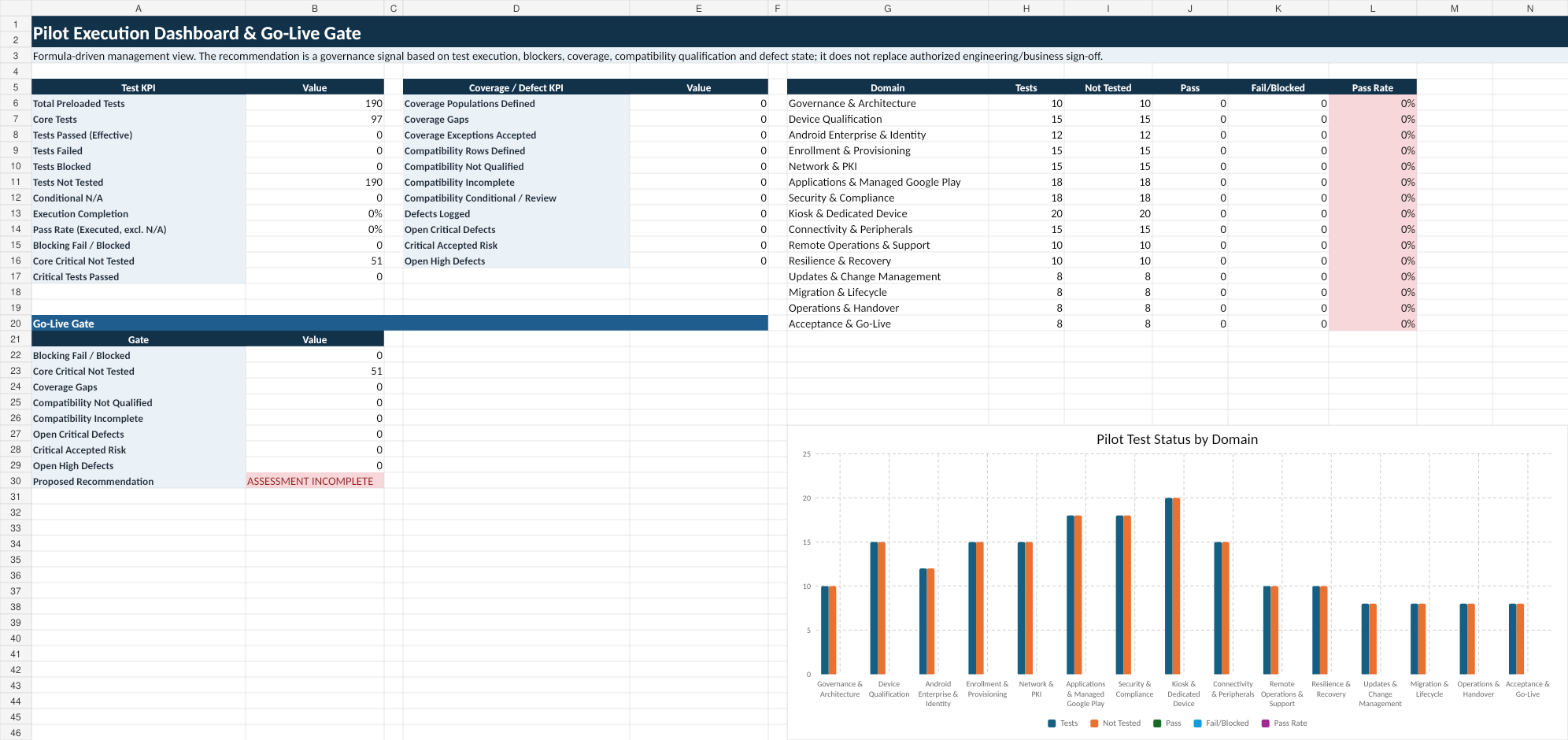
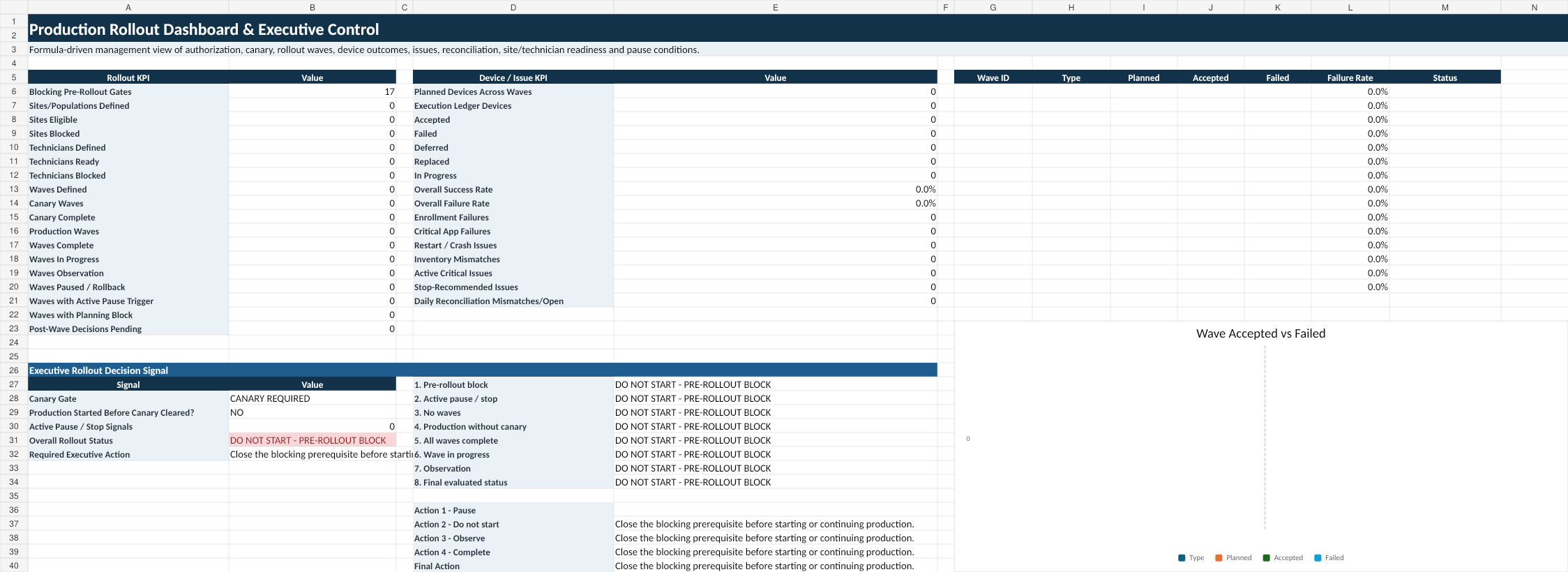
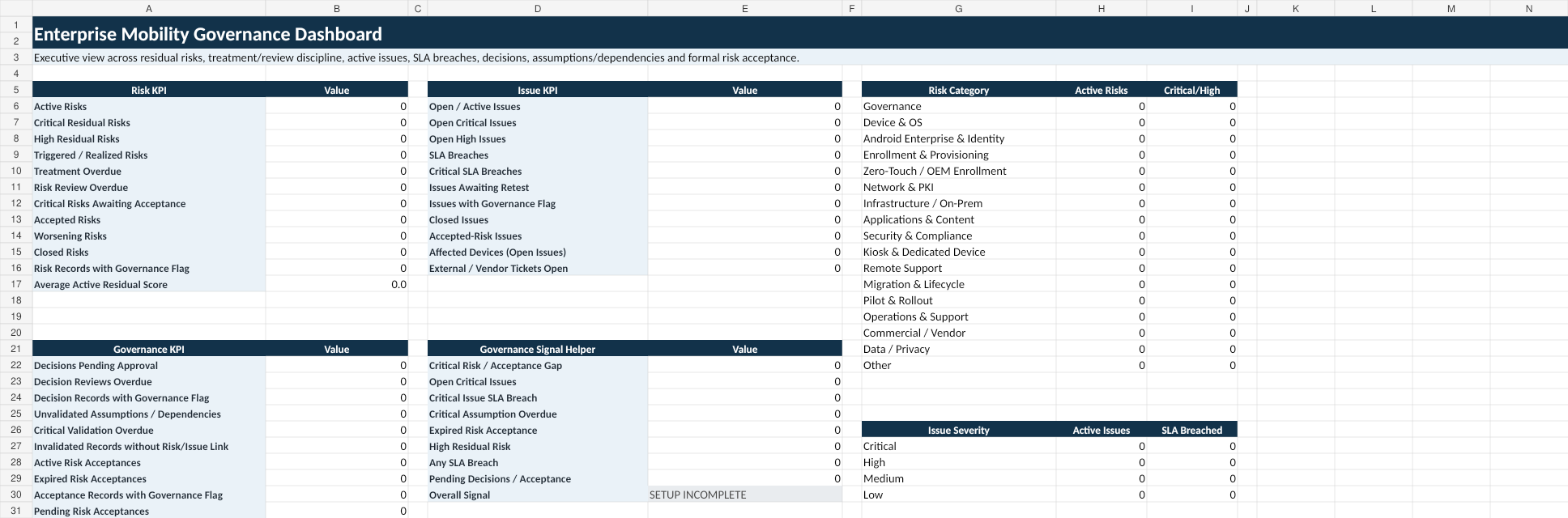
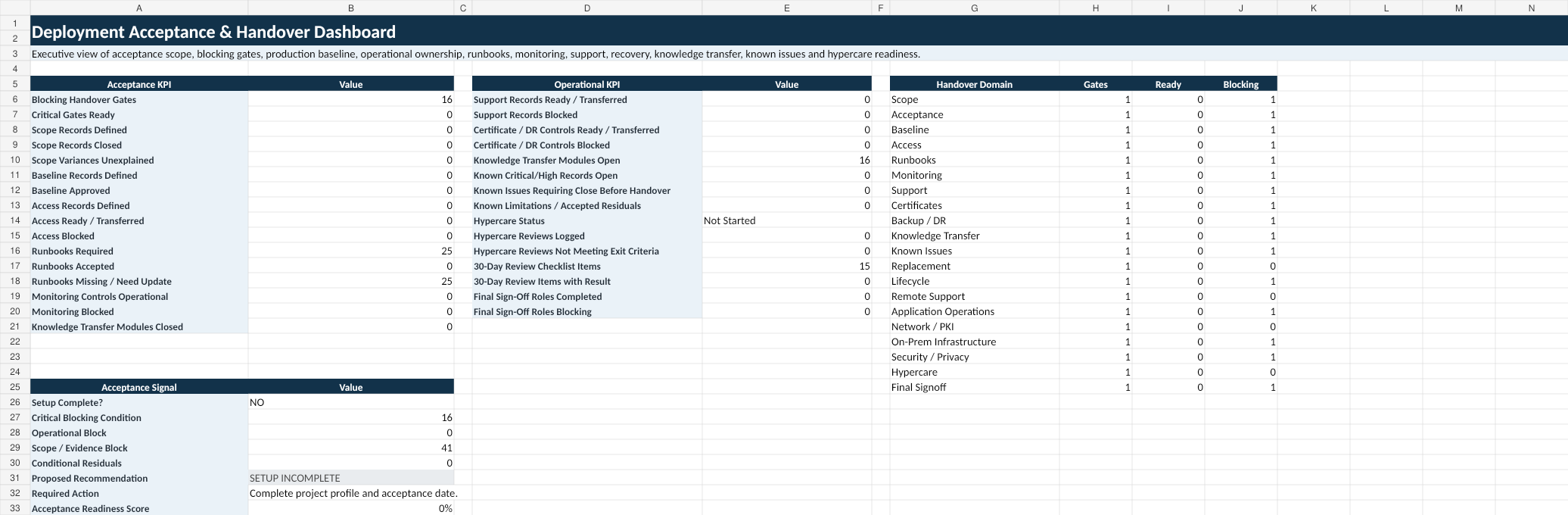
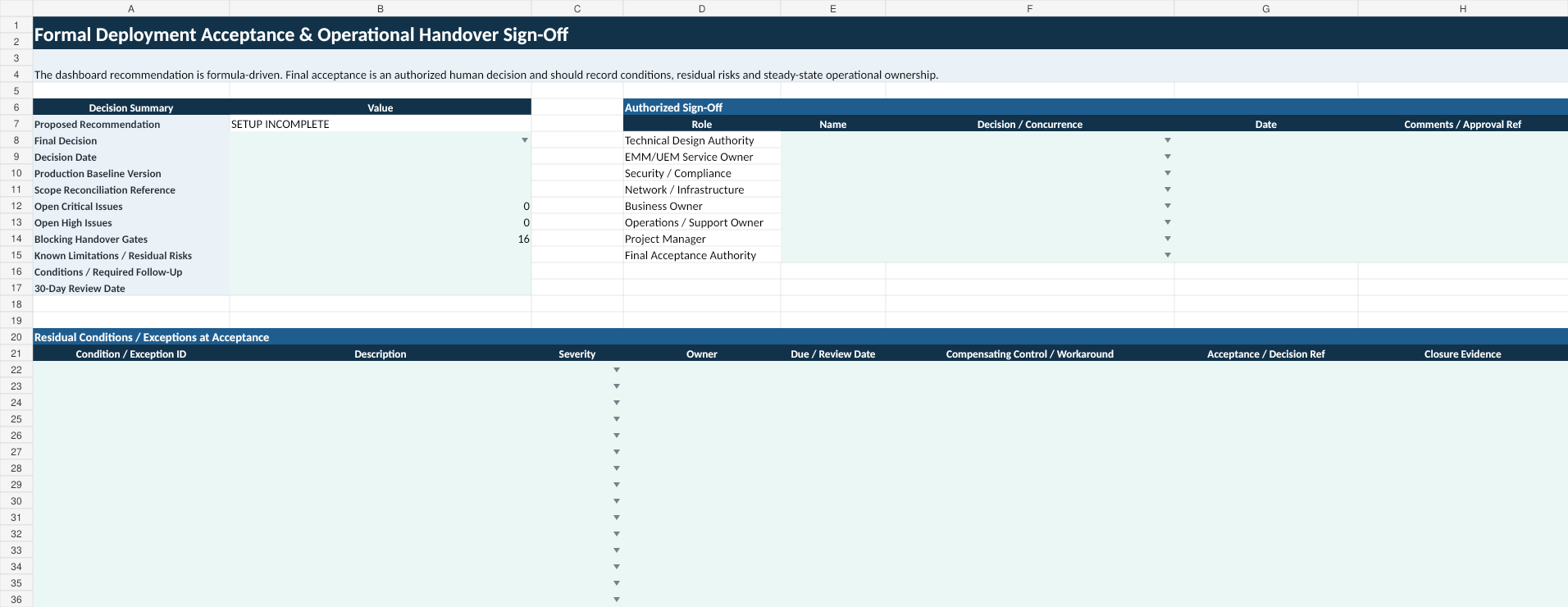
The package includes a Master Implementation Guide and seven professional Excel workbooks with automated scoring, dashboards, decision logic, compatibility matrices, acceptance gates, rollout thresholds, risk and issue controls, escalation frameworks, and operational handover tools.

The methodology addresses common deployment failure points such as incomplete prerequisites, incorrect management or enrollment choices, device and firmware variation, zero-touch and OEM provisioning exceptions, missing applications, Managed Google Play issues, proxy and TLS restrictions, certificate-chain problems, kiosk and DeX escape paths, remote-support limitations, uncontrolled rollout waves, weak rollback planning, unresolved risks, and incomplete support transition.

The toolkit is vendor-neutral and is intended to complement, not replace, current Google, OEM, and MDM/UEM documentation. Technical capabilities must always be validated against the specific Android version, device model, OEM, region, EMM/UEM platform, licensing, network architecture, and organizational requirements.

Use it to improve consistency, reduce avoidable deployment risk, strengthen technical acceptance, preserve project evidence, and create a cleaner transition from deployment project to steady-state operations.

This Best Practice includes
1 Master Implementation Guide (PDF + editable DOCX), 7 professional Excel workbooks, 1 buyer README, 1 worked deployment

Acquire business license for $119.00

Add to cart

Add to bookmarks

Discuss

Further information

Provide IT teams with a structured, repeatable methodology for planning and executing enterprise Android deployments from initial readiness through operational handover. The toolkit helps teams reduce deployment risk, select appropriate management and enrollment approaches, validate devices and applications, control pilots and rollout waves, manage risks and issues, preserve technical evidence, and establish clear production acceptance criteria.

Best suited to organizations, consultants, systems integrators, MSPs, resellers, and technical teams deploying or managing corporate Android devices through Android Enterprise and an MDM/UEM platform. It is especially valuable for multi-device or multi-site deployments involving zero-touch enrollment, company-owned devices, dedicated or kiosk devices, managed applications, security policies, pilot testing, phased rollout, migration, troubleshooting, and operational handover.

This toolkit is not intended as a beginner-level introduction to Android, a substitute for official Google, OEM, or MDM/UEM vendor documentation, or a preconfigured deployment for a specific platform. It is also less appropriate for very small personal-device setups that do not require formal project governance. Technical capabilities, enrollment options, policies, and procedures must always be validated against the specific Android version, device model, OEM, region, EMM/UEM platform, licensing, network architecture, and organizational requirements.


0.0 / 5 (0 votes)

please wait...