
Publication number: ELQ-88037-1
View all versions & Certificate

Further information
1. Simplify Business Operations:
Streamline repetitive tasks and reduce manual errors with built-in automation features.
2. Save Time & Increase Productivity:
Automate data entry, calculations, and reporting so you can focus on strategic decisions.
3. Enhance Financial Accuracy:
Ensure precise financial tracking with professionally designed accounting and analysis sheets.
4. Empower Startup Founders & Accountants:
Provide easy-to-use tools that support smarter financial planning, budgeting, and forecasting.
5. Offer Scalable Solutions:
Suitable for solo entrepreneurs and growing startups looking for affordable, powerful automation.
6. Centralize Business Data:
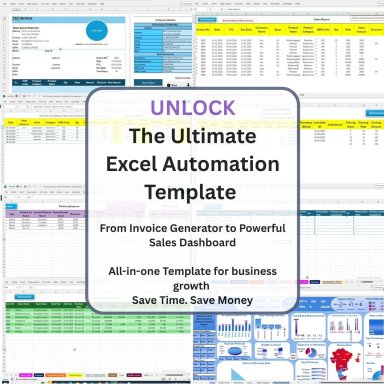
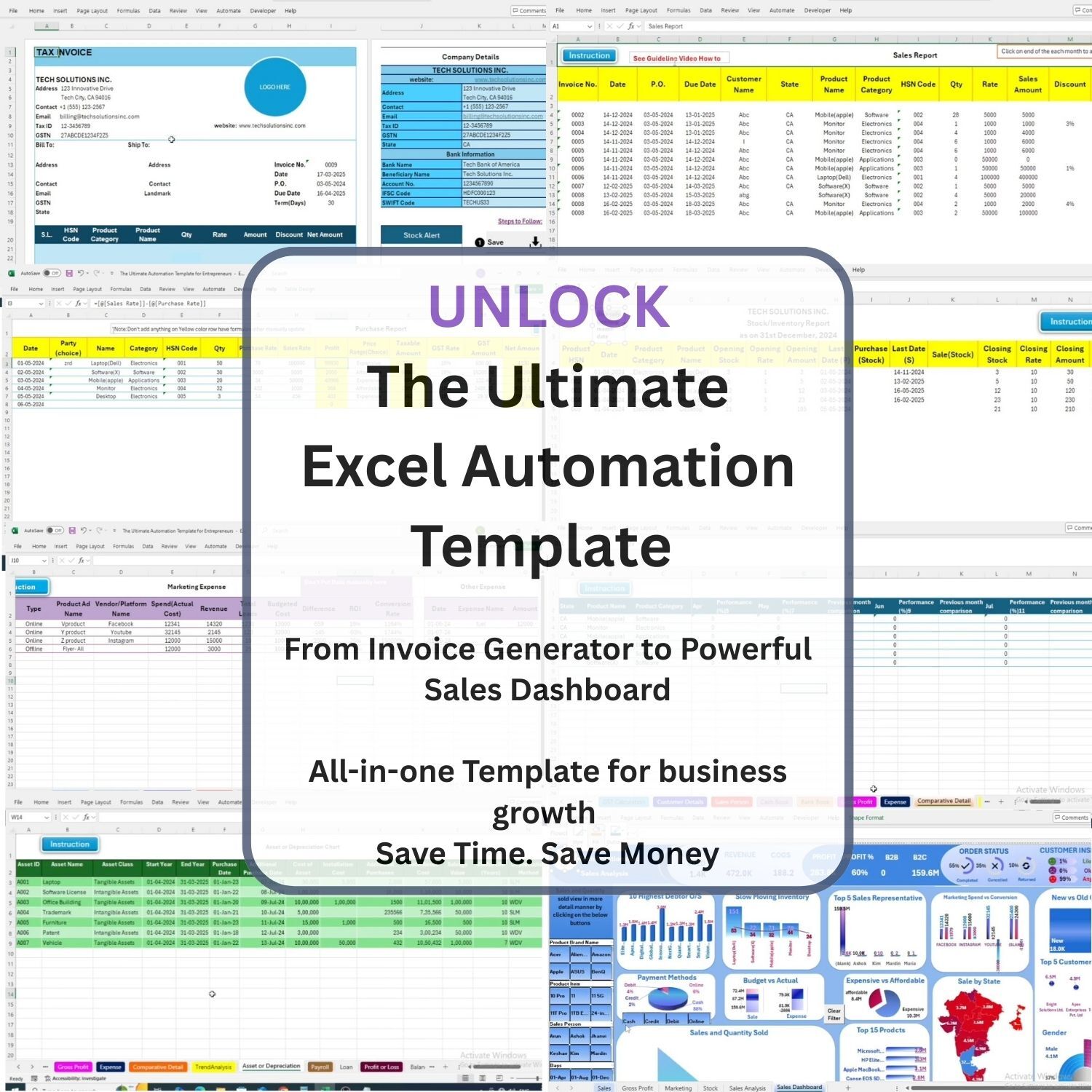
Keep invoices, sales records, expenses, and customer data organized in one functional dashboard.
7. Promote Better Decision-Making:
Use visual reports and real-time insights to monitor performance and guide growth strategies.
System Compatibility:
This Excel automation template works best on Windows Office 2019, Office 2021, and Microsoft 365.
On Mac, it is recommended to use Microsoft 365 for Mac with full Excel feature support (including Macros & VBA). Some automation functions may not perform fully on older or limited versions of Excel for Mac.
1. You’re a Startup Founder or Freelancer
Looking for a ready-to-use tool to manage finances, clients, or operations without hiring a team.
2. You’re an Accountant or Finance Professional
Seeking a customizable template to simplify client work or internal business processes.
3. You Want to Automate Repetitive Excel Tasks
Perfect for anyone tired of manual entries, complex formulas, or inconsistent reporting.
4. You Don’t Have Time to Build from Scratch
Ideal for professionals who need a quick, reliable solution without spending hours designing templates.
5. You Manage a Small or Growing Business
This template fits businesses that need cost-effective tools for tracking sales, invoicing, and analytics.
6. You Prefer Plug-and-Play Simplicity
Designed for users who want instant usability—just download, enable macros, and get started.
1. You’re Using Excel Online or Google Sheets
This template uses advanced features like Macros and VBA, which are not supported in cloud-based platforms.
2. You Have an Outdated Version of Excel
Not ideal for users with Excel 2016 or earlier, or Mac versions without full macro support. Compatibility issues may limit functionality.
3. You Do Not Have Permission to Enable Macros/VBA
If you're using a restricted system (e.g., a company laptop with limited access), automation features may not work.
4. You’re Looking for a Mobile-Only Solution
Excel automation features are not fully supported on mobile apps. Desktop use is highly recommended.
5. You Want a Cloud-Integrated or Collaborative Tool
This is a standalone offline Excel file and not designed for live collaboration or integrations like Airtable, Notion, or CRMs.
6. You Expect Ongoing Live Support or Customization
The product is a ready-to-use downloadable template. While support documentation is provided, it doesn’t include ongoing consultation or custom setups.
