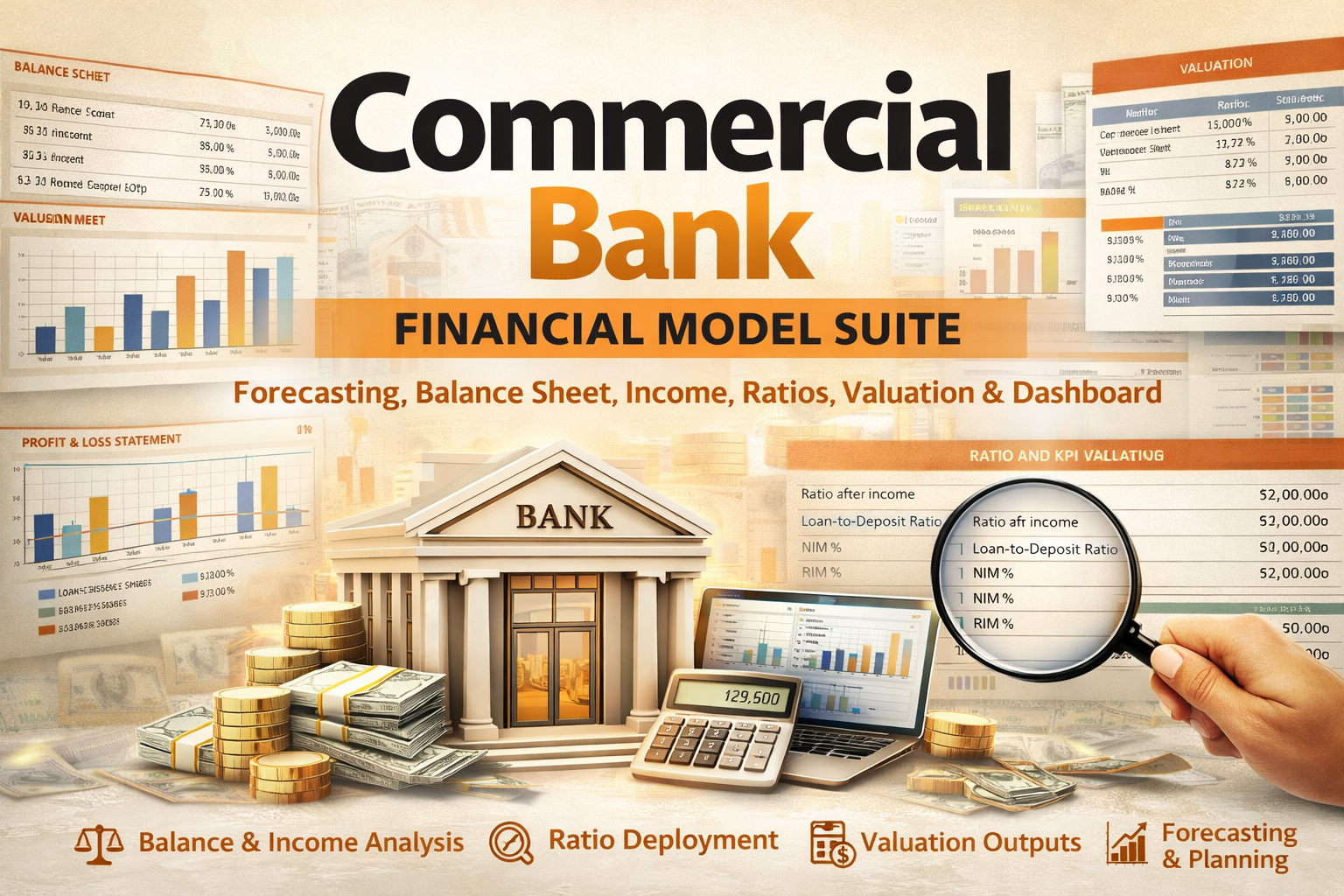
Commercial Bank Financial Model Suite – Forecasting, Balance Sheet, Income, Ratios, Valuation & Dashboard
Originally published: 27/03/2026 21:52
Publication number: ELQ-80840-1
View all versions & Certificate
certified

Commercial Bank Financial Model Suite – Forecasting, Balance Sheet, Income, Ratios, Valuation & Dashboard

A professional Excel financial model suite for commercial banks and banking institutions, built for forecasting, balance sheet planning, income analysis, ratio

Description
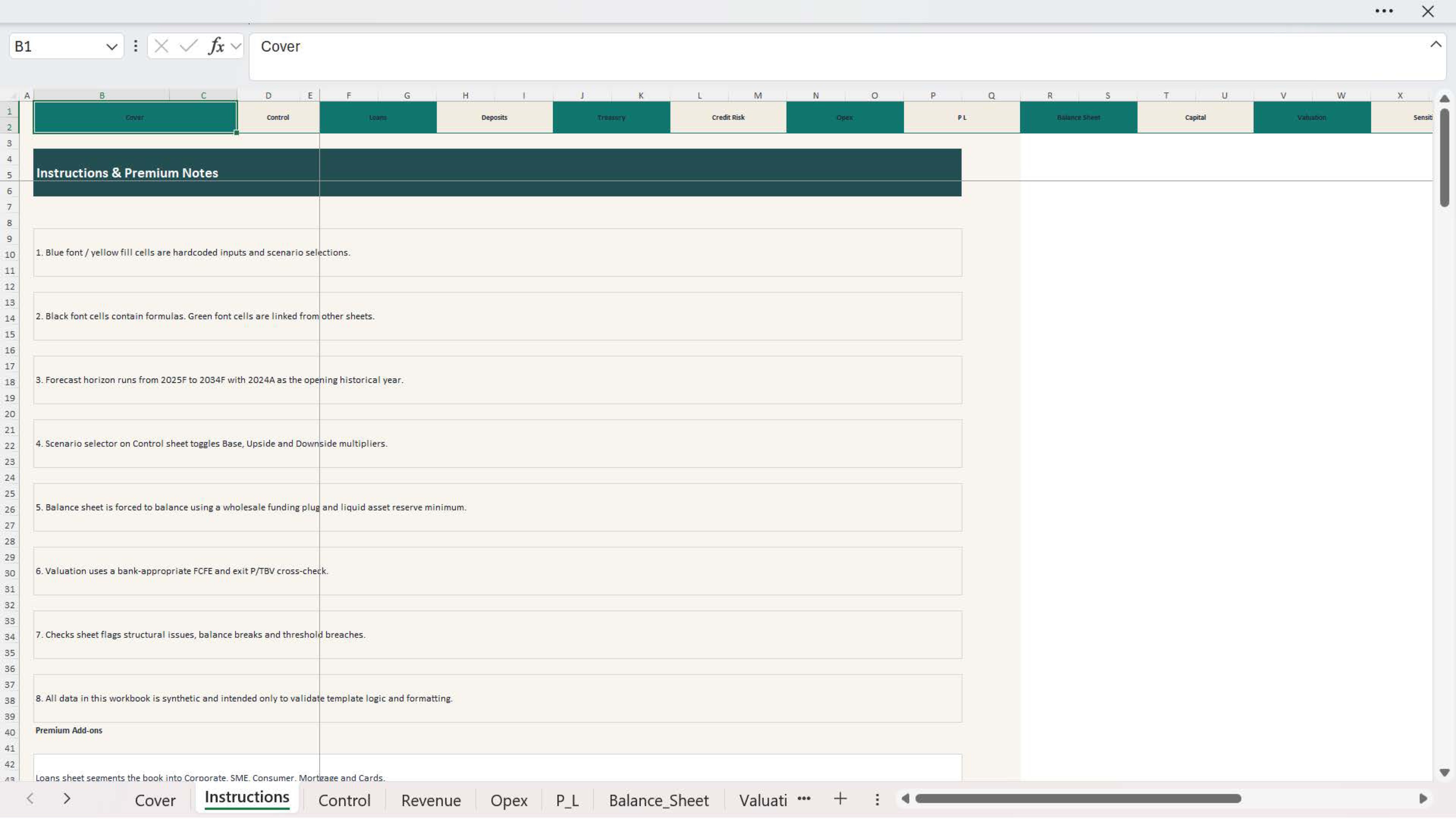
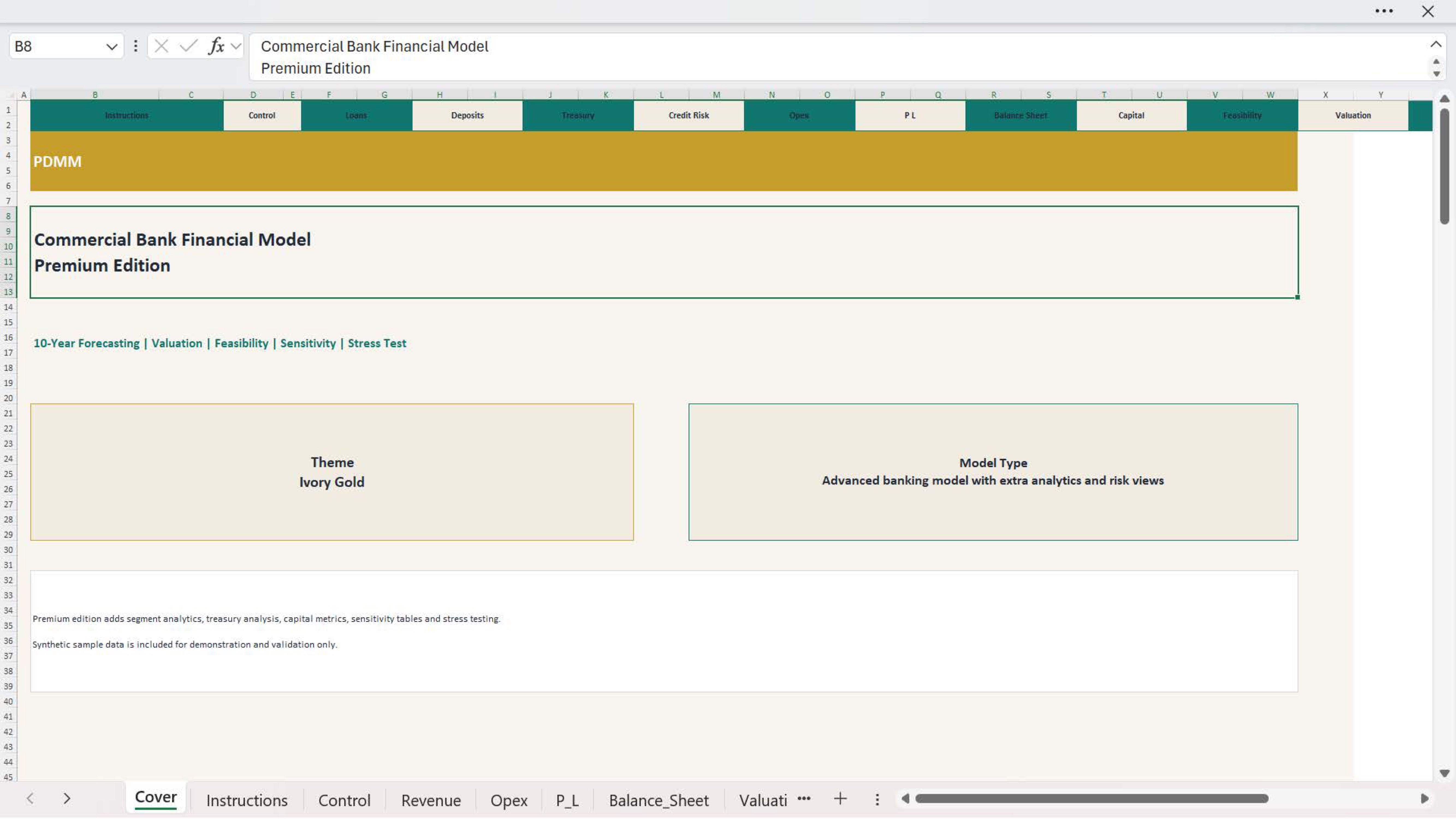
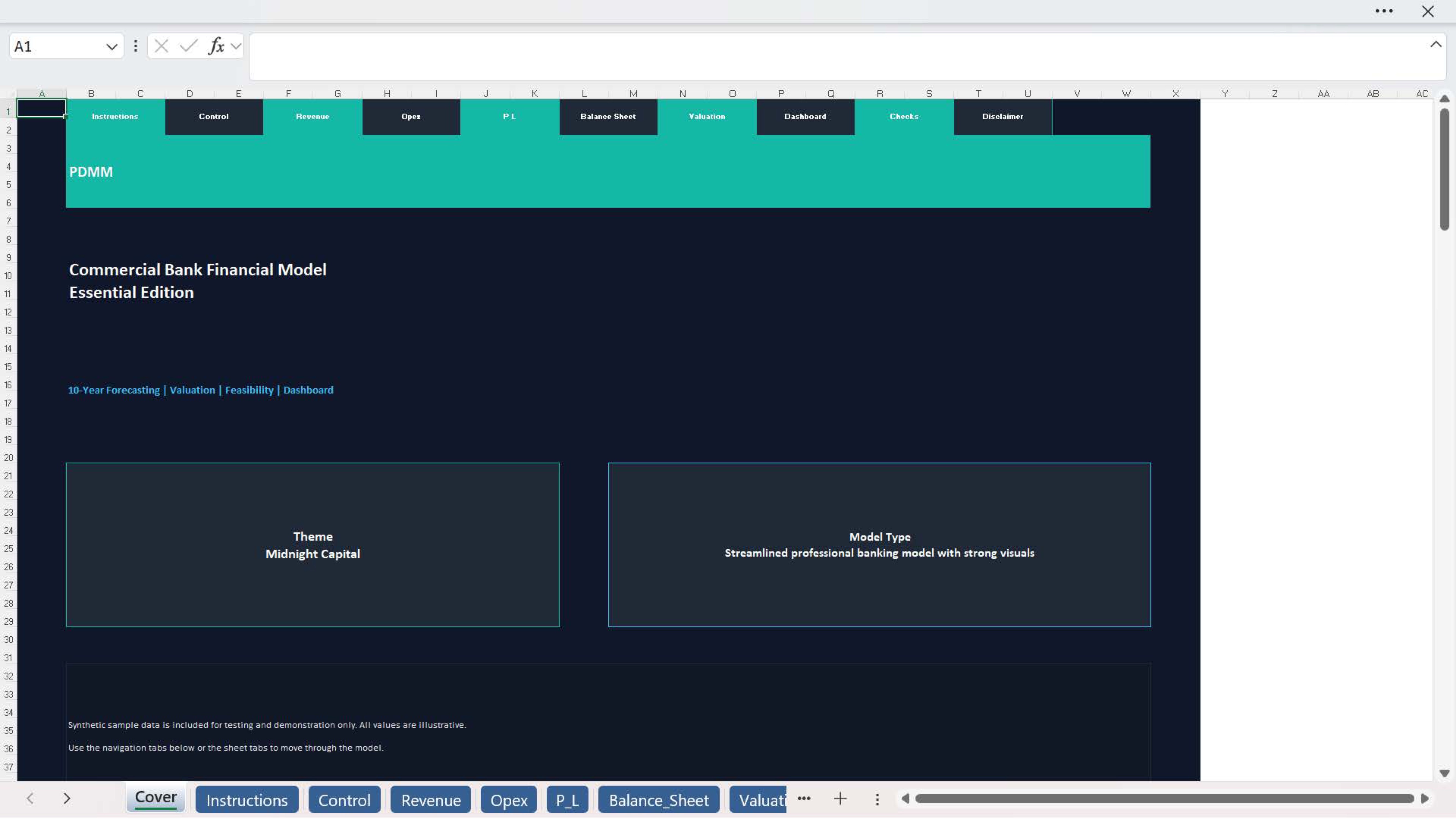
The Commercial Bank Financial Model Suite is a professional Excel-based template designed to evaluate the financial performance, planning assumptions, and valuation of a commercial bank. It is built for banking analysts, finance teams, consultants, investors, founders, and advisory professionals who need a structured and practical framework for forecasting banking operations and reviewing performance in a professional format.

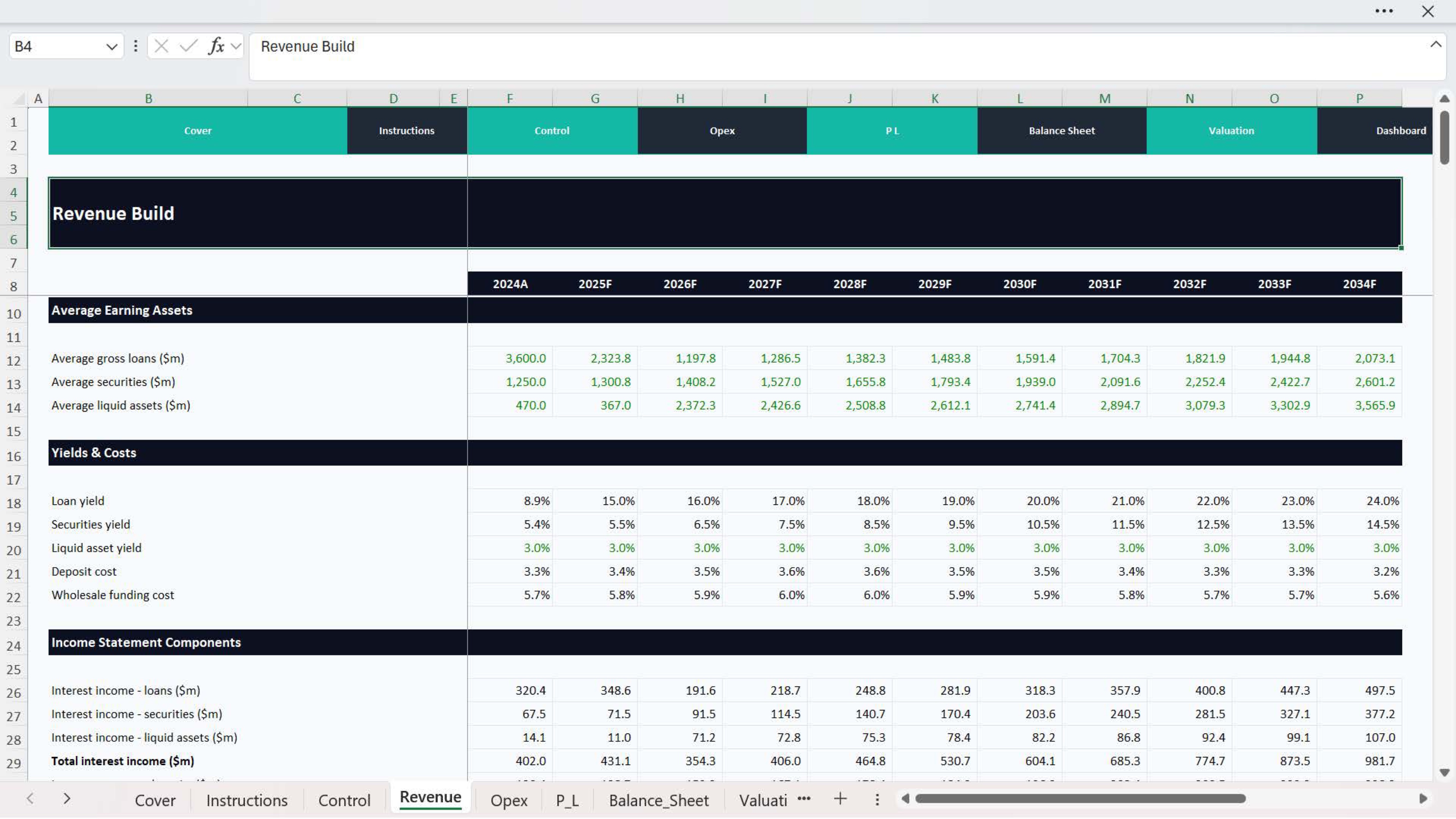
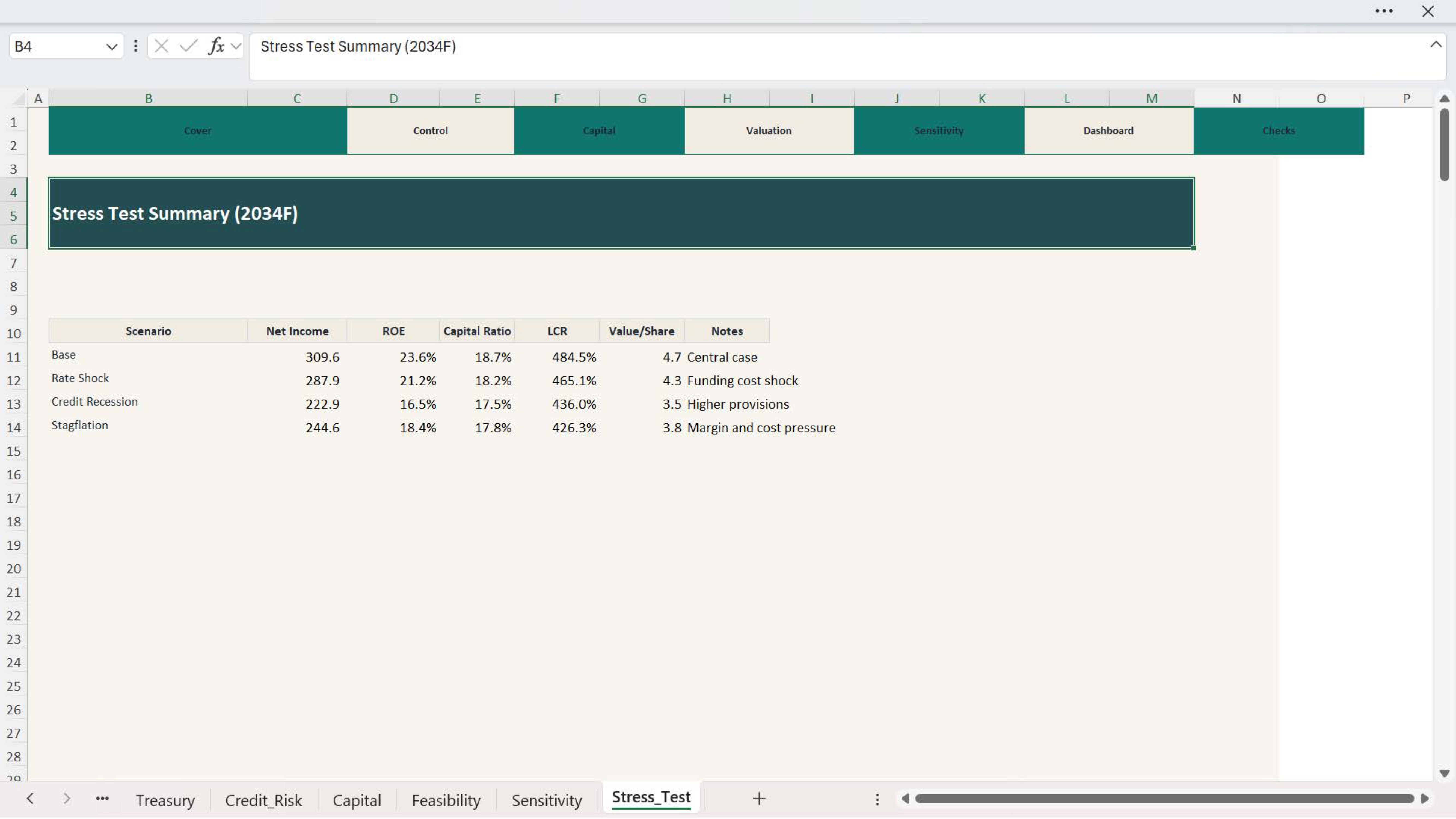
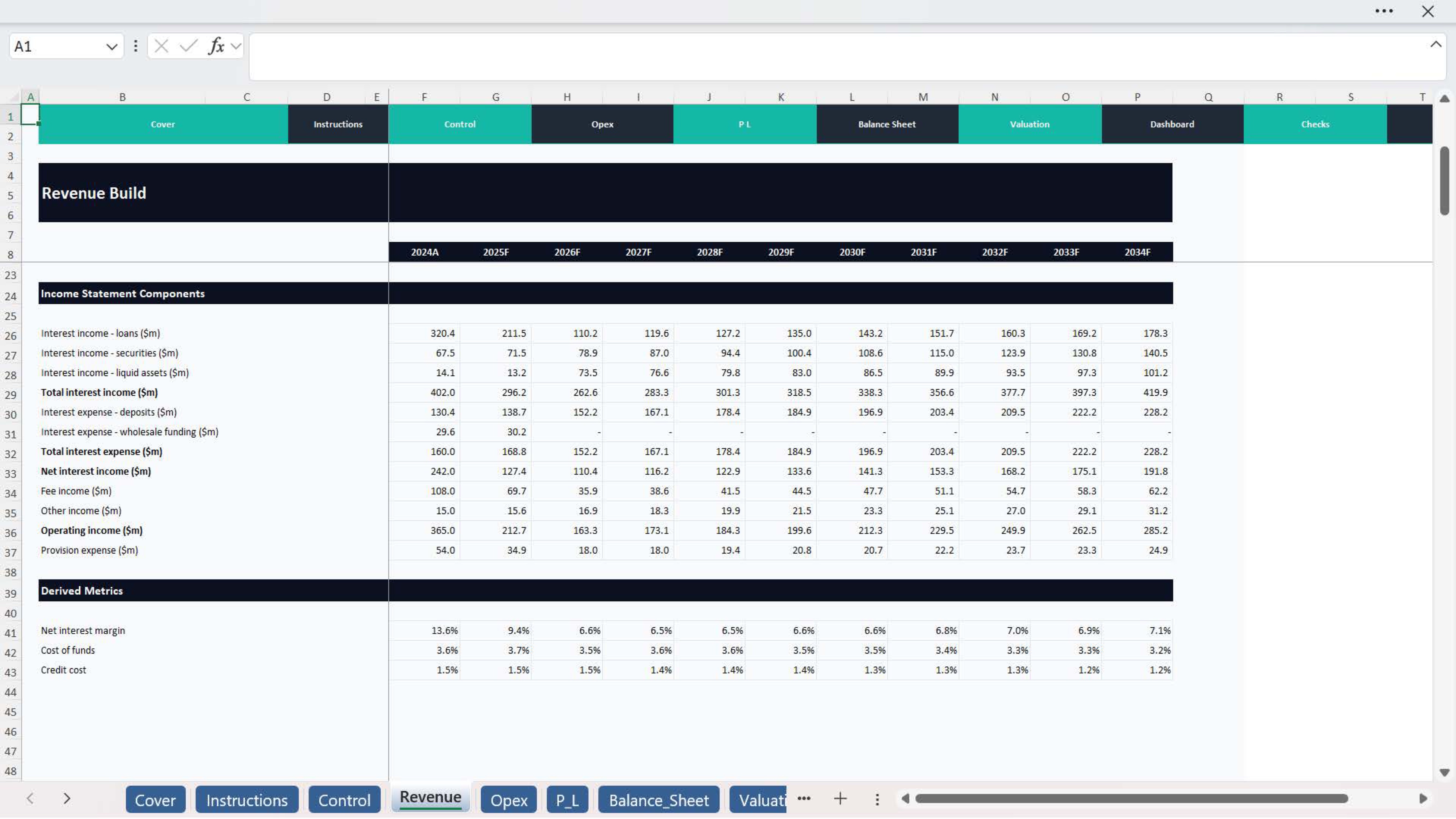
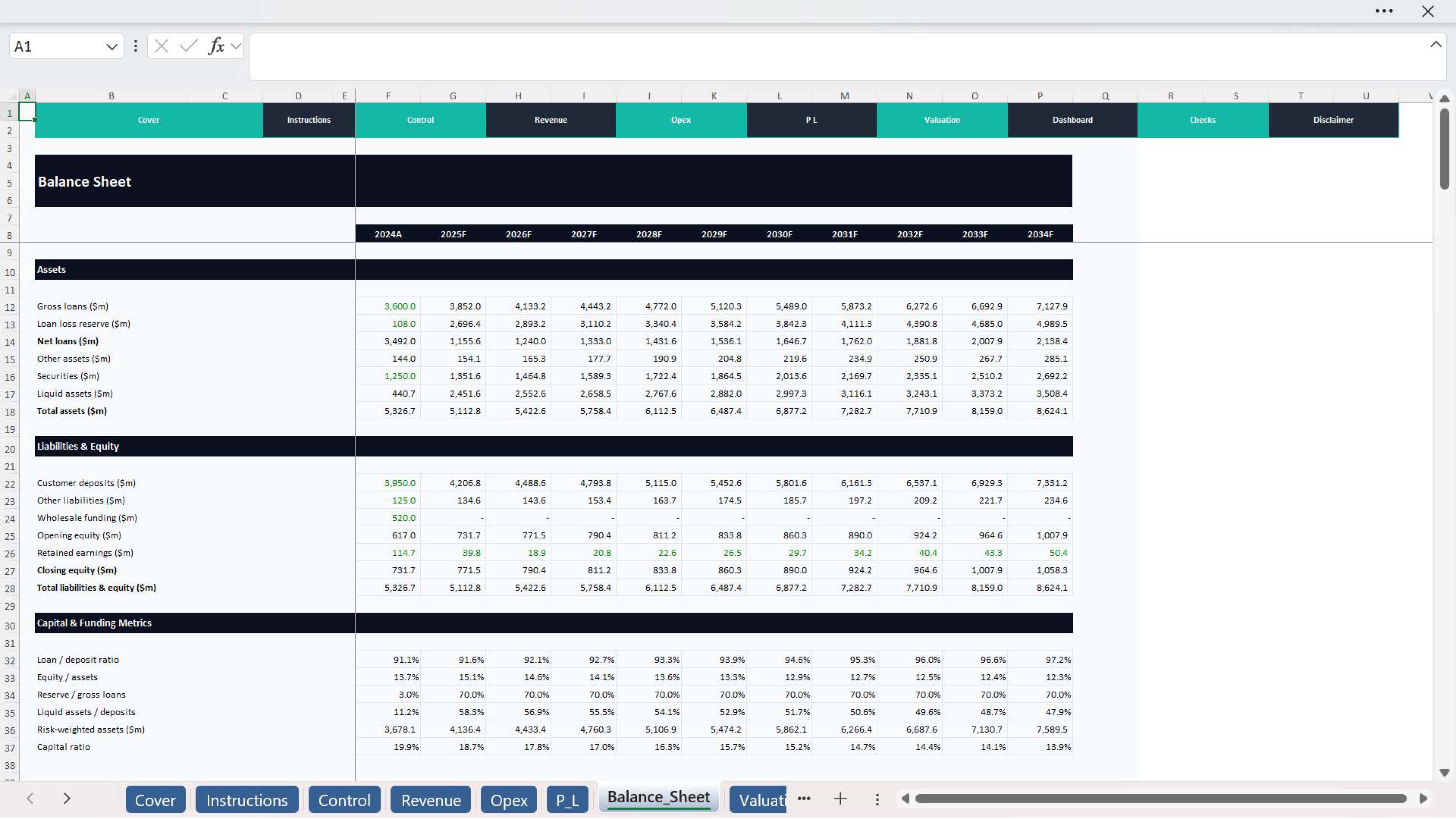
This model suite helps users assess a commercial bank by bringing together the main financial drivers into one integrated workbook. It supports the analysis of balance sheet development, income generation, profitability, banking ratios, valuation, KPI monitoring, and dashboard reporting in a clear and decision-friendly structure.

What is this model used for?
  • Commercial bank financial forecasting
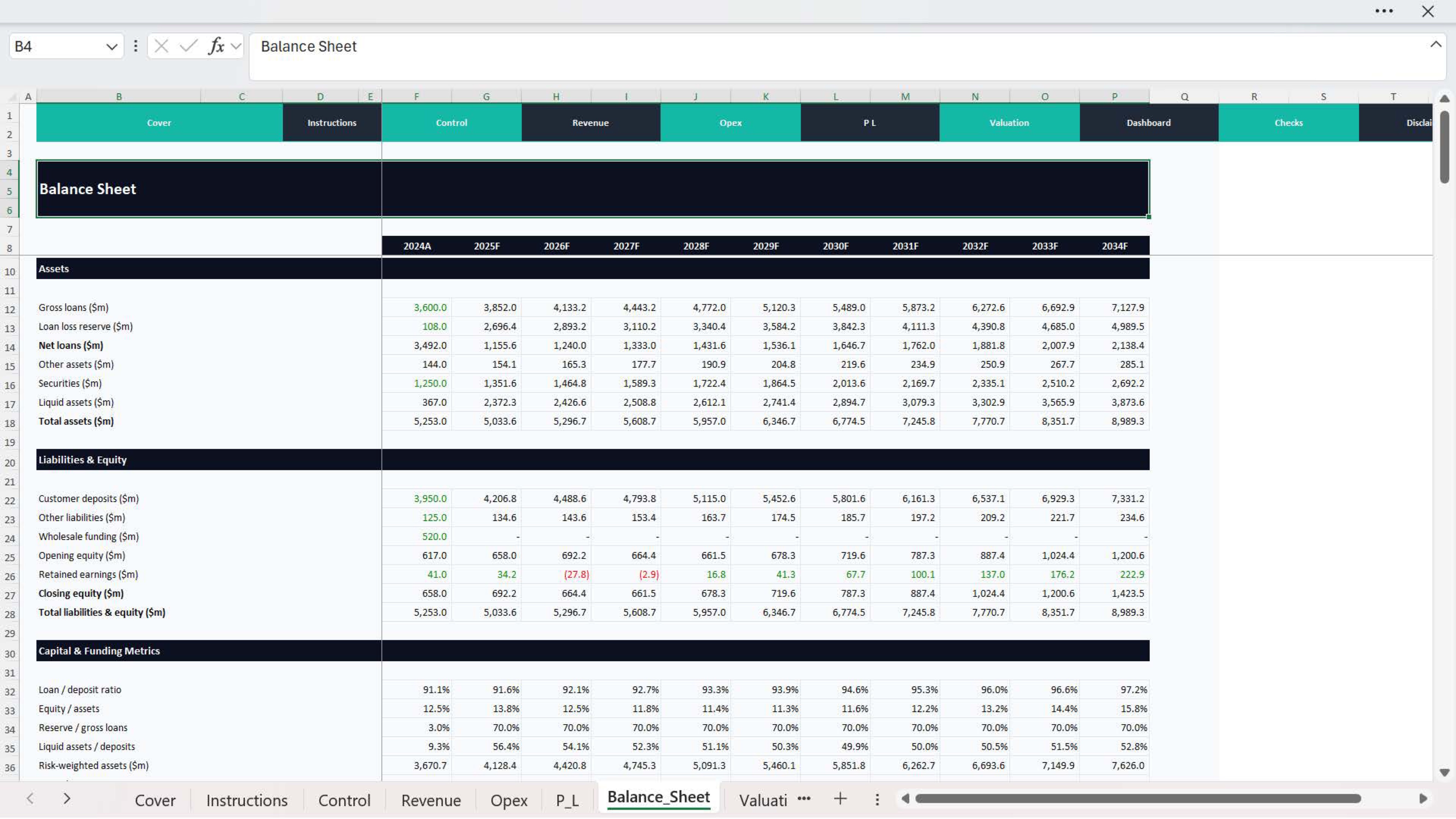
  • Balance sheet planning
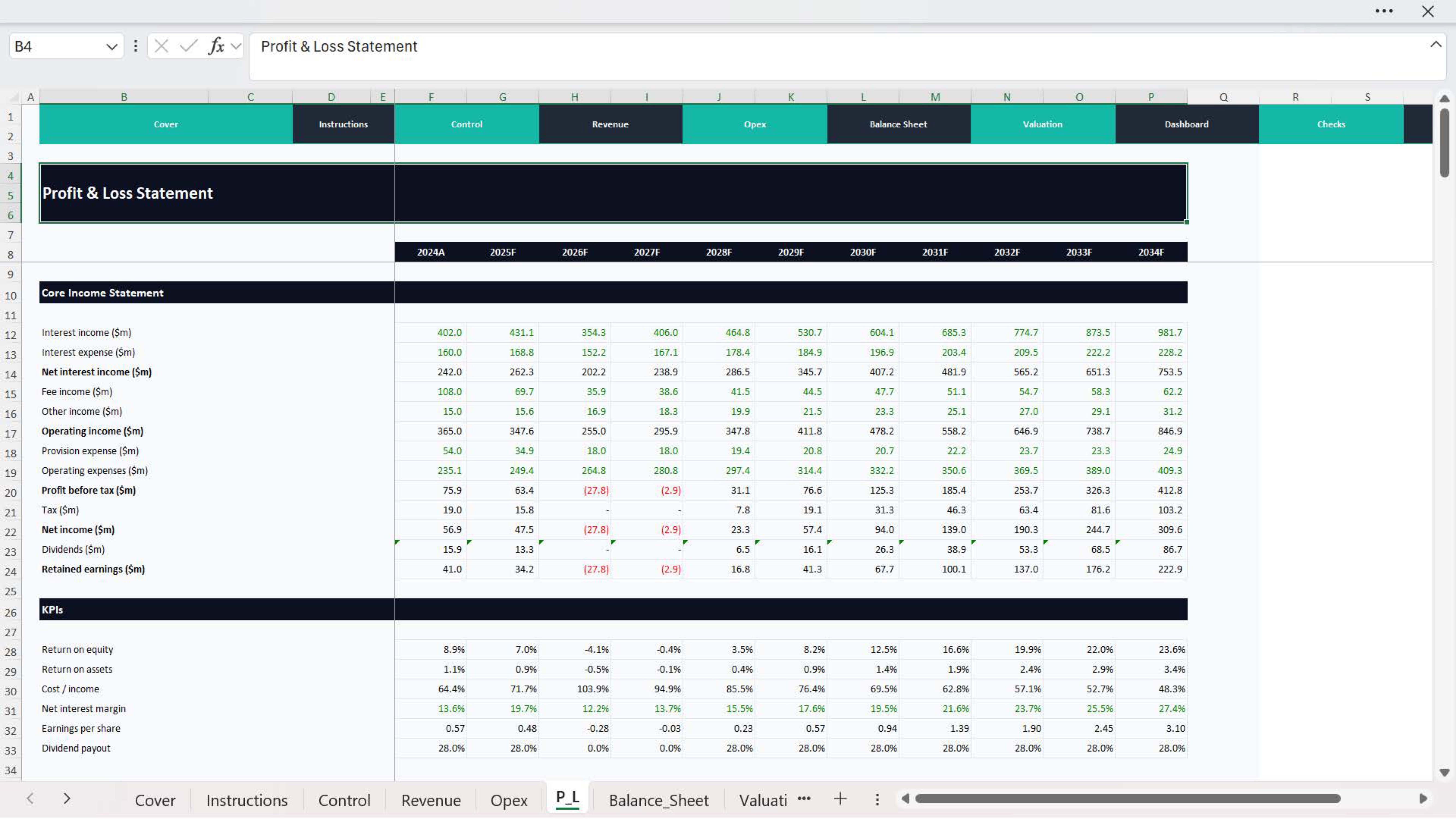
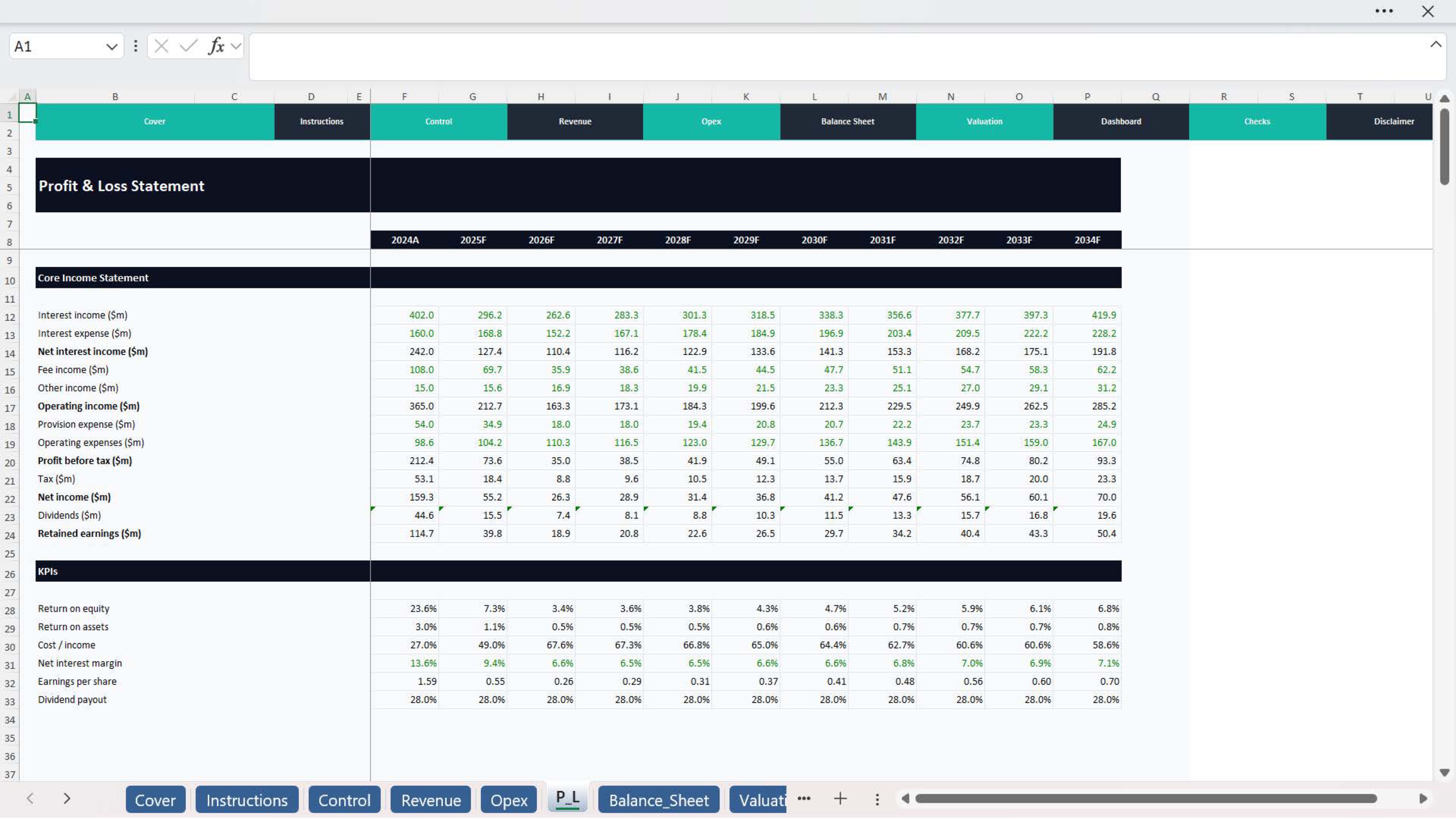
  • Income and profitability analysis
  • Ratio and KPI review
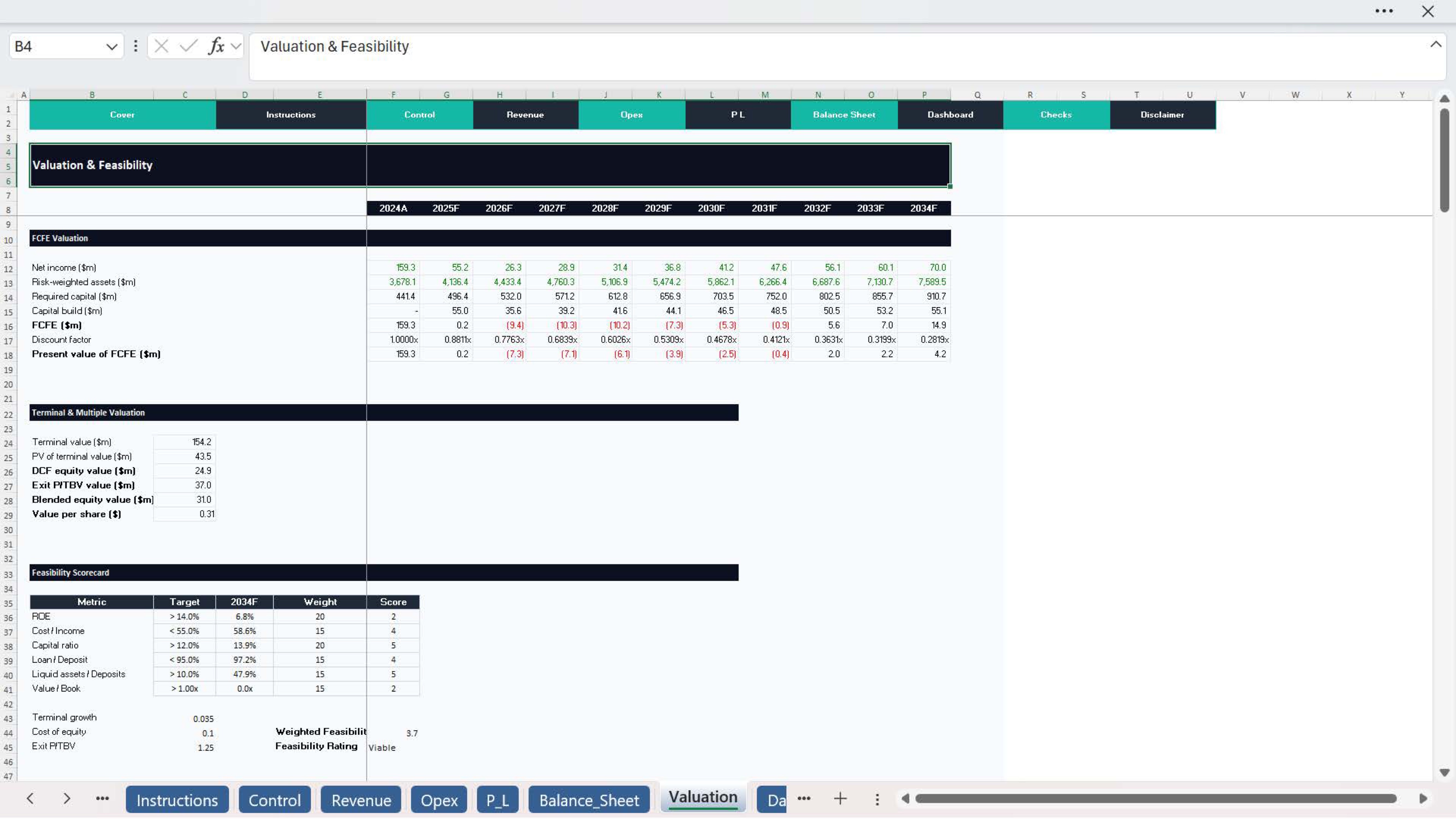
  • Valuation and performance assessment
  • Strategic planning and budgeting
  • Investor, management, or advisory presentation support

What’s included
  • Essential version for structured and efficient analysis
  • Premium version for deeper and more detailed review
  • Forecast-driven banking model
  • Balance sheet and income analysis
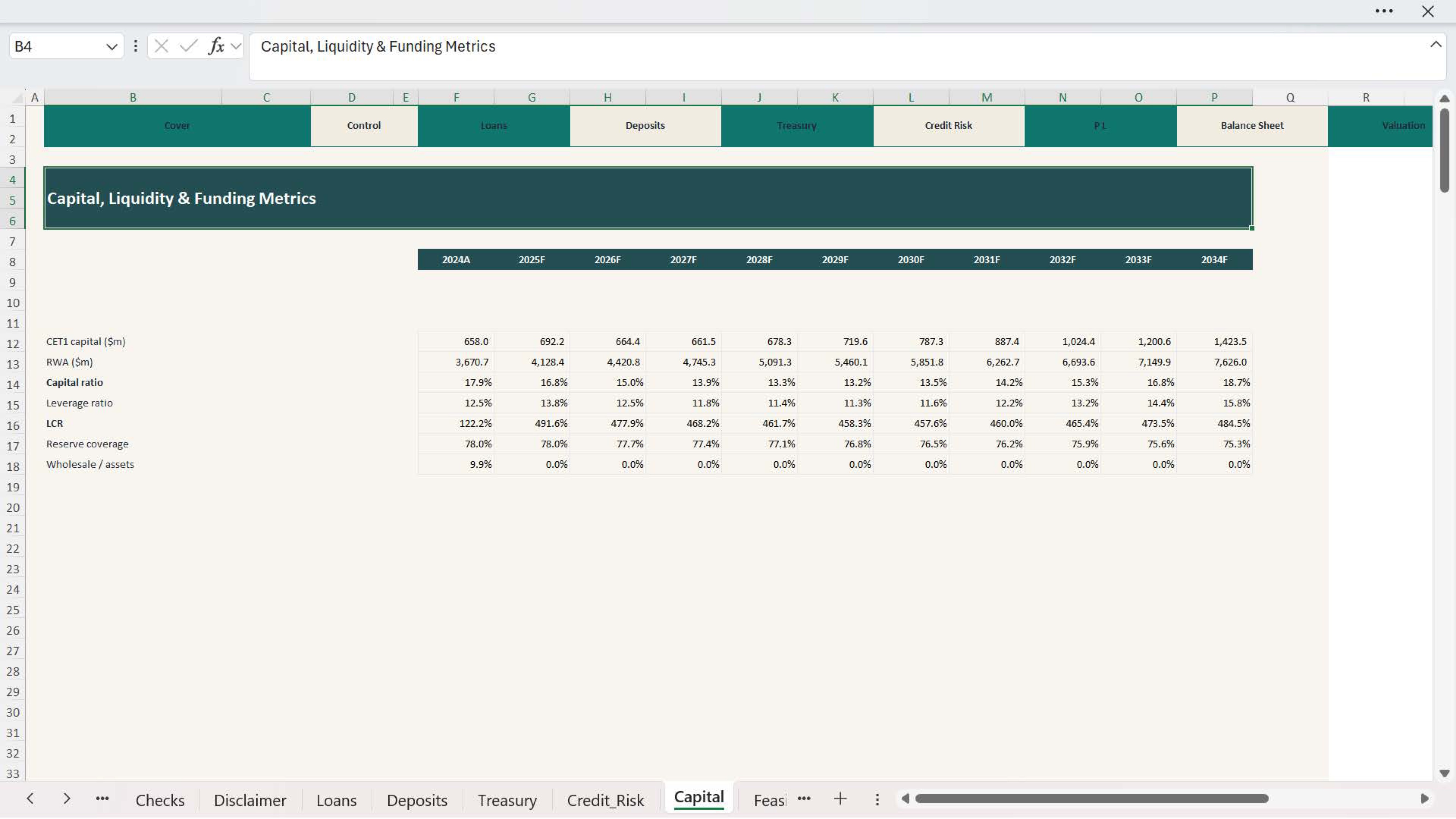
  • Banking ratio review
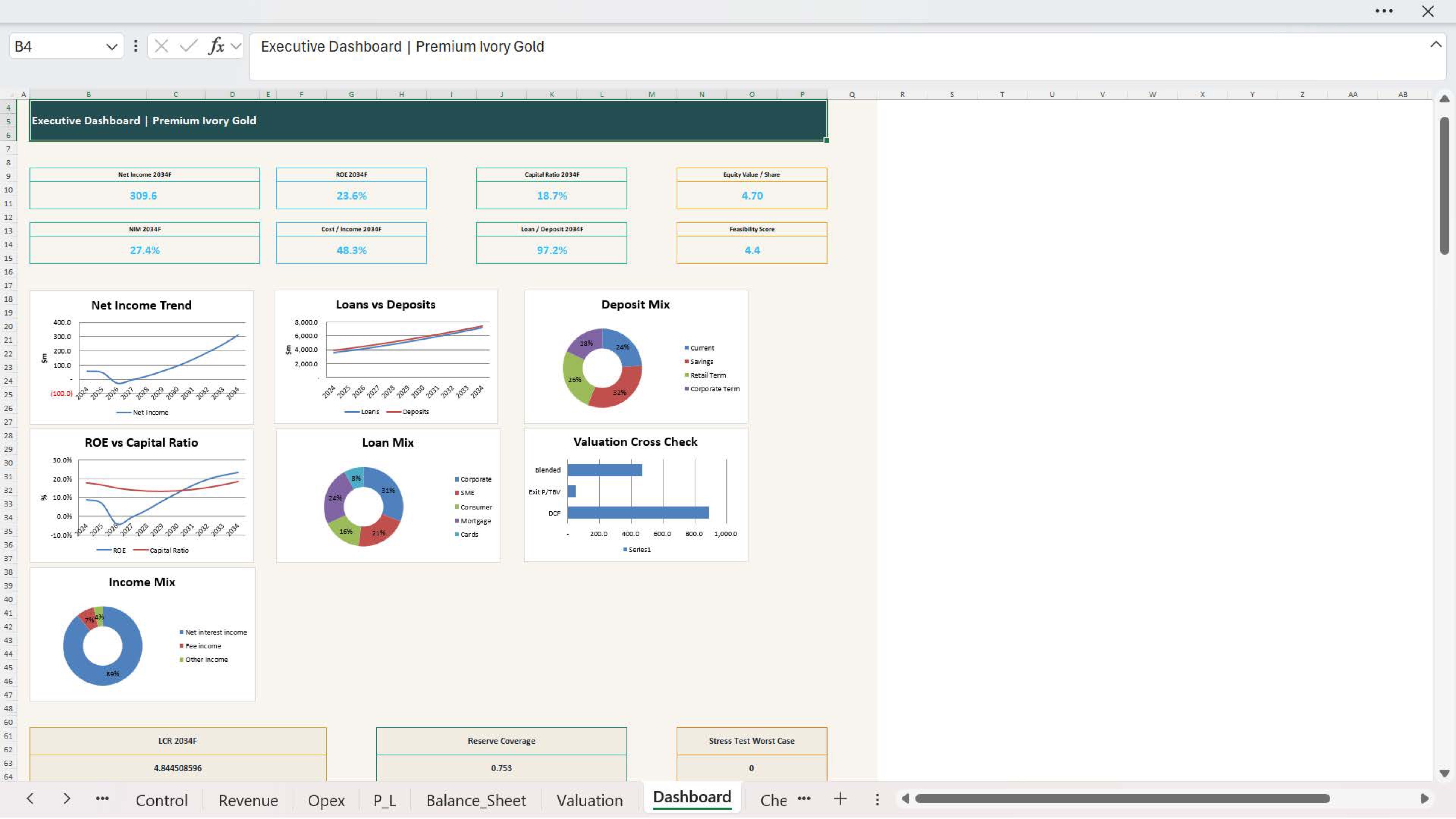
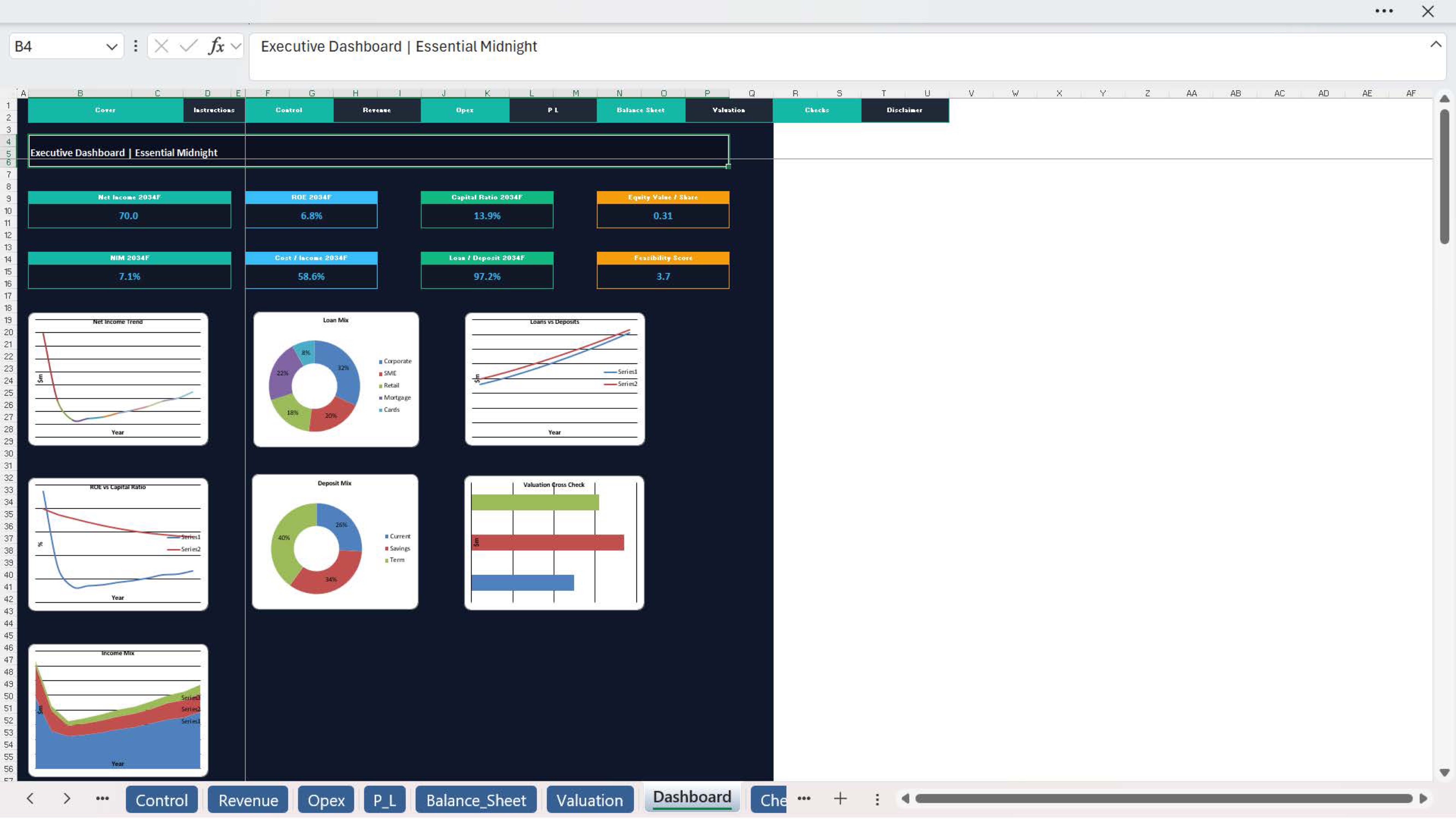
  • KPI dashboard support
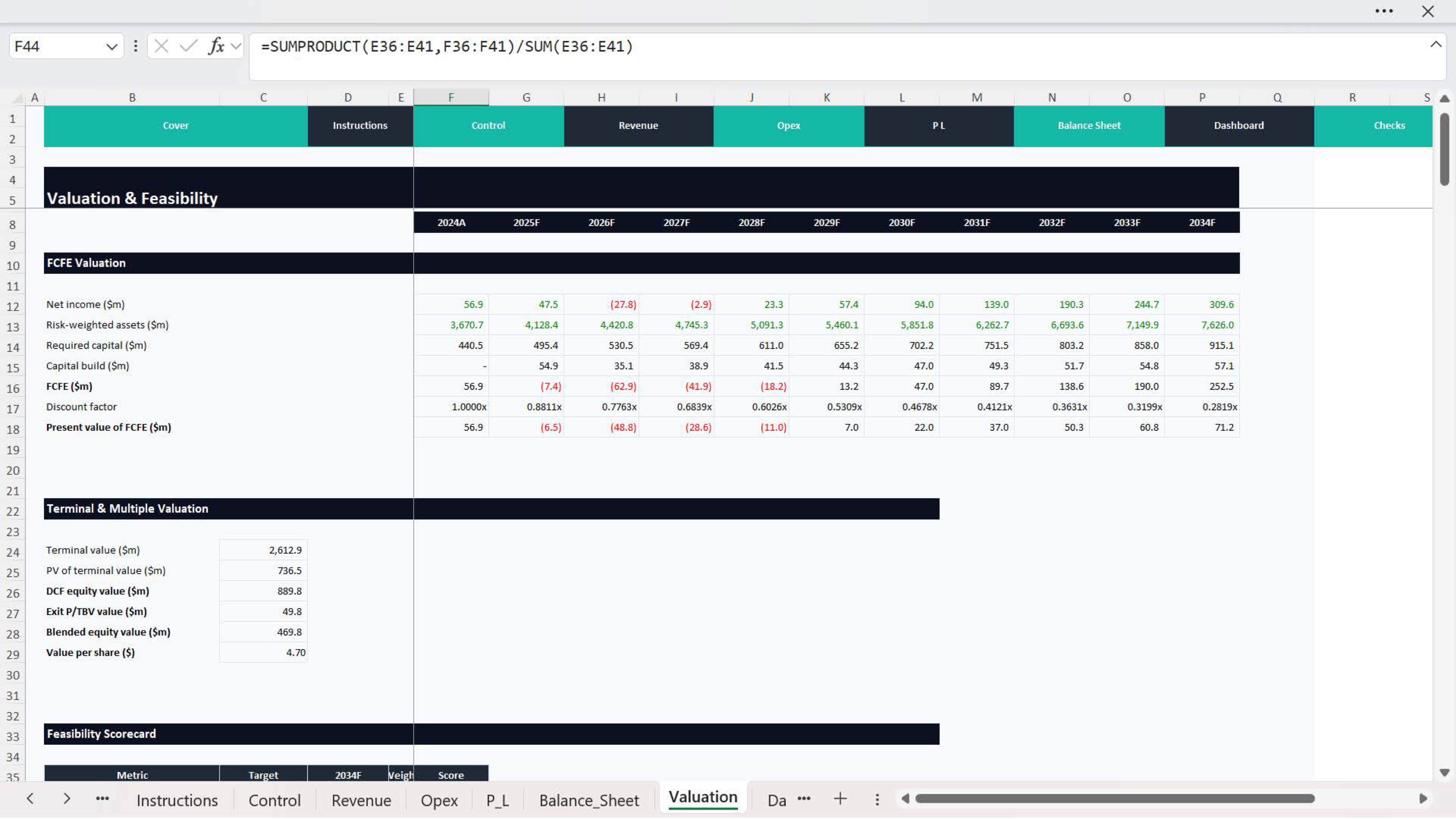
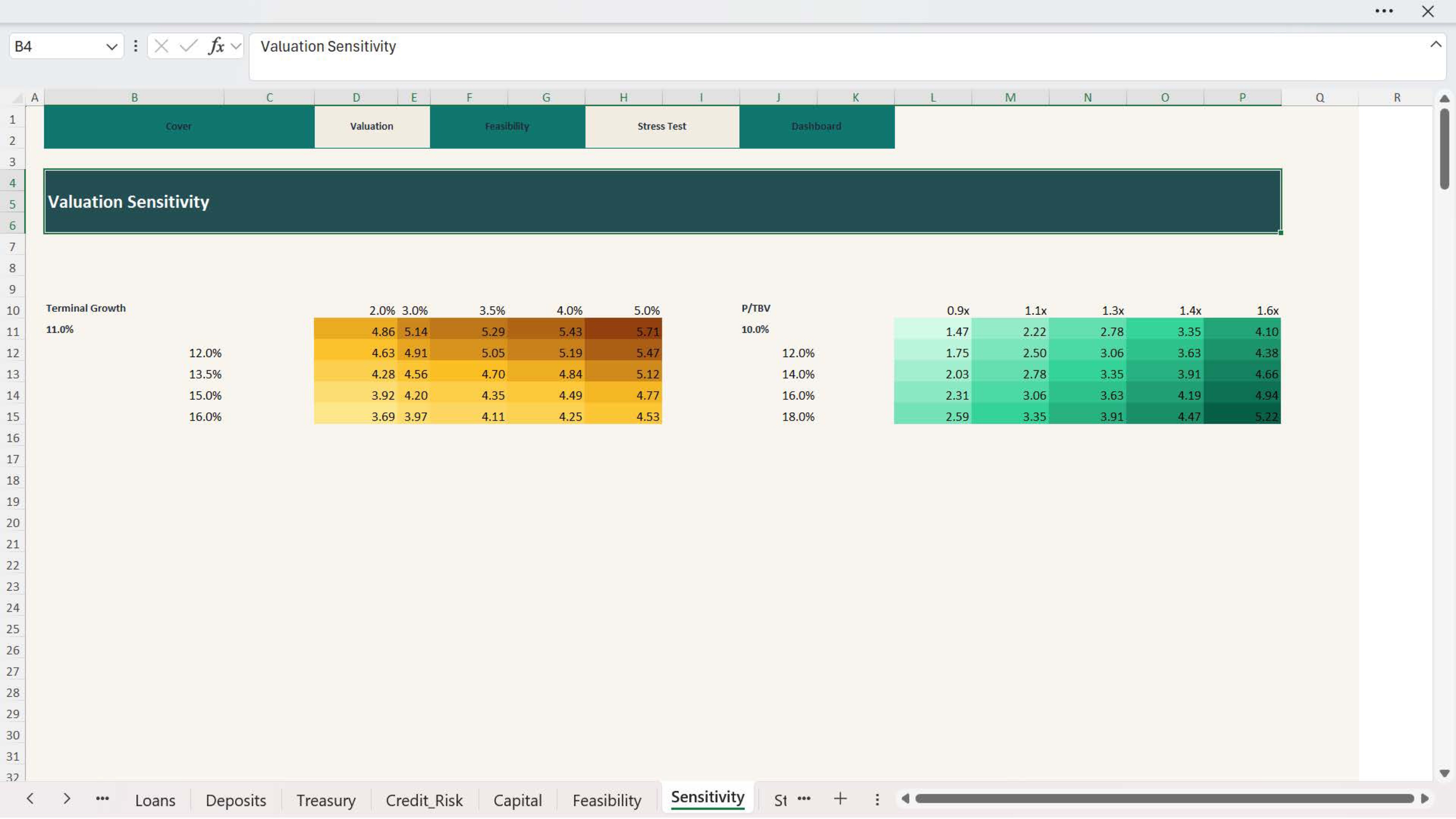
  • Valuation outputs
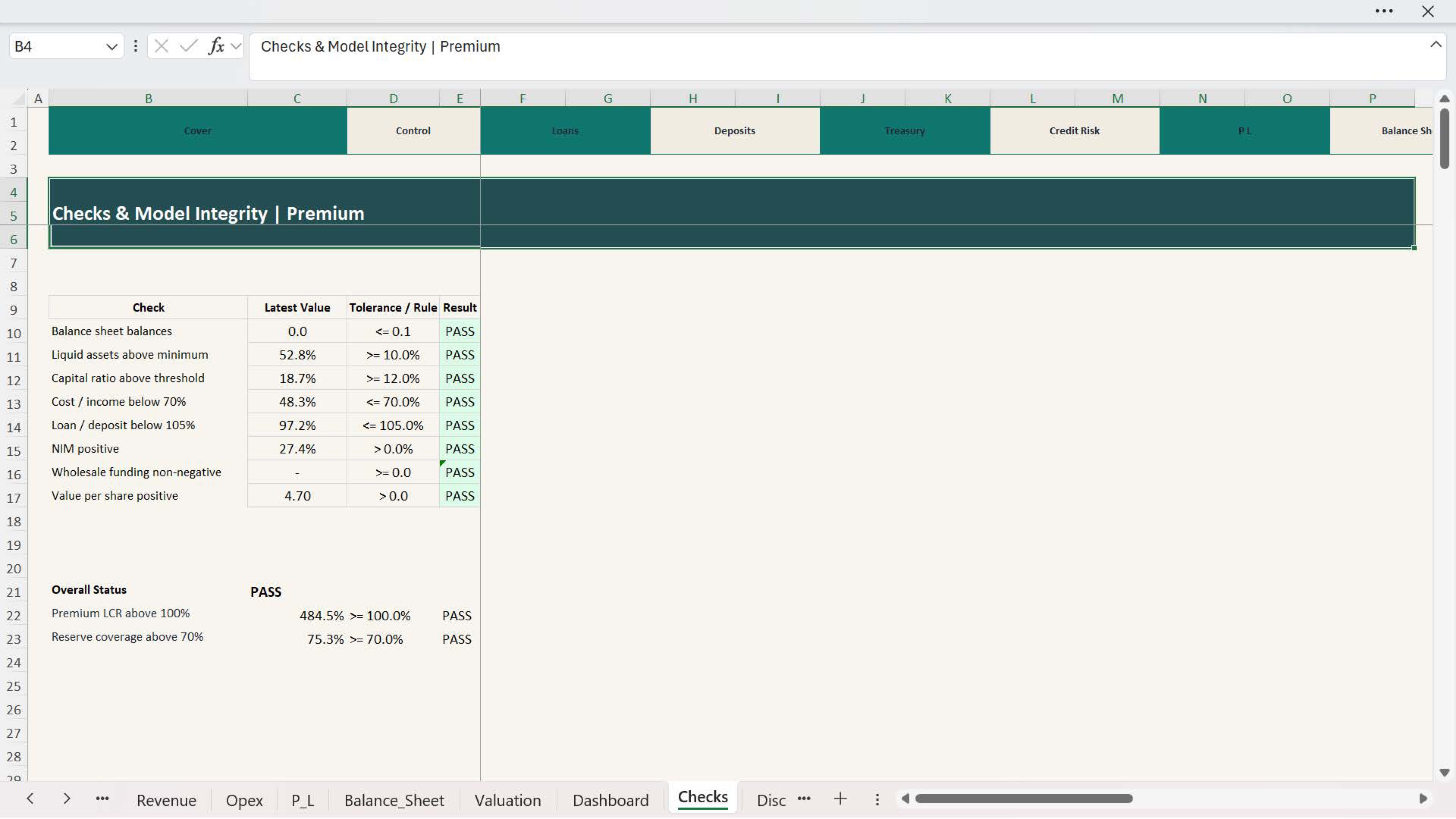
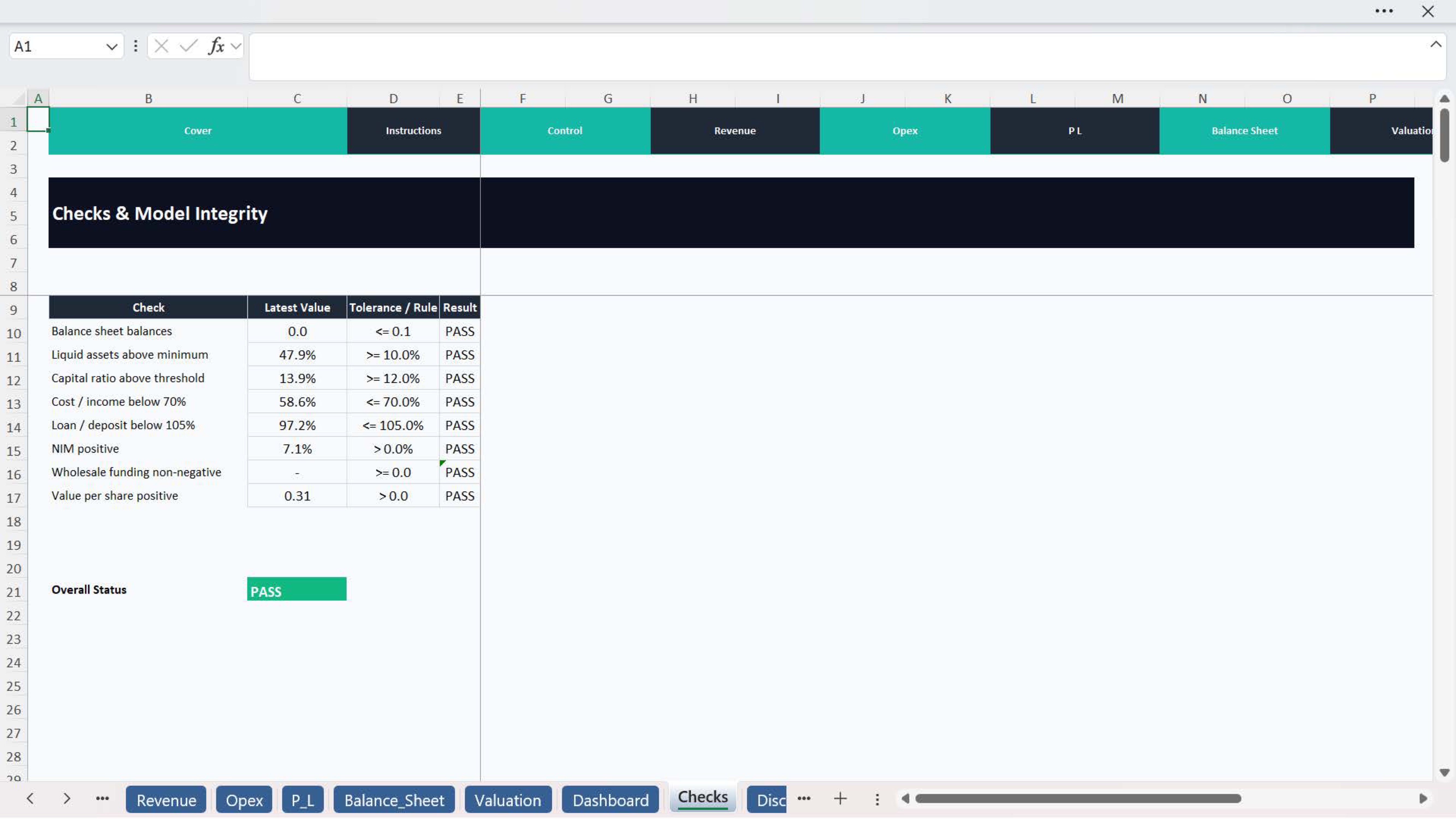
  • Built-in checks and professional presentation structure

Essential + Premium structure

- The Essential version is ideal for users who want a practical and more streamlined commercial bank model for forecasting and financial review. It works well for quicker planning exercises, structured analysis, and efficient presentation of results.
- The Premium version is more advanced and is better suited for users who need stronger model depth, broader assumptions, richer dashboard outputs, more detailed banking metrics, and more robust performance review for internal management, consulting work, or investor-facing analysis.

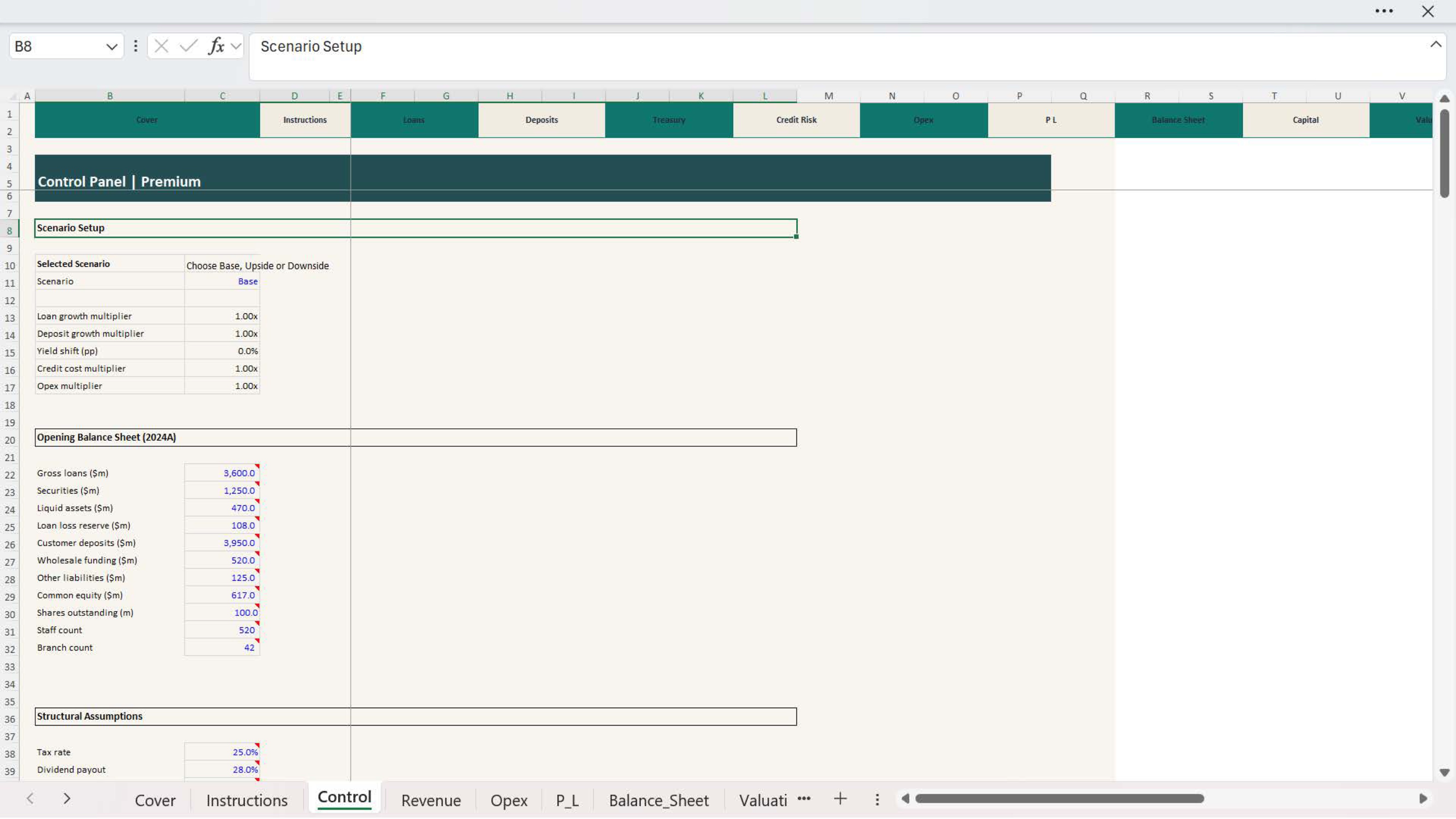
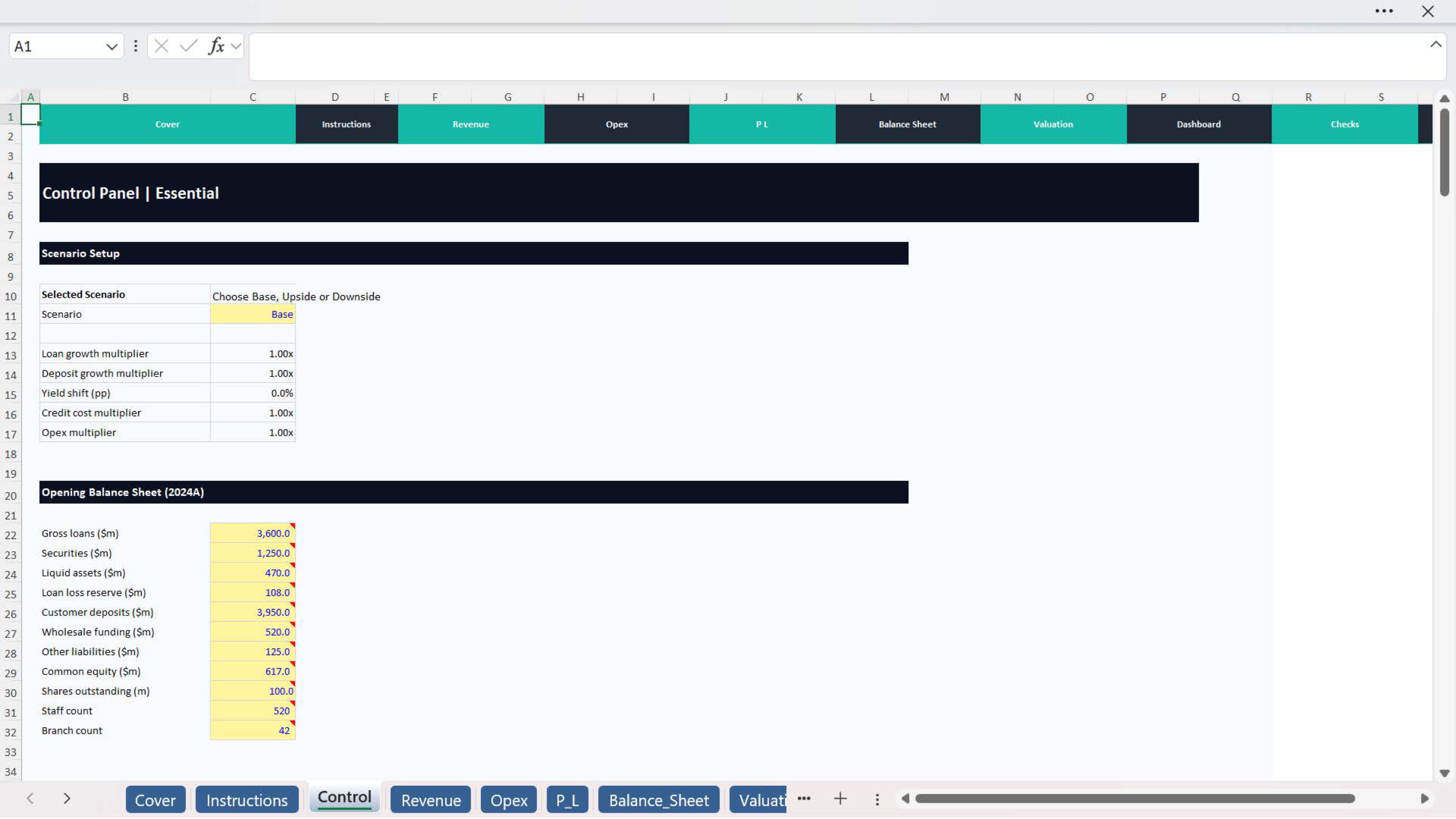
How to best work with this template Start by updating the main assumptions, such as:
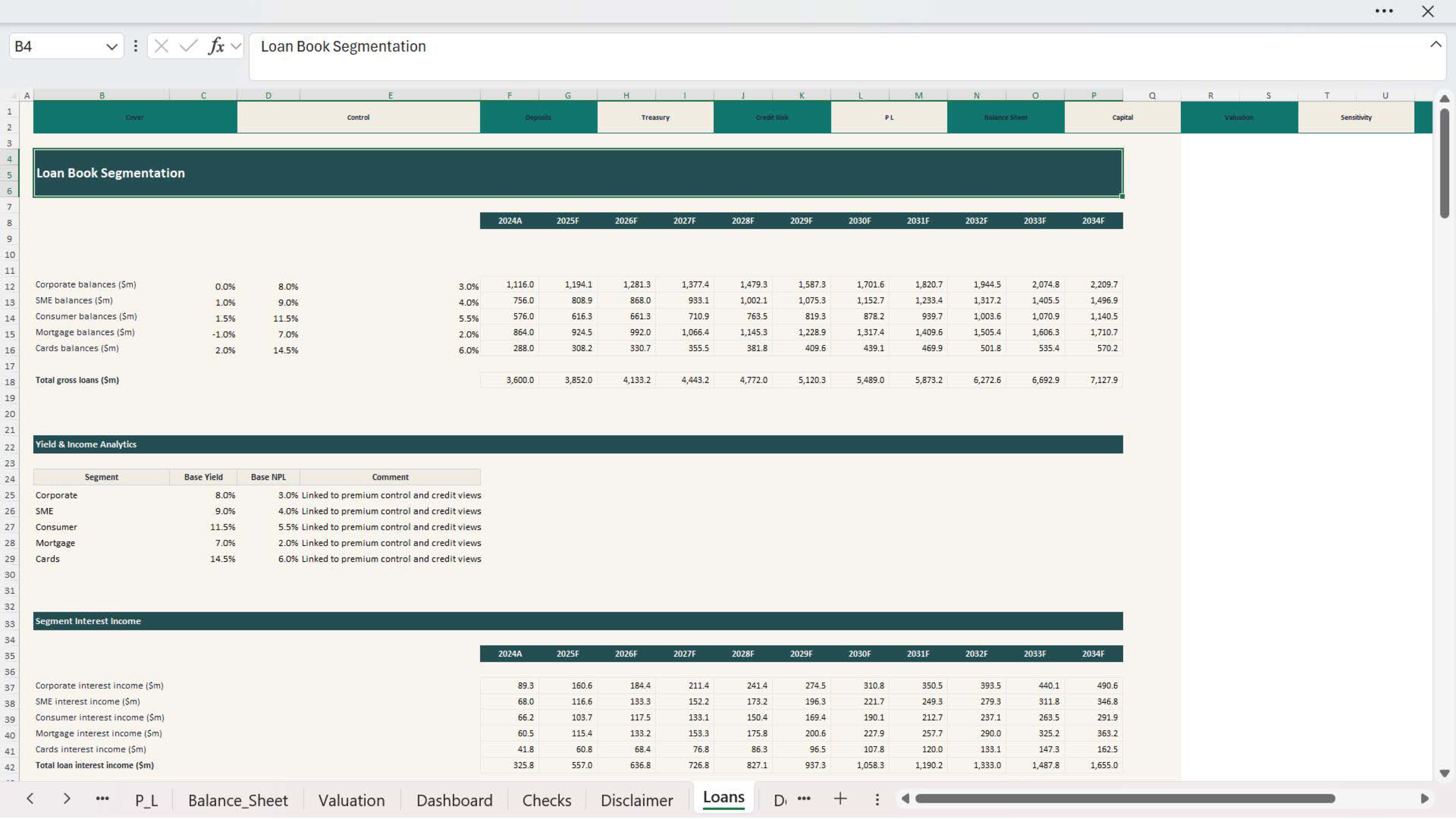
  • loan growth assumptions
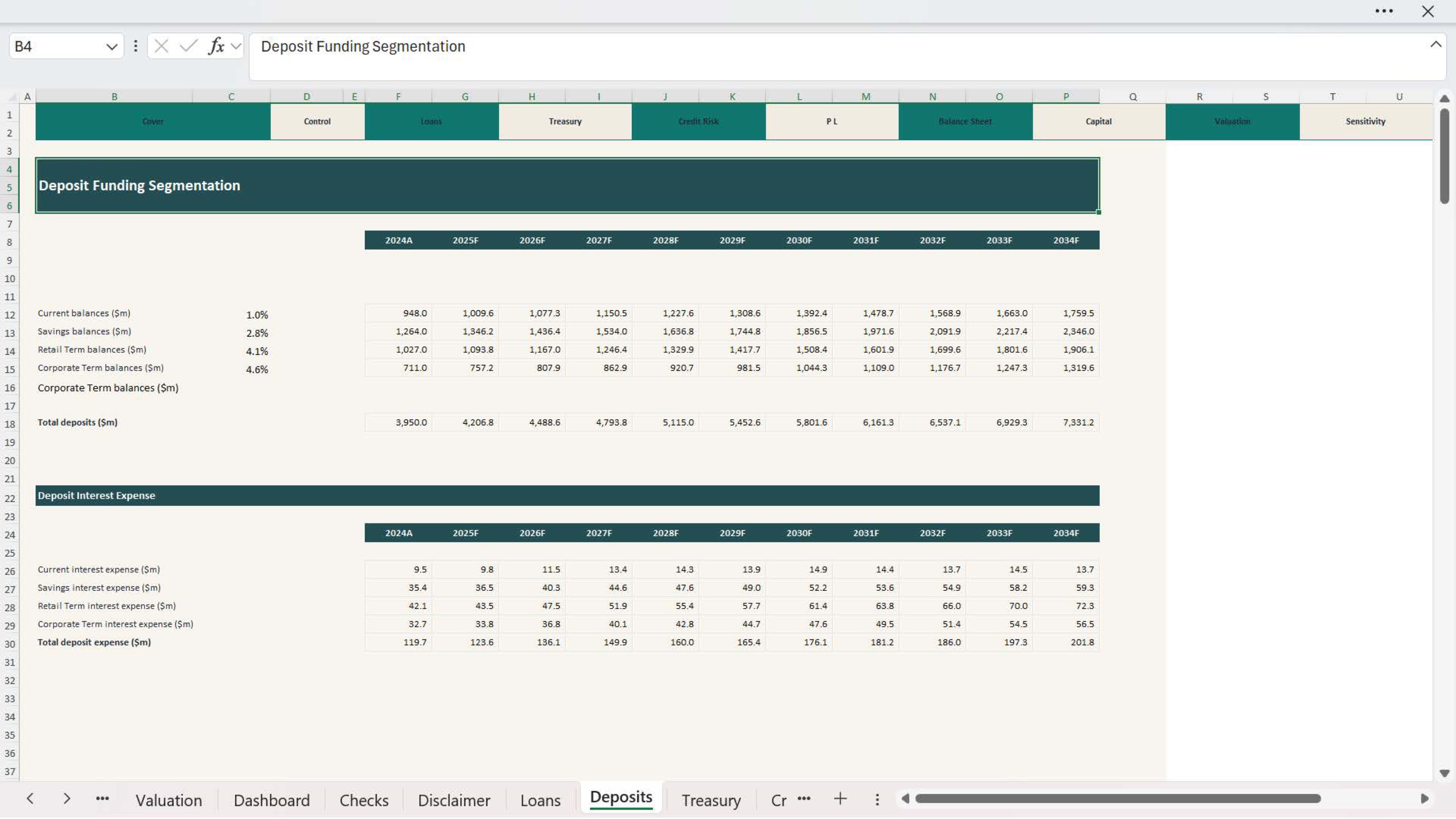
  • deposit growth assumptions
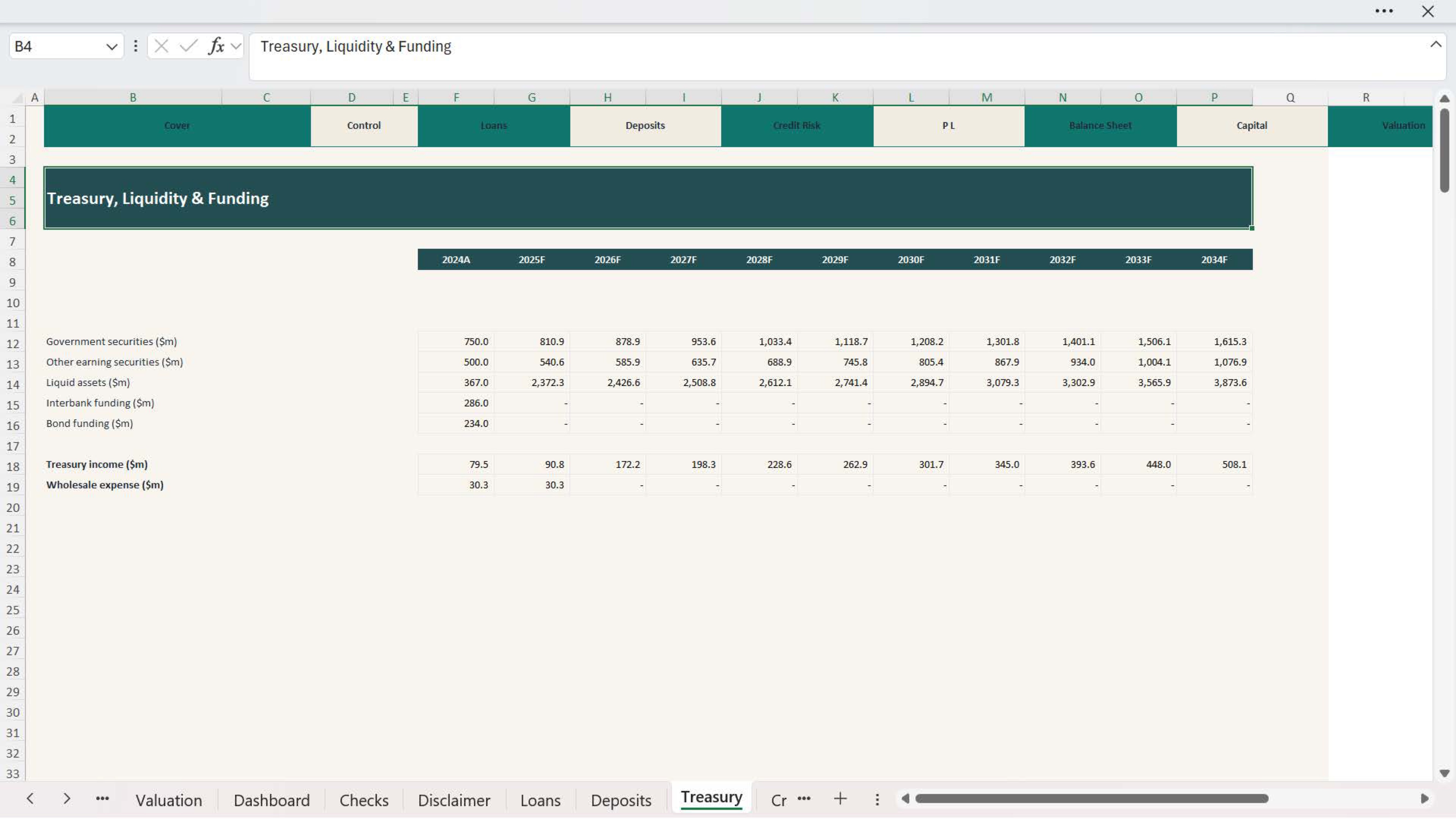
  • interest income and funding drivers
  • fee and non-interest income assumptions
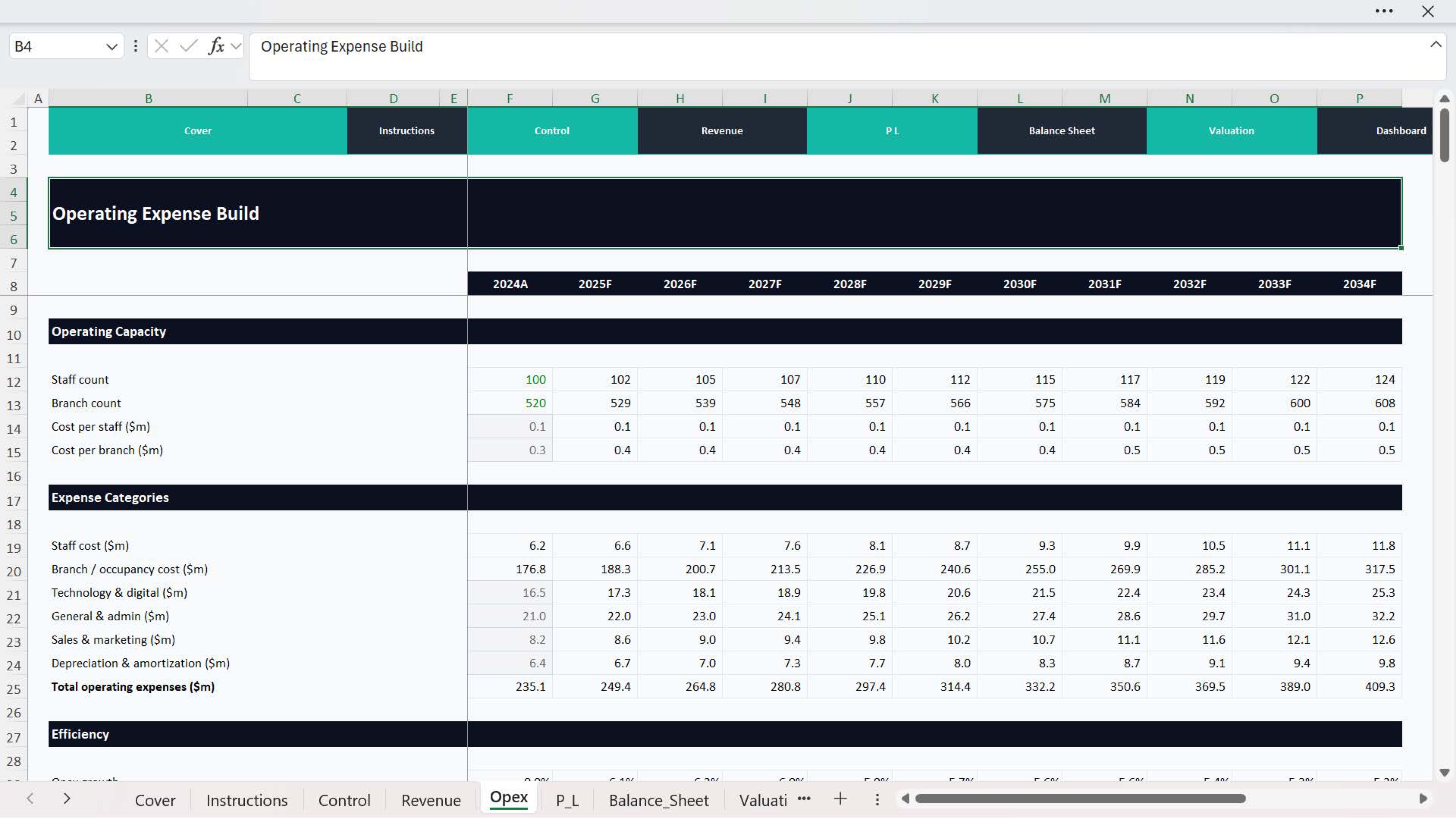
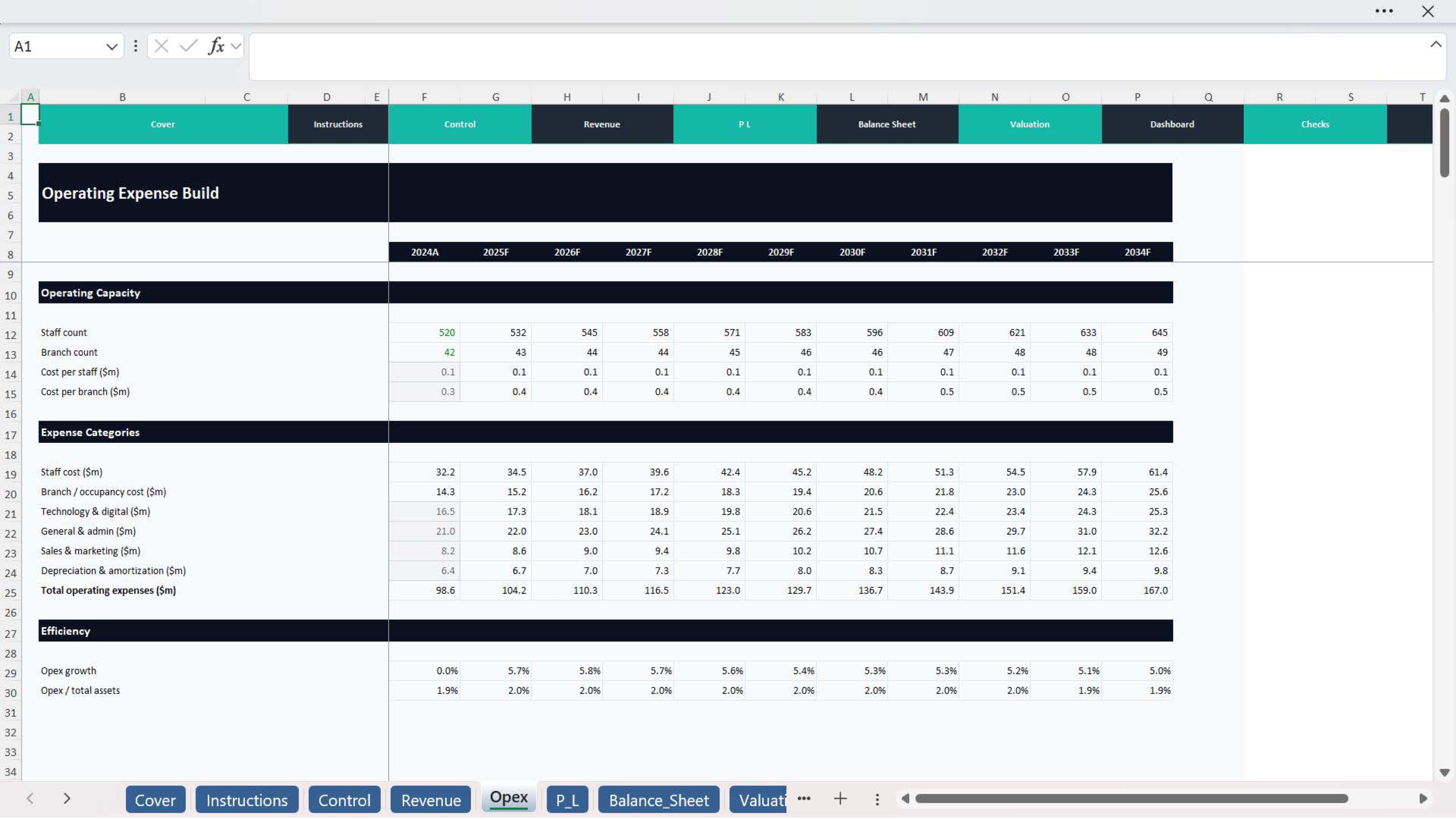
  • operating expense assumptions
  • provisioning or credit-related assumptions
  • ratio targets
  • valuation inputs

Once the assumptions are updated, the model automatically flows through the financial outputs, forecasts, ratio analysis, KPI tracking, and valuation sections.
This helps users test different banking scenarios and understand how changes in growth, margins, costs, or funding assumptions affect performance.

Main highlights Professional Excel structure
  • Forecast-driven banking model
  • Balance sheet and income planning
  • Profitability and ratio analysis
  • KPI dashboard outputs
  • Valuation and scenario review
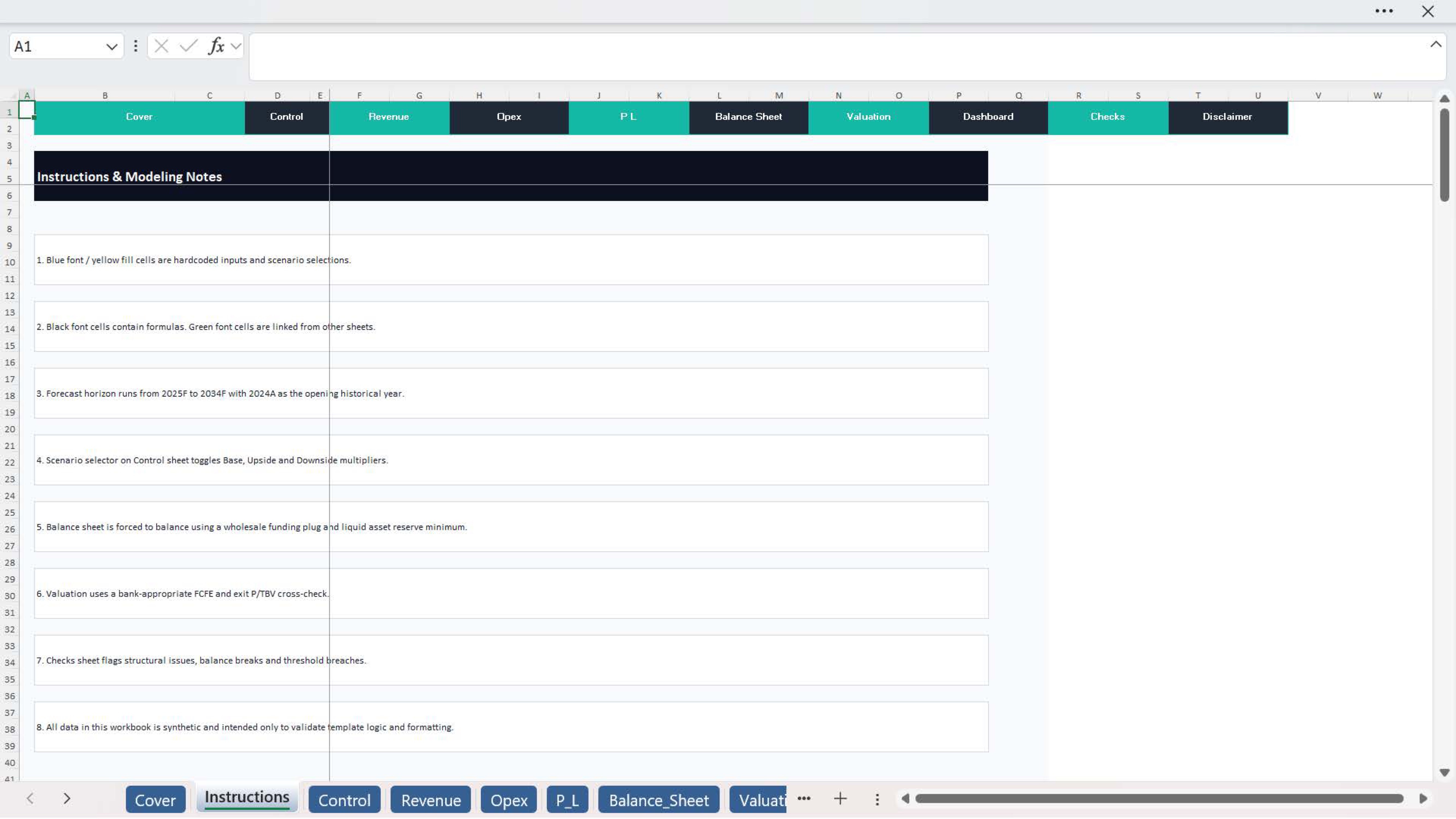
  • Built-in checks for consistency and model integrity

Why do you need this Financial Model Template?
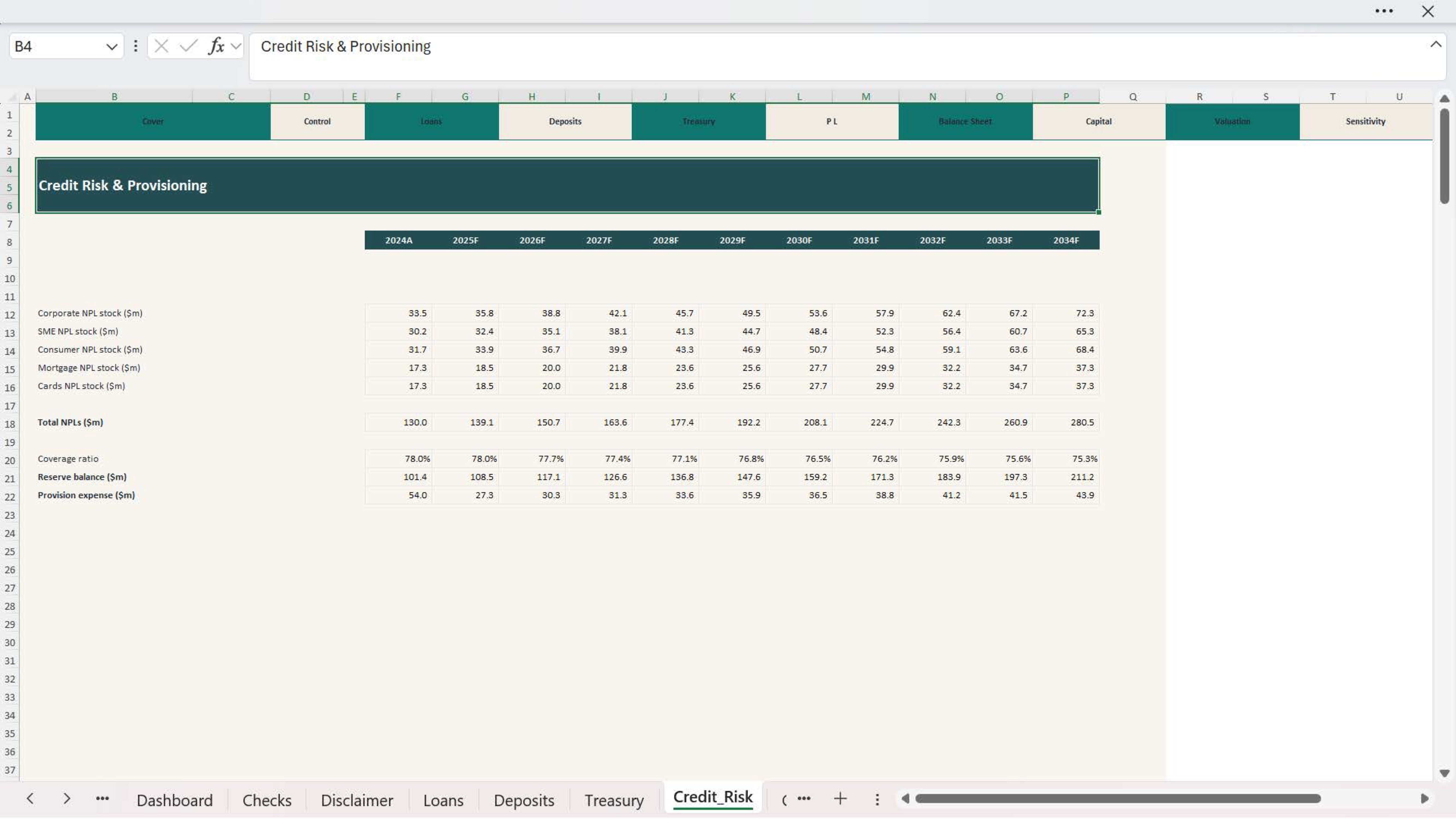
Commercial bank models are more complex than standard operating business models because performance depends on multiple linked drivers such as asset growth, deposit mix, interest margins, fee income, cost structure, and ratio performance. A structured model helps users break down these moving parts clearly and analyze results in a more professional way.

This template helps you:
  • save modeling time
  • improve forecasting consistency
  • test performance assumptions more clearly
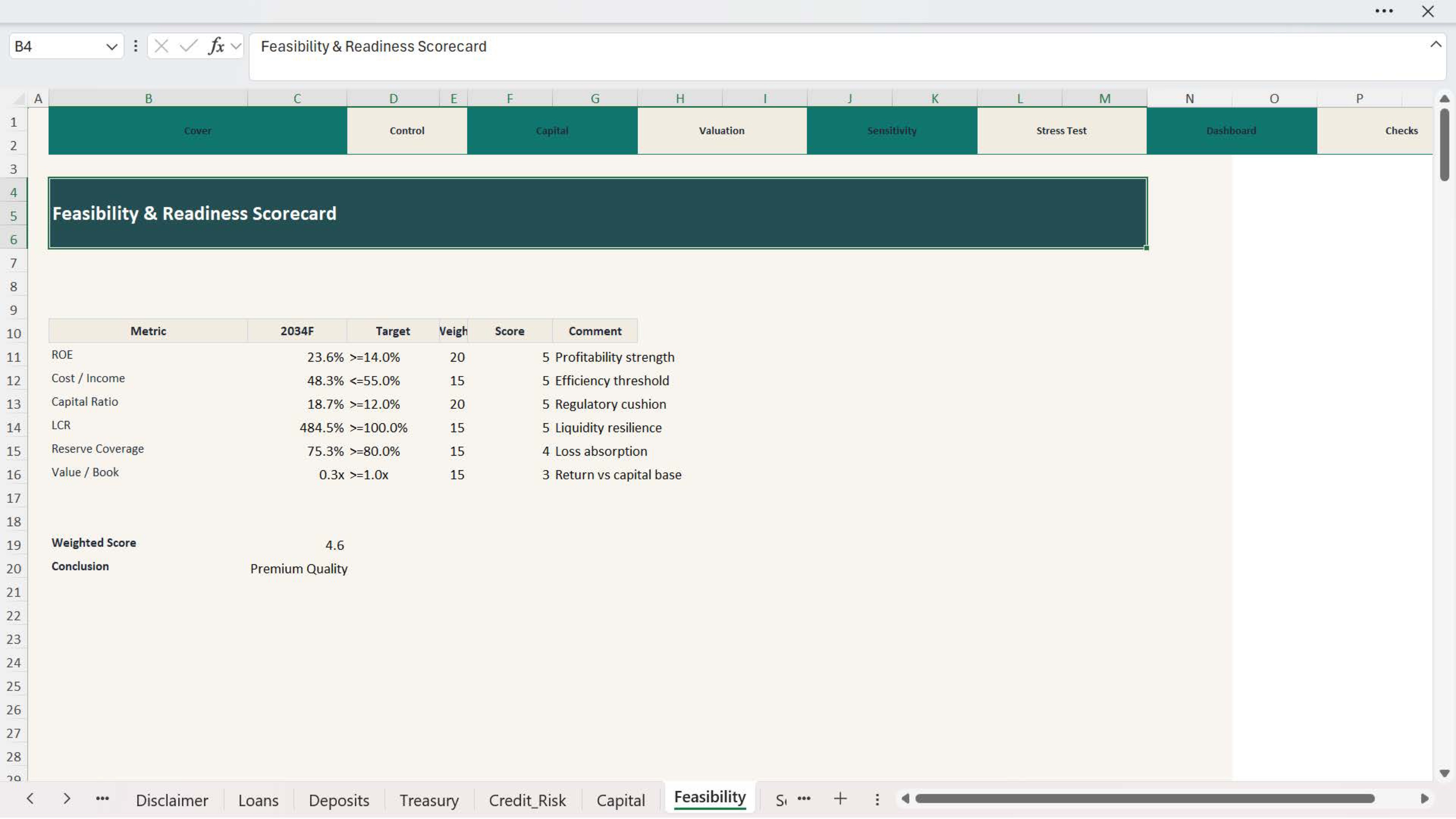
  • review profitability and valuation in a structured format
  • support better management and investment decisions
  • present outputs professionally

Who is it best for?
  • Banking analysts and finance teams
  • Commercial banks and founders
  • Consultants and advisors
  • Investors and valuation professionals
  • Strategy and planning teams

In short
The Commercial Bank Financial Model Suite provides a professional Excel framework for evaluating financial forecasts, balance sheet growth, income, ratios, KPIs, and valuation for a commercial bank. It is suitable for both efficient review and more advanced banking analysis through its Essential and Premium versions.

This Best Practice includes
1 PDF Model, 2 Excel Models

Acquire business license for $120.00

Add to cart

Add to bookmarks

Discuss

Further information

The Commercial Bank Financial Model Suite is a professional Excel-based template designed to evaluate the financial performance, planning assumptions, and valuation of a commercial bank. It is built for banking analysts, finance teams, consultants, investors, founders, and advisory professionals who need a structured and practical framework for forecasting banking operations and reviewing performance in a professional format.

This model suite helps users assess a commercial bank by bringing together the main financial drivers into one integrated workbook. It supports the analysis of balance sheet development, income generation, profitability, banking ratios, valuation, KPI monitoring, and dashboard reporting in a clear and decision-friendly structure.

What is this model used for?
🔹 Commercial bank financial forecasting
🔹 Balance sheet planning
🔹 Income and profitability analysis
🔹 Ratio and KPI review
🔹 Valuation and performance assessment
🔹 Strategic planning and budgeting
🔹 Investor, management, or advisory presentation support

⚙️ Start by updating the main assumptions, such as:

loan growth assumptions
deposit growth assumptions
interest income and funding drivers
fee and non-interest income assumptions
operating expense assumptions
provisioning or credit-related assumptions
ratio targets
valuation inputs
Once the assumptions are updated, the model automatically flows through the financial outputs, forecasts, ratio analysis, KPI tracking, and valuation sections.

📌 This helps users test different banking scenarios and understand how changes in growth, margins, costs, or funding assumptions affect performance.


0.0 / 5 (0 votes)

please wait...