Publication number: ELQ-11829-1
View all versions & Certificate

Pathology Lab Management System | Excel Tracker Template
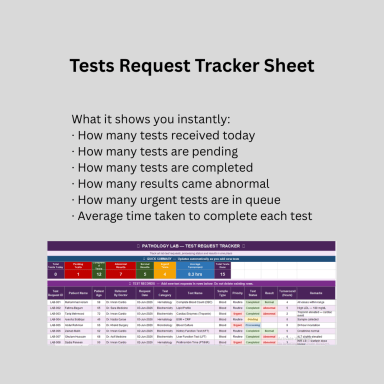
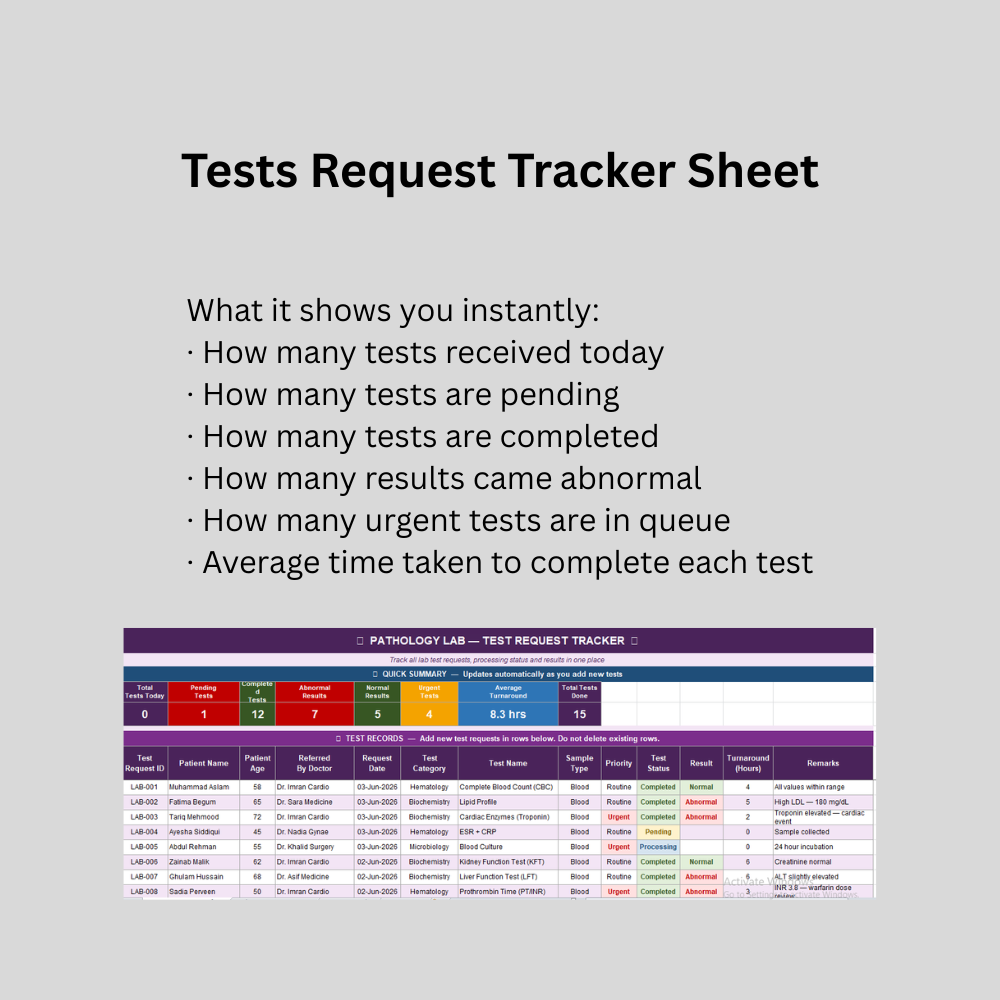
Complete and professional pathology lab tracking system built in Microsoft Excel. Instantly see total tests, pending reports, abnormal results and urgent cases
Further information
Objectives of Your Download Best Practice
This Pathology Lab Tracker Excel template is designed to achieve the following objectives:
Primary Objectives:
To provide pathology laboratories with a simple and efficient system for tracking all test requests from reception to result delivery
To give lab managers and pathologists instant visibility of daily workload including pending tests, completed tests and abnormal results without manual counting
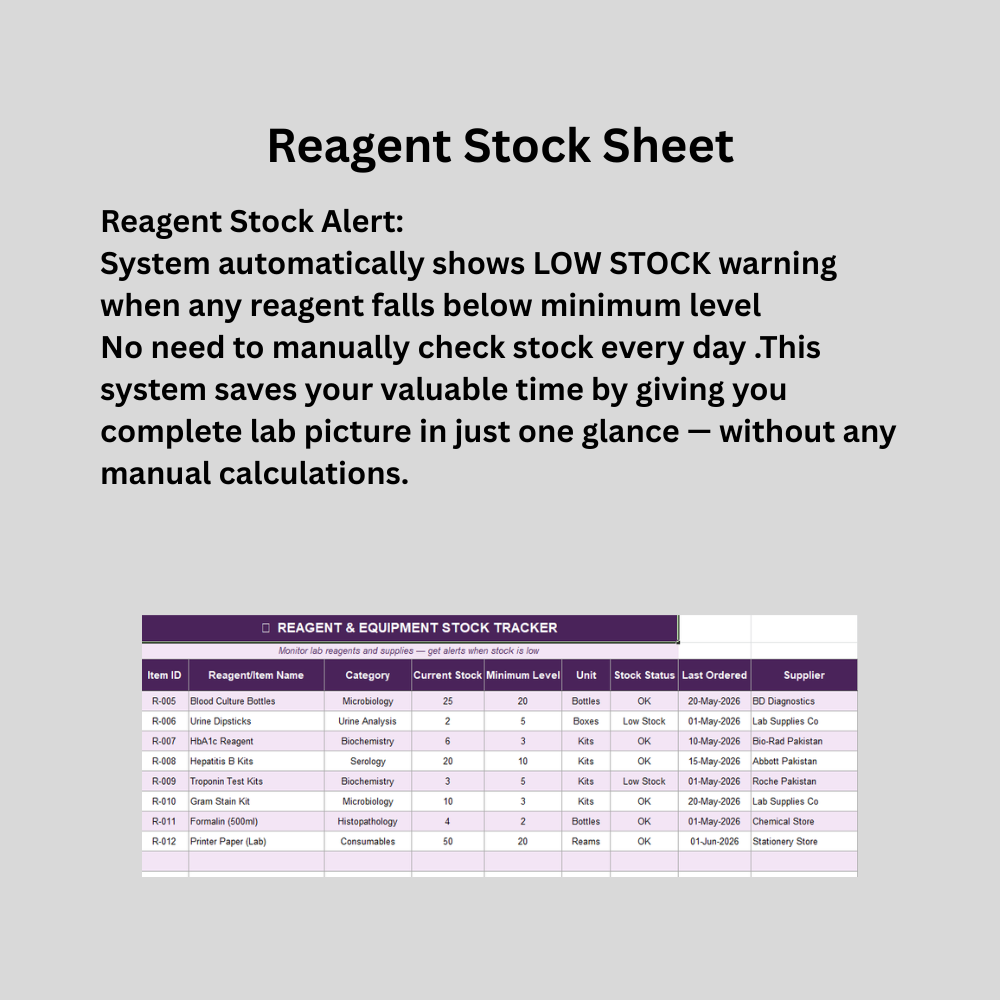
To automatically monitor reagent and supply stock levels and alert staff when critical items fall below minimum required quantities
To maintain complete and organized records of all patient test requests, sample types, priorities and results in one centralized location
To eliminate time consuming manual register maintenance and replace it with a structured digital tracking system
To help laboratory staff identify urgent and critical cases immediately through color coded visual indicators
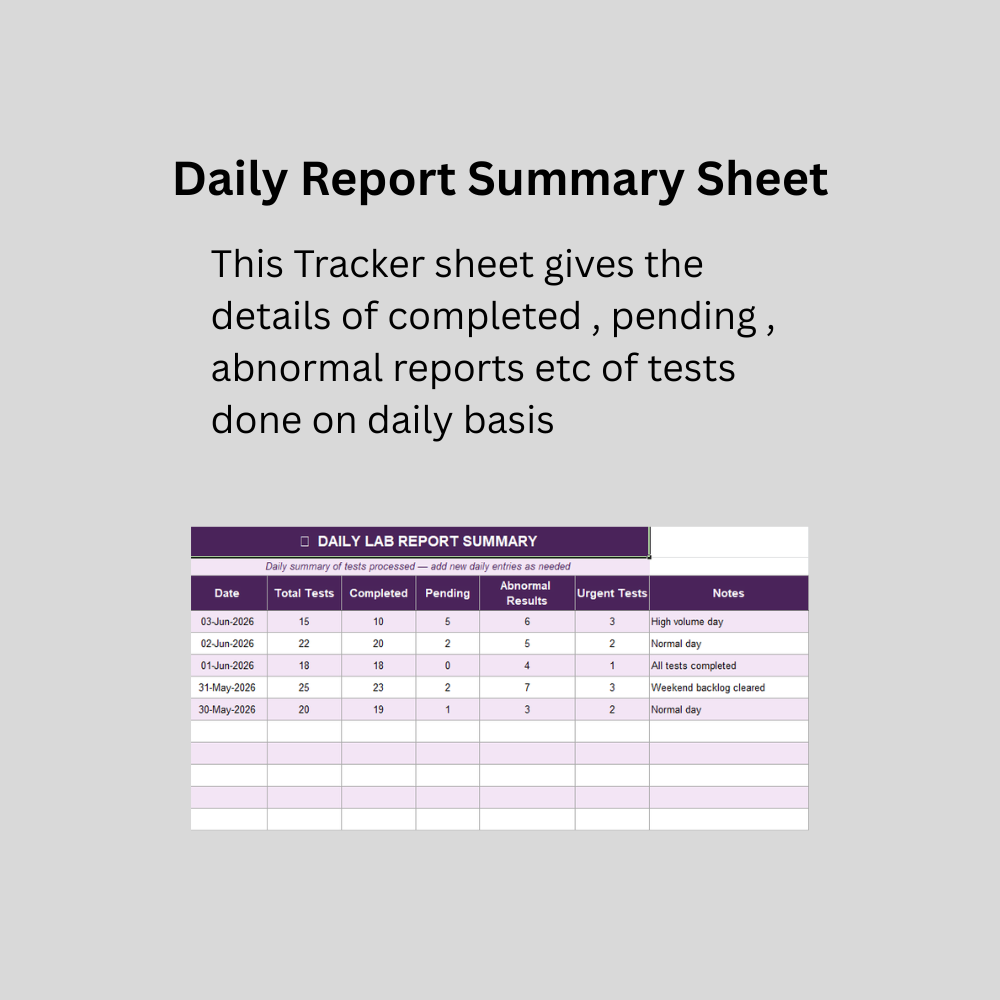
To provide daily and monthly performance summaries for laboratory management and reporting purposes
To reduce errors in test tracking, result reporting and stock management through standardized dropdown menus and automated calculations
To improve overall laboratory efficiency and patient care quality through better information management
Conditions for Which This Best Practice Applies
This Pathology Lab Tracker is suitable and applicable in the following conditions:
Laboratory Types:
Independent pathology and diagnostic laboratories
Hospital based clinical laboratories
Medical center and clinic laboratories
Diagnostic centers offering blood tests, urine analysis and microbiology services
Research laboratories requiring basic test tracking
Test Types Covered:
Hematology tests including CBC and peripheral smear
Biochemistry tests including lipid profile, kidney function and liver function
Microbiology tests including blood culture and urine culture
Serology tests including hepatitis screening
Urine analysis and complete urine examination
Histopathology and biopsy tracking
Hormone and immunology tests
Technical Conditions:
Microsoft Excel 2016 or later version installed on computer
Basic computer literacy for data entry
Laboratory receiving up to 1000 test requests in tracking period
Labs wanting to maintain digital records without expensive software investment
Labs with small to medium daily test volumes
Single location laboratories
Labs where one person manages data entry and reporting
Conditions for Which This Best Practice Does NOT Apply
This Pathology Lab Tracker is NOT suitable in the following conditions:
Laboratory Types Not Suitable:
Very large hospital laboratories processing thousands of tests daily requiring automated Laboratory Information Systems (LIS)
Laboratories requiring real time integration with medical equipment and analyzers
Multi branch laboratory networks requiring centralized cloud based data sharing
Laboratories requiring patient data sharing directly with hospital management systems
Technical Limitations:
This tracker does NOT replace a full Laboratory Information System (LIS)
This tracker does NOT connect directly to lab equipment or analyzers
This tracker does NOT support multiple users editing simultaneously
This tracker does NOT provide automatic backup or cloud storage
This tracker does NOT generate official formatted lab reports for patients
This tracker does NOT support barcode scanning for sample identification
This tracker does NOT calculate billing or invoice generation
This tracker is NOT suitable for laboratories requiring regulatory compliance documentation such as ISO 15189 accreditation reports
This tracker does NOT work on Google Sheets without formatting adjustments
This tracker is NOT suitable for laboratories with more than 1000 active test records without expansion