
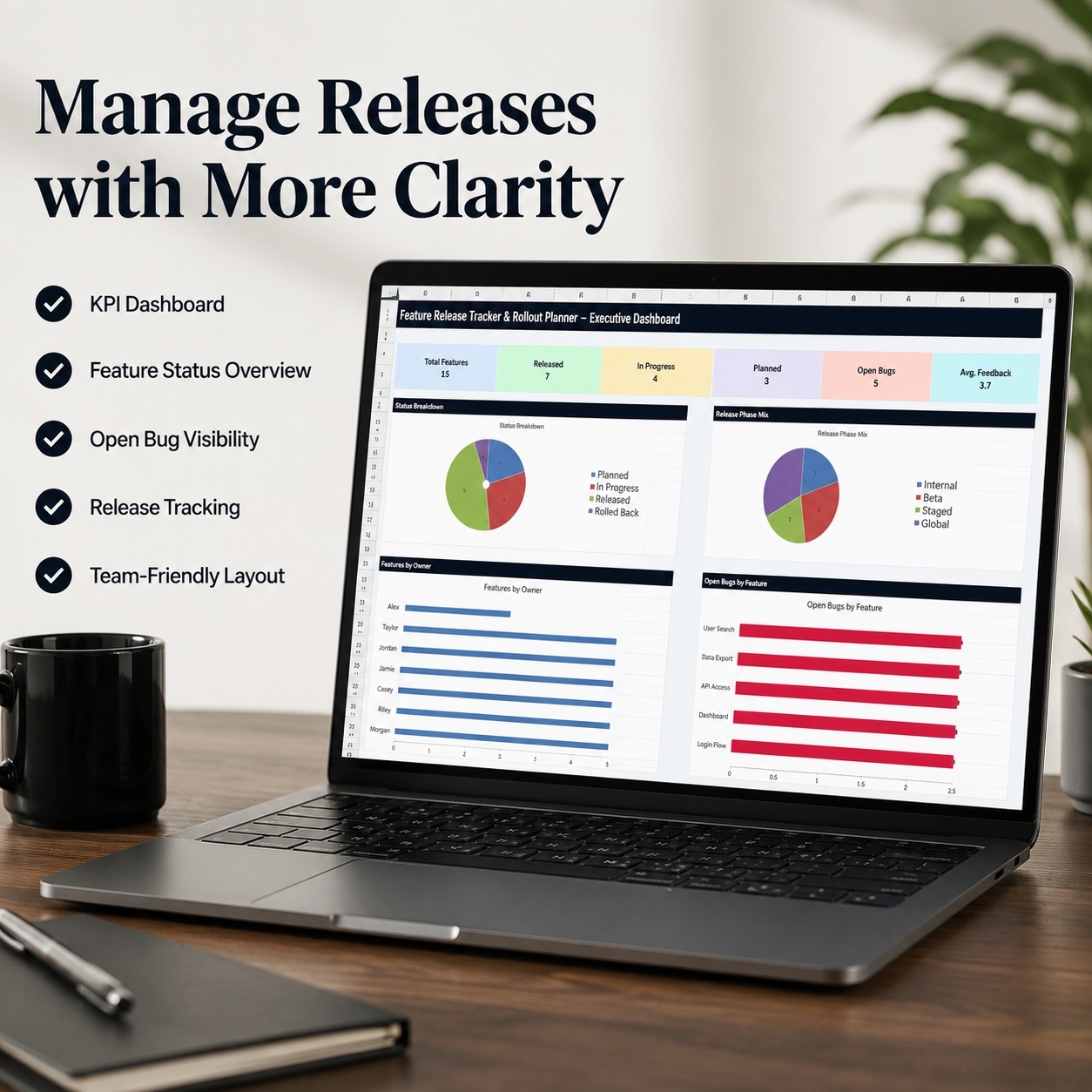
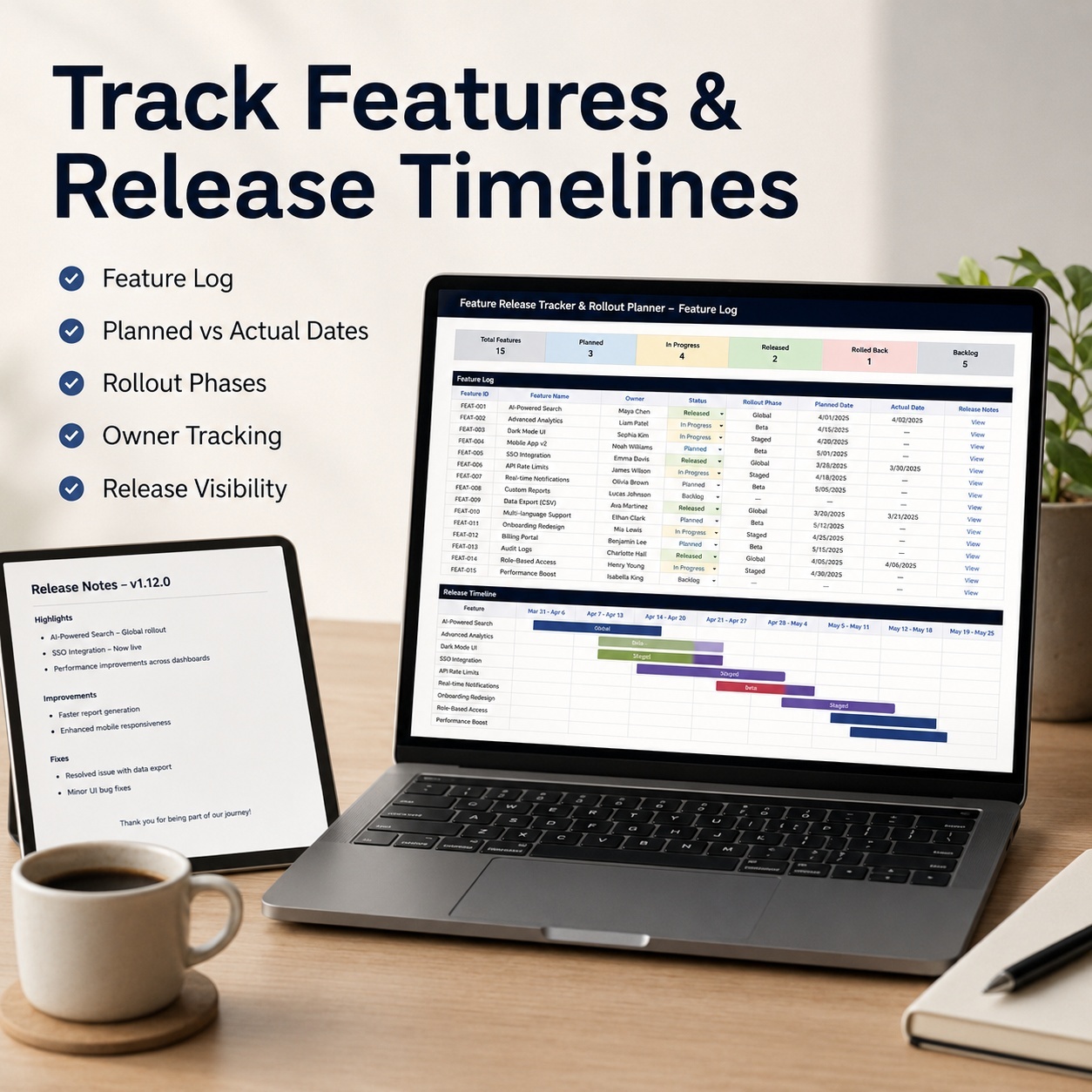
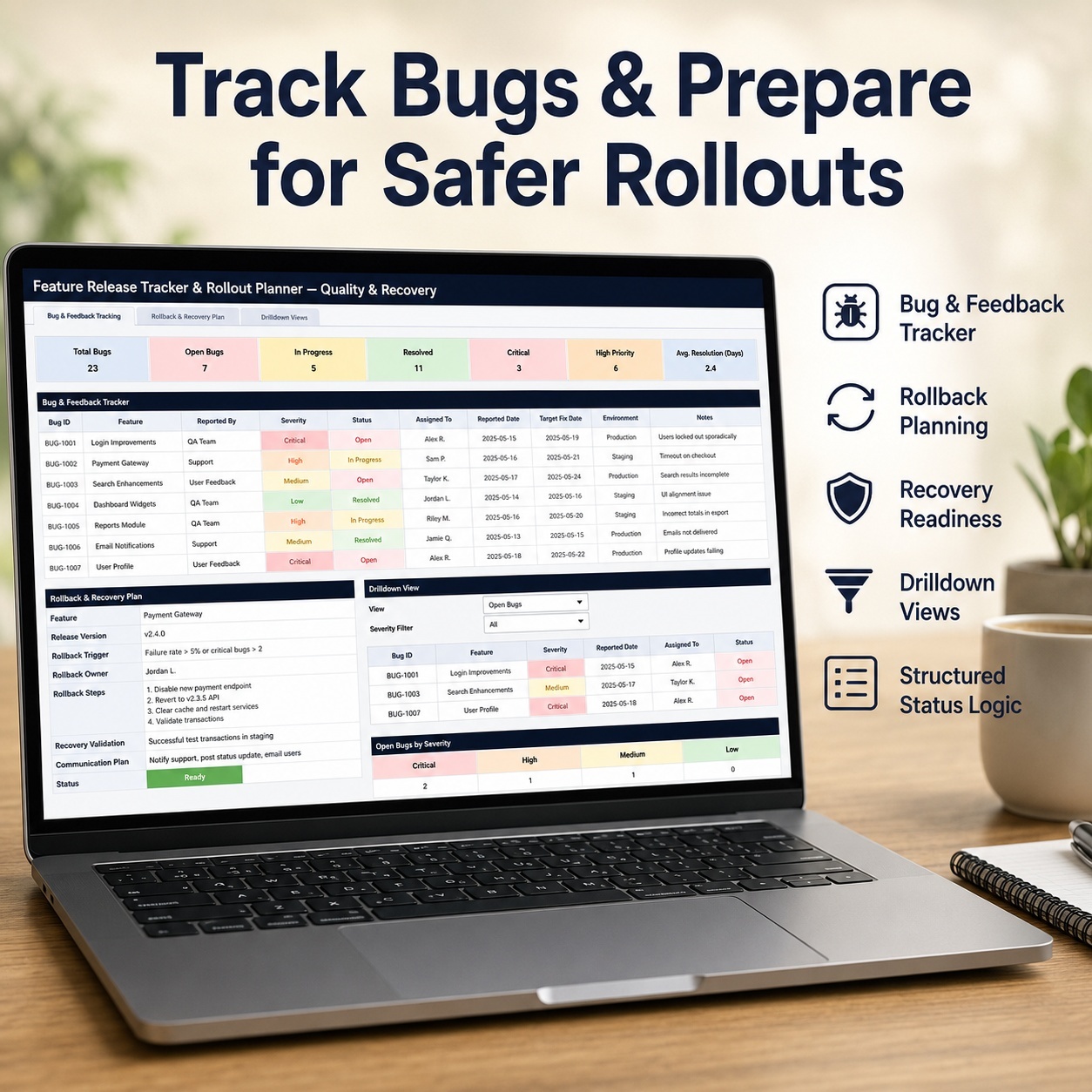
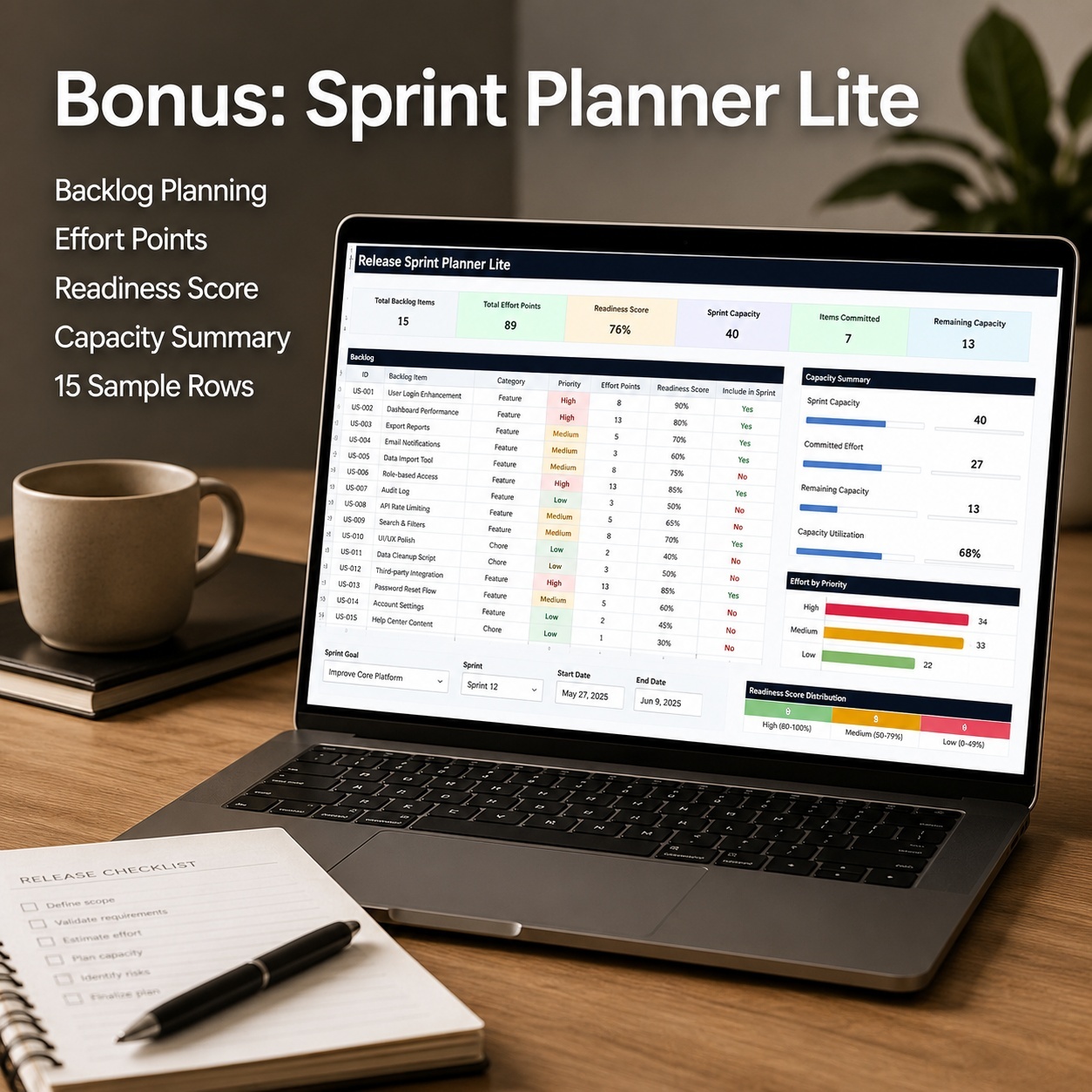
DevOps & API Operations Excel Bundle | Cloud Tracker, API Analytics, Incidents & SLA

Two-system Excel bundle for DevOps, cloud and API operations with dashboards, error and latency analytics, incidents, MTTA/MTTR, SLA and reporting.

Description
πŸš€ DEVOPS & API OPERATIONS EXCEL BUNDLE


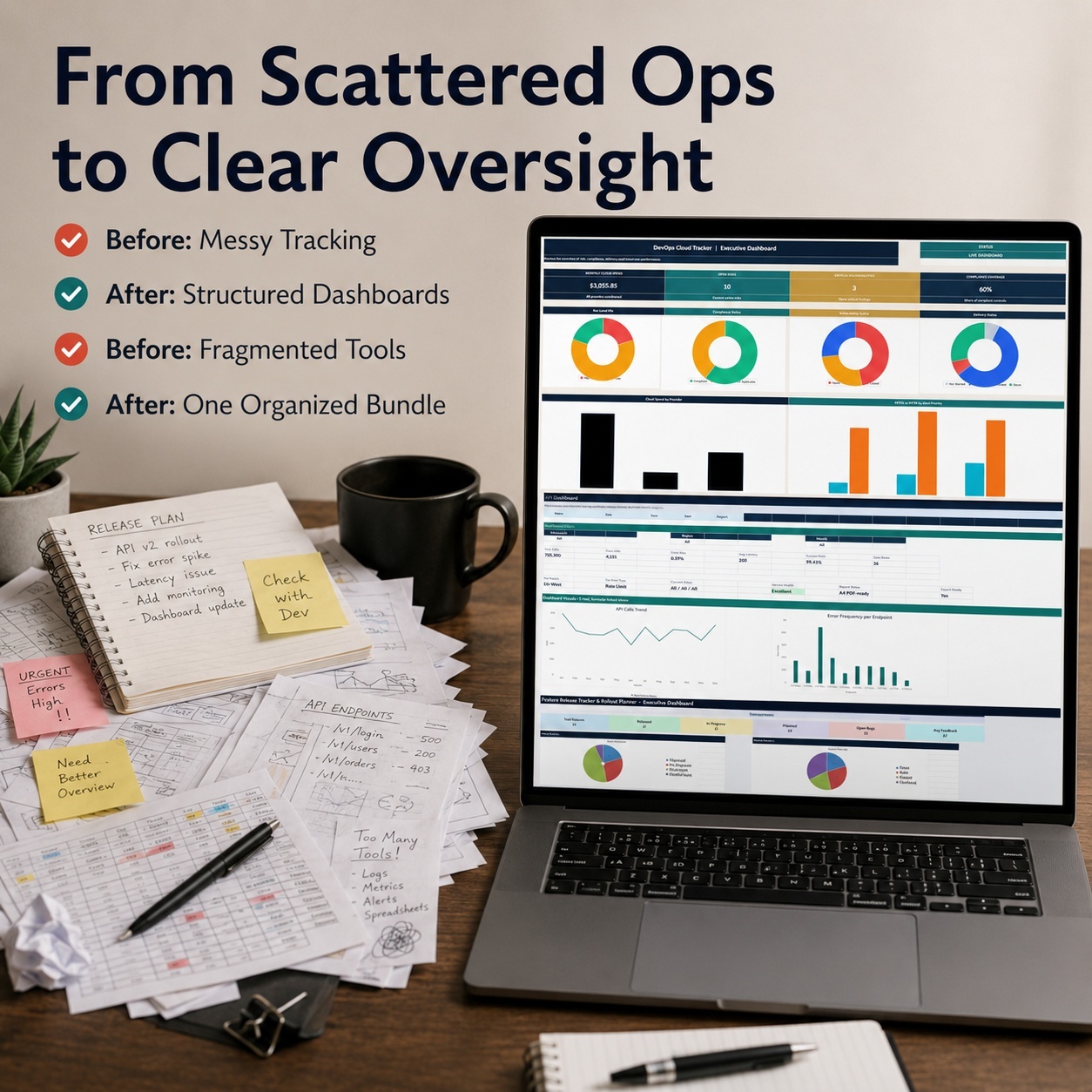
Bring DevOps, cloud operations, API performance, incident response and technical reporting into one structured Excel-based operations package.


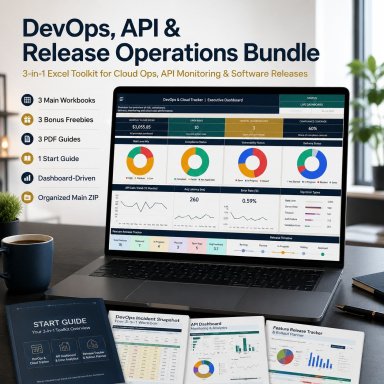
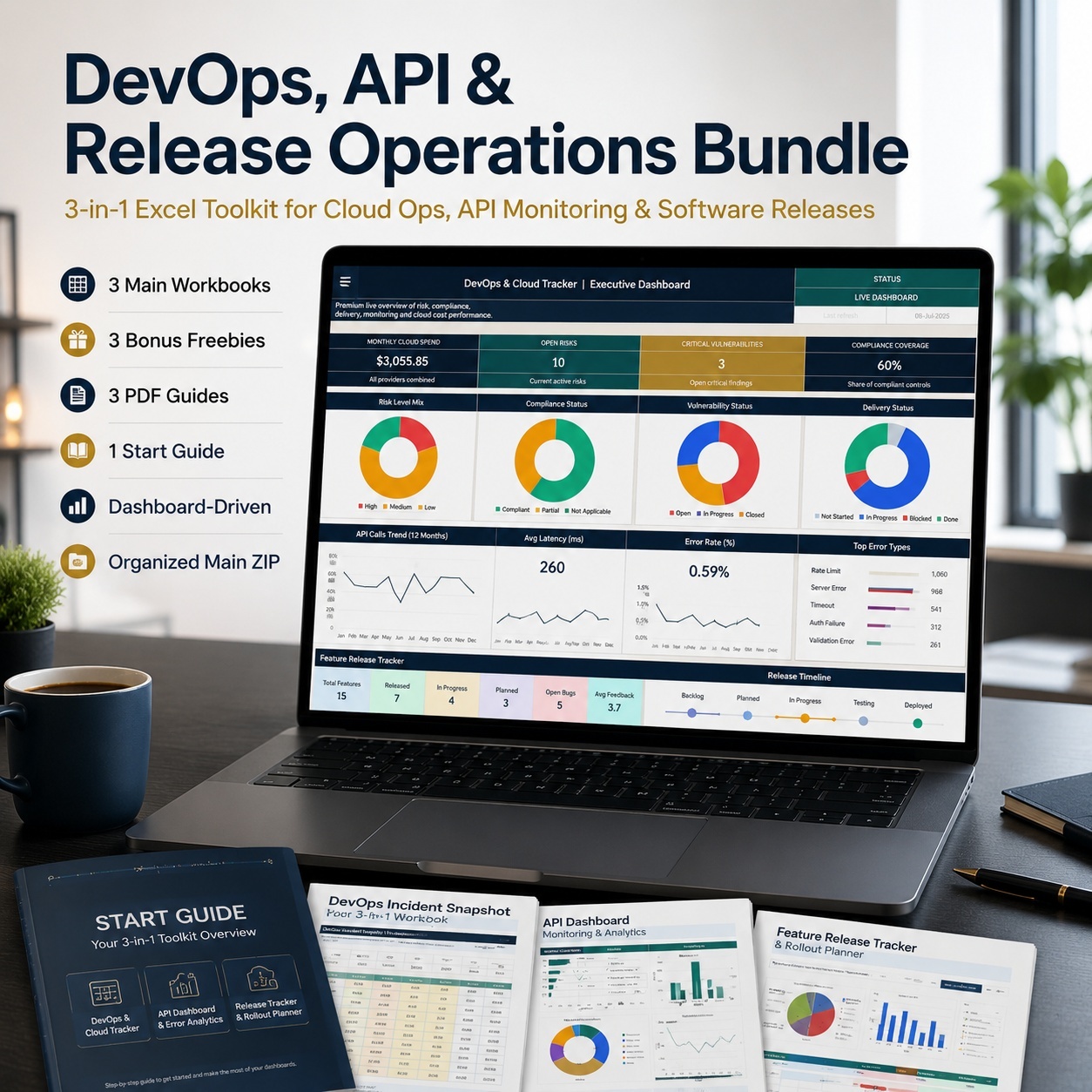
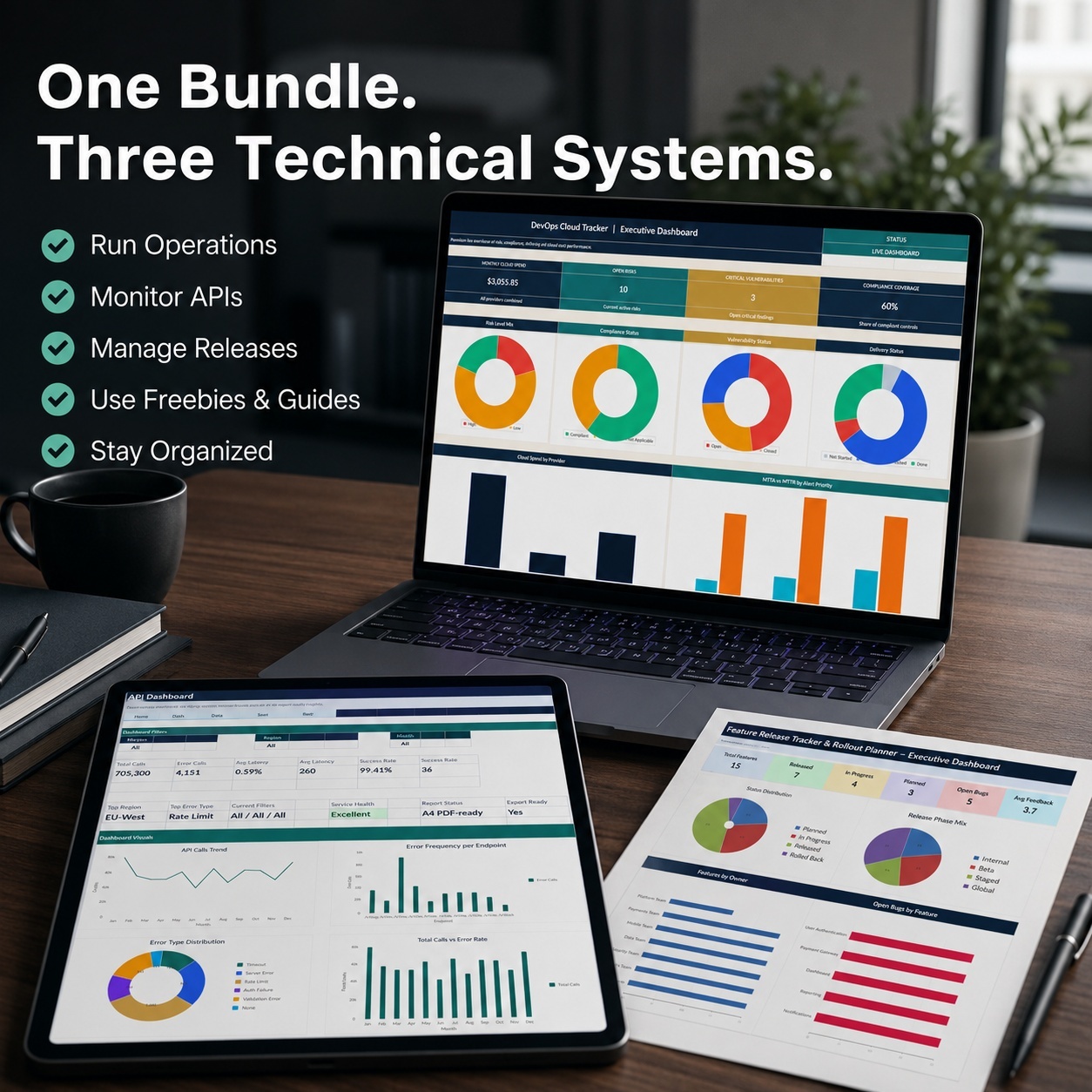
This professional bundle combines two complete operational systems, two dedicated incident workbooks and three PDF guides for DevOps, Cloud, SRE, Backend, SaaS and technical operations teams.
Use the DevOps & Cloud Tracker for broader operational control across infrastructure, deployments, risks, vulnerabilities, cloud costs, resources, monitoring and reporting.


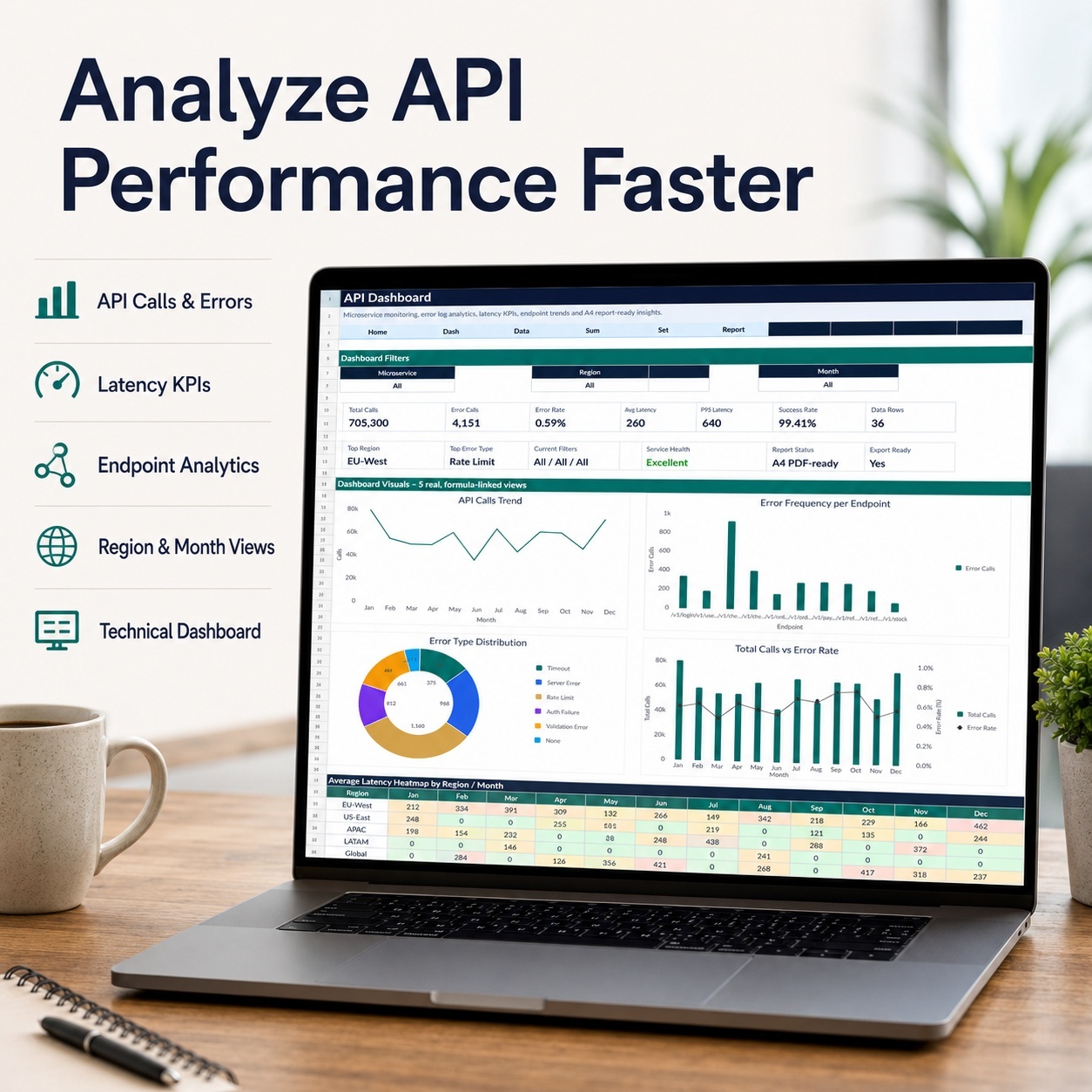
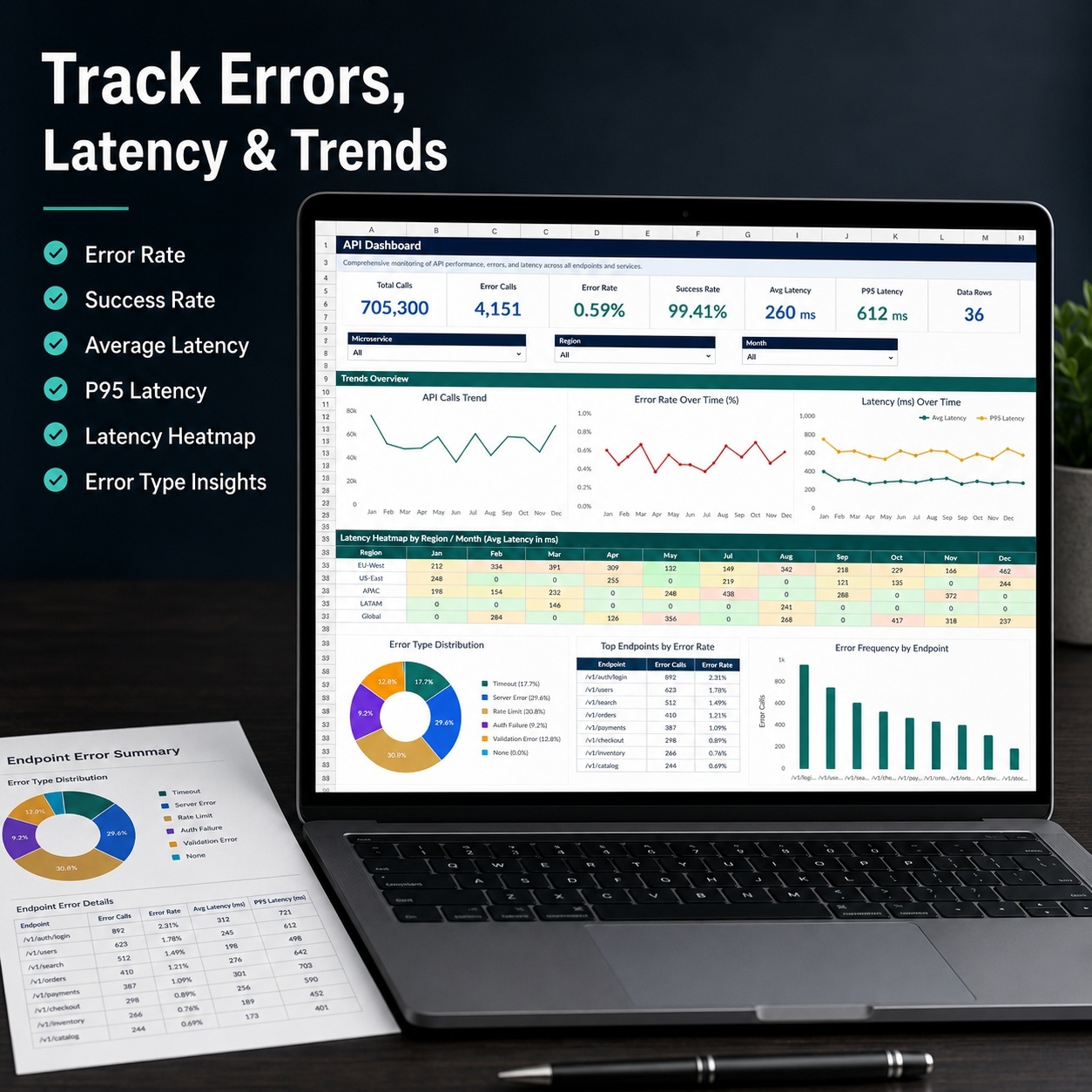
Use the API Analytics Dashboard for focused analysis of API calls, errors, latency, endpoints, regions, microservices and SLA performance.


Together, the bundle creates a practical workflow from:
operational planning β†’ monitoring β†’ API analytics β†’ incident response β†’ SLA review β†’ reporting


πŸ“¦ PACKAGE INCLUDES
☁️ DevOps & Cloud Operations Tracker
🧠 API Dashboard & Error Log Analytics
🚨 DevOps Incident Snapshot Bonus
🧾 API Incident Triage Kit Bonus
πŸ“˜ DevOps How-to-Use Guide
πŸ“˜ API How-to-Use Guide
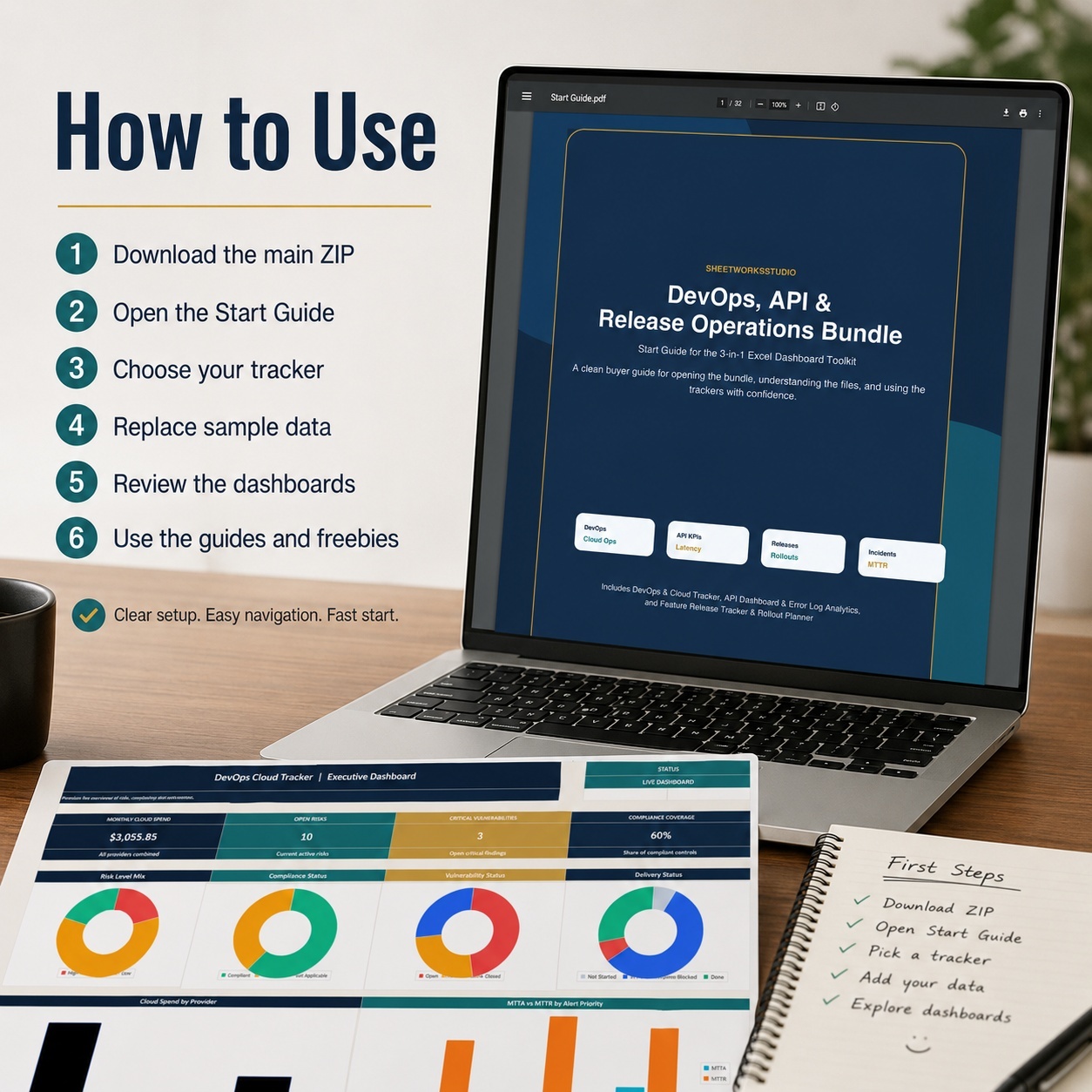
πŸ“– DevOps & API Operations Start Guide


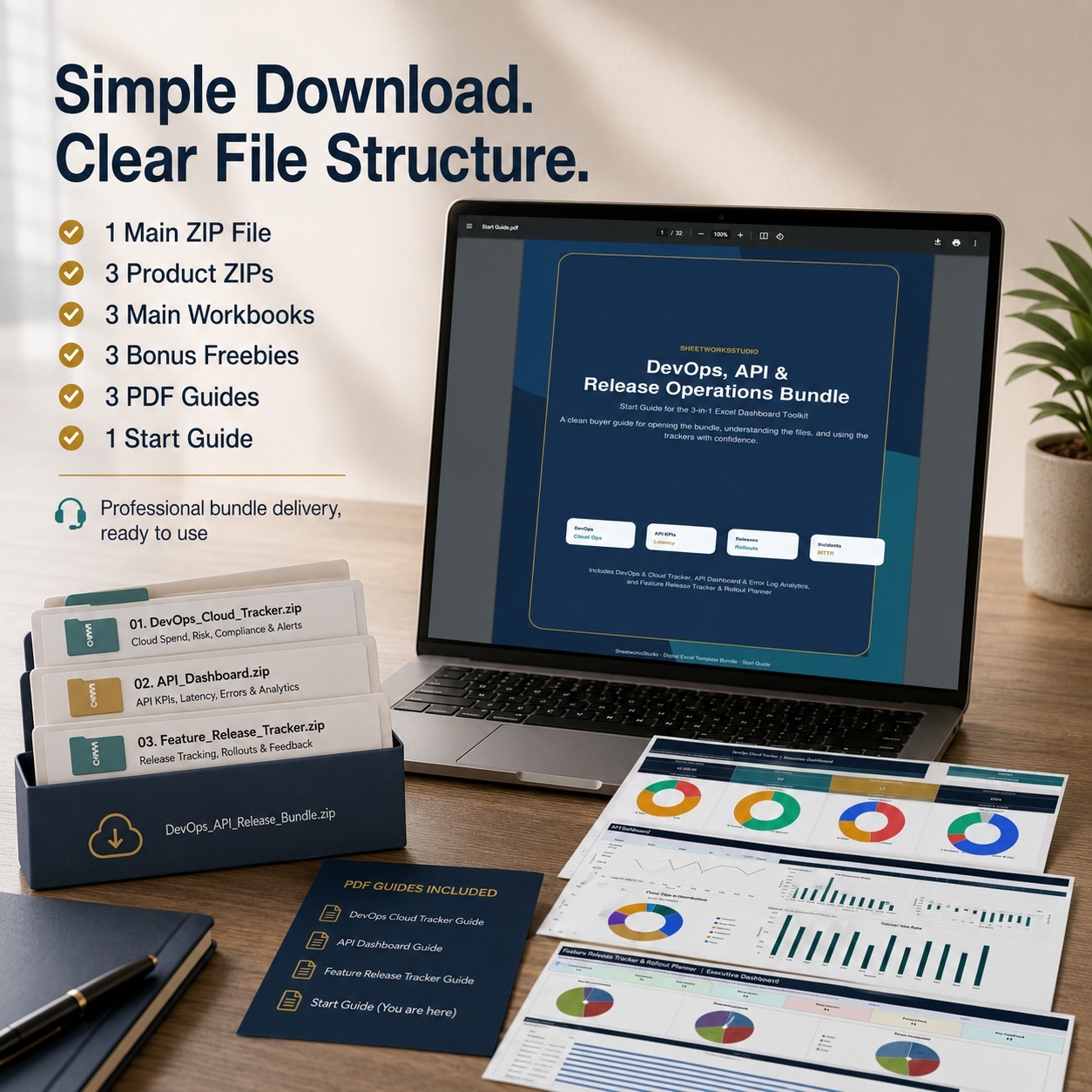
The complete package includes:
βœ… 2 full Main Excel Systems
βœ… 2 Incident Bonus Workbooks
βœ… 3 PDF Guides
βœ… 4 Excel workbooks in total
βœ… 23 pages of documentation
βœ… Macro-free workflow
βœ… No VBA required


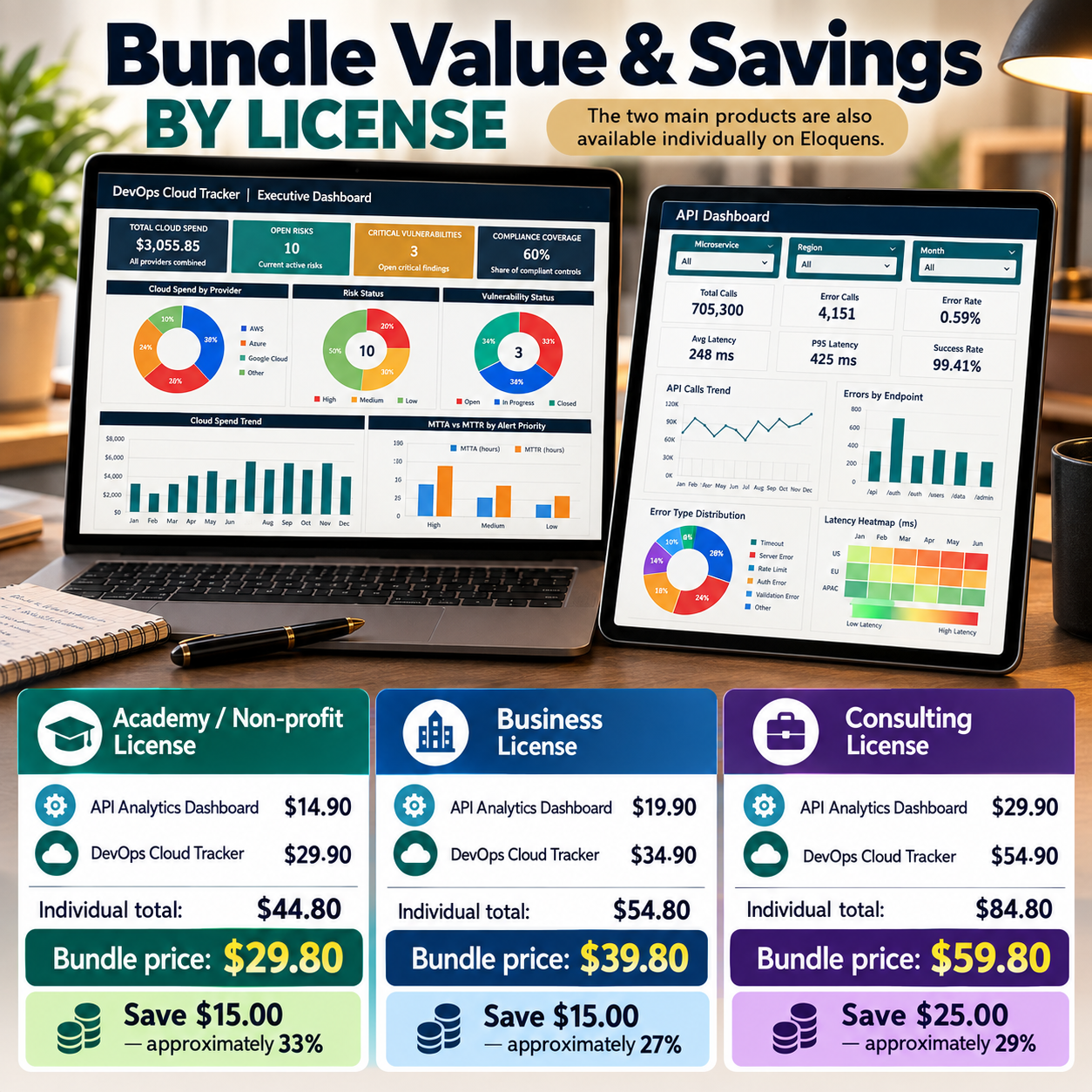
πŸ’° BUNDLE VALUE & SAVINGS BY LICENSE
The two main products are also available individually on Eloquens.


🏫 Academy / Non-profit License
API Analytics Dashboard: $14.90
DevOps Cloud Tracker: $29.90
Individual total: $44.80
πŸ”₯ Bundle price: $29.80
πŸ’° Save $15.00 β€” approximately 33%


🏒 Business License
API Analytics Dashboard: $19.90
DevOps Cloud Tracker: $34.90
Individual total: $54.80
πŸ”₯ Bundle price: $39.80
πŸ’° Save $15.00 β€” approximately 27%


πŸ’Ό Consulting License
API Analytics Dashboard: $29.90
DevOps Cloud Tracker: $54.90
Individual total: $84.80
πŸ”₯ Bundle price: $59.80
πŸ’° Save $25.00 β€” approximately 29%


The bundle therefore provides access to both complete systems, both incident bonus tools and all three guides at a lower combined price than purchasing the two products separately.


☁️ DEVOPS & CLOUD OPERATIONS TRACKERThe DevOps & Cloud Tracker provides a structured operating system for recurring technical operations.
It covers 10 operational modules:
πŸ—οΈ Infrastructure Planning
πŸš€ Deployment Milestones
⚠️ Risk Register
πŸ”„ Change Log
πŸ›‘οΈ Vulnerability Tracking
πŸ’Έ Cloud Cost Control
πŸ“œ Compliance Tracking
πŸ‘₯ Resource Planning
πŸ”” Monitoring
🧾 Reporting


A dedicated Start page provides workbook navigation, while the Executive Dashboard consolidates important operational information.
The operational modules include 15 realistic sample rows to demonstrate the intended workflow and simplify onboarding.


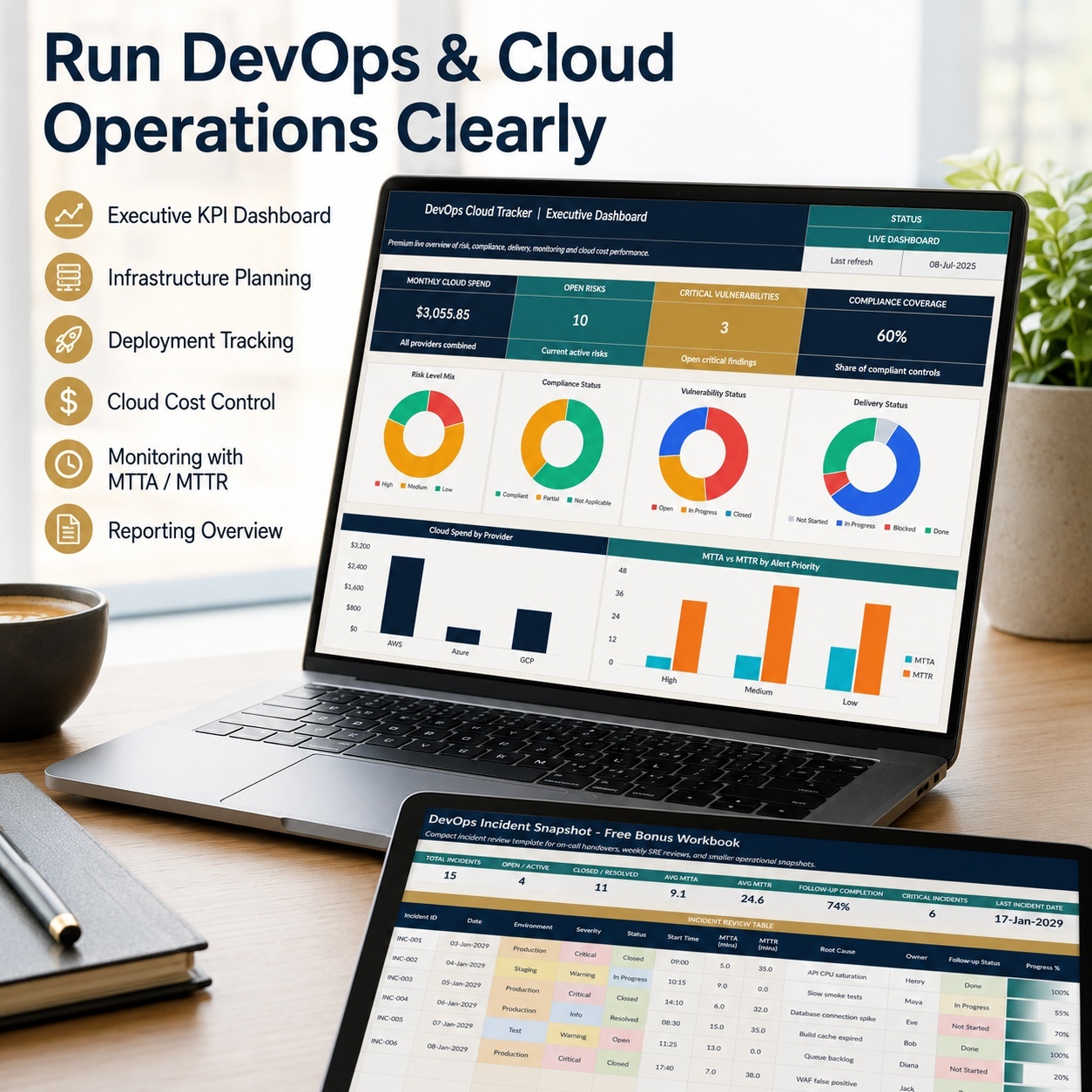
πŸ“Š DEVOPS EXECUTIVE DASHBOARD
The Dashboard provides headline visibility into:
πŸ’Έ Monthly Cloud Spend
⚠️ Open Risks
πŸ›‘οΈ Critical Vulnerabilities
πŸ“œ Compliance Coverage
It also contains 6 native Excel charts:
πŸ“Š Risk Exposure by Level
πŸ“‹ Compliance Control Status
πŸ›‘οΈ Vulnerability Remediation Status
πŸš€ Deployment Delivery Status
☁️ Monthly Cloud Spend by Provider
⏱️ Incident Response – MTTA vs MTTR
This creates a concise management layer for recurring technical and operational reviews.


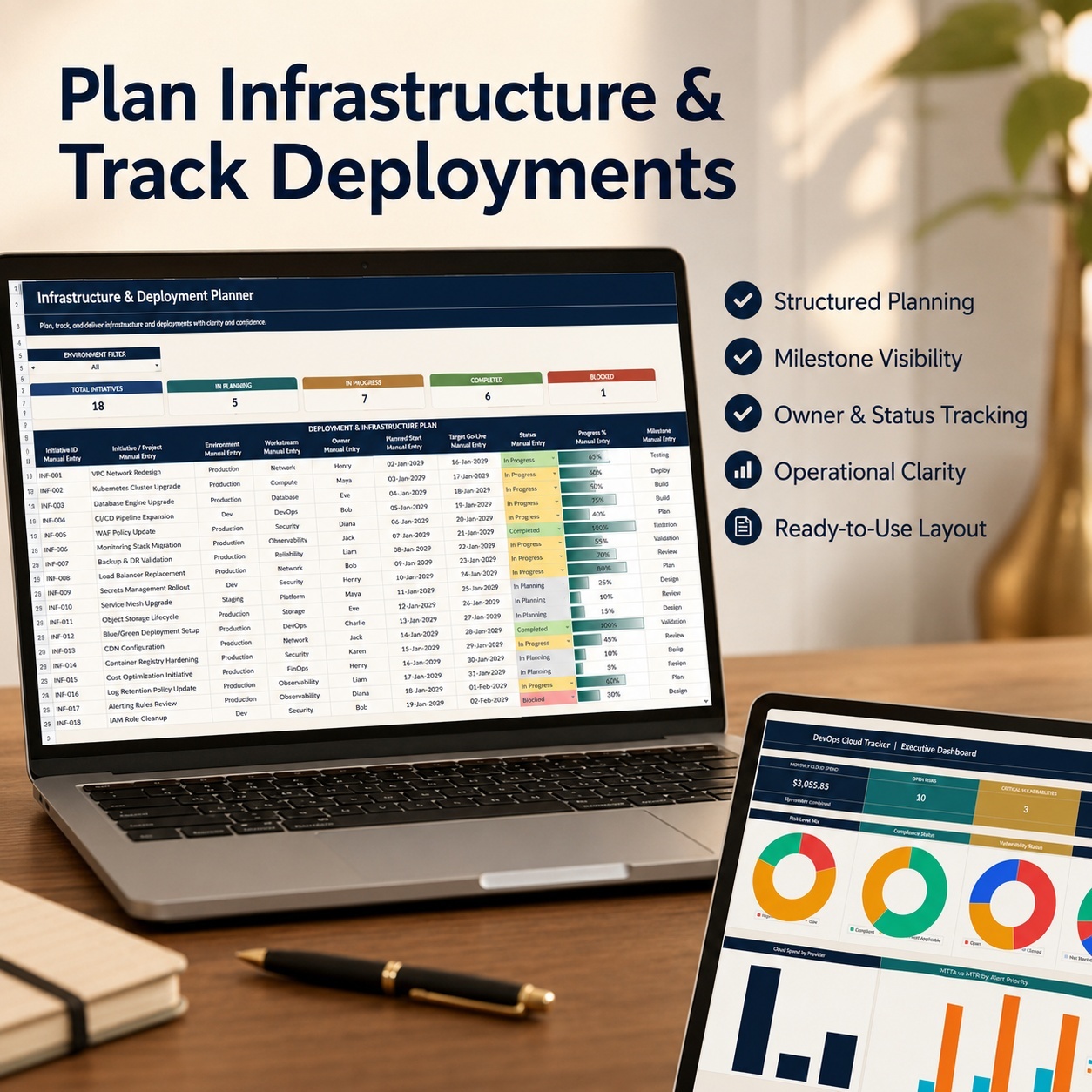
πŸ—οΈ INFRASTRUCTURE & DEPLOYMENT MANAGEMENT
Use the infrastructure and deployment areas to organize:
  • Technical initiatives
  • Ownership
  • Project dates
  • Delivery progress
  • Milestones
  • Deployment status
  • Operational follow-up
This helps keep infrastructure and deployment activity visible without relying on multiple disconnected trackers.


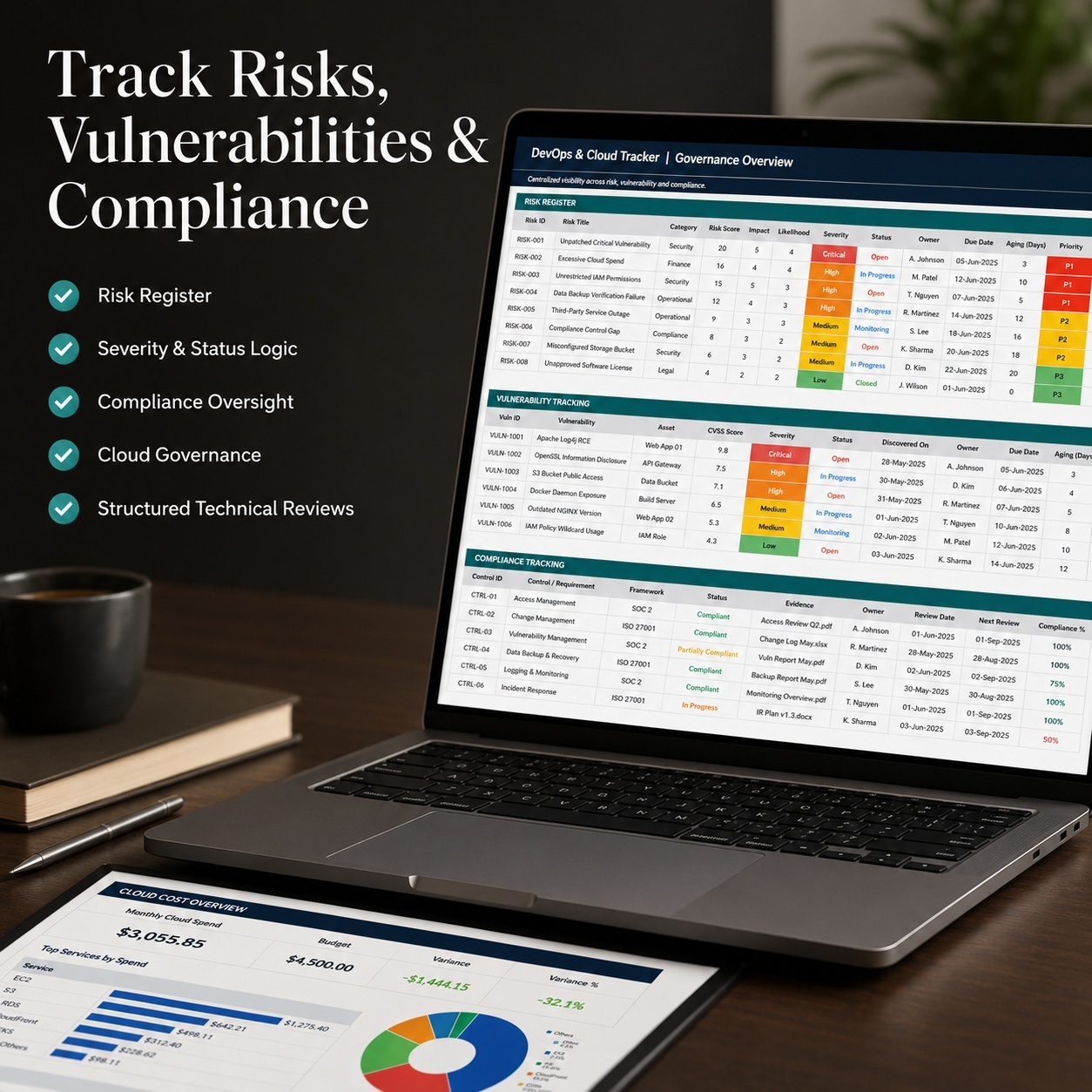
⚠️ RISKS, CHANGES & VULNERABILITIES
Structured registers help teams monitor:
⚠️ Operational and technical risks
πŸ”„ Infrastructure and configuration changes
πŸ›‘οΈ Security vulnerabilities and remediation
Formula-driven scores, status logic and aging indicators help identify items requiring additional attention.


πŸ’Έ CLOUD COST CONTROL
Track cloud expenditure across relevant dimensions such as:
  • Provider
  • Service
  • Environment
  • Month
  • Ownership
The Dashboard summarizes cloud spending for recurring operational and FinOps-style review.


πŸ‘₯ RESOURCE & COMPLIANCE TRACKING
Maintain visibility over technical ownership, team allocation and operational controls.
The workbook supports recurring internal reviews while remaining a practical Excel system rather than a replacement for enterprise GRC, HR or workforce-management software.


πŸ”” MONITORING WITH MTTA & MTTR
Document alerts and operational response performance.
Track:
  • Alert
  • Source
  • Severity
  • Status
  • Trigger Time
  • Acknowledged Time
  • Resolved Time
  • Service / Component
  • Notes


Automatic calculations provide:
⏱️ MTTA
⏱️ MTTR
⚠️ SLA Breach Indicator
🎯 Priority
This creates a structured historical review layer for incident-response performance.


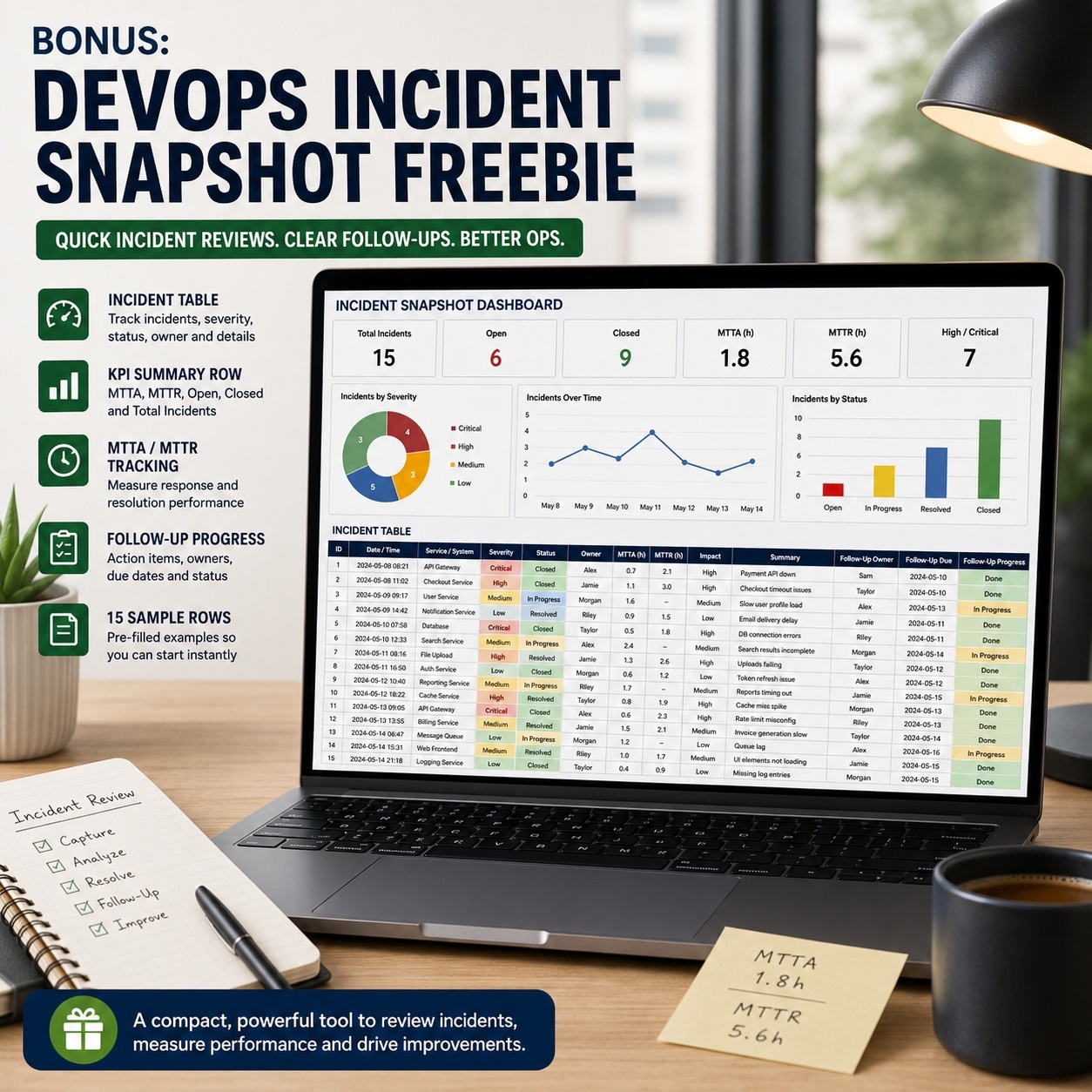
🚨 DEVOPS INCIDENT SNAPSHOT BONUS
The separate DevOps Incident Snapshot provides a focused incident-review workbook.
It includes:
πŸ“Š Total Incidents
⚠️ Open / Active Incidents
βœ… Closed / Resolved Incidents
⏱️ Average MTTA
⏱️ Average MTTR
πŸ“ˆ Follow-up Completion
🚨 Critical Incidents
πŸ“… Last Incident Date


The workbook contains:
  • 15 realistic sample incidents
  • 15 prepared additional incident rows
  • Automatic MTTA calculations
  • Automatic MTTR calculations
  • Follow-up ownership
  • Progress and status logic


🧠 API DASHBOARD & ERROR LOG ANALYTICS
The API system provides a focused analytics layer for API and microservice performance.
Use three Dashboard filters:
πŸŽ›οΈ Microservice
🌍 Region
πŸ“… Month


Choose an individual value or select All to analyze the complete dataset.


Core API KPIs
πŸ“ž Total Calls
❌ Error Calls
πŸ“‰ Error Rate
⏱️ Average Latency
⚑ P95 Latency
βœ… Success Rate


Additional information includes:
🌍 Top Region
🧩 Top Error Type
πŸŽ›οΈ Current Filters
πŸ’š Service Health
πŸ“‹ Data Rows


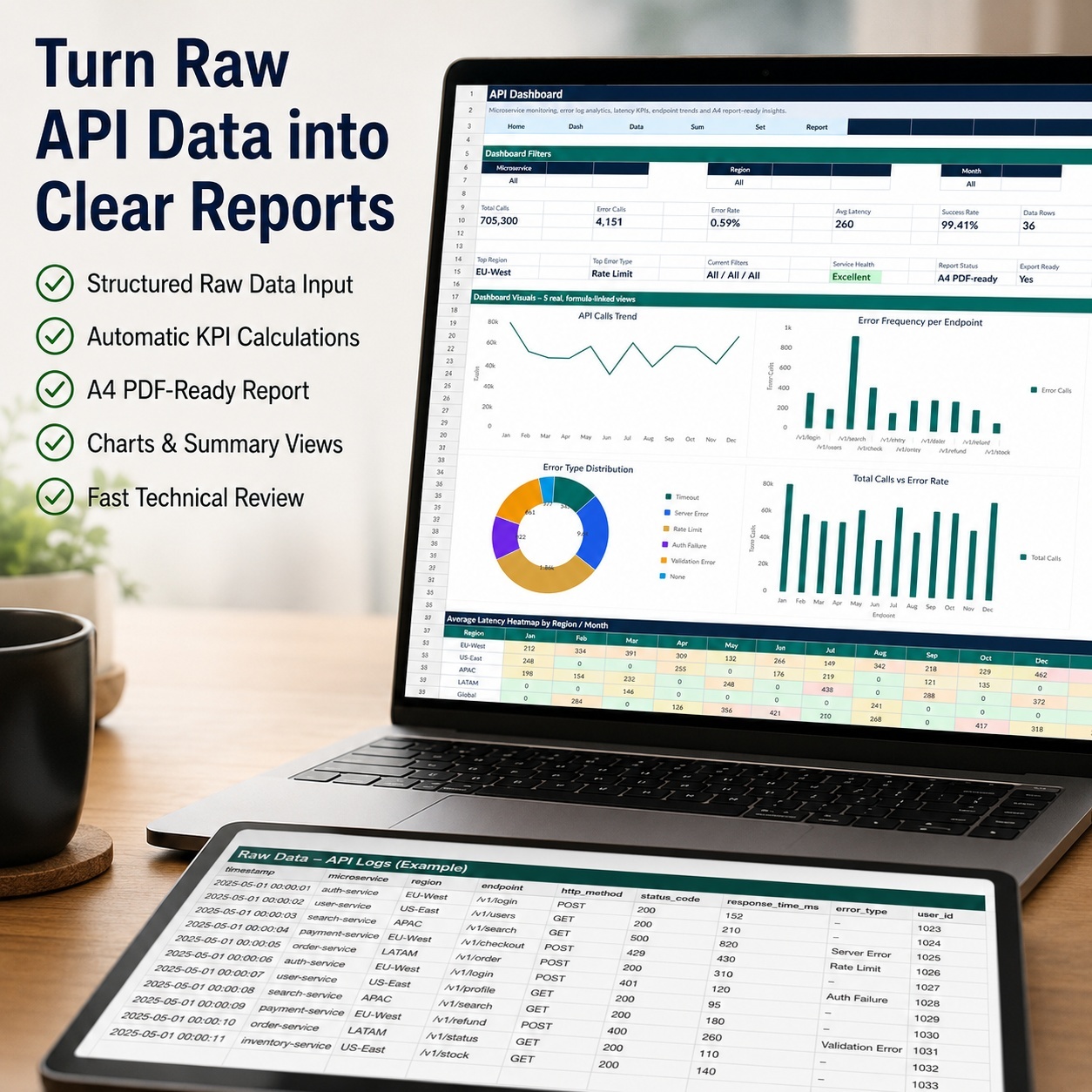
The workbook includes 36 realistic API-log sample records.


πŸ“ˆ API VISUAL ANALYTICS
The API Dashboard contains 5 visual analytics sections:
πŸ“ˆ API Calls Trend
🎯 Errors by Endpoint
🧩 Error Type Distribution
πŸ“Š Calls vs Error Rate
πŸ”₯ Latency Heatmap


These views help teams review:
  • API traffic
  • Error-heavy endpoints
  • Error categories
  • Reliability changes
  • Average latency
  • P95 latency
  • Regional performance
  • Monthly latency patterns
The P95 Latency KPI provides additional visibility into slower response behavior that may not be obvious from average latency alone.


πŸ“„ A4-READY API REPORT
A dedicated A4 reporting sheet provides a compact summary of the most important API information.
Suitable for:
πŸ“Œ Engineering reviews
πŸ“Œ Team meetings
πŸ“Œ Management updates
πŸ“Œ Internal documentation
πŸ“Œ Technical reporting
πŸ“Œ PDF export
Standard Excel print and PDF-export functionality is used; no macros are required.


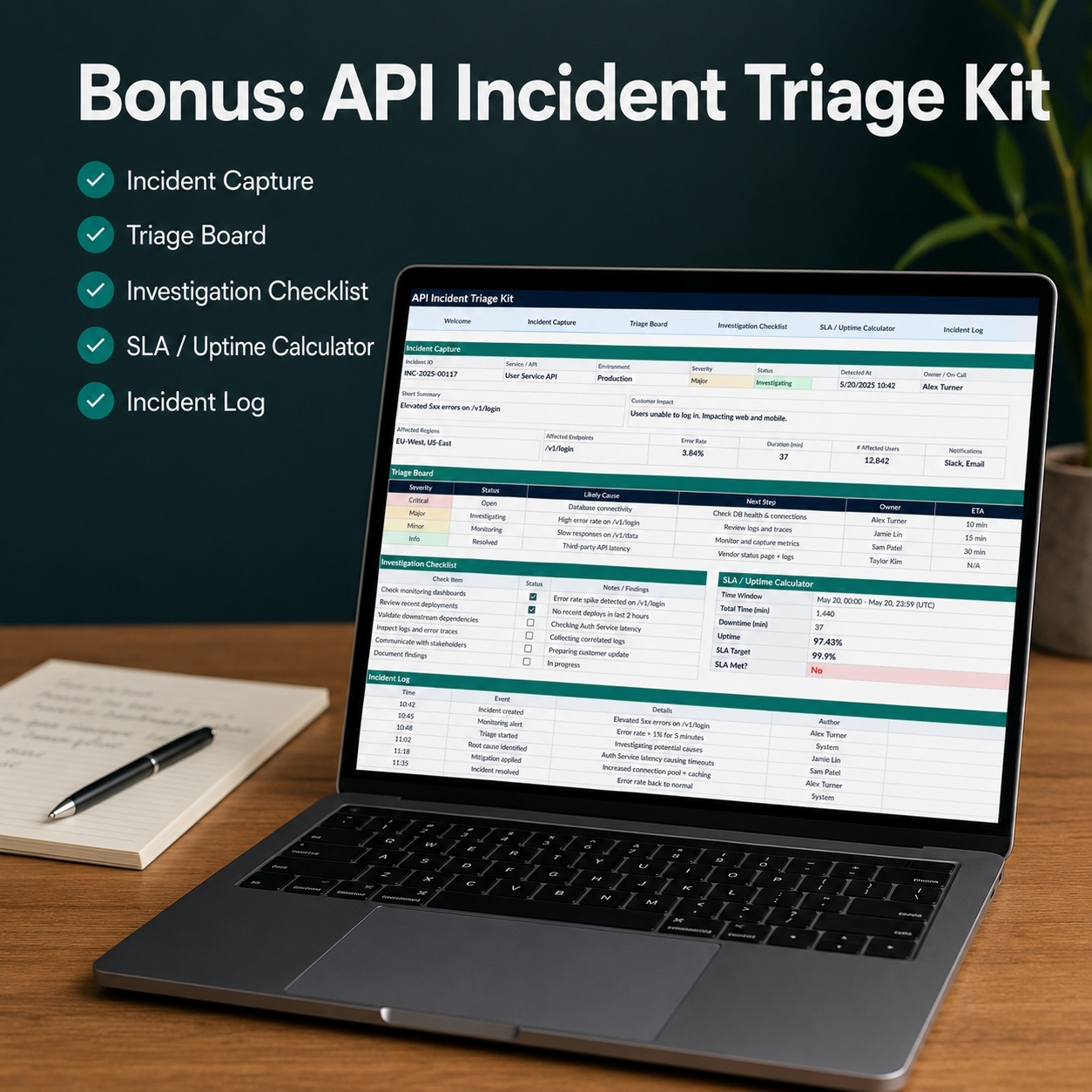
🧾 API INCIDENT TRIAGE KIT BONUS
The separate API Incident Triage Kit provides a structured operational-response workflow.
It includes:
🚨 Active Incident Capture
πŸ“‹ Triage Board

βœ… 7-Step Investigation Checklist
πŸ“š Incident Log
⏱️ SLA / Uptime Calculator
βš™οΈ Dropdown Lists


Capture information such as:
  • Incident ID
  • Service
  • Region
  • Endpoint
  • Severity
  • Impact
  • Status
  • Root Cause
  • Mitigation
  • Owner
  • Communication Channel
  • Next Action
The workbook also includes 15 realistic sample incidents.


βœ… 7-STEP INVESTIGATION CHECKLIST
Use the built-in checklist to structure incident investigation and response.
Automatic calculations provide:
πŸ“ˆ Checklist Progress
βœ… Completed Steps
πŸ“‚ Open Steps
🚦 Response Status


This provides a repeatable investigation workflow without requiring dedicated incident-management software.


⏱️ SLA / UPTIME CALCULATOR
Review downtime against a selected SLA target.
Automatic calculations provide:
βœ… Allowed Downtime
πŸ“ˆ Actual Availability
🎯 Meets SLA
⏱️ Downtime Buffer
πŸ“Š Downtime Used %


A January–December SLA Snapshot supports recurring monthly review.


πŸ”„ RECOMMENDED OPERATING WORKFLOW
1️⃣ Manage DevOps Operations
Maintain infrastructure, deployments, risks, vulnerabilities, resources, cloud costs and monitoring in the DevOps Tracker.
2️⃣ Analyze API PerformanceUse the API Dashboard to review calls, errors, latency, endpoints and microservice performance.
3️⃣ Investigate IncidentsUse the appropriate incident workbook to document technical events, investigation activity and follow-up.
4️⃣ Review Operational PerformanceUse MTTA, MTTR and SLA/Uptime calculations to quantify response and availability.
5️⃣ ReportUse the Dashboards, Reporting module and A4 API Report for recurring technical and management reviews.


βš™οΈ TECHNICAL STRUCTURE
The package uses:
βœ… Standard Excel formulas
βœ… Dropdown validation
βœ… Automated calculations
βœ… Conditional formatting
βœ… Status and priority logic
βœ… Native Excel charts
βœ… Structured input tables
βœ… Realistic sample data
βœ… Internal navigation


Technical characteristics:
βœ… Macro-free
βœ… No VBA
βœ… No external workbook connections
βœ… No Power Query
βœ… No pivot-table dependency
βœ… No live API or cloud connection required


This is an operational tracking and analytics package, not a live monitoring platform.


🌐 EXCEL & GOOGLE SHEETS
The files are created in Microsoft Excel .xlsx format.
Some files can also be imported into Google Sheets, although platform differences may affect:
  • Fonts
  • Spacing
  • Colors
  • Dropdowns
  • Conditional formatting
  • Formulas
  • Chart layout
For the most consistent functionality and presentation, Microsoft Excel Desktop is recommended.


πŸ‘€ SUITABLE FOR
πŸ‘¨β€πŸ’» DevOps Teams
☁️ Cloud Operations
πŸ”” SRE Teams
πŸ§‘β€πŸ’» Backend Teams
πŸ“‘ API Teams
🧩 Microservice Operations
πŸš€ SaaS Operations
πŸ› οΈ Incident Management
πŸ“Š Technical Operations
🏒 Technology Startups
πŸ’Ό Technical Consultants


πŸ’‘ KEY BUSINESS VALUE
The bundle is designed to help technical teams:
  • Centralize DevOps operational information
  • Improve deployment visibility
  • Track operational risks
  • Monitor vulnerabilities
  • Review cloud costs
  • Measure MTTA and MTTR
  • Analyze API traffic
  • Monitor API errors
  • Review average and P95 latency
  • Identify problematic endpoints
  • Standardize incident triage
  • Quantify SLA impact
  • Improve recurring technical reporting


The result is one coordinated Excel package connecting:
DevOps operations β†’ API analytics β†’ incident response β†’ SLA review β†’ reporting


βš–οΈ IMPORTANT DISCLAIMER
This bundle is provided for organization, operational analysis, documentation and internal reporting purposes only.
It is not a live monitoring platform, security product, SLA guarantee, compliance certification or regulatory system and does not replace qualified technical, legal, security, financial, tax or compliance advice.


All calculations, indicators and outputs depend on user-entered data and should be validated against authoritative operational systems before technical, contractual or management decisions are made.

This Best Practice includes
DevOps & Cloud Operations Tracker, API Analytics Tracker, DevOps Incident Snapshot, API Incident Triage Kit / all Excel

Acquire business license for $39.80

Add to cart

Add to bookmarks

Discuss

Further information

The objectives of this bundle are to:
- Centralize DevOps and cloud operations information
- Improve visibility over infrastructure and deployments
- Track technical and operational risks
- Monitor vulnerabilities and remediation activity
- Review cloud costs
- Improve visibility over technical resources
- Track monitoring events
- Calculate and review MTTA and MTTR
- Analyze API traffic and error rates
- Monitor average and P95 latency
- Identify error-heavy endpoints
- Review error categories
- Compare regional and monthly API performance
- Standardize technical incident triage
- Maintain reusable incident records
- Quantify SLA and uptime performance
- Improve recurring technical and management reporting
The bundle supports operational tracking, analysis and reporting but does not replace live monitoring, observability or production-management platforms.

This bundle is particularly suitable for:
- DevOps teams
- Cloud Operations
- SRE teams
- Backend engineering teams
- API teams
- Microservice environments
- SaaS Operations
- Engineering Operations
- Incident-management teams
- Technical consultants
- Technology startups
- SMEs with structured technical operations
It works particularly well where teams already have operational and API information available but need a structured Excel-based system for reviewing, documenting and reporting it.
The two systems can be used independently or together.

This bundle is not intended to replace:
- Live observability platforms
- Application Performance Monitoring systems
- SIEM platforms
- Cloud-management platforms
- Automated alerting systems
- Production incident-management SaaS
- ERP platforms
- Dedicated GRC software
- FinOps platforms
- Real-time SLA monitoring
It does not automatically connect to cloud providers, APIs, log streams or third-party monitoring systems.
All metrics depend on the completeness and accuracy of user-entered data.
Google Sheets compatibility may vary between workbooks and should not be treated as identical to Microsoft Excel.


0.0 / 5 (0 votes)

please wait...